Search models, users, collections, and posts

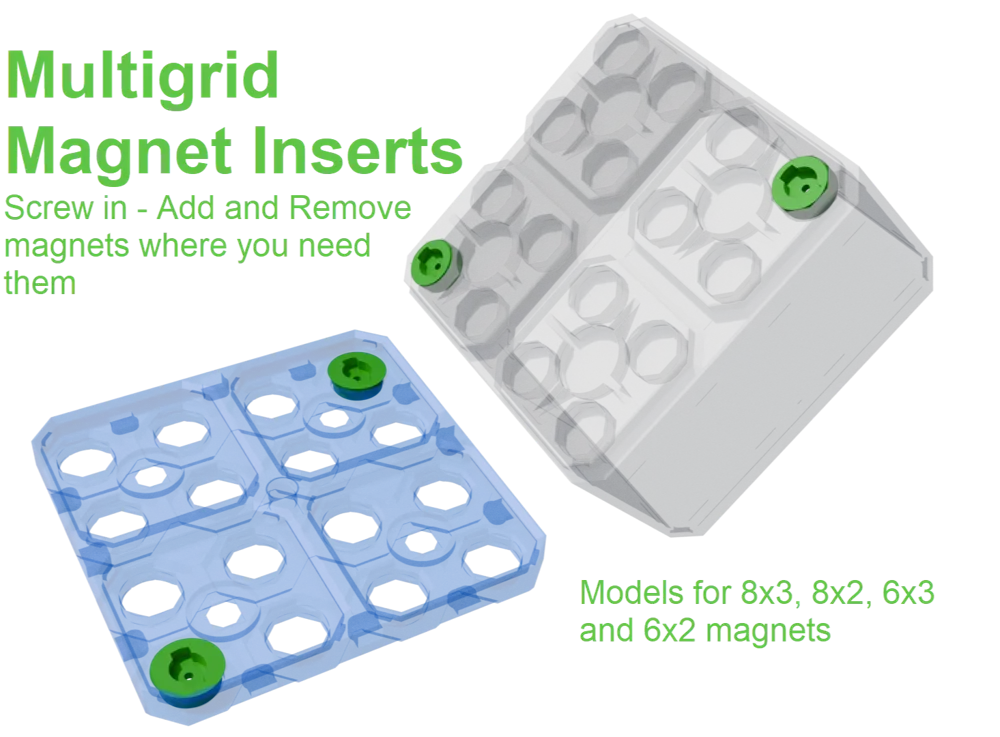
Multigrid Magnet Inserts
IP Report

Print Profile(1)

6,8 mm x 2,3mm magnets - 0.2mm layer, 3 walls, 15% infill
Designer
1.5 h
4 plates
Open in Bambu Studio
Boost
14
37
3
2
25
6
Released
Description
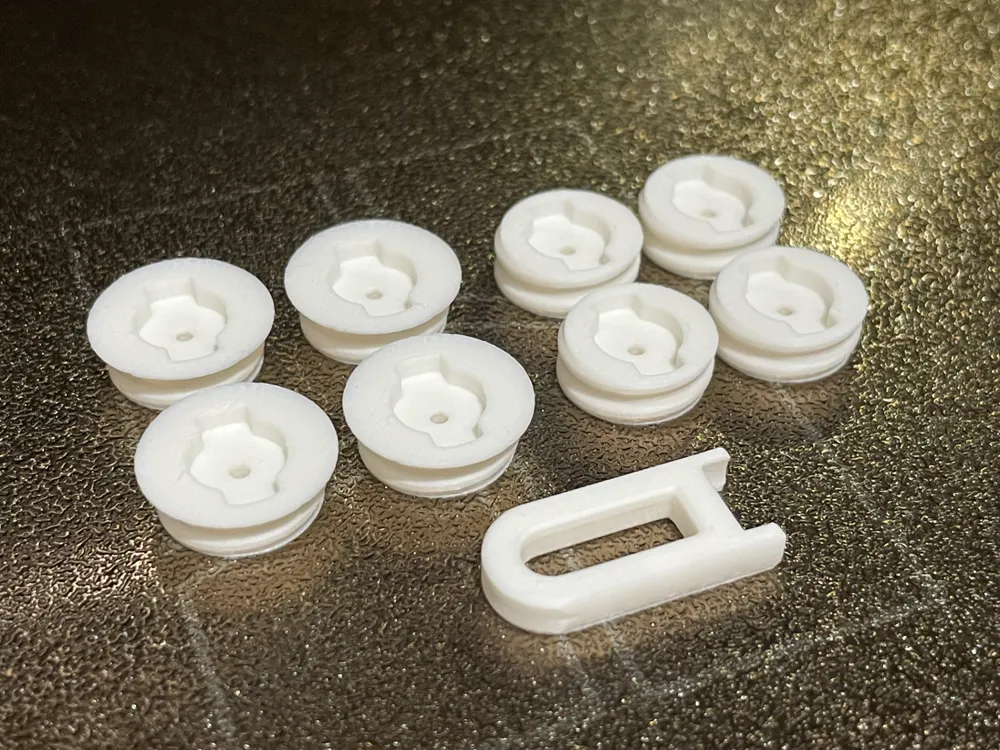
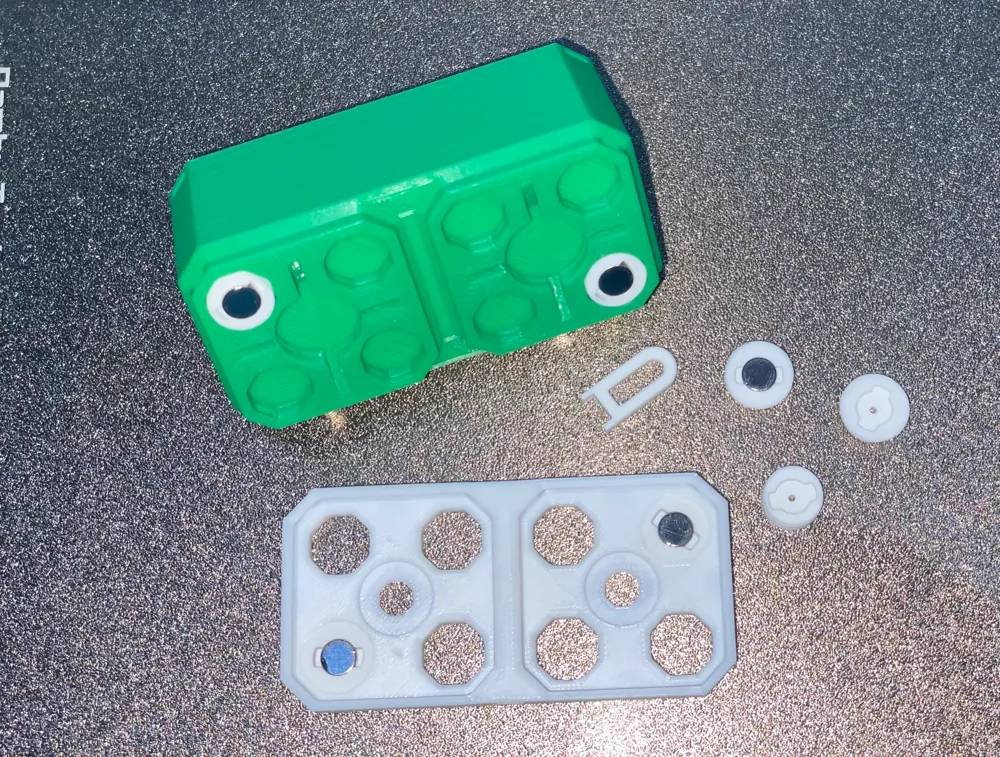
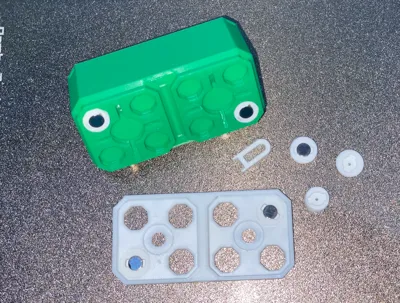
This simply screw into the Multigrid base plates and bottom of any of the Halfstep bins. This results in an efficient use of magnets as you can add as few or as many as you wish, where needed. Use the provided tool to screw them in and you can unscrew and move when needed.
Note the model for the base plate has a lip on it's top so that it stops when in position, the bin magnets do not they secure against the bottom of the bin.
I use the 8mm and 6mm diameter profiles (2mm and 3mm deep) which work well for push fitting the magnets, but tolerances vary so I've included stl files for 0.1mm and 0.2mm larger. You can always go larger and use glue. There is a hole in the middle to help you to release the magnet should you need to.
License

This user content is licensed under a
Creative Commons Attribution-Noncommercial-Share Alike


Comment & Rating (3)