
3D Printed Business Card | Customizable Business Card

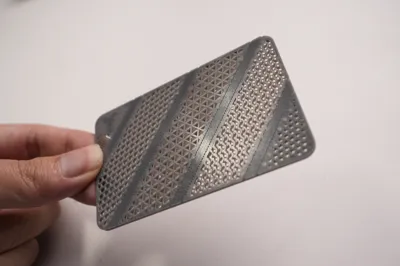
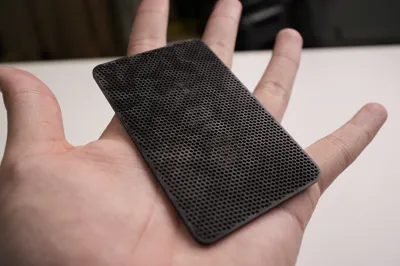
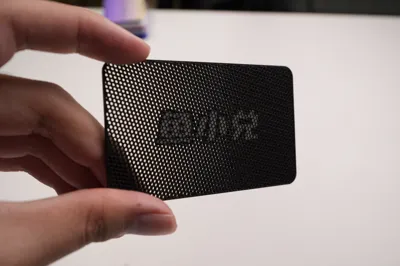
Print Profile(3)


Description
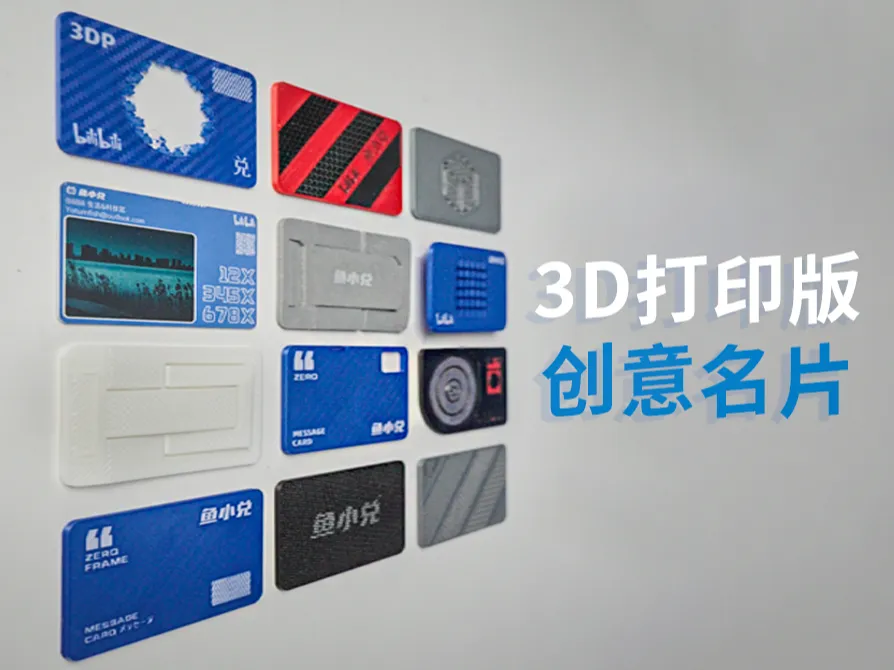
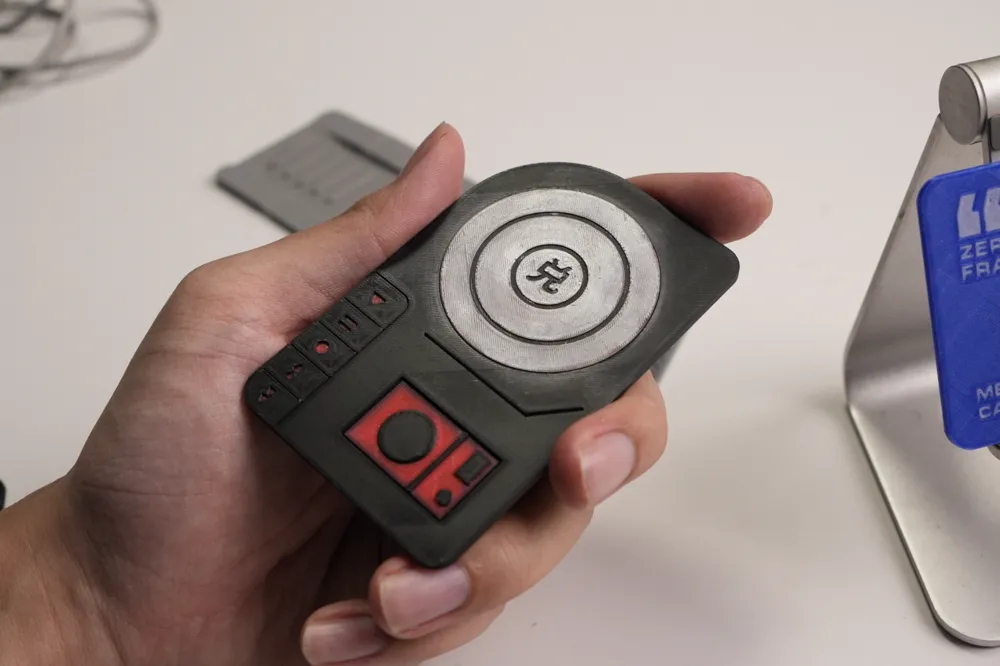
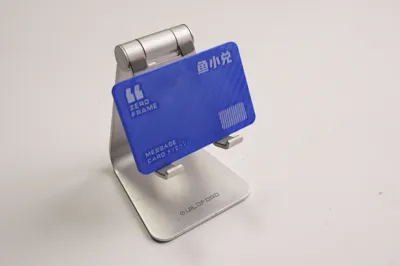
Multiple exclusive business cards for 3D printing enthusiasts!
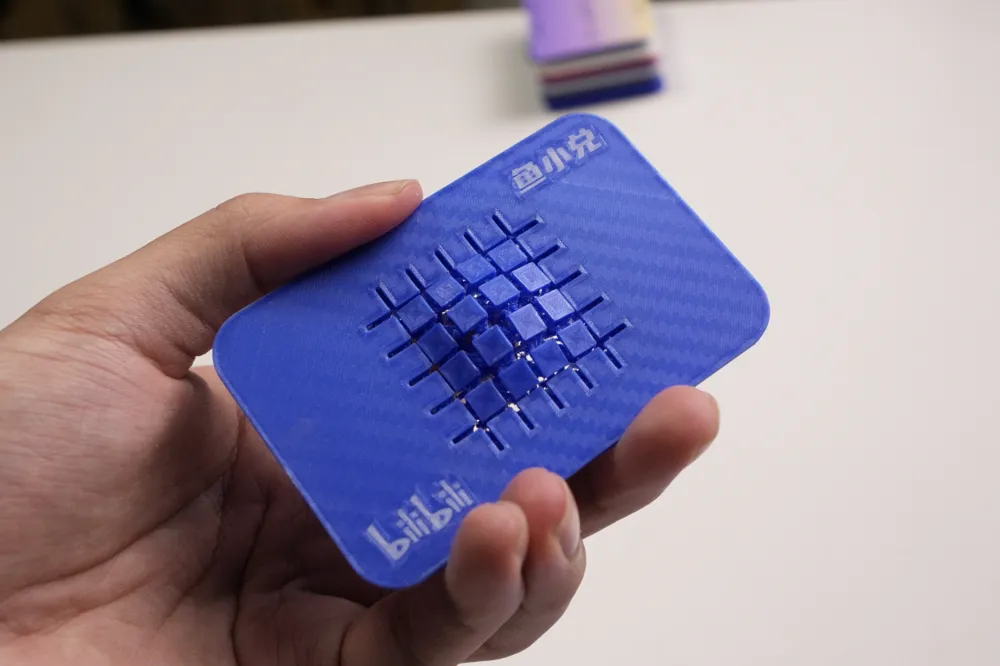
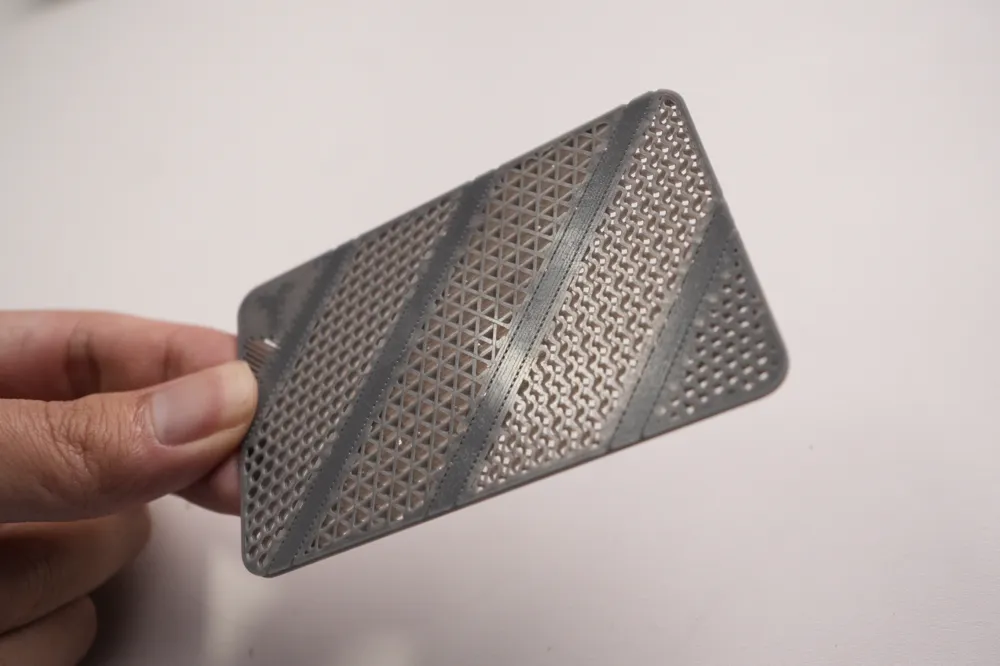
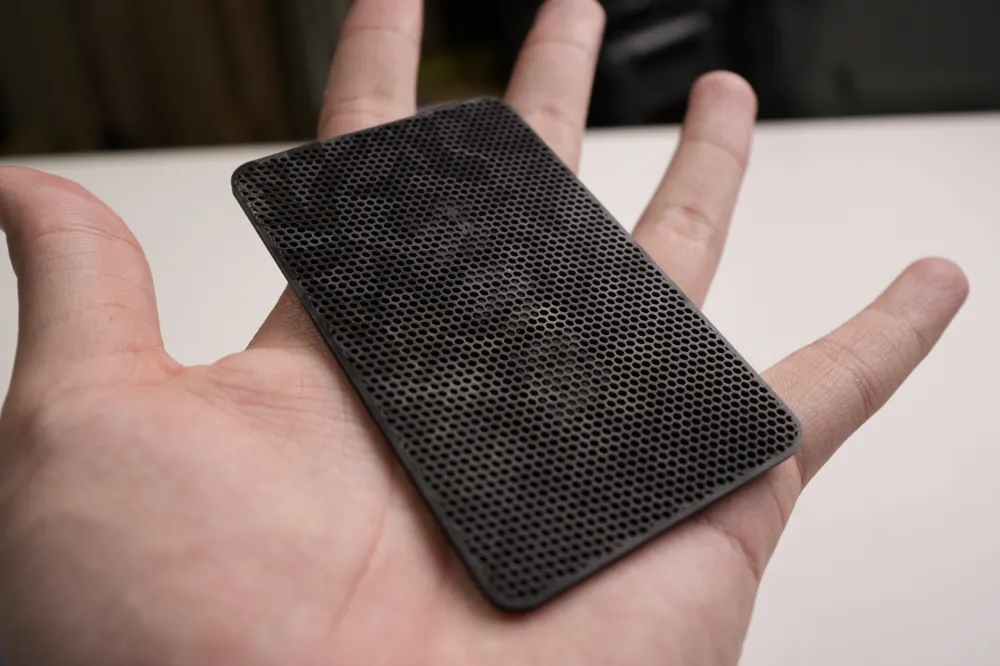
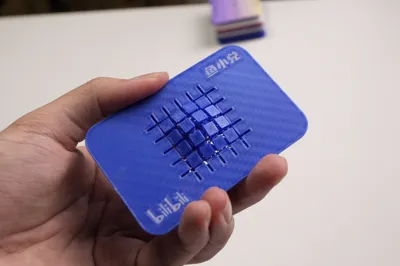
Hollow, interlocking, movable, and shaped designs—all achievable!
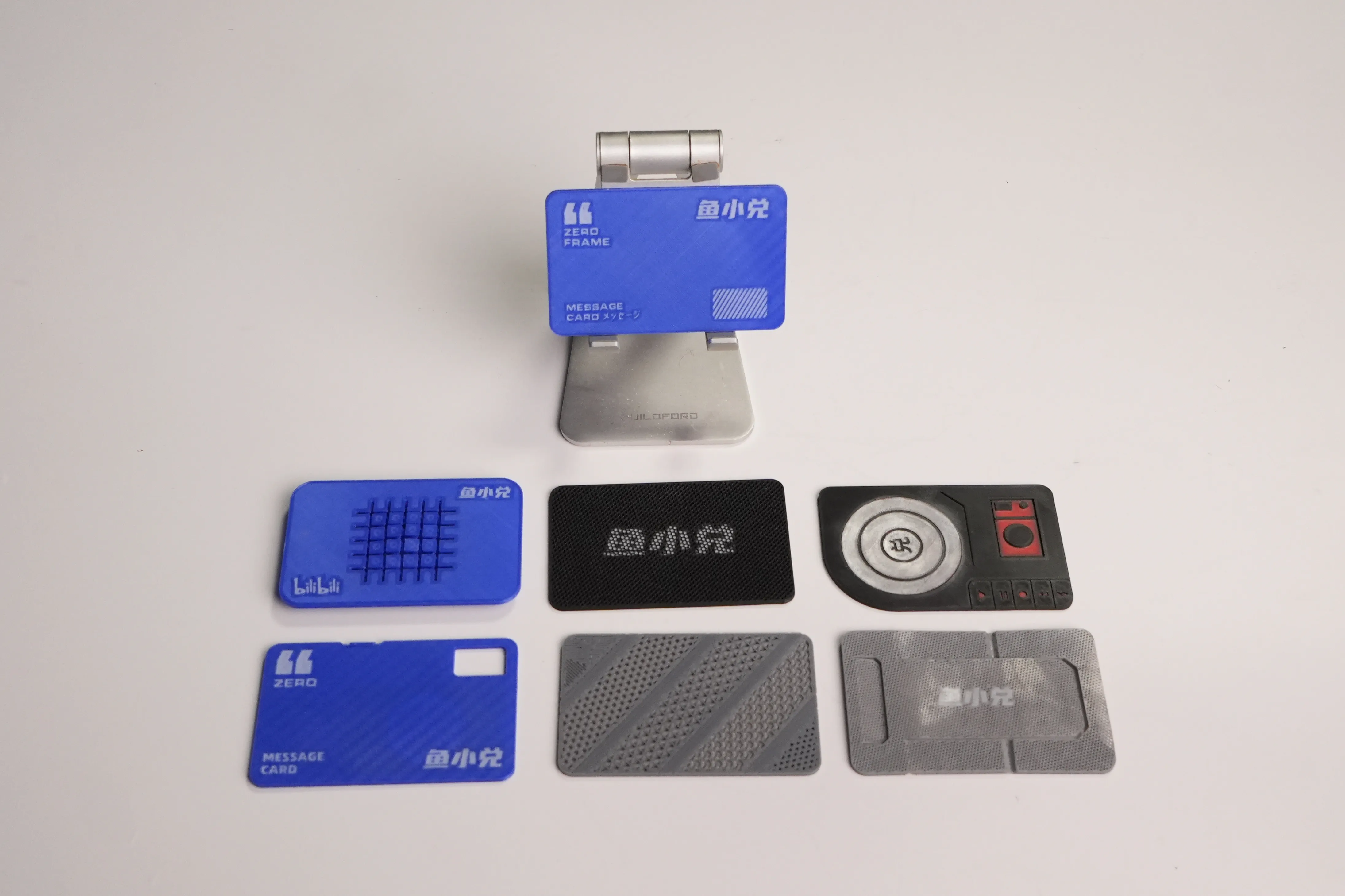
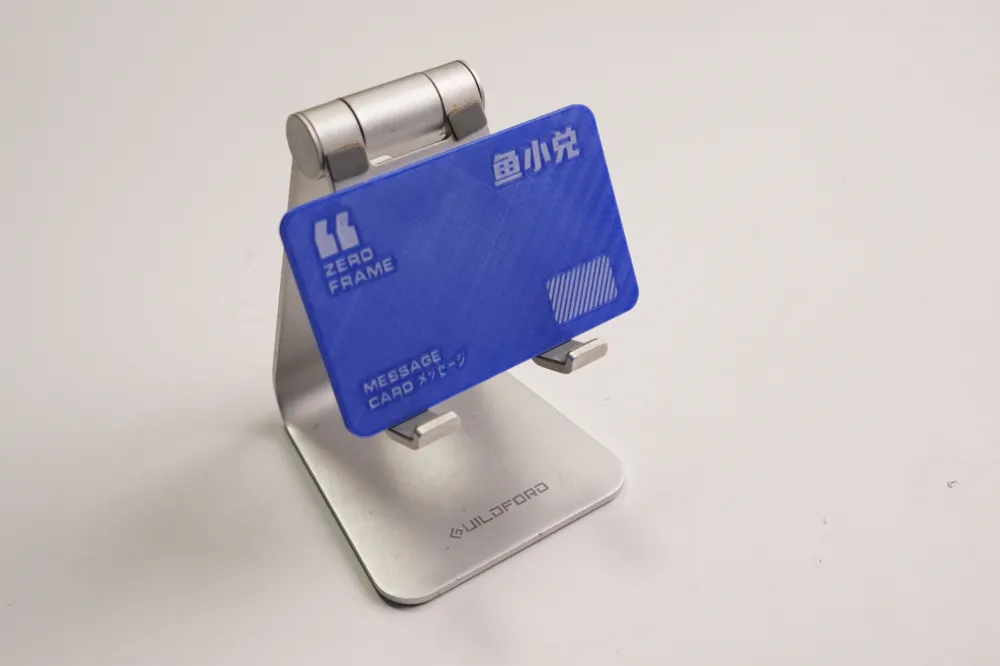
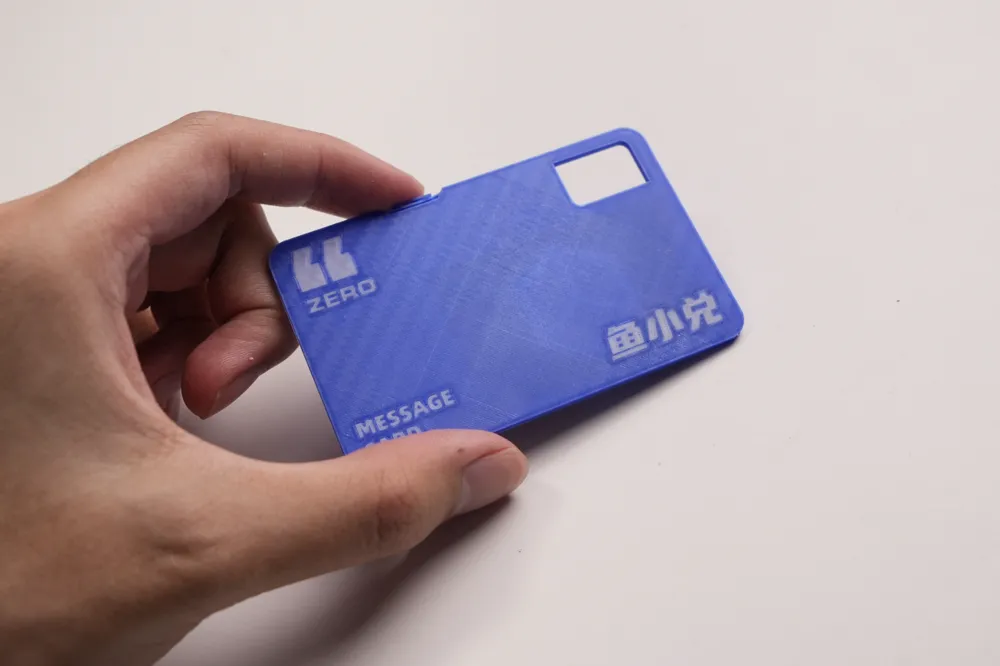
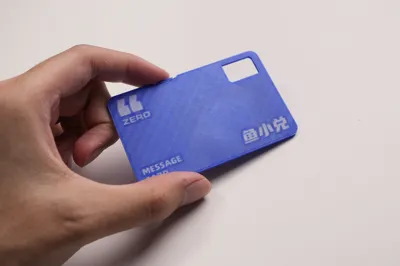
Card dimensions: 86x54mm, thickness 2mm
Several blank templates without information elements are provided
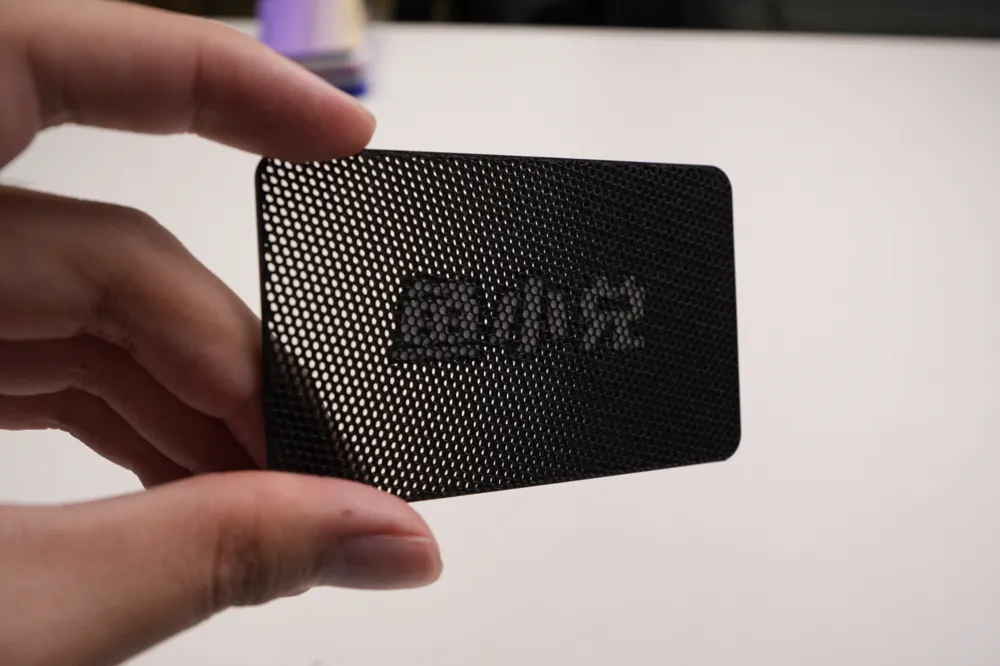
You can use the text function in slicing software to add your own information and print your own unique 3D-printed business card
Printing Instructions:
Please use a 0.2mm nozzle to print; this presents a greater level of difficulty and requires some slicing and printing experience.
The AMS system is recommended, and manual color changes are possible but require experience.
Use a smooth build plate and print with the front side facing down; the build plate texture can be transferred and is smooth enough to be comparable to traditional business cards.
Customization Methods: How to Add Custom Colored Text (Note: Front Side Facing Down):
1. Simplest Method: The new version of slicing software can directly print flush text, set thickness to 0mm, inset to 0.3 (reduce print time), and adjust colors by changing filament settings
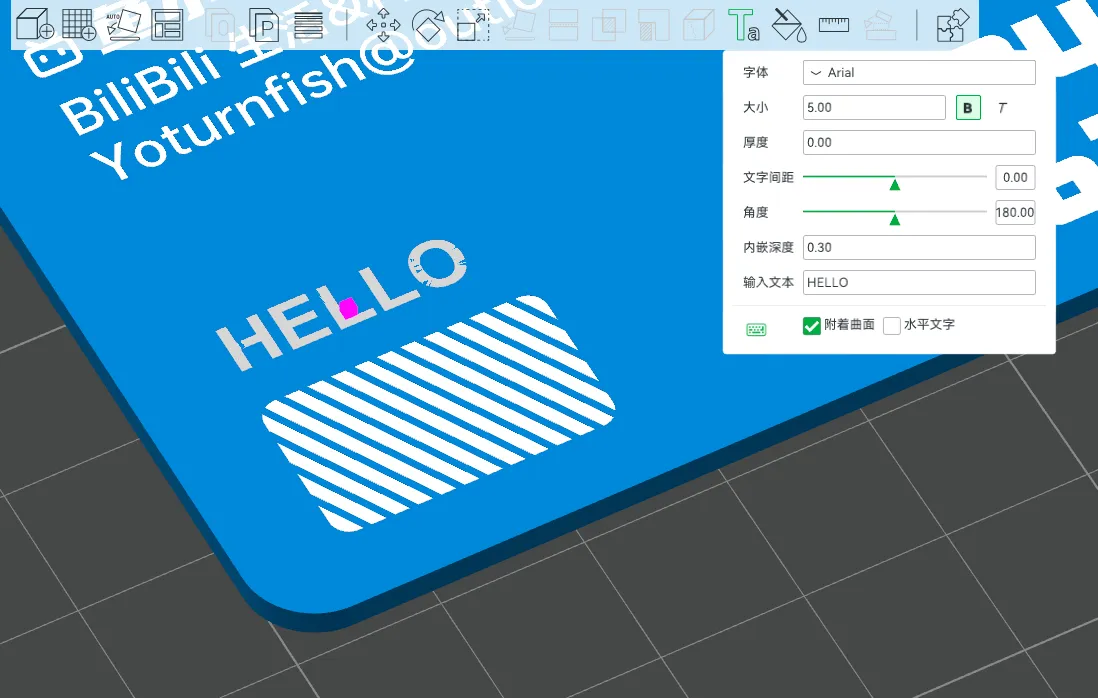
2. Using Modifiers: Right-click the card to add a modifier, select an SVG file (can be text, logo, or any pattern), and directly change the specified area's color and hollow shape.
3. Advanced Method: Use an SVG file in Fusion 360 to extrude an inset solid, subtract the overlapping part from the card with a cutting tool, keep the tool, and change settings for different entities in the slicing software.
4. OBJ File Import: The updated Bamboo Studio 1.9 supports direct import of color models in OBJ format, making it increasingly convenient.
For More Fun Cards, Consider My Suggestions:
1. How to Create Hollow Effects:
- Set top and bottom layers to 0, change infill pattern to achieve different hollow styles.
- In Fusion 360, divide into multiple entities and use different filaments after importing to achieve multicolor effects, allowing precise change of hollow styles without the need for negative components.
2. How to Create Inset Text Effects:
- Methods 2 and 3 in point 1 can achieve this, scaling the SVG in method 2 to control Z-axis depth for insetting.
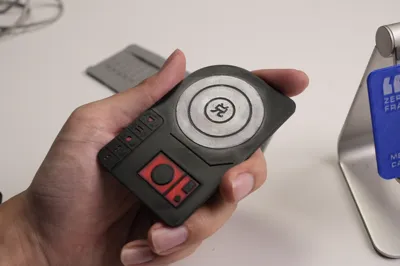
3. Movable Structures for Business Cards Like Fabric, Record Player, Phone Stand:
- Creating movable structures within 2mm thickness is challenging; it involves thin layer folding and nested rotation.
- Refer to my source files for design ideas.
- The current fabric version has a higher printing difficulty due to compressed structures, requiring thickening; hence, it’s called a "name brick" rather than a card.
Available Templates:
1. Display Example
2. Blank Card
3. Camera-shaped Blank Card
4. Record Player Blank Card
5. Sectioned Hollow Blank Card
6. Phone Stand Blank Card
7. Fabric Blank Card (in testing)
Source File Format:
- Fusion 360's F3D format, open for secondary creation and modification.
License

You shall not share, sub-license, sell, rent, host, transfer, or distribute in any way the digital or 3D printed versions of this object, nor any other derivative work of this object in its digital or physical format (including - but not limited to - remixes of this object, and hosting on other digital platforms). The objects may not be used without permission in any way whatsoever in which you charge money, or collect fees.


Comment & Rating (90)