Search models, users, collections, and posts


Print Profile(0)
Add the first print profile to earn points
Boost
131
265
16
5
95
12
Released
Description
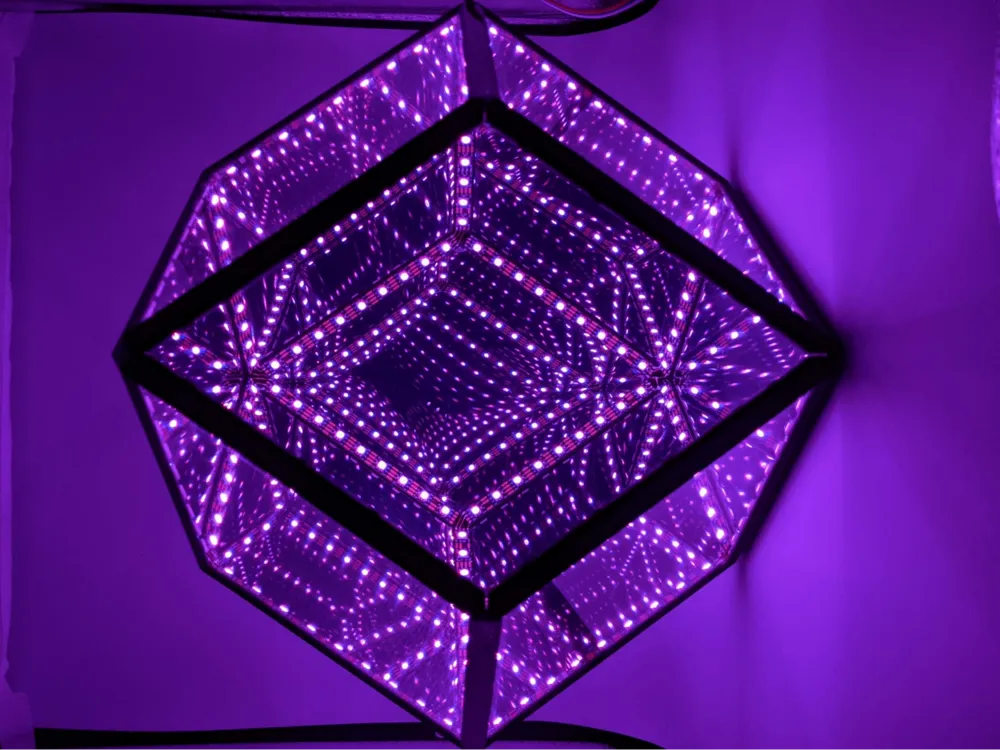
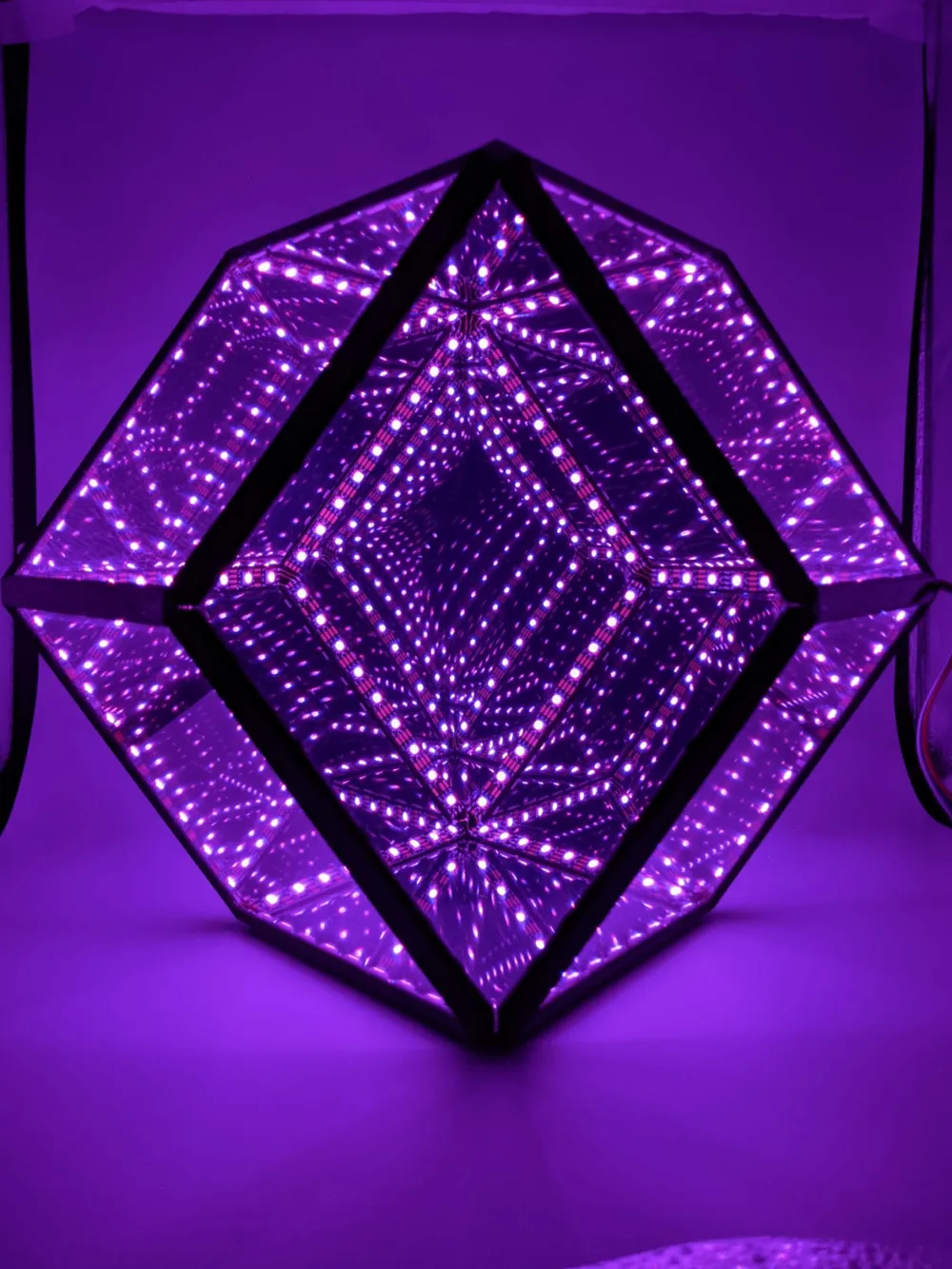
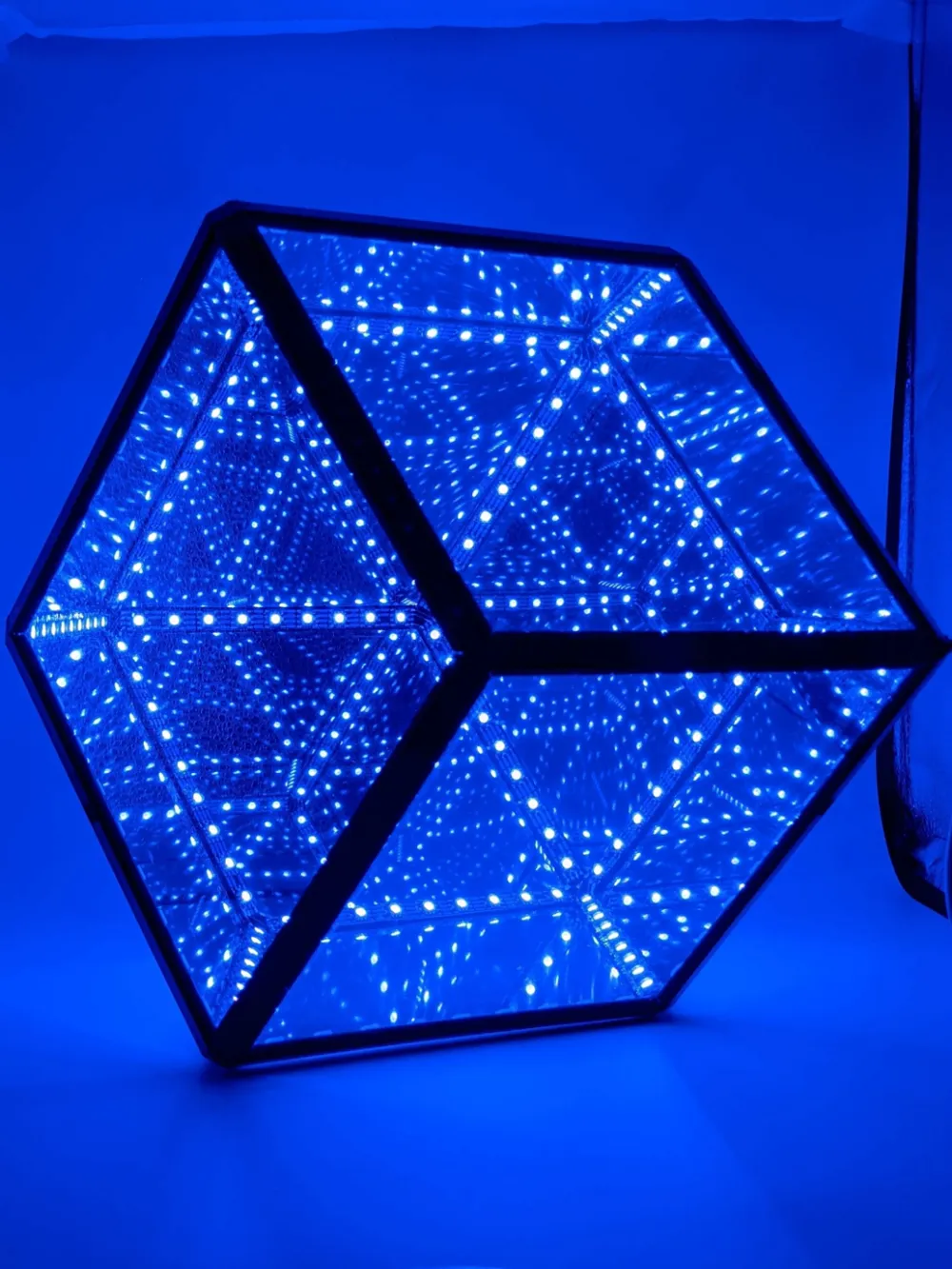
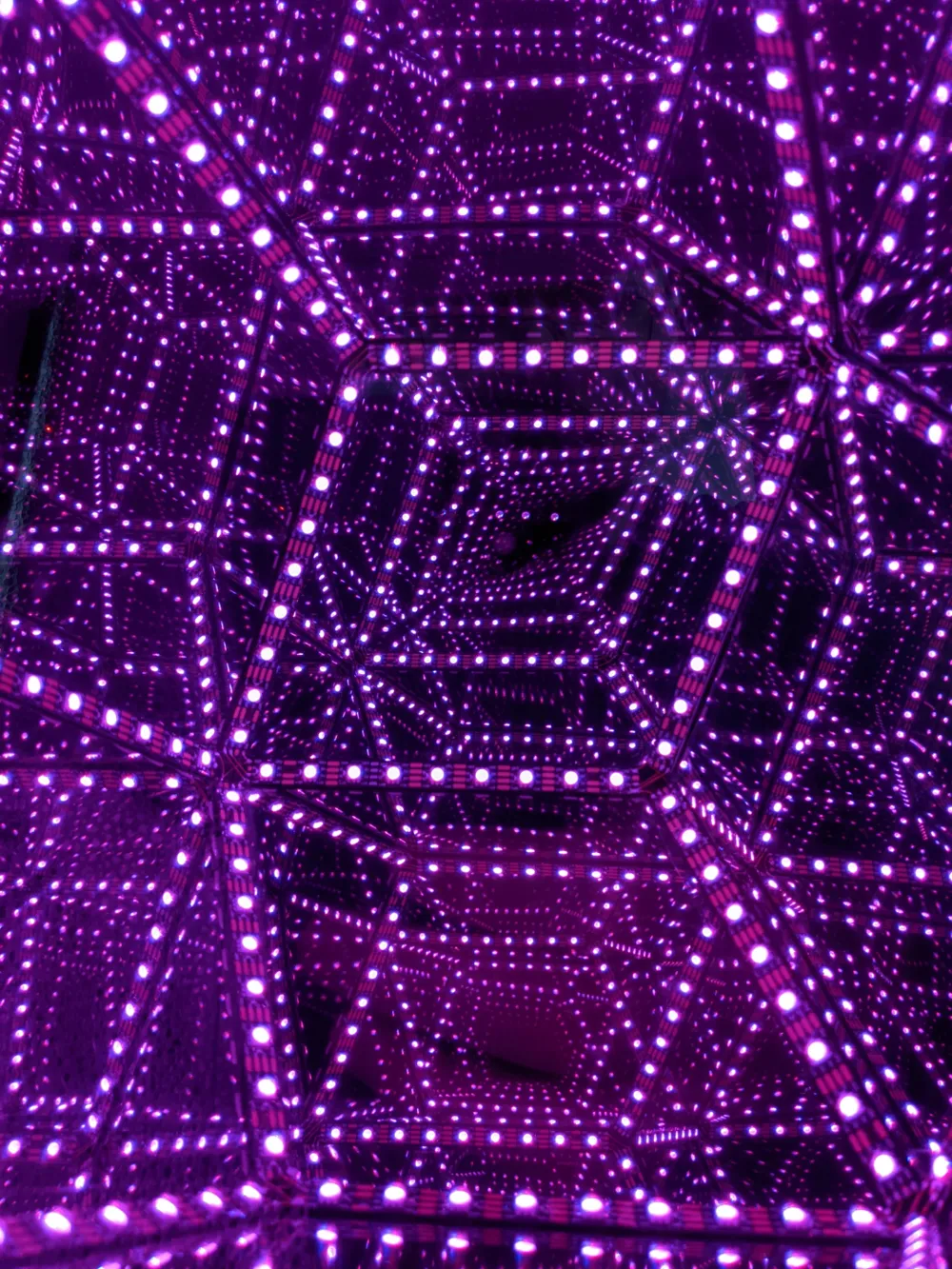
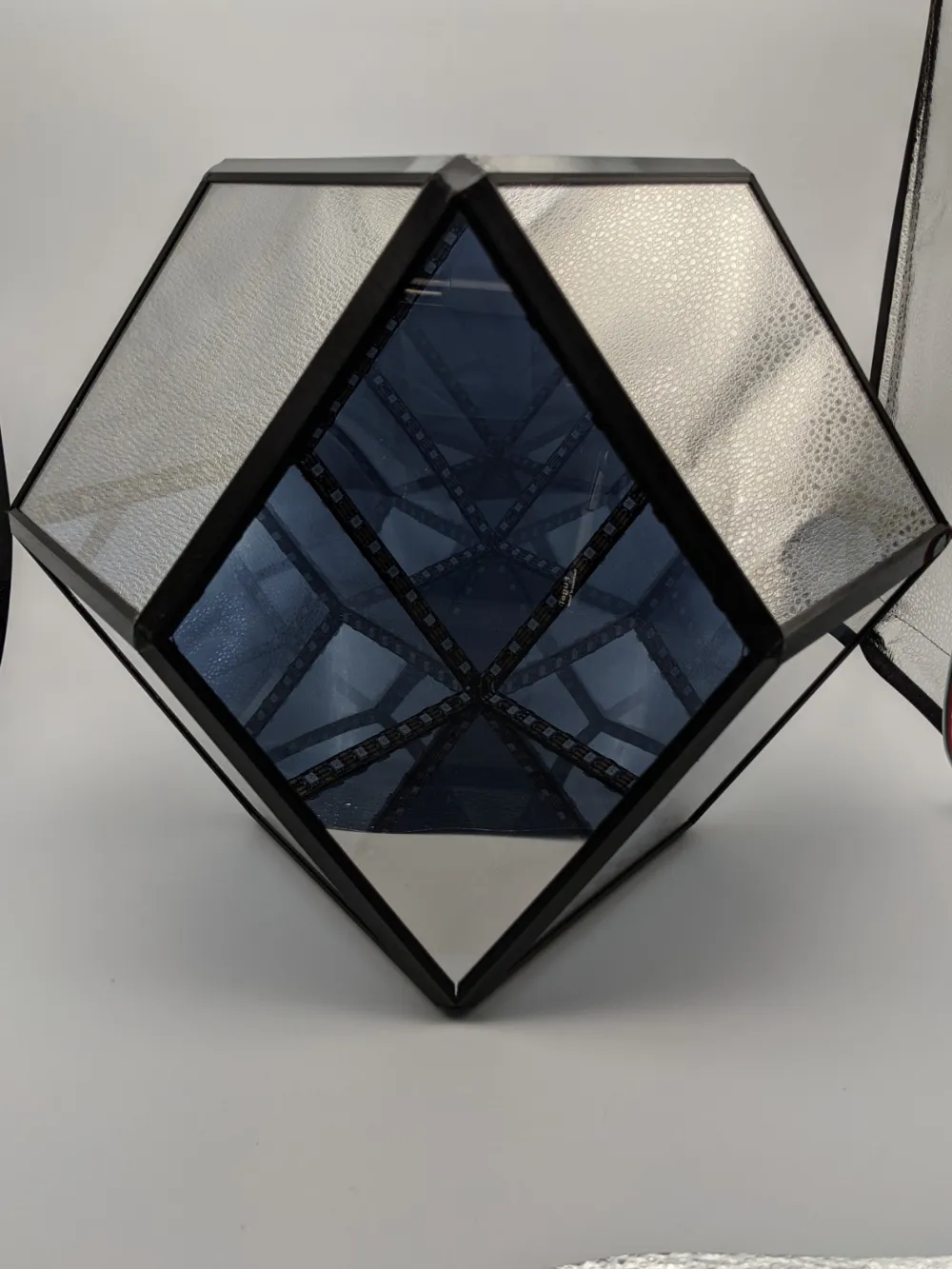
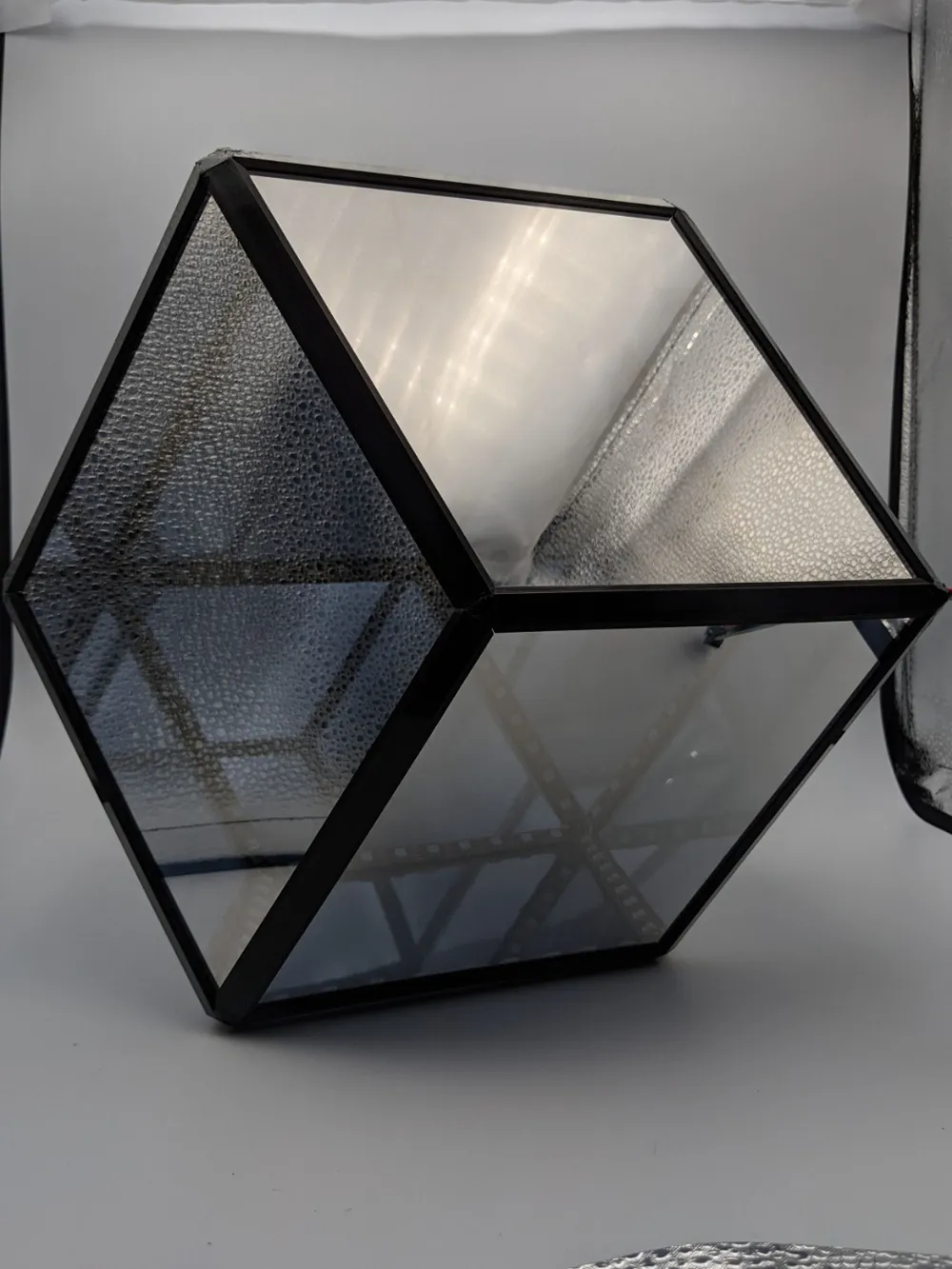
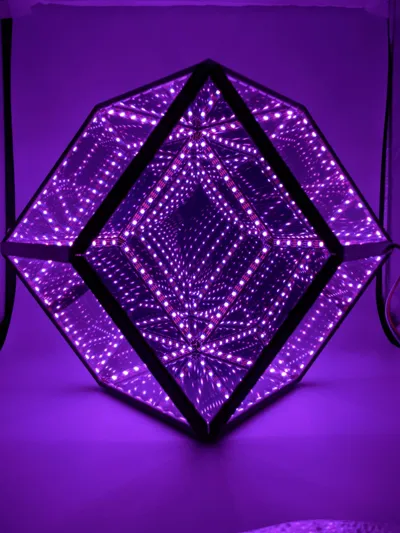
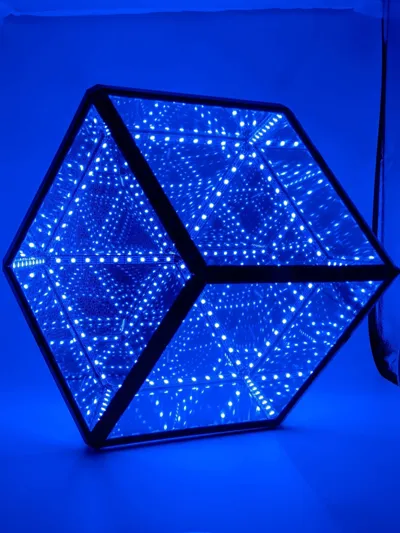
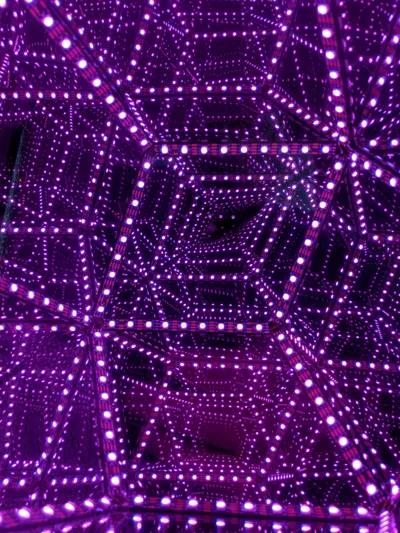
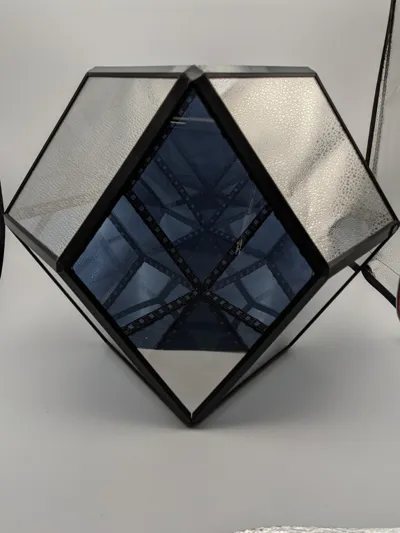
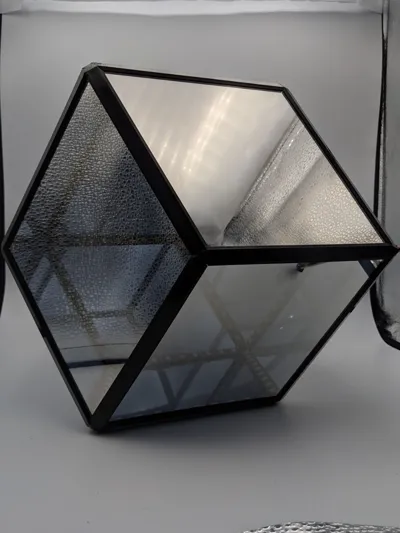
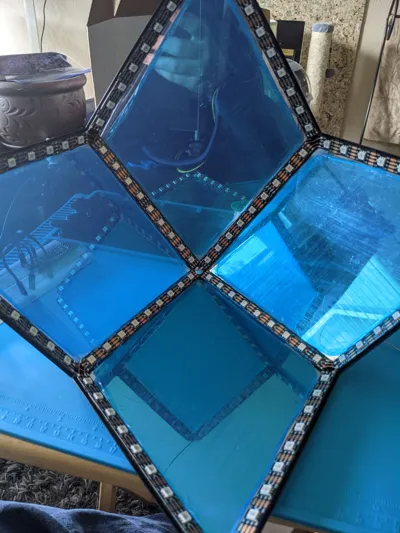
After designing and making an infinity cube, I wanted to create a more complex design. Enter the Rhombic Dodecahedron: 12 sides, 24 edges. I was able to create a sped-up video of me making this for an ASL (American Sign Language) Zoom talent show during Covid.
It's been about 3 years since I made this, but here's some guidance for how to make it:
- This was designed to be printed in .2mm layers, no support needed
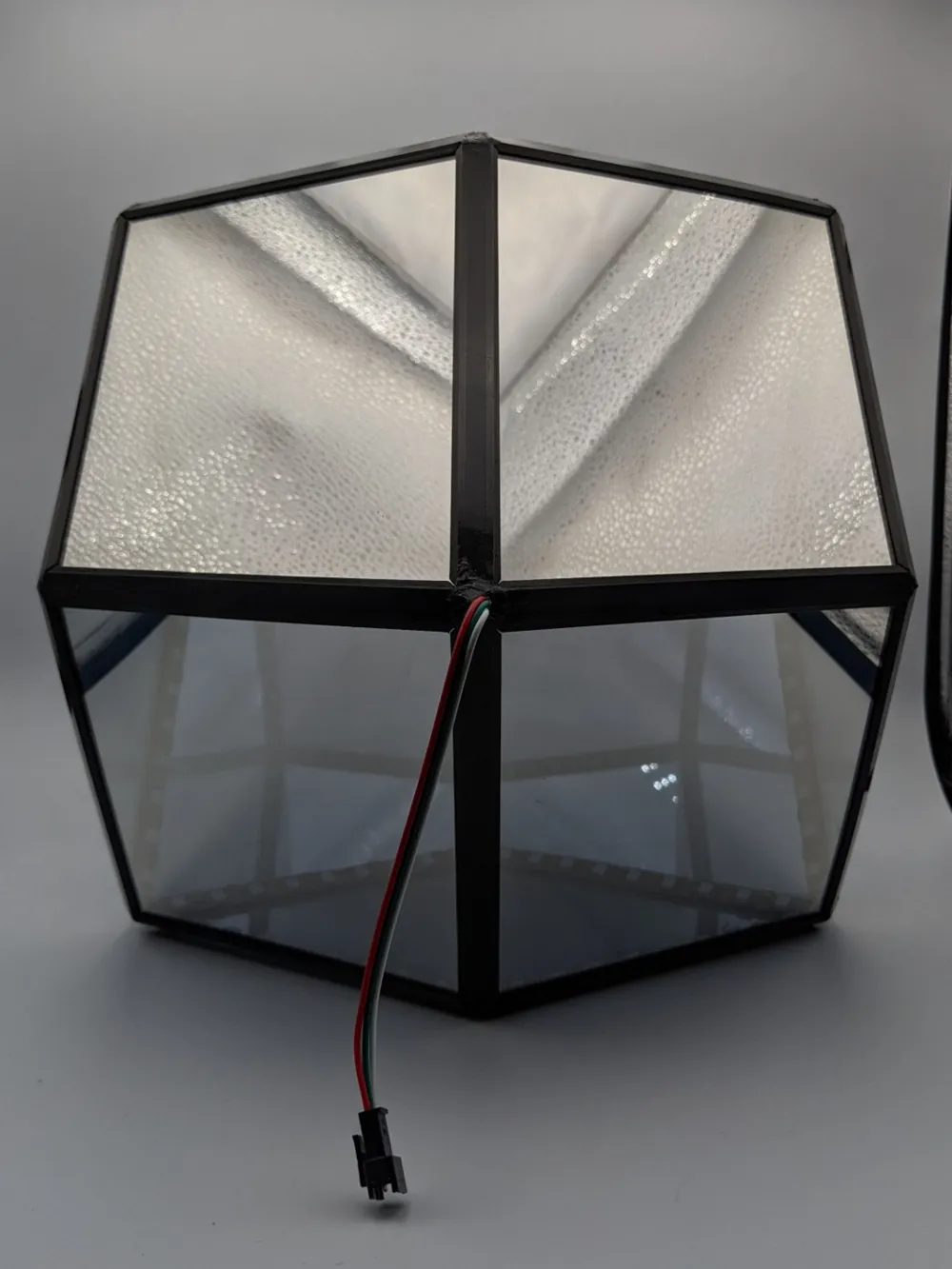
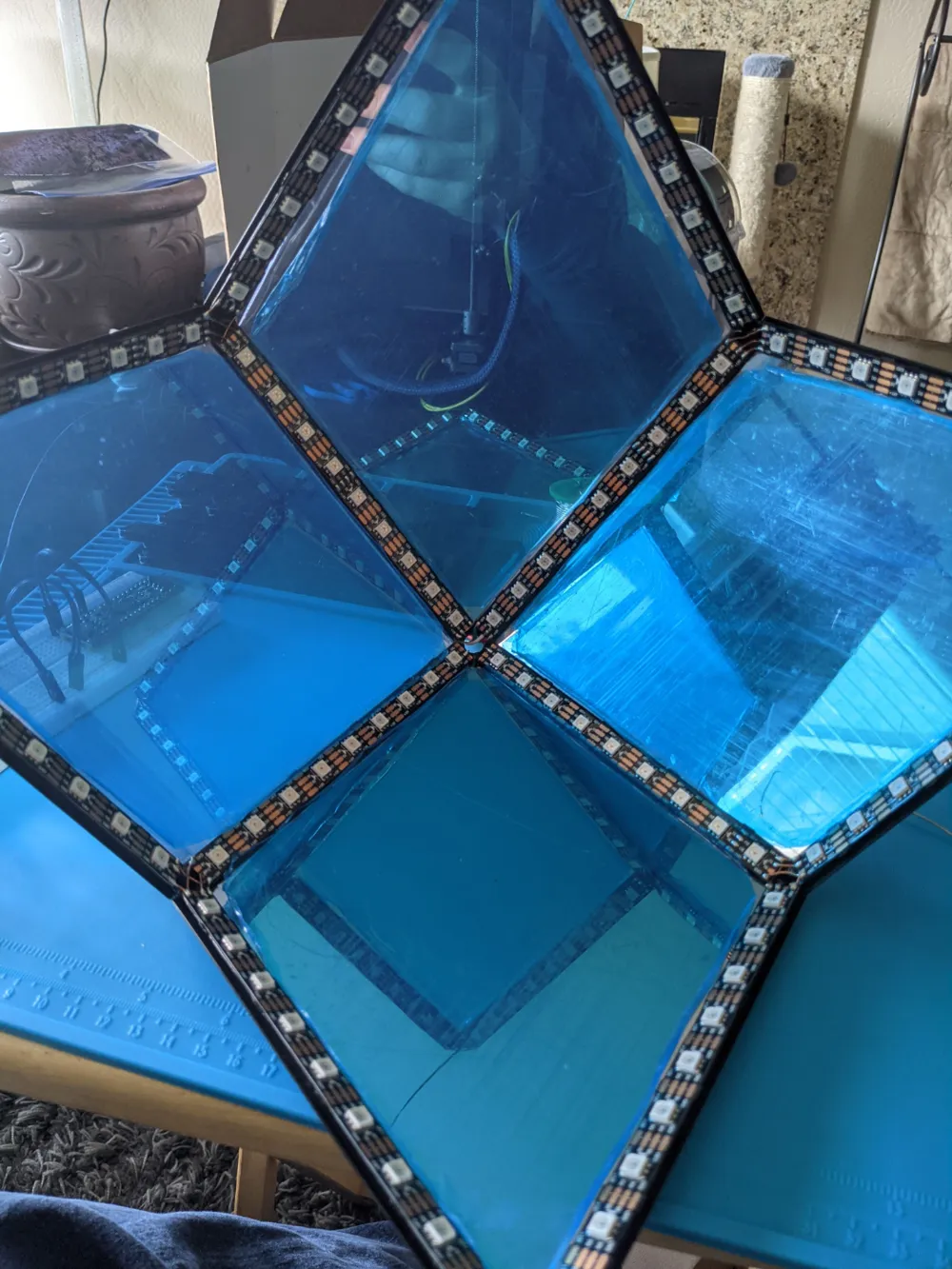
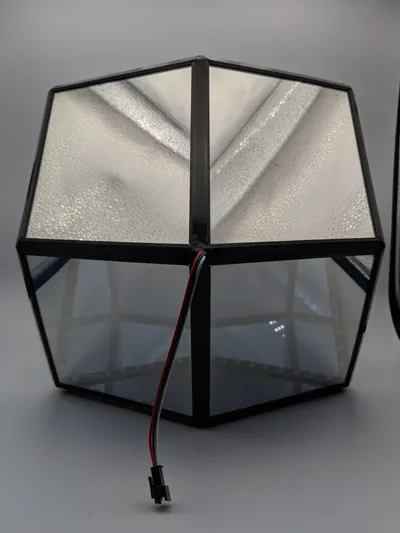
- Once you have all the printed parts and cut acrylic, make 2 halves for easier assembly. I have a picture of what a half looks like.
- Put the edges around the panel, and glue the edges of the acrylic to the edge printed pieces to keep it all together.
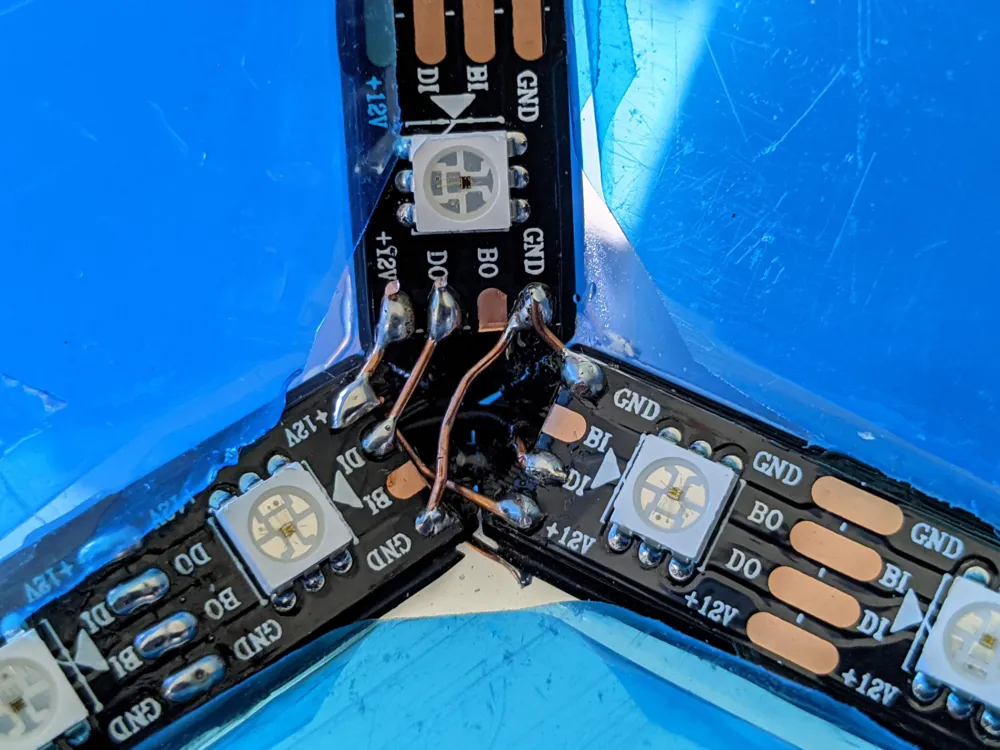
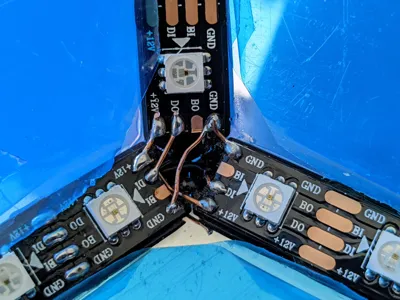
- Follow the Wiring Document for each half. Test after you add each strip that it is working. This cannot be stressed enough to help prevent troubleshooting later. I included an example picture of what a soldered corner may look like.
- Use superglue to attach the LED strips (I didn't at first, and the adhesive of the strips let go within a day, and had to open it up to add superglue.
- Once each half is done, then place the 2 panels around the corner labeled “Bottom Signal Stop” and “Top Signal Start”.
- Solder the signal and power lines, and test the full LED strip.
- Superglue the 2 panels to the edge pieces.
- Place the last 2 panels and perform one last test. Since this closes the device, you will have to superglue the panels to the outer edge pieces.
- Enjoy!
Other notes:
- I used 12V LED strips to eliminate dimming that can occur on the end of 5V LED strips. If you use 5V, just run extra power and ground wires behind the strips. I did this anyway just to be safe.
- I left the protective film on the acrylic while cutting using a table saw with a high-tooth blade for clean cuts. When I put them in the edge pieces, I peeled it away from the edges of the acrylic, so that they wouldn't get glued, but would also protect against scratching during assembly, and removed before closing it up.
- The Acrylic template gives 1mm clearance on all sides so that the corners will come together snug.
- You can use a 3d pen to fill in the seams of the corners and wire hole.
- I included optional diffusers for the LEDs. I tried printing them in a clear PLA. It didn't diffuse much. I also decided I liked the non-diffused look personally. If you want to try the diffusers, I might recommend a white filament, and print the diffuser test piece and see if it looks good to you.
Parts list:
- x4 EdgeHole printed
- x20 EdgeRegular printed
- 12 Sides: 2mm thick two-way mirror acrylic panels (See Acrylic Panel Size Guide document for dimensions/shape)
- The acrylic I originally used is no longer available. Here is an alternative on AliExpress. You should be able to get 4 sides per panel, so order 3
- WS2812 (5V) or WS2815 (12V) LED Strips. At least 216 LEDs (9 per edge)
- Either an Arduino and power supply OR controller for the LED strips
- Wiring
- Solder & soldering iron
- Superglue
- 3D Pen (Optional)
I hope you enjoy this as much as I have!
Boost Me (for free)
I really appreciate the boosts! They have helped me test out my designs. Thanks for any boosts!
If you want to support me more, buy me a hot chocolate 😉
Happy printing!
infinity rhombic dodecahedron
infinity cube
infinity cube light
rhombic dodecahedron
art
geometric
light
lighting
diy
led strip
ws2812
ws2812b
ws2815
Documentation (2)
Assembly Guide (2)
Acrylic Panel Size Guide_7795485b-6c3f-420d-8074-73ae885db802.pdf
Rhombic Dodecahedron Wiring_5d0c45eb-b1a4-420e-9bc6-9bdc2a92b7f0.pdf
License

This user content is licensed under a
Creative Commons Attribution-Noncommercial-Share Alike


Comment & Rating (16)