
Mazda 3 (3. gen) Commander Switch bracket

Print Profile(1)

Description
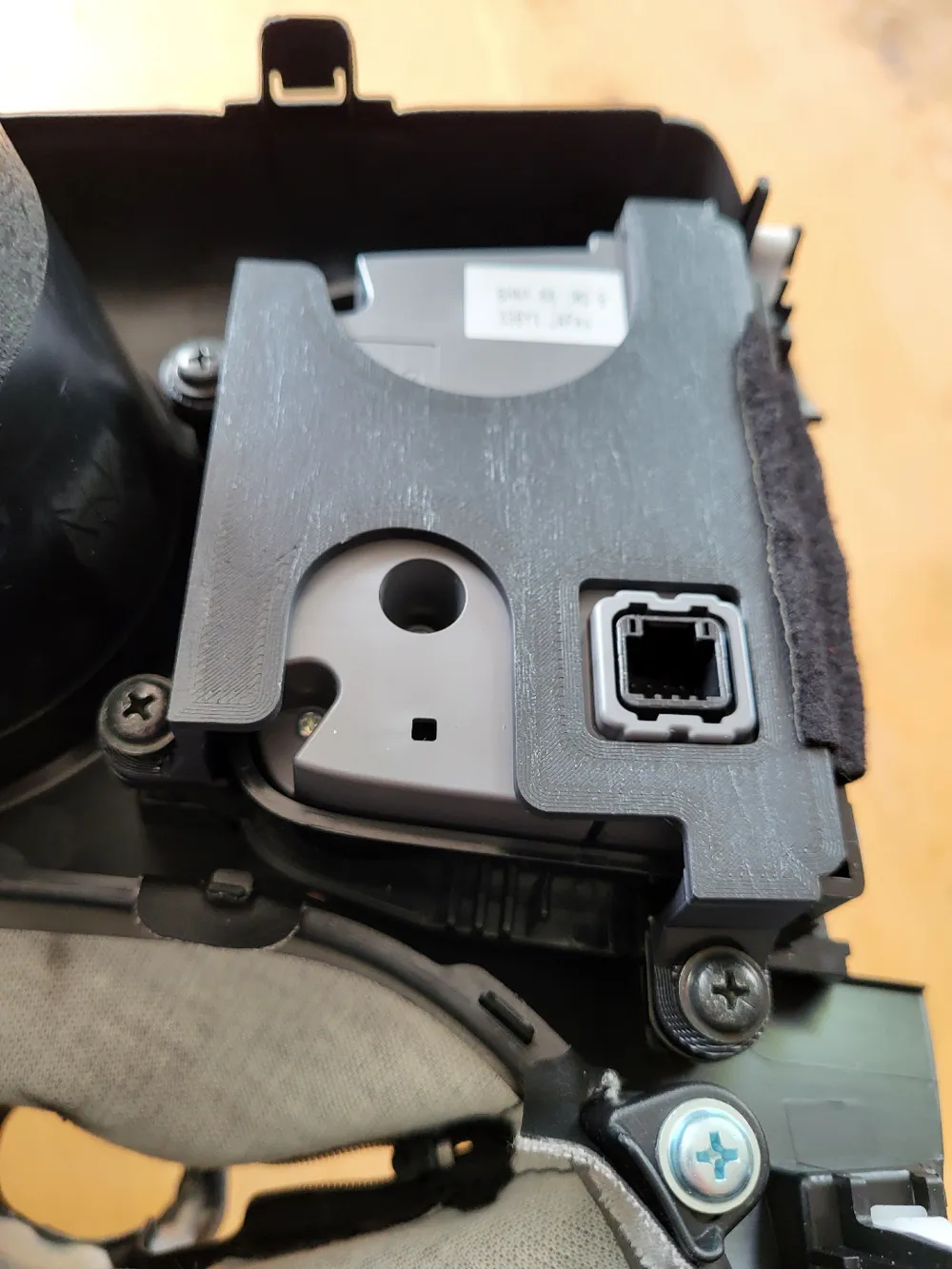
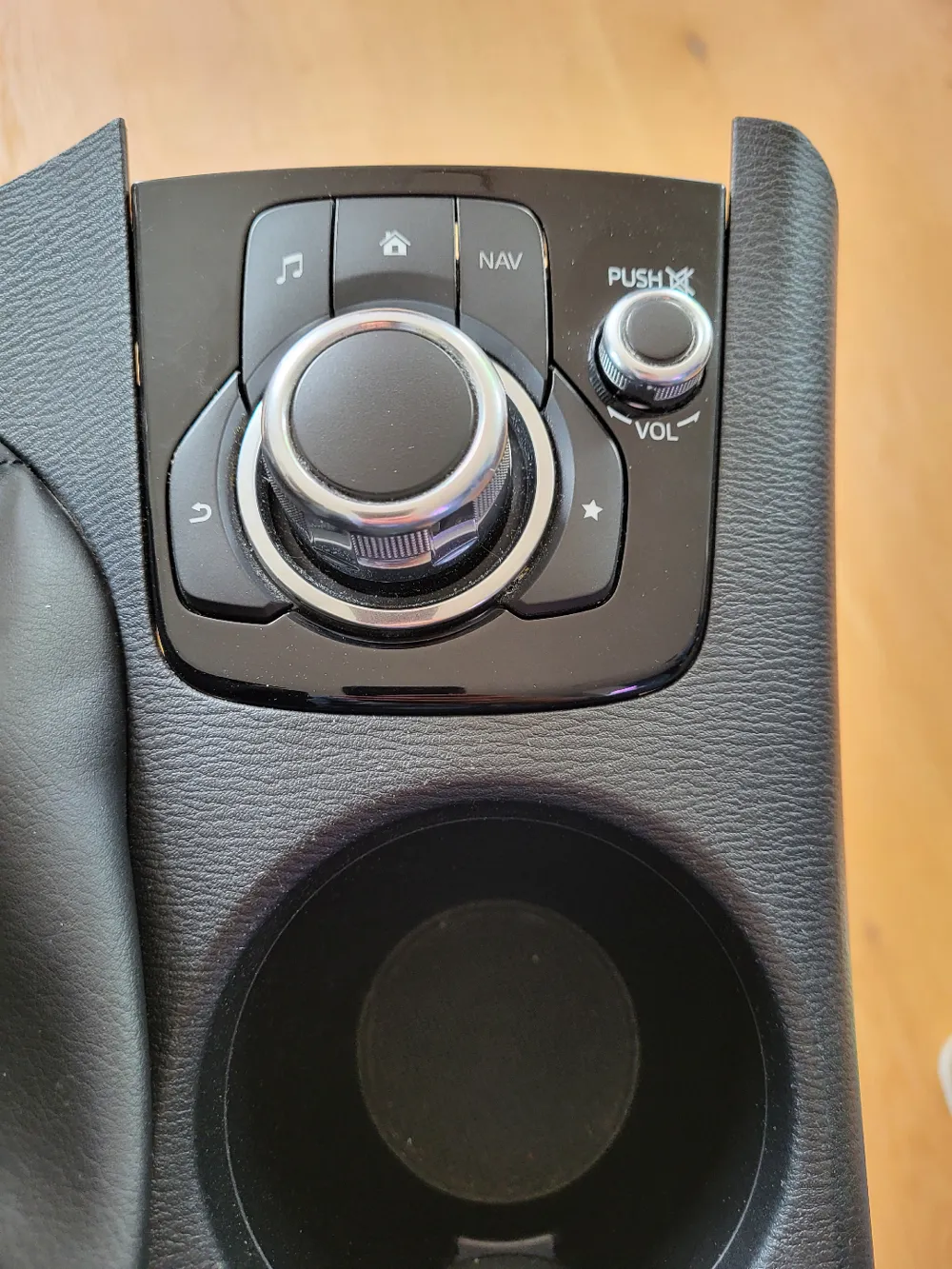
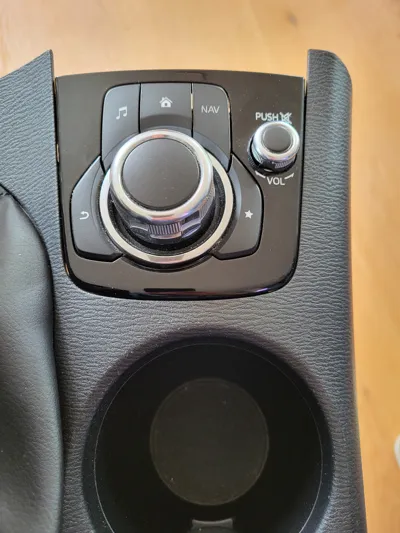
If you drop something heavy on the "command switcher" in the center console, a small plastic cup holding the switcher in position may break off. The switcher can then no longer be operated, as it slips in the center console when light pressure is applied.
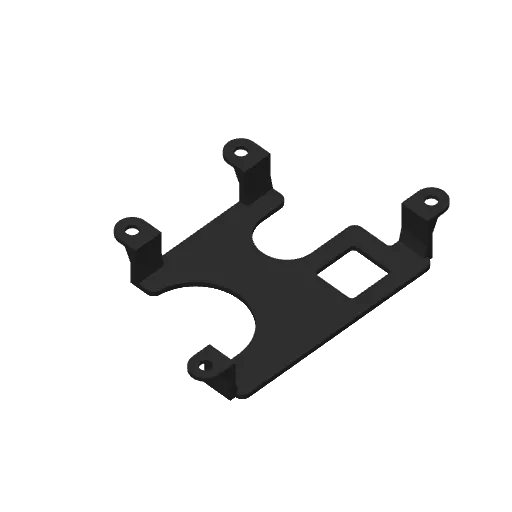
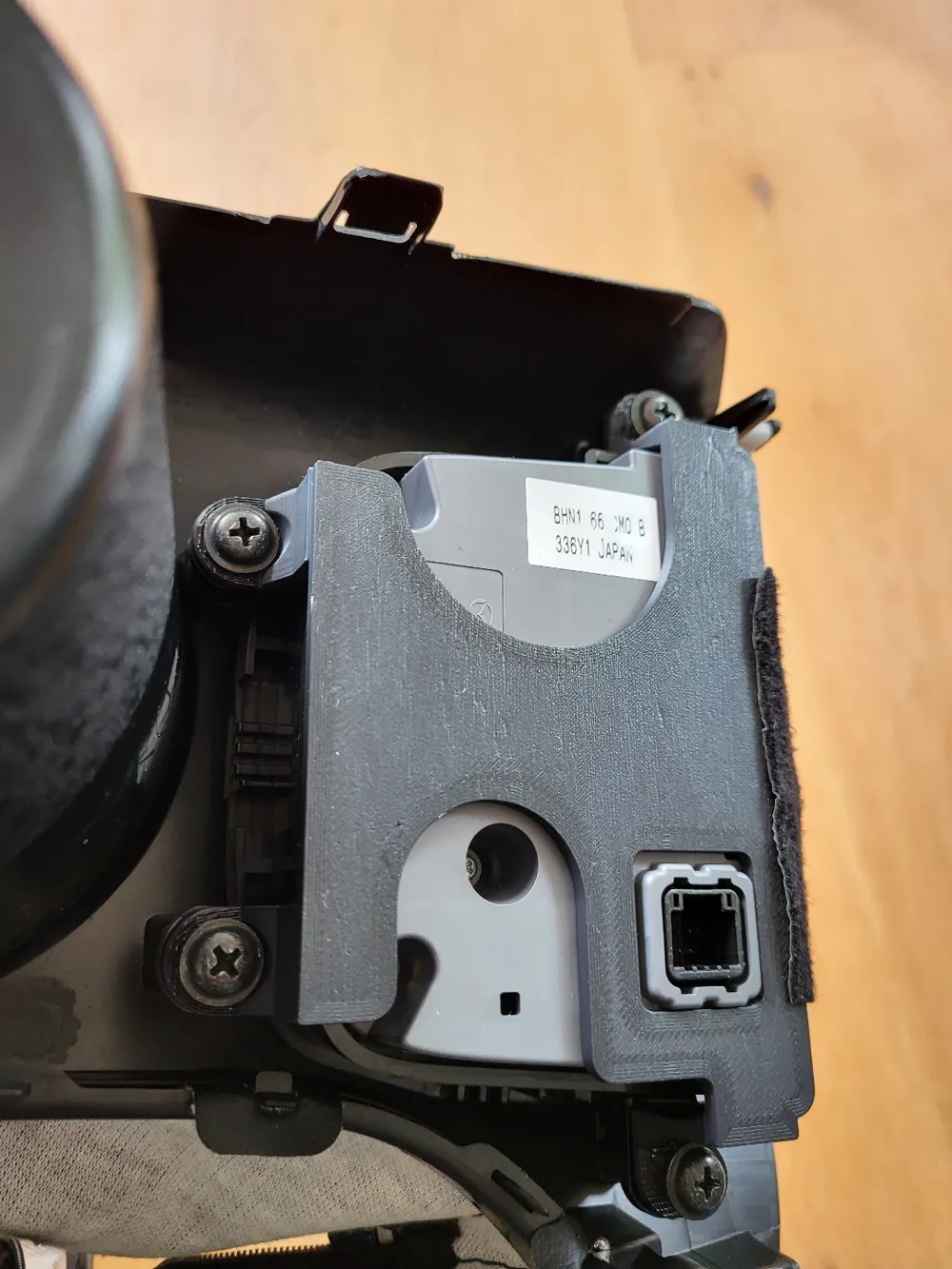
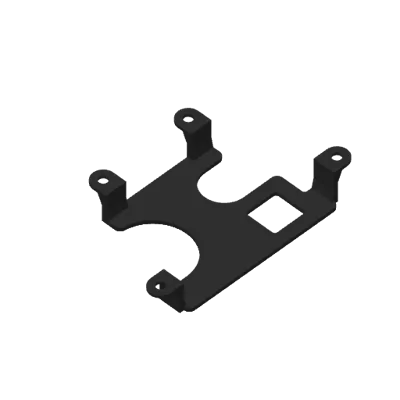
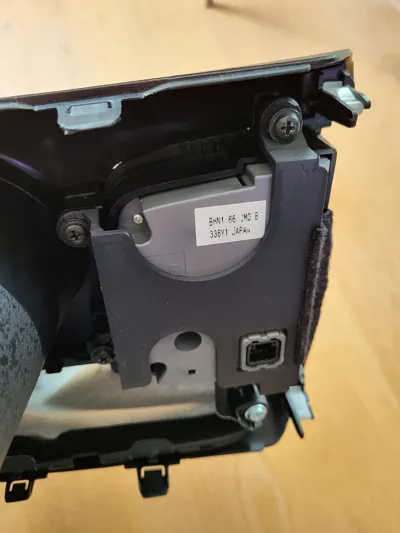
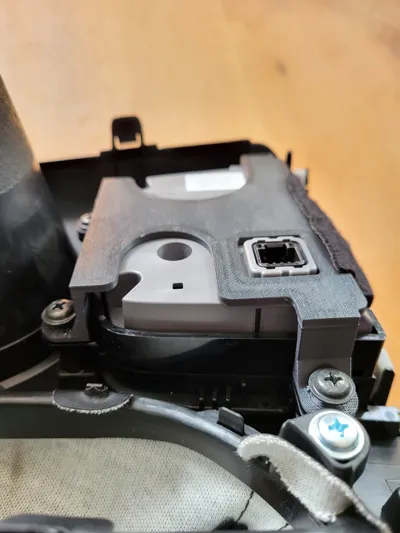
This bracket holds the command switcher in its original position and is much more robust than the original mounting. This model must be printed with a temperature-resistant filament such as ASA as high temperatures are to be expected in the car in summer. Instructions on how to remove the center console can be found on YouTube (search for “Mazda 3 center console removal”).
Installation Instructions:
- Remove the center console (disconnect the cable from the command switcher)
- Remove the four black screws of the command switcher
- Remove the felt piece from the bottom of the command switcher
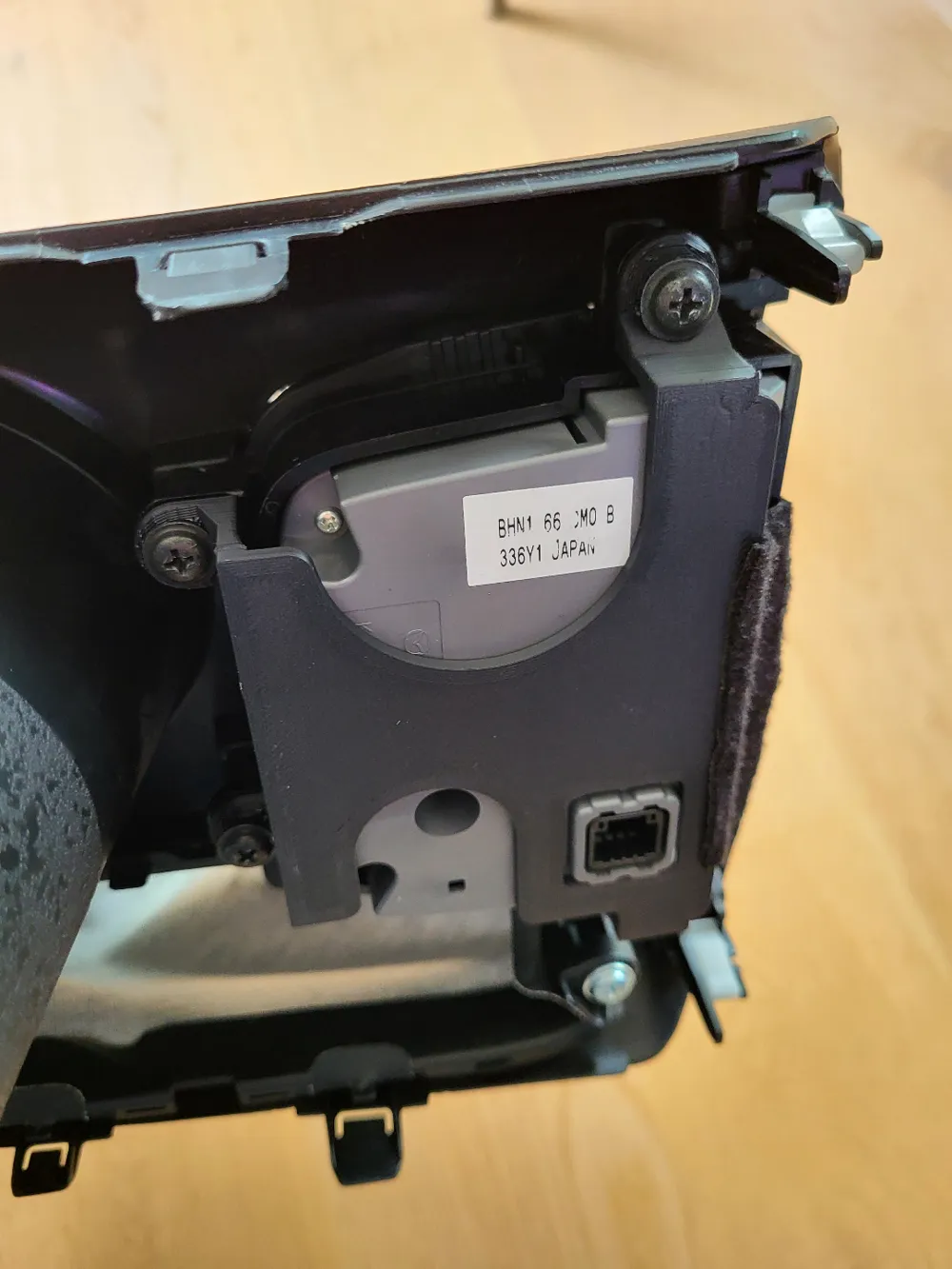
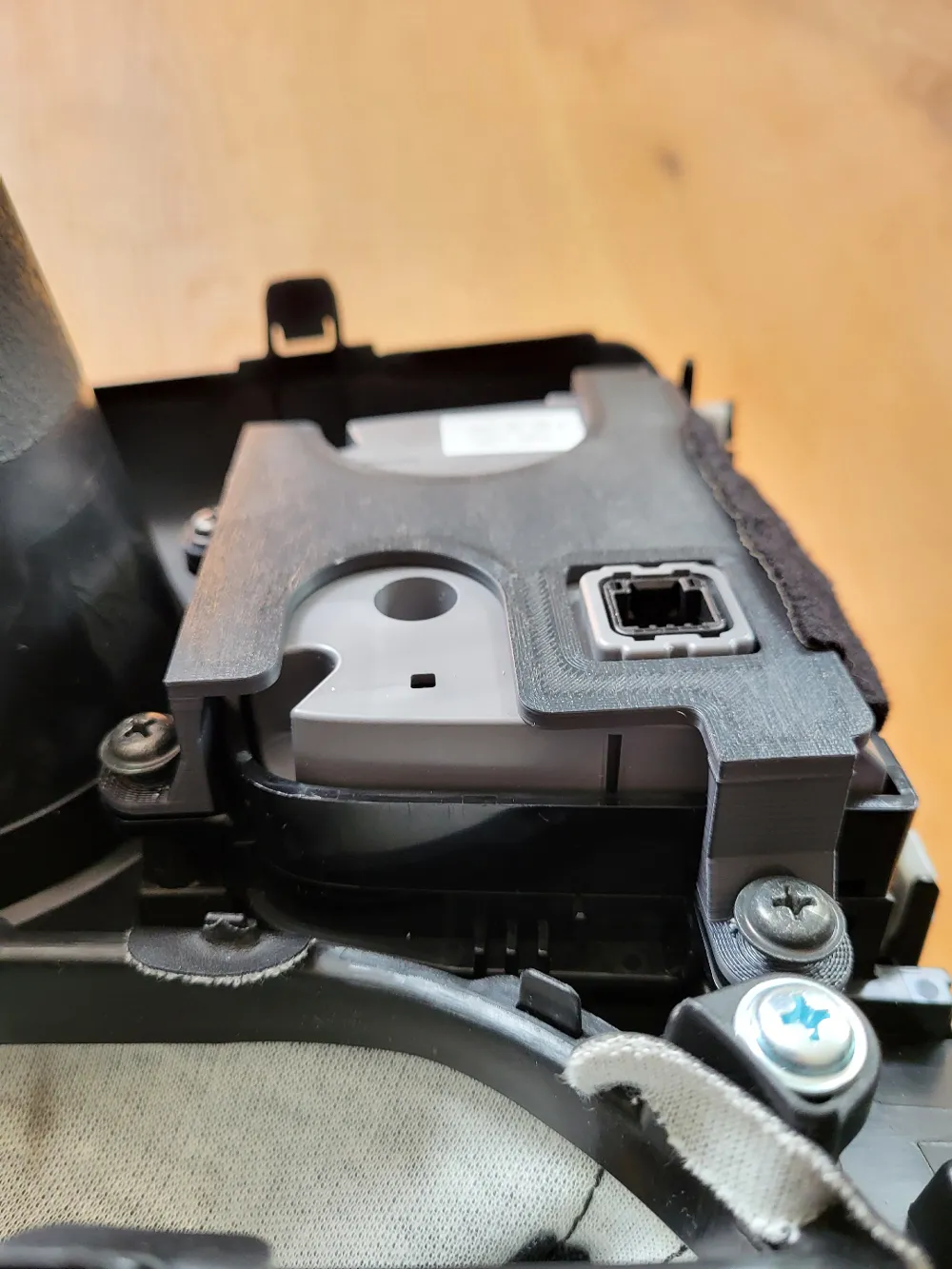
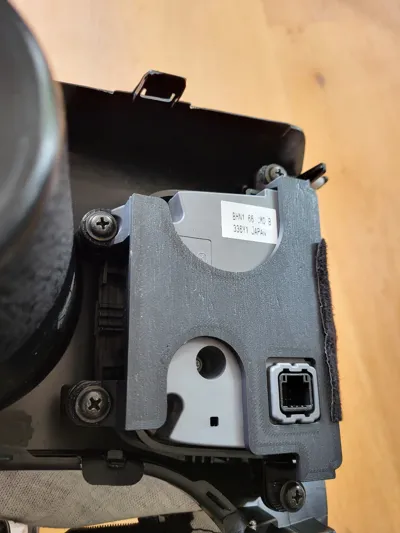
- Place the bracket on the command switcher as shown in the pictures (align the four feet with the screw threads). Make sure the felt piece is not placed between the bracket and the command switcher
- Attach the command switch and the bracket on top using the four screws
- Glue the felt piece on top of the bracket
- Install the center console (don't forget to connect the cable to the command switcher)
The installation was successfully done on a Mazda 3 (3. generation) with year of construction 2013
License



Comment & Rating (7)