Search models, users, collections, and posts

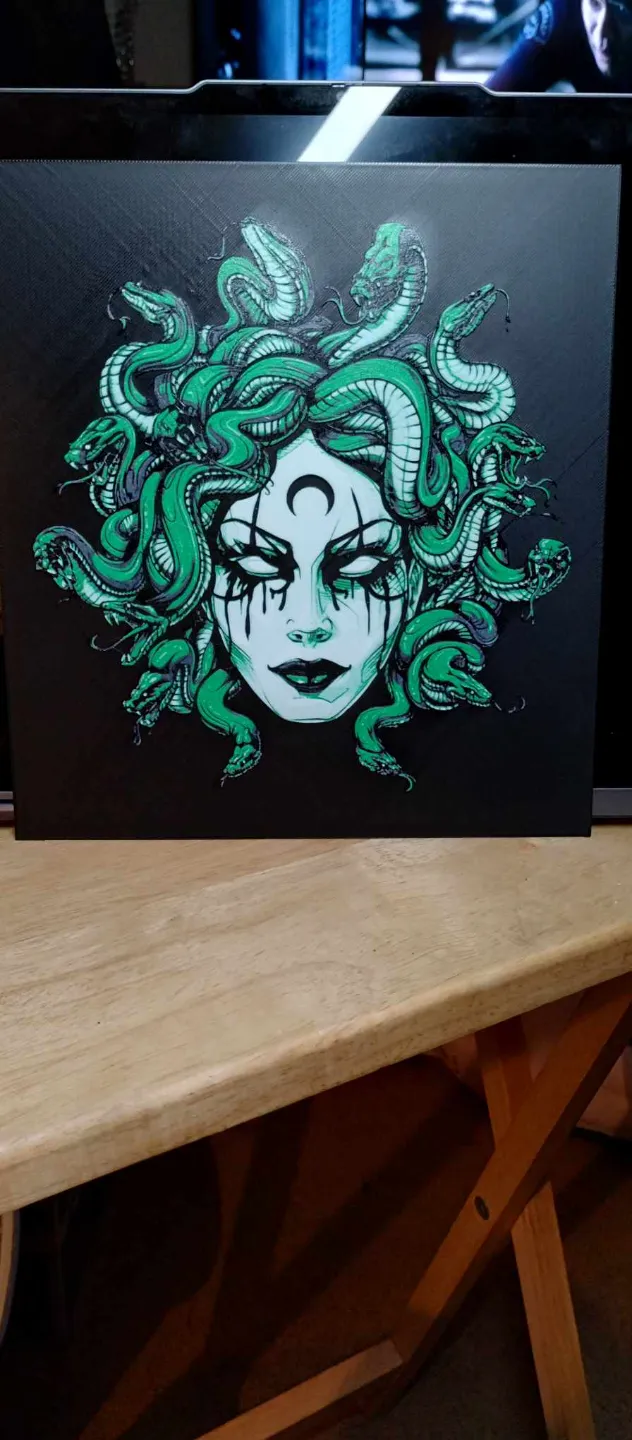
Medusa
IP Report

Print Profile(1)

0.08mm layer, 2 walls, 100% infill
Designer
6.3 h
1 plate
Open in Bambu Studio
Boost
40
78
4
3
51
29
Released
Description
**IMPORTANT INFORMATION**
- You cannot adjust the z scaling on any hueforge. This will mess with the coloring done and your hueforge will not come out as intended. You can however change the x and y to scale the picture. I recommend only changing by the same percentage.
- To get an accurate print as shown in the photos you MUST use the same filaments listed below. You can change brands (as long as they are similar) but keep the filament colors the same. If you use any other color, you will not get the same results as me.
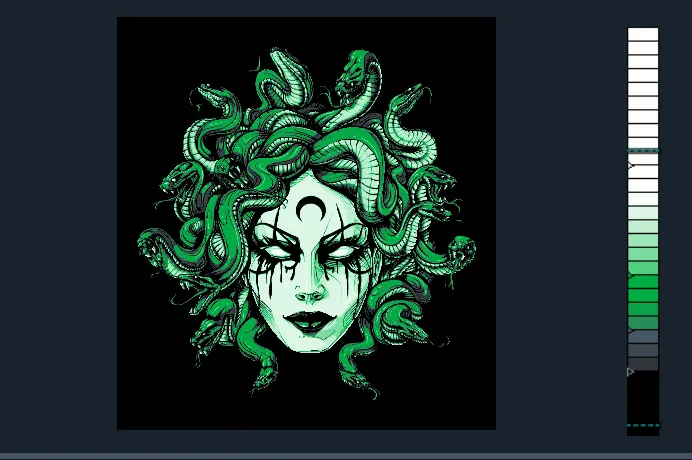
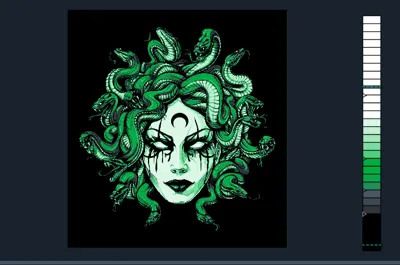
- What you see in the slicer will not be how the final results will look! Hueforge takes advantage of color bleed to make the blended colors!
Print at 100% infill with a layer height of 0.08mm with a base layer of 0.16mm
Filaments Used:
PLA BambuLab Basic Black Transmission Distance: 0.6
PLA BambuLab Basic Blue Grey Transmission Distance: 3.0
PLA BambuLab Basic Bambu Green Transmission Distance: 2.0
PLA BambuLab Basic Jade White Transmission Distance: 5.0
Swap Instructions:
Start with Black
At layer #16 (1.36mm) swap to Blue Grey
At layer #19 (1.60mm) swap to Bambu Green
At layer #23 (1.92mm) swap to Jade White for the rest.
Want to learn to use Hueforge? Join our patreon!
https://patreon.com/CloudyNostalgia?utm_medium=clipboard_copy&utm_source=copyLink&utm_campaign=creatorshare_fan&utm_content=join_link
License

This user content is licensed under a
Creative Commons Attribution-Noncommercial-NoDerivatives


Comment & Rating (4)