Search models, users, collections, and posts

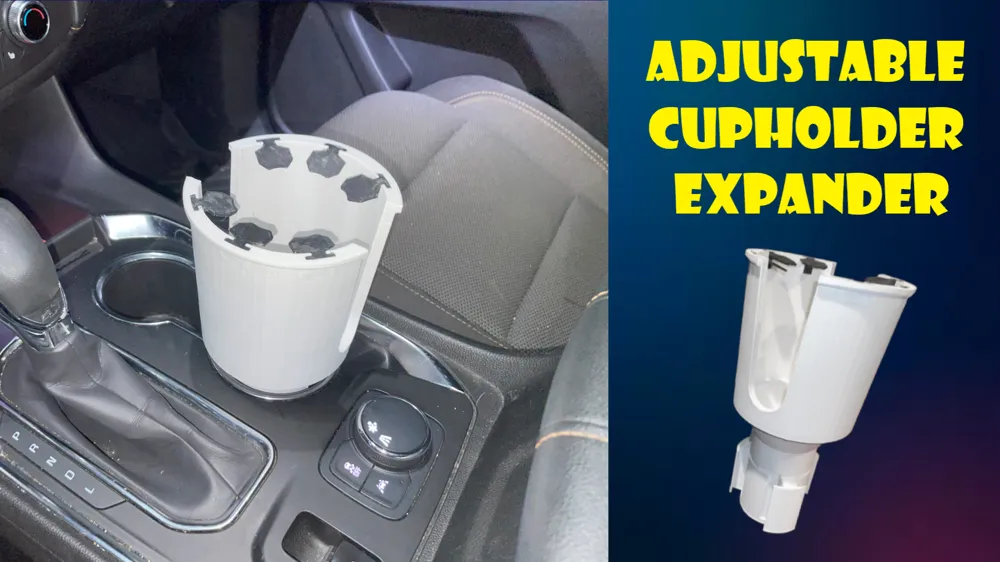
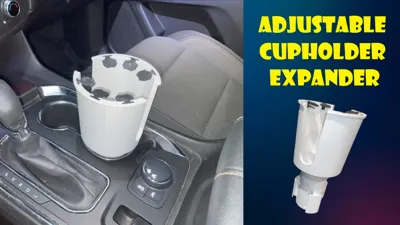
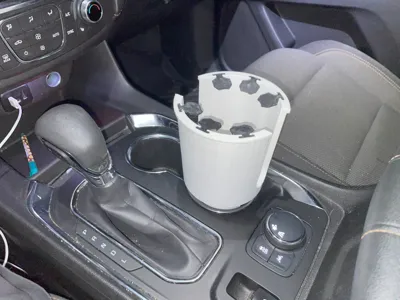
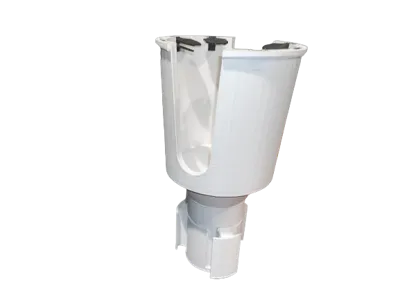
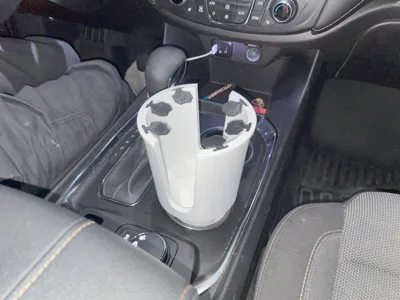
Adjustable Cupholder Expander (No Supports)
IP Report
Print Profile(1)

0.2mm layer, 2 walls, 15% infill

7.2 h
3 plates
Open in Bambu Studio
Boost
99
251
25
8
307
100
Released
Description
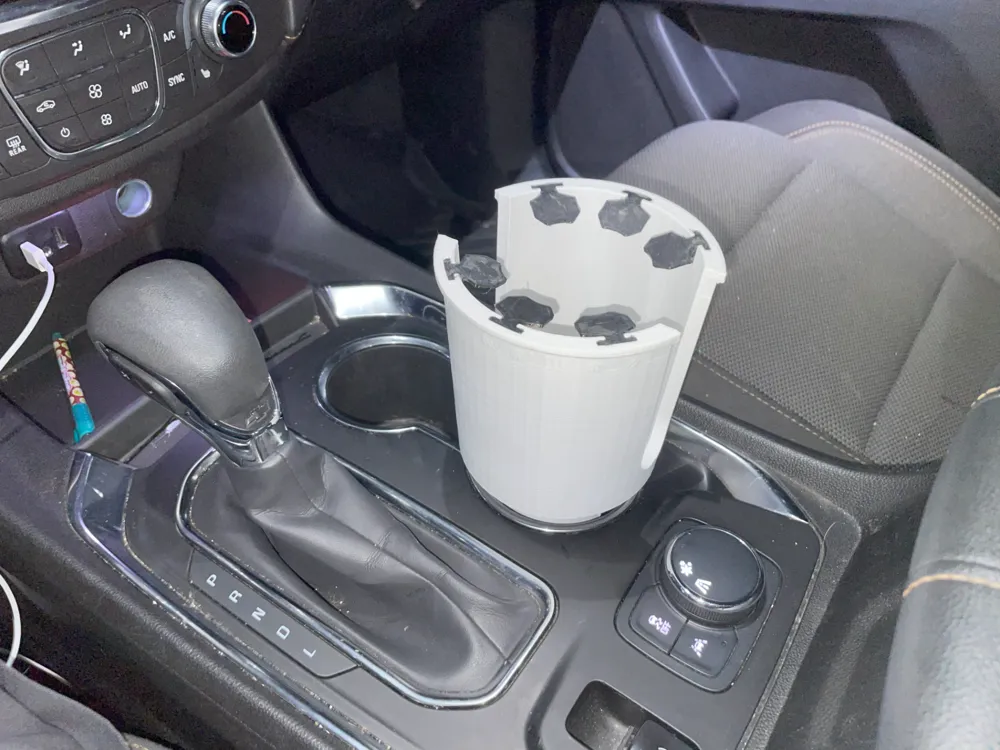
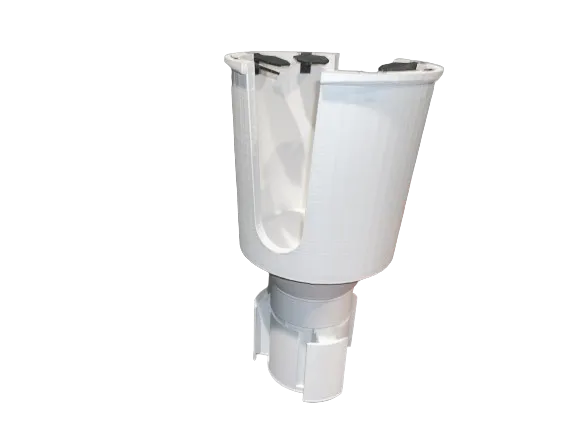
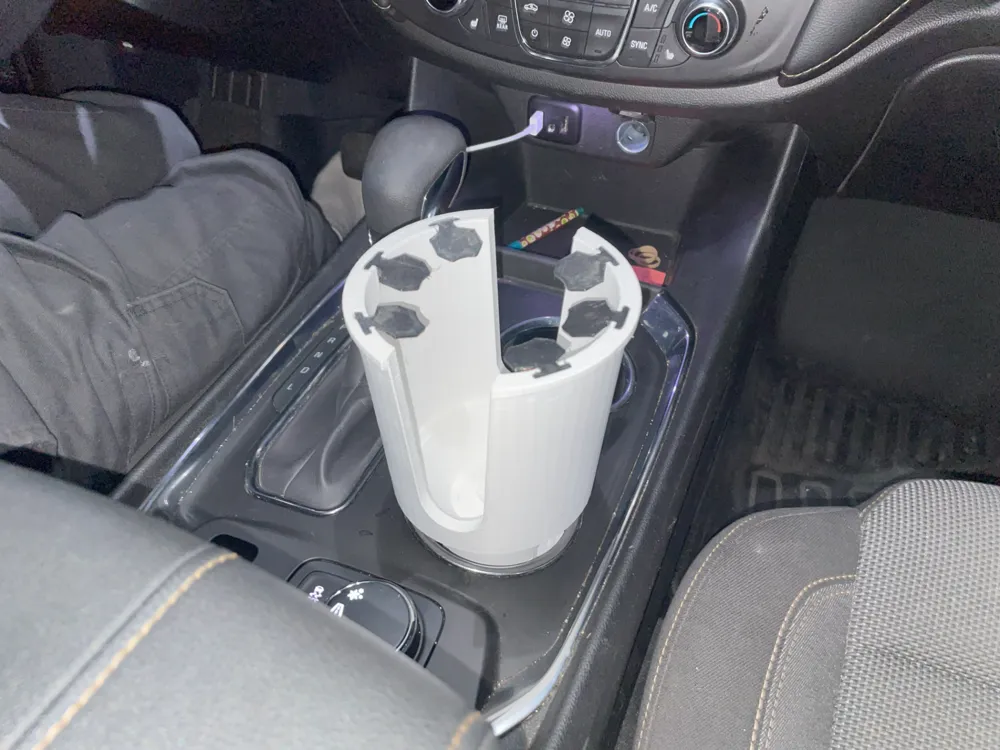
Have you ever had a cup or bottle that was just too big for the car? With this cupholder adapter, you will never have to worry about that again. Fully 3D printed and designed to be printed without supports, this adapter extends to your car cupholder's exact size, ensuring a secure fit.
Leave a comment if you run into any issues while printing, and I will respond as soon as possible.
Thank you so much to all those who have printed and given feedback on this model. It means so much to me that even one person was interested enough in my work to make it for themselves. I appreciate all of you.
Feel free to create adaptations of this model, however, please credit me if you post it to any 3D model websites.
Assembly Instructions:
- Place CupHolderBase with the solid side facing down and the side with a screw hole facing up.
- Insert the 3 CupHolderExpanderPart's into the slots in CupHolderBase.
- Place CupHolderExpandingMechanism on top of the assembly with the spiral side facing down and interlocking with the grooves on the 3 CupHolderExpanderParts. Secure the assembly with CupHolderScrew (The longer one). Do not tighten fully yet.
- Insert assembly into the desired cup holder in your vehicle, and twist the CupHolderExpandingMechanism clockwise until the base is secure. Tighten CupHolderScrew to lock in the assembly, but be careful not to overtighten and snap the screw.
- Insert the 3 Connector pieces into the square holes on the CupHolderExpandingMechanism.
- Insert 6 TPUFlaps into CupHolderWithFlaps, and attach it to the assembly by aligning the square holes with the Connector pieces, and locking it it place with CupHolderScrew2 (The short one) through the hole in the bottom.
- Enjoy!
License

This user content is licensed under a
Creative Commons Attribution-Noncommercial-Share Alike


Comment & Rating (25)