
FRITZ!Box 6590 / 6591 / 6690 Wall Mount (1-piece)
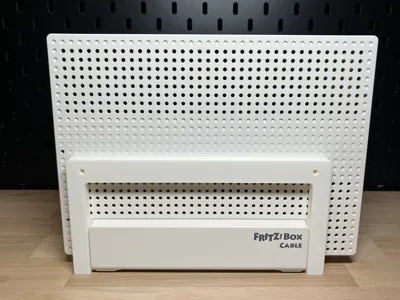
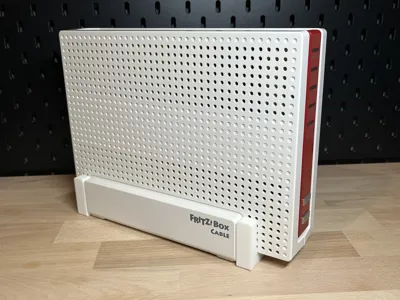
Print Profile(1)

Description
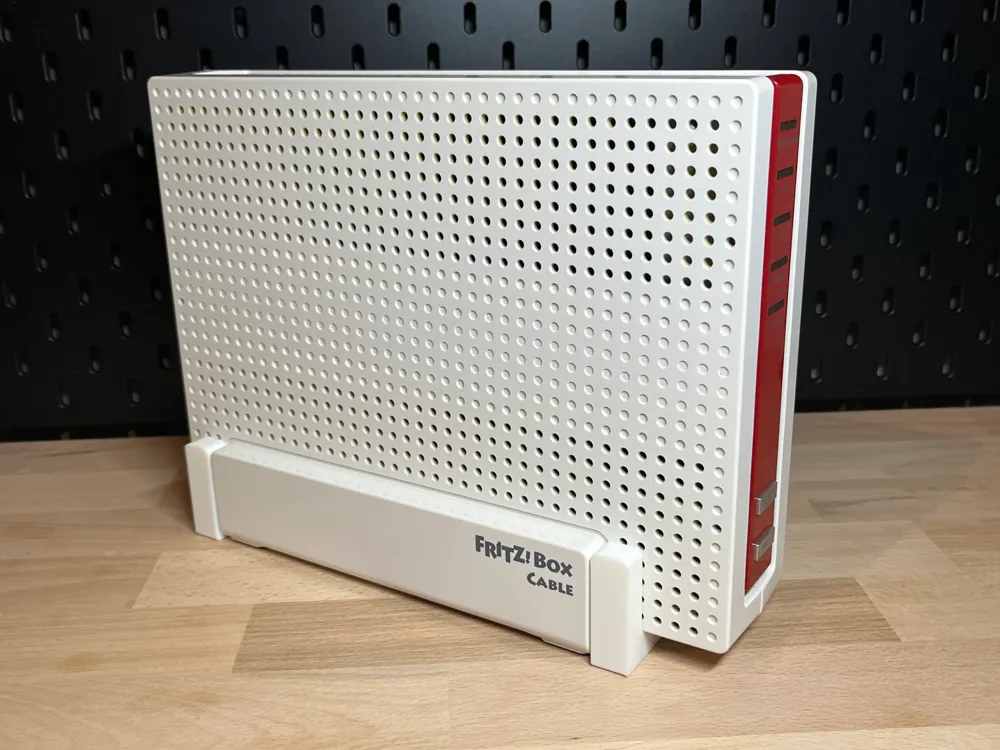
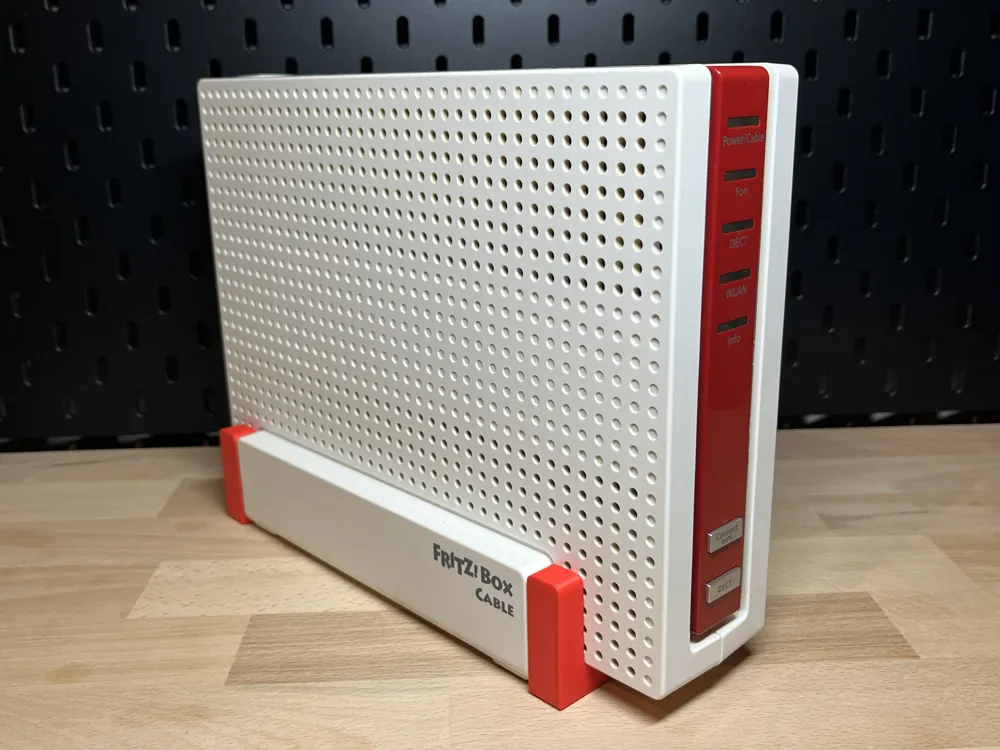
AVM FRITZ! Box 6590 / 6591 / 6690 – Wall Mount (1-piece)
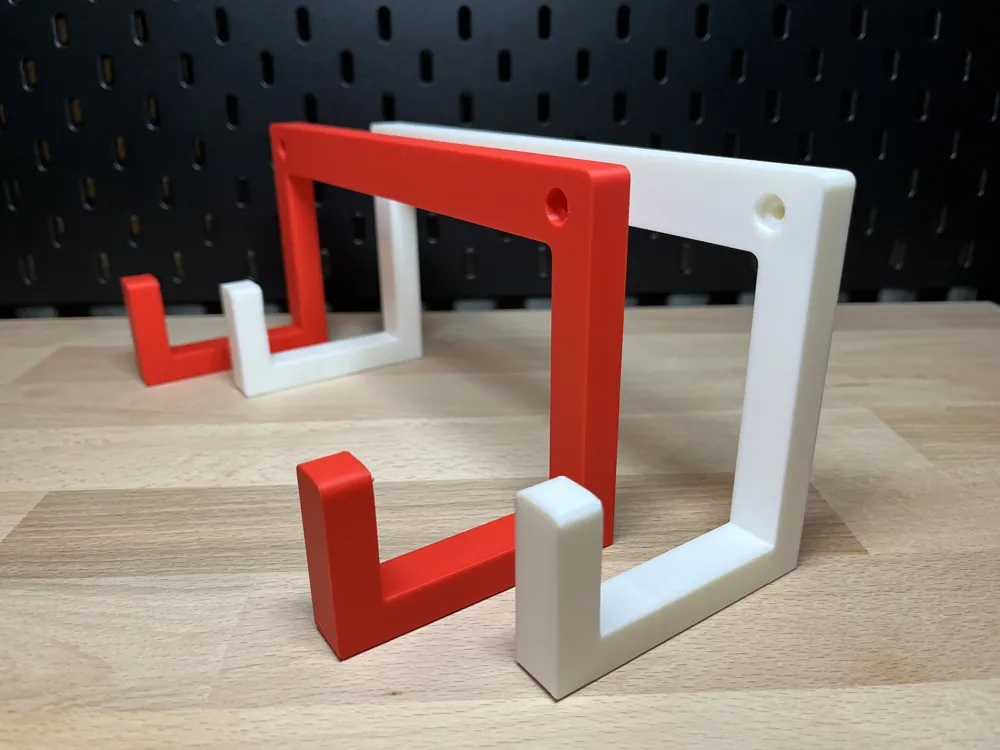
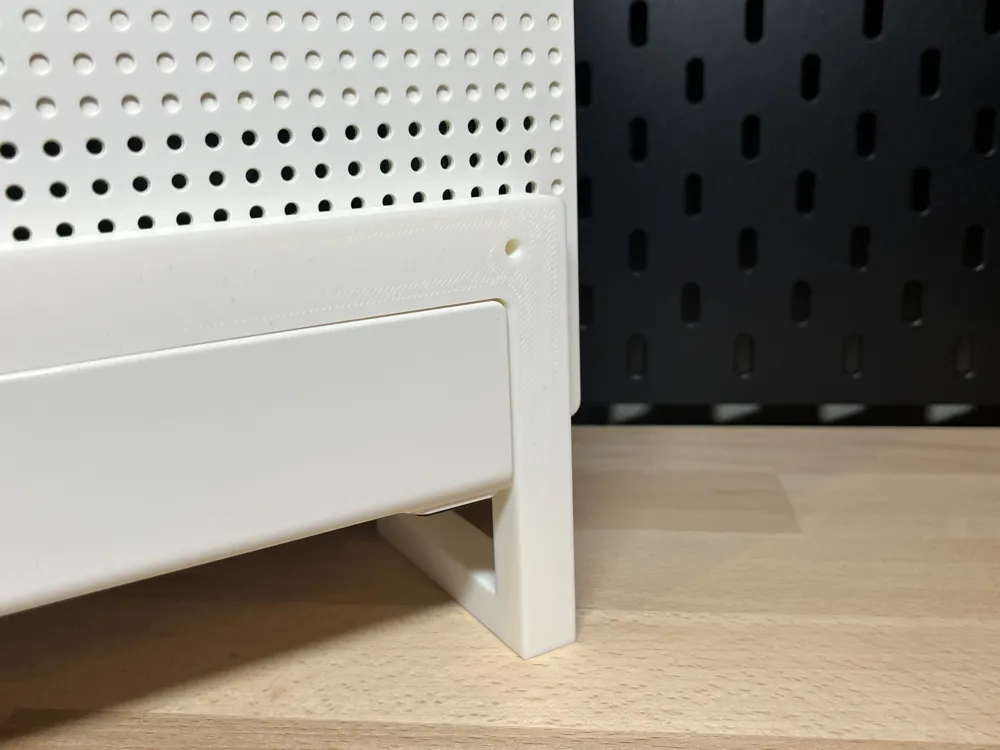
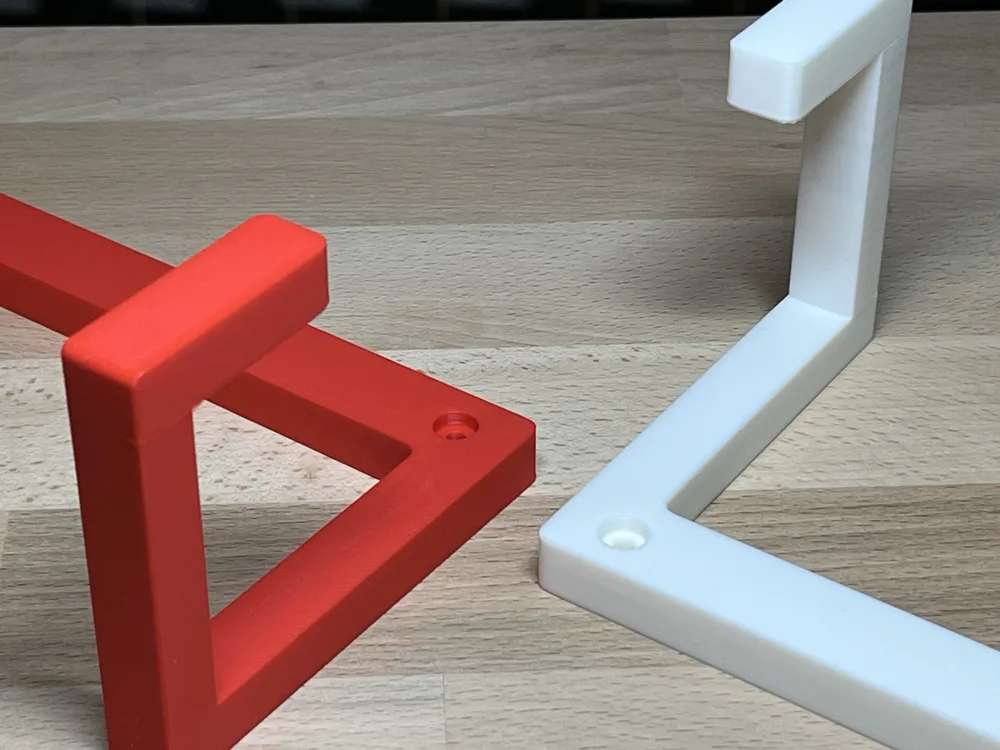
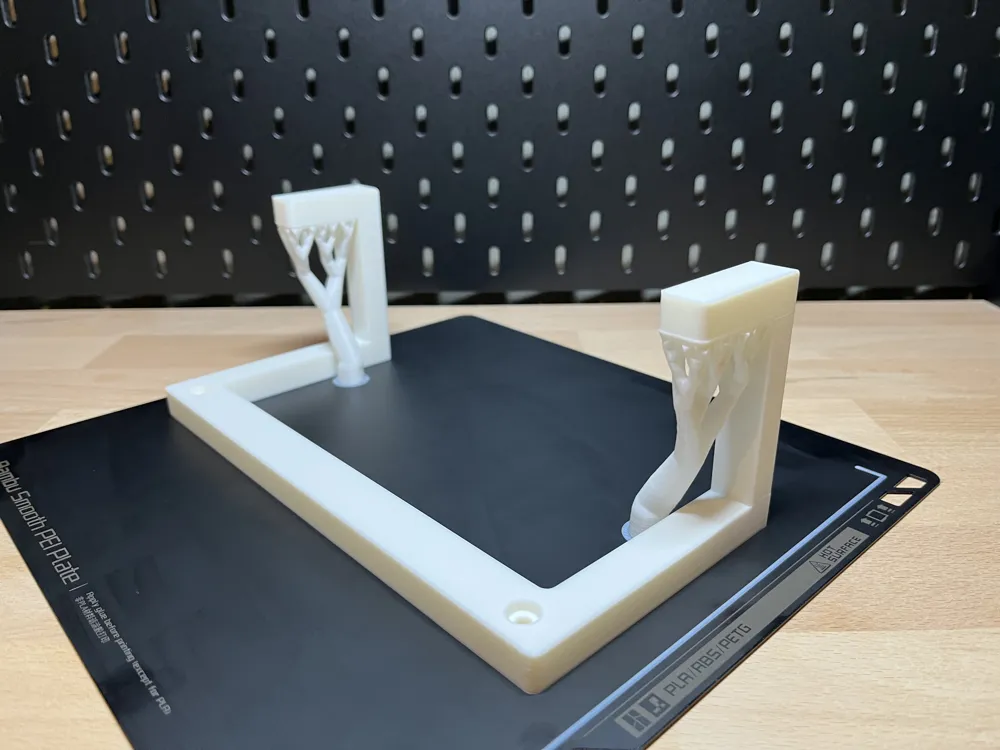
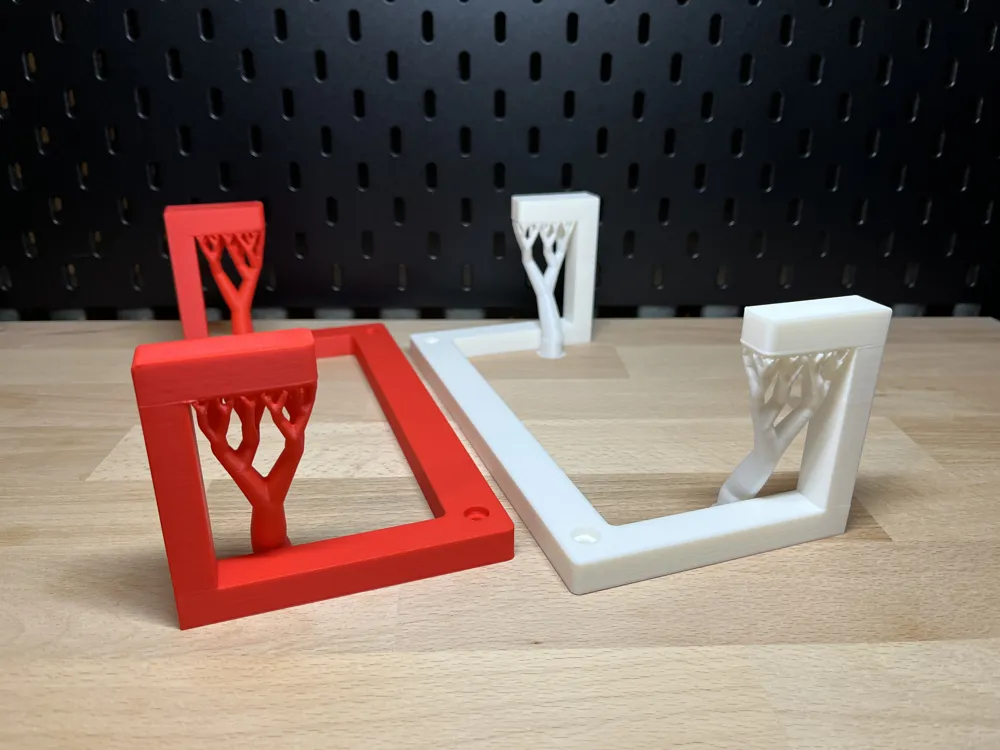
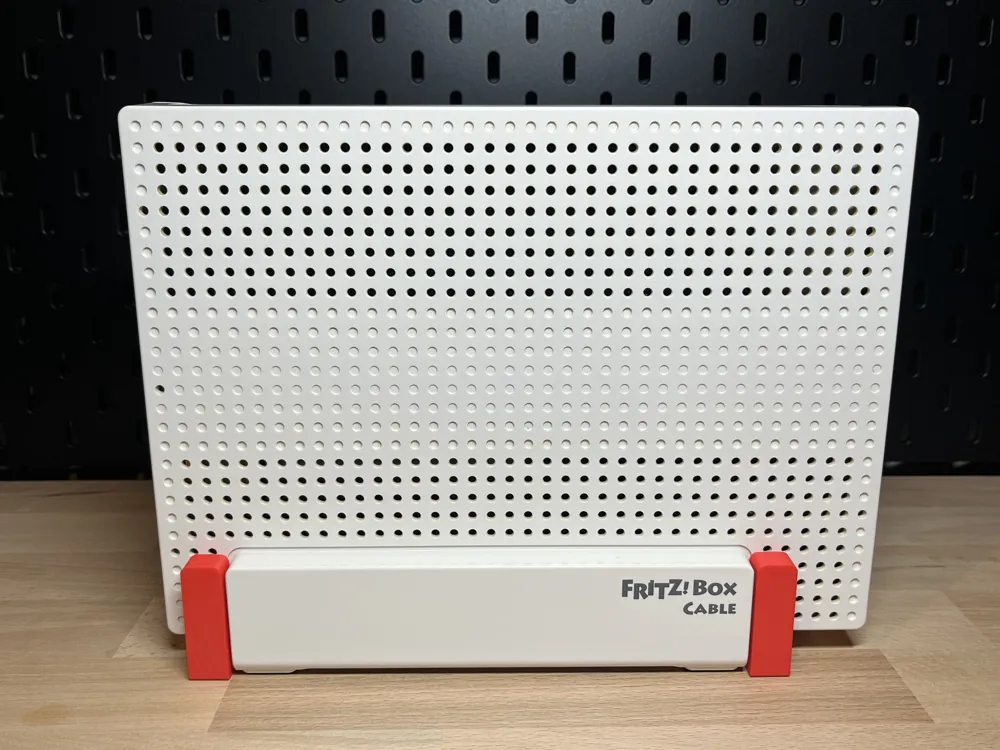
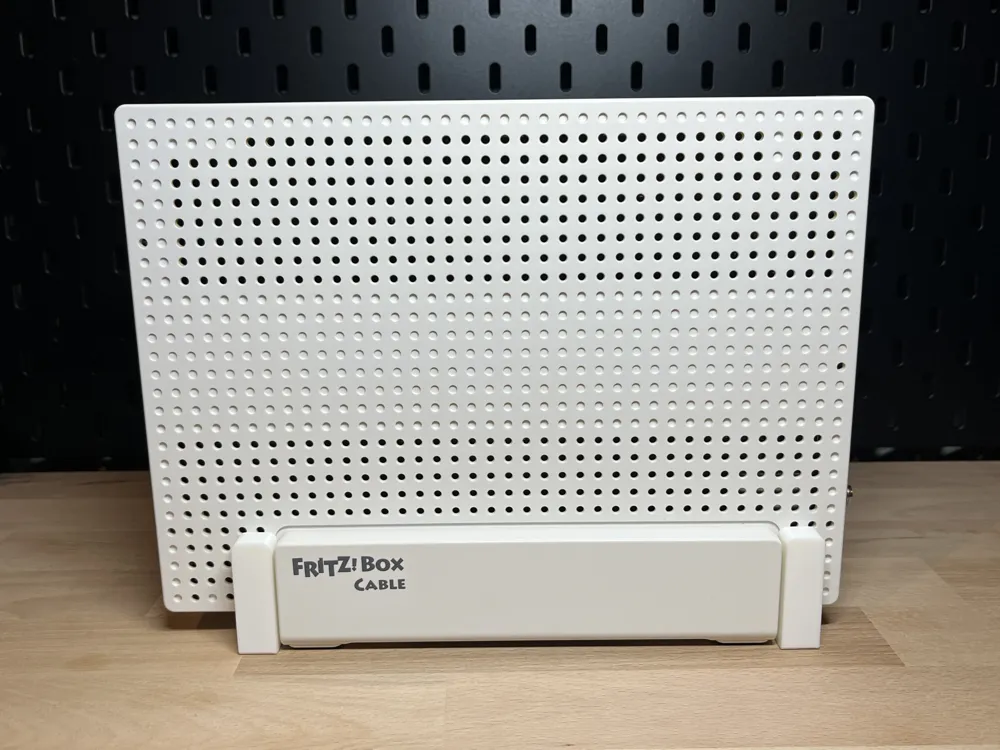
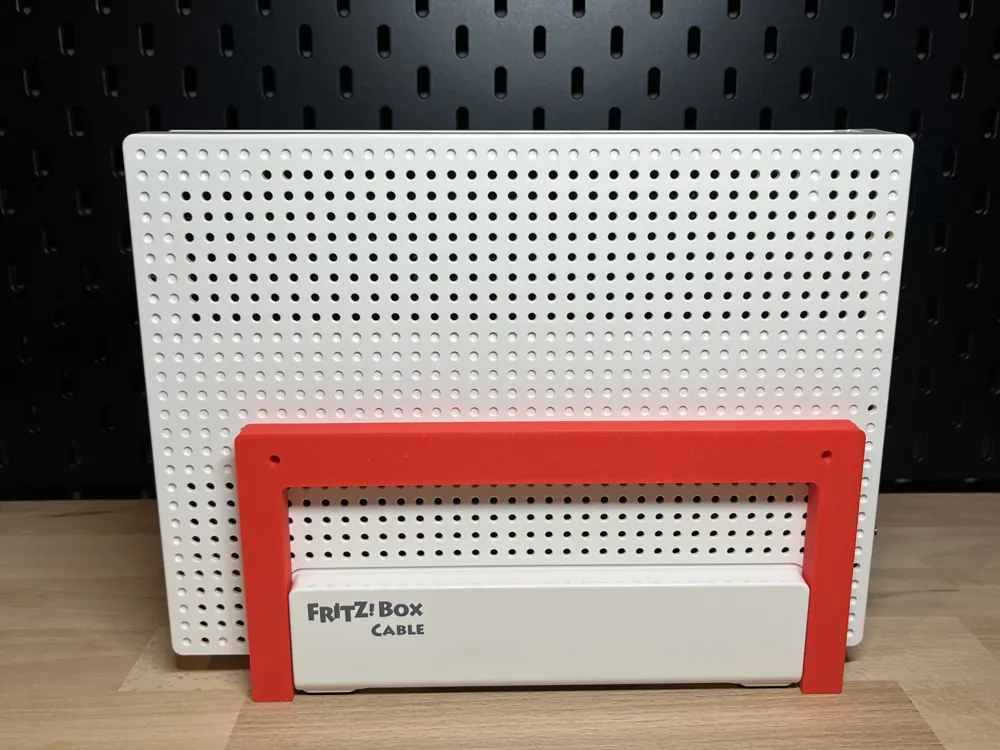
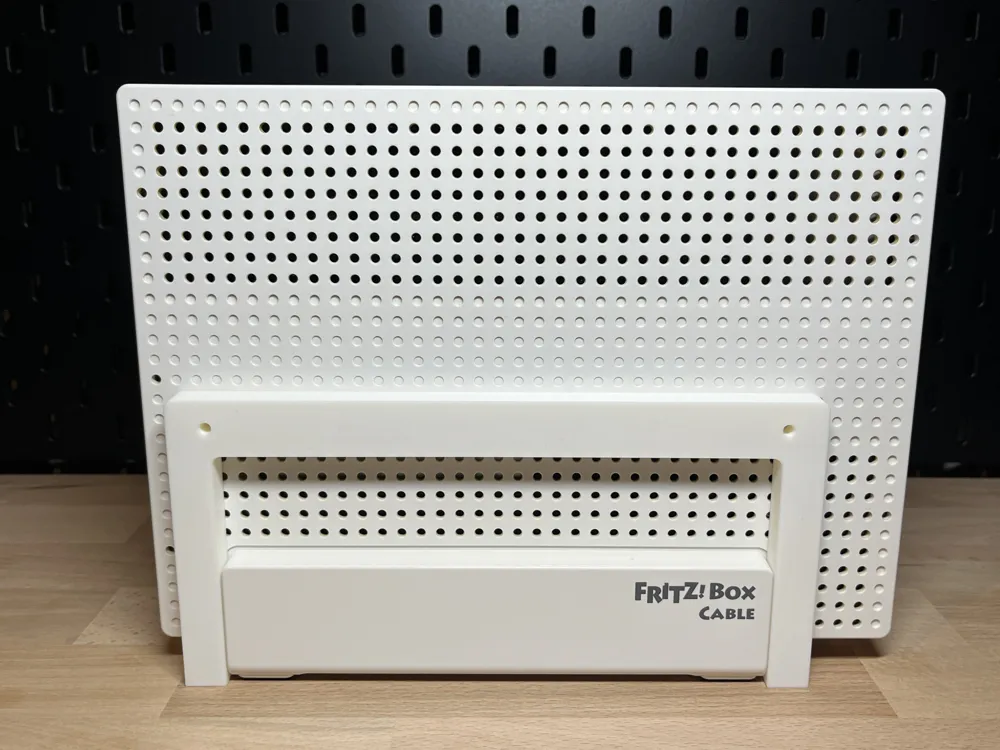
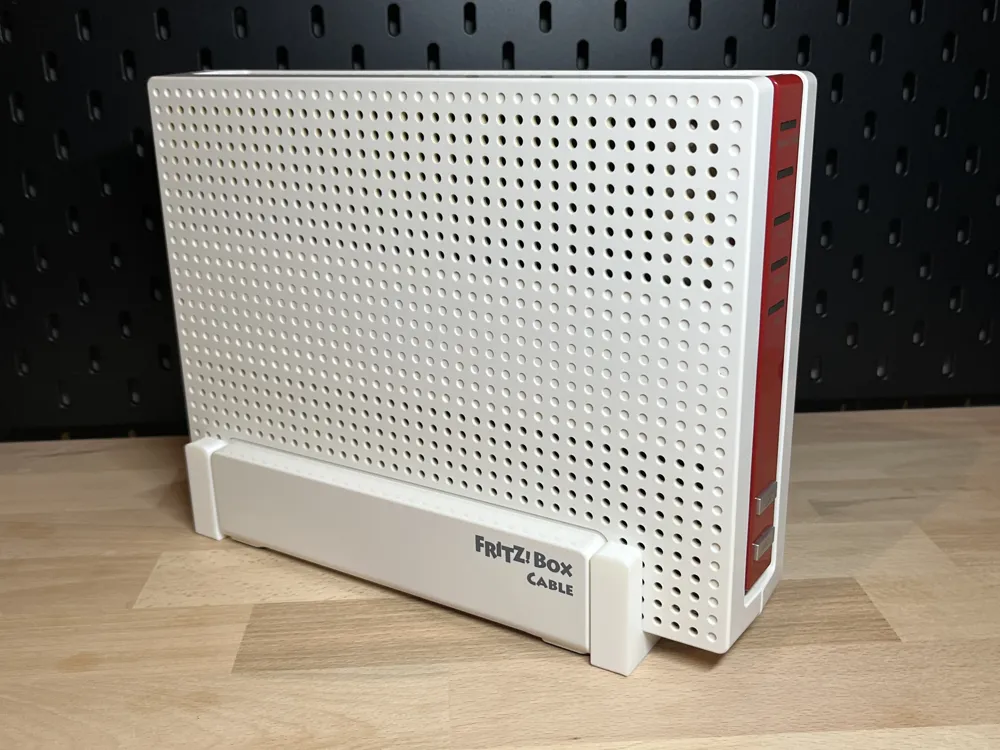
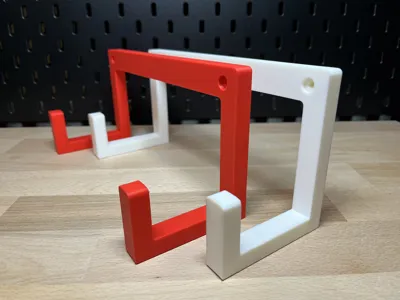
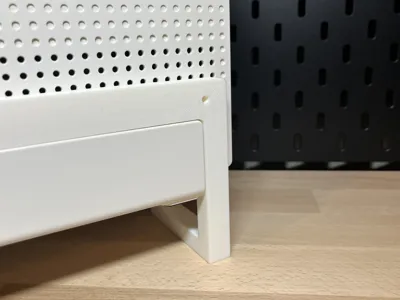
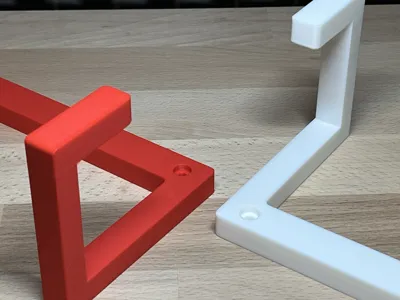
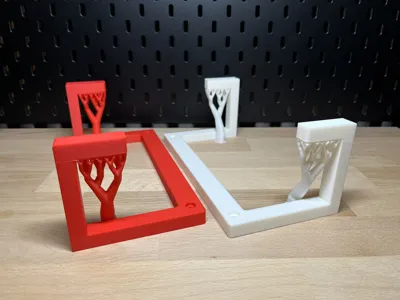
I designed this wall mount as a solid 1-piece solution – no assembly, no two separate left/right holders, but a holder 'from a single piece'. Originally developed for the FRITZ!Box 6591, it also fits the AVM FRITZ!Box 6590 and 6690
The background was very pragmatic: There were already holes in the wall from a previous mount – and I wanted to continue using them instead of drilling new ones. So: new box, new mount, but old holes remain. 😄
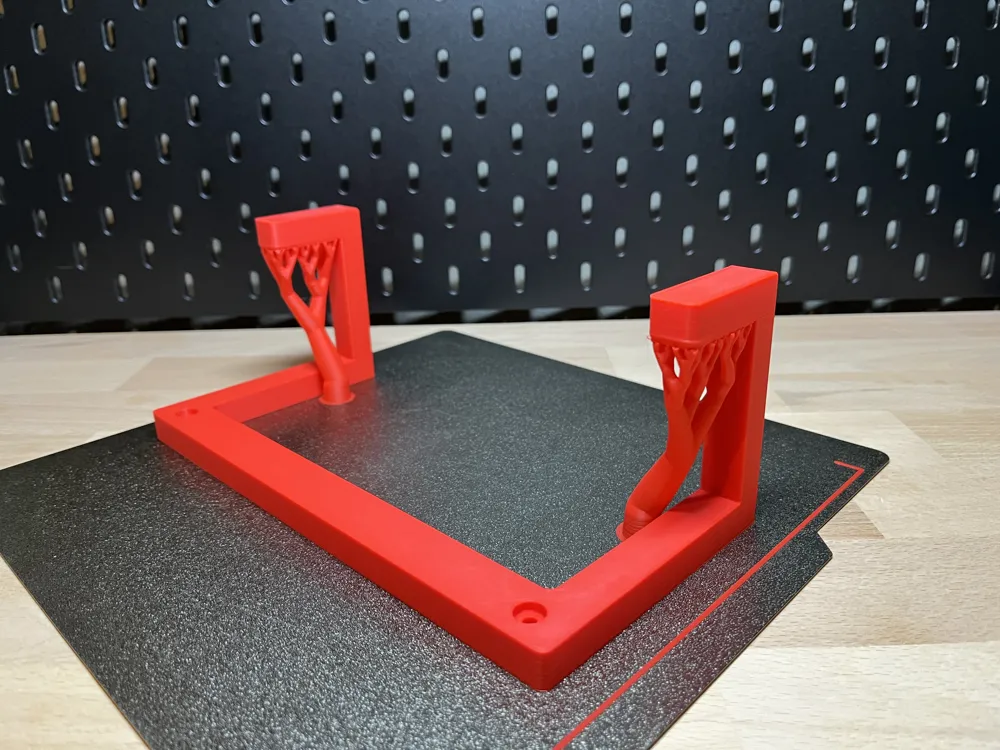
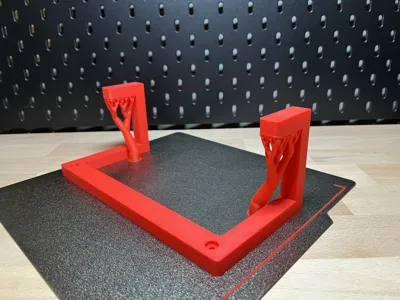
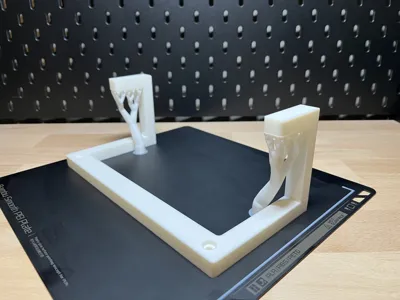
Due to the 1-piece design, the front supports/brackets require some support during printing. However, this is not critical because the contact surfaces are on the inside and are not visible after assembly
Mounting / Insertion Mechanism
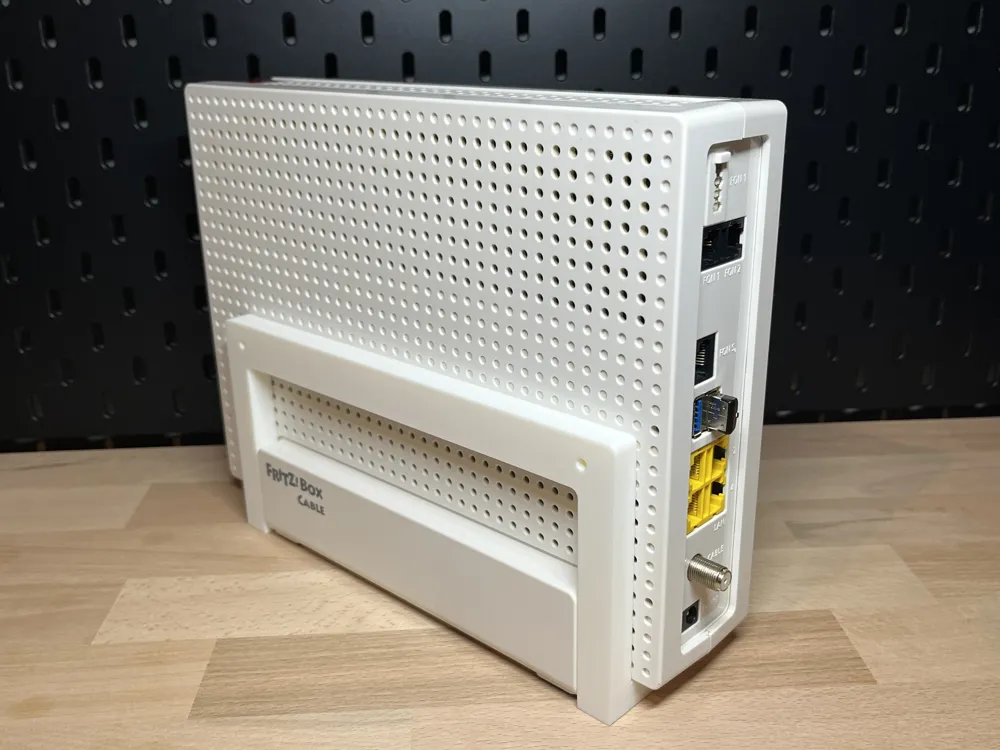
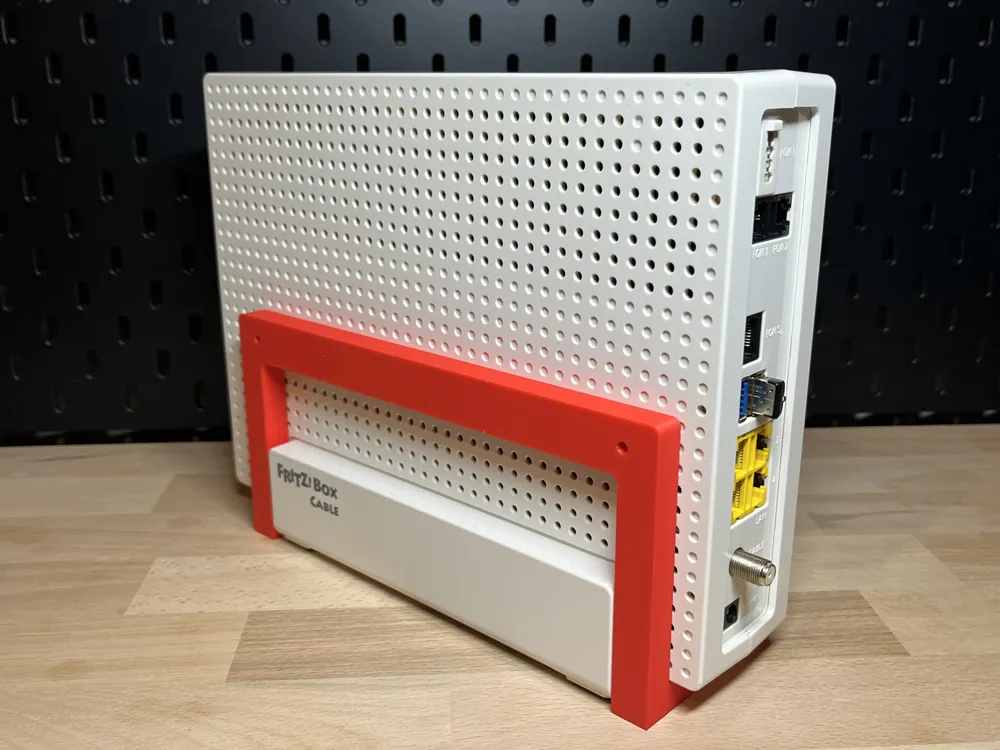
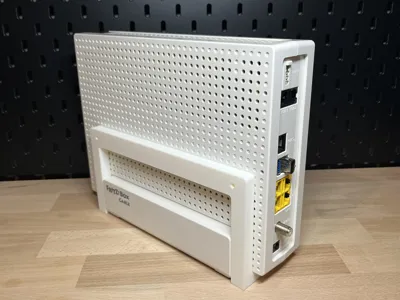
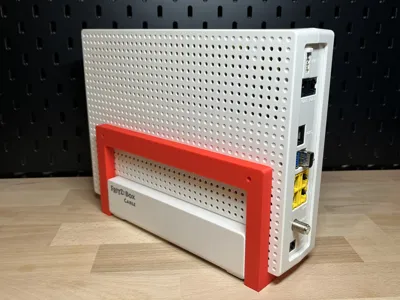
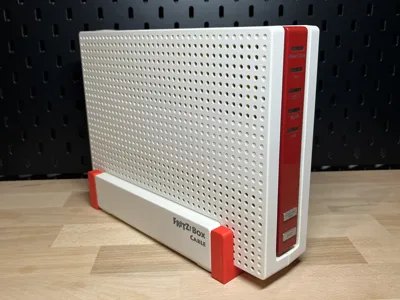
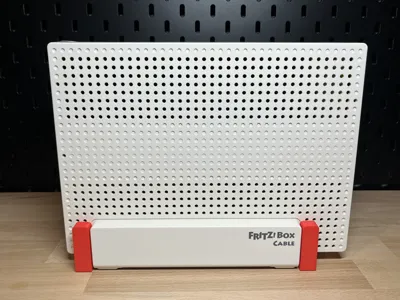
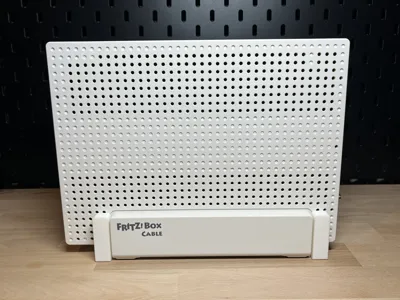
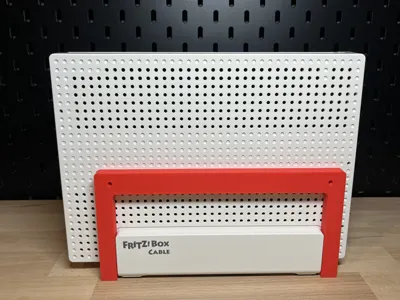
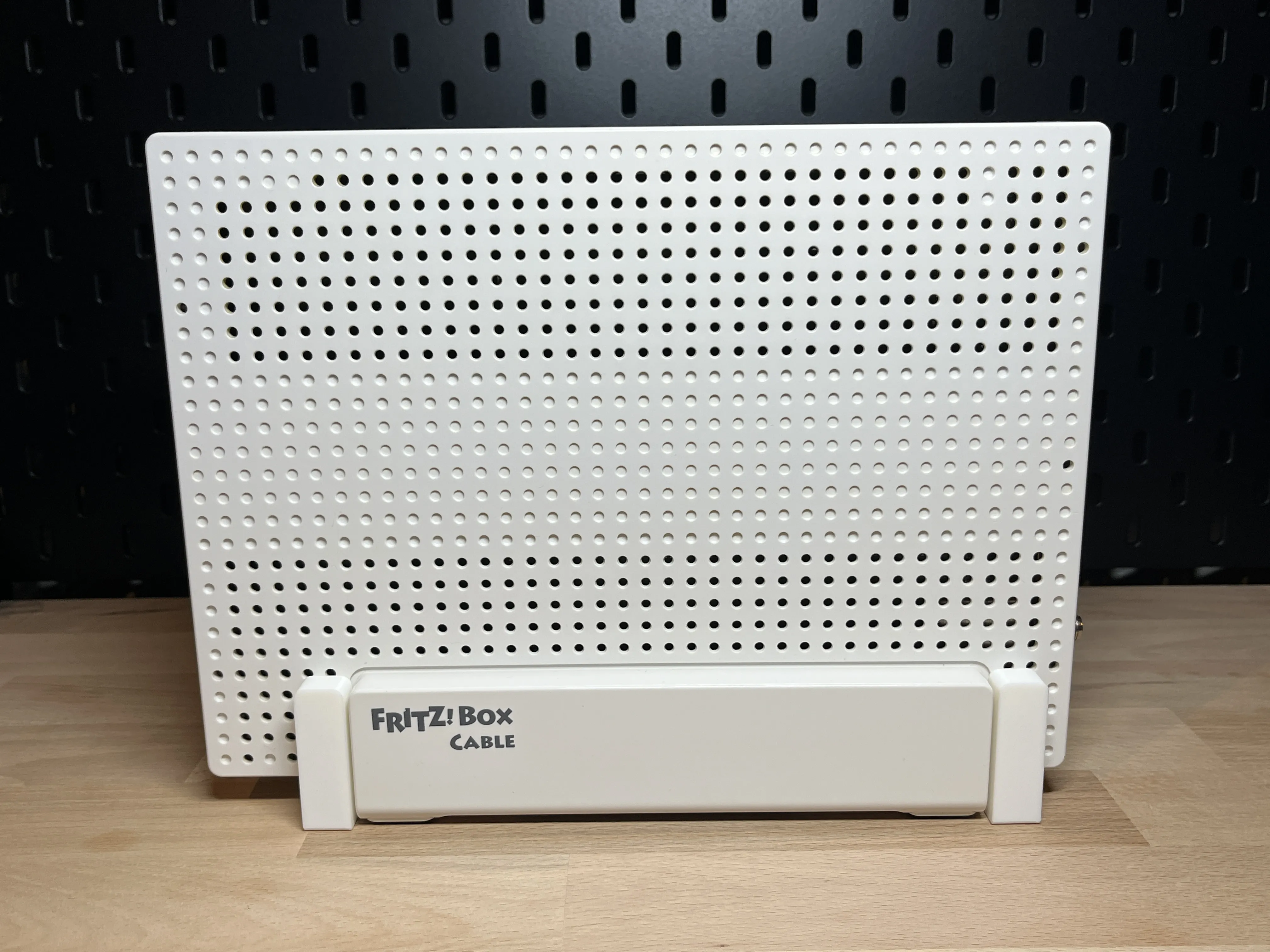
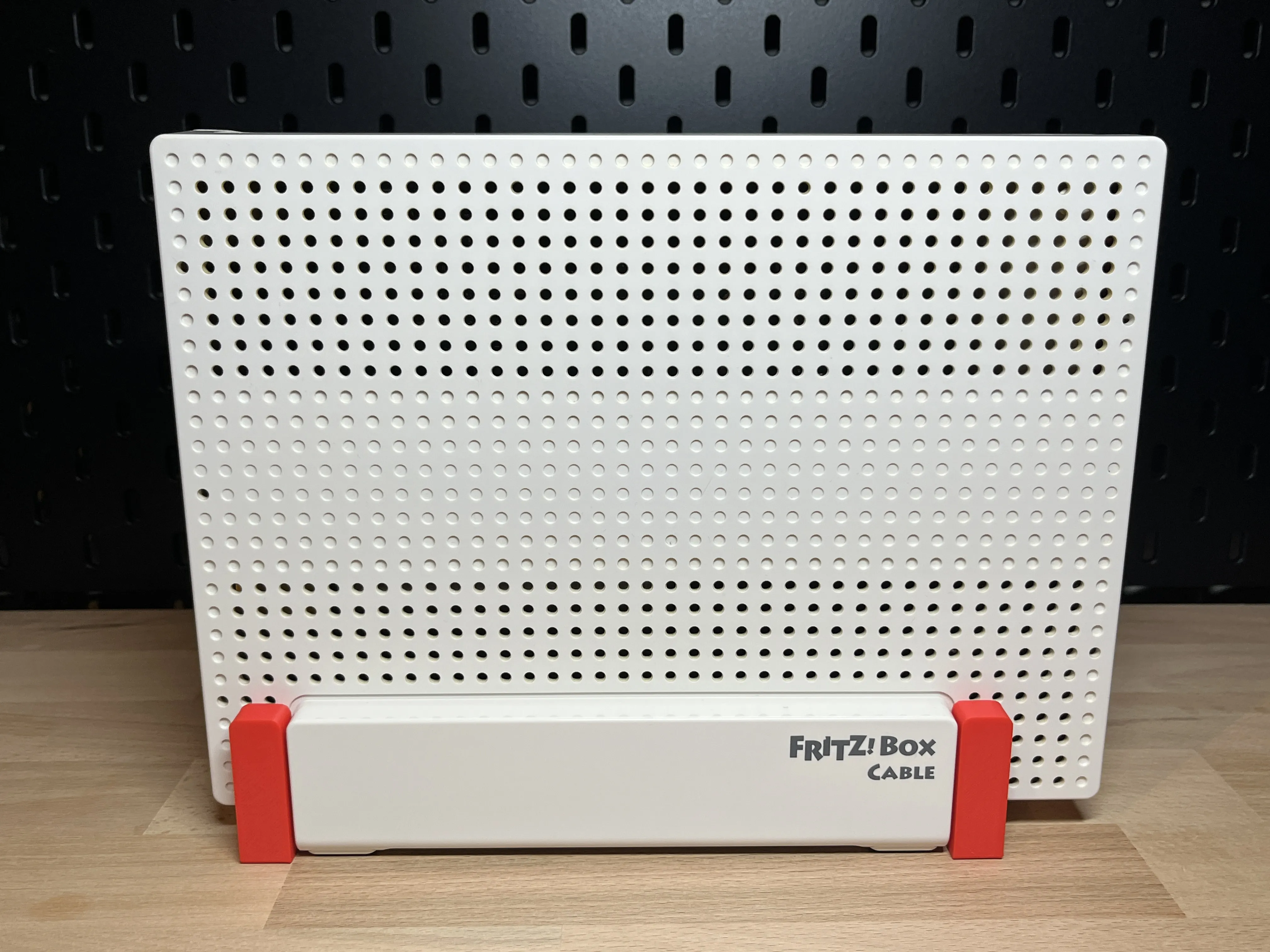
I mounted the holder with 2× 4×35 mm universal screws (pan head), which are flush with the wall mount. For me, 6 mm holes with anchors were already present. After mounting, place the FRITZBox on the front supports, slowly slide it horizontally towards the wall, and then let the box slide downwards into the mount – done
The box is pushed in and then 'locked' downwards (form-fitting via the geometry). This prevents it from sliding out forwards when mounted – to remove it, the reverse method is needed: lift → pull out
 |  |
Note on 'Ironing'
The front of the supports will be particularly clean at the end if you activate Ironing. If you don't need it: simply deactivate it. If you do: please check the Ironing settings suitable for your filament (calibration is worthwhile)
Have fun printing and enjoy the wall mount! 😉
And if you like it: A Like, Comment, or Make helps tremendously – also others with profile selection 😁
Updates
15.02.2026: New photos added to the image series
14.02.2026: Optimization of the print profile (design remains unchanged)
14.02.2026: Adjustment/Revision of the description
20.04.2024: Publication of the print profile with the final design
Print Settings
- 0.2 mm layer height
- 3 walls
- 20% infill (Gyroid)
- Support: 2 supports on the front brackets (Tree/Organic, 40°, only on build plate)
- Optional: Ironing for the front supports (your filament should be calibrated for this)
License

You shall not share, sub-license, sell, rent, host, transfer, or distribute in any way the digital or 3D printed versions of this object, nor any other derivative work of this object in its digital or physical format (including - but not limited to - remixes of this object, and hosting on other digital platforms). The objects may not be used without permission in any way whatsoever in which you charge money, or collect fees.


Comment & Rating (54)