
Nameplate

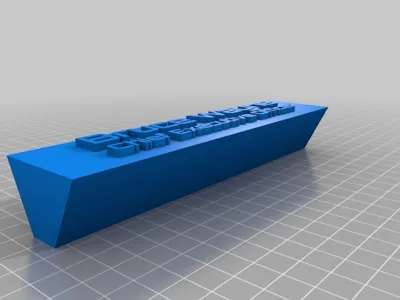
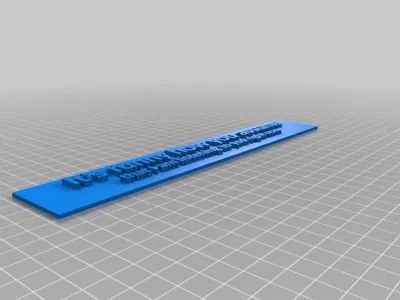
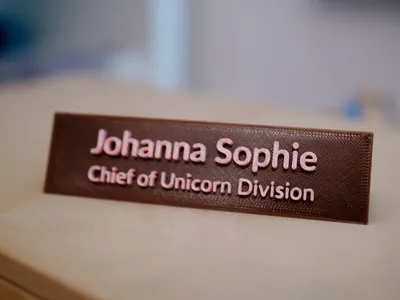
Print Profile(2)


Description
👉 Please rate the print profiles - It would help tremendously. 👈
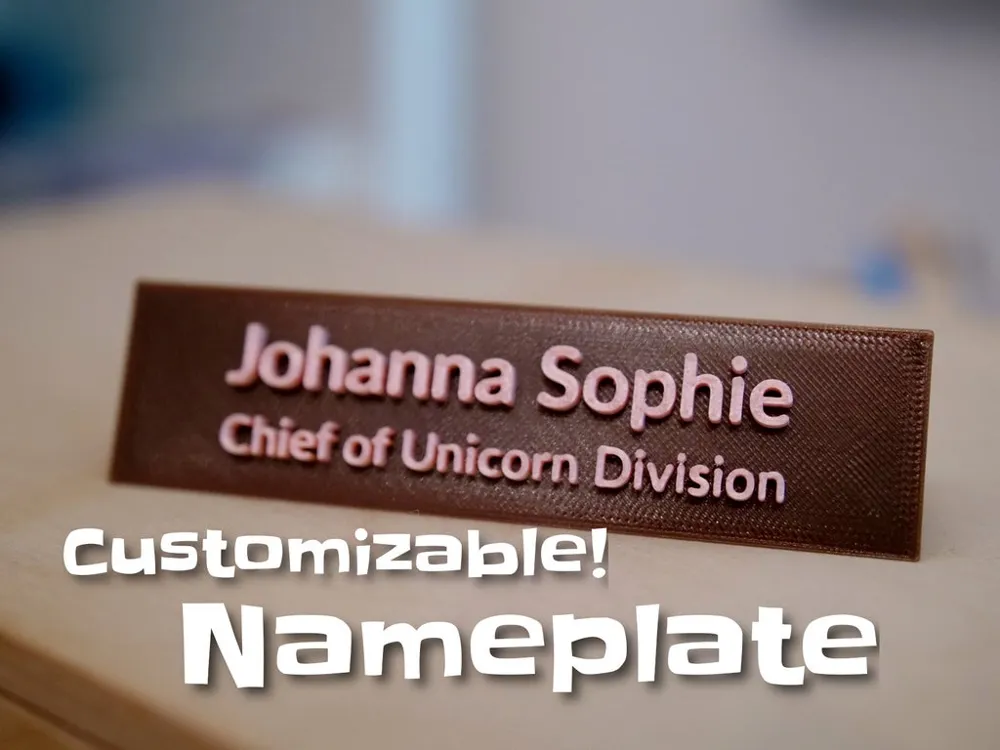
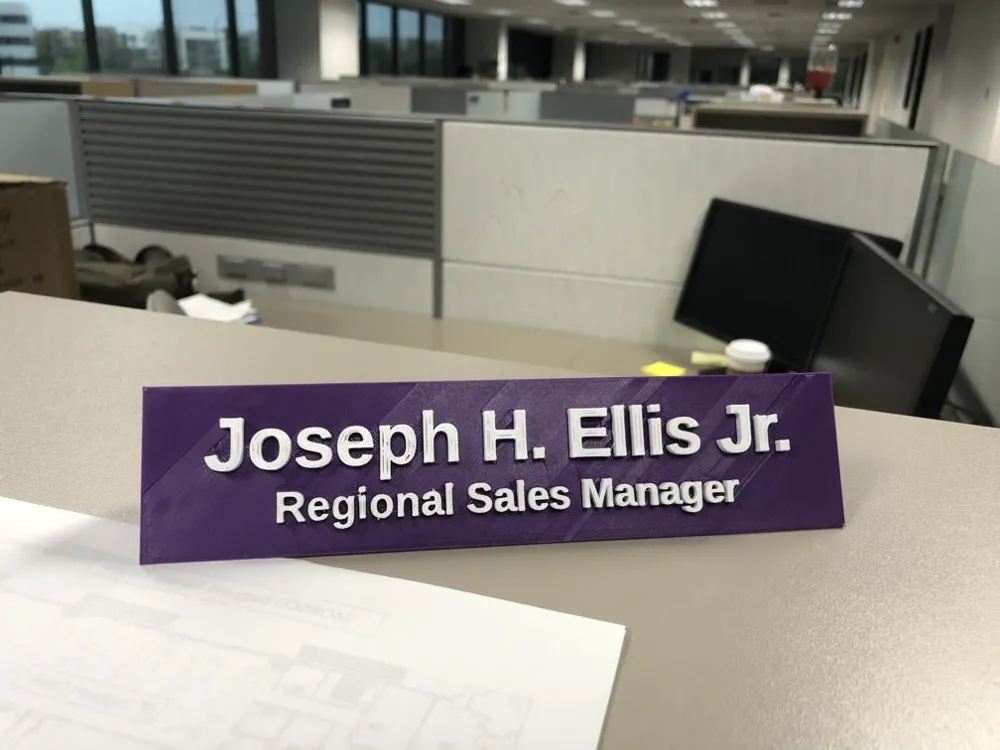
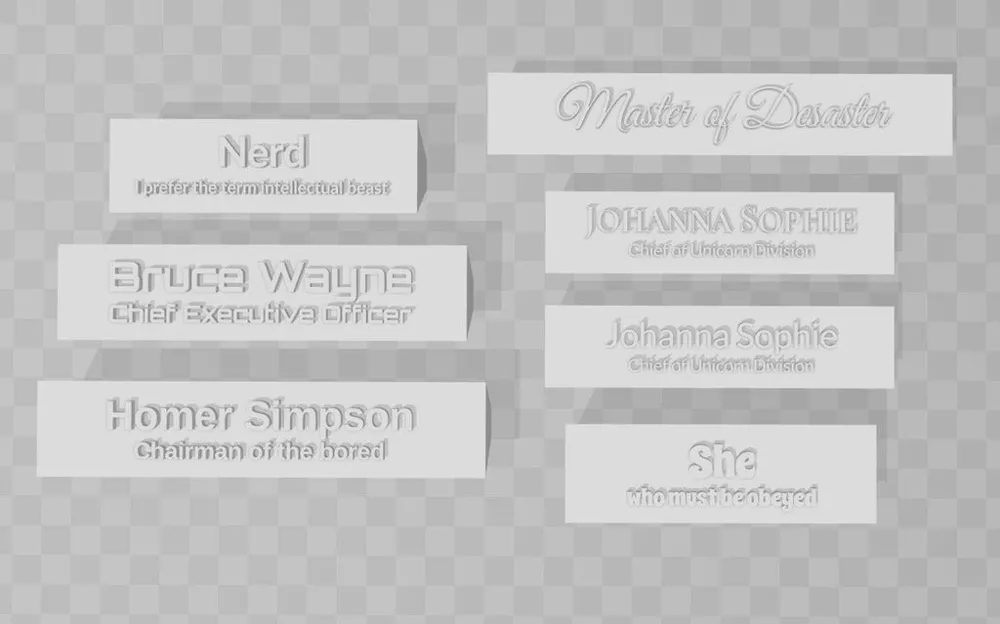
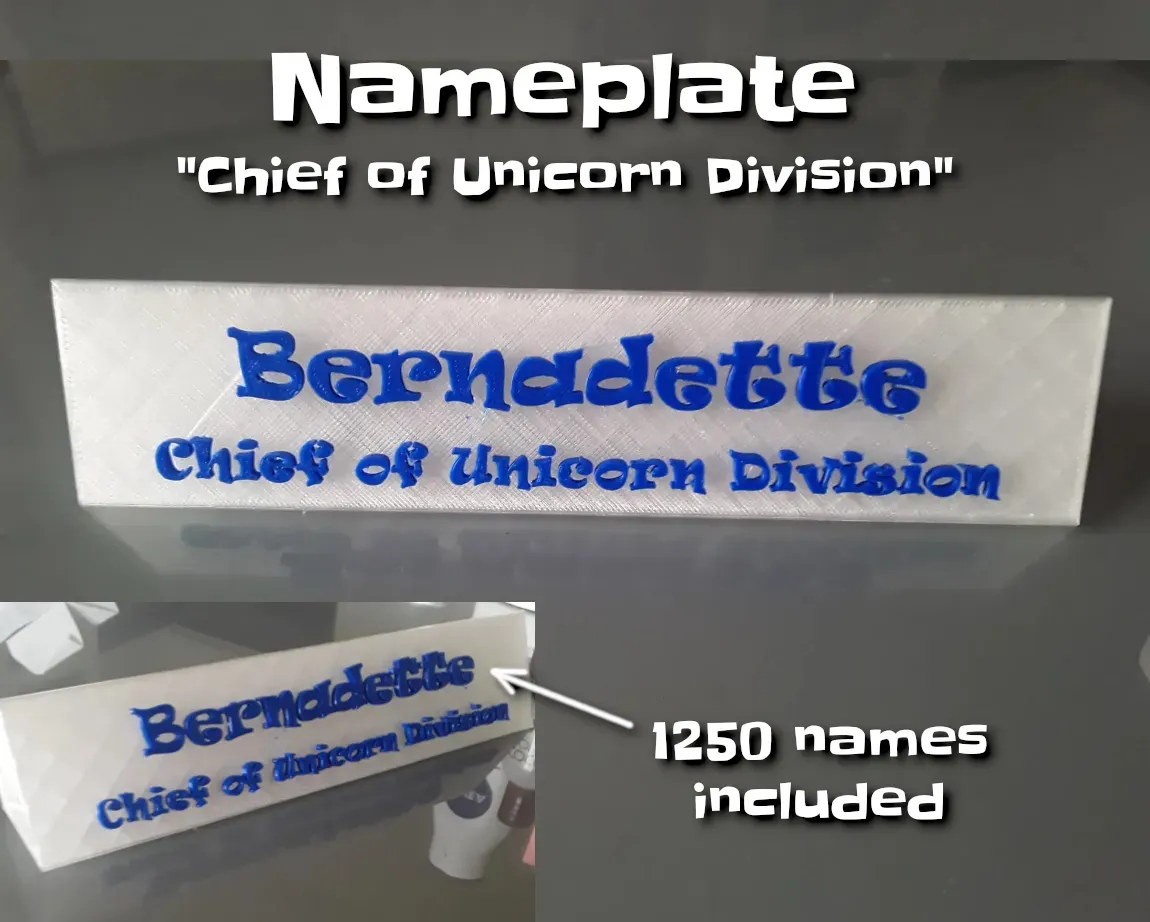
A desktop nameplate. Customize it to show your name or text!
To do that, please install OpenSCAD on your own computer and follow the short customizing instructions on this page or use these more elaborated instructions.
Or check below for ready-made versions for 1200 first names.
Note: Press “download STL” above to see all available STL/SCAD/etc files!
Print instructions
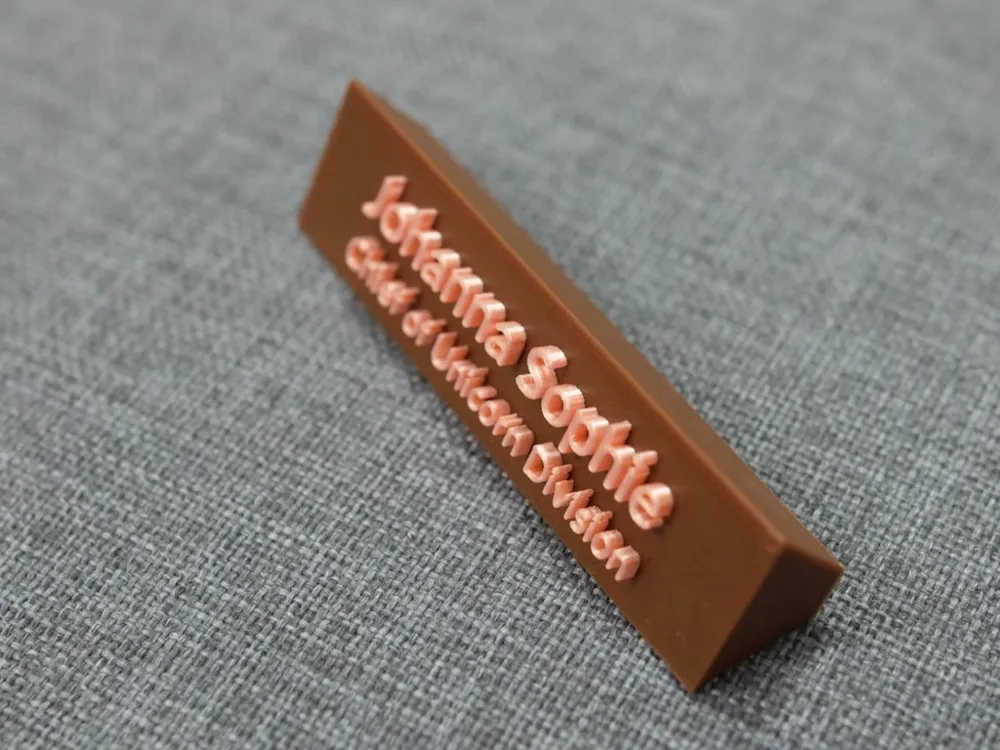
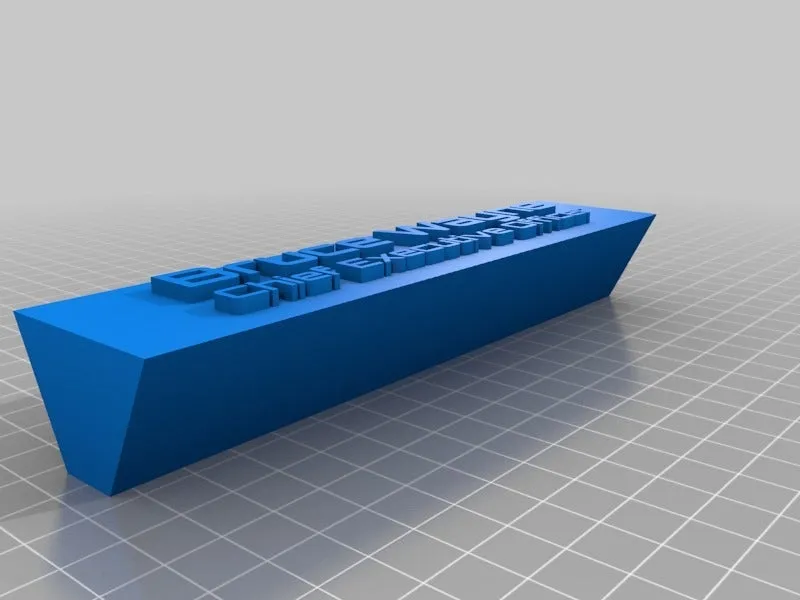
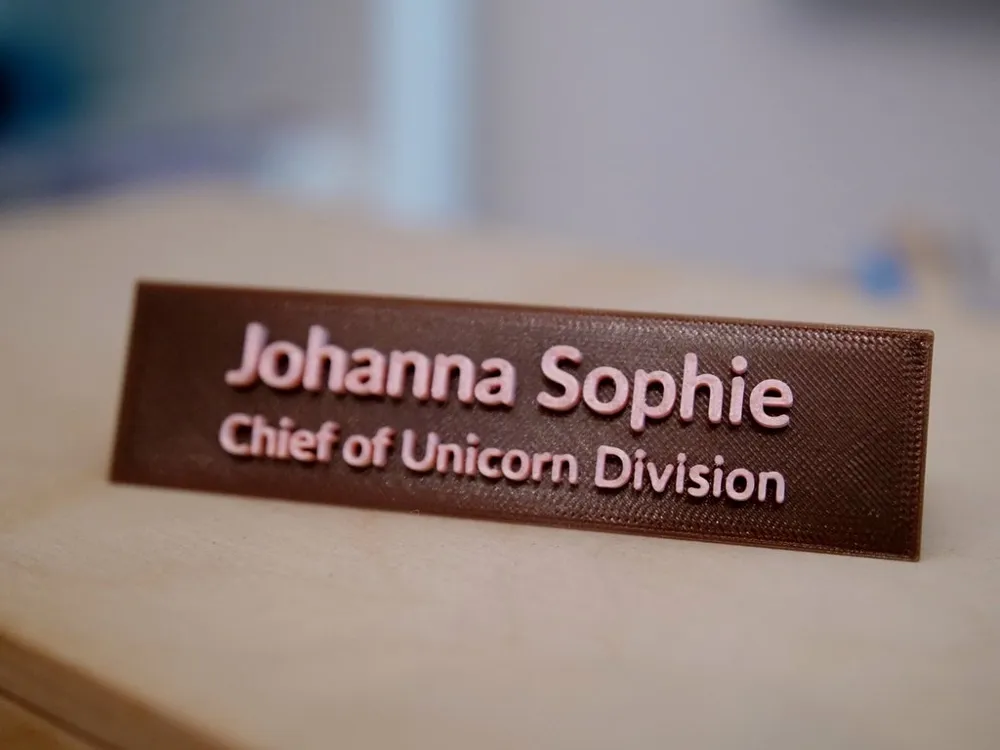
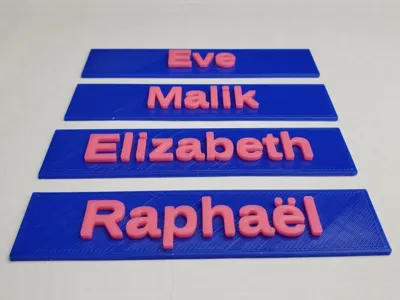
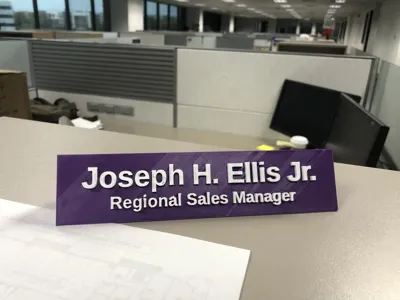
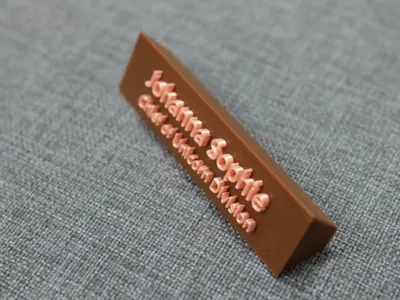
You can print it without any support, in the direction as given in the STL. This way the front will look smooth and clean. Change the filament during print to get better readability as shown in the pictures.
Ready-made nameplates
In case you don't know how to use OpenSCAD, i created:
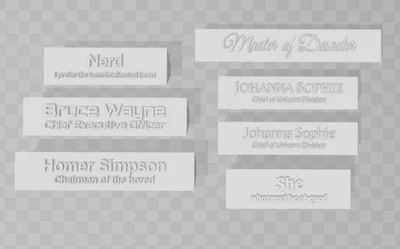
1250 names with subtitle “master of disaster”:
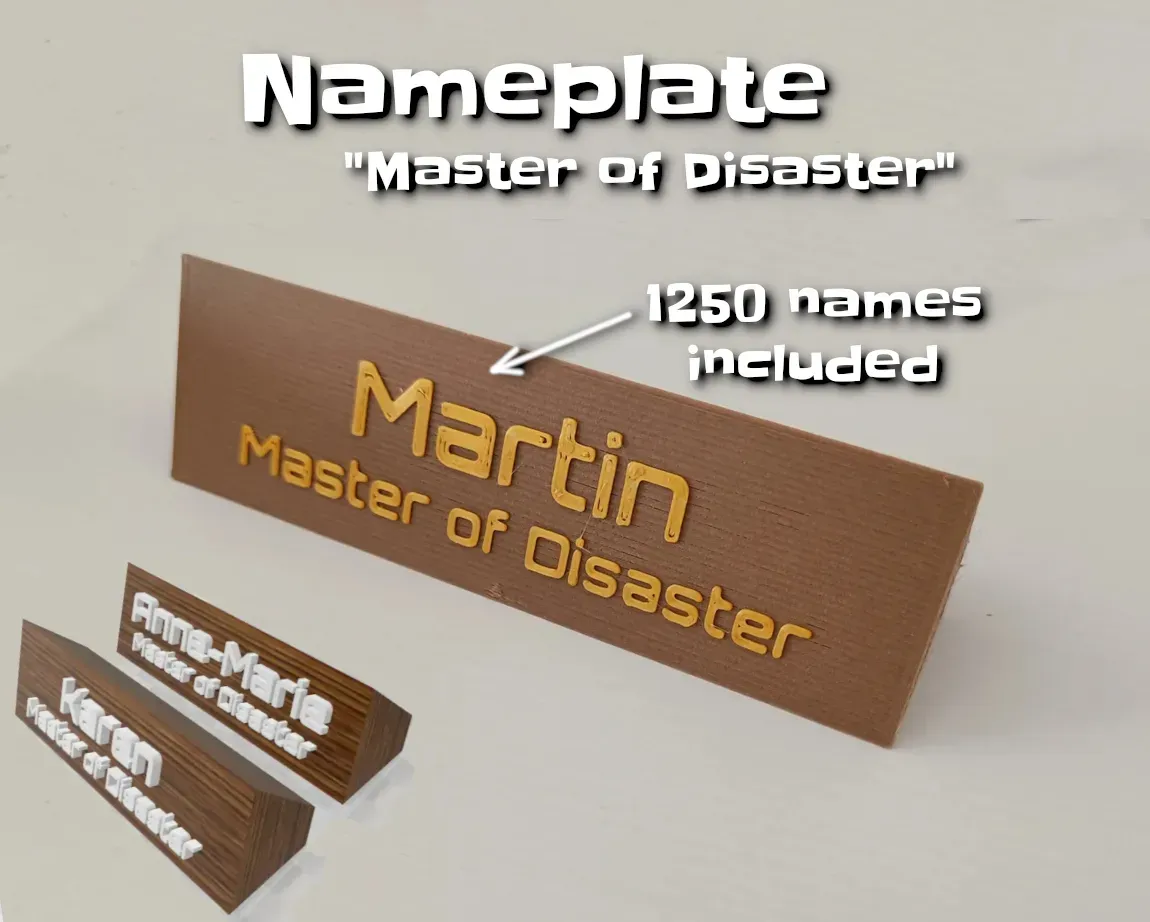
1200 first names:
And 1200 names with subtitle “Chief of Unicorn Division”:
Printing
This desktop nameplate is intended to be printed in 2 colours and thus has different "types" of parts to select from:
- If you don't have a dual extruder / MMU printer: Use the "full_nameplate" type. And use the "Pause @ZPos" or similar feature to change the filament during printing.
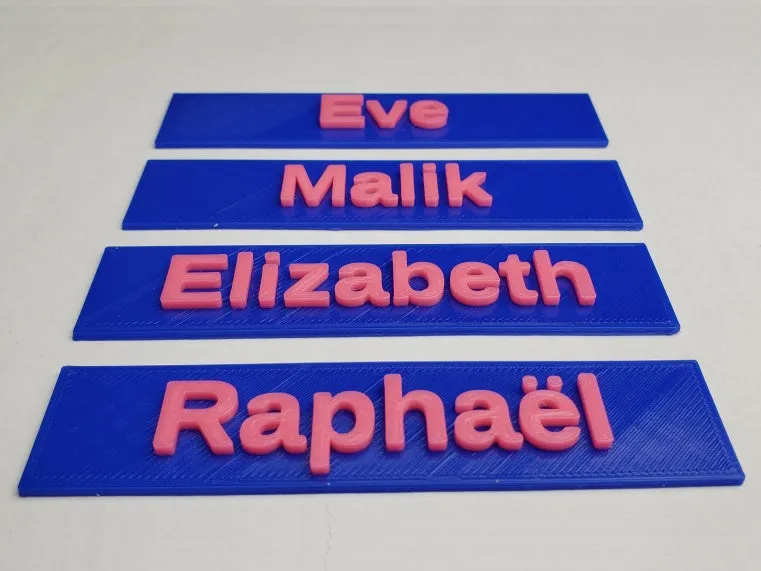
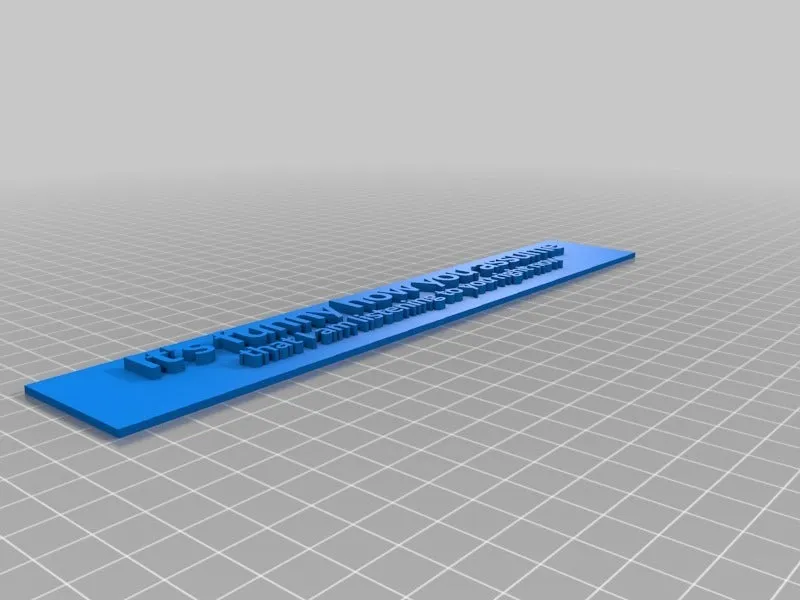
- You can also create "A flat name tag", which is just a plate which you can stick on things directly. This was an idea/request from oxgon.
- If you have a dual extruder printer: Generate and use the 2 parts "dual_extrusion_base_part" and "dual_extrusion_base_part".
Customization with OpenSCAD
You can customize:
- 2 lines of text. Just leave one empty if you need only one.
- You can set "Bold", "Italic", etc, for each line. It must be supported by the text you selected though. (e.g. Bangers does not support it)
- The font. Nice is e.g.: "Orbitron", "Bangers" or "Luckiest Guy".
- Each lines font size individually.
- The distance between the lines
Credits
Big thanks go out to RLazure for the original design, which i remixed. I updated it to the new font library, to contain 2 lines and to make the nameplate grow and shrink according to your font size selections.
Thanks go out to hetile that i can use the photos of the flat nameplates "Eve", "Malik",etc! Thanks go out to Jradford11 that i can use the photo of his "Regional sales manager" nameplate!
If you could take a picture of an actual print, please publish it via the "post a make" button. - I am curious to see your uses in the wild.
If you like it, please have a look at all my customizable creations. There are configurable-text-based creations, multi-line label, gadget display stand, sweeping name plate, bunting banner, customizable text box III, pyramid text, name plate, Customizable text box with lid and round text. Have also a look at my configurable pack of dogs, rabbits, reindeers and santas. There are also useful coat hangers and finger toys.
Or just check out all my creations.
Have fun!
License



Comment & Rating (23)