


Print Profile(3)


Description
Boost Me (for free)
If you like my designs, feel free to hit the free Boost button 🚀 Your support helps me create more unique printable models!
Have you ever lost your belongings, like a bag, keychain, wallet or suitcase?
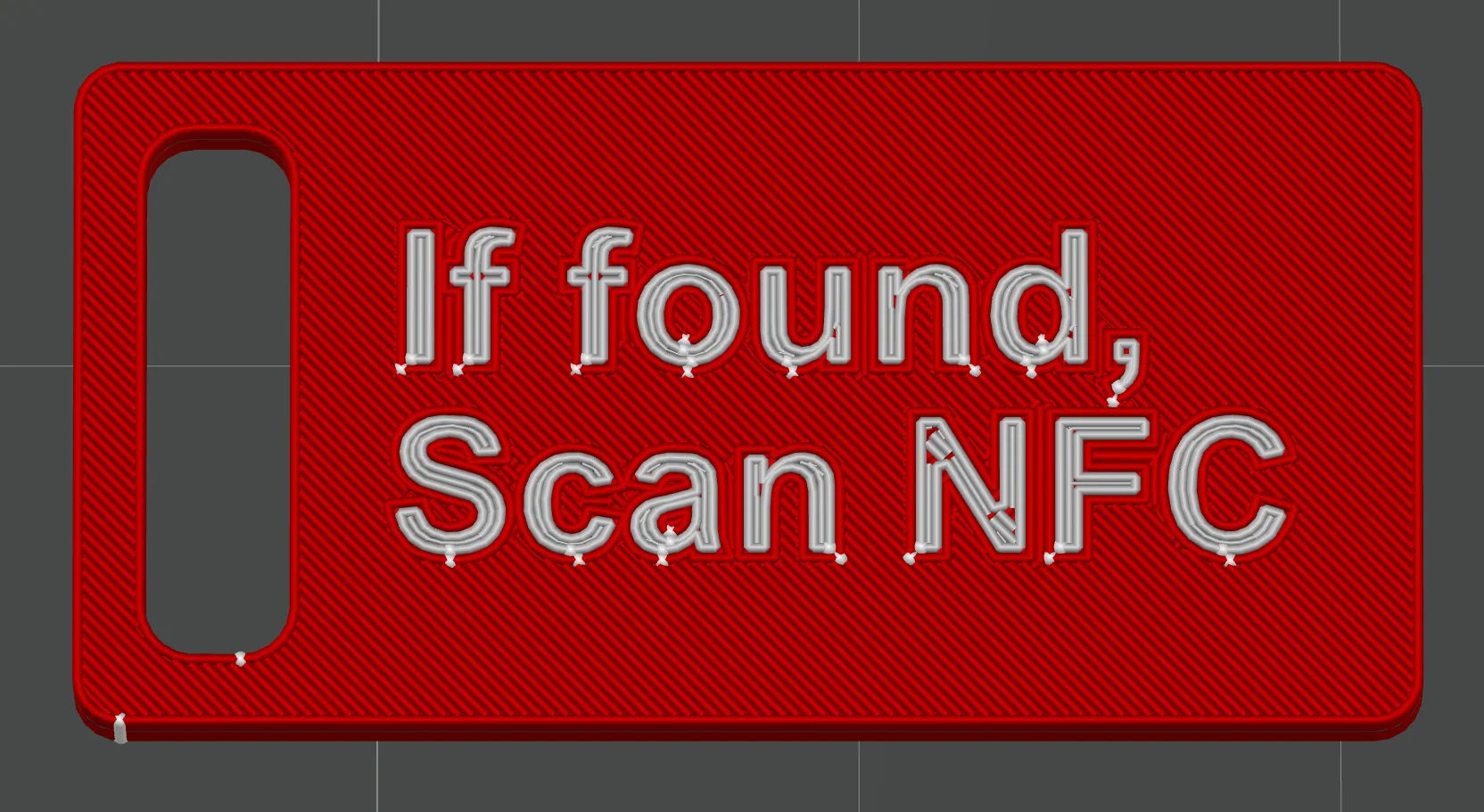
This inexpensive NFC-Tag equipped keychain might be the solution!
It is meant to be attached to your luggage or anything else that would fit a keychain (on a zipper, key, bag, etc.). You can include the data you want (please check the capacity of your Tag), as it is stored on a NFC Tag.
The tags used are sized 20 by 10 mm. Please insert it, when the print pauses. This is already included in the G-Code.
It takes place at a height of 1.20 mm / Layer 12 (for the default profiles / 0.2mm nozzle/0.10 mm layer height)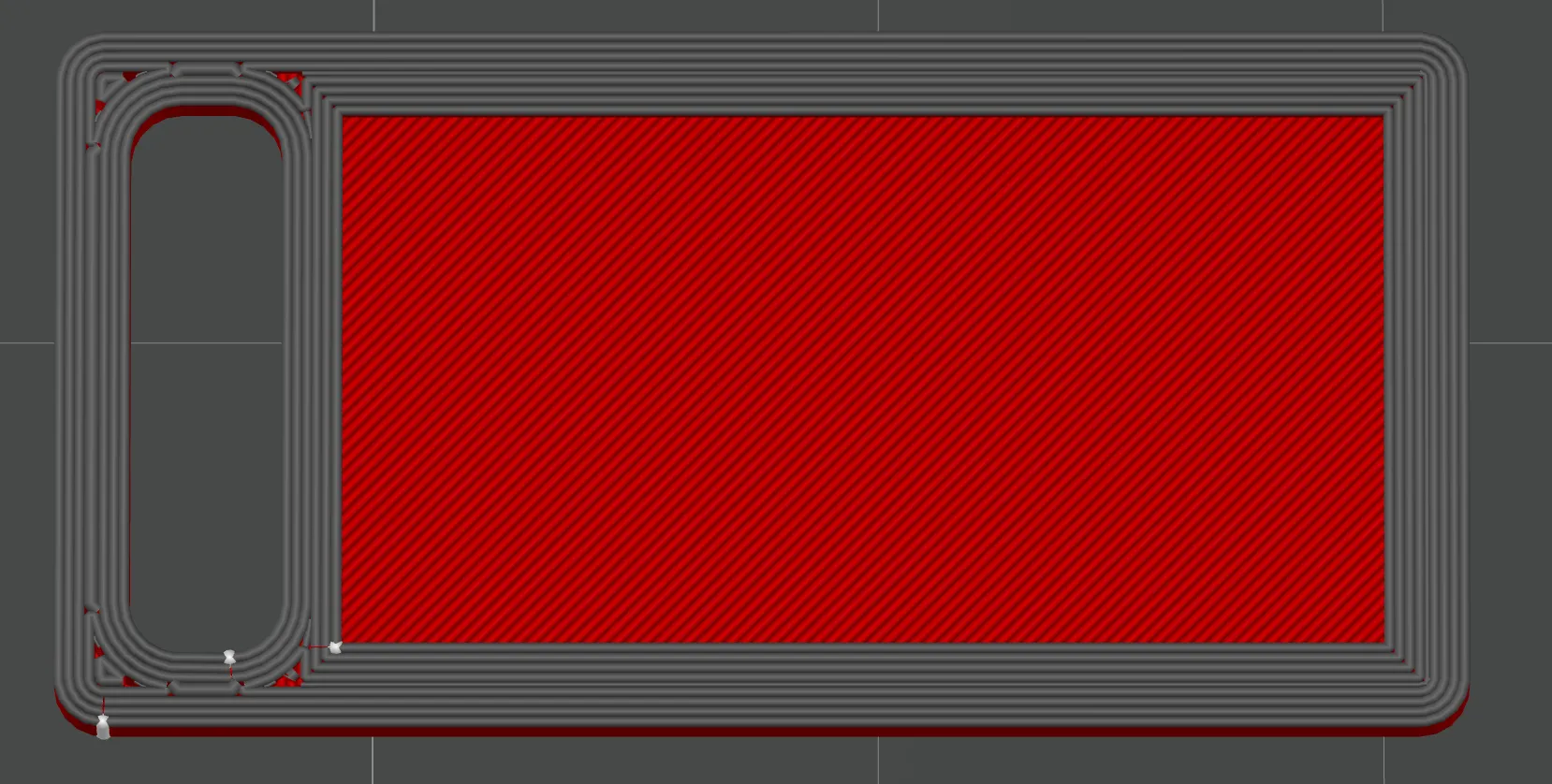
After you have inserted the NFC Tag, please hit continue, either on the printer itself or Bambu application. This might also apply for other printers.
NFC Tags
The NFC Tags are not available in the Bambu store, yet - still they need to be bought in advance.
You need NFC Tags that are rectangular, for instance one of those.:
https://de.aliexpress.com/item/1005002814518648.html
Size is: 20 * 10 mm (Thickness is not worth mentioning)
I found a table which explains the differences between the different NTAG-Versions, storage is the main difference.
| Ntag213 | Ntag215 | Ntag216 | |
| Total storage (bytes) | 180 | 540 | 924 |
| User storage (bytes) | 144 | 504 | 888 |
| Maximum URL (Zeichen) | 136 | 488 | 872 |
Write data on the Tags
There are different apps available, but i do recommend "NFC Tools":
- iOS: “NFC Tools” bywakdev: https://apps.apple.com/de/app/nfc-tools/id1252962749
- Android: “NFC Tools” by wakdev: https://play.google.com/store/apps/details?id=com.wakdev.wdnfc
After the app was installed its crucial to get an idea what you want to include in the NFC Tag data.
I recommend to add a V-Card to the tag or an URL/Mail address etc. Furthermore i would not store an adress, as it might be pose a security threat.
Walktrough for adding a contact:
- Once you open NFC Tools, select “Add dataset” or “Datensatz hinzufügen” depending on your locale.
- Select the type “contact”

- Add the details

- Hit “OK”, check the content and write it:

- Wait for the confirmation and that's it:

Troubleshooting
- Write is not successful:
- For new tags it might be useful to perform a “cleared” tag
- Write protection:
- If you don't want the contents to be changed, you can add write protection and more under “other”
- Tag is not recognized on my iPhone
- While Android smartphones are enabled to read most contents, thats not always the same at Apple.
- Please have a look in the Apple Developer Portal to see what kind of data is supported for iOS:
- https://developer.apple.com/documentation/corenfc/adding_support_for_background_tag_reading
- Phone number might work best, but feel free to test.
License



Comment & Rating (3)