

Print Profile(4)



Description
Description
Model:
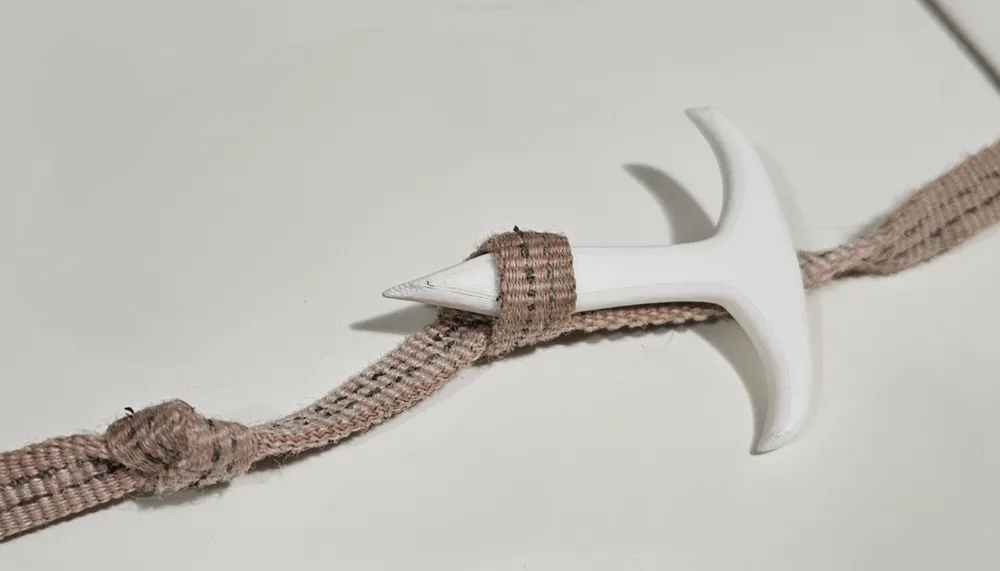
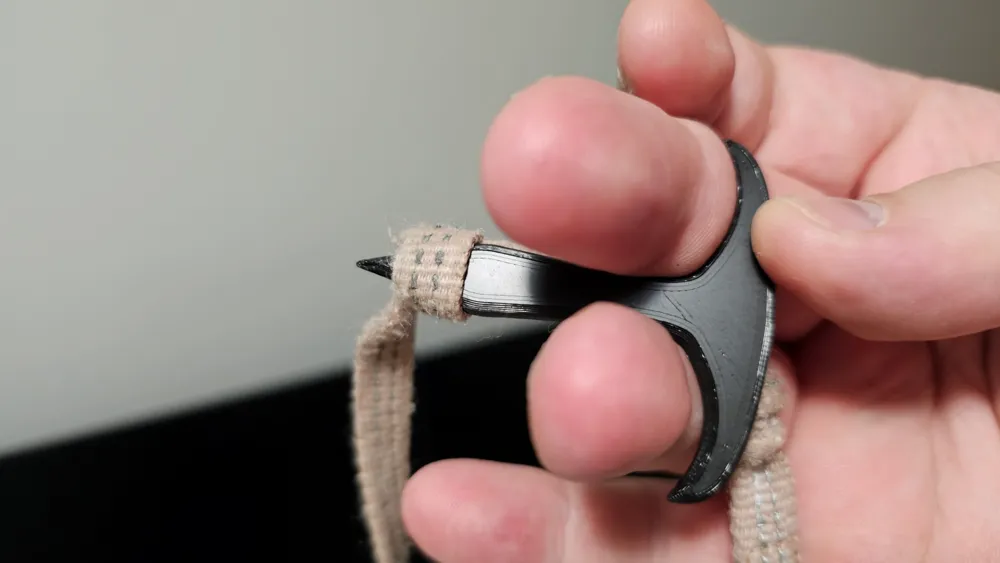
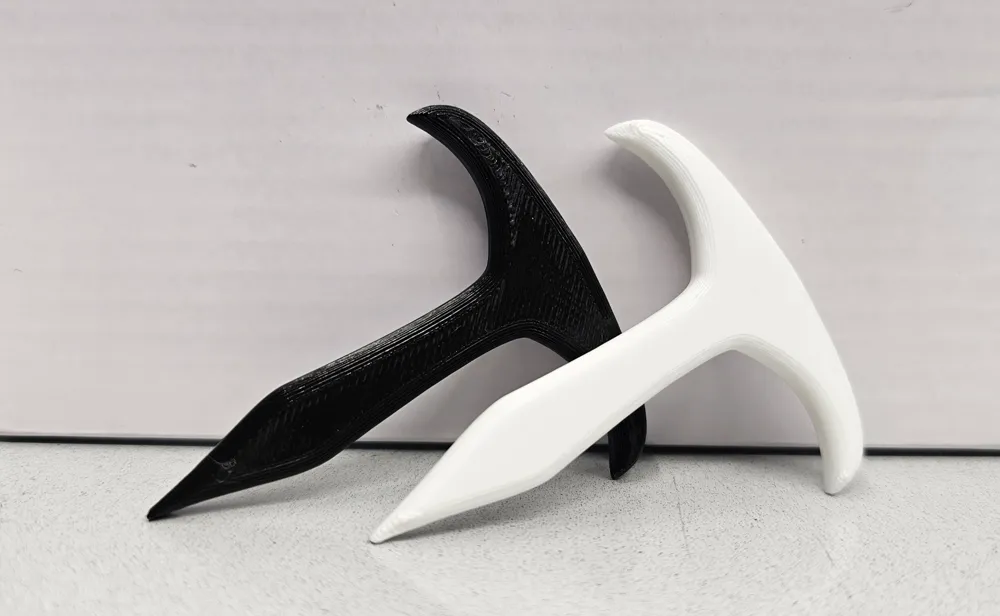
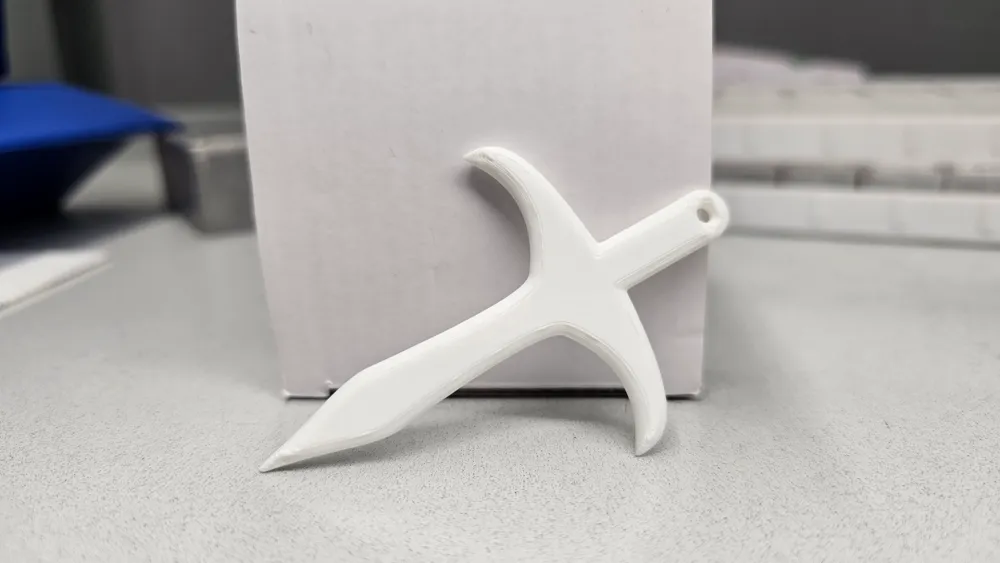
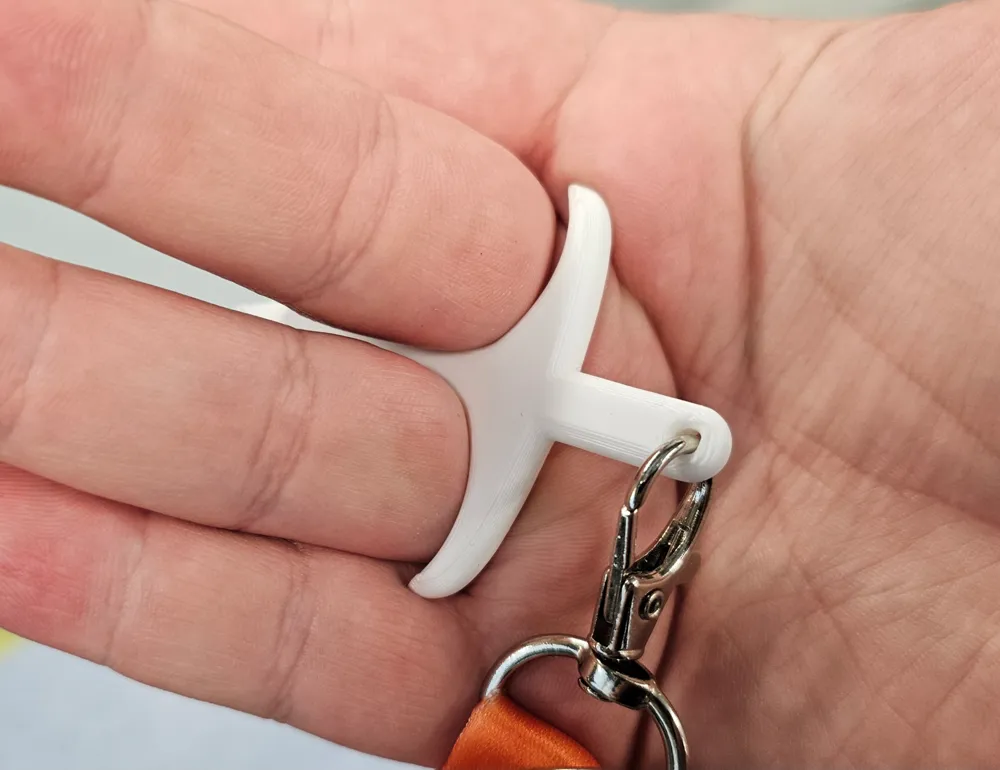
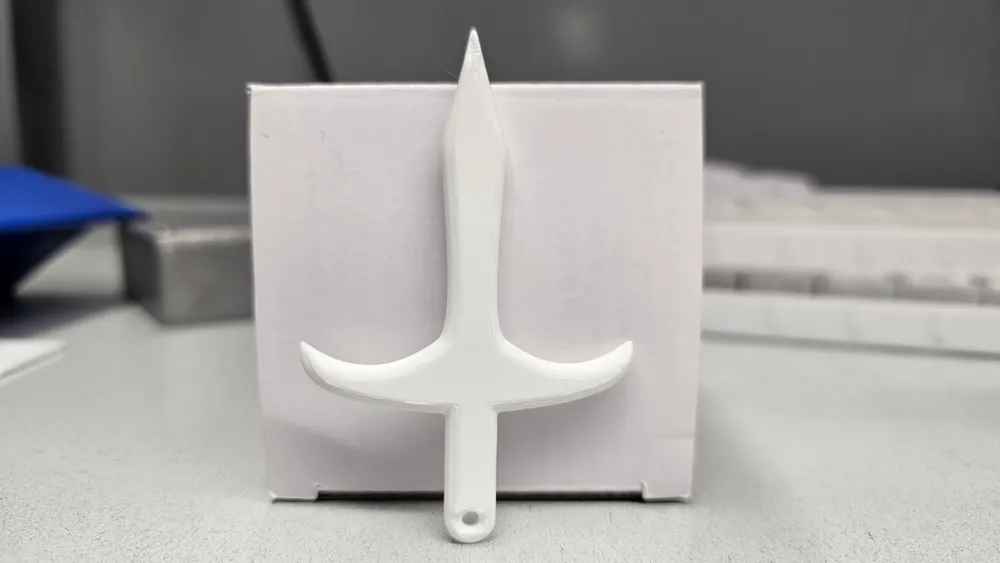
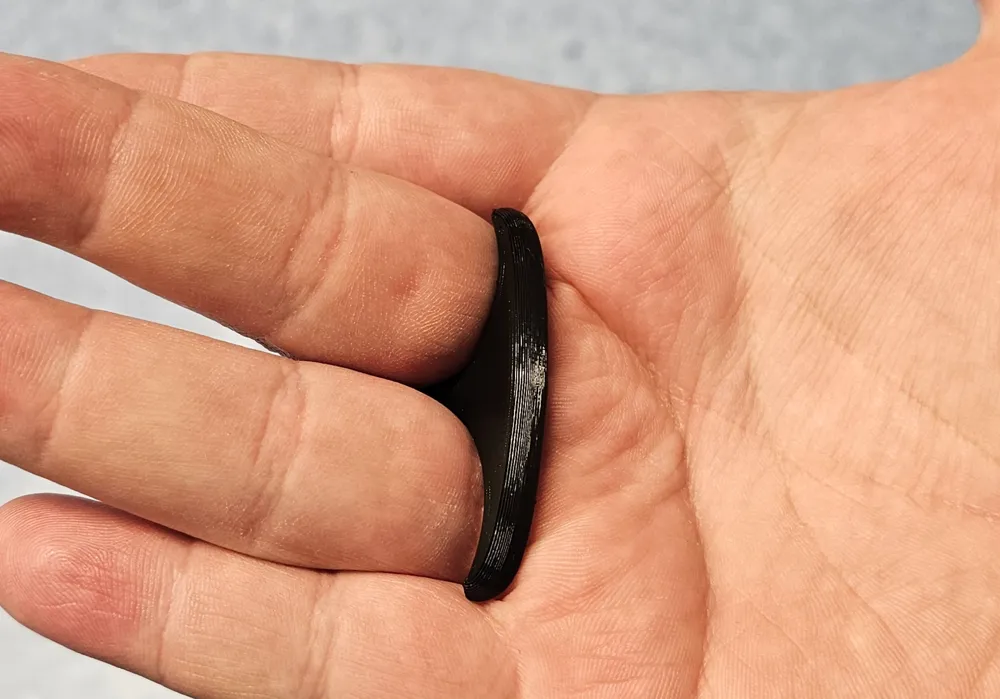
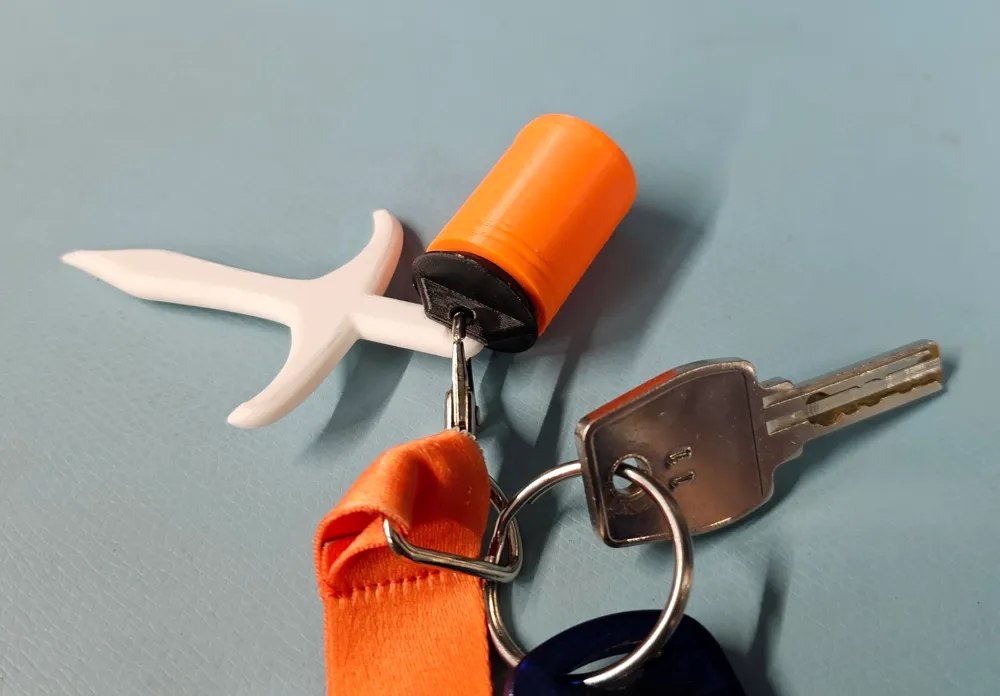
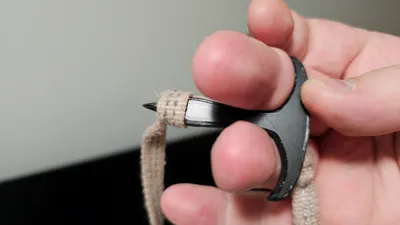
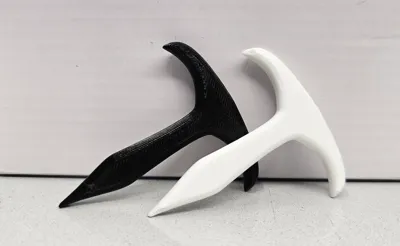
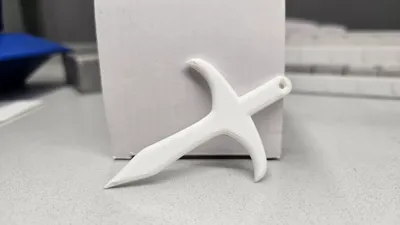
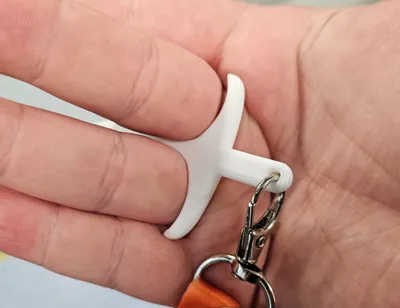
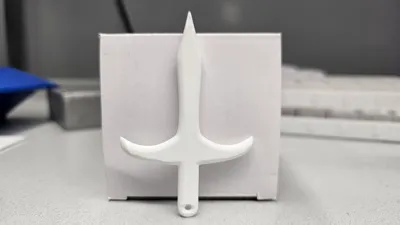
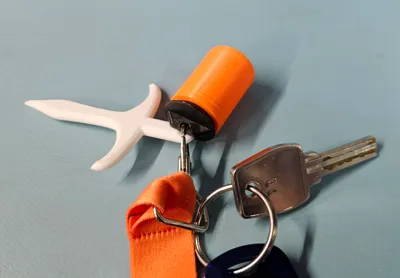
Knot opener (fid) to help you open knots!
How to use:
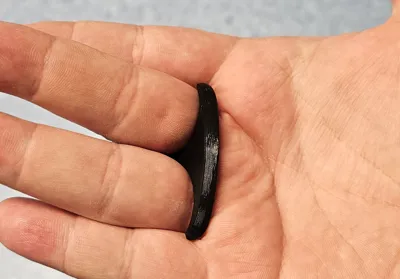
During testing and usage, I have noticed what is the best way to use this. Use this tool to loosen up the knot. Work around the knot from different angles. Once you feel it loosen up, push the tool trough the knot until you hit the thick part. After that, pull the tool out of the knot and use your fingers to loosen it up completely!
Printing:
Use provided print profiles for best results, choose from any of the print profiles that suit you!
During testing I printed these without a brim and it worked really well for me. However when testing with a friends printed, he had adhesion problems, so there is also brim verison of both fids just in case.
For those who want to download the STL, when slicing just set the wall amount to something really high. This is done so the print comes out strong! In the print profile, there is like 15 walls active.
Testing was done with 0.2 mm layer height.
Hope you enjoy the model!
License



Comment & Rating (7)