


Print Profile(7)


Description
If you like this model and find it useful, you can support me in creating more by clicking on the Boost button above.
NOTE: I have uploaded STEP files of all models. To access them you just have to click on "Download STL/CAD Files" and it will show the raw model files.
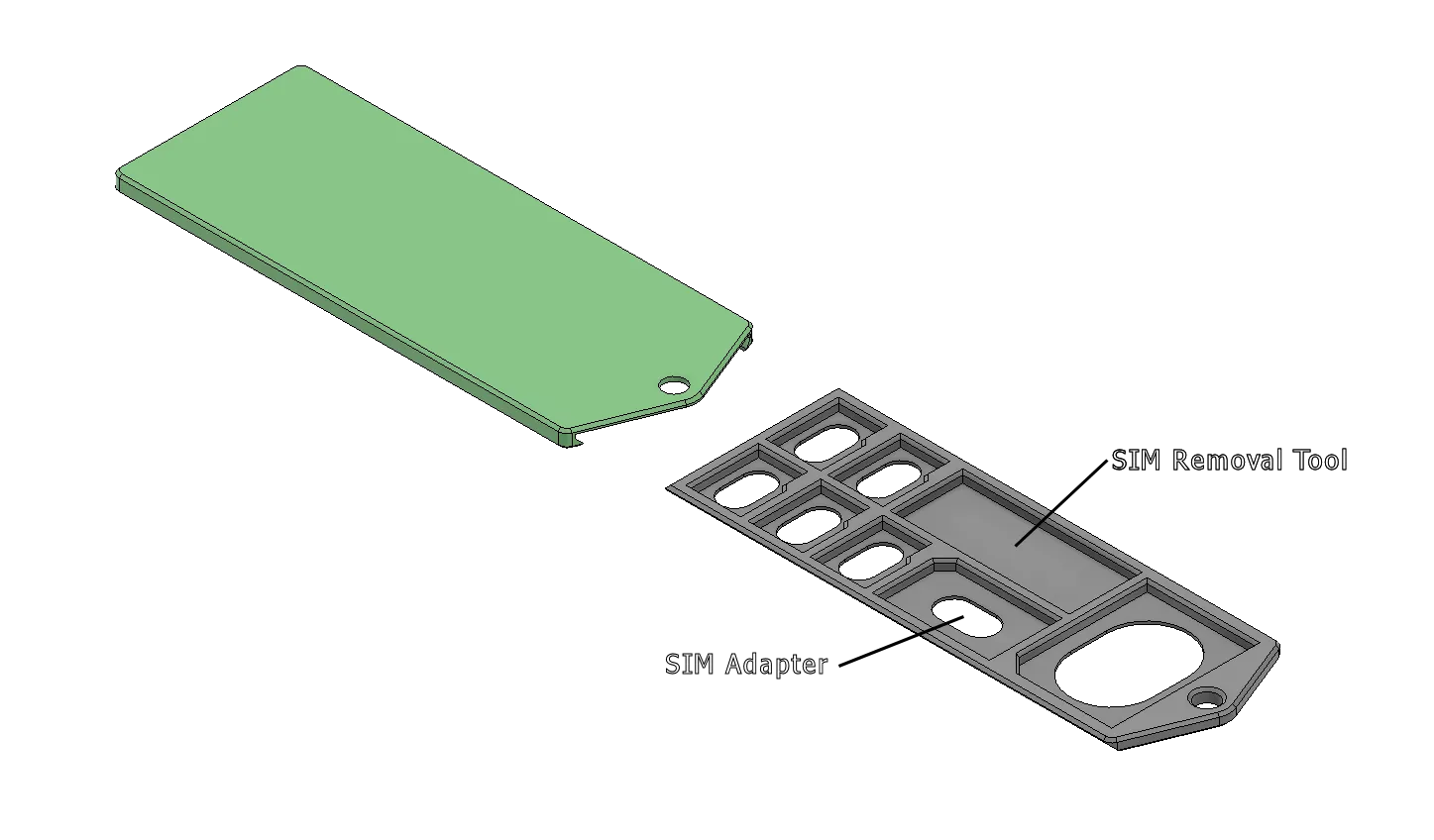
UPDATE: Requested new variant added (SD Card Slide Holder 5X1+SIM) with SIM removal tool and SIM card adapter.
This Micro SD card / SD card holder holds a multitude of cards in a thin light and secure package, with a small detent that ensures that cover cannot accidentally open and release your precious data!
There is also the ability to add a key ring hook that ensures that the cards cannot come out while also allowing the whole unit to be tethered.
This Micro SD card / SD card holder should print on pretty much any printer, and there are multiple configurations to satisfy most storage requirements.
Any material should be fine for printing, I used PLA in testing and had no issues.
I recommend a layer height of 0.2mm or lower using a 0.4mm nozzle, all other wall and infill settings can be left default.
When importing one of the step files, follow these steps:
- Import step file to blank project.
- Split step file to objects in your slicer,
- Orient the top piece (Without the holes) so that the top surface lies on the build plate.
I have attached 3MF project files with this already done to save time.
Naming of the files gives the number of Micro SD and SD with examples as follows:
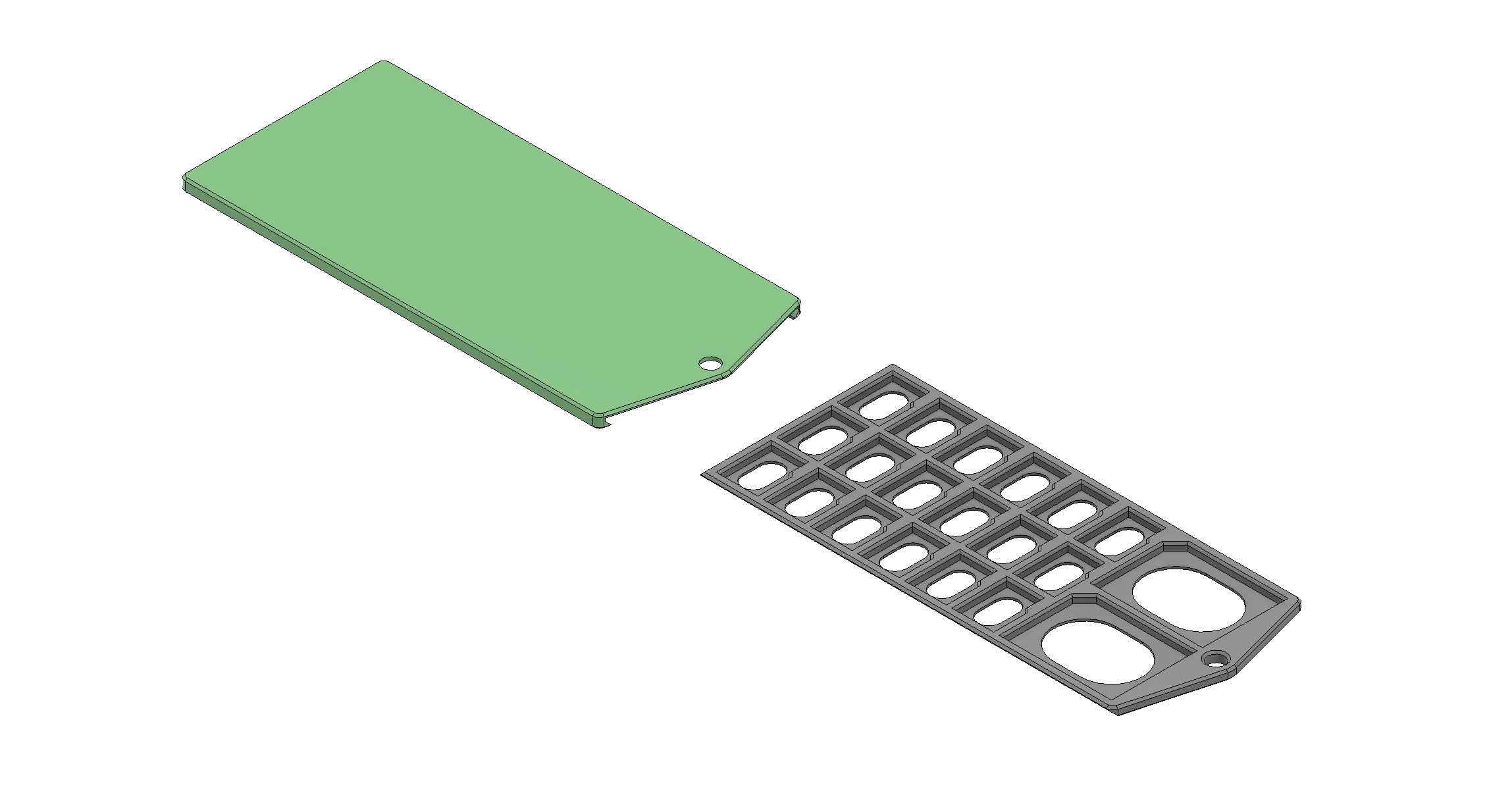
SD Card Slide Holder 18x2 (18 Micro SD cards, 2 SD cards)
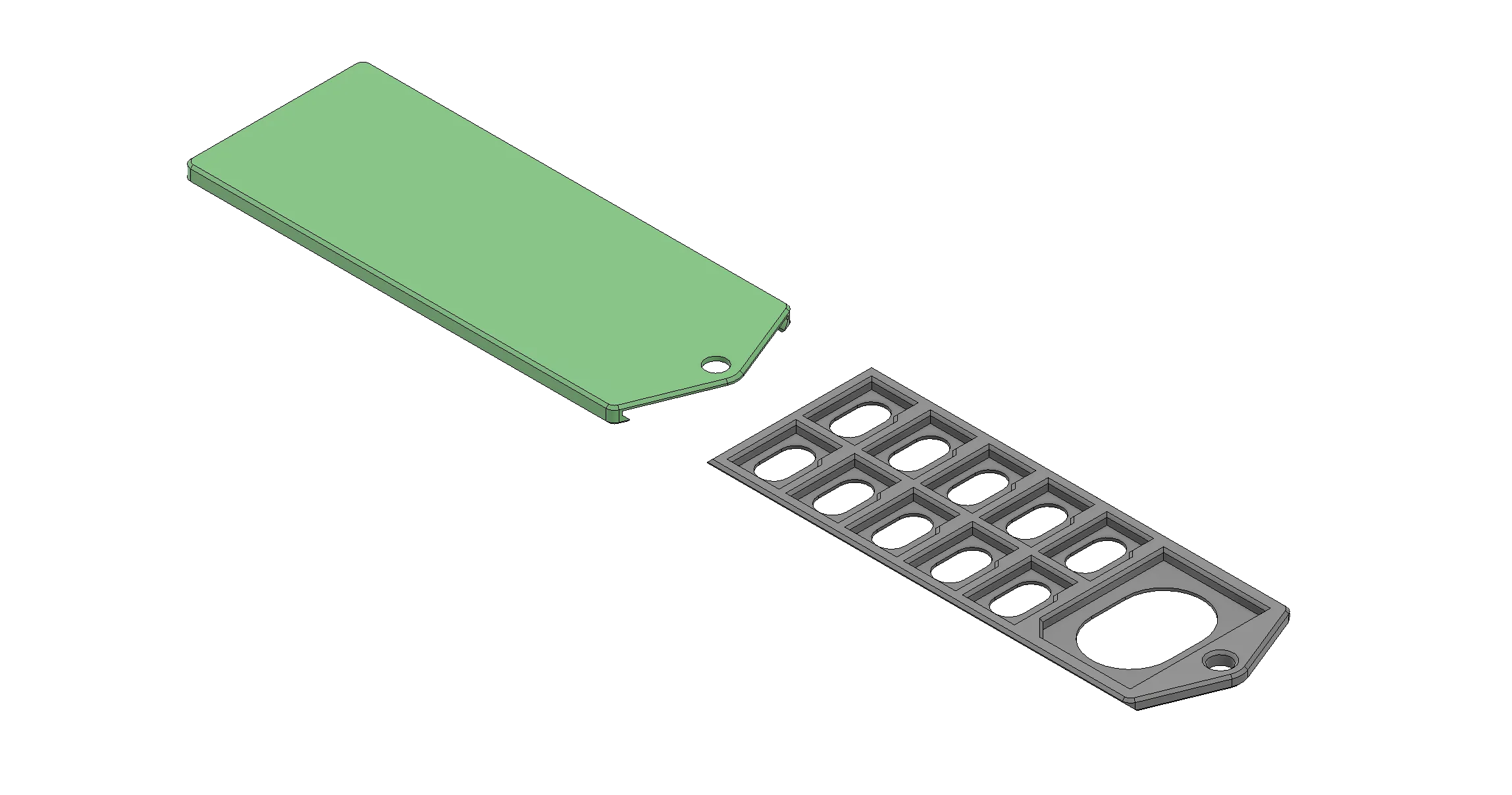
SD Card Slide Holder 10x1 (10 Micro SD cards, 1 SD card)
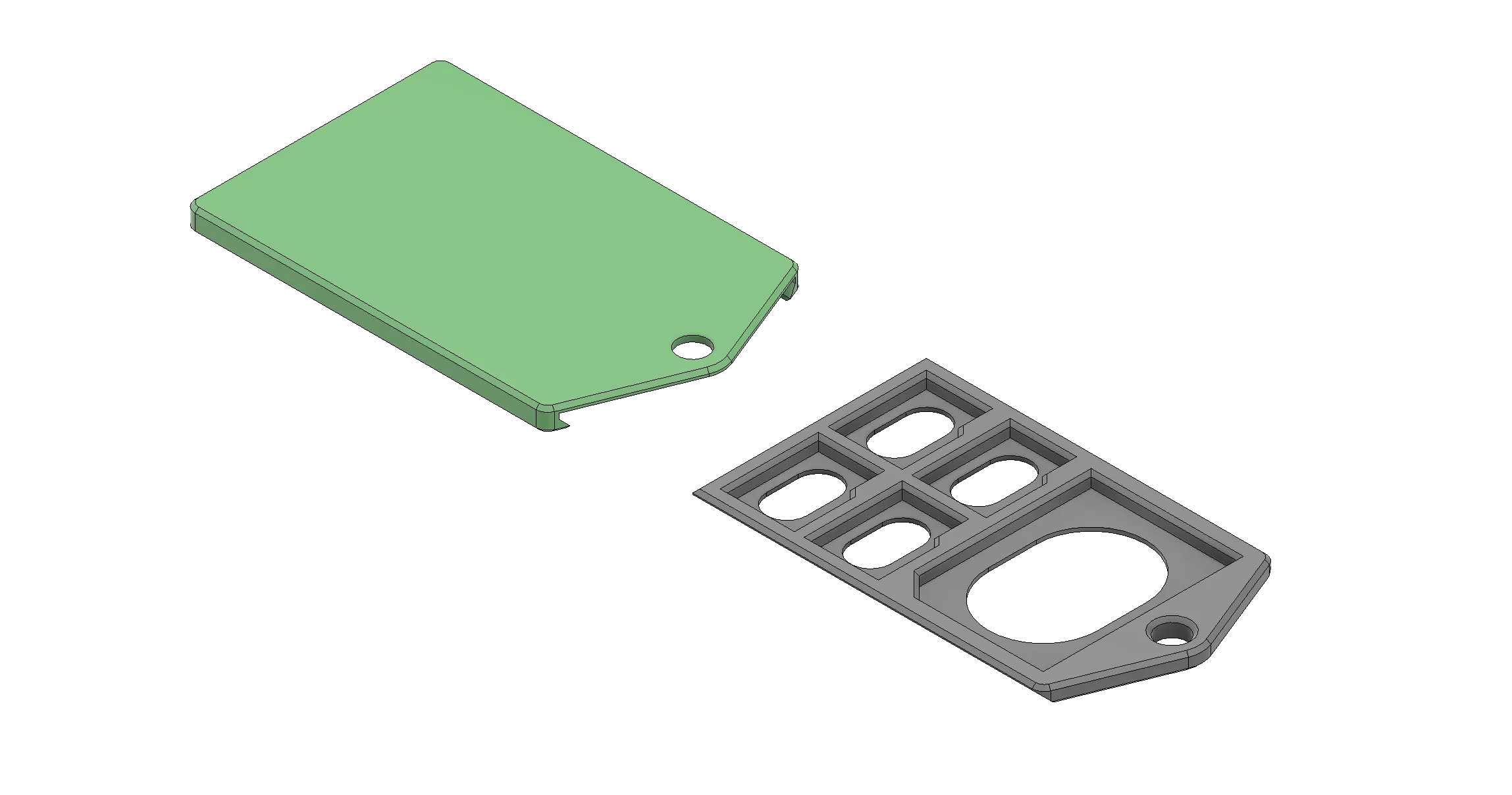
SD Card Slide Holder 4x1 (4 Micro SD cards, 1 SD card)
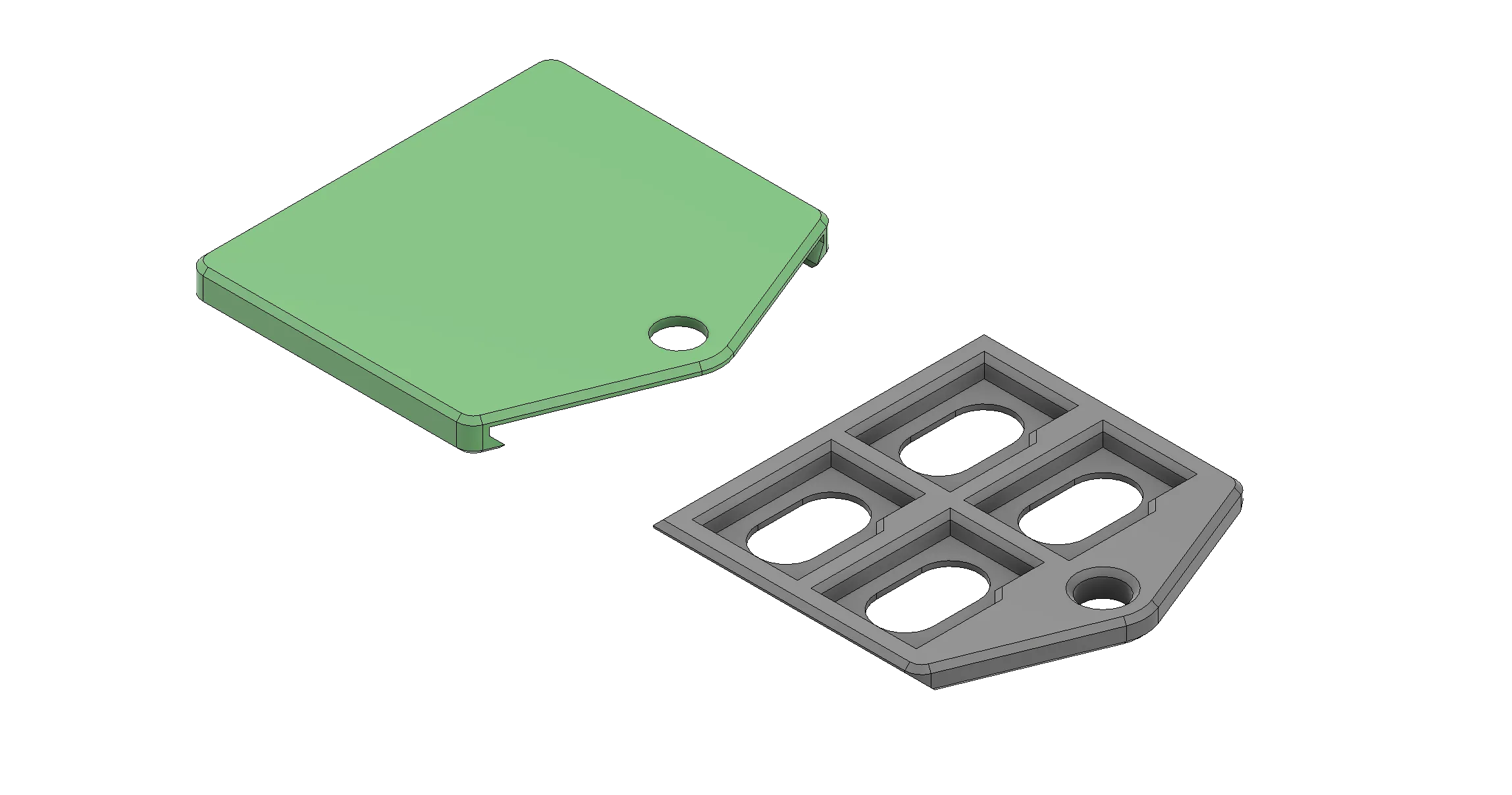
SD Card Slide Holder 4x0 (4 Micro SD cards, 0 SD cards)
SD Card Slide Holder 5X1+SIM (5 Micro SD cards, 1 SD card, 1 SIM Card Adapter, SIM Removal Tool Pocket)
If there are any others sizes or configurations that are required, please leave a comment and I will generate it and add to this project.
License



Comment & Rating (500)