
Sonoff Switch Button for SNZB-01 &SNZB-01P
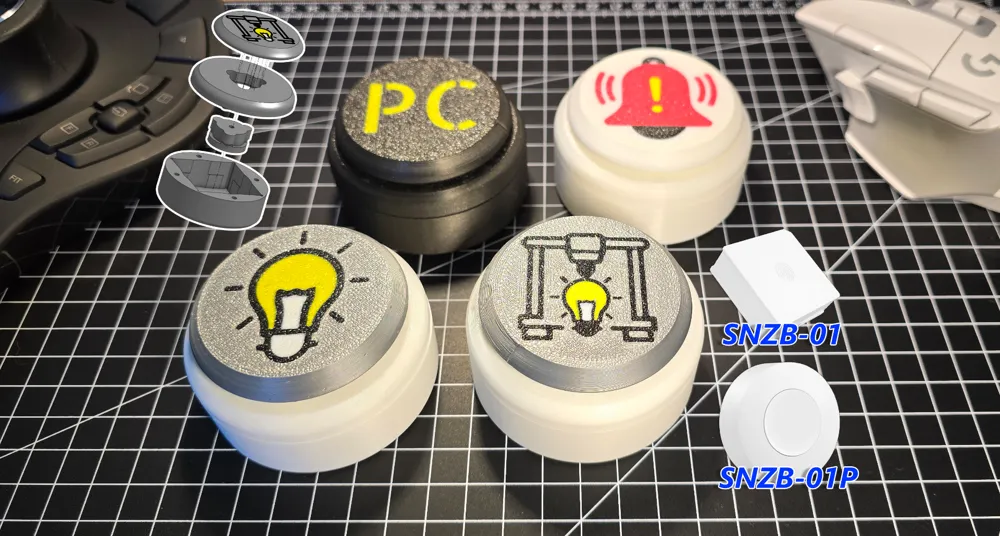

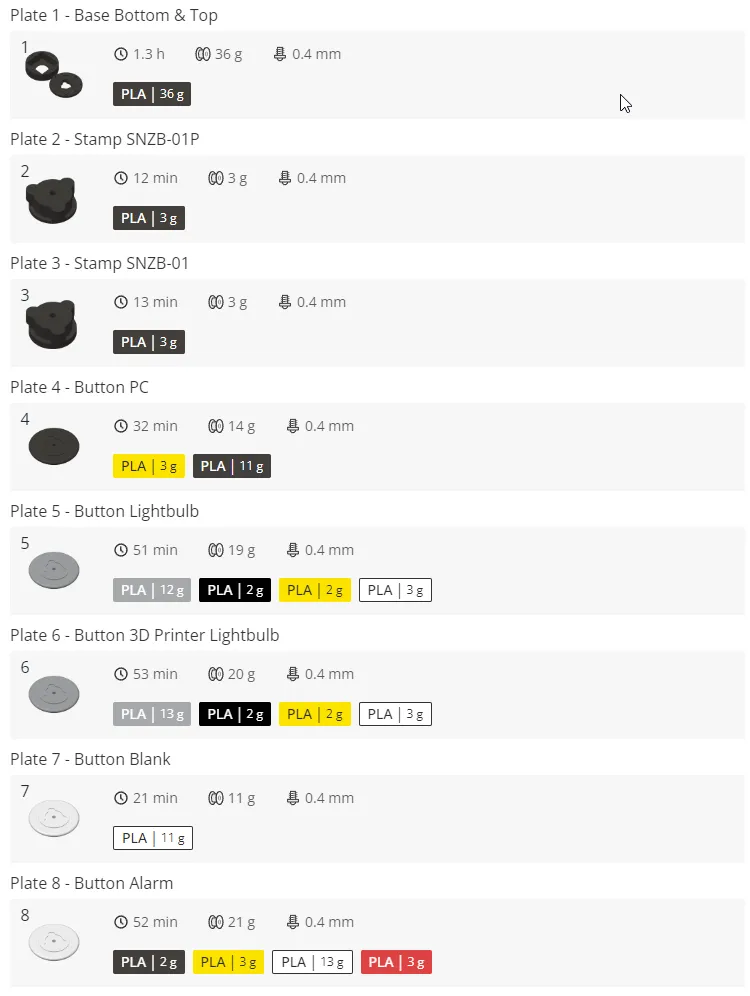
Print Profile(1)

Description
⚠️ Important Notice – Please Read Before Printing an AMS Riser
Due to a license change by benlevi, the original creator of my AMS Riser V2 Remix, I am no longer able to update the description of this model. I have already reached out to Support about this issue, but they were not able to help me – because of the license change, this situation is simply how it is, there is nothing more I can do on my end to modify the listing.
I'm currently receiving an increasing number of complaints from users who have printed the Riser V2 for the Bambu Lab P2S or X2D
⚠️ Compatibility – please double-check before you print:- Riser V2 → P1S, P1P, and X1C
Printing the wrong version will result in fitment issues, as the printer dimensions and mounting points differ between generations.
Thanks for your understanding, and sorry for any confusion caused by the locked description – my hands are tied here, but I hope this notice helps clear things up!
Sonoff Switch Buttons for SNZB-01 & SNZB-01P
Before you start to print. There is a Step File of the Button Part for your own designs.
Required non printed Components
- 5x M3 threaded inserts (best length 5.7mm / 4-6mm ok )
- 5x M3x8 screws
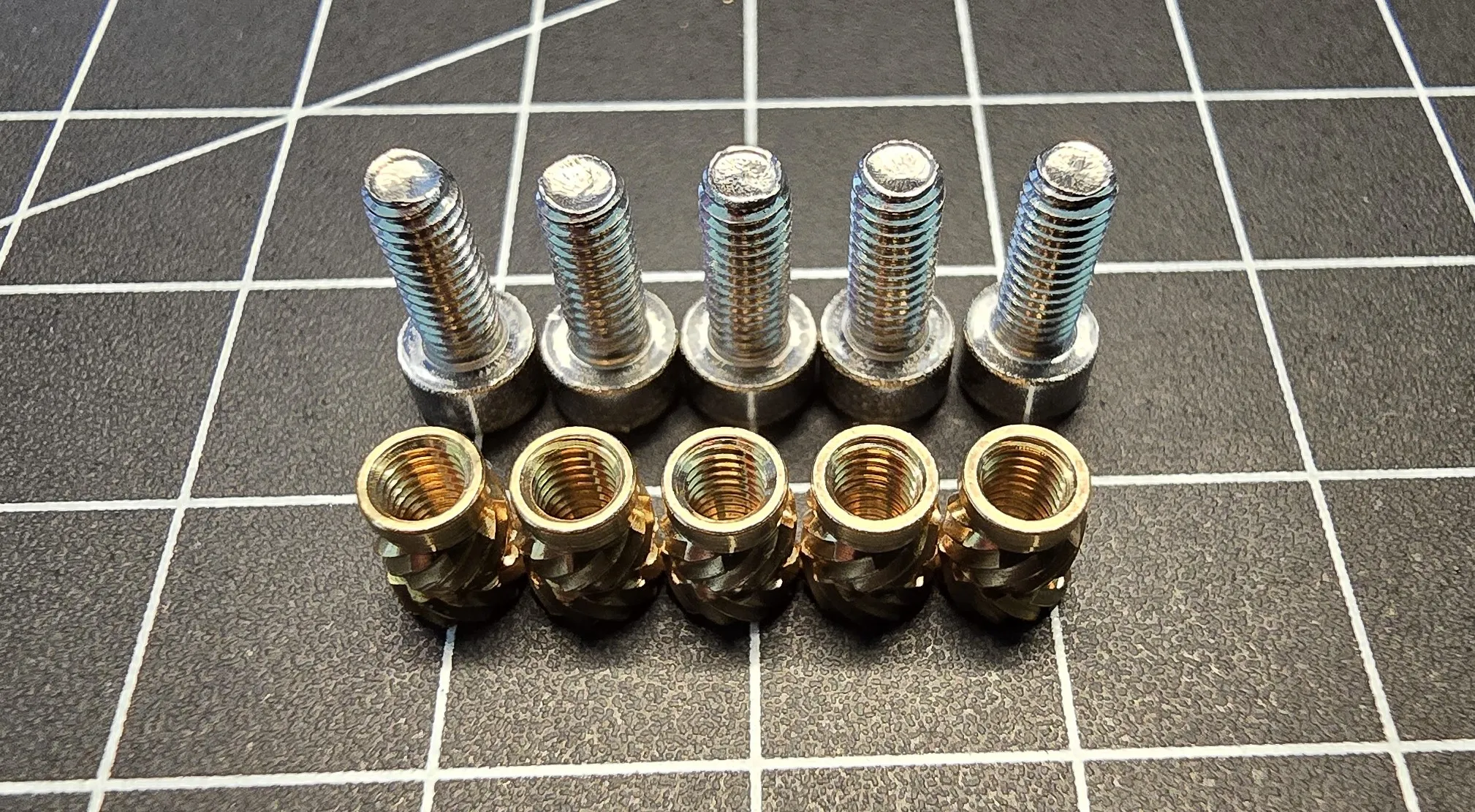
Printed Components needed for assemble one Piece
1x Bottom of the Base
1x Top of the Base
1x Stamp (for SNZB-01 or SNZB-01P)
1x Button
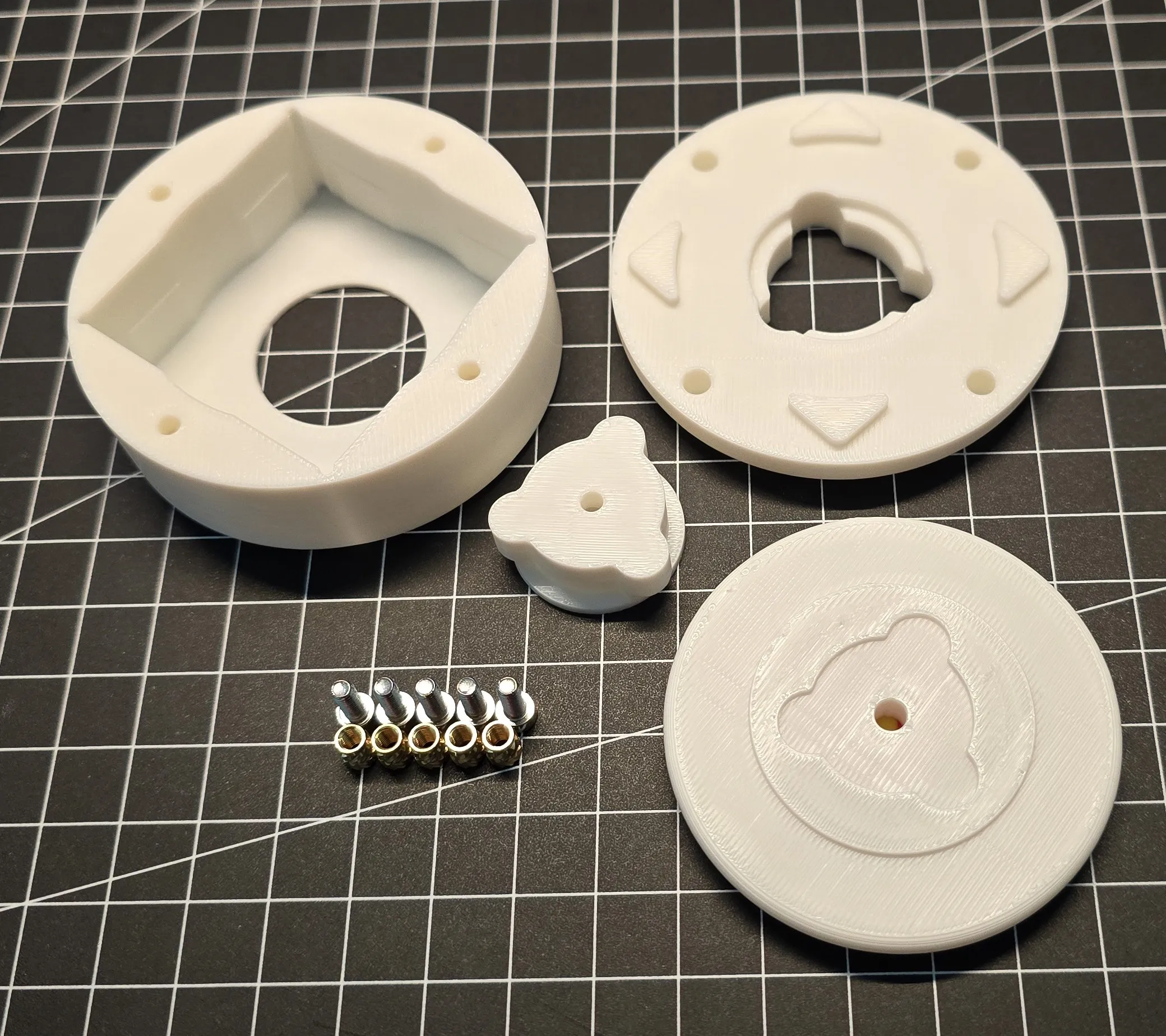
Assembly
| Install 1x M3 threaded inserts in Button Part | 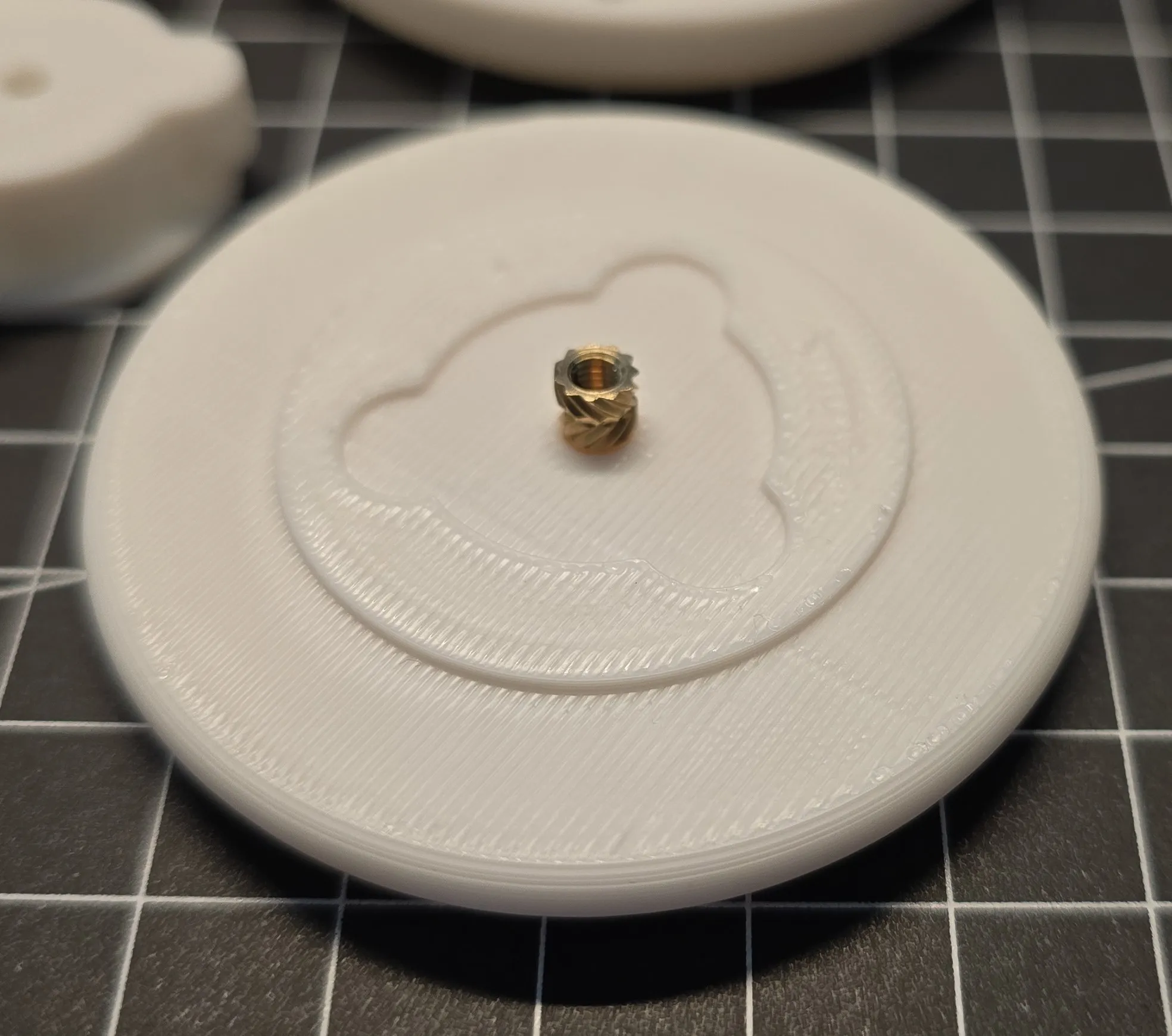 |
| Install 4x M3 threaded inserts in Top Part | 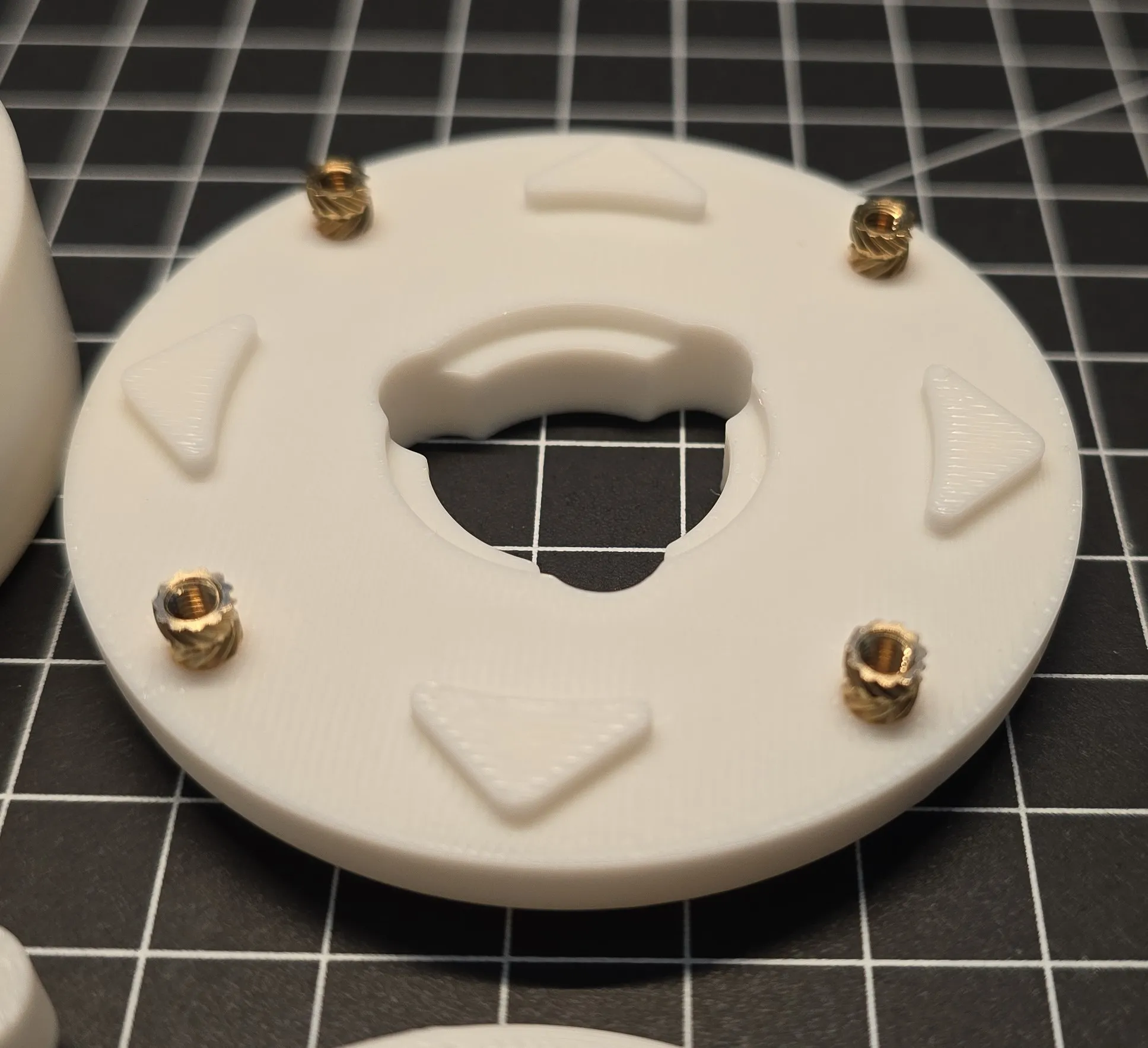 |
| Install 4x M3x8mm screews in the Bottom Part. Screw in the M3 screws until they are flush with the surface and do not stick out 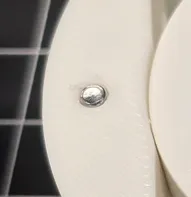 | 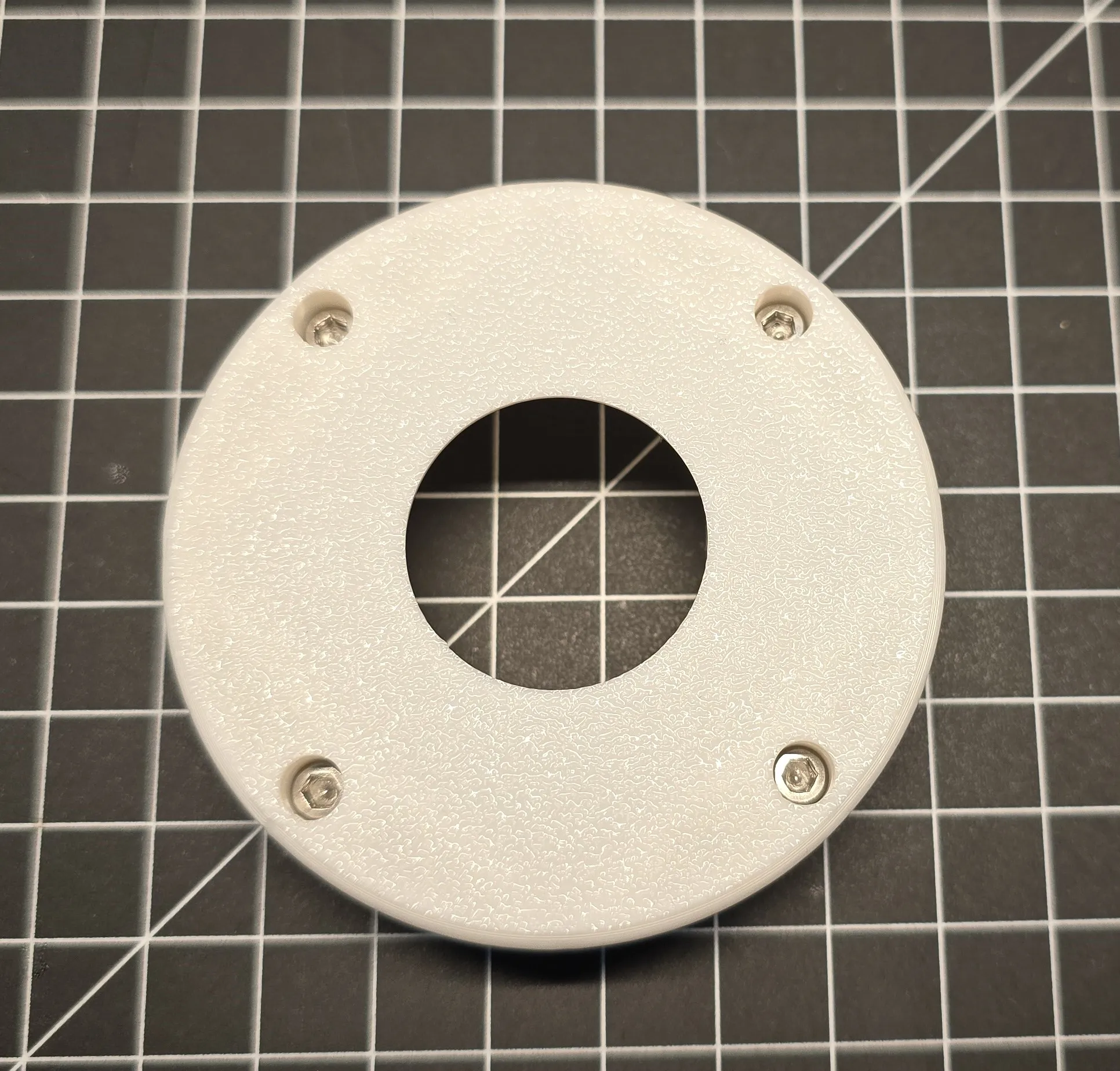 |
| Install 1x M3x8mm screew in the Stamp. | 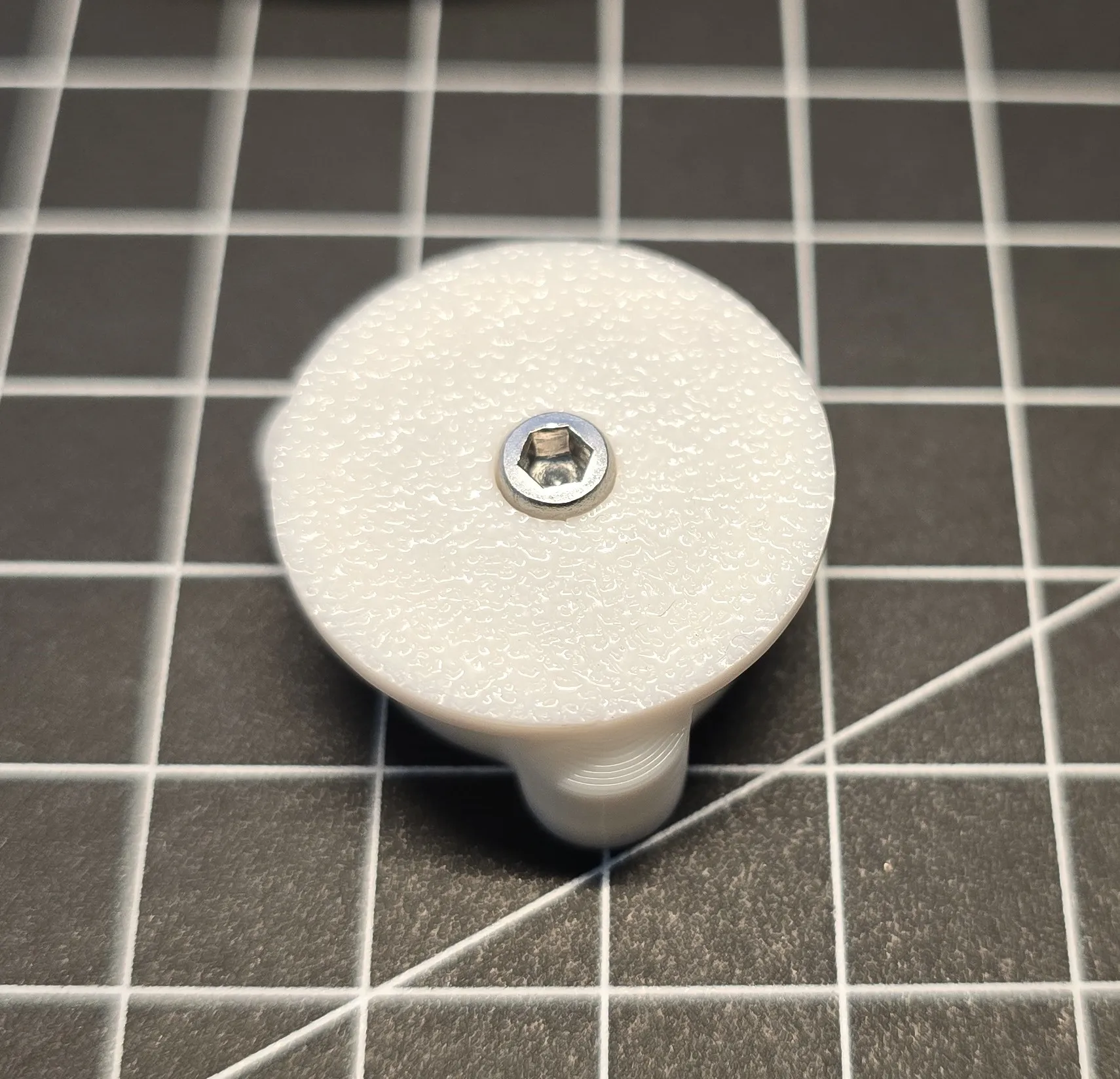 |
| Install the Sonoff Switch in the Bottom Part | 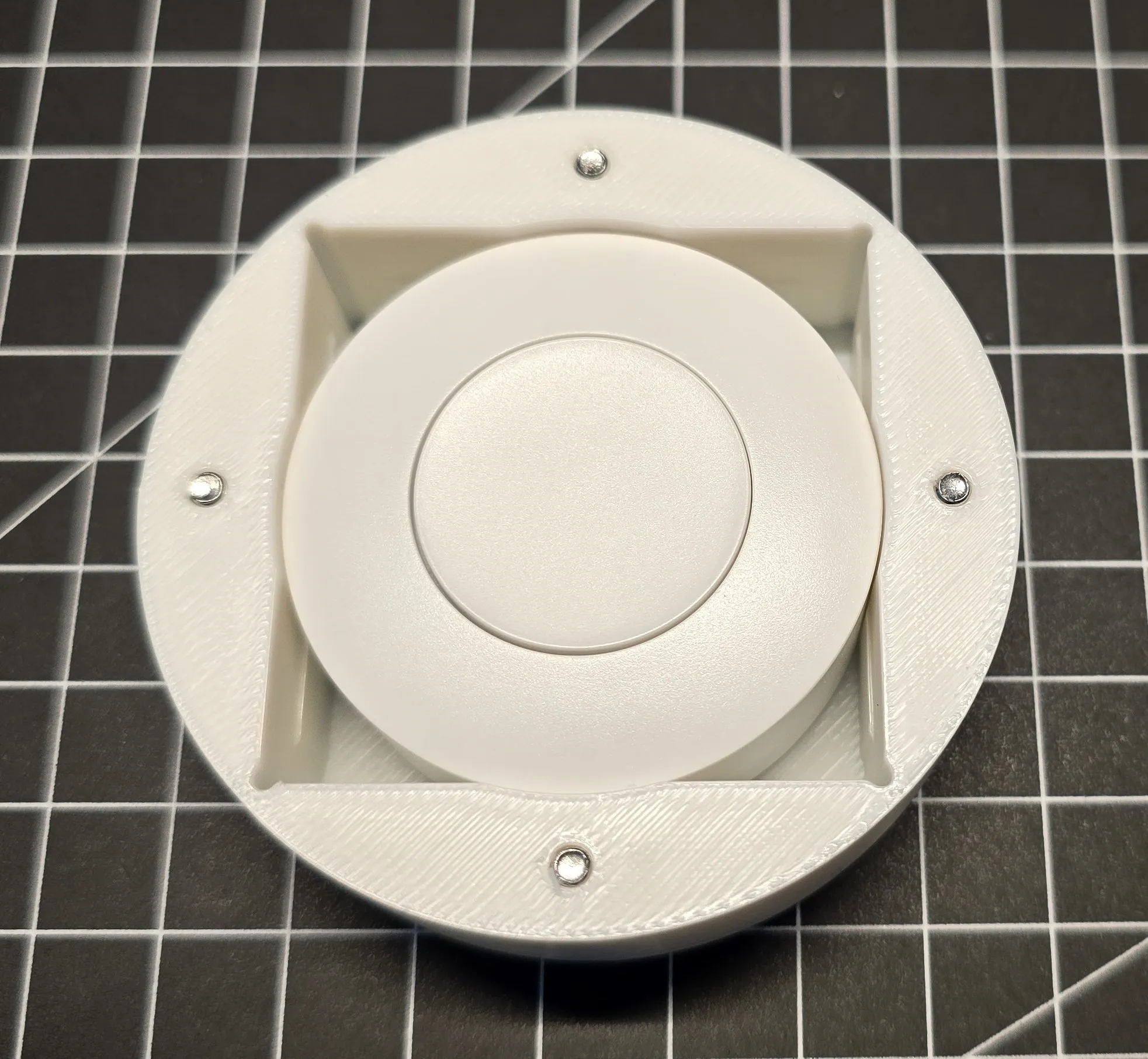 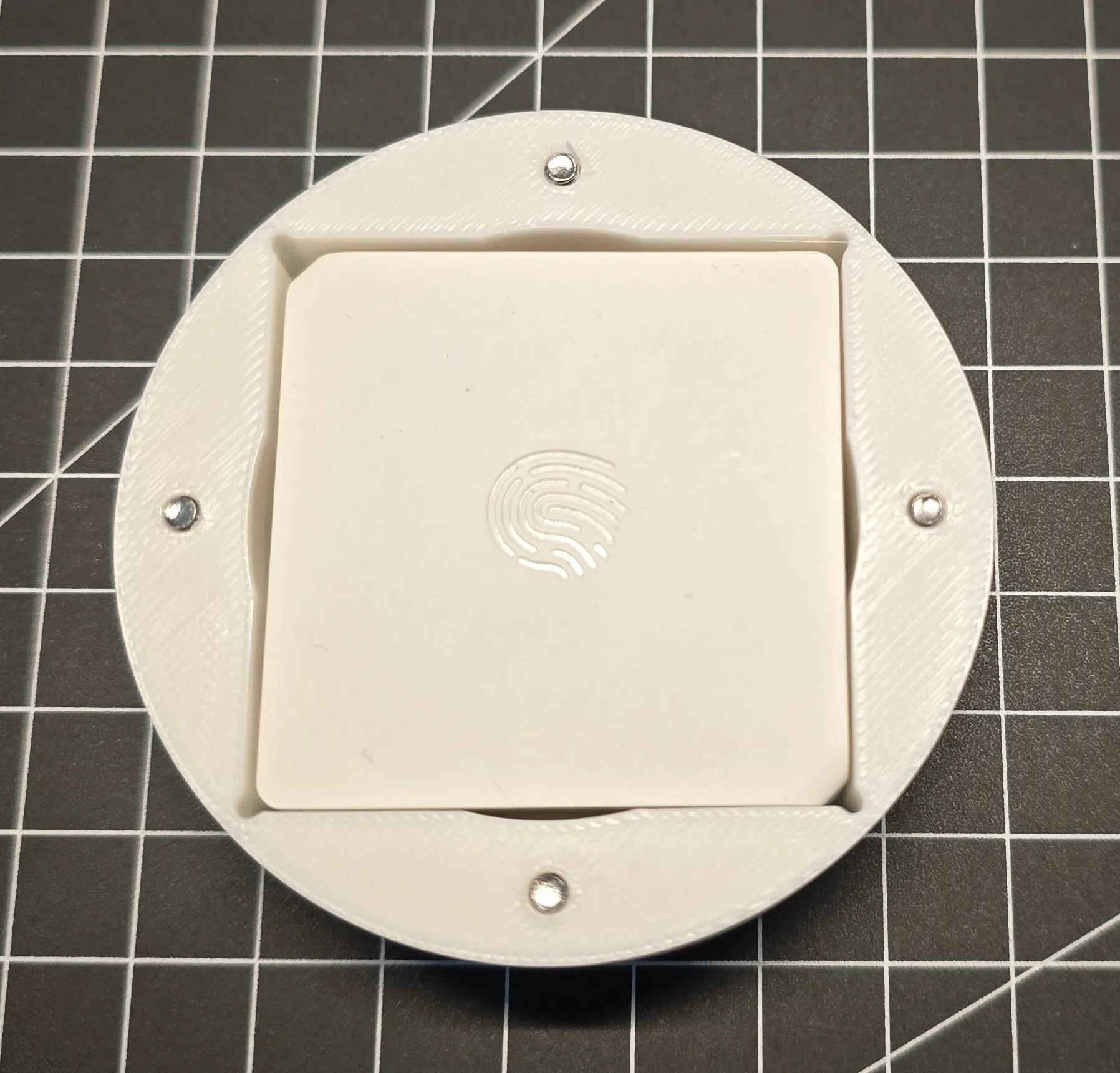 |
| Push the Stamp through the Top Part | 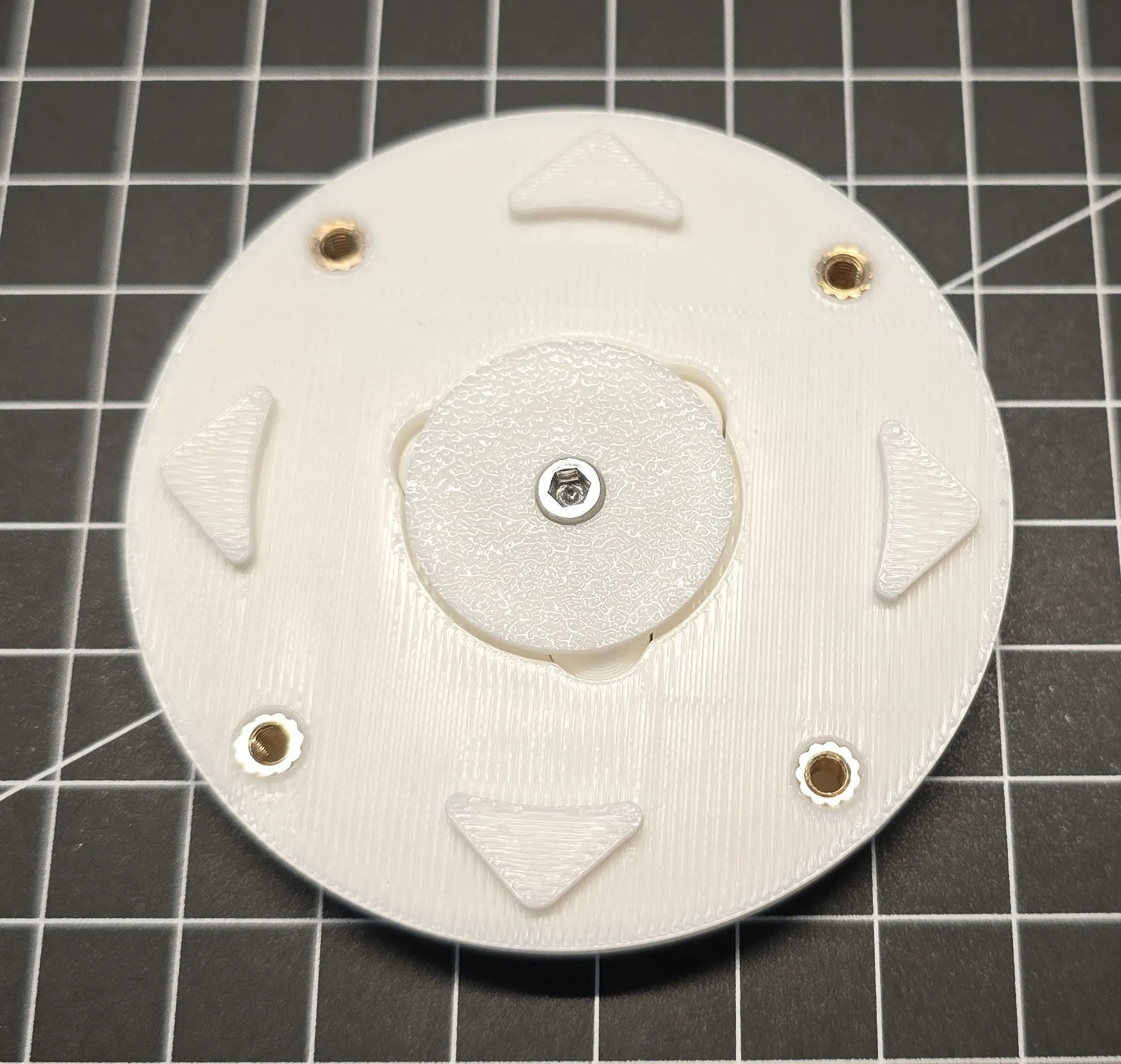 |
| Turn the Part with the Stamp around (best hold the Stamp with a finger in place) and put the Button on the Top of it. As you can see there ist a negative form of the Stamp in the Button to arange. Now screw the Parts together | 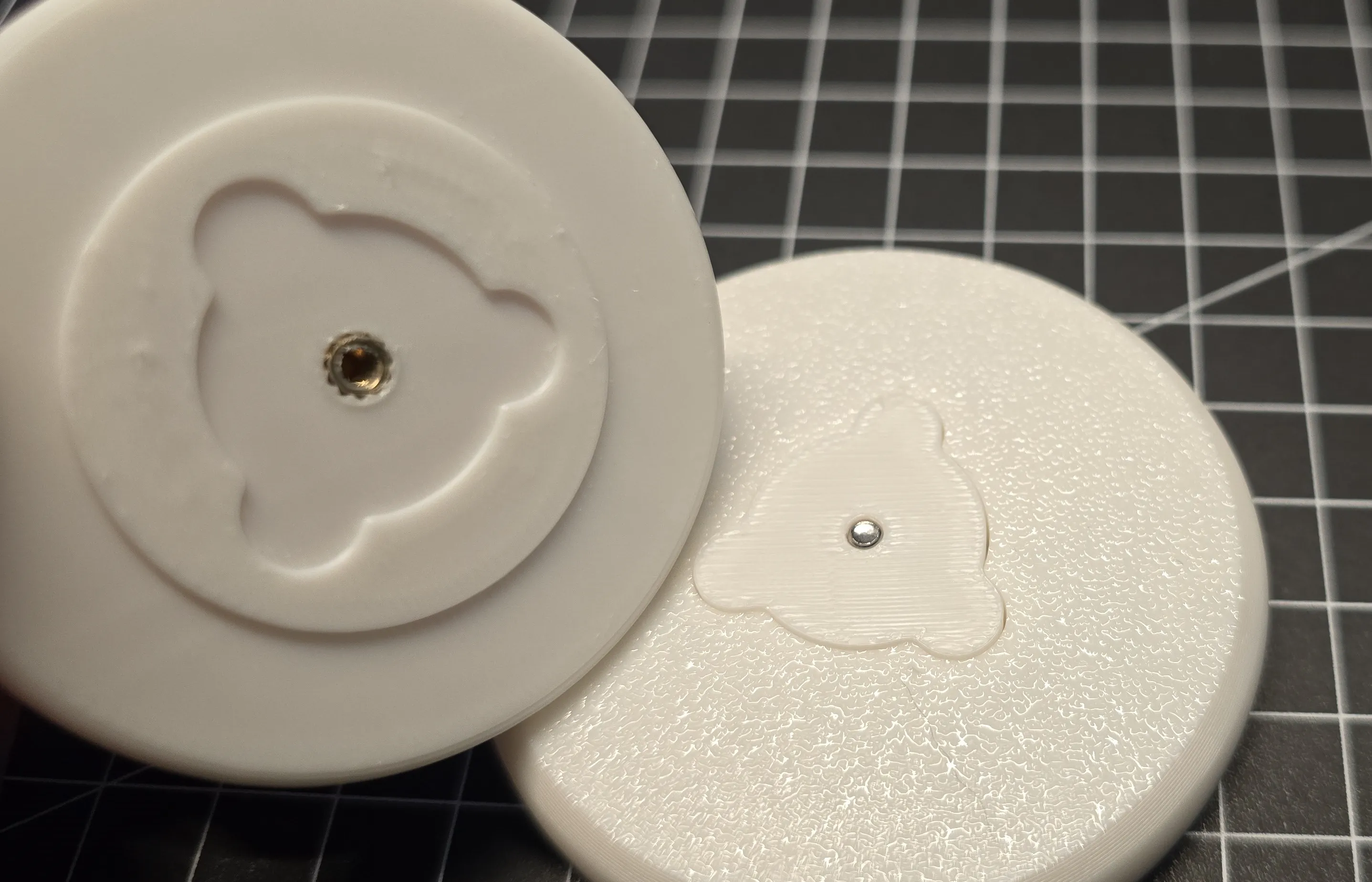 |
| Last Step install the earlier assembled Top Parts into the Bottom Part. As you can see here too there are bulges to arange the Parts. Now screw the Parts together too | 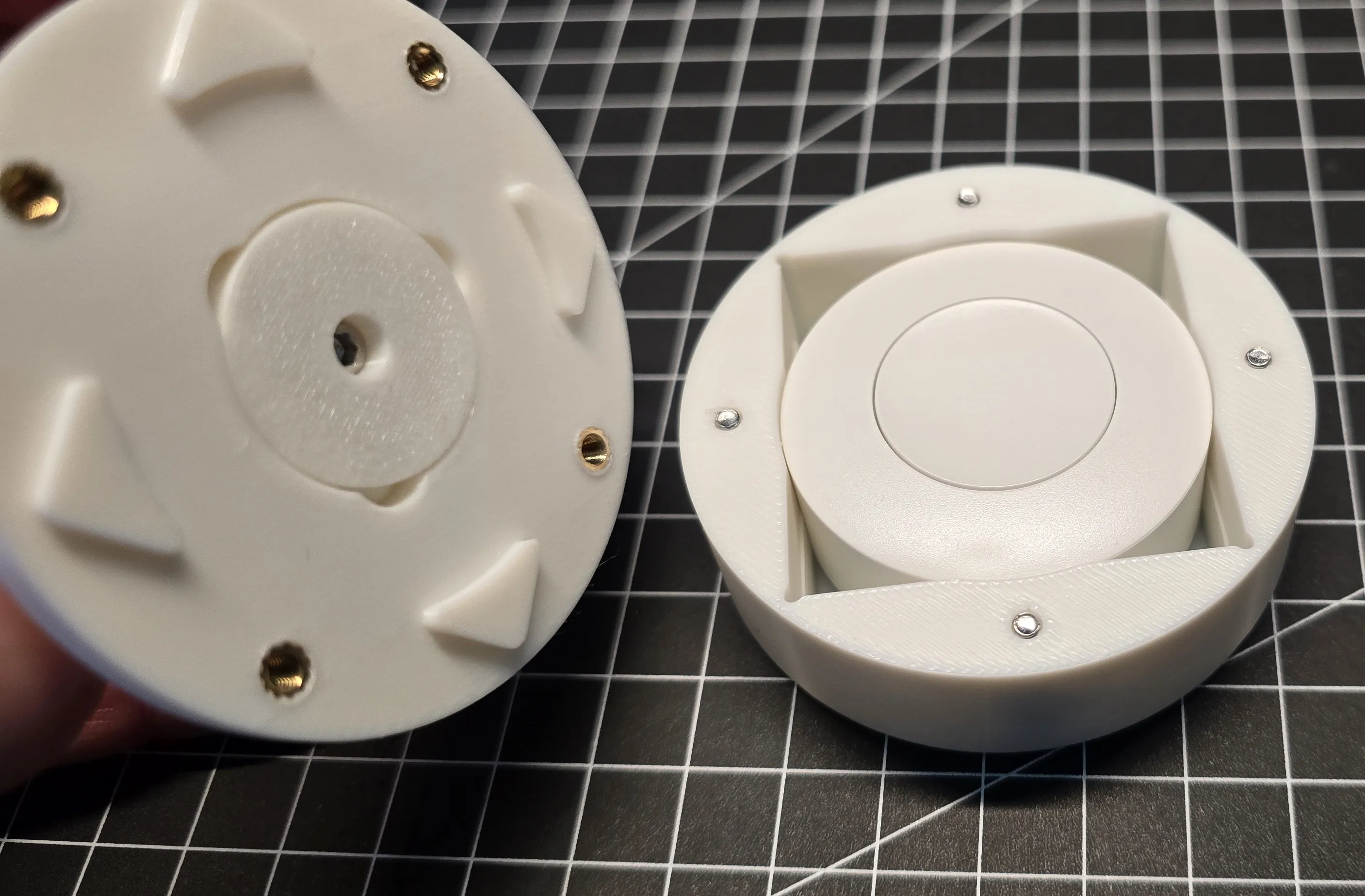 |
Well | Done! |

 A heartfelt thank you to the entire Makerworld community! Your creativity, continuous support, and inspiring collaborations mean the world to me. It’s amazing to be part of such a dedicated and innovative group. Let's keep making great things happen together!
License

You shall not share, sub-license, sell, rent, host, transfer, or distribute in any way the digital or 3D printed versions of this object, nor any other derivative work of this object in its digital or physical format (including - but not limited to - remixes of this object, and hosting on other digital platforms). The objects may not be used without permission in any way whatsoever in which you charge money, or collect fees.


Comment & Rating (4)