
BasketPOOP Game: Fingertip Basketball (Bamboo Poop) Game


Print Profile(1)

Description
Mini BasketPOOP (basketball) Game. Assembly should be very straightforward, but a quick instruction is provided below. You shouldn't need any glue for this one, everything is designed to fit snuggly. The game is actually more difficult than I thought.
Mini Bamboo Poop (basketball) Game. Assembly is simple, glue-free and color-separated. Assembly instructions are below. The game is a bit more difficult than I thought.
Step 1
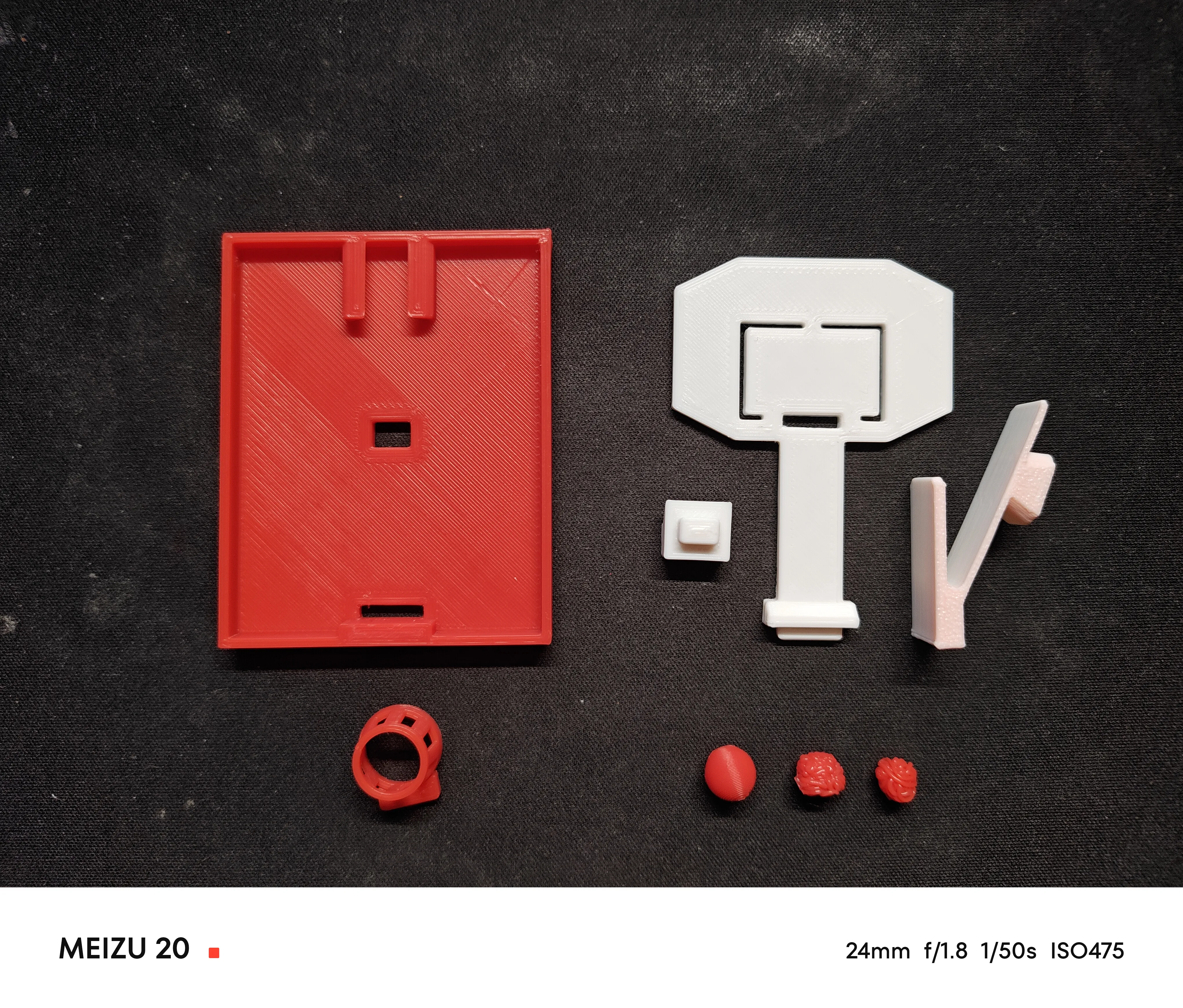
Prepare all the components. The third plate is optional. You can print it if you want a rounder ball or don't want to make one using poop.
Print all the parts. If you want a rounder basketball or don't want to make one using bamboo poop, you can print the third plate.
Step 2
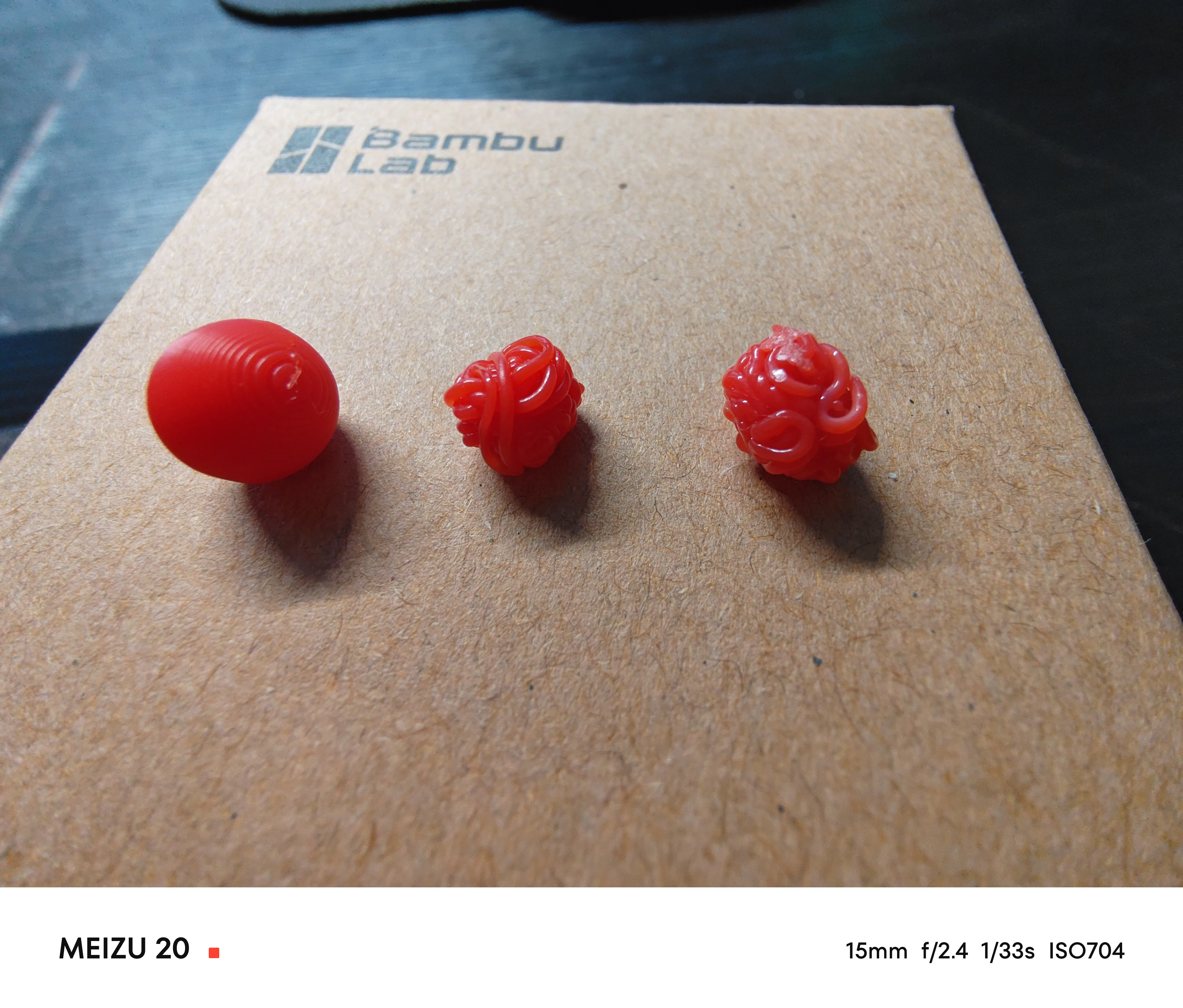
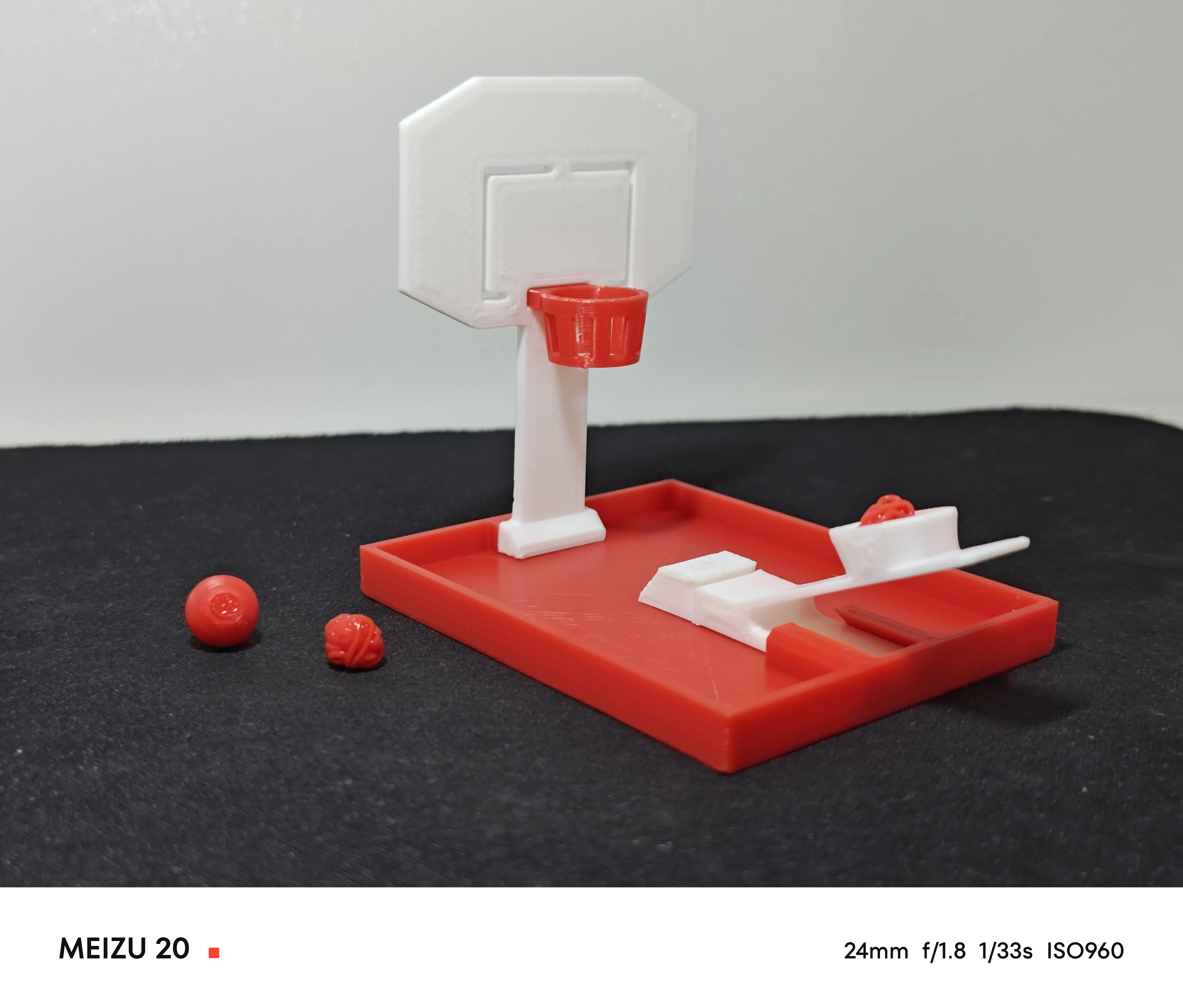
Construct BasketPOOP using printer poop. While poops are fresh (emm… like when they are warm and soft immediately after ejection from the machine), rotate them into round balls around 7 - 8 mm (0.28 - 0.32 in) in diameter, like the two balls on the right of the figure below. The left one can be printed using Plate #3.
Make a Bamboo Poop ball. While the bamboo poop is still fresh (like when it is warm and soft immediately after ejection from the machine), rotate it into a round ball about 7 - 8 mm (0.28 - 0.32 in) in diameter, like the two balls on the right of the figure below. The one on the left can be printed using Plate #3.
Step 3
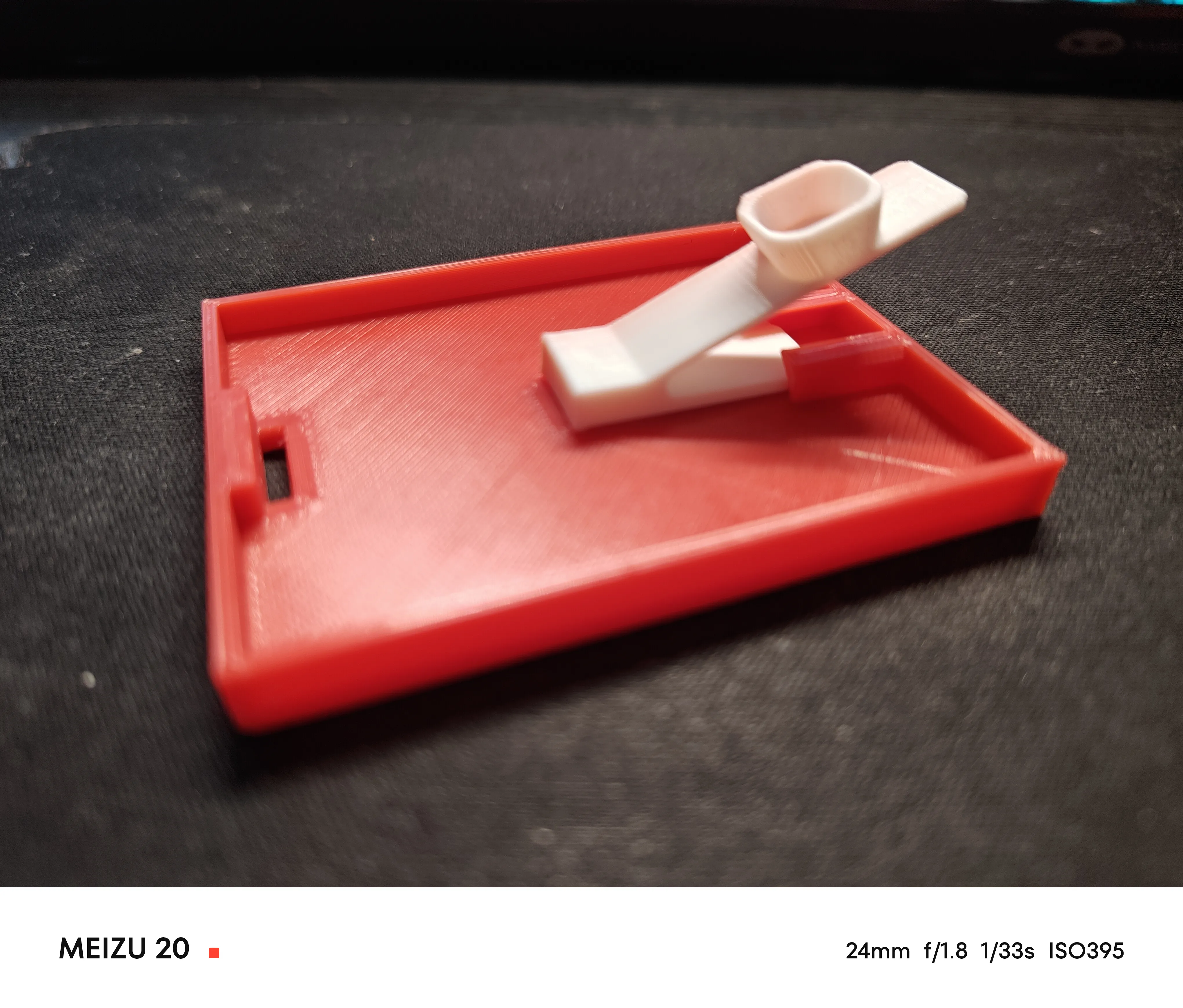
Slide the ball launcher into the rail on the base.
Slide the ball launcher into the rail on the base.
Step 4
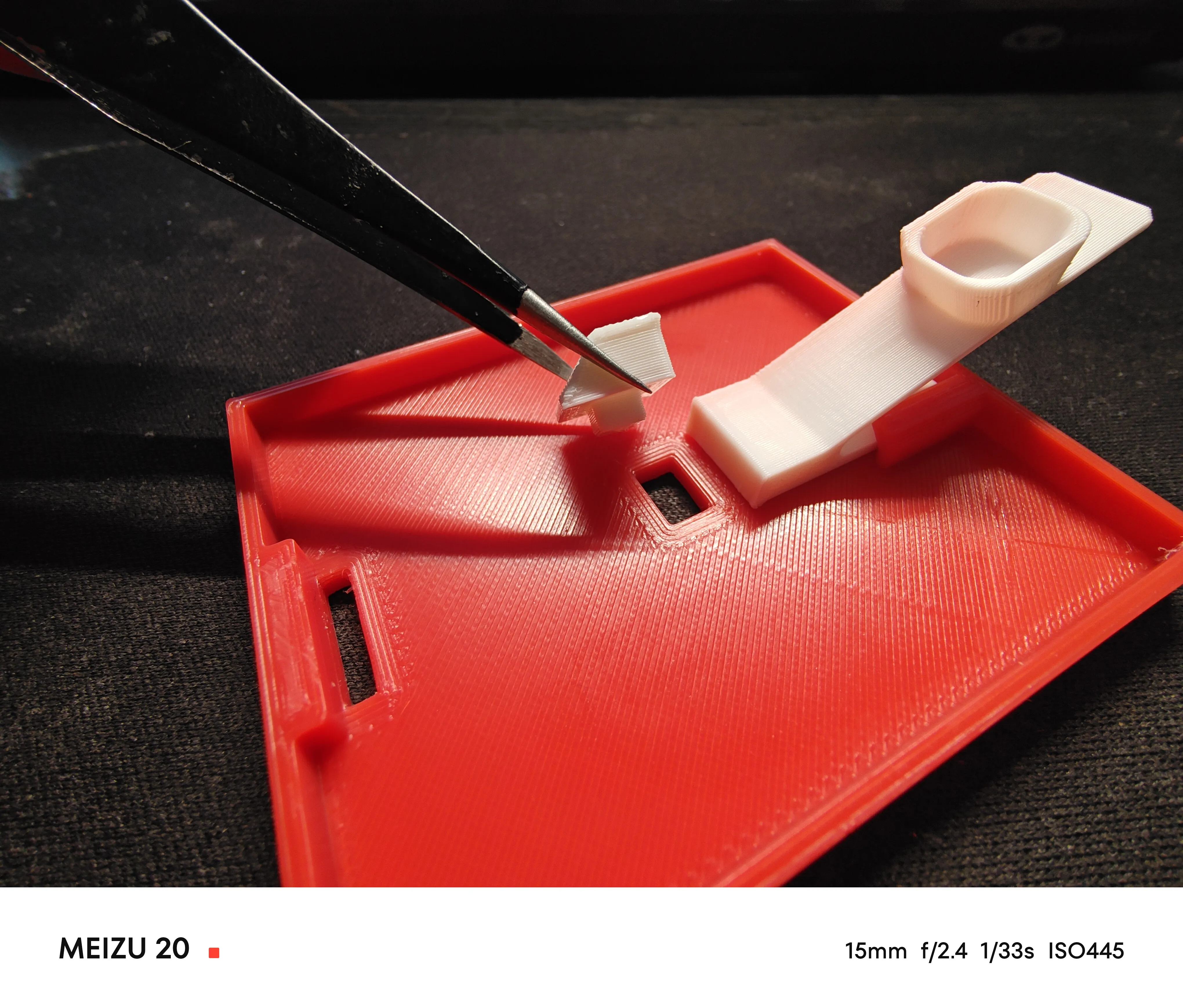
Install the blocker in front of the launcher.
Install the blocker in front of the launcher.
Step 5
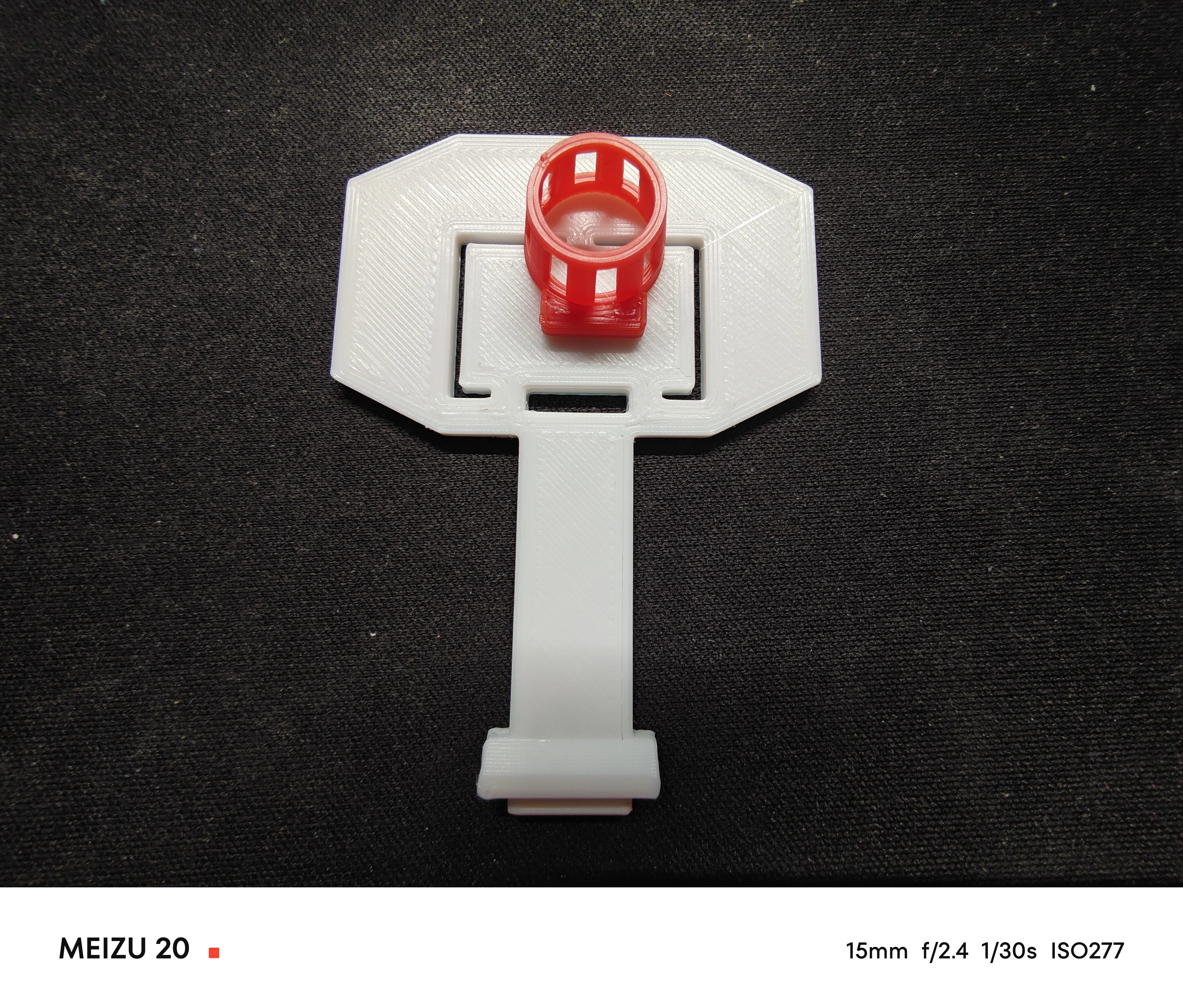
Insert the basket into the backboard. Please make sure to remove any elephant foot from the basket to ensure a smooth assembly experience.
Insert the basket into the backboard. Please make sure to remove any elephant foot from the basket to ensure a smooth assembly experience.
Step 6
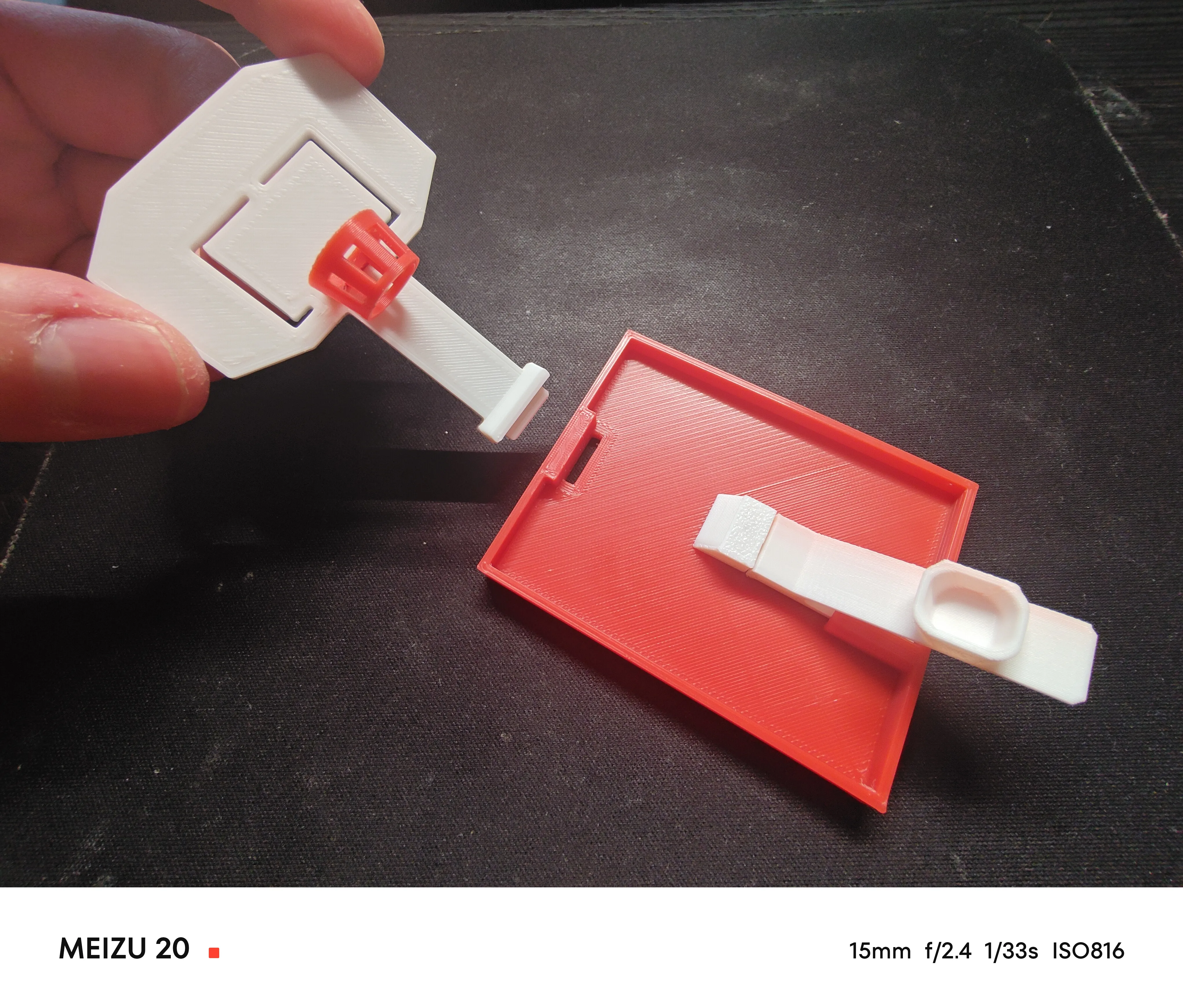
Install backboard.
Install the backboard.
Step 7
Done! Have fun!
Done! Have fun!
License



Comment & Rating (198)