Search models, users, collections, and posts

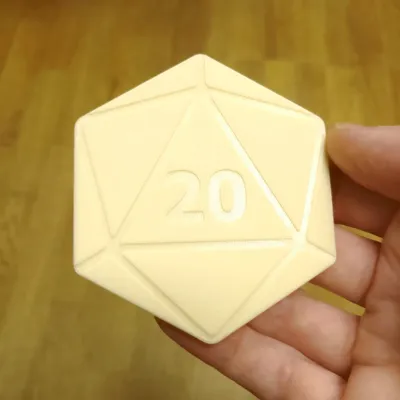
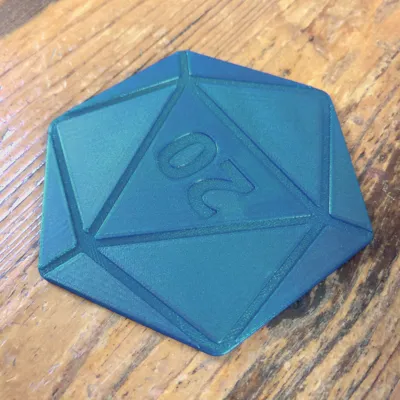
D20 Coasters

Print Profile(1)

All
P1S
P1P
X1
X1 Carbon
X1E
A1
A1 mini
H2D
H2D Pro
H2S
P2S
H2C
X2D
A2L

0.2mm layer, 2 walls, 15% infill
1.1 h
1 plate
4.9(20)

Open in Bambu Studio
Boost
219
610
29
8
456
282
Released 

Description

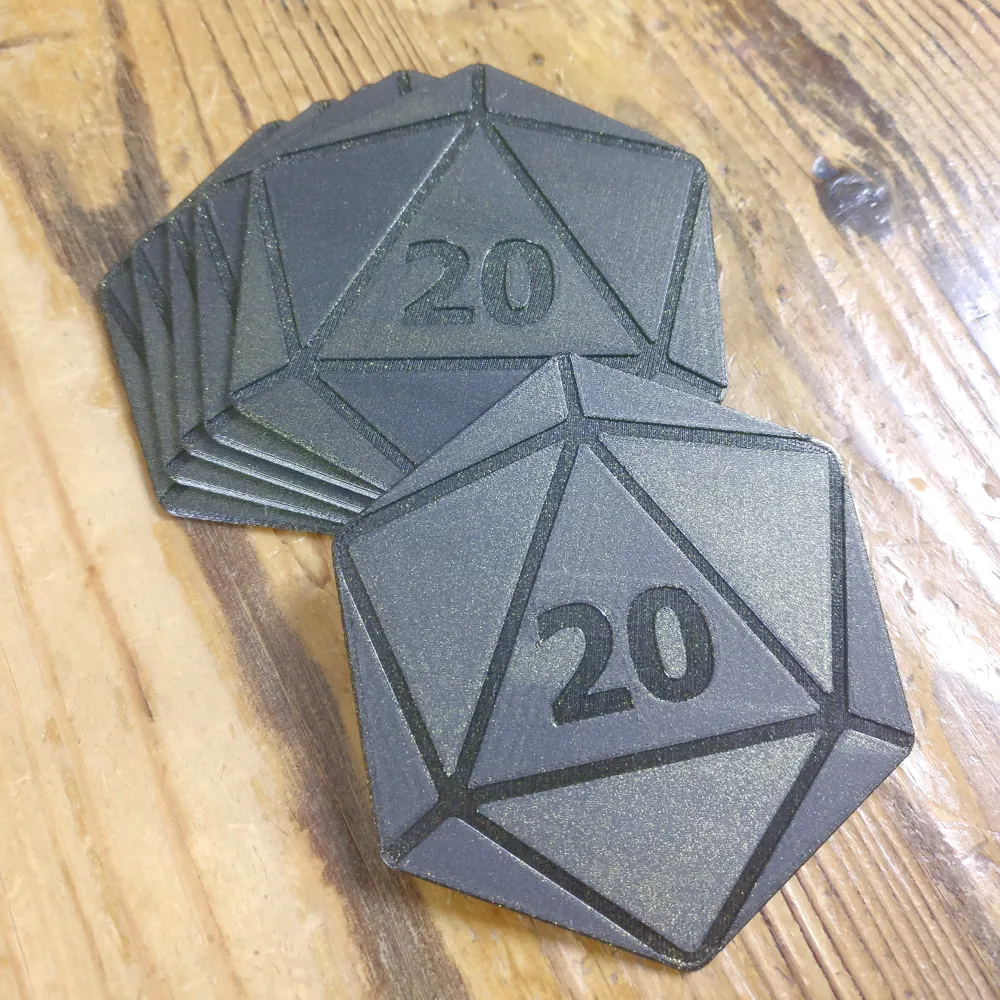
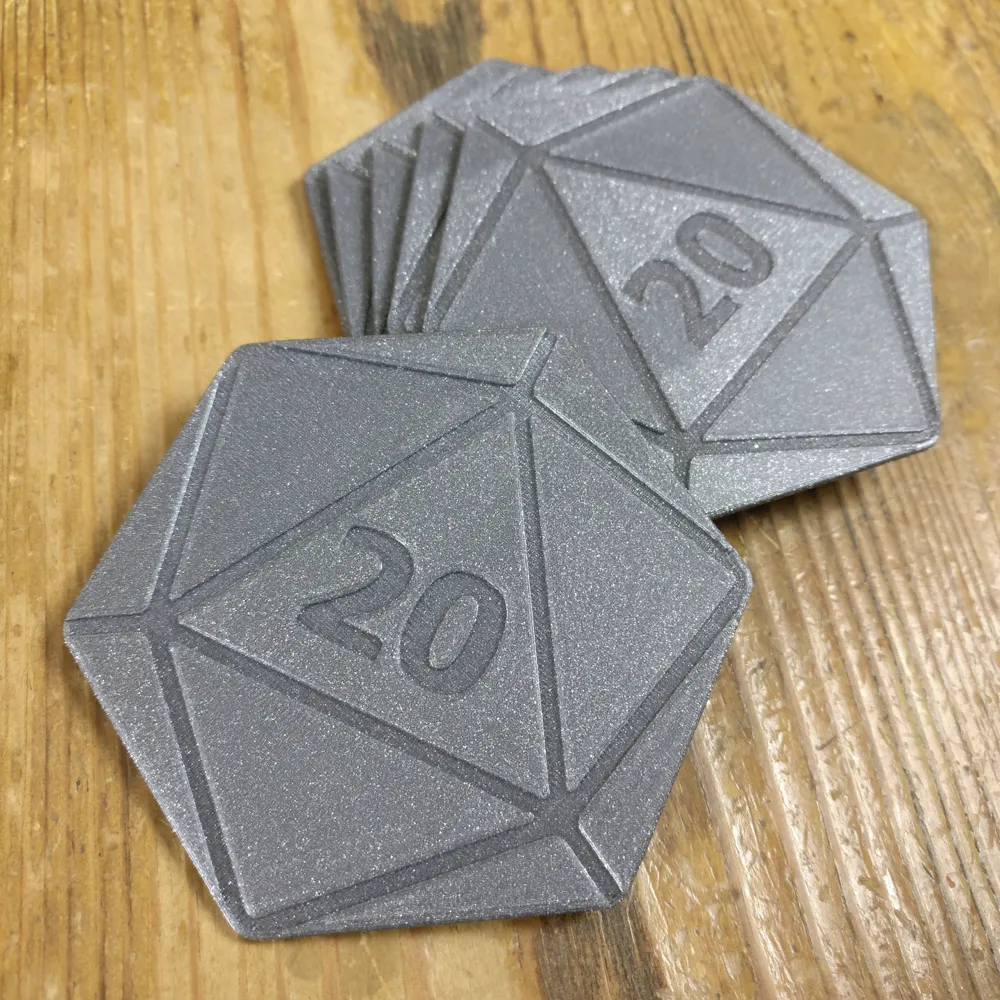
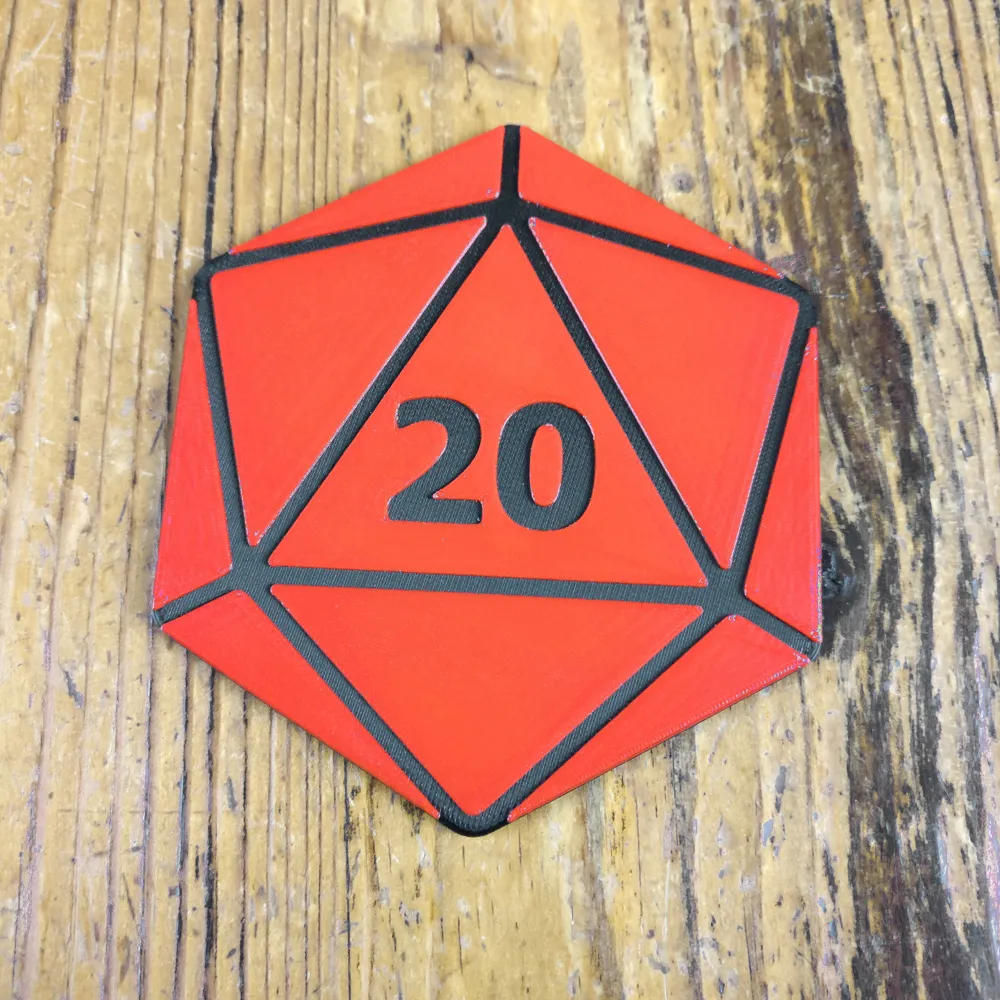
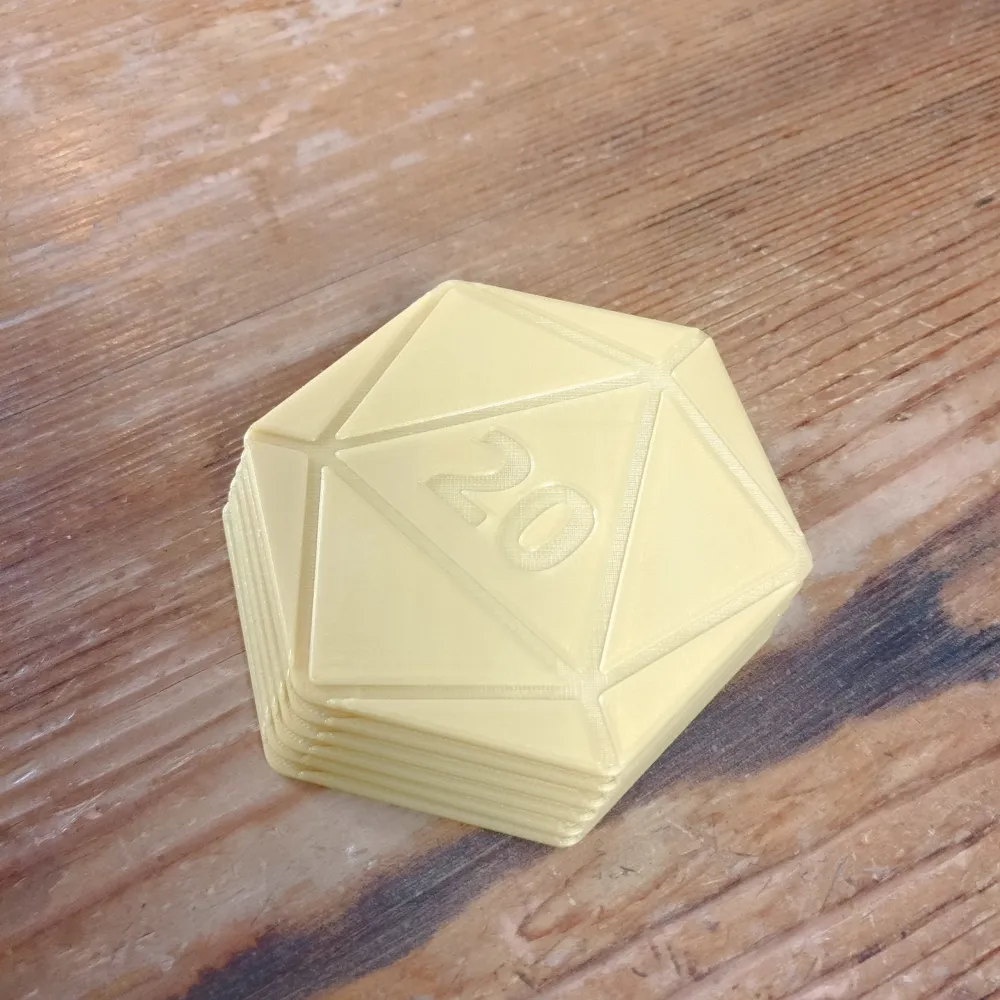
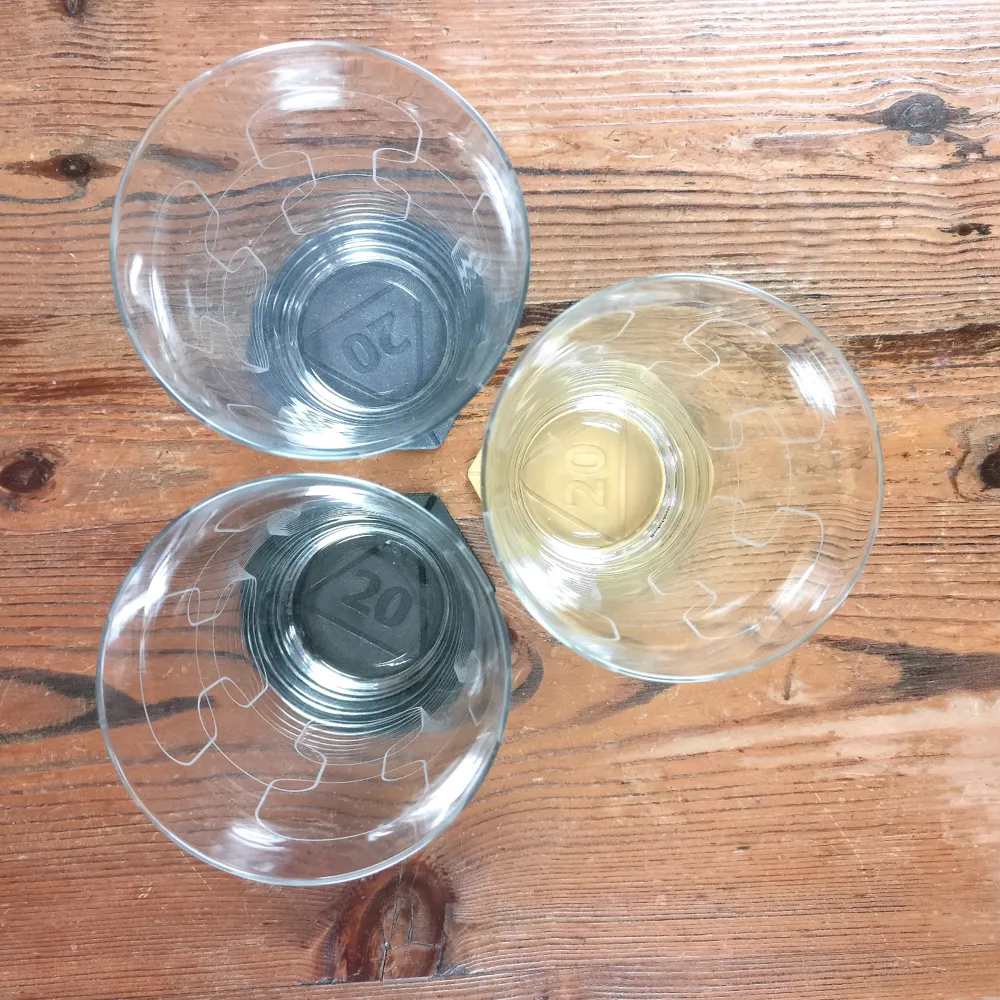
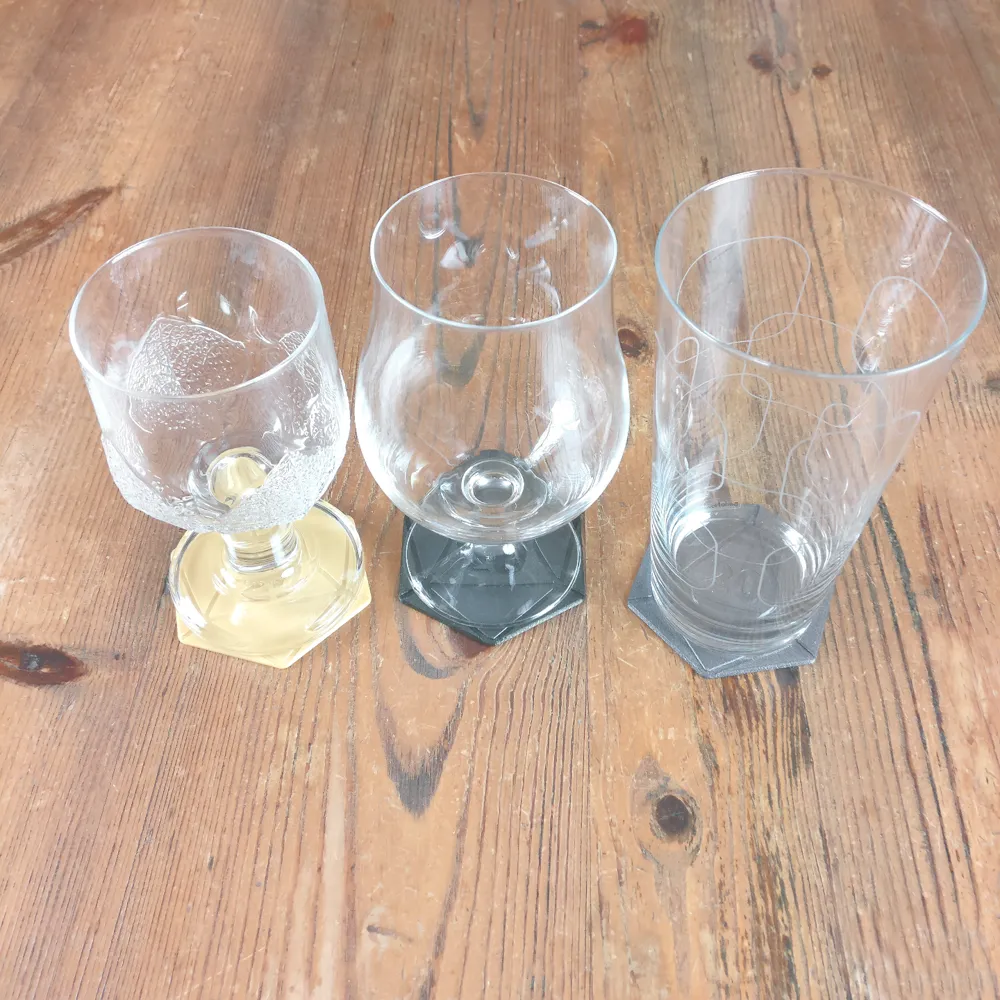
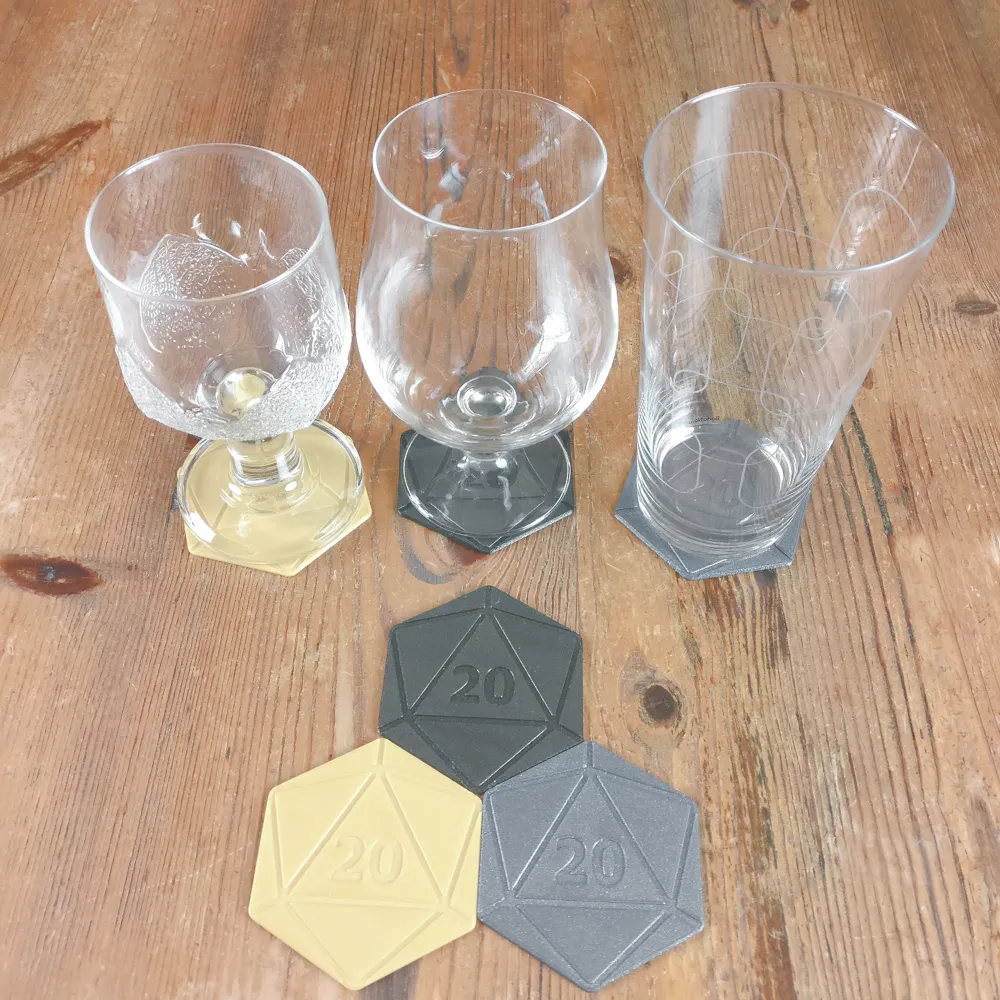
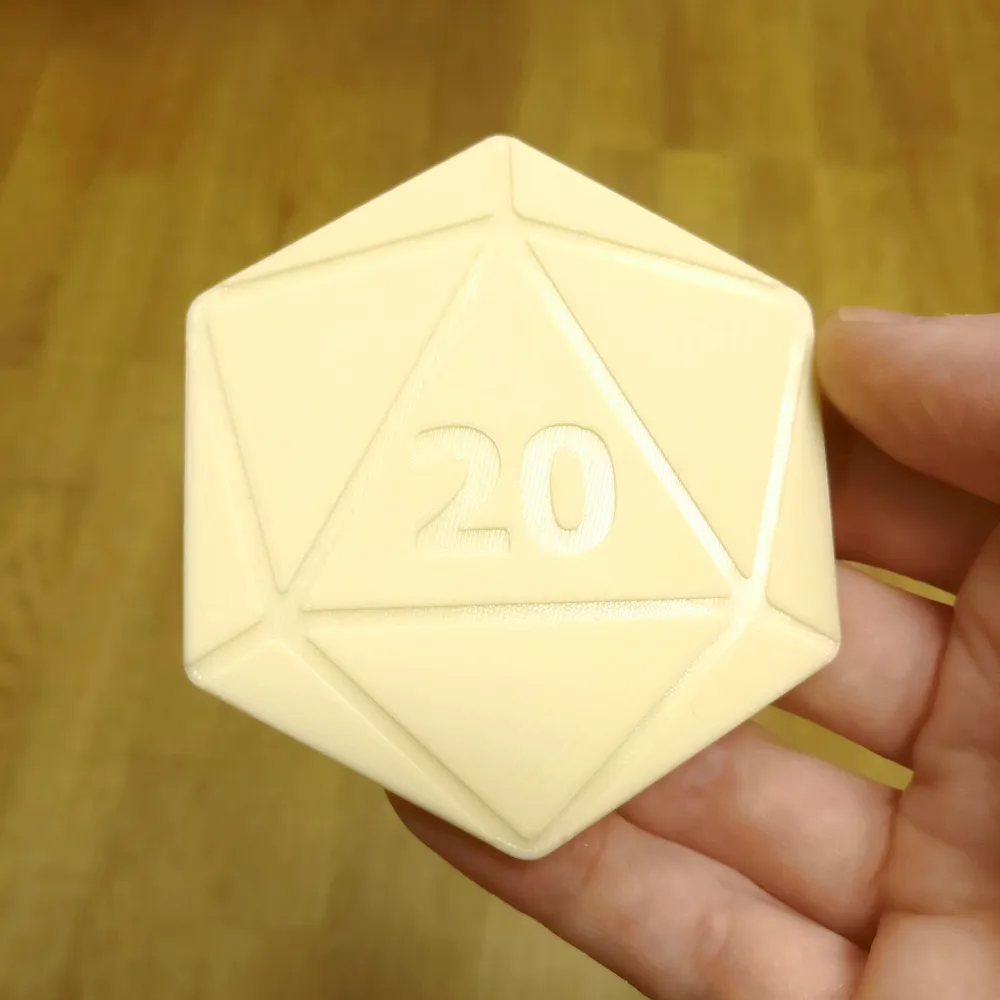
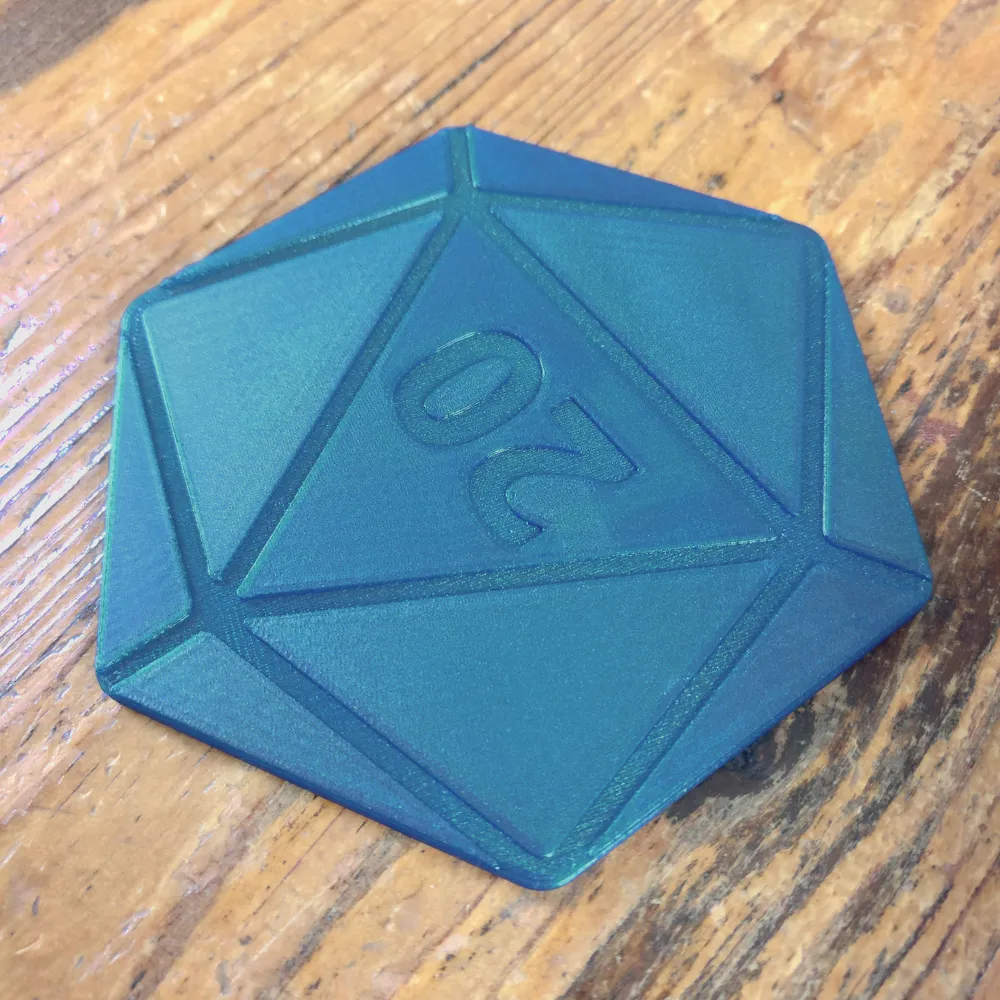
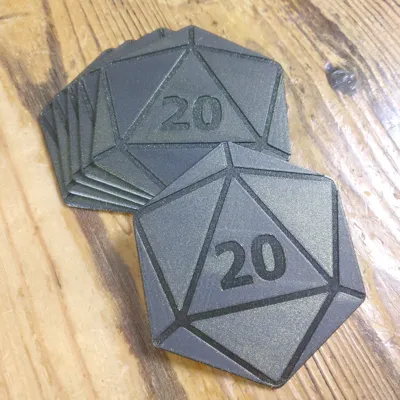
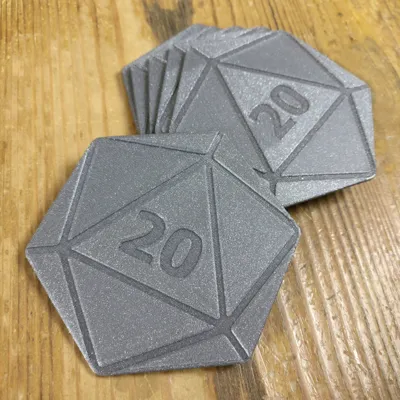
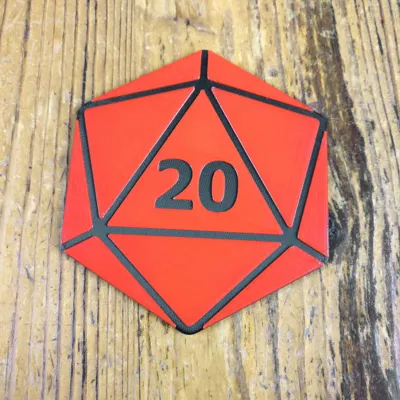
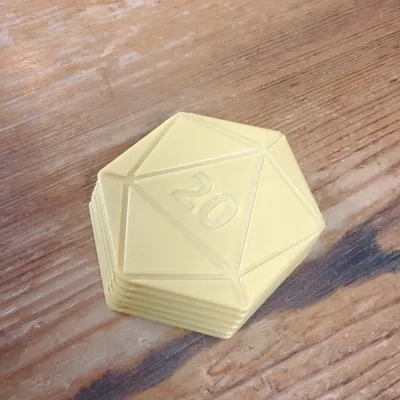
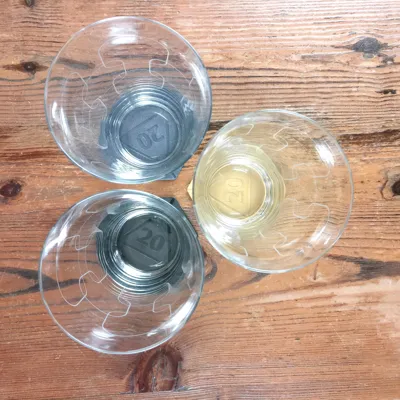
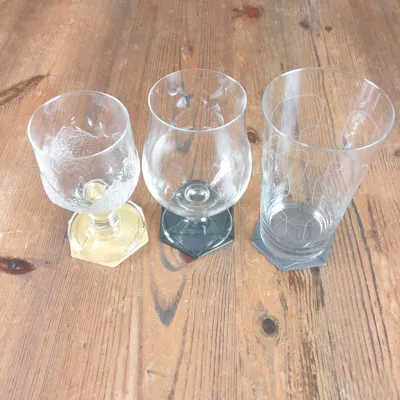
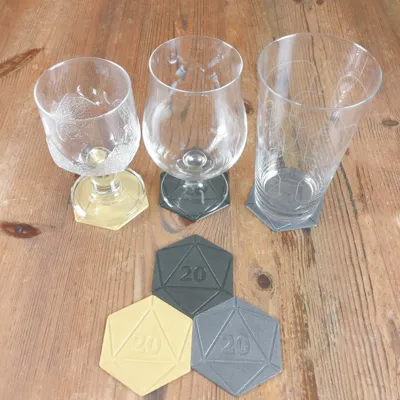
D20 coasters, a must for Dungeons and Dragons game nights!
Looking for a matching holder? Check out user Yami86's model:
https://makerworld.com/en/models/1572531-d20-coasters-holder#profileId-1654111

Size
Ø85mm
Total thickness 2.4mm
Thickness up to pattern 2mm

Settings

0.2mm layer height
2 walls
Total of at least 12 top and bottom layers to make it solid (this is recommended for a smooth ironing result)
Monotonic lines pattern
Ironing
Add a colour change at 2mm if you want it dual colour.

Comment & Rating (29)

(0/1000)

Love the coasters! They Look great, are easy to print, it's ttrpg themed... What's not to like! I took the liberty to create a matching holder for a set of eight! :)
(Edited)
The designer has replied
designer
1
Reply
Nice, I added a link to it :) Great surface quality on your print!
1
Reply
Printed smoothly.
designer
1
Reply
Print Profile
0.2mm layer, 2 walls, 15% infill
These coasters turned out perfect!
0
Reply
Print Profile
0.2mm layer, 2 walls, 15% infill
printed out well!! did single colour as I didn't have AMS.
0
Reply
I'm not sure what I'm doing wrong, but 2 different attempts resulted in poor quality on the top surface. I'm thinking it's the ironing that was added, but I can't be sure. Obviously that's not a problem with the model!
The designer has replied
0
Reply
Ironing may require calibration to give a good result. First: make sure flow rate and flow dynamics are calibrated for the filament and that a print without ironing looks good and even on the entire surface. Then add ironing and if there are gaps or a porous surface, increase ironing flow. If the surface has no gaps but looks smeared or over-extruded, reduce ironing flow. Make small changes. You can use the slicer's cut function and extract a single triangle to use as a quicker test piece. There are ironing calibration prints on Makerworld but I haven't tested any of them: https://makerworld.com/en/search/models?keyword=Ironing%20test%20calibration
0
Reply
Replying to @Criticalprint3d :
I found a similar calibration a couple days ago and set the speed to 30mm/s and flow to 25%. I think it came out pretty good. Here's the result:
0
Reply
Print Profile
0.2mm layer, 2 walls, 15% infill
printed from the app so didn’t realize they are smaller than a standard coaster. cute design but would size up personally next time.
The profile uploader has replied
0
Reply
its how it came. if you not know how let me know what size you want it and i can upload a larger print profile.
0
Reply
Print Profile
0.2mm layer, 2 walls, 15% infill
Exceptional model, rounded corners of the facettes make dual colored prints pop out even more :)
1
Reply
Print Profile
0.2mm layer, 2 walls, 15% infill
Awesome coasters to have for D&D, our DM loves them
0
Reply
Print Profile
0.2mm layer, 2 walls, 15% infill
These look great. I needed to put some non slip feet on them, but overall really cool.
0
Reply
Print Profile
0.2mm layer, 2 walls, 15% infill
My coffee says thanks!! Great print!
0
Reply