Search models, users, collections, and posts

Destiny 2 Glimmer Loot Chest Box with LEDs
IP Report

Print Profile(1)

All
X1 Carbon
P1S
P1P
X1
X1E
A1
A1 mini
H2D
H2D Pro
H2S
P2S
H2C
X2D
A2L

0.2mm layer, 2 walls, 15% infill
Designer
4.7 h
5 plates
5.0(9)

Open in Bambu Studio
Boost
140
349
17
9
227
99
Released 

Description

Thanks for checking out my model! Interested in supporting my work or selling prints?


Support Crew – Show some love and help keep the projects flowing
Galactic Maker Foundry – Sell physical prints of my original designs
Foundry License+ – Sell prints and use my photos for listings


🎉 Supporter-only Discord coming soon – get early access, tips, and sneak peeks!


Membership

Join here to support or get a license

Join

Eyes up Guardian!


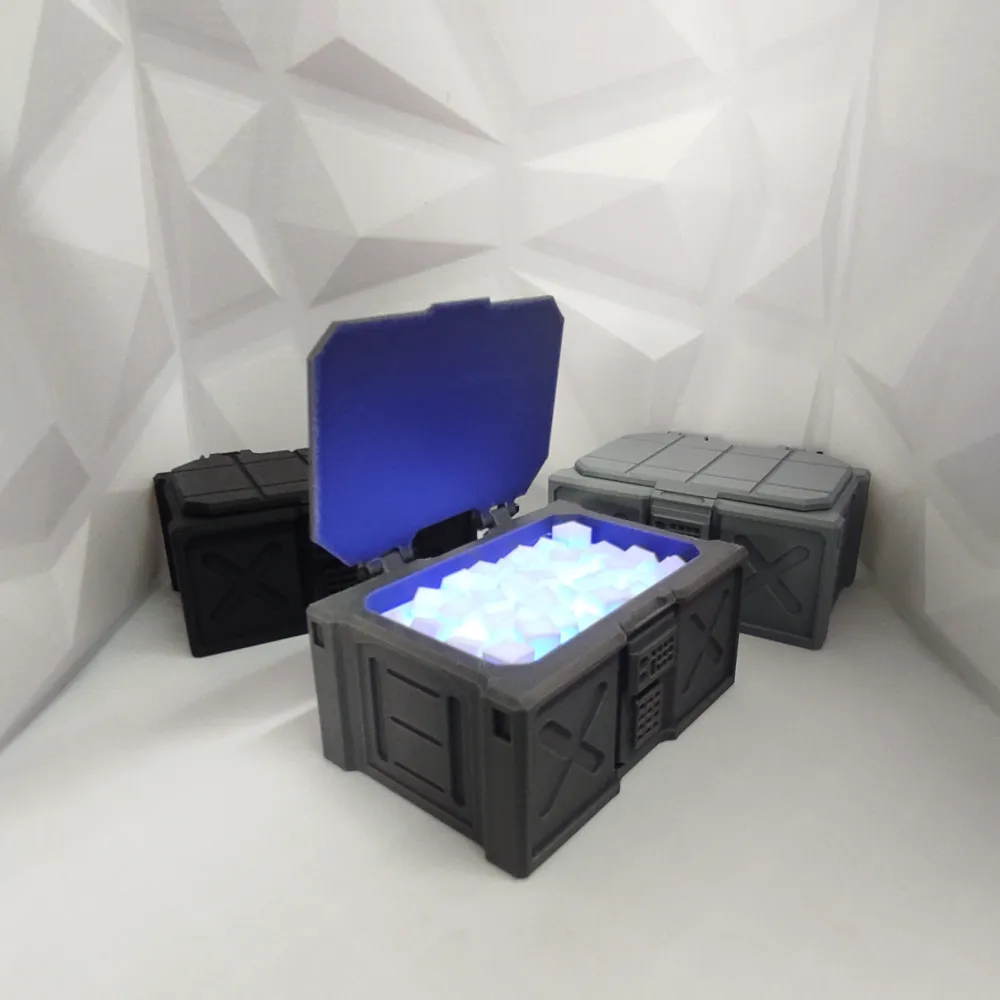
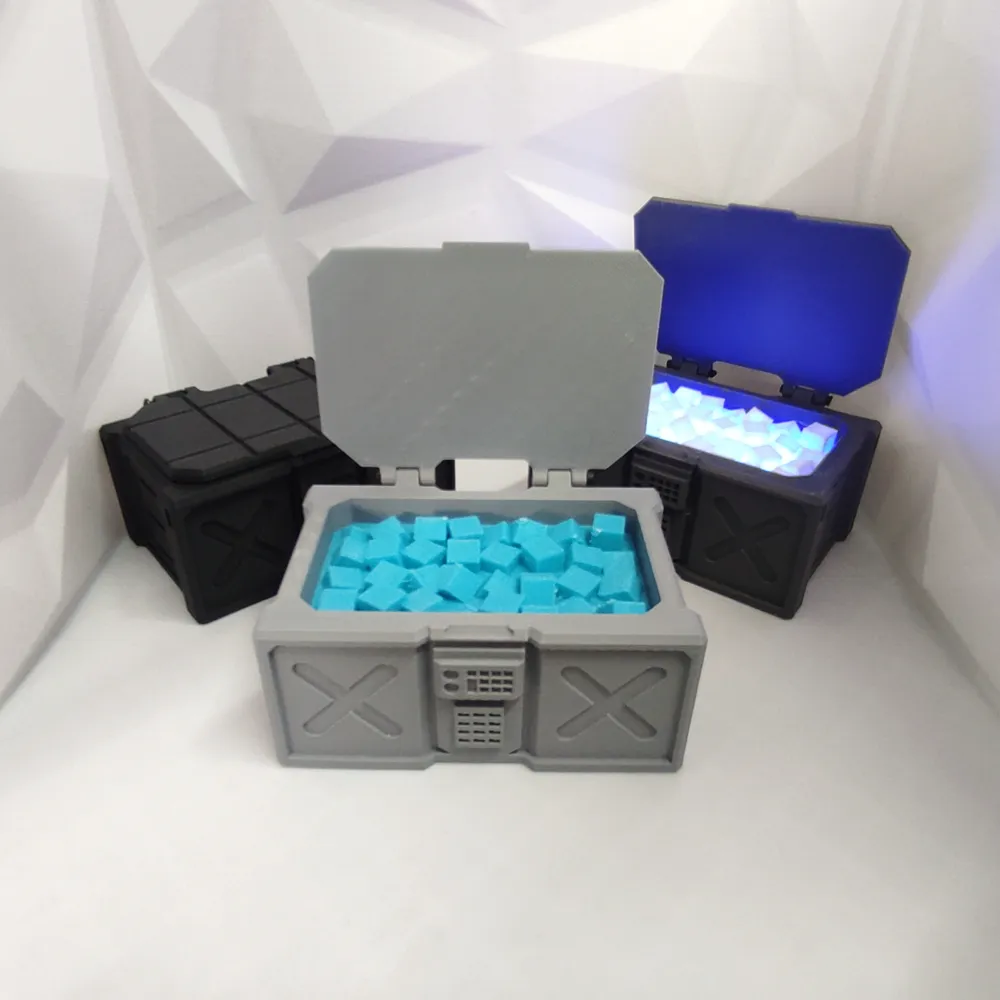
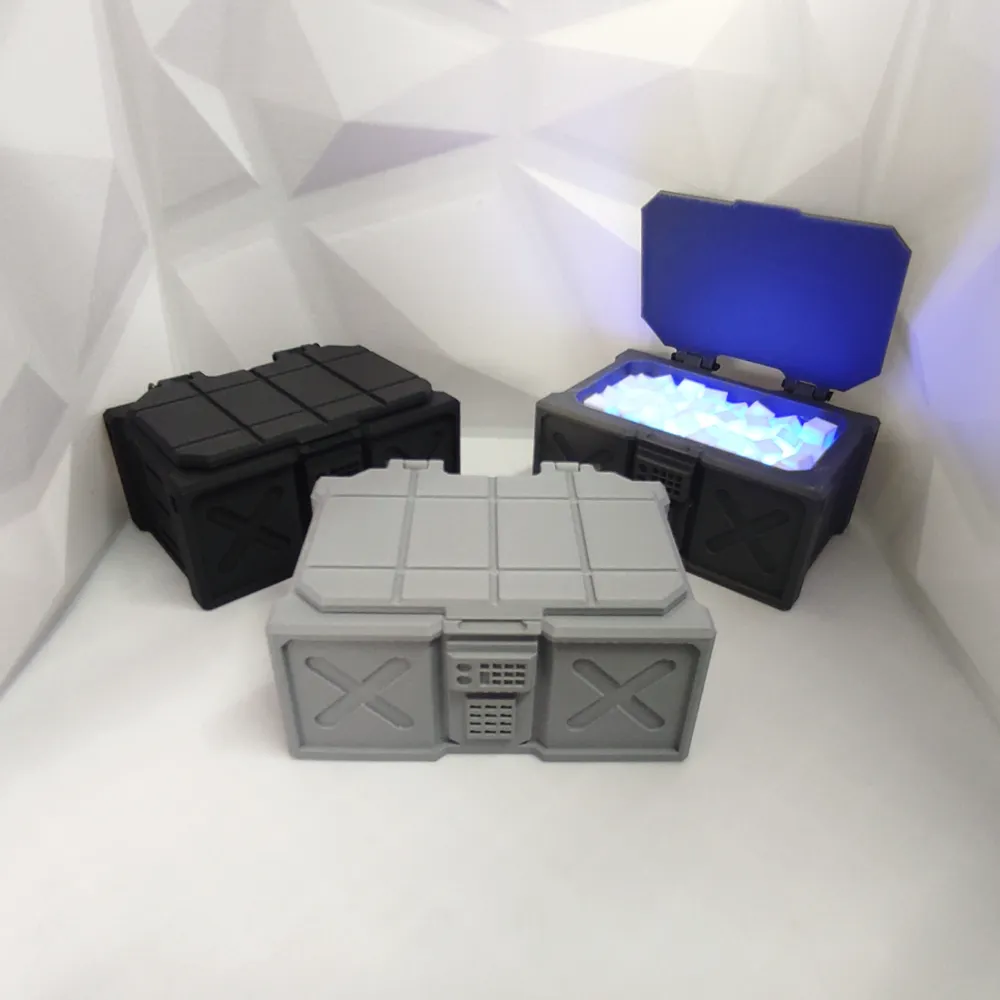
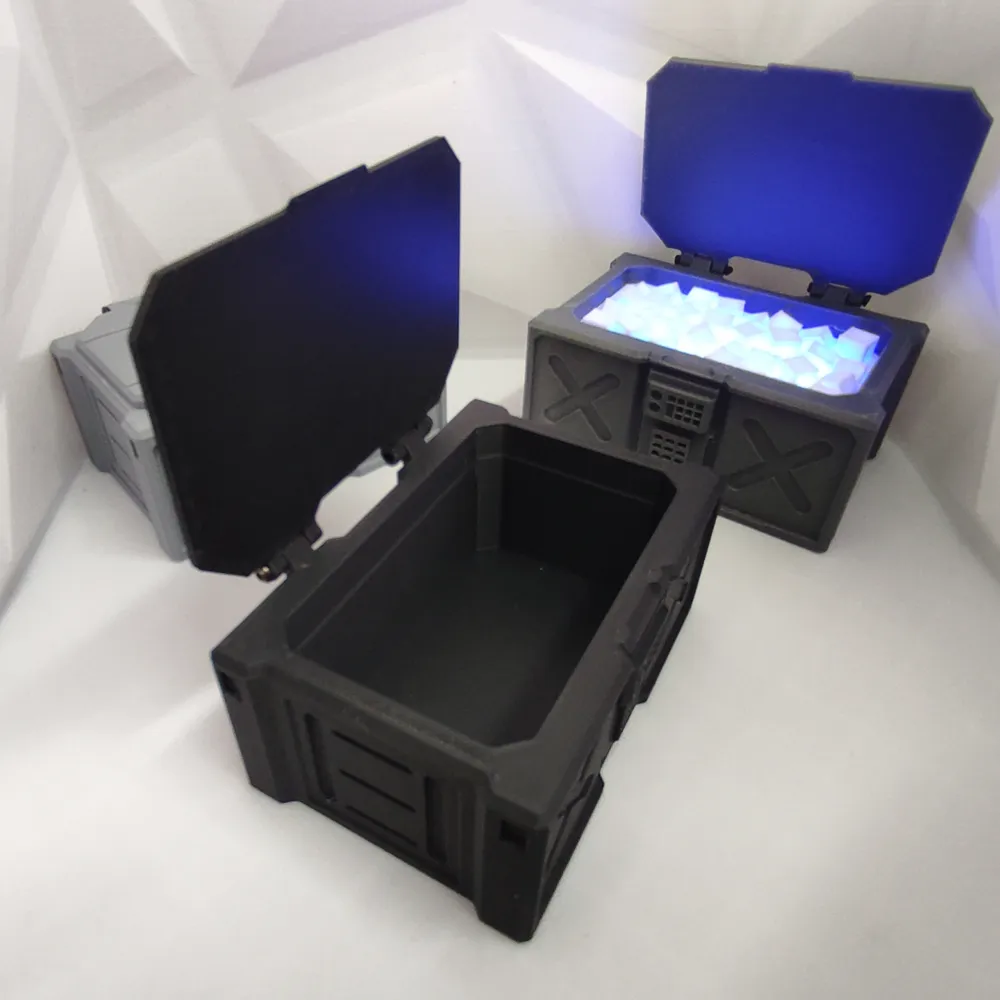
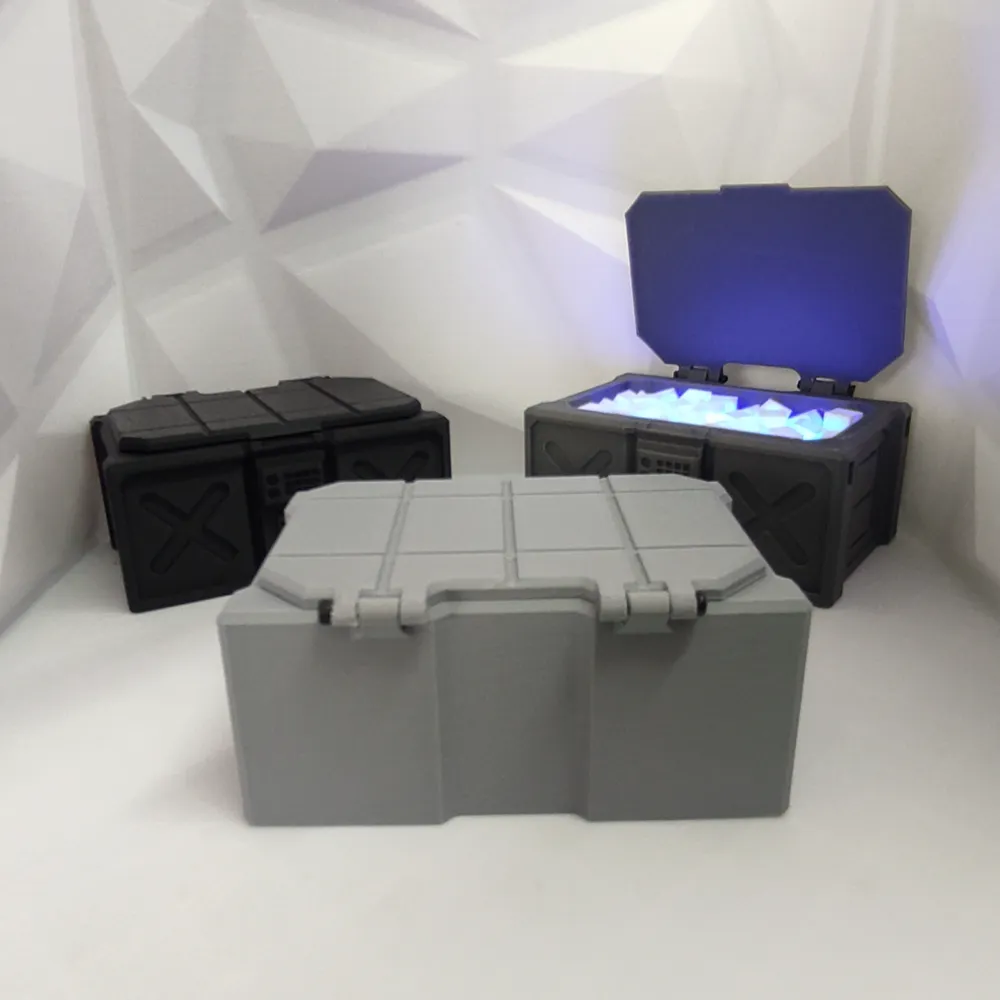
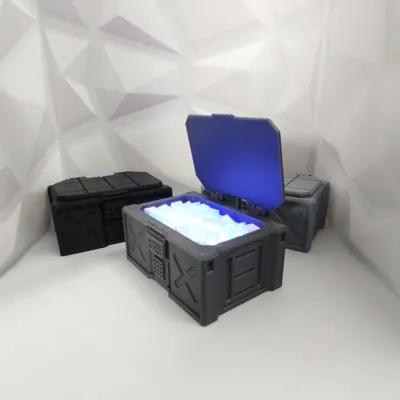
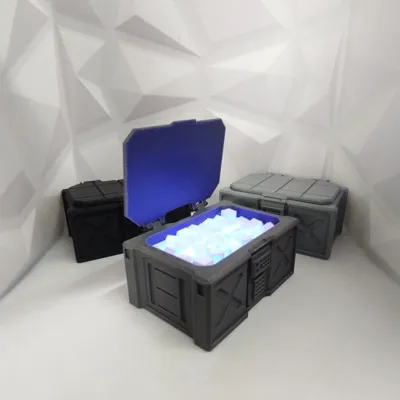
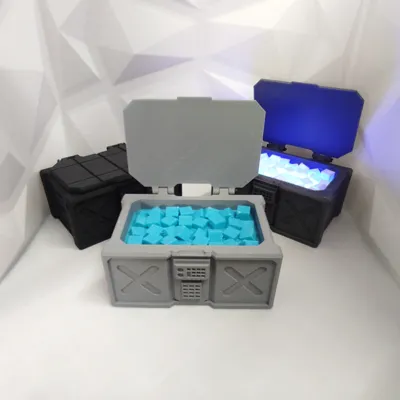
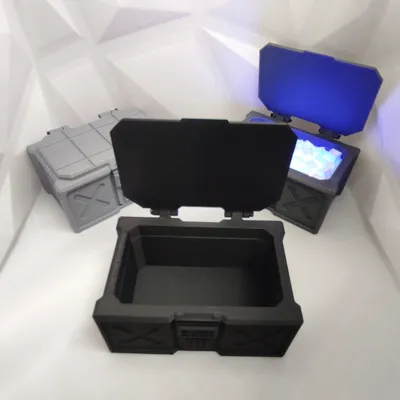
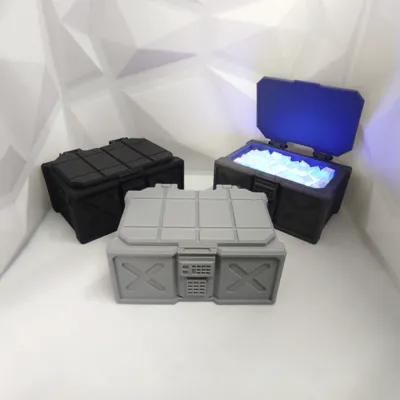
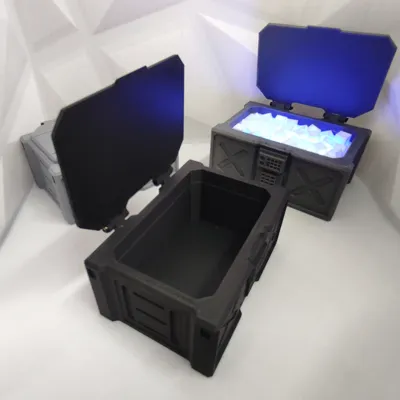
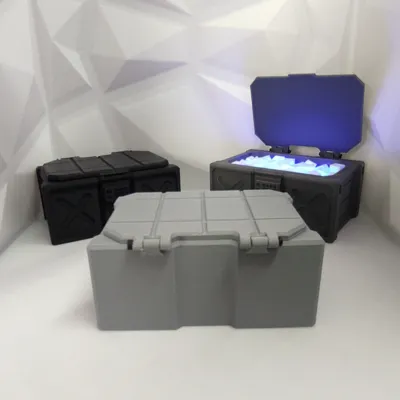
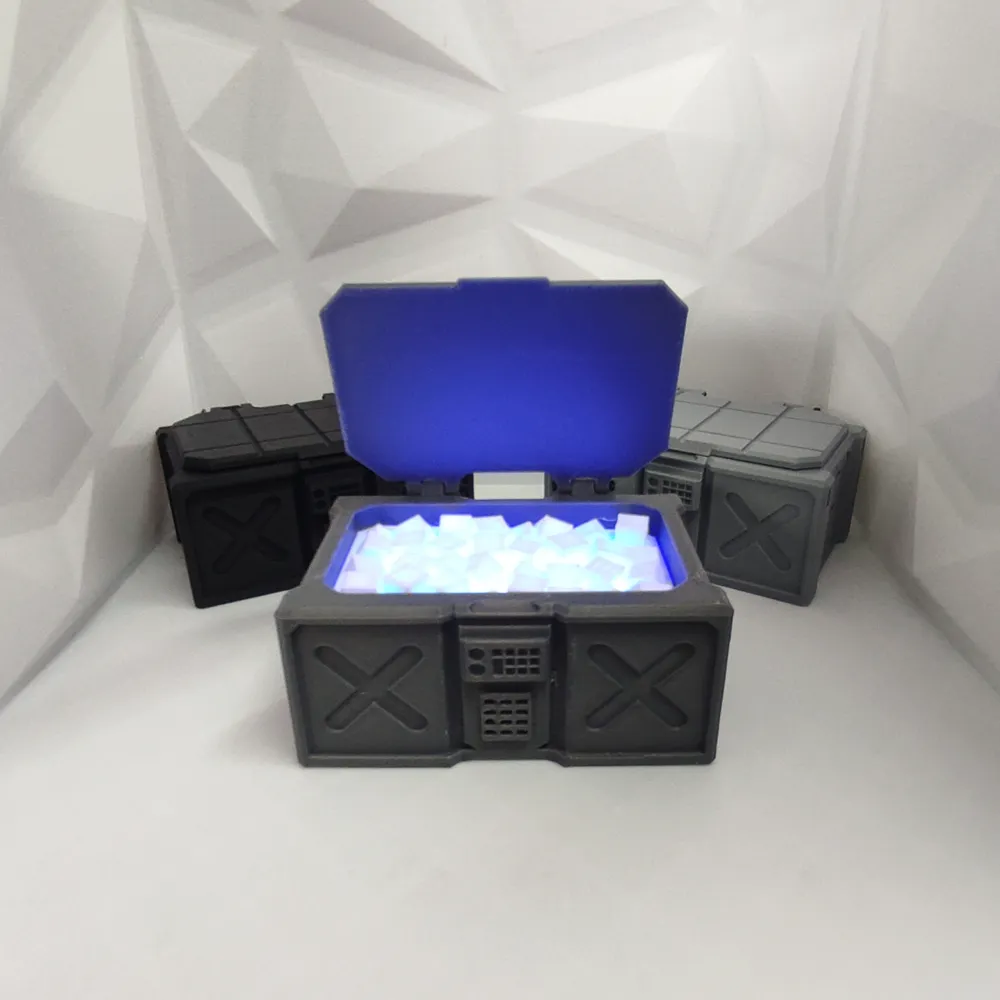
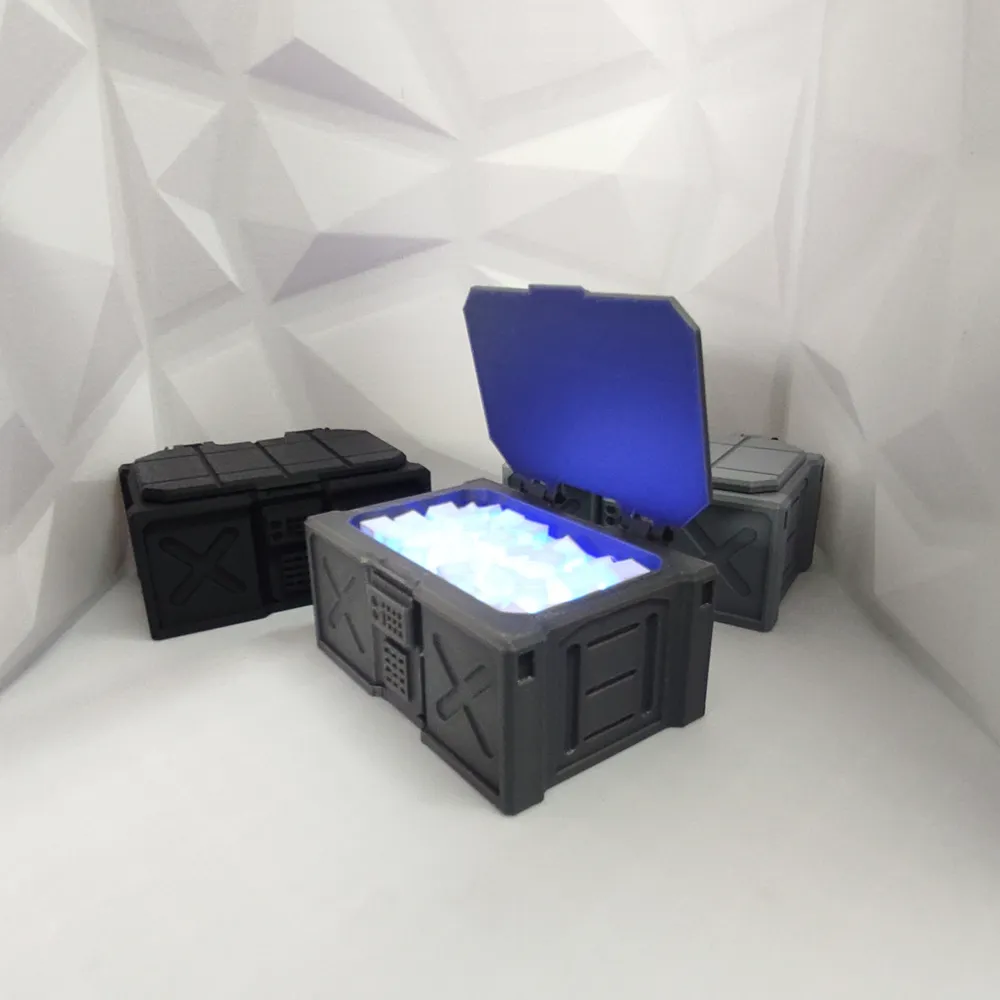
Can't get enough of grinding for loot in Destiny? Now you can have your very own Glimmer Loot Chest.


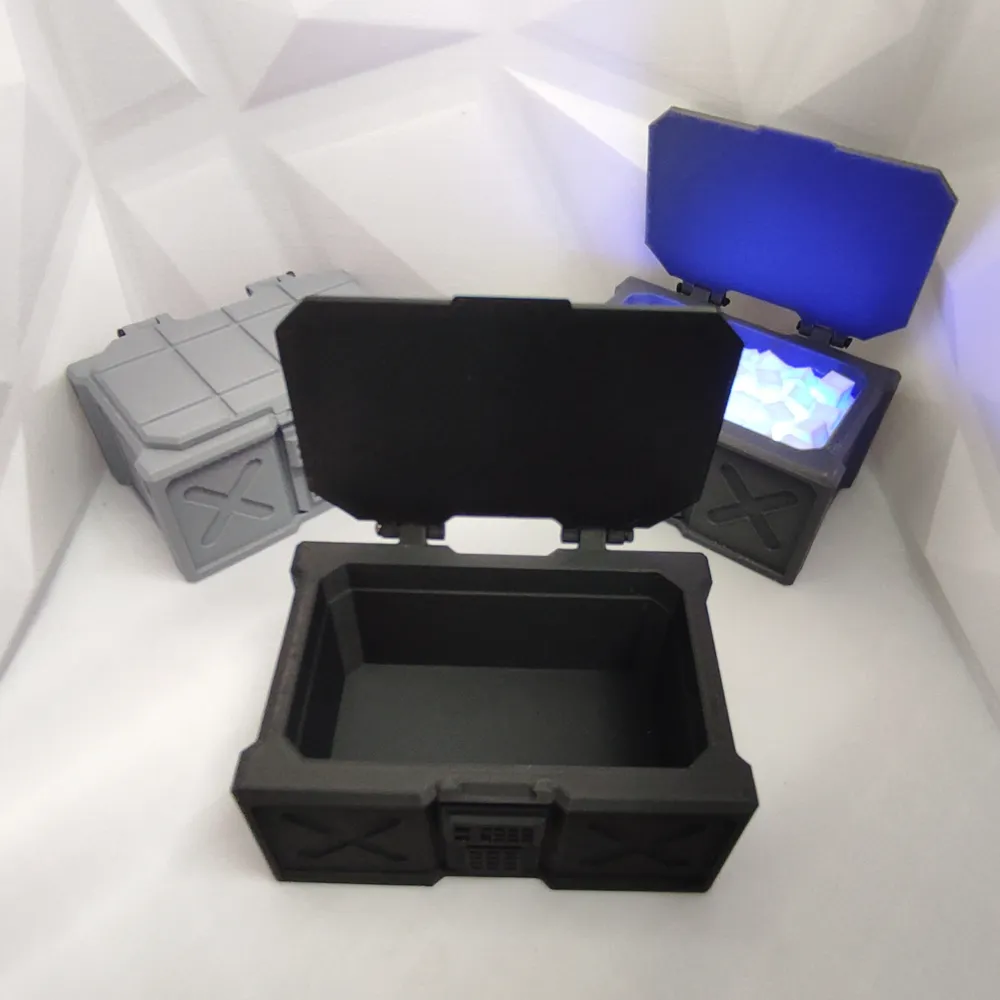
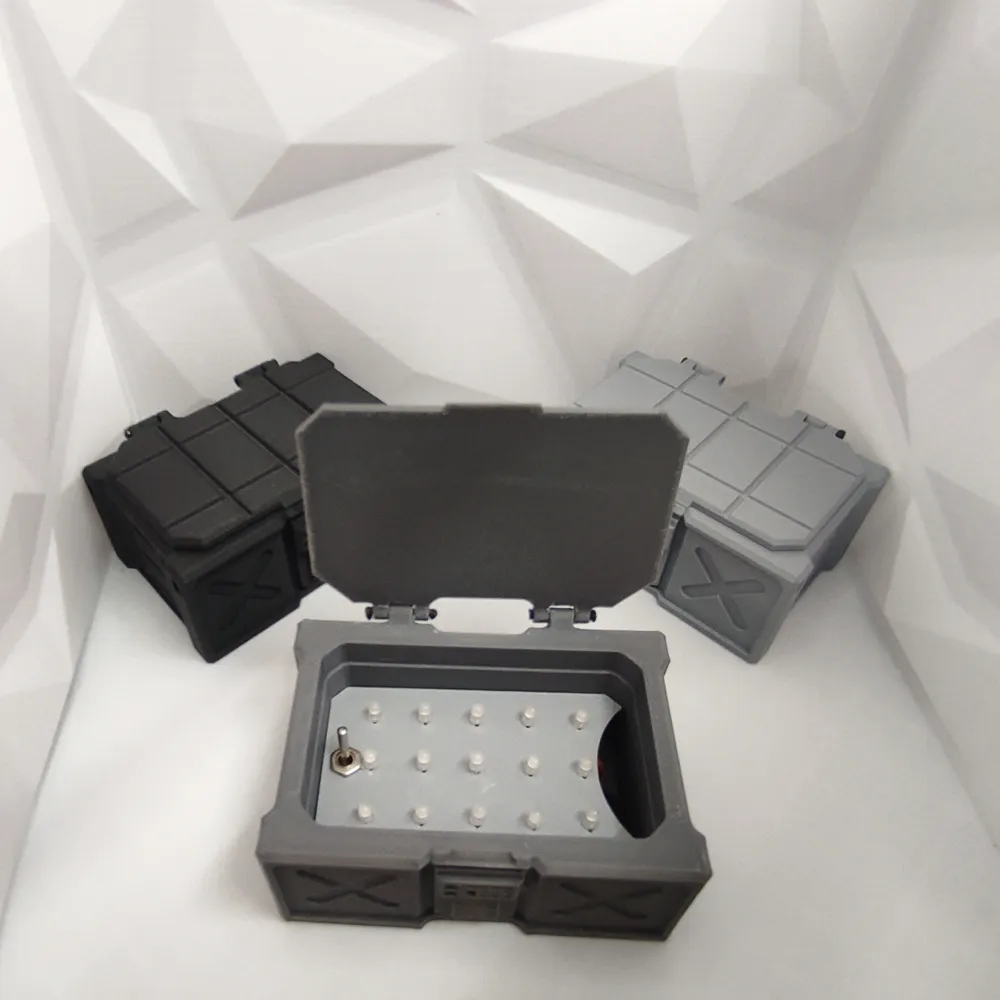
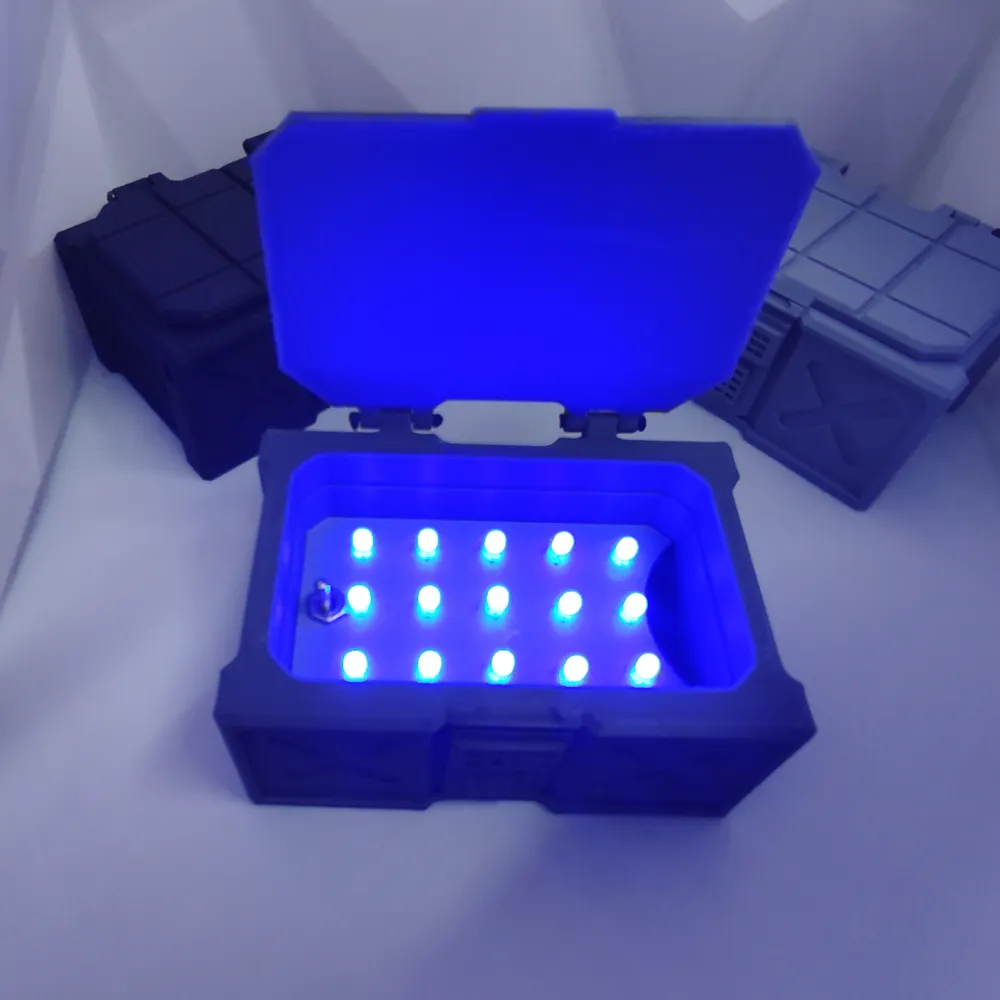
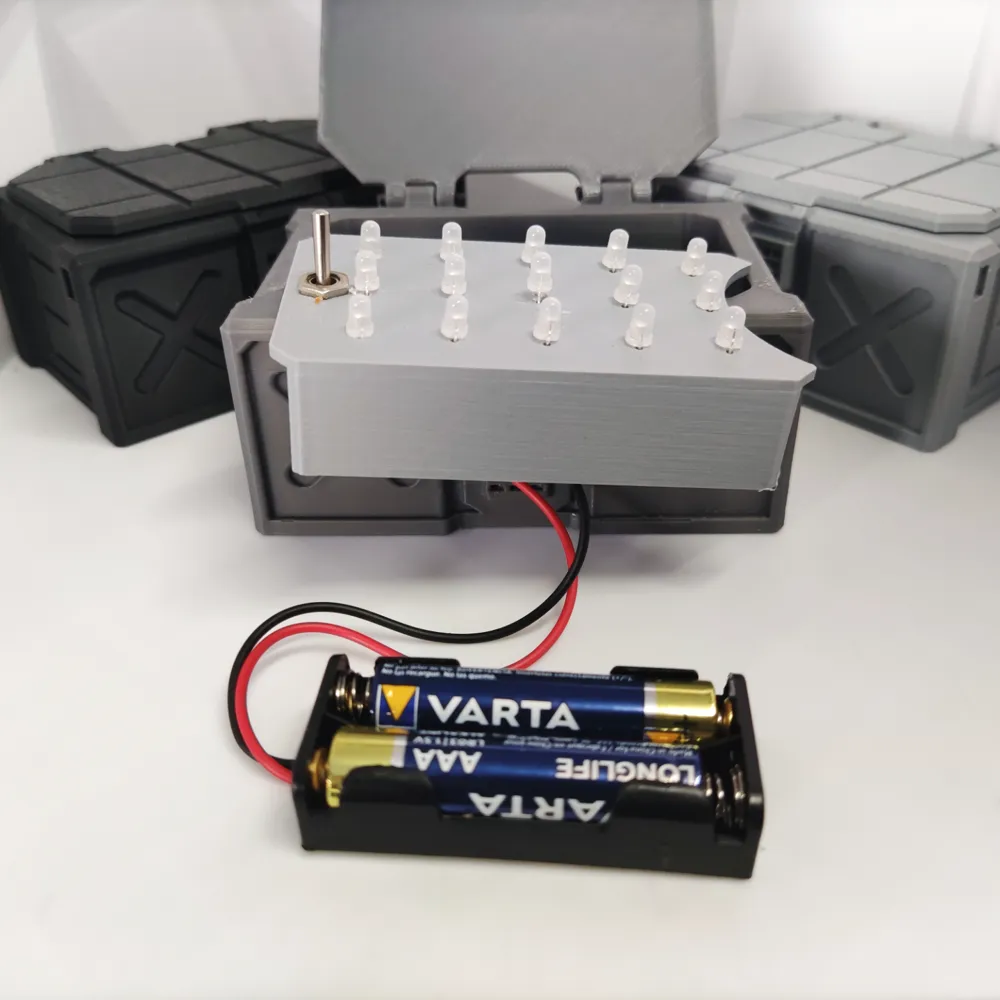
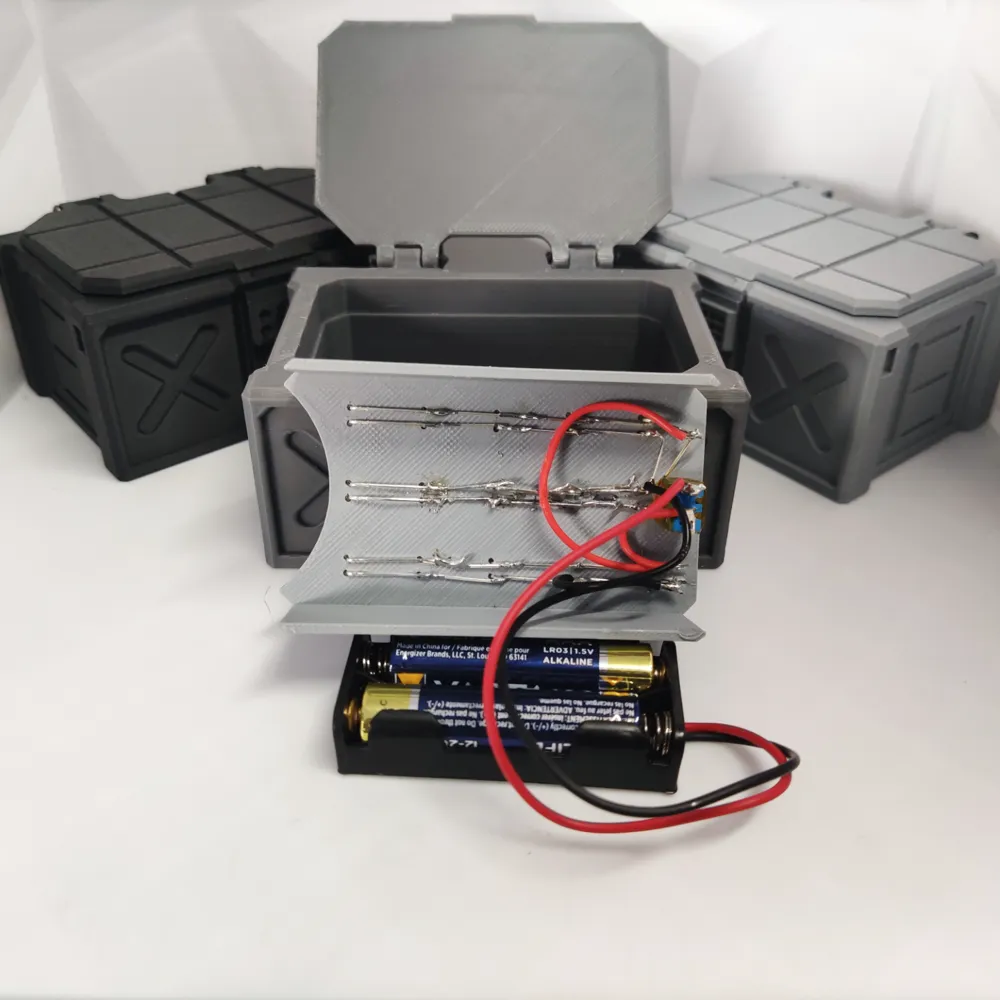
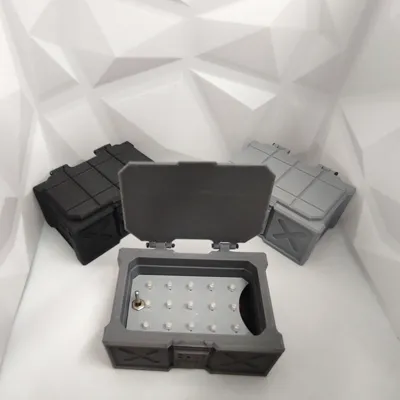
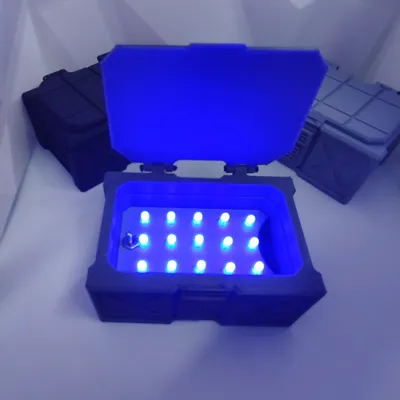
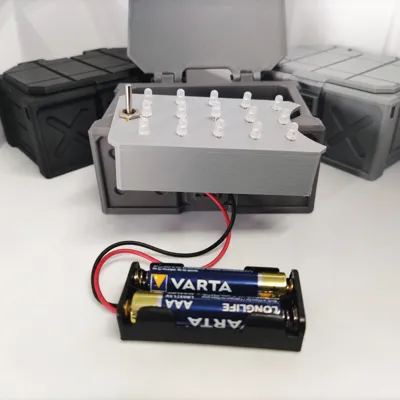
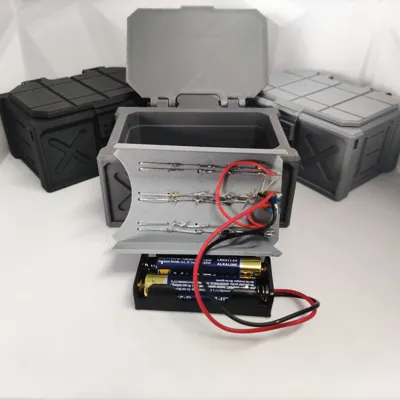
You can either add LEDs with a battery like I have or use the cheap battery powered LED Fairy Lights, or just you it as a box. I used some small 3mm blue LEDs I had, with a AAA battery holder and toggle switch.


If you are going to use LEDs to light up the Glimmer, its best the print it with 0 bottom layers and 0 infill so it gives a nice glow.


For the hinge you can either use M2 screws or use a small length of filament and melt the ends with a lighter and squish it, almost like a rivet.

Comment & Rating (17)

(0/1000)

I have a question. I’m printing this scaled up 400% and the only thing giving me issues is the hollow glimmer is there any settings you know of to help with it the first layer will not put down and set?
The designer has replied
0
Reply
just the usual stuff like cleaning your build plate with warm water and dish soap, just make sure that it is actually settled on the build plate, I have some times scaled stuff but it floats about the build plate a little. Other than that you could try adding a brim
0
Reply
I’ve cleaned it tested another print and it’s fine the outer edge prints first and that lays flat the inside is what is giving me issues it’s like you said it’s floating maybe I’ll try adding supports so it goes flat to the build plate
0
Reply
I figured it out scaling it added 6 extra bottom layers on the outer edge causing the center to print in the air just cut the bottoms layers off and it’s going fine now
2
Reply
Print Profile
0.2mm layer, 2 walls, 15% infill
Fantastic box, the hinges work perfectly with some spare filament
The profile uploader has replied
0
Reply
thanks man, really appreciate it, glad you enjoyed it. I have a Fallen chest in the works too so look out for that.
(Edited)
1
Reply
Replying to @pumpkin20303 :
Awesome! I'd love to see a Borderlands styled one too. That game is more my jam :)
0
Reply
Print Profile
0.2mm layer, 2 walls, 15% infill
love this box although I feel I need the other plates for a 3d ld not just the base
0
Reply
Boosted
Sehr schön
0
Reply
I just really love this design
0
Reply
Print Profile
0.2mm layer, 2 walls, 15% infill
Printed great! still need to put LEDs in it. Supports came off so easy.
0
Reply
Print Profile
0.2mm layer, 2 walls, 15% infill
1
Reply
Print Profile
0.2mm layer, 2 walls, 15% infill
0
Reply
Print Profile
0.2mm layer, 2 walls, 15% infill
0
Reply
Print Profile
0.2mm layer, 2 walls, 15% infill
0
Reply

License

If you want to use this model commercially, please join my membership.
Join Now
This user content is licensed under a Standard Digital File License.

You shall not share, sub-license, sell, rent, host, transfer, or distribute in any way the digital or 3D printed versions of this object, nor any other derivative work of this object in its digital or physical format (including - but not limited to - remixes of this object, and hosting on other digital platforms). The objects may not be used without permission in any way whatsoever in which you charge money, or collect fees.