
Mass Effect Legendary HueForge

Print Profile(1)
Description
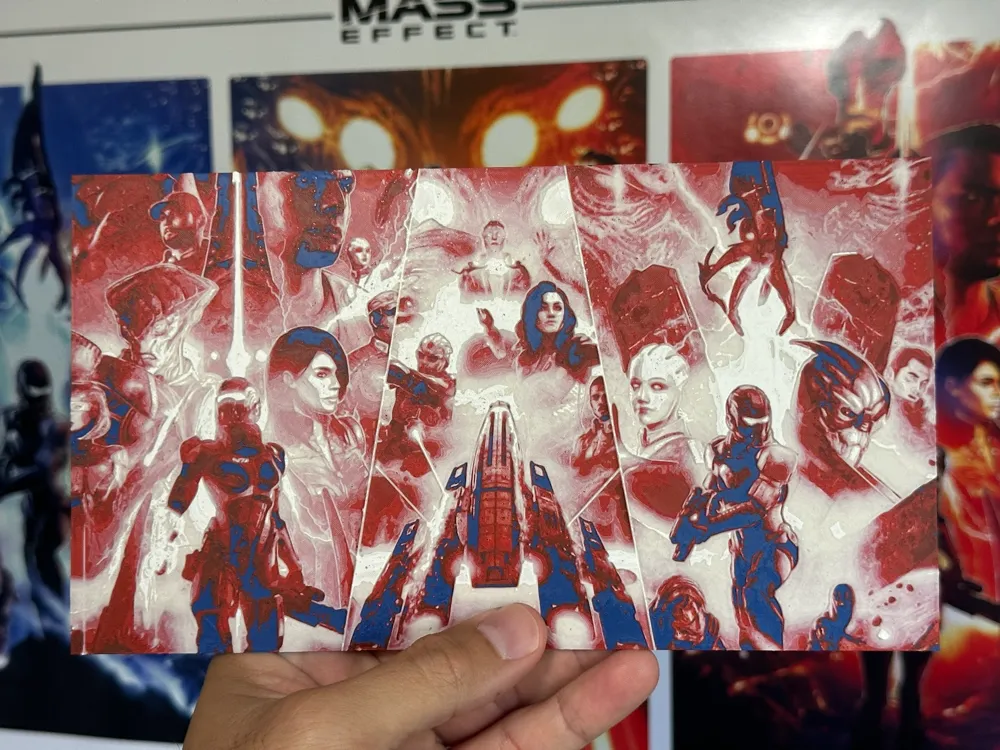
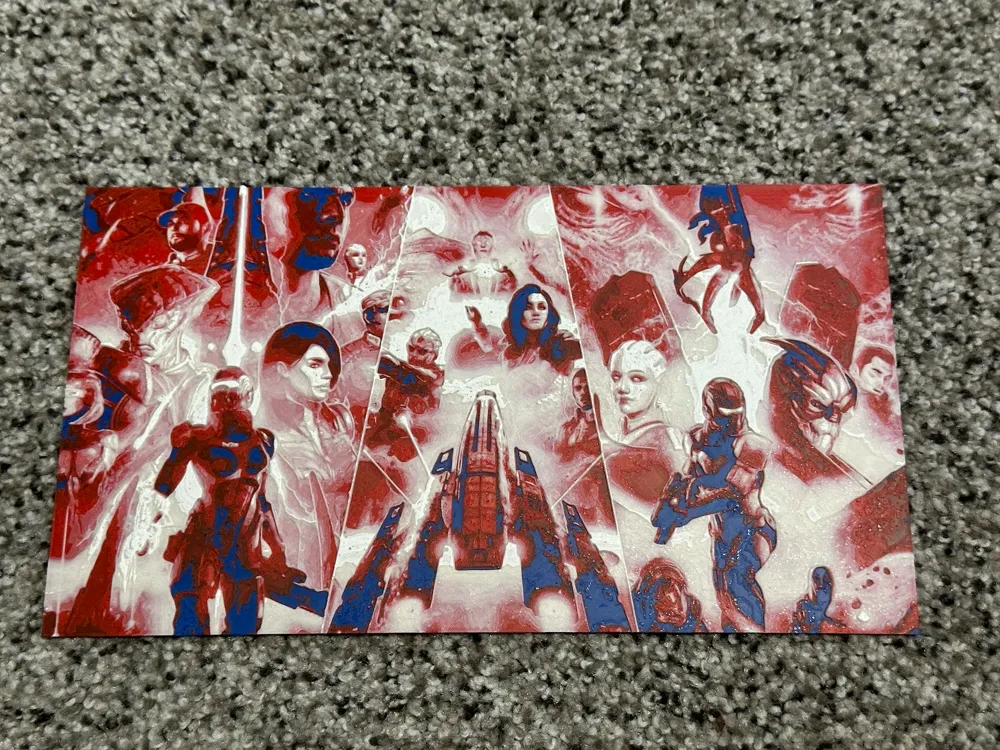
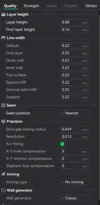
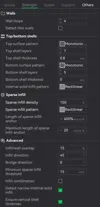
Mass Effect Legendary Edition HueForge print! You can import this directly into Bambu, follow the instructions below, and print it! I used a .2 nozzle for this however a .4 will work just fine. Please be sure to check your settings when you load the project if you need to change that preset at the top of Bambu Studio. Layer height should be 0.08 and first layer height should be 0.16mm and infill at 100%. I have attached a few picture to verify the settings.
You can create this without an AMS! You need to create a couple filament changes in the project before/while you slice the project. Of course if you have an AMS you can just select the filament at the appropriate layer height, if you are doing it manually, you would just know what color to load next.
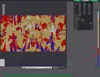
Once the settings are verified, slice the project (it will take a while) then look to the green layer timeline at the right of the preview screen. See assembly guide photo. You can drag the bottom plus up to change the individual layer preview for the next steps. For an AMS, right click at the following spots and change to the correct filament:
Swap Instructions:
Start with Blue
At layer #6 (0.56mm) swap to Red
At layer #9 (0.8mm) swap to Natural
At layer #21 (1.76mm) swap to White for the rest.
You may have to re-slice the project after every filament change. These are all Polymaker ASA filaments. The HueForge program has all the transparencies loaded to get an accurate final product. I cannont guarantee the result using different filaments. If you have any questions, please let me know! Enjoy!
Documentation (3)
License



Comment & Rating (10)