Search models, users, collections, and posts

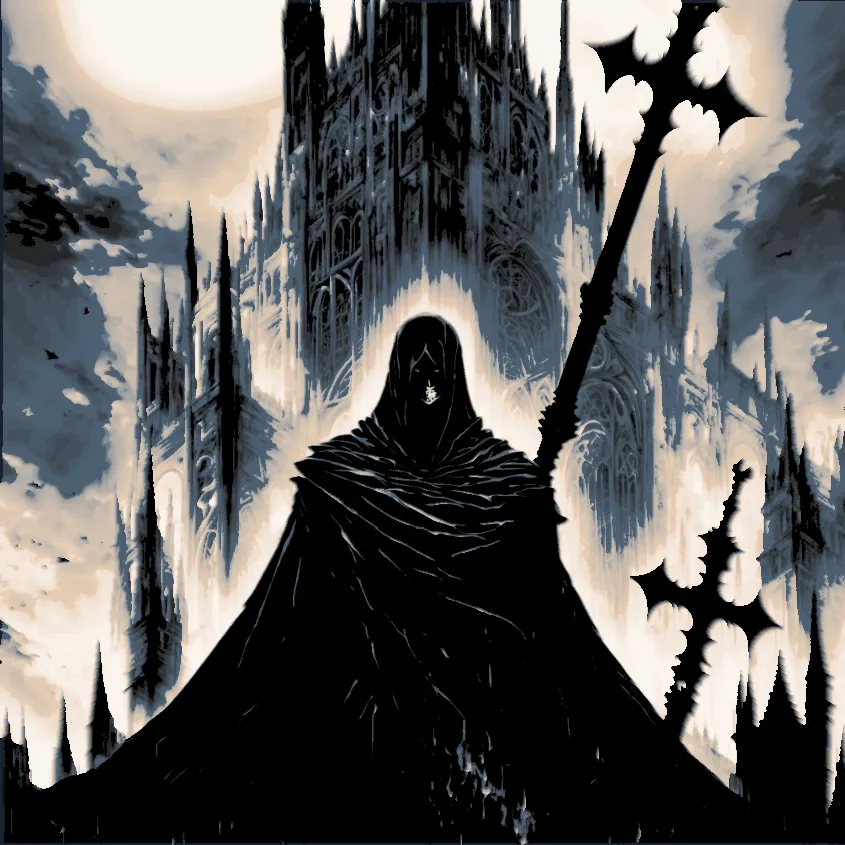
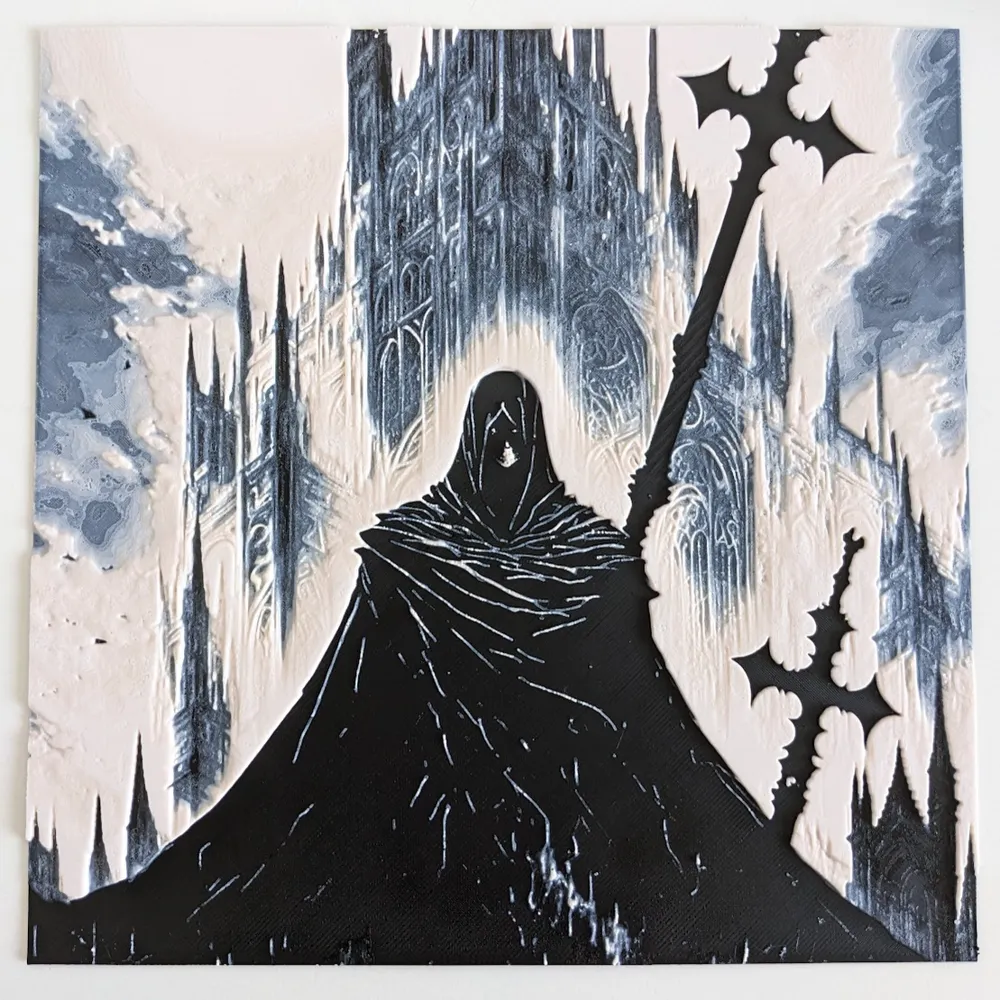
Inquisitor (Filament Painting) - HueForge
IP Report

Print Profile(1)

Original 4 color AMS, 3 filament changes, almost no waste/poop, 0.04mm layer, 1 walls, 100% infill
Designer
7.8 h
1 plate
Open in Bambu Studio
Boost
18
33
1
1
9
4
Released
Description
Inquisitor (Filament Painting) - HueForge
Printing instructions:
Filament swaps ONLY, no MMU or AMS required, but AMS makes it much easier.
Use Original HueForge profile to get the intended look, my models are very sensitive to print settings because of color blending between layers.
Every setting and filament changes for AMS are carefully prepared and fine-tuned in the Original HueForge print profile, feel free to change colors, but I recommend not to adjust other settings.
If you want to experiment with your own settings or non-original print profiles, for best look print at 100% infill with a layer height of 0.04mm with a base layer of 0.24mm.
You can use same filaments as I did, or you can experiment with your own.
Don't forget to upload a make!
Filaments Used:
- PLA BambuLab Basic Black Transmission Distance: 0.6
- PLA BambuLab Basic Blue Gray Transmission Distance: 3
- PLA BambuLab Basic Beige Transmission Distance: 8
- PLA BambuLab Basic Jade White Transmission Distance: 4
Swap Instructions:
- Start with Black
- At layer #5 (0.4mm) swap to Blue Gray
- At layer #13 (0.72mm) swap to Beige
- At layer #41 (1.84mm) swap to Jade White for the rest.
License

This user content is licensed under a
Creative Commons Attribution-Noncommercial-Share Alike


Comment & Rating (1)