
Parametric Airless Ball Generator | Custom Balls
Print Profile(0)
Description
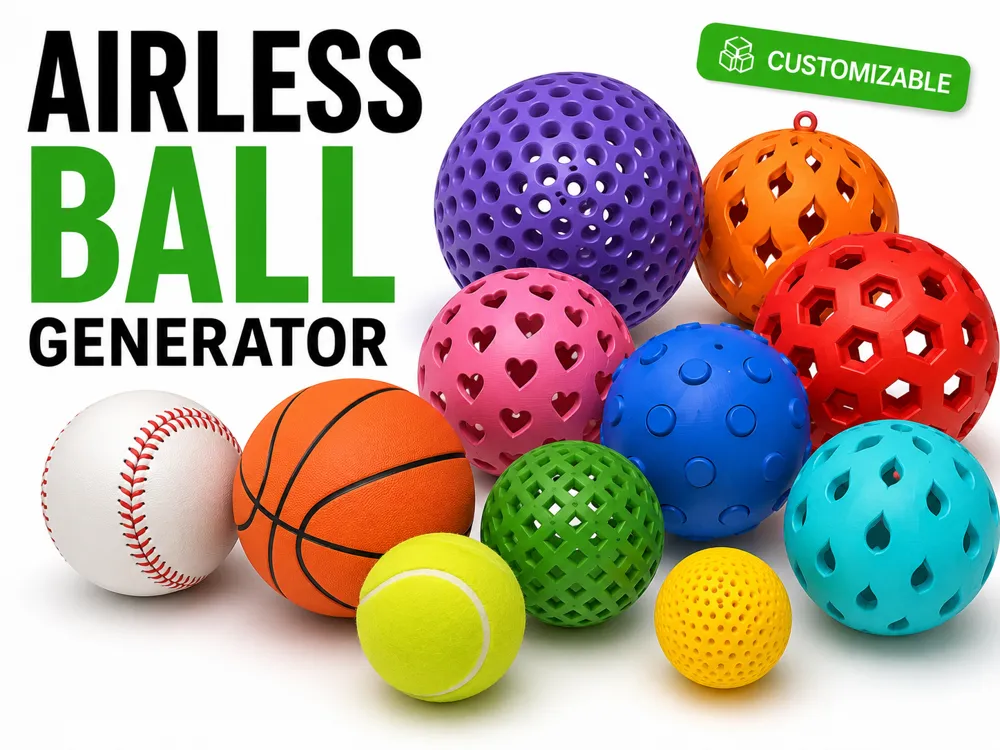
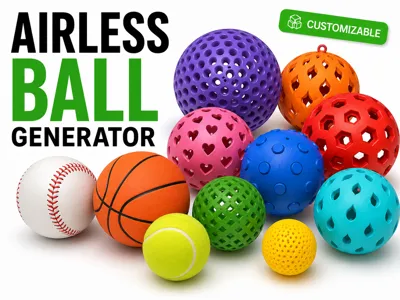
The Ultimate Ball Generator
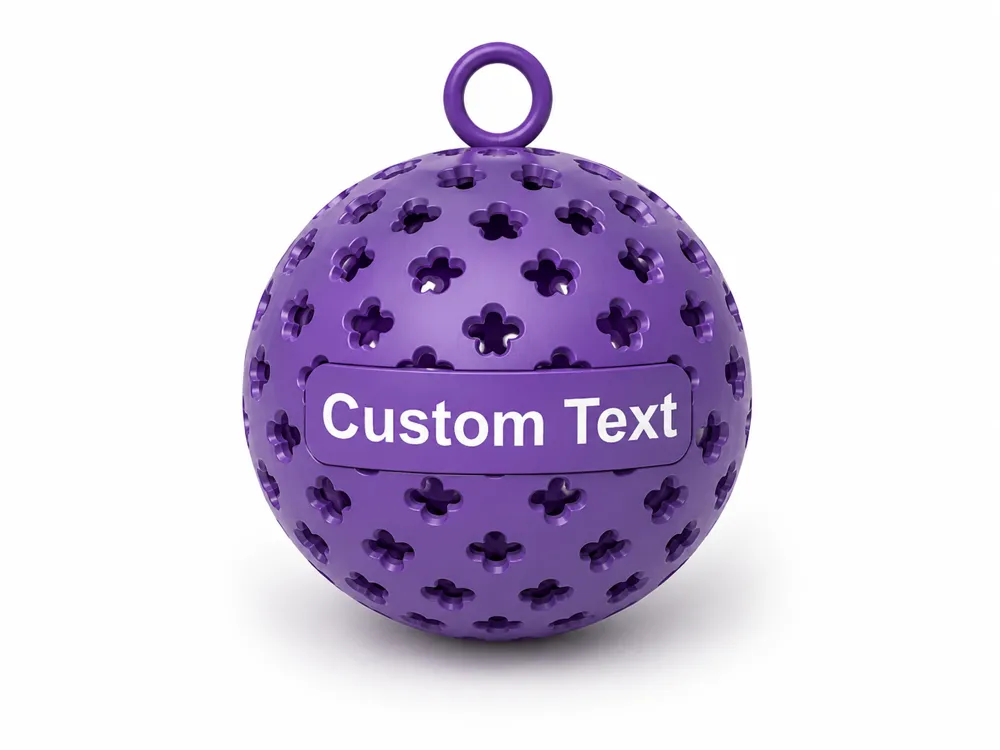
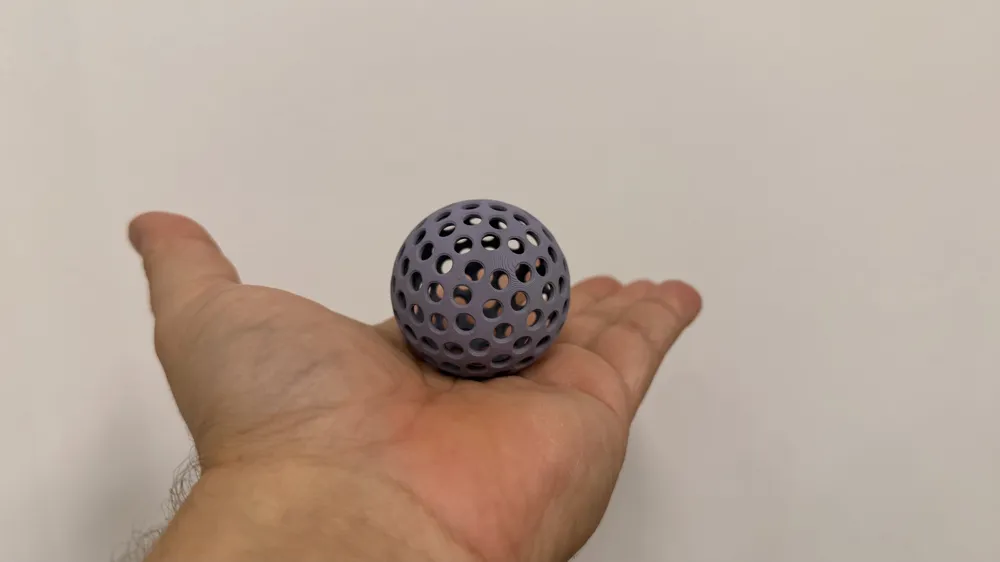
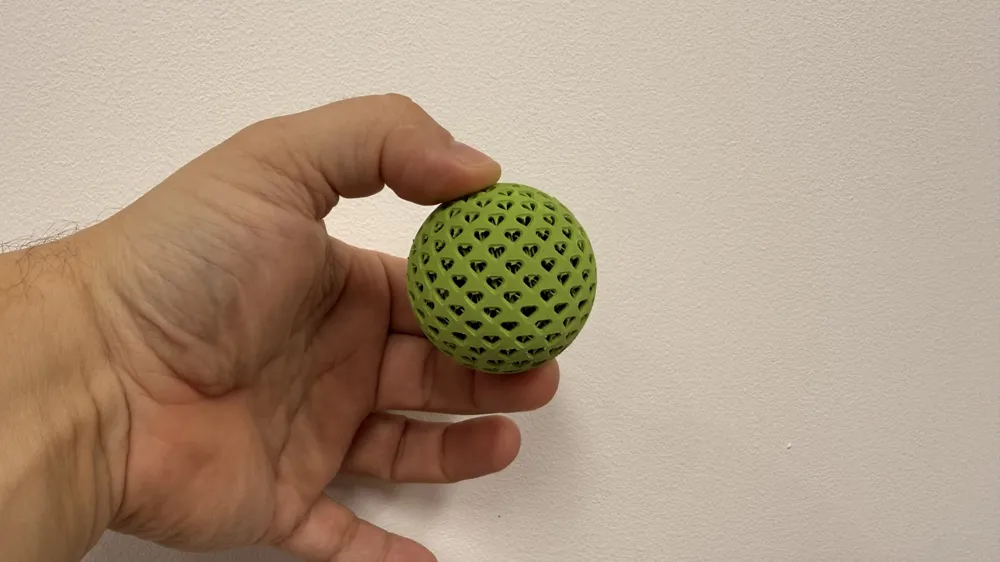
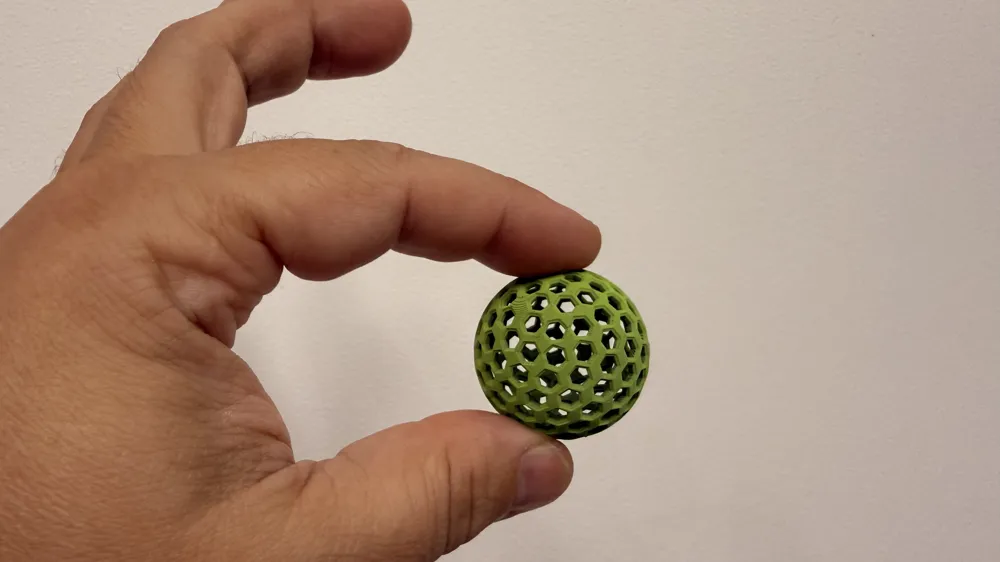
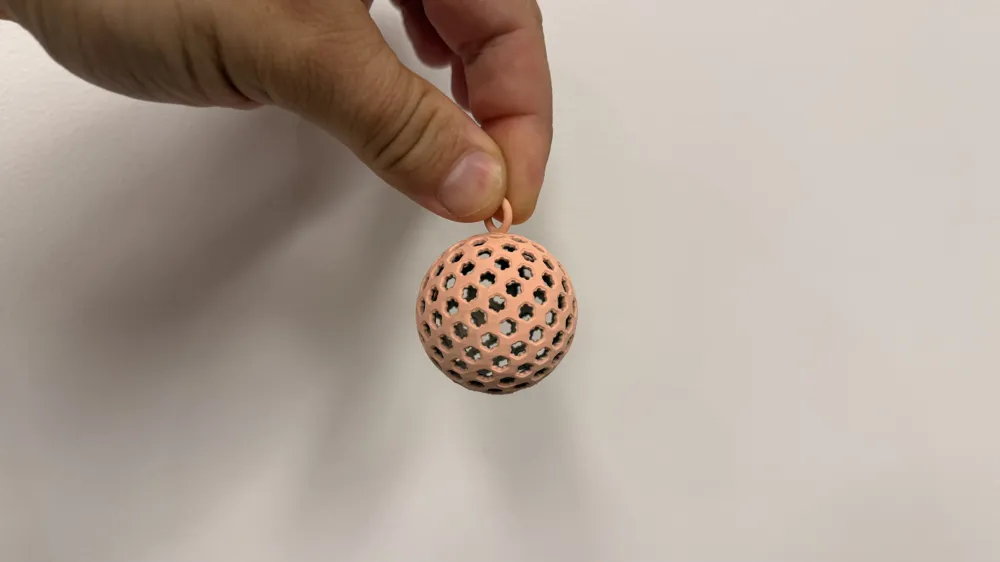
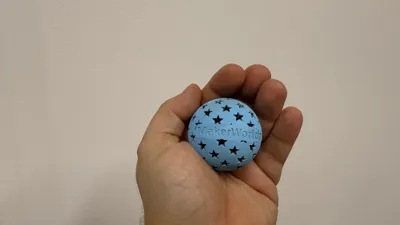
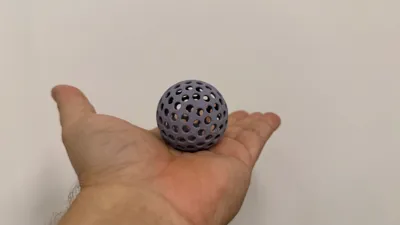
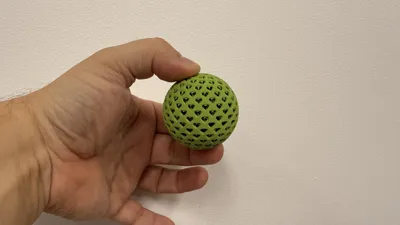
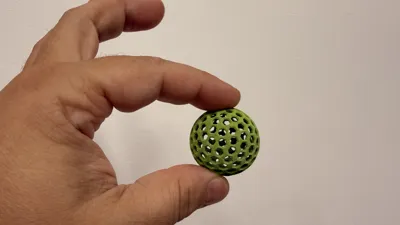
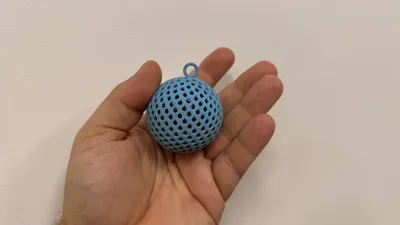
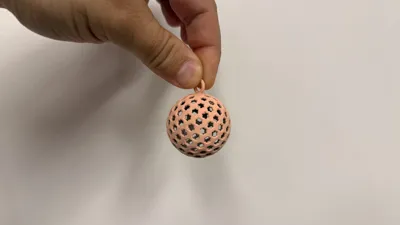
Create fully customizable decorative, sensory, toy, or hanging balls directly in MakerWorld. Adjust the ball dimensions, surface pattern, hole spacing, wall thickness, colors, custom text, and hanging ring without using external CAD software.
One generator. Endless possibilities. Create personalized balls with names or logos, Christmas ornaments, keychains, sensory and fidget toys, bouncing balls, decorative spheres, party favors, and unique gifts. Mix patterns, colors, text styles and accessories to generate thousands of completely different designs — all in just a few clicks.
Main Features
- Ball diameter from 20 to 150 mm (larger also possible per request)
- Adjustable wall thickness from 1 to 5 mm
- Airless or solid spheres
- Multiple pattern styles:
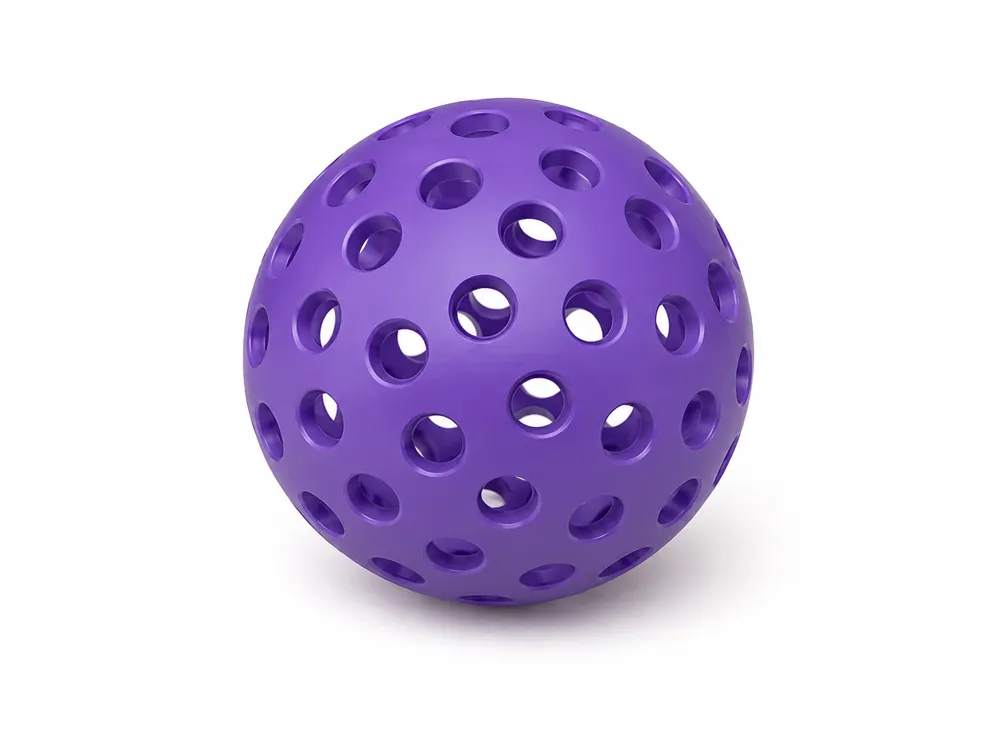
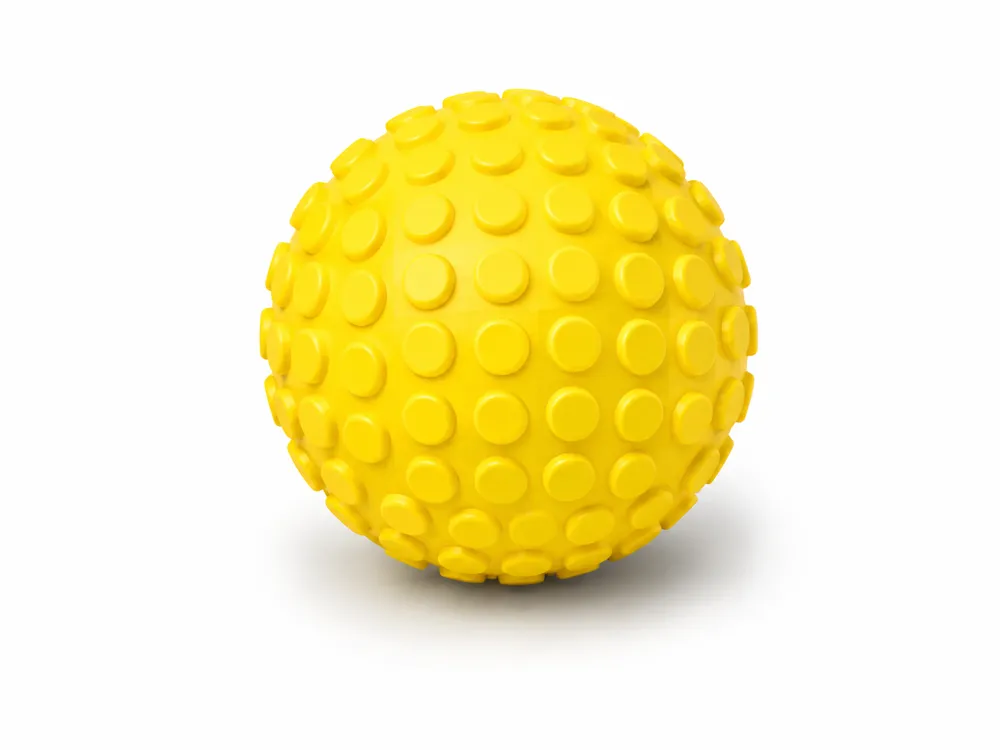
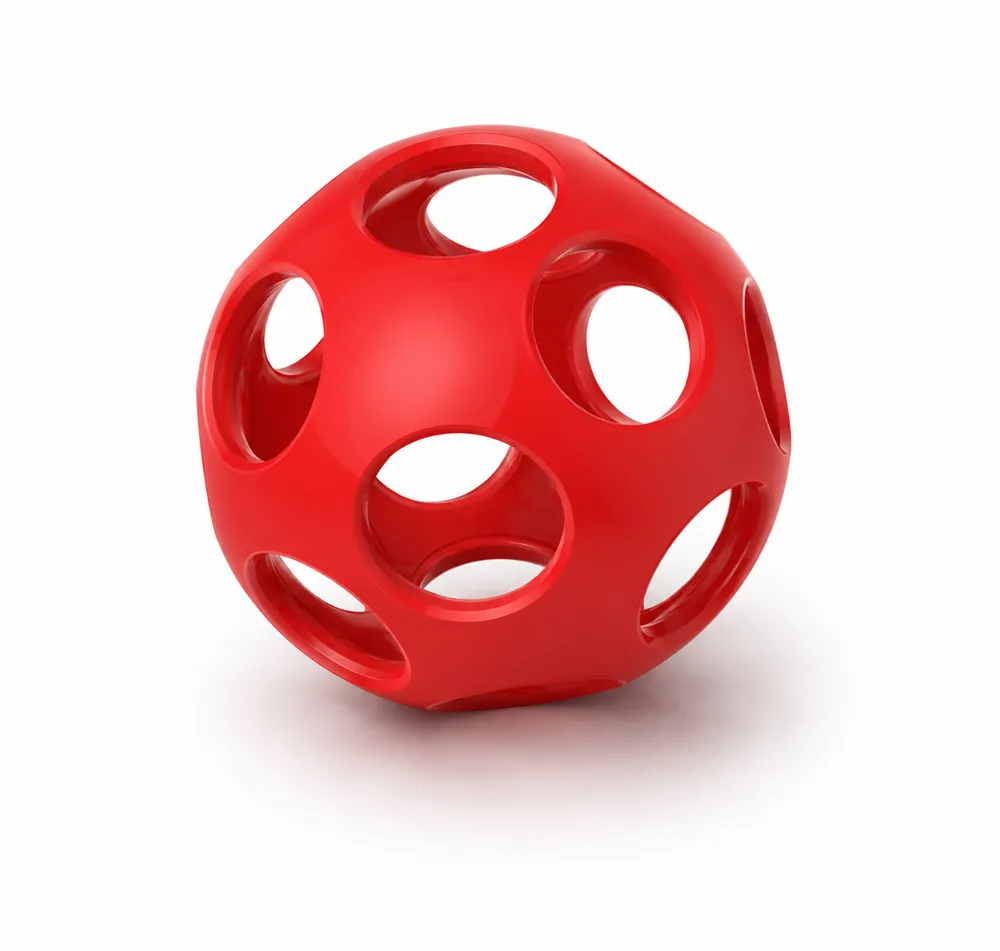
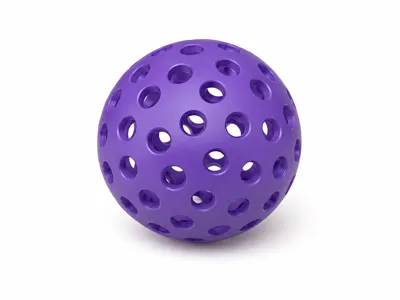
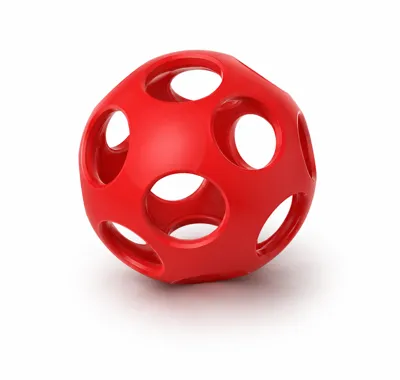
- Circle
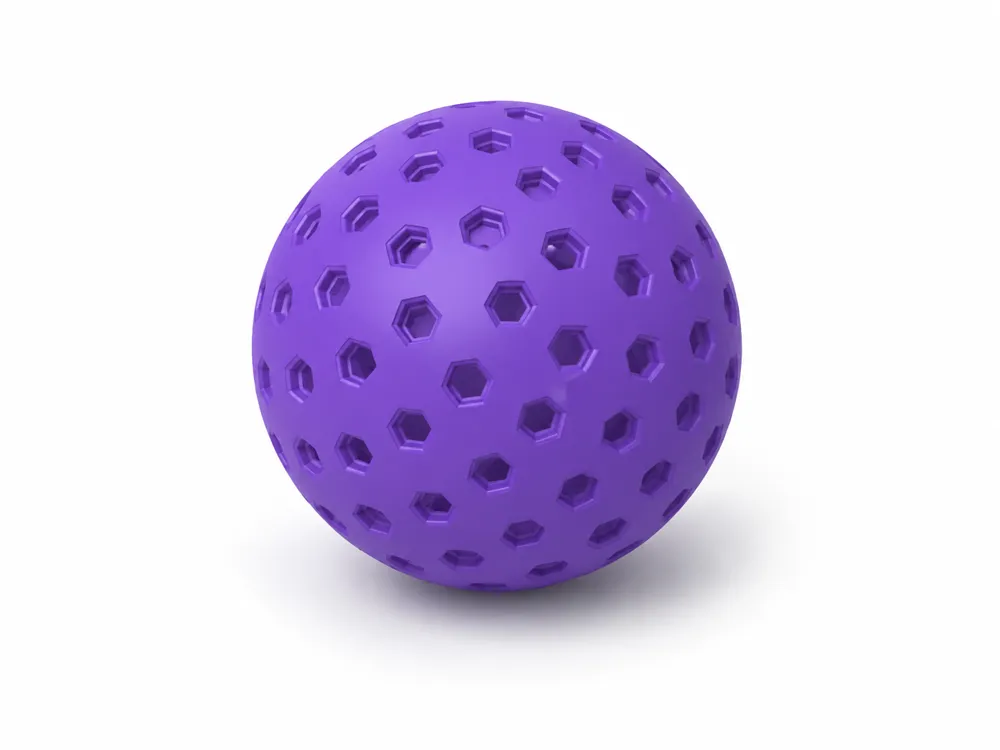
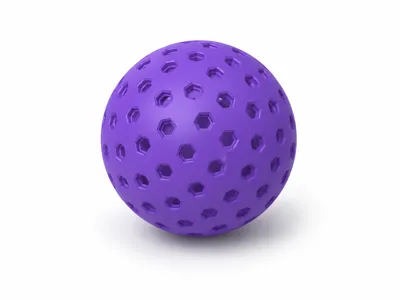
- Hexagon
- Diamond
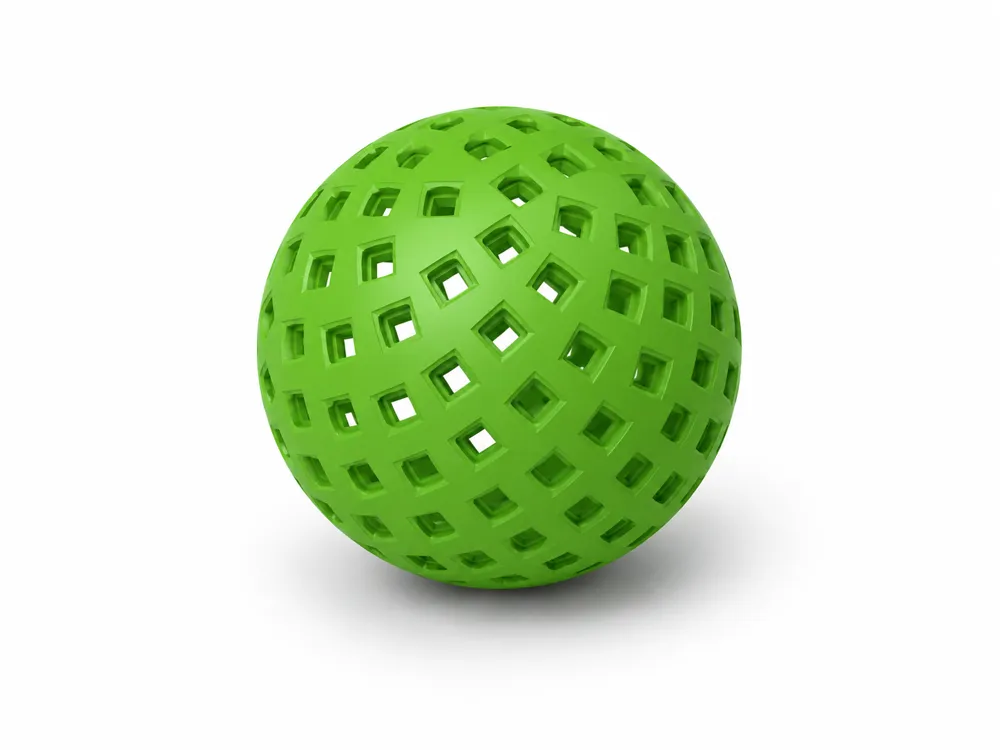
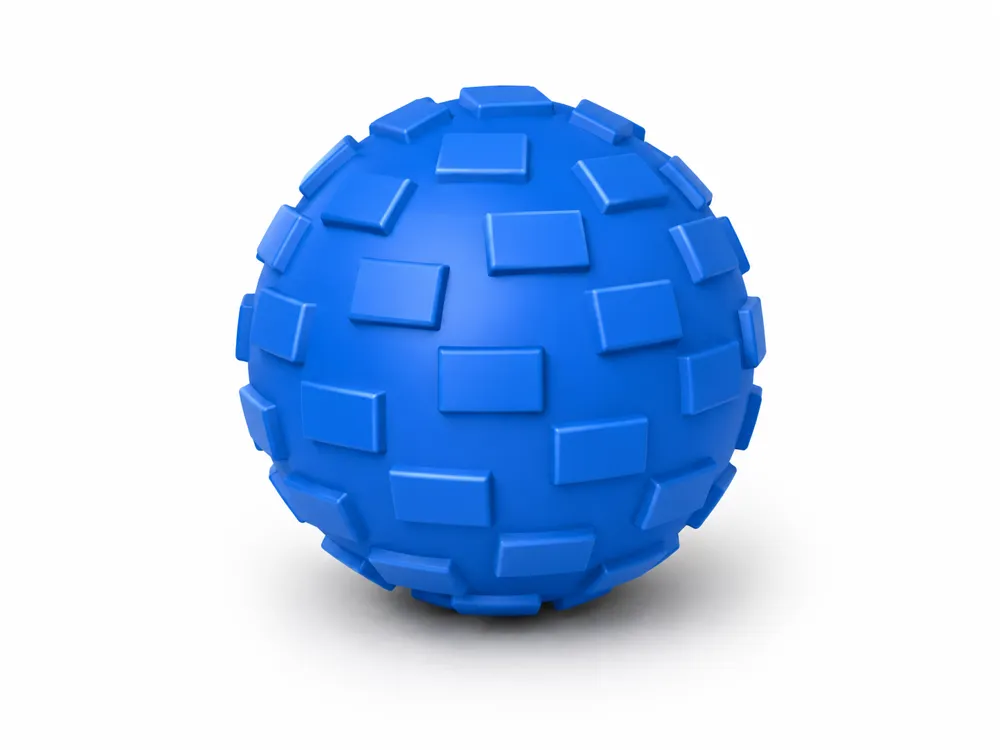
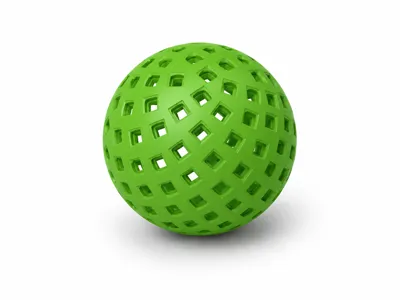
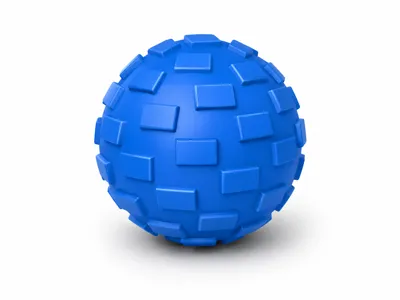
- Rectangle
- Triangle
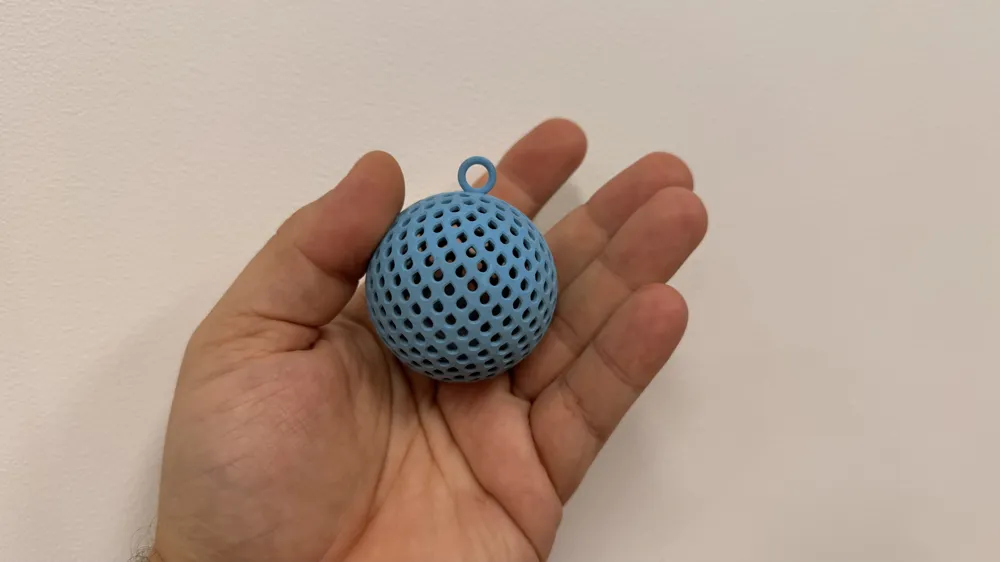
- Teardrop
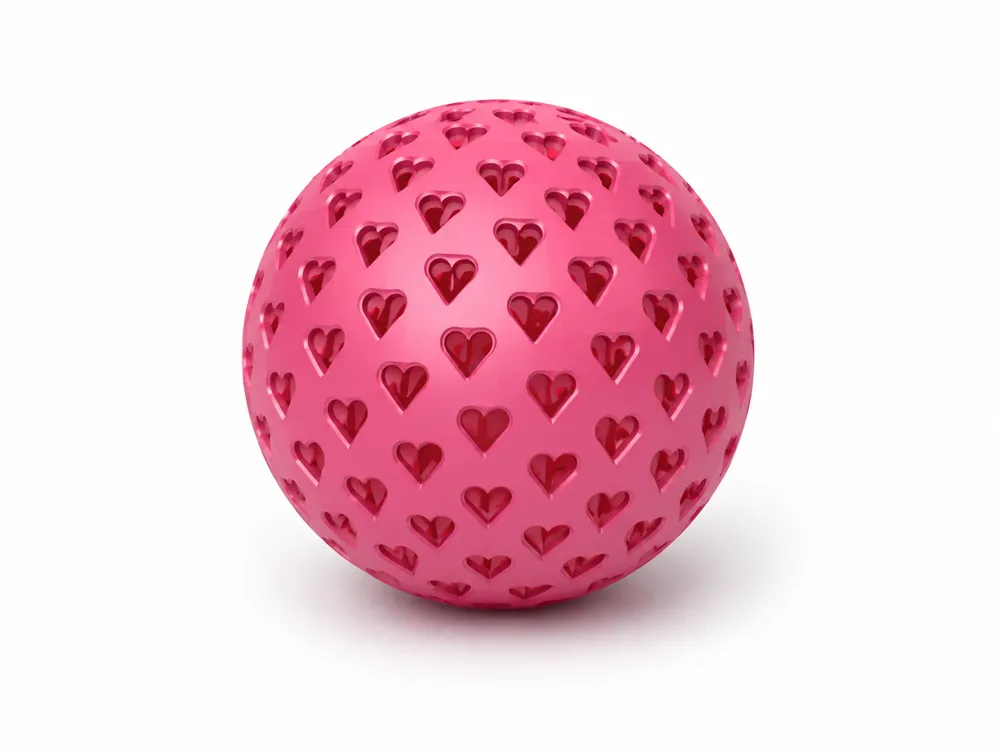
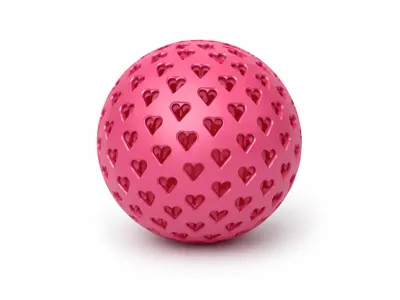
- Heart
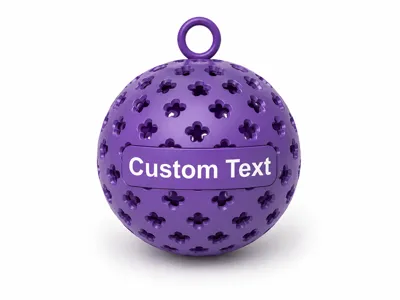
- Flower
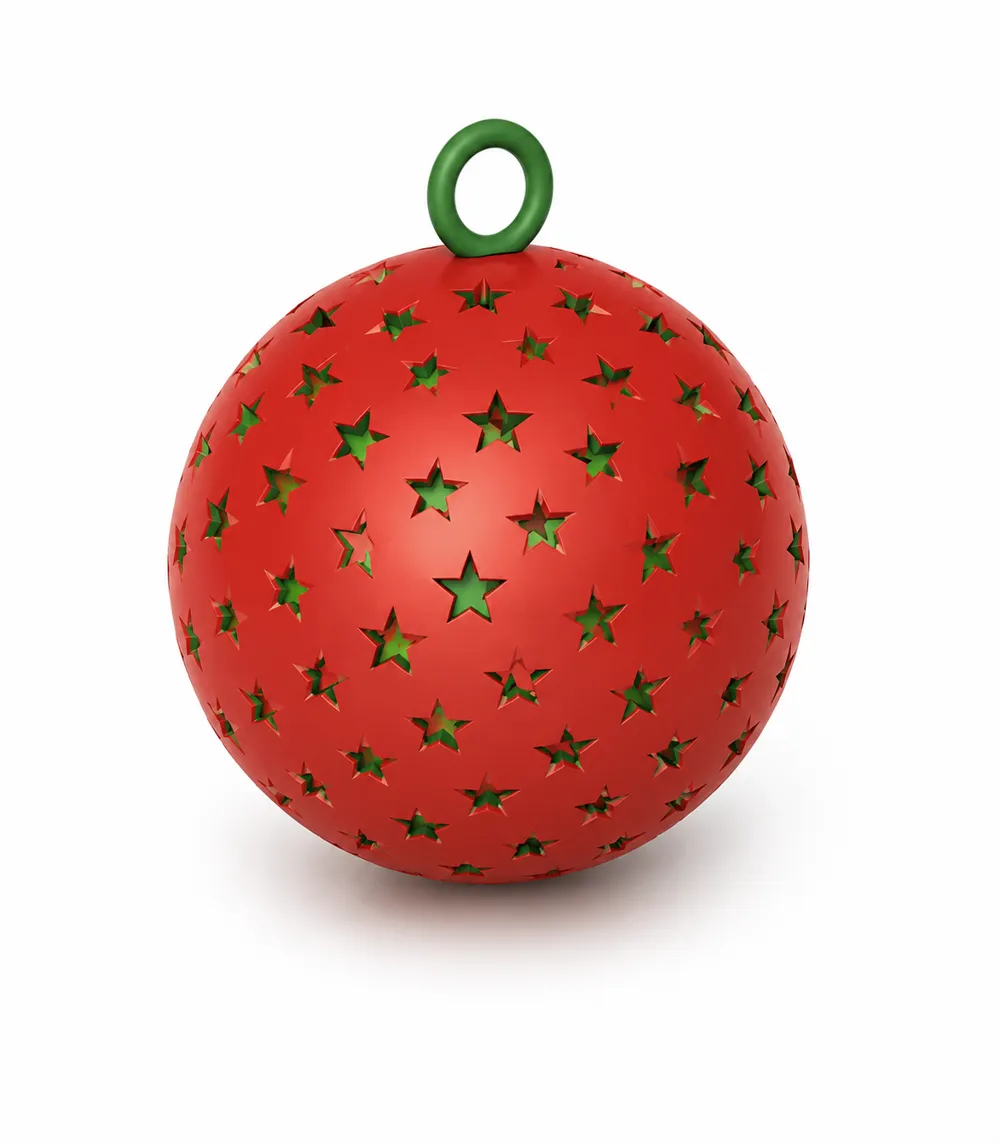
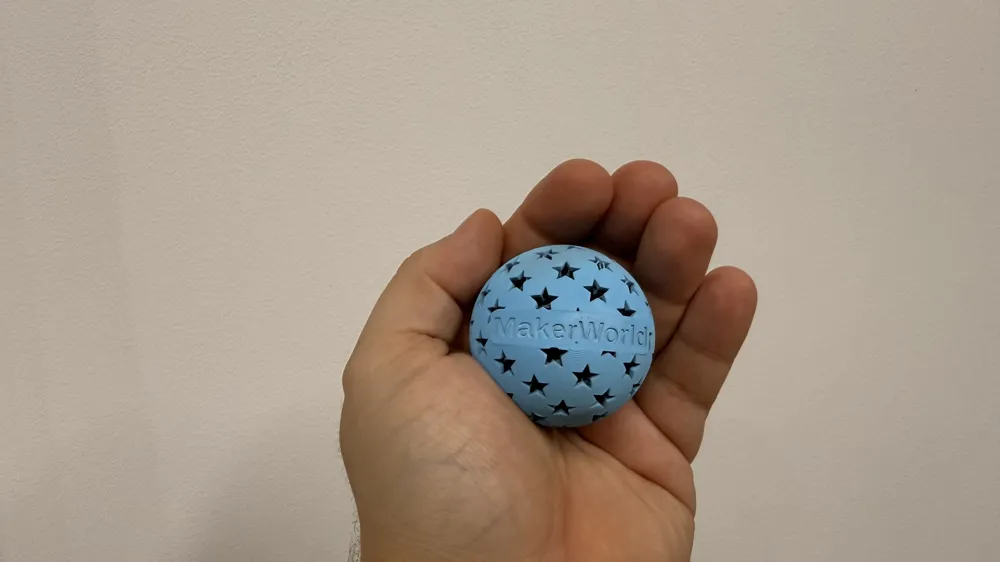
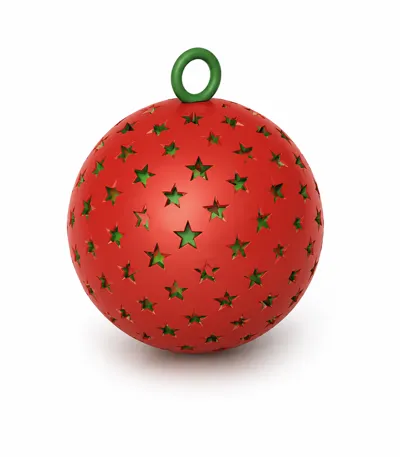
- Star
- Four pattern effects:
- None – smooth ball
- Hole – openings through the shell
- Emboss – recessed pattern
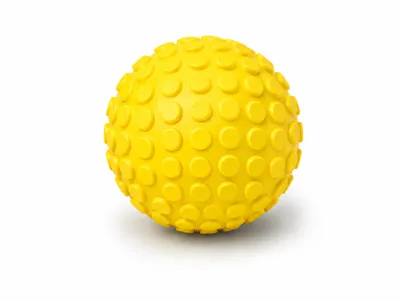
- Raised – pattern raised above the surface
- Adjustable pattern size, spacing, rotation and marking depth
- Optional rounded pattern edges
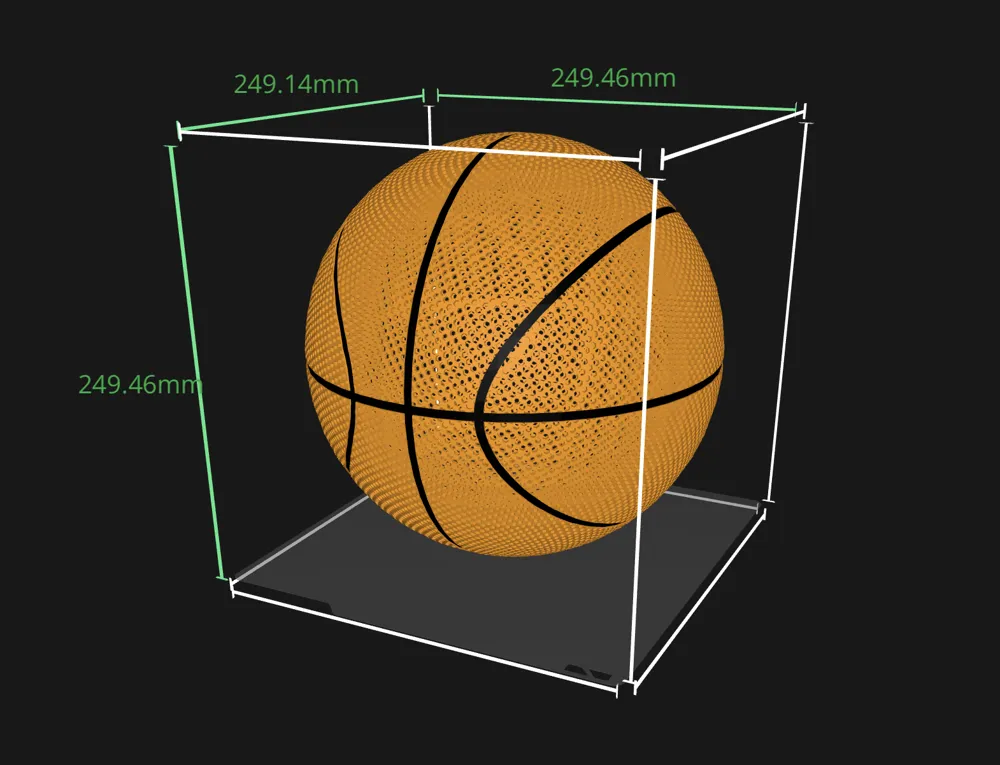
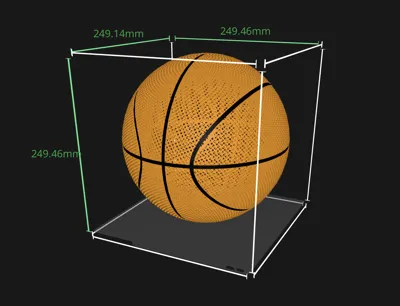
- Optional Seam decorations (basketball, tennis ball, soccer ball, …)
- Custom text with multiple fonts
- Two text background styles:
- Text Outline – background follows the actual letter shapes
- Plaque – rounded rectangular nameplate
- Flat, embossed or raised text
- Adjustable text margin and nameplate curvature
- Optional reinforced hanging ring
- Custom colors for the ball, text background and lettering
- Adjustable sphere resolution for better quality or prototyping
Boost Me (for free)
If you like my work please consider helping me. Thank you :)
How to Customize
Ball Dimensions
Use Diameter to select the overall size of the ball.
Wall Thickness determines the shell thickness when the Hole effect is selected. A value of 2–3 mm is a good starting point for most prints.
Sphere Resolution controls surface smoothness:
- Draft – fastest preview
- Standard – quick testing
- Smooth – good balance
- Fine – recommended default
- Great or Ultra – smoother result, but longer generation time
Pattern
Choose the desired shape using Pattern Type.
Use:
- Pattern Size to control the size of each element
- Pattern Spacing to control the visible gap between elements
- Pattern Angle to rotate the pattern on the ball
- Pattern Marking to control emboss depth or raised height
- Add Fillet on Pattern to round the pattern edges
Small patterns combined with very small spacing can create a large number of elements and significantly increase generation and slicing time.
Seams (decoration)
Use this predefined seam decorations that adds a final touch to your ball. Available now:
- Basketball
- Basketball retro
- Tennis
- Baseball
- Soccer ball (football)
Custom Text
Set Custom Text to On, then enter your message.
Choose between:
- Text Outline for a compact background following the letters
- Plaque for a traditional rounded rectangular label
Text Margin controls the space or outline around the lettering.
Plaque Curve Correction allows fine adjustment of how tightly the background follows the ball:
- Negative values create a flatter curve
- Positive values wrap the background more tightly
- The default value is tuned for most ball and text sizes
Text effects:
- Flat – flush multicolor lettering
- Emboss – recessed lettering
- Raised – lettering above the surface
For multicolor models, download the generated 3MF to preserve the separate ball, background and text colors.
Hanging Ring
Enable Hanging Ring to add a reinforced loop at the top. Adjust:
- Ring Hole Size for the string or ribbon opening
- Ring Thickness for the strength of the loop
This option is useful for ornaments, decorations and hanging sensory toys. The color of the ring can be customized in Color section.
Best Practices / Tips
- At first lower Ball resolution to Draft. When done designing try making it higher (only if needed). Please note that dense patterns actually are very good at Draft and there is no need to set higher resolution.
- Pattern Fillet can be quite heavy to process on the servers but in most of the cases is not needed. If you expirience server timeouts or errors consider turning it off.
- When you expirience server timeout or errors it most likely means that your set-up is to heavy to process on MakerWorld's servers. Try larger patter or higher spacing, lower resolution. Everything that will make it less complicated will work and try again.
- Consider the position of the ball when you will be printing it. For example when using heart pattern - the middle part of heart can not face down as you will need to support every patter like this. Thy setting an angle and face it up.
- The larger the ball is the more render power it requires on MM servers. If you plan going large try less details.
Printing Tips
Printing spheres is quite challenging and it is important to choose the right options in the slicer.
Here are some tips to achieve the best results:
- Use the generated 3MF when printing in multiple colors.
- A layer height of 0.16–0.20 mm works well.
- Enable option “Don't support bridges”
- Add “Support Blocker” modifier to block supporting areas inside the ball. Rise the blocker a little bit so the base can be supported
- Tune your “Top Z distance” value for supports
- Use at least three wall loops for hollow balls.
- Enable supports when required by the selected pattern and orientation.
- Build-plate-only supports are usually easier to remove.
- For small holes, verify the preview before printing.
- Reduce print speed on the outer wall for a smoother spherical surface.
- Larger balls, dense patterns and Ultra resolution require more processing time.
- To achieve optimal bounce, use a suitable filament (TPU, PEBA, other flexible filaments).
Important Notes
- Hole produces a hollow ball using the selected wall thickness.
- None, Emboss and Raised produce a solid ball.
- Very thin walls or extremely small gaps may not print reliably with every nozzle size.
- This generator creates geometry dynamically, so complex configurations can take longer to generate in MakerWorld.
Make sure to follow my profile on Maker World for updates and ready to use examples.
Have fun printing!
License

You may create derivative works based on this object, provided that all such derivative works are published exclusively on the MakerWorld platform and include proper attribution to the original creator. You may not share, upload, host, distribute, or publish this object—or any derivative work of this object—on any other digital platform, marketplace, or distribution channel. Commercial use of this object and any derivative works is strictly prohibited. This includes, but is not limited to, selling, renting, sublicensing, or using the object in any context in which you receive monetary compensation or other financial benefits.


Comment & Rating (0)