
Camera Viewfinder - W3s Fun Zoomable Camera Viewfinder (No lenses needed, ready to print and make immediately)
Print Profile(1)
Description
CAM-1
W3s v1.0
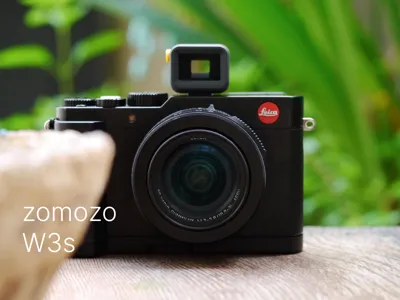
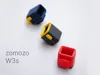
Zoomable Toy Viewfinder
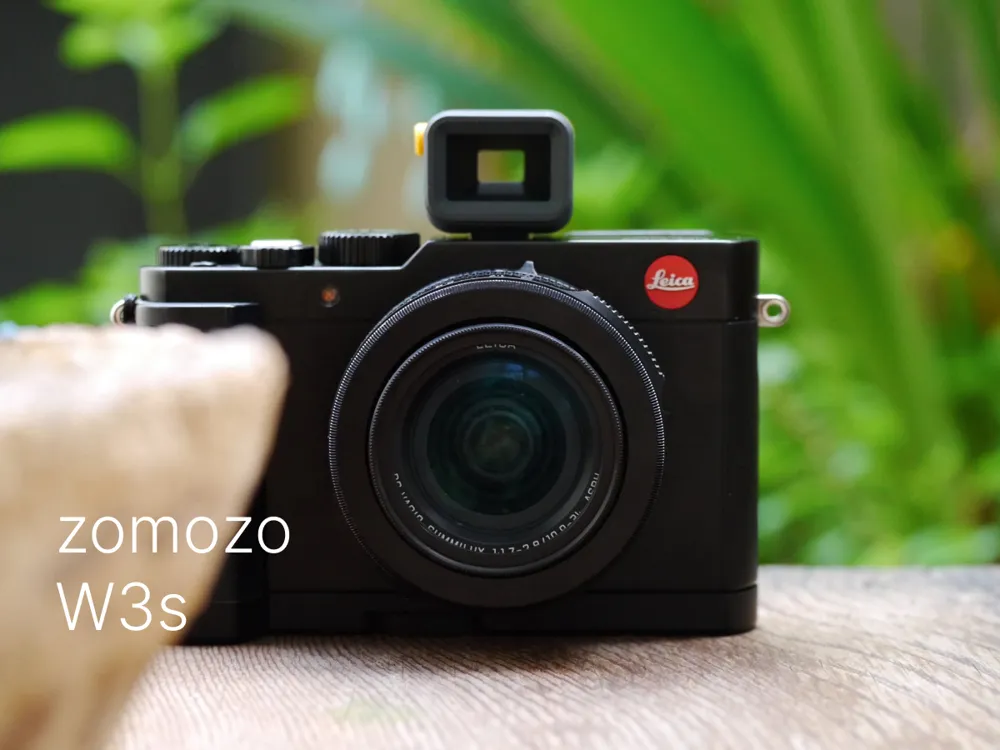
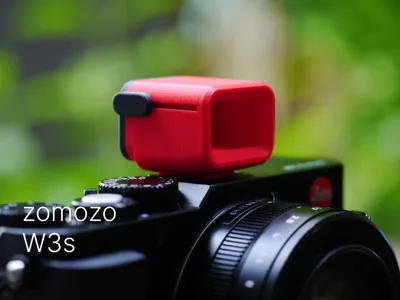
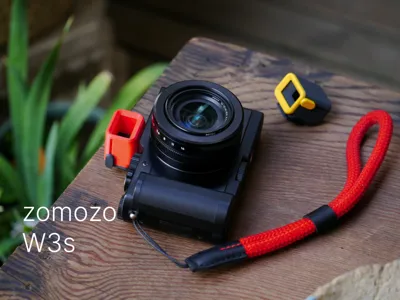
For all cameras with hot shoe mounts!
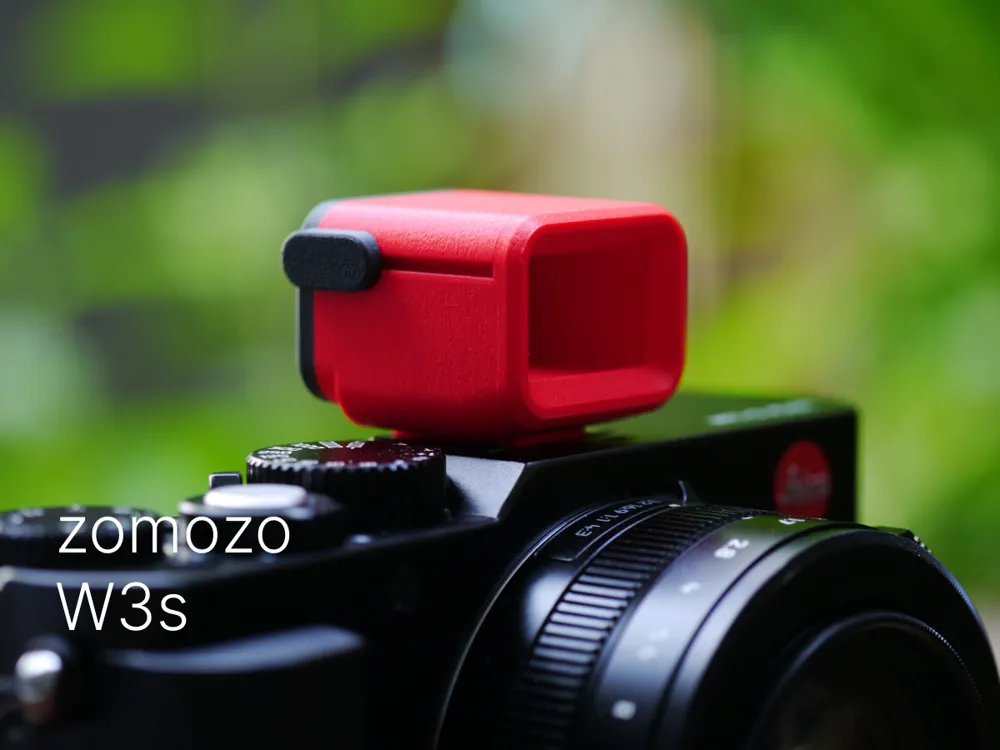
A fun camera viewfinder with no lens elements required! If you have a 3D Printer and PLA filament, you can have one now!
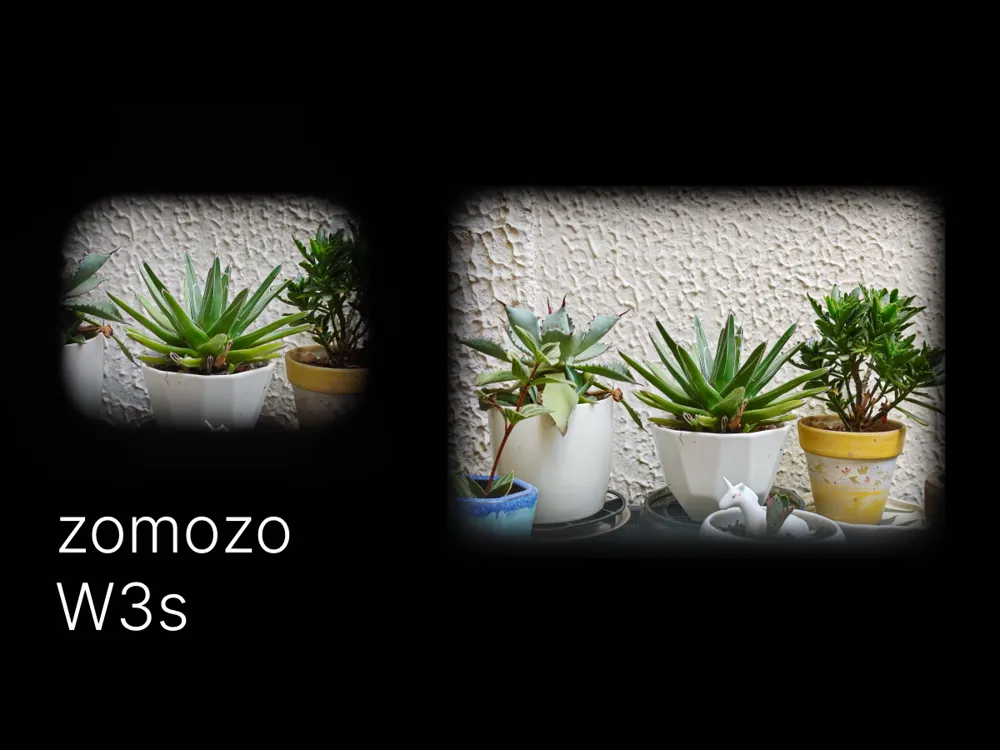
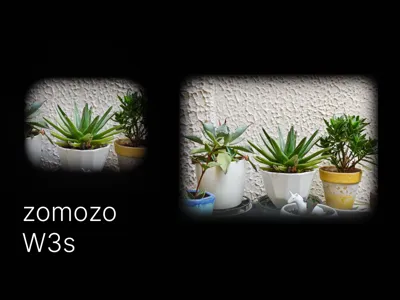
The W3s is the first fully 3D Printed camera viewfinder we designed, with a built-in movable frame that slides back and forth, allowing you to change the observed focal length range through the viewfinder to easily match the focal length of your current camera lens
no supports are needed during printing
Due to the high assembly precision required, a 0.2mm nozzle and 0.1mm layer height are strongly recommended
Assembly Order and Key Points:
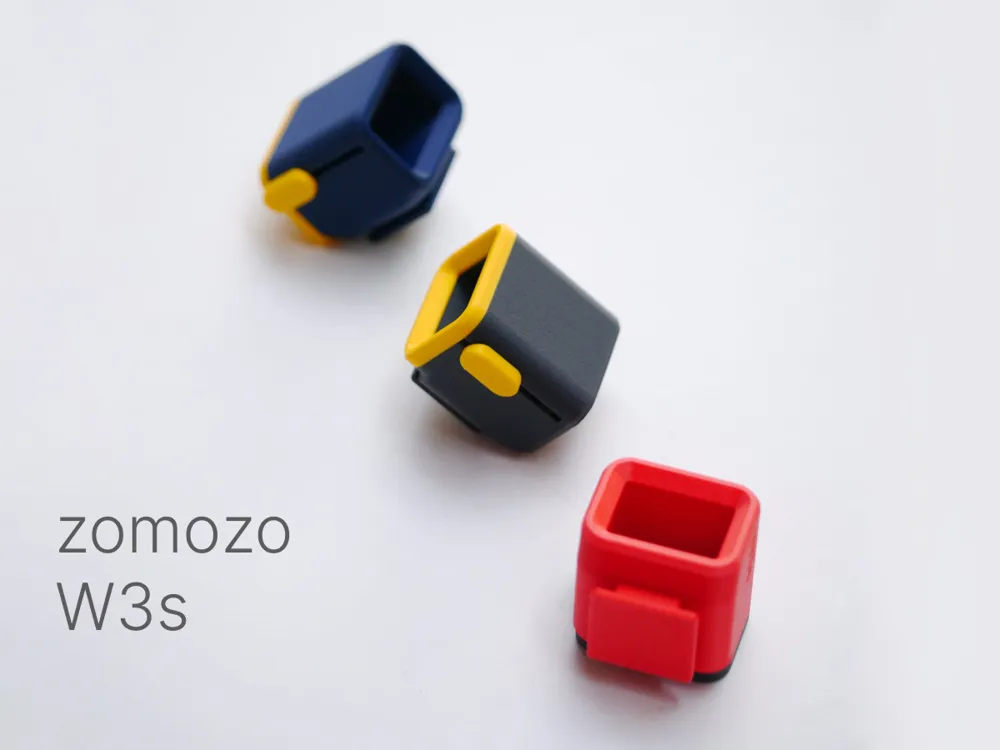
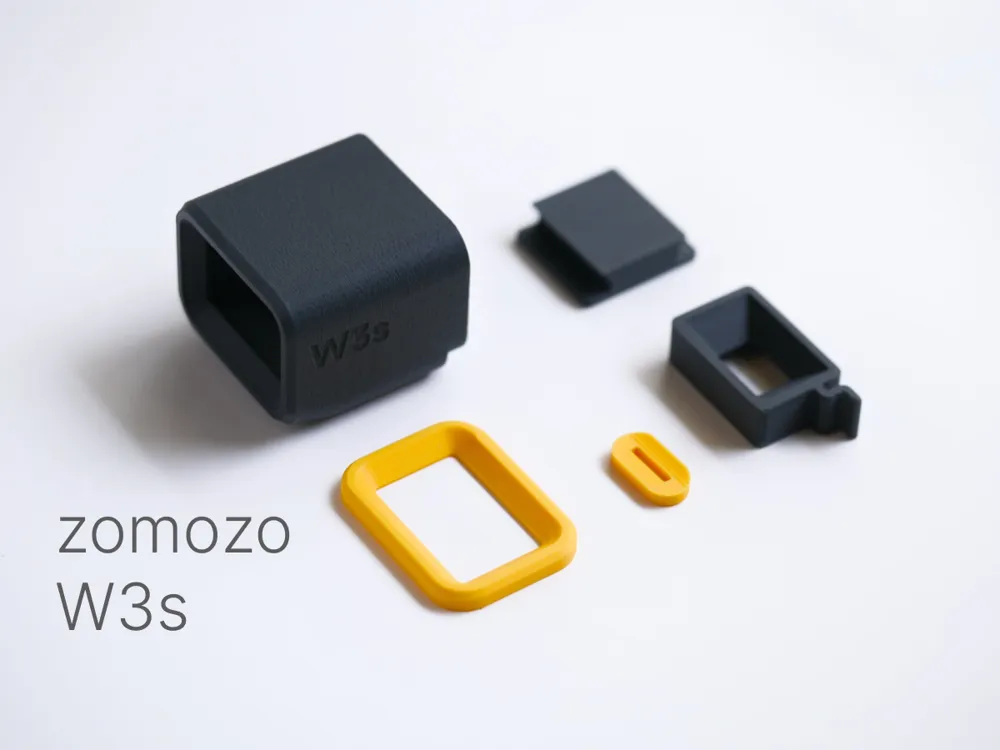
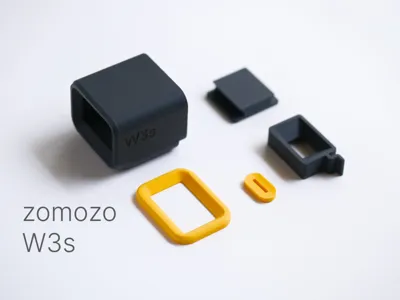
1. Install the viewfinder frame: Before inserting the viewfinder frame into the main body, please clean the edges of the first layer of the printed frame to make it smooth and flat, allowing for a snugger fit into the viewfinder
2. Install the slide button: For a tight fit, no tolerance was left in the button's groove design, so you need to press it firmly onto the viewfinder frame's handle
3. Install the rear outer frame: To maintain aesthetics, you can install it with the seam facing downwards
4. Install the hot shoe mount: For a tight fit, no tolerance was left in the hot shoe mount, so you need to insert it firmly into the bottom of the viewfinder
Debugging:
After assembly, due to variations in materials and printer accuracy, it might not slide back and forth smoothly
Do not force the button at this point!
You can use a suitable tool to push the viewfinder frame back and forth until it slides smoothly. Then, you can use the side slide button to move the viewfinder frame. (If necessary, you can apply a small amount of lubricant to the inner frame, such as the lubricant provided with Bambu Lab 3D printers)
Usage:
When the W3s viewfinder frame is closest to the eye, it corresponds to a camera lens focal length of approximately 50-55mm. Sliding it forward will increase the focal length, such as 65mm, 75mm (you can test this with your own lenses)
Tips:
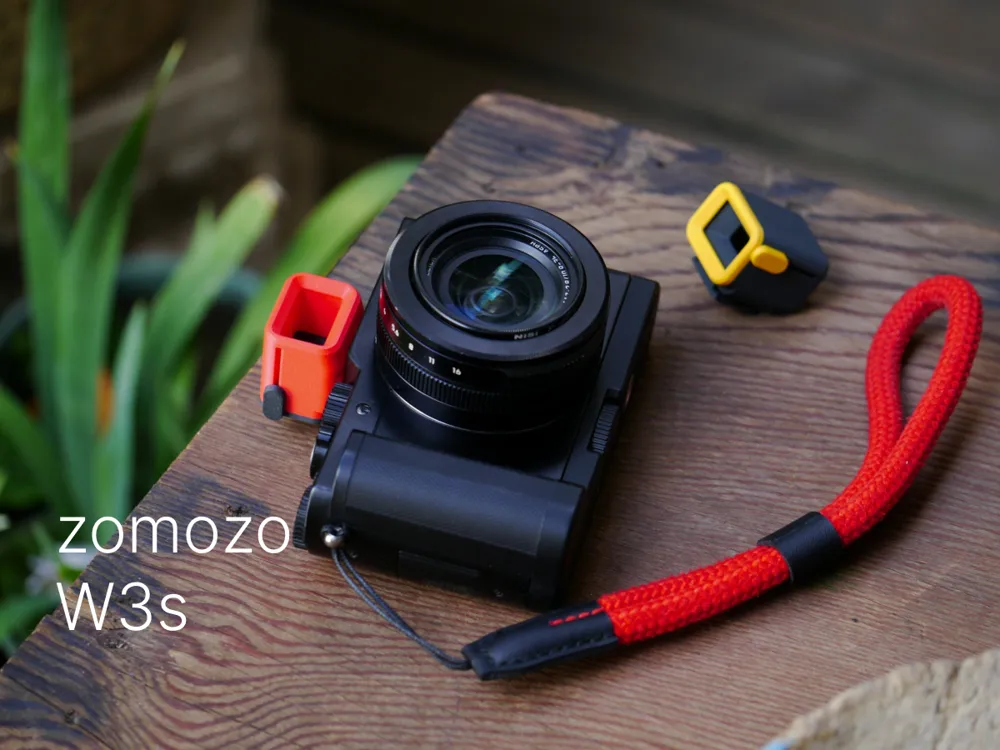
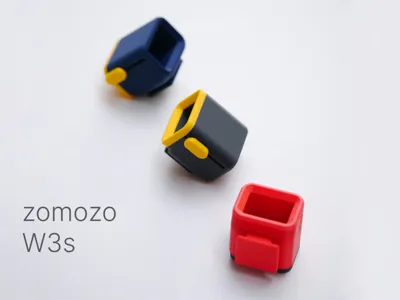
The W3s has 5 parts. Apart from the viewfinder frame, which is recommended to be printed in black, the other parts can be printed in any colors you like. Combine them with your beloved camera to create a style that suits your unique personality!
We will continue to improve the design of this series, so stay tuned!
Thank you for liking and printing our design! If it brings you joy, please remember to like and boost us, it means a lot to us!
Subscribe and follow us:
Xiaohongshu: https://www.xiaohongshu.com/user/profile/61990ca10000000010009393
YouTube: https://www.youtube.com/@zomozolab
Instagram: https://www.instagram.com/zomozolab
Designed by zomozo
License

You shall not share, sub-license, sell, rent, host, transfer, or distribute in any way the digital or 3D printed versions of this object, nor any other derivative work of this object in its digital or physical format (including - but not limited to - remixes of this object, and hosting on other digital platforms). The objects may not be used without permission in any way whatsoever in which you charge money, or collect fees.


Comment & Rating (0)