
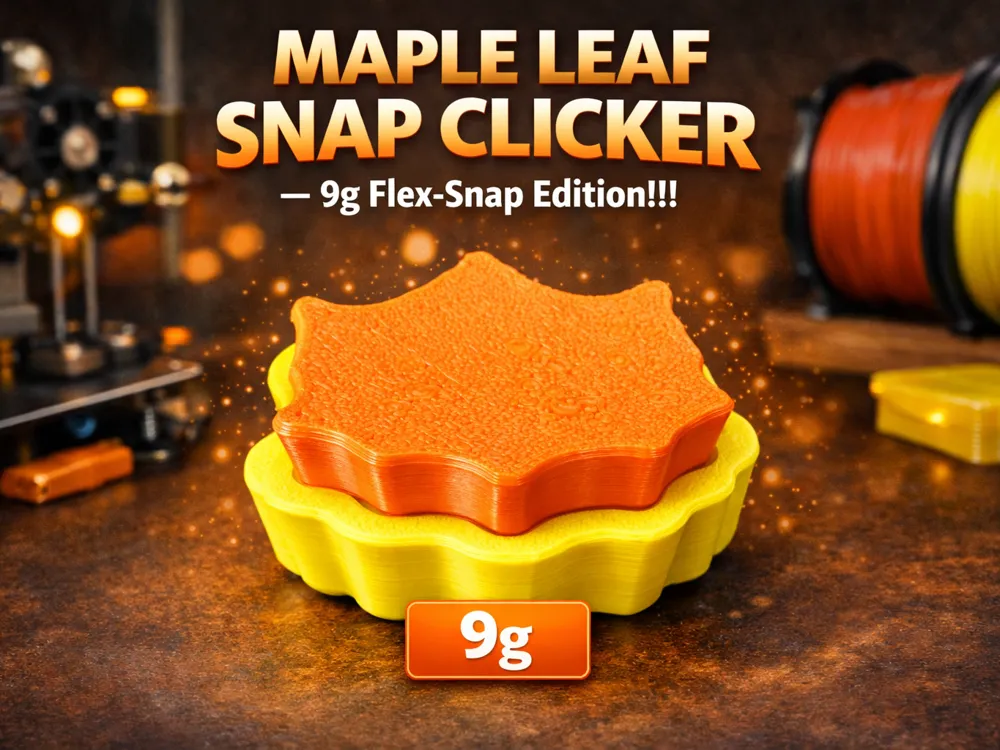
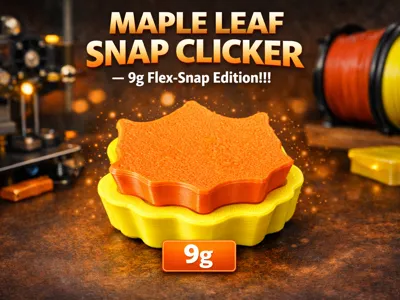
Maple Leaf Snap Clicker — 9g Flex‑Snap Edition!!!
Print Profile(1)

Bill of Materials





Description
Maple Leaf Clicker! Mechanical Fidget Toy 🍁
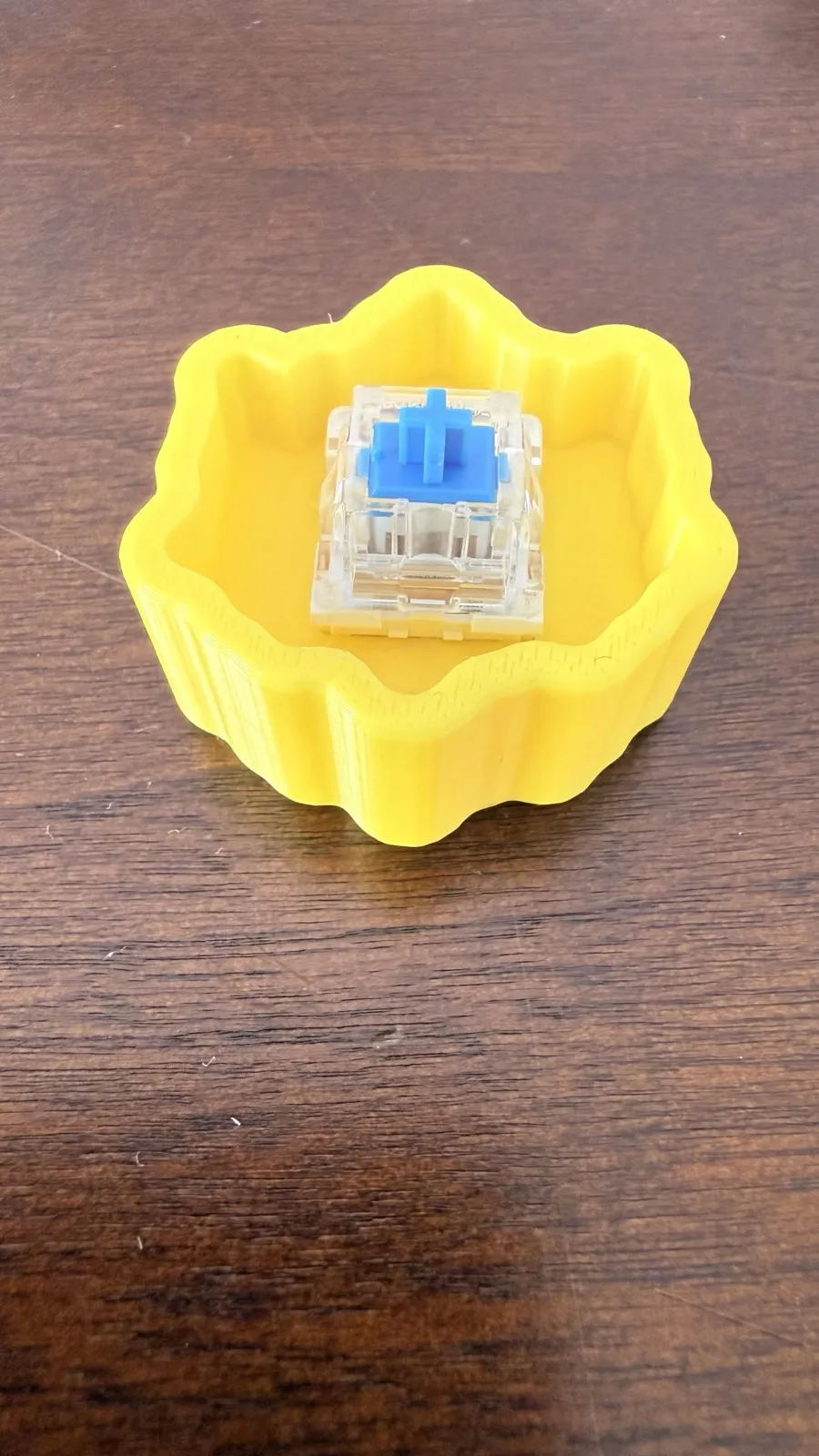
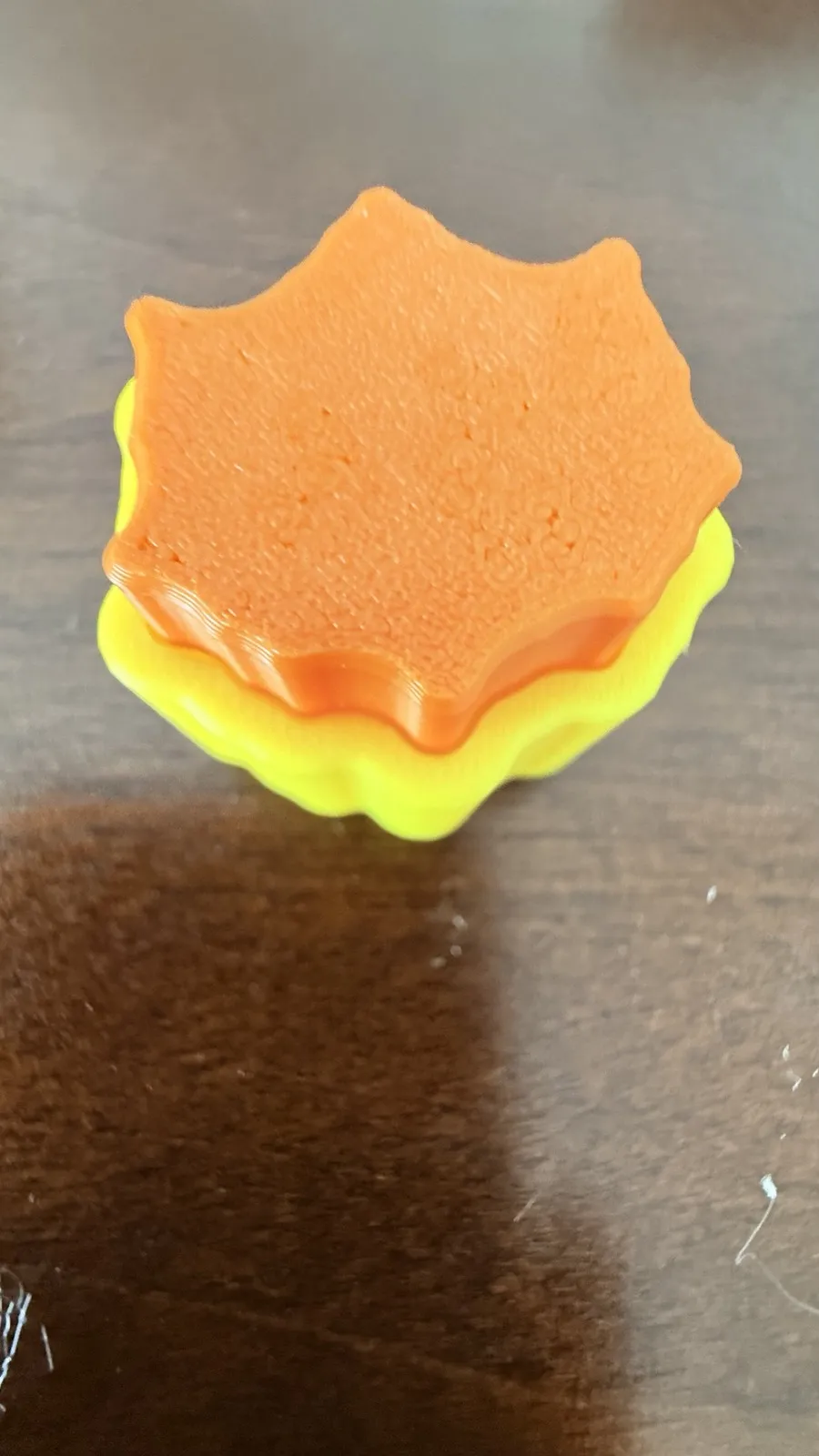
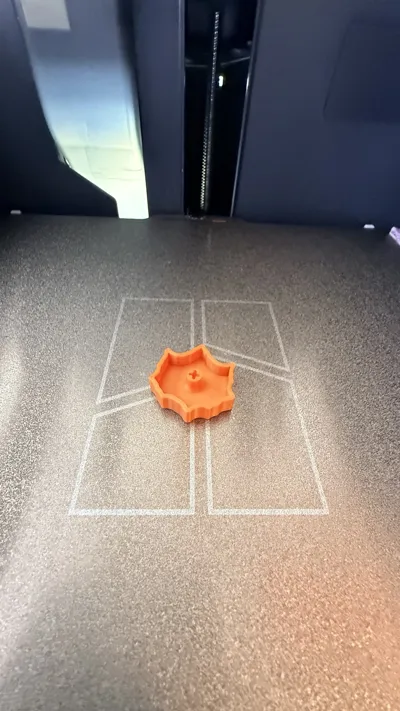
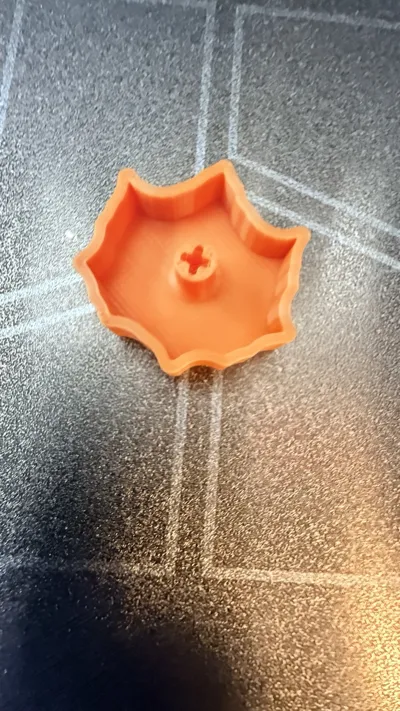
Welcome to the official MakerWorld page for the Maple Leaf Clicker! This is a fun, autumn-themed fidget toy shaped like a classic maple leaf. It is designed to give you a super crisp, satisfying clicking feel every time you press it down.
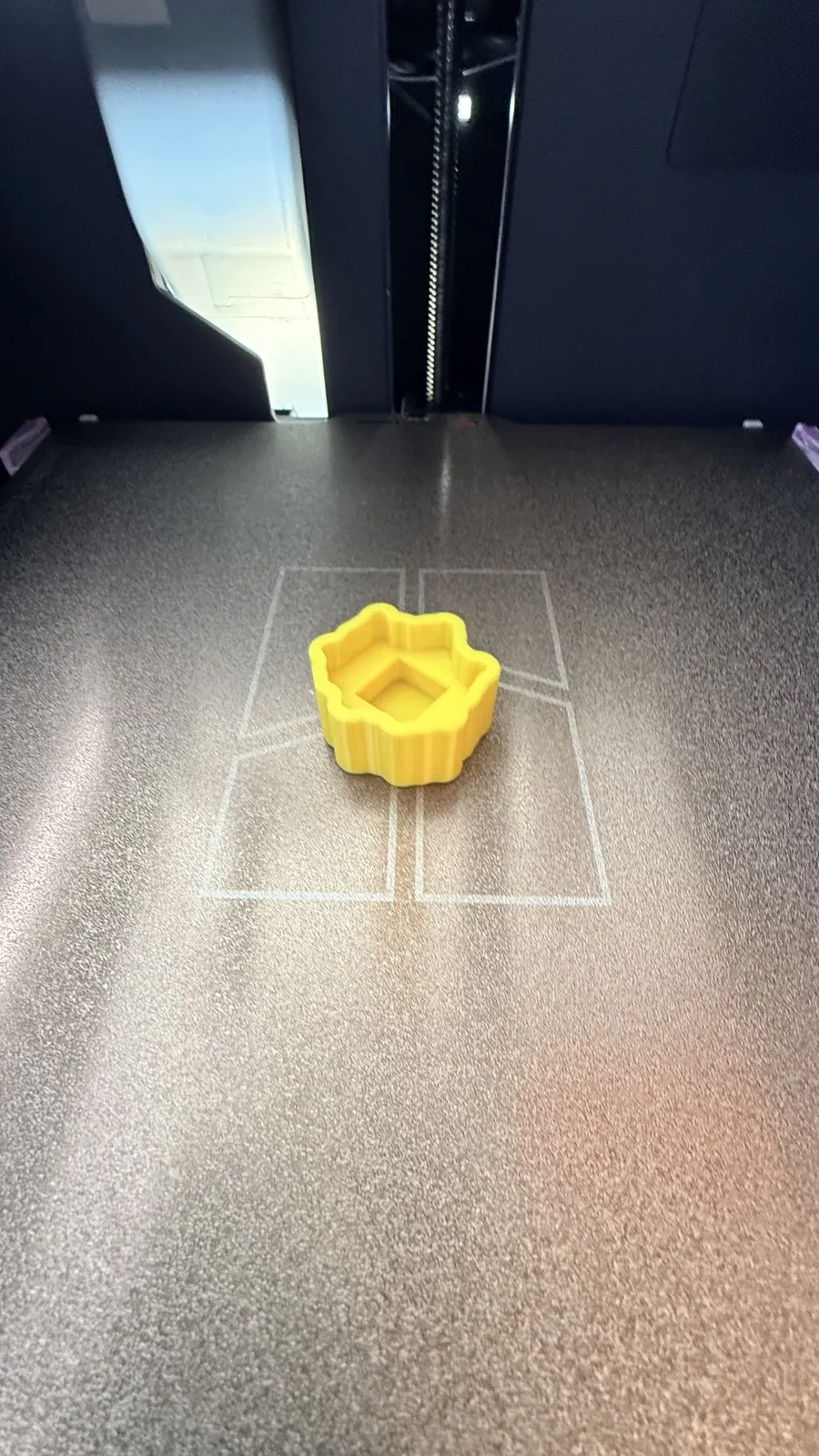
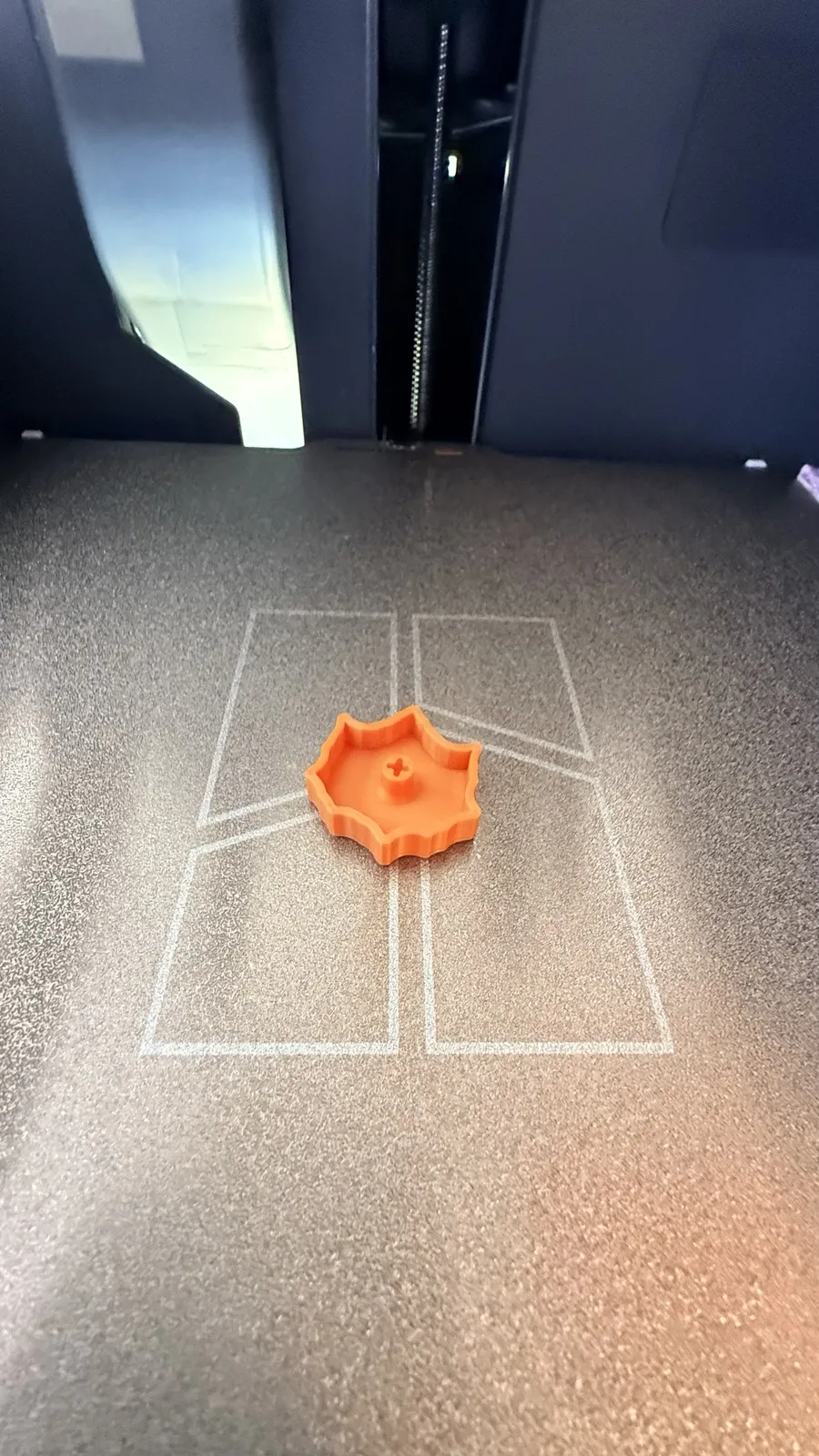
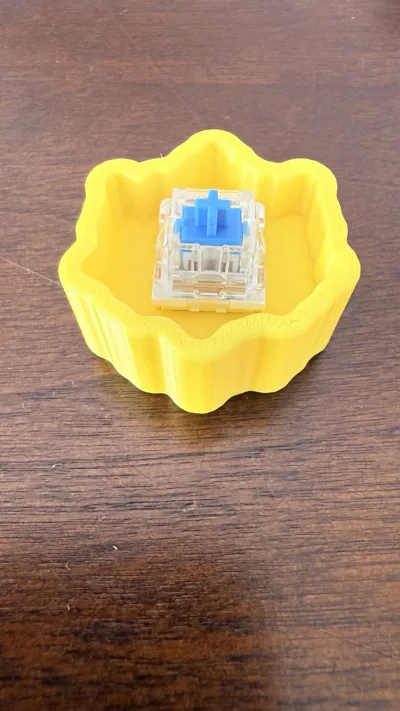
The project is split into two separate print plates. This lets you easily print the sturdy base in one color and the leaf top in another color without needing a multi-material system!
Cool Features ✨
- Pocket-Sized Fidget: It is small enough to fit right in your pocket so you can take it anywhere.
- Super Filament Saver: The entire project uses less than 10 grams of plastic filament. It is the perfect way to use up leftover scrap plastic.
- Ultra Fast Print: Both plates can be fully printed and ready to play with in just over an hour.
Recommended Print Settings ⚙️
These precise settings are already built into the profile to give you the smoothest mechanical movement.
| Setting Name | Recommended Value | What It Does |
|---|---|---|
| Layer Height | 0.12mm High Quality | Makes the maple leaf details look incredibly smooth. |
| Infill Density | 15% | Keeps the toy lightweight while staying strong. |
| Infill Pattern | Gyroid | Creates a strong internal grid to prevent breaking. |
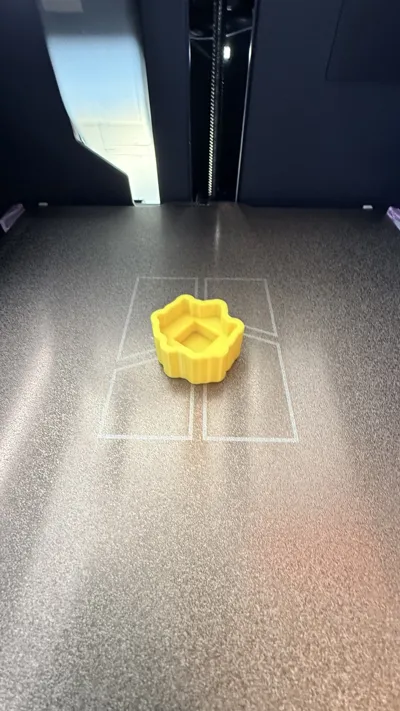
| Print Bed | Textured PEI Plate | Gives the bottom of the clicker a clean, bumpy texture. |
Precise Plate Breakdown 📊
Here is the exact data calculated by the software for a Bambu Lab P1S printer:
| Object Name | Plate Number | Print Time | Filament Weight | Dimensions |
|---|---|---|---|---|
| clicker_base.stl | Plate 01 | 36 minutes, 16 seconds | 6.48 grams | 37 x 35 x 17 mm |
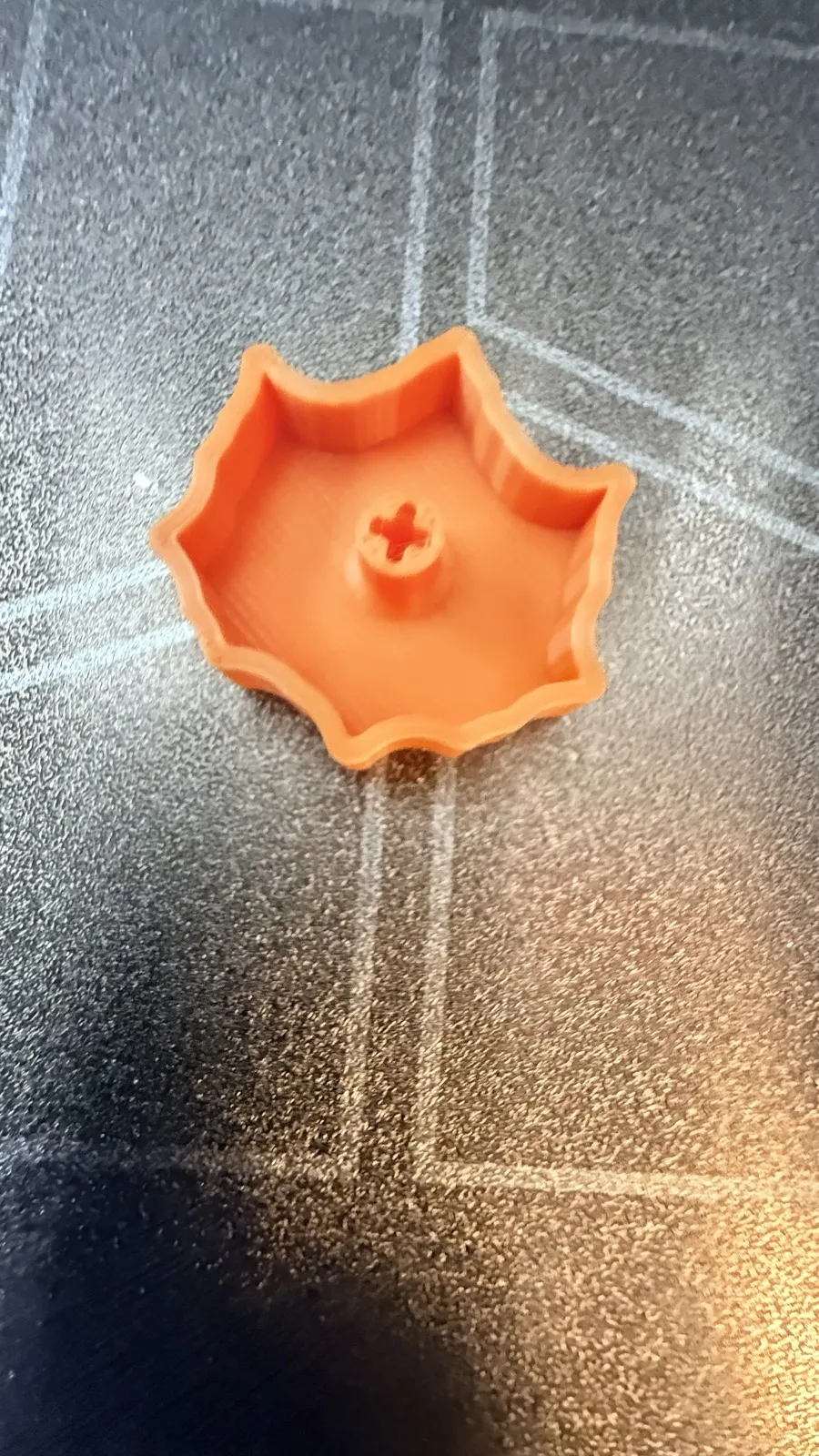
| clicker_top.stl | Plate 02 | 30 minutes, 13 seconds | 2.73 grams | 30 x 29 x 7 mm |
- Total Printing Time: 1 hour and 7 minutes (including printer warmup time).
- Total Estimated Cost: Only $0.26 worth of plastic!
Easy Assembly Guide 🛠️
Putting your maple leaf clicker together is simple and requires no extra tools.
- Let it cool: Wait a few minutes for your textured print bed to cool down before popping the parts off.
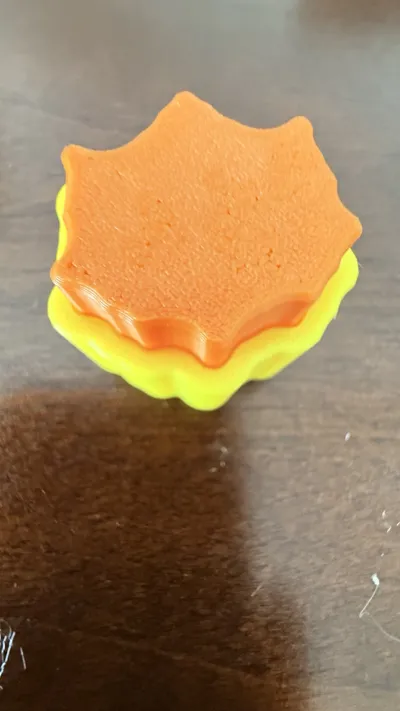
- Align the pieces: Place the clicker base on a flat surface and line up the leaf-shaped top piece directly over the opening.
- Snap and click: Push down firmly on the top piece until it clicks safely into the base slot. Now your toy is ready to click!
Boost Me (for free)
I appreciate all the boost!
Thank you for spending your time reading this description, when you finish printing this if you are. I hope you enjoy it. And if you liked this project, like the project and save it to your list and finally, give a review of 5 stars after printing it! I have a bunch of other prints that you can print right now! Have a good rest of your day well then.

It's @HS_sonicYT !
License

You shall not share, sub-license, sell, rent, host, transfer, or distribute in any way the digital or 3D printed versions of this object, nor any other derivative work of this object in its digital or physical format (including - but not limited to - remixes of this object, and hosting on other digital platforms). The objects may not be used without permission in any way whatsoever in which you charge money, or collect fees.


Comment & Rating (0)