
Print Profile(1)
Description
Russian and English
English:
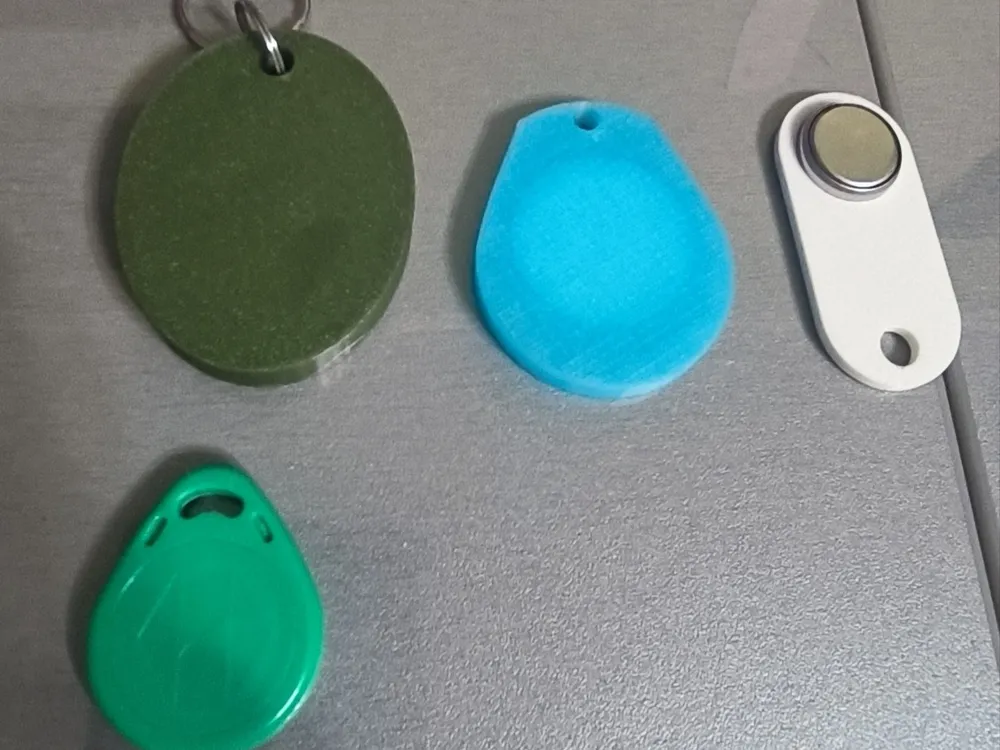
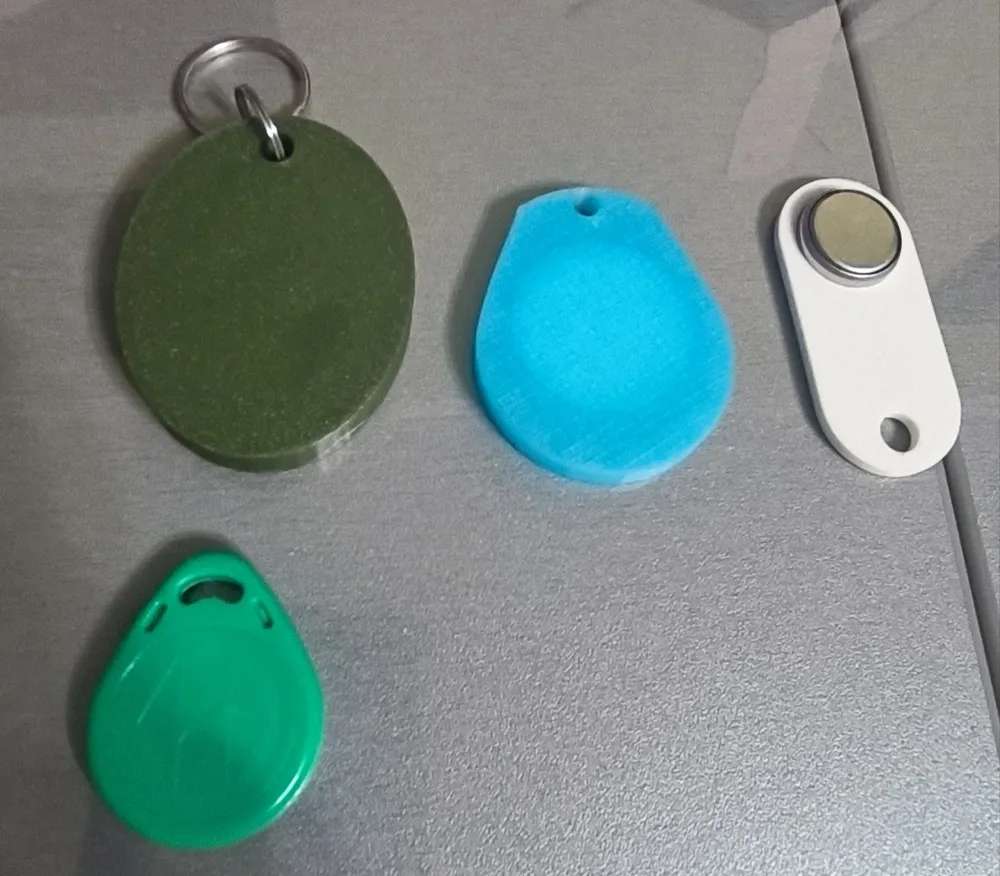
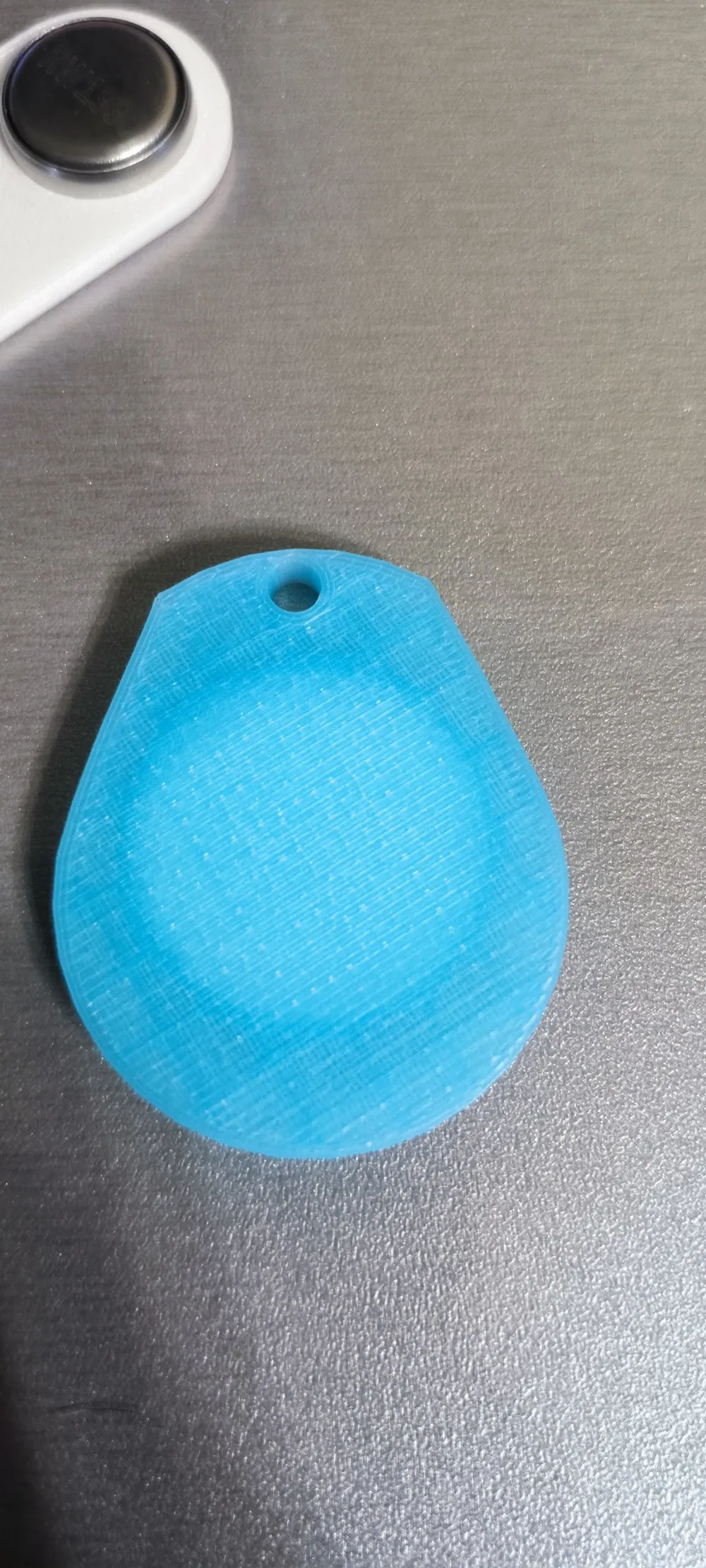
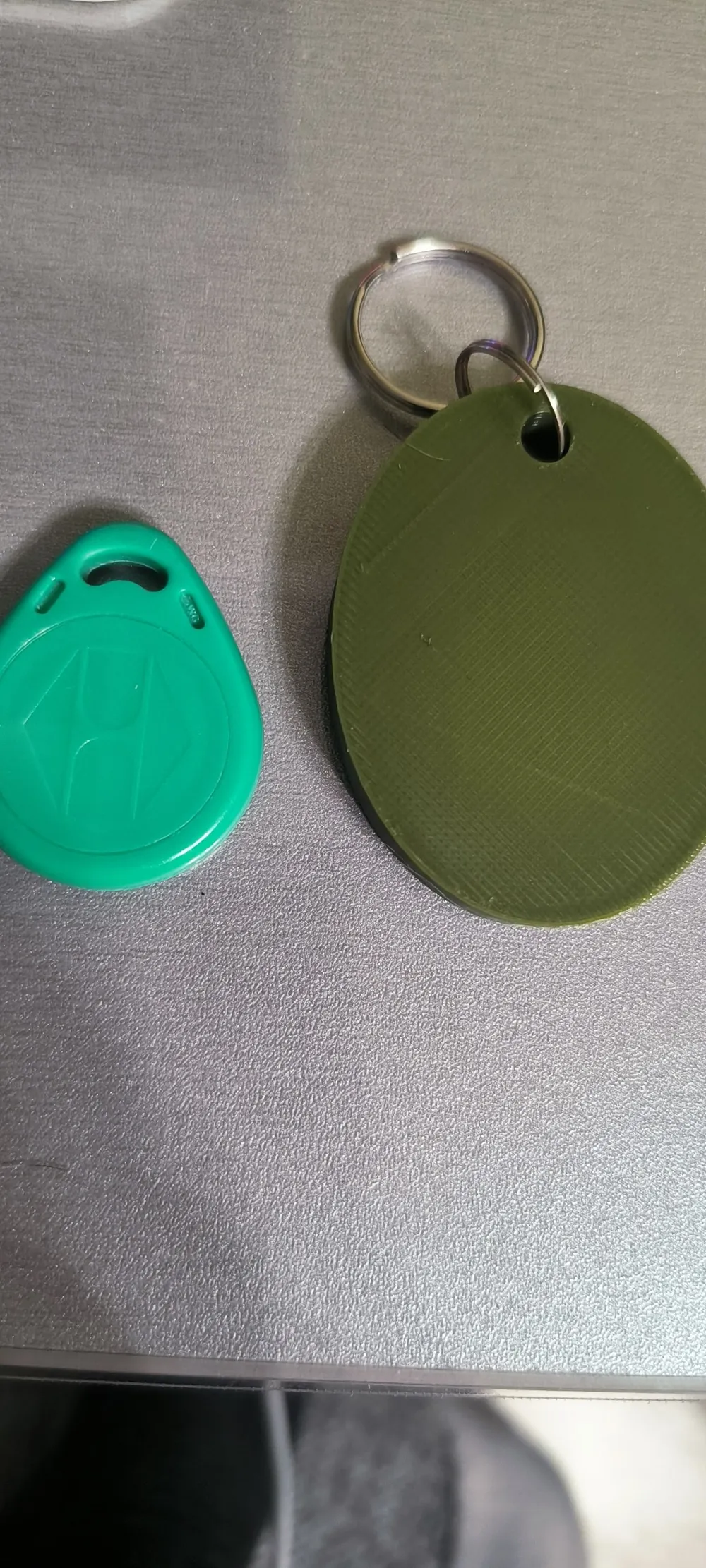
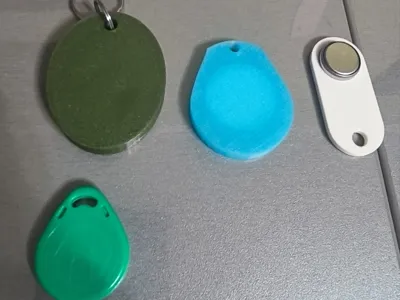
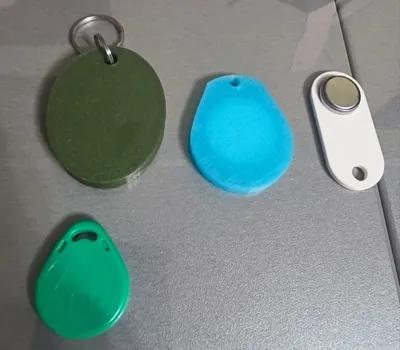
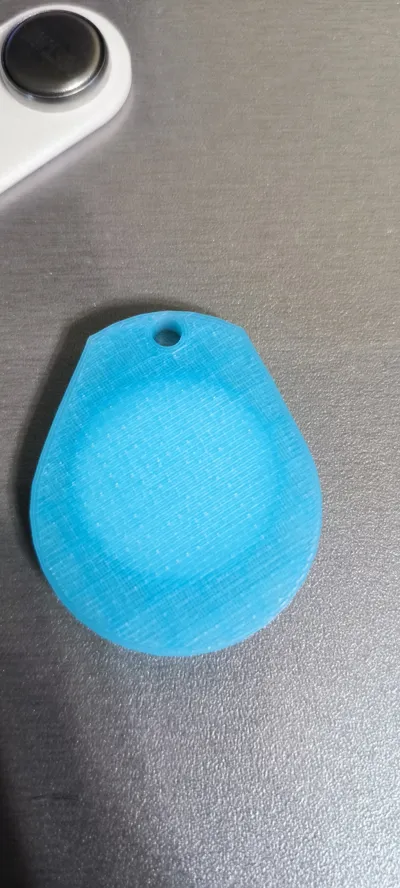
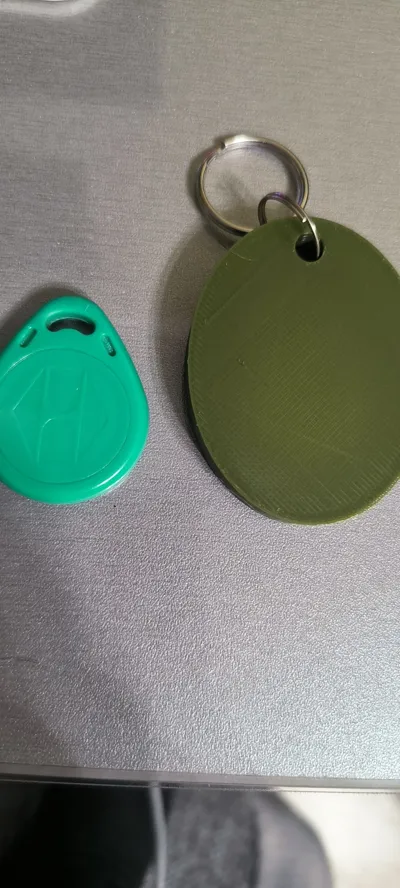
Hello everyone, I made covers/cases for the following keys/passes:
RFID:
EM4100/T5577 ( You need to glue it to the lid with a drop of glue and check that it dries so that there are no problems with printing. )
NFC:
NFC tag (disc )25mm (Common disc)
( You also need to stick it on the double-sided tape that comes on the disk, if not, then use a drop of glue and check )
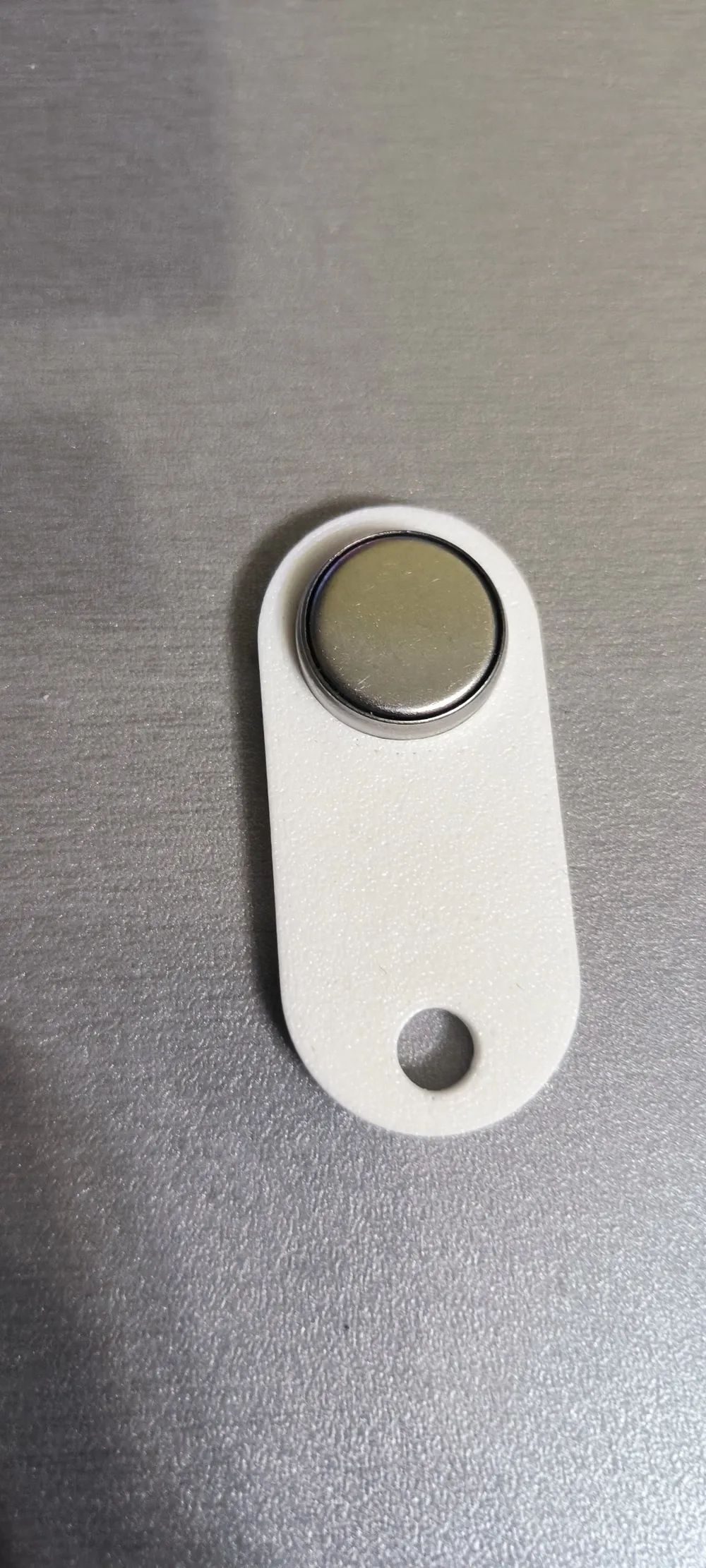
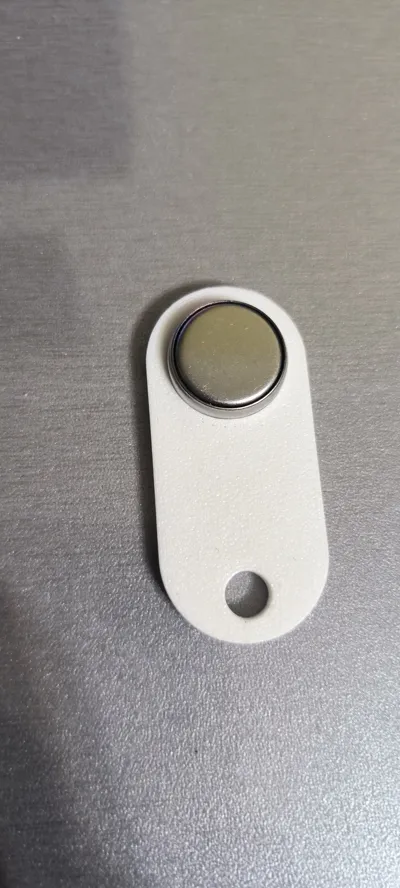
ibutton:
Rw1990/TM01A
(No glue needed)
I don't know if it was possible to pause the printing process. You can do this yourself in order to put your pass or key in order to make a storage case out of it.
How to take a break;In the main menu, go to the preview section of the cut. On the right side, you will see a bar, lower it to the very bottom, and then move it up:
- The first pause will be 17 minutes 26 seconds. (NFC tag disc 25mm)
!!!Don't forget to glue it!!!
Otherwise, you won't be able to finish the layer and there may be problems with printing.
- Second pause 22 minutes 57 seconds. (RFID EM4100/T5577)
!!!Don't forget to glue it!!!
Otherwise, you won't be able to finish the layer and there may be problems with printing.
After you have placed your pass or key, you simply press start on the panel or in the mobile application, not end, and the same applies to the next pause.
Russian:
Привет всем, я сделал чехлы/корпуса для следующих ключей/пропусков:
RFID:
EM4100/T5577 (Вам нужно приклеить его к крышке каплей клея и проверить, чтобы он высох, чтобы не было проблем с печатью.)
NFC:
NFC-метка (диск) 25 мм (Обычный диск)
(Вам также нужно приклеить его на двусторонний скотч, который идет в комплекте с диском, если нет, используйте каплю клея и проверьте.)
ibutton:
Rw1990/TM01A
(Клей не требуется)
Я не знаю, можно ли было приостановить процесс печати. Вы можете сделать это самостоятельно, чтобы вставить свой пропуск или ключ и создать из него чехол для хранения.
Как сделать перерыв: в главном меню перейдите в раздел предварительного просмотра среза. Справа вы увидите полосу, опустите ее до самого низа, а затем поднимите:
- Первая пауза будет на 17 минут 26 секунд. (NFC-метка диск 25 мм)
!!!Не забудьте приклеить!!!
В противном случае вы не сможете завершить слой, и могут возникнуть проблемы с печатью.
- Вторая пауза на 22 минуты 57 секунд. (RFID EM4100/T5577)
!!!Не забудьте приклеить!!!
В противном случае вы не сможете завершить слой, и могут возникнуть проблемы с печатью.
После того как вы вставите свой пропуск или ключ, просто нажмите «Старт» на панели или в мобильном приложении, а не «Конец», то же самое относится и к следующей паузе.
License

You shall not share, sub-license, sell, rent, host, transfer, or distribute in any way the digital or 3D printed versions of this object, nor any other derivative work of this object in its digital or physical format (including, but not limited to, publishing derivative works outside the Makerworld platform or hosting on other digital platforms). The objects may not be used without permission in any way whatsoever in which you charge money or collect fees. Subject to the above restrictions, derivative works may be published only within the Makerworld platform, and all such derivative works must be licensed under the same SDFL‑C license, without modification or additional terms. You may download the digital versions of this object, 3D print it, and display images, videos, or usage demonstrations of 3D printed versions of the object on personal social media platforms or Makerworld official channels, provided that no digital versions of the object are shared or distributed.


Comment & Rating (3)