
UNI-T UT61E+ Test Lead Holder
Print Profile(1)
Description
Hello!
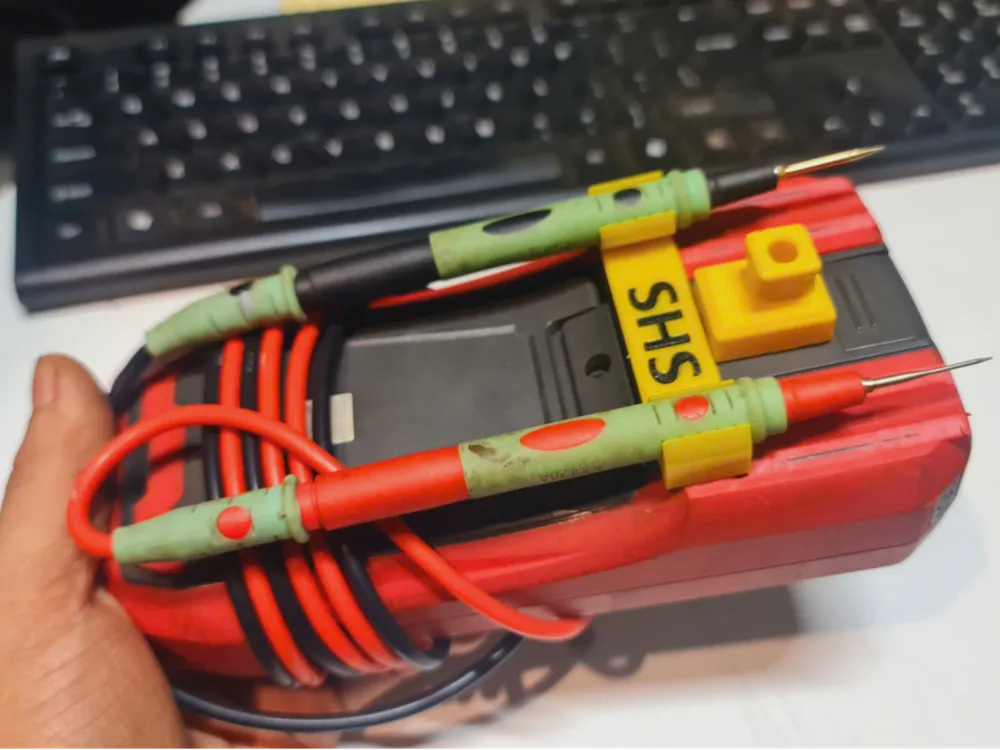
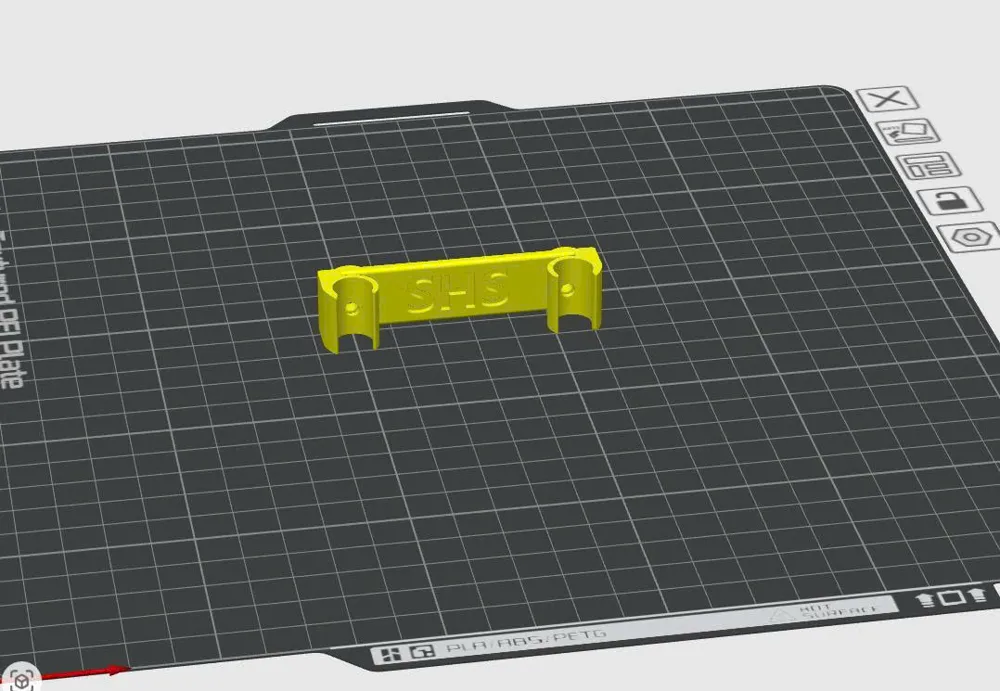
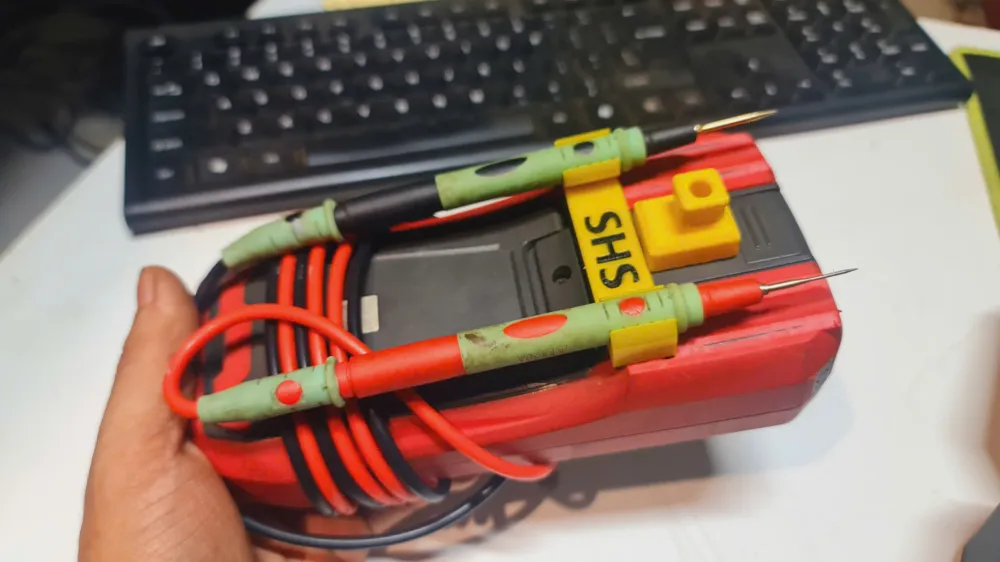
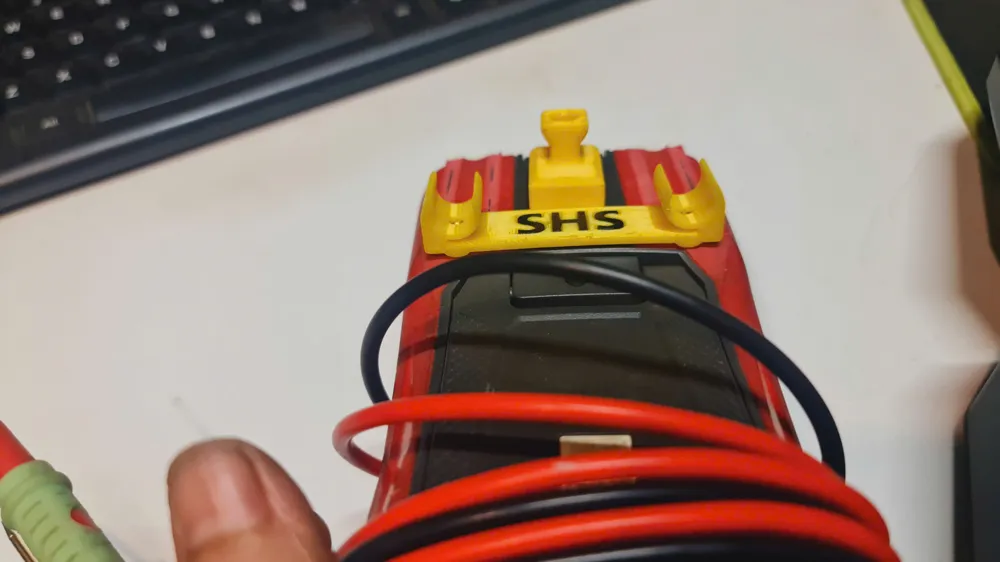
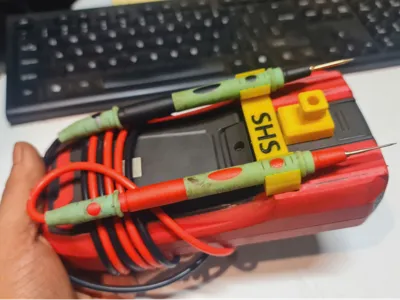
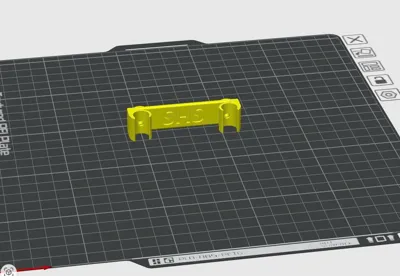
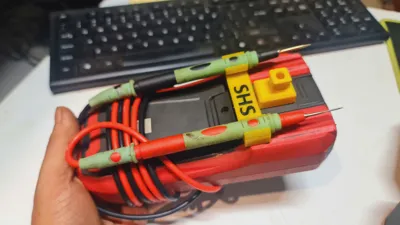
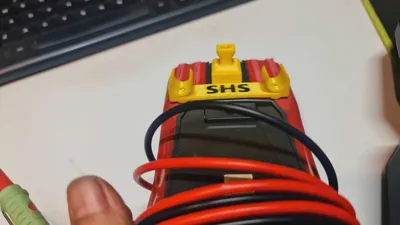
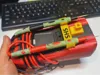
I redesigned the rear test lead holder for the UNI-T UT61E+ to better fit a different set of test leads. The original holder is quite loose and doesn't secure the leads very well, making them easy to fall out.
Installation
You'll need the following additional hardware:
- 2 × M3 × 8 mm screws
- 2 × M3 heat-set threaded inserts
Installation is straightforward, although some basic DIY skills are recommended.
- Remove the back cover and the internal metal shield from the multimeter.
- Position the new holder in place.
- Drill through the rear cover using the holder as a guide.
- Install the heat-set inserts and secure the holder with the screws.
I hope this model is useful. Happy 3D printing!
License

You shall not share, sub-license, sell, rent, host, transfer, or distribute in any way the digital or 3D printed versions of this object, nor any other derivative work of this object in its digital or physical format (including, but not limited to, publishing derivative works outside the Makerworld platform or hosting on other digital platforms). The objects may not be used without permission in any way whatsoever in which you charge money or collect fees. Subject to the above restrictions, derivative works may be published only within the Makerworld platform, and all such derivative works must be licensed under the same SDFL‑C license, without modification or additional terms. You may download the digital versions of this object, 3D print it, and display images, videos, or usage demonstrations of 3D printed versions of the object on personal social media platforms or Makerworld official channels, provided that no digital versions of the object are shared or distributed.


Comment & Rating (0)