
Curb Guard - Anti Dust
Print Profile(1)


Description
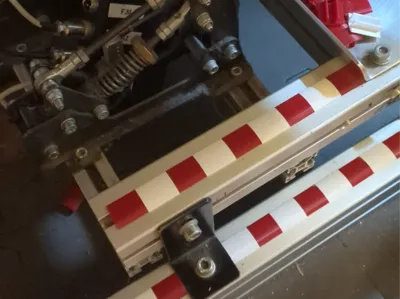
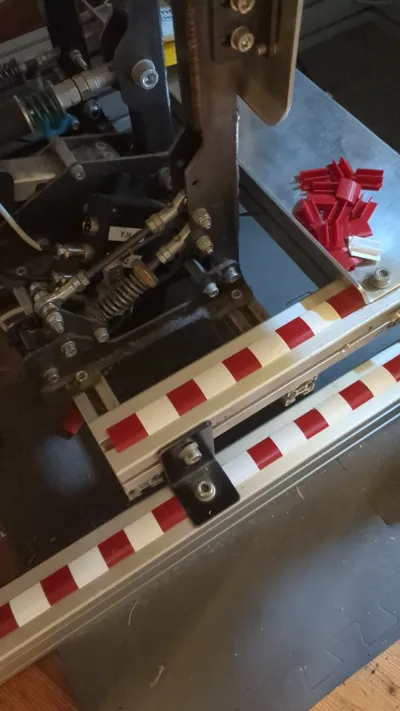
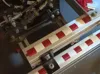
🏁 "CurbGuard" - Curb-Style Aluminum Profile Cover
Give your rig a "racing" touch and keep it clean!
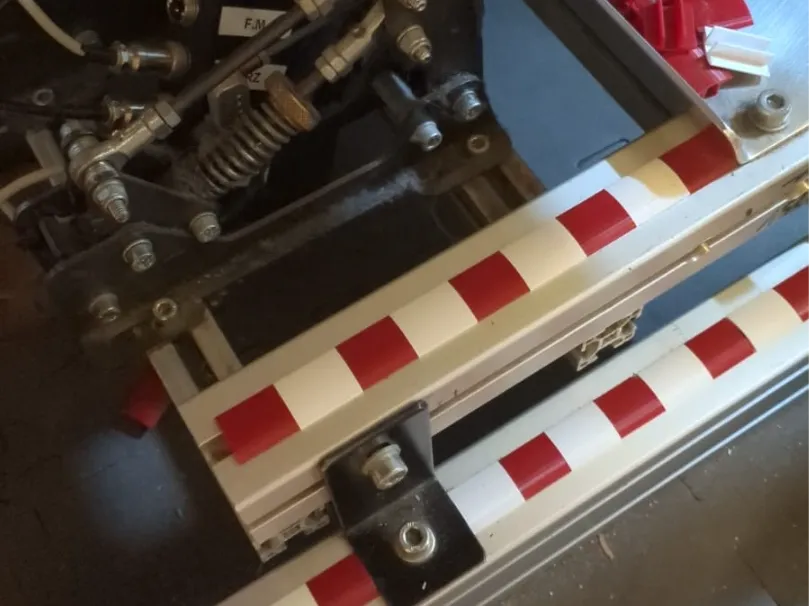
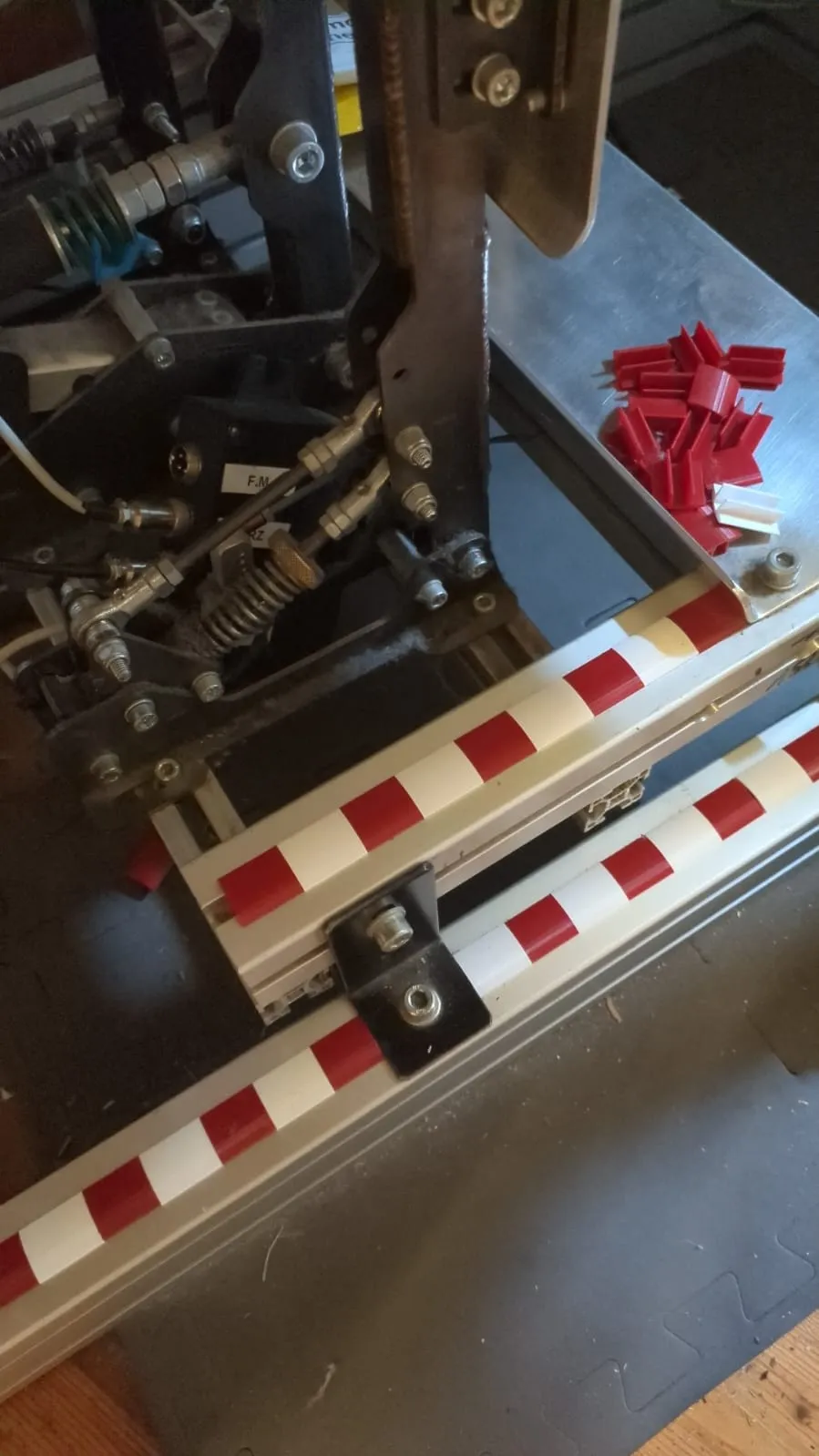
Do you have a racing simulator cockpit or a 2020 aluminum extrusion structure and are tired of seeing dust and debris accumulate in the grooves? We present the "CurbGuard", the 3D Printed solution that combines functionality and passion for motorsport.
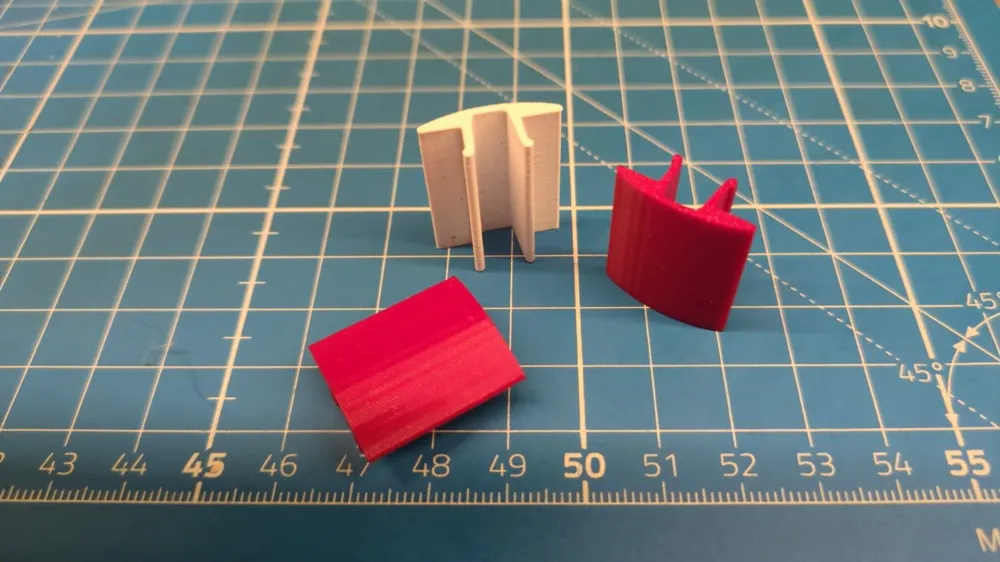
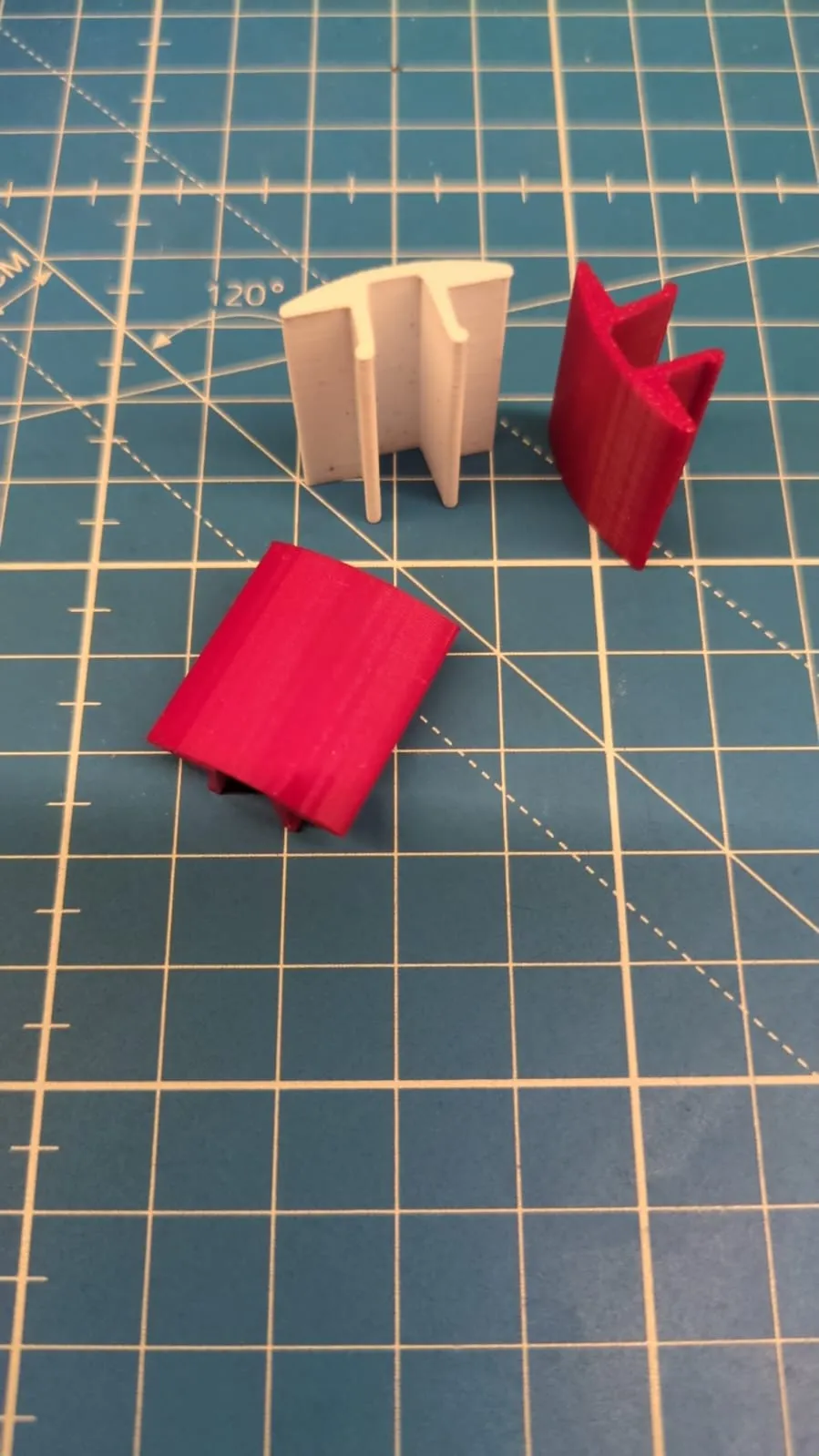
This small accessory is designed not only to seal the grooves of aluminum extrusions (standard 2020 size), preventing the entry of dust and dirt, but it does so with an iconic design: the classic red and white checkered pattern of racetrack curbs. It's the perfect finishing detail for any sim-racer or racing enthusiast maker who wants to customize their workspace or gaming area.
Main Features:
- Unique Design: Inspired by racetrack curbs, with an appealing alternation of red and white blocks, to give a professional and dynamic look to your extrusions.
- Effective Protection: It fits perfectly into the extrusion groove, creating a barrier that keeps out dust, hair, and small objects, facilitating the cleaning of the structure.
- Universal Compatibility: Designed for aluminum extrusions with standard T-slot grooves (e.g., 2020 series), ideal for sim-racing cockpits, DIY 3D Printers, workbenches, and much more.
- Simple Press-Fit Installation: No tools, glue, or screws are needed. Simply press the piece into the extrusion groove. It's easy to remove and reposition.
- Clean Finish: Covers raw edges and empty grooves, giving the entire structure a more refined and tidy appearance.
Print Specifications:
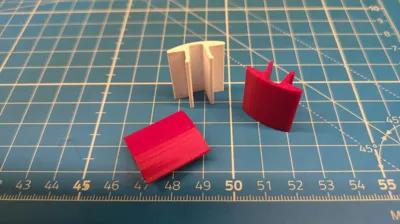
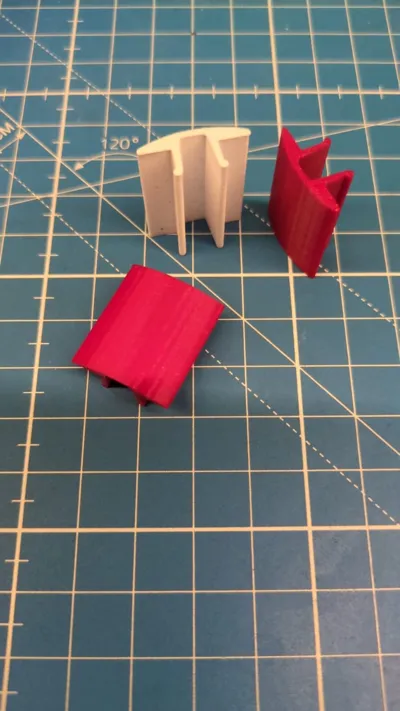
- Included Files: You will find STL files for single sections and longer strips to suit your needs.
- Recommended Materials: PLA, PETG, or TPU (for a slightly flexible fit).
- Layer Height: 0.2mm or less for better detail finish of the colored blocks.
- Infill: 15-20% is sufficient for structural robustness.
- Supports: Not necessary for this flat design.
Installation Guide:
- Make sure your aluminum extrusion groove is clean and free of debris.
- Take the printed piece and align it with the groove.
- Press firmly along the entire length of the piece until it is fully inserted and flush with the surface of the extrusion.
- If necessary, cut the printed pieces to fit specific lengths of your extrusion.
Show us your prints! Upload photos of your rig or workstation with the "CurbGuard" installed. We'd love to see how you've customized your setup!
License

You may create derivative works based on this object, provided that all such derivative works are published exclusively on the MakerWorld platform and include proper attribution to the original creator. You may not share, upload, host, distribute, or publish this object—or any derivative work of this object—on any other digital platform, marketplace, or distribution channel. Commercial use of this object and any derivative works is strictly prohibited. This includes, but is not limited to, selling, renting, sublicensing, or using the object in any context in which you receive monetary compensation or other financial benefits.


Comment & Rating (1)