
Print Profile(1)




Description
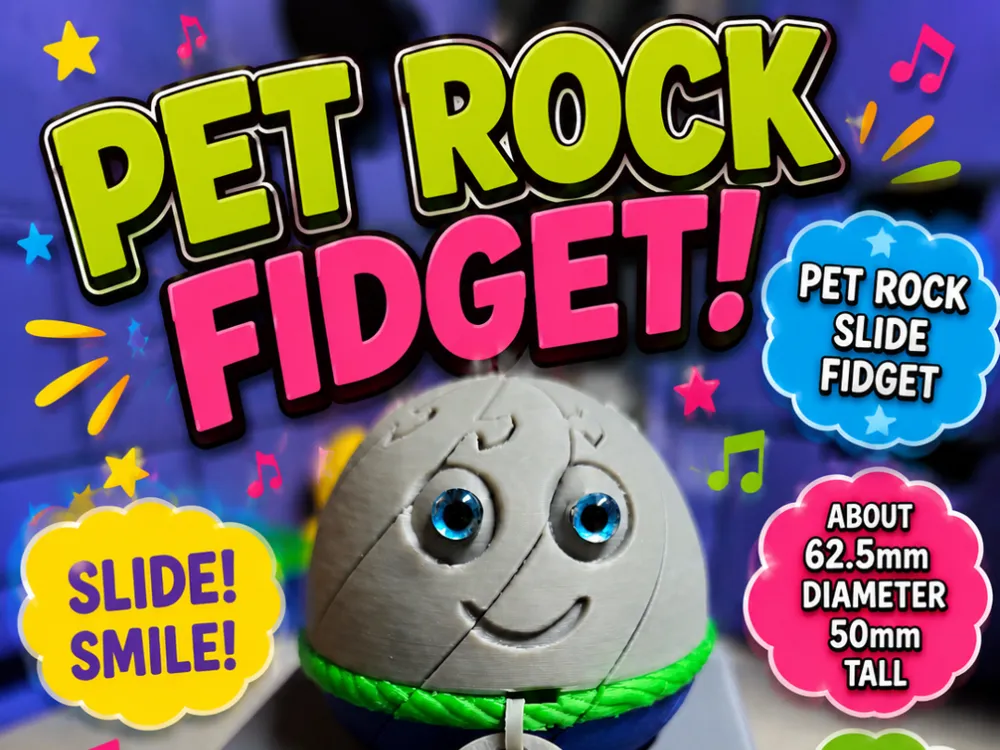
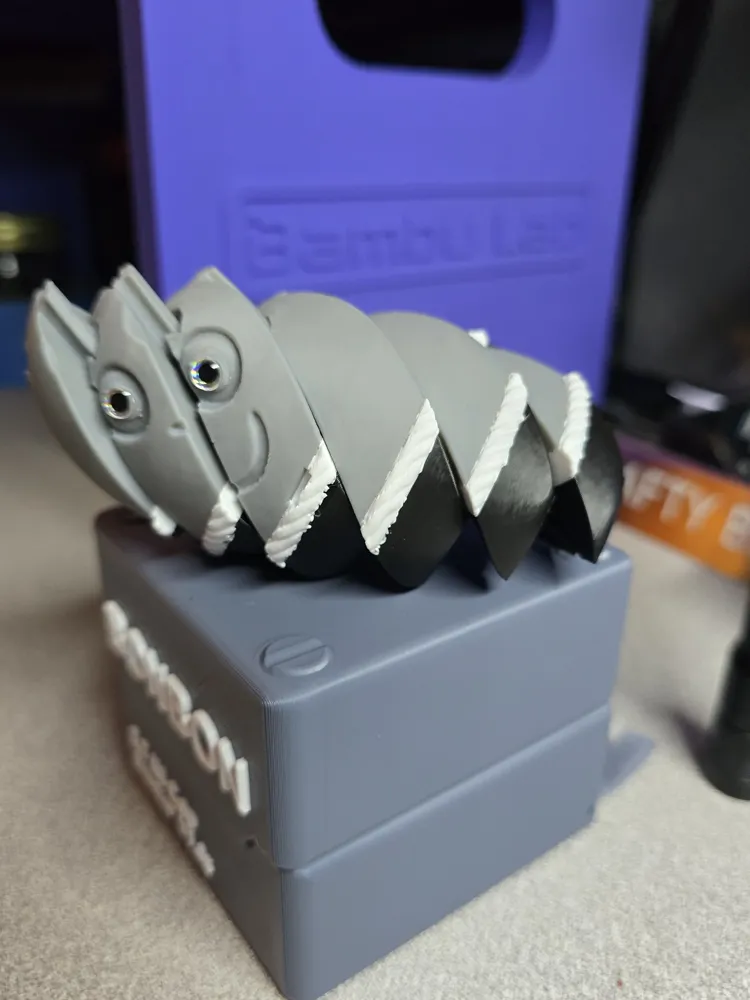
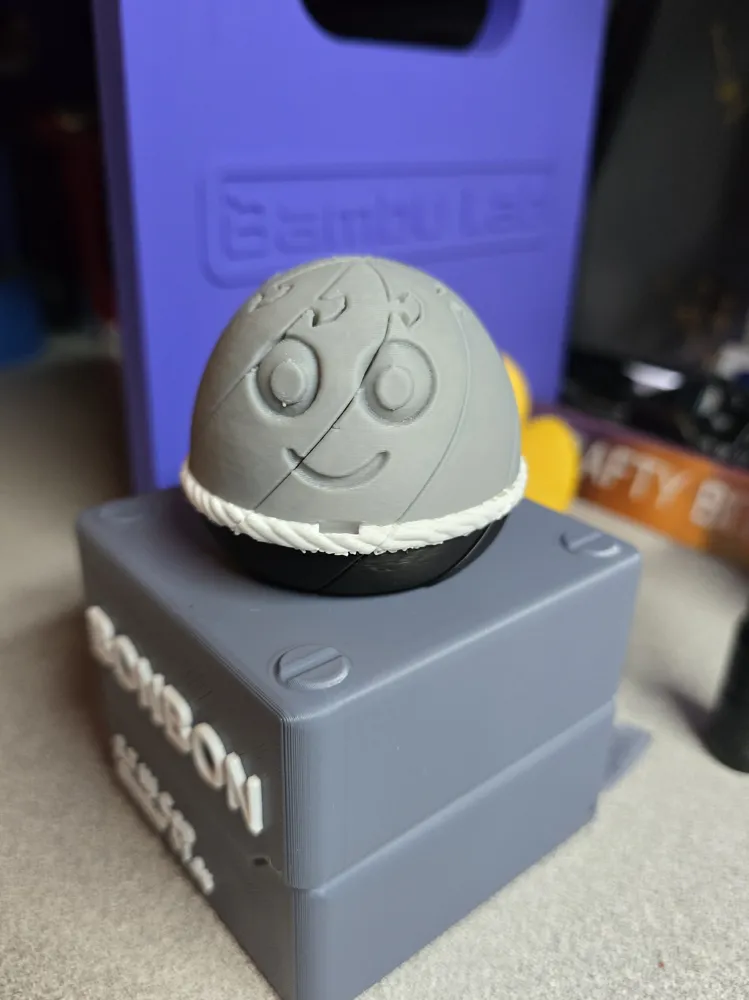
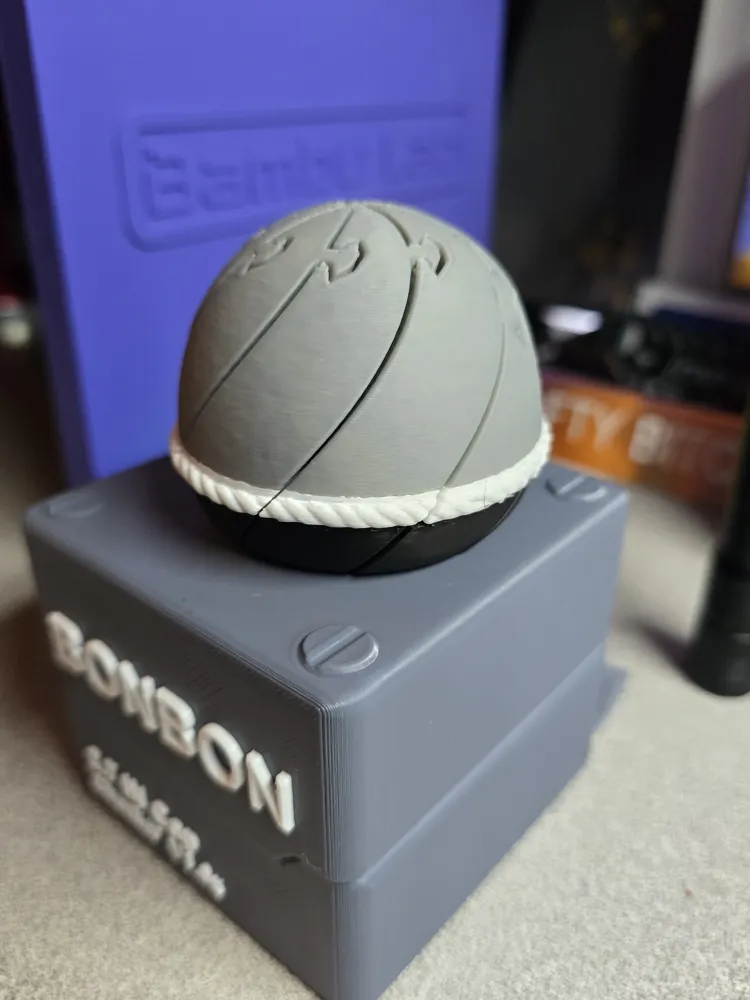
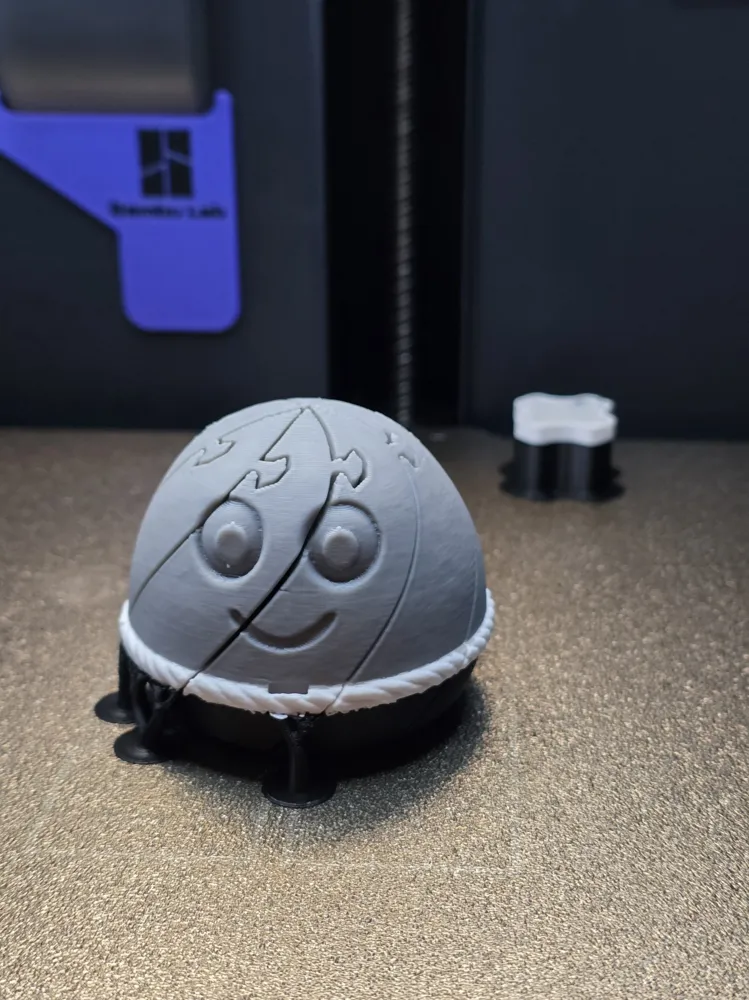
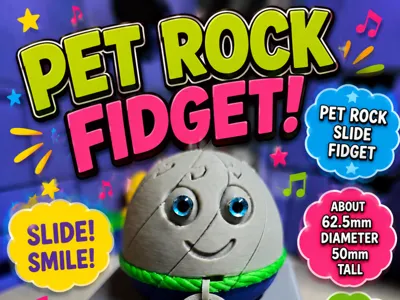
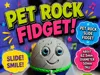
🪨 Pet Rock Slide Fidget - BONBON size
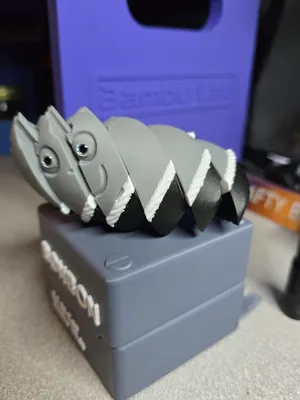
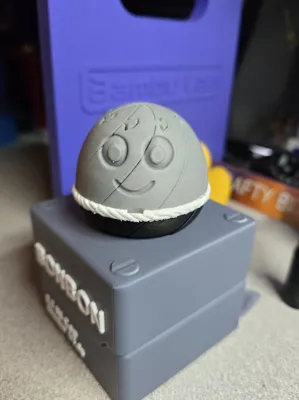
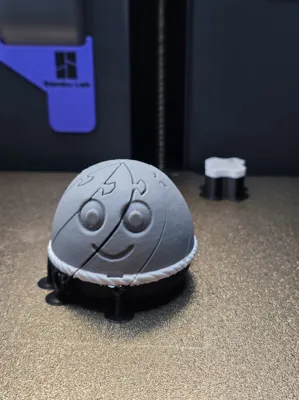
Who says pet rocks are boring? This little buddy is always happy to see you and never needs feeding, walking, or cleaning up after! The Pet Rock Slide Fidget is a fun desk companion that combines a cheerful personality with satisfying fidget action. Slide the pieces around, mix up that goofy grin, and enjoy a relaxing little distraction whenever you need a break.
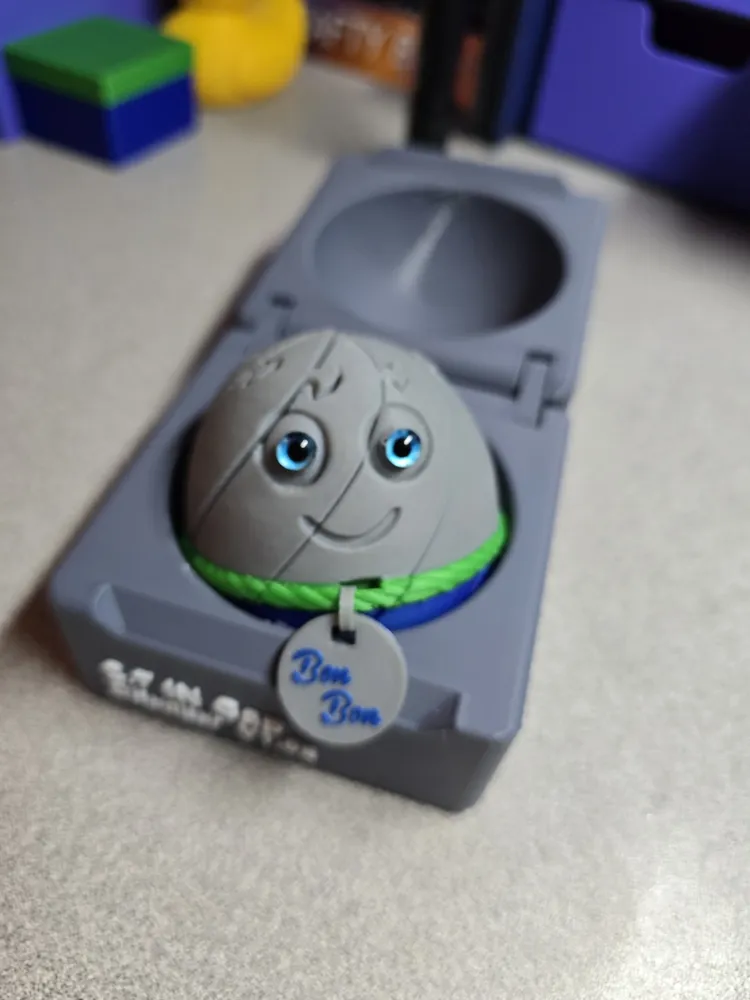
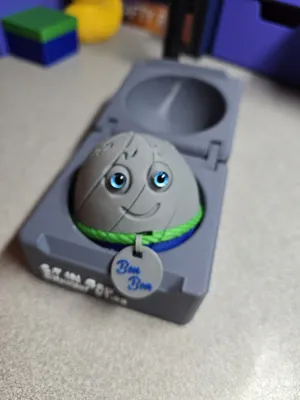
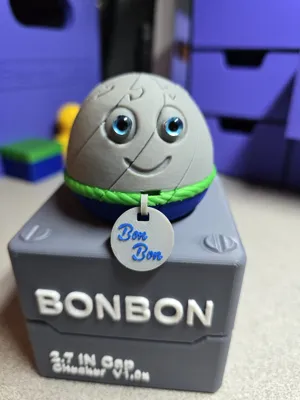
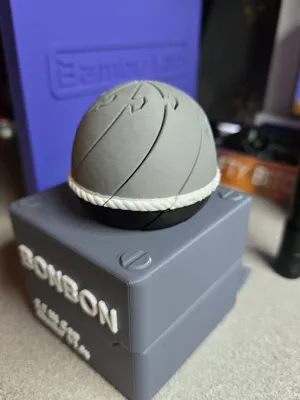
Measuring approximately 62.5mm in diameter and 50mm tall, this smiling friend is perfectly sized to fit inside the BONBON Box, making it a fun surprise to stash away or carry with you.
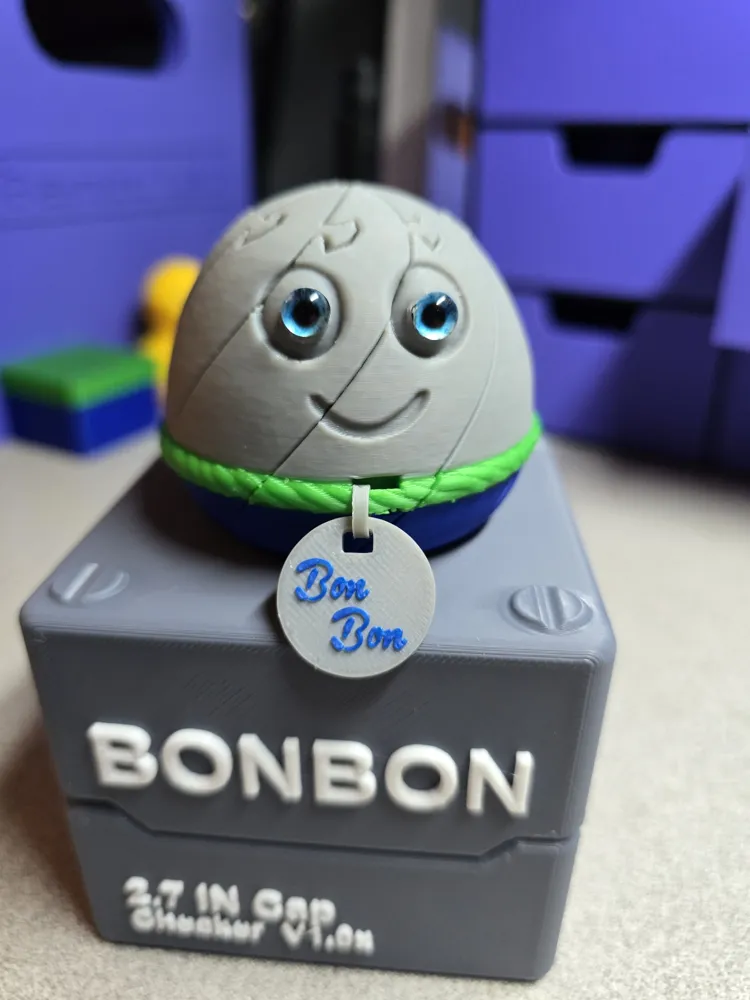
Want to make it your own? I've included an optional customizable tag that can be personalized right in Bambu Studio—simply edit the text to add a name, funny saying, or special message. Keep the adorable printed eyes just as they are, or use the flattened eye areas to glue on your favorite glass eyes for an extra dose of personality.
Features
🪨 Print-in-place slide fidget
😊 Approximately 62.5mm diameter × 50mm tall
📦 Fits perfectly inside the BONBON Box
🏷️ Optional customizable tag with editable text in Bambu Studio
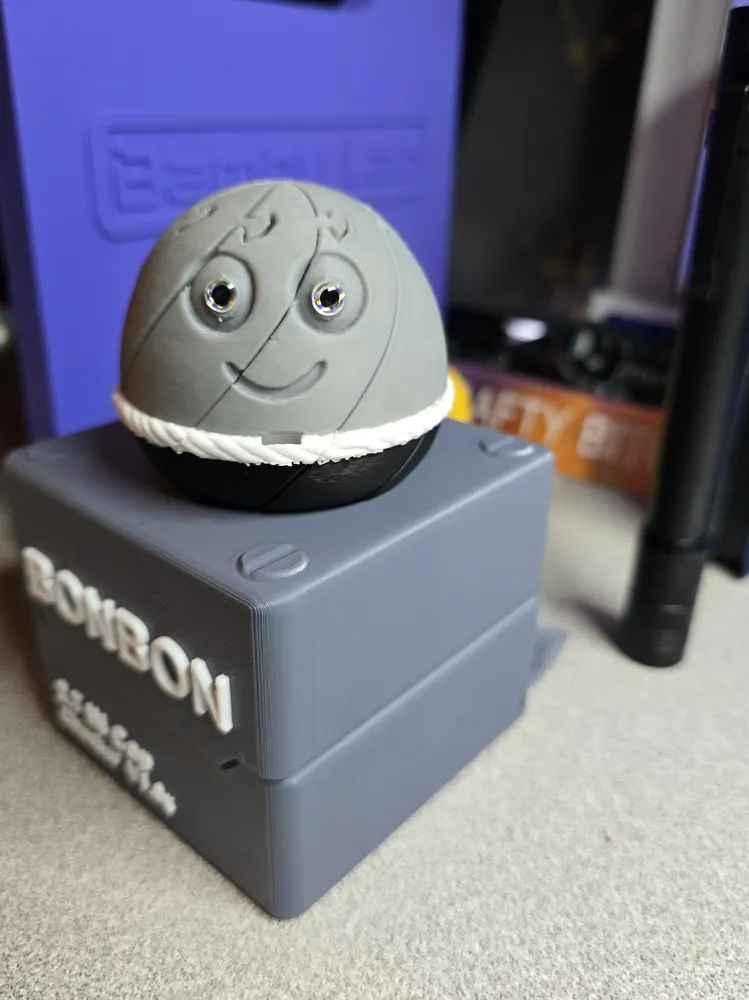
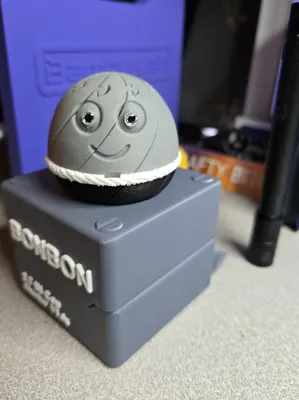
👀 Keep the printed eyes or add your own glass eyes for a unique look
🎨 Painted by layer making it great for experimenting with fun color combinations
Whether it becomes your desk buddy, your pocket-sized stress reliever, or the happiest rock in your collection, this little fidget is guaranteed to bring a smile. After all... everyone deserves a pet that's this low maintenance! 🪨😊
How to Change Text
Download the .3mf file and open it in Bambu Studio
Select the tag
Ensure Process Objects is selected
Locate "text_shape", right-click
Select "Edit Text"
In the Input Text field, replace the existing text with your own (you may need to adjust the text size to fit)
Press the return button on the left to apply changes and proceed to
repainting the Text
After editing, you will need to repaint the text:
Select the object
Click the paint bucket tool
Choose Paint by Layer and your desired color
You can leave the layer height at the default or increase it to your desired height
Start at the top of the text and work downward if needed
Once satisfied, press the return button on the left
If you do not need the second line of text, select the second text object, right click and delete it
Thank you so much for taking an interest in my model. Your photos and ratings are much appreciated and inspire me to continue creating for the MakerWorld Community.
License

You shall not share, sub-license, sell, rent, host, transfer, or distribute in any way the digital or 3D printed versions of this object, nor any other derivative work of this object in its digital or physical format (including - but not limited to - remixes of this object, and hosting on other digital platforms). The objects may not be used without permission in any way whatsoever in which you charge money, or collect fees.


Comment & Rating (0)