
Print Profile(2)
Description
Boost Me (for free)
If you have any questions or need modifications, feel free to leave a comment. If you like it, please support it. Thanks~~
Model Introduction:

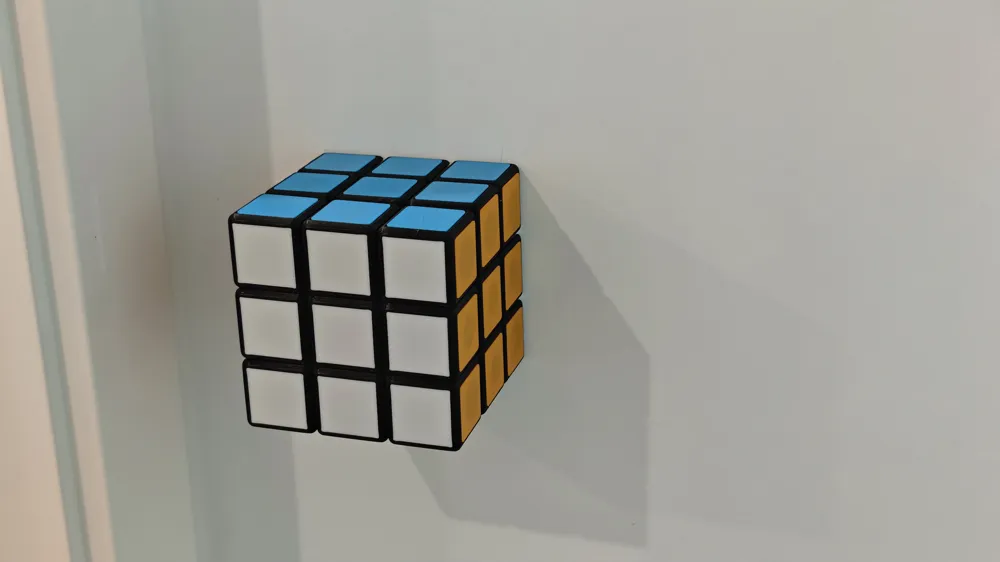
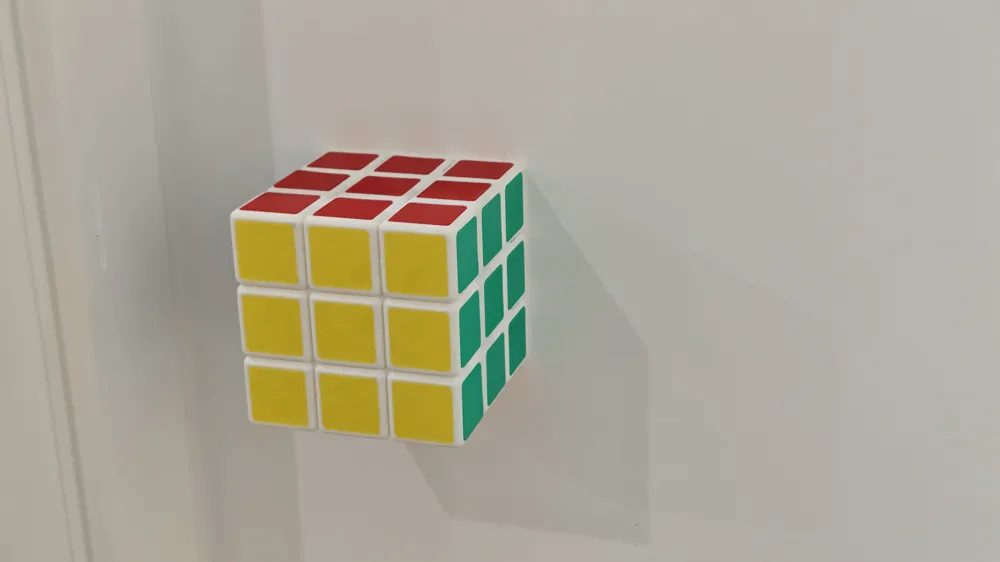
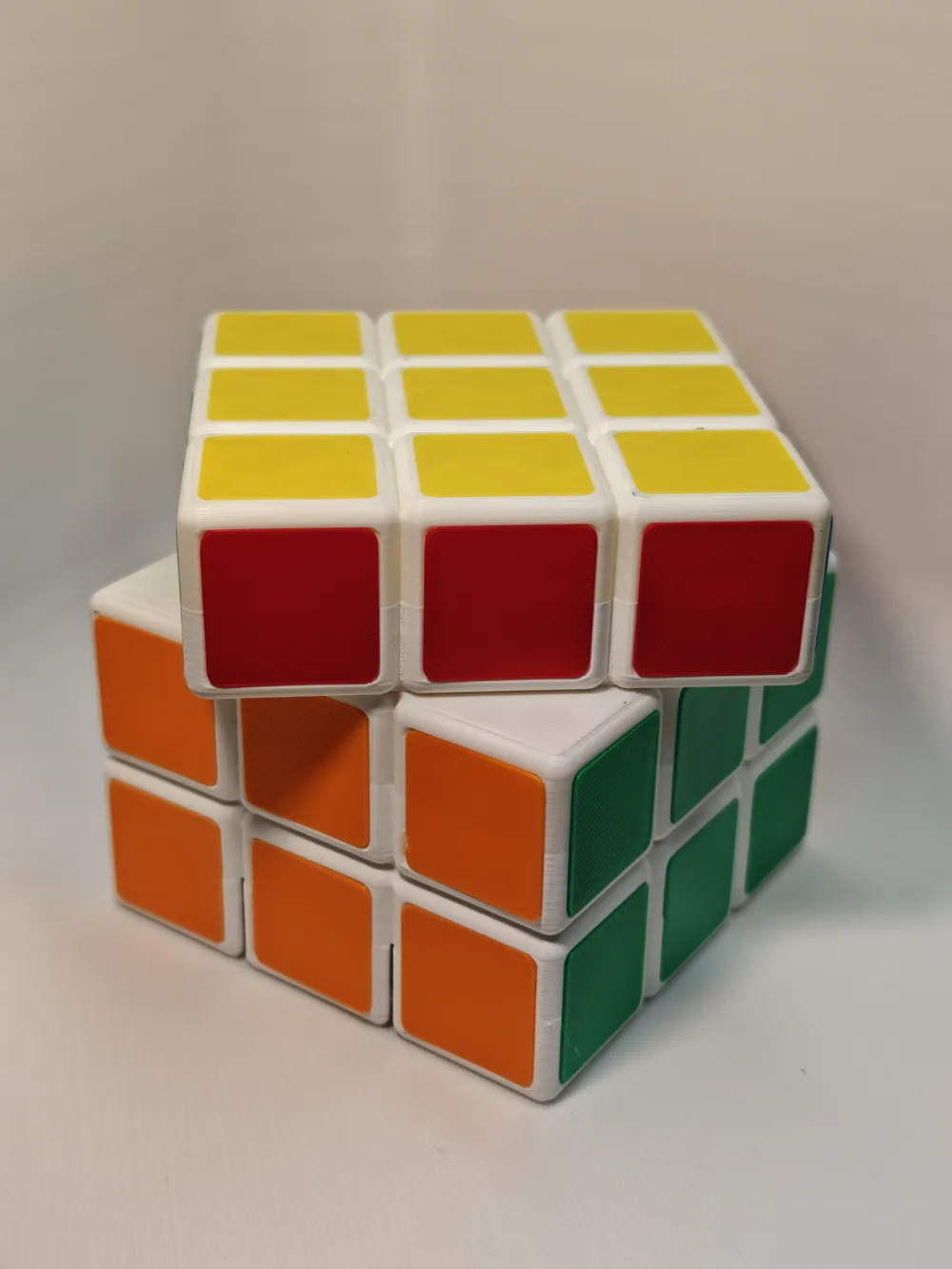
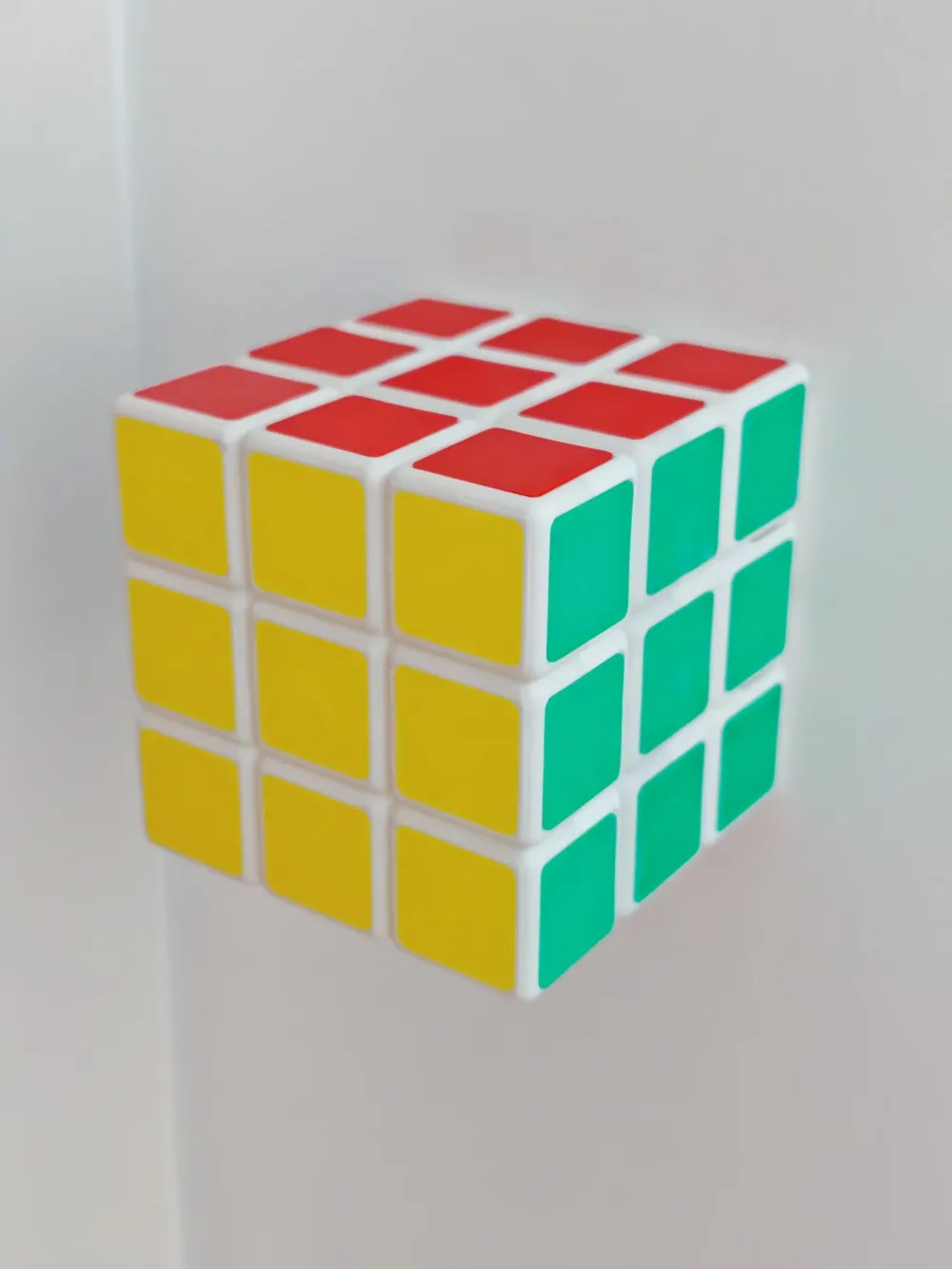
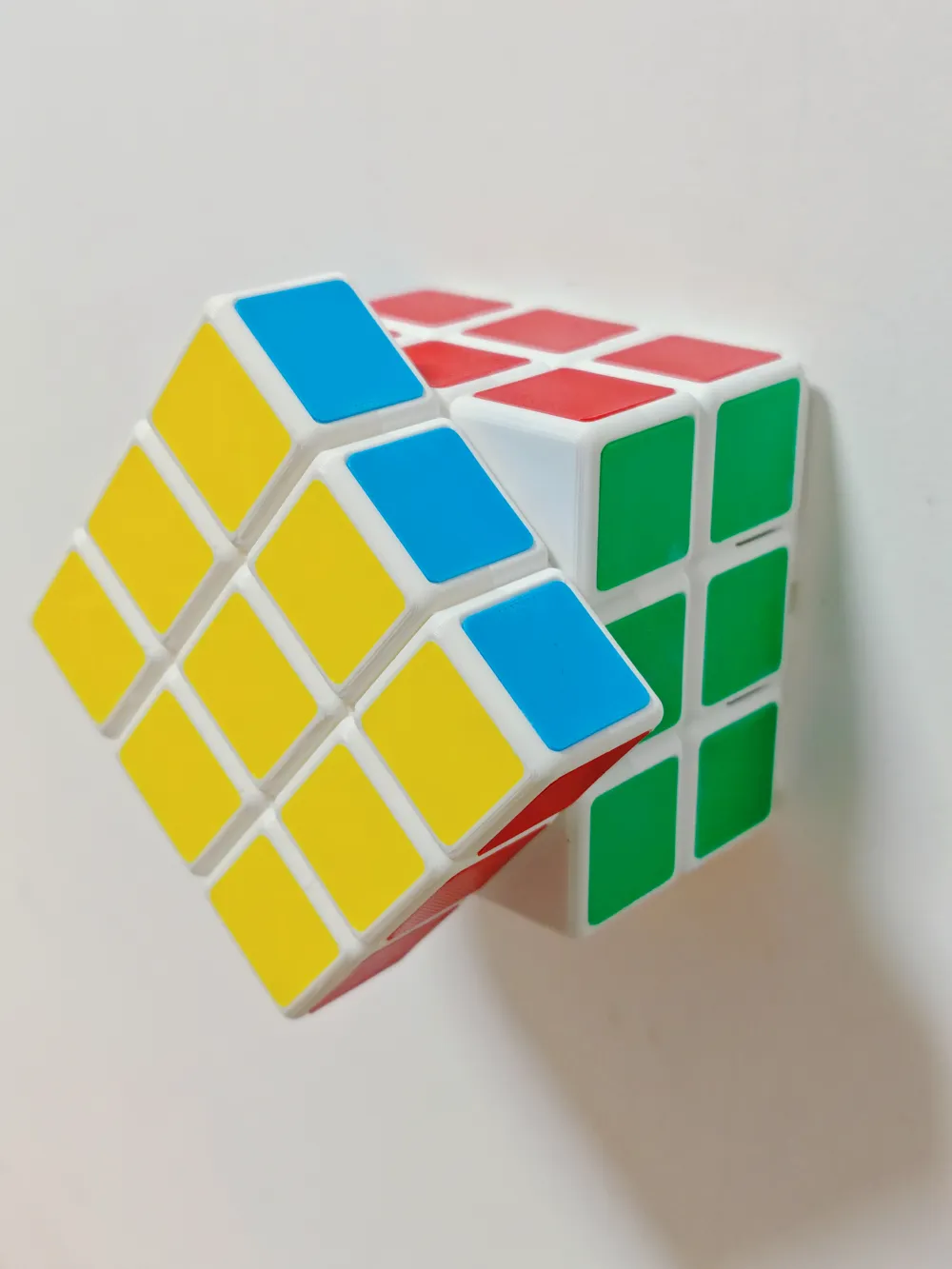
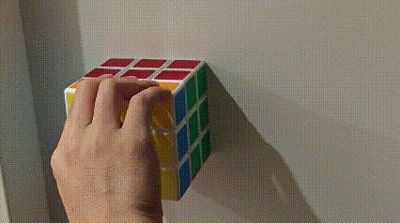
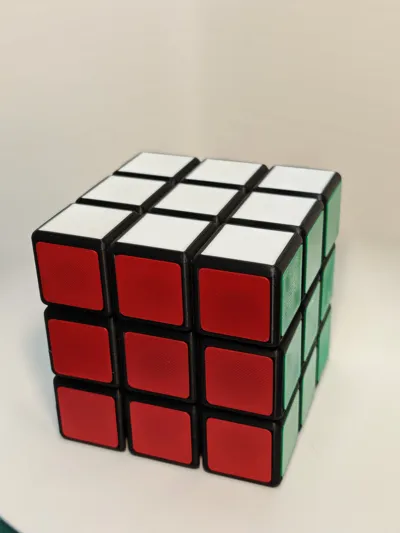
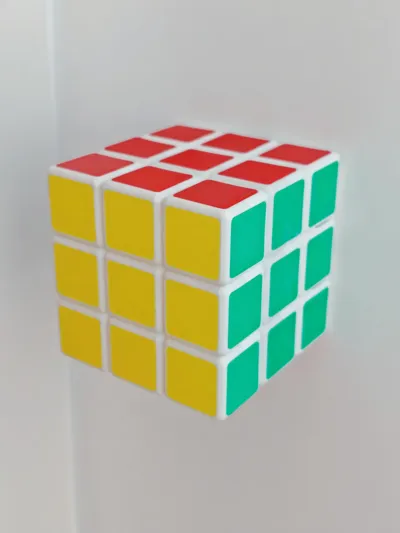
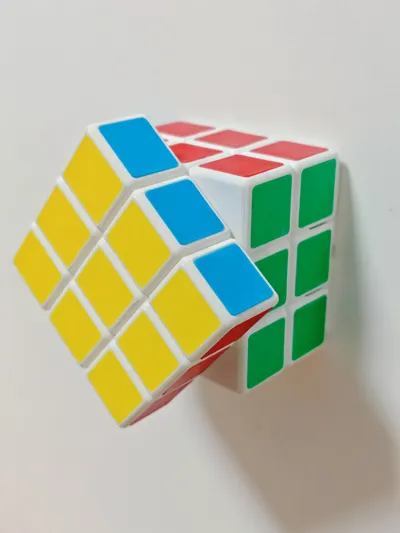
Hide your Type 86 switch inside a Rubik's Cube for a whole new way to interact with it

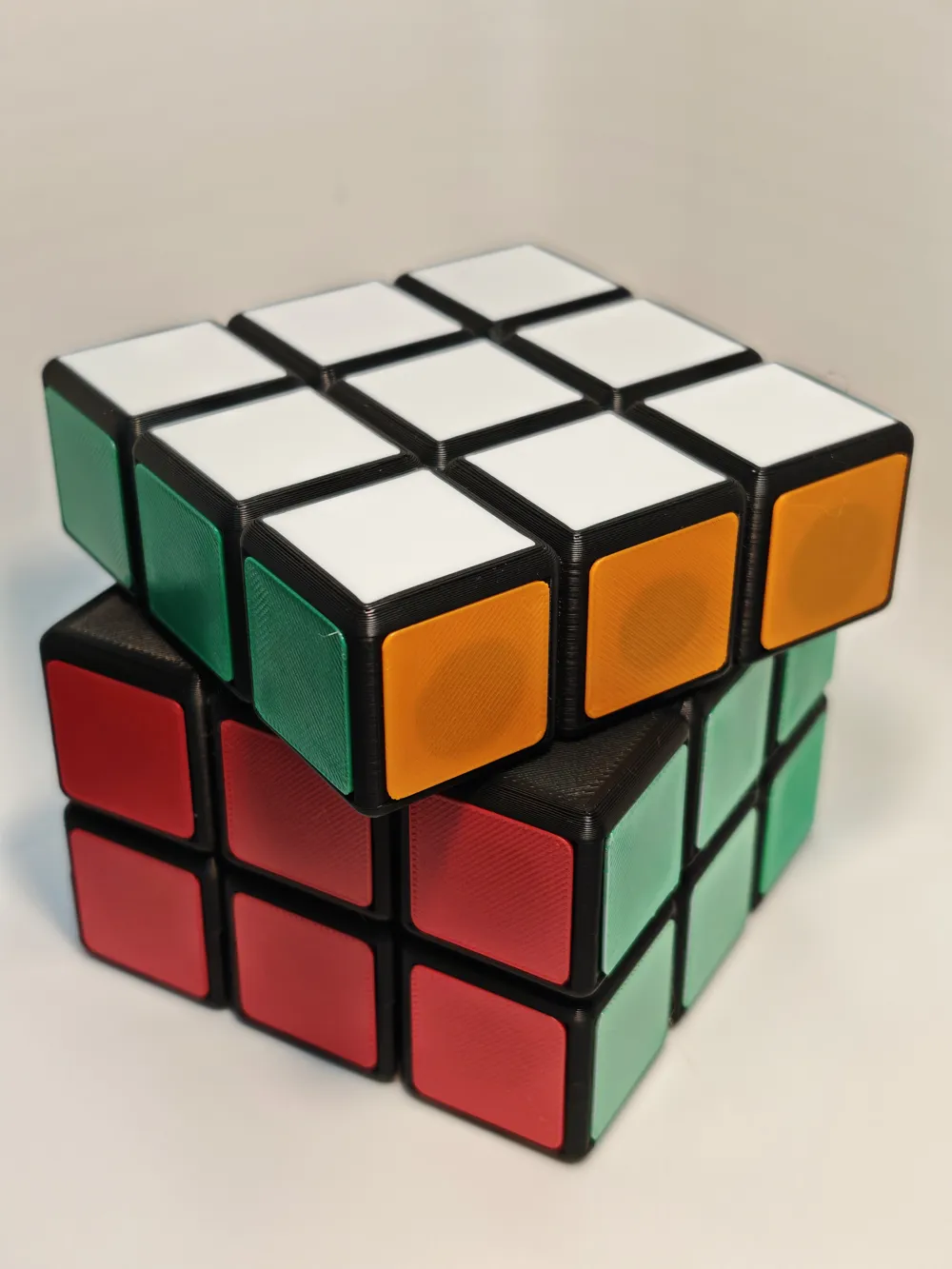
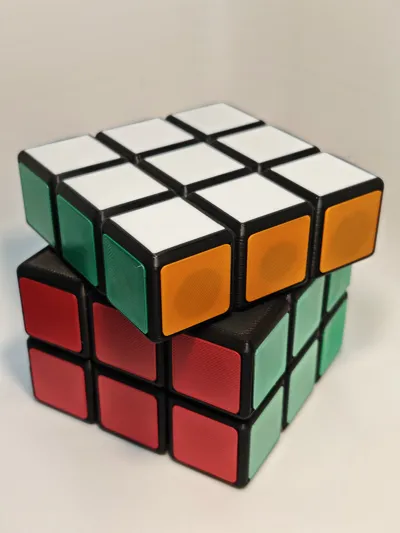
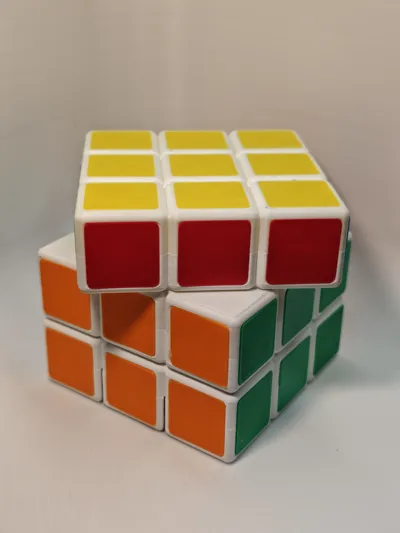
The outer cube faces rotate freely, allowing you to restore the colored blocks while simultaneously pushing the light switch
The ritualistic feel of solving a puzzle is integrated into daily home life; every time you turn on the light, it's a mini Rubik's Cube game~
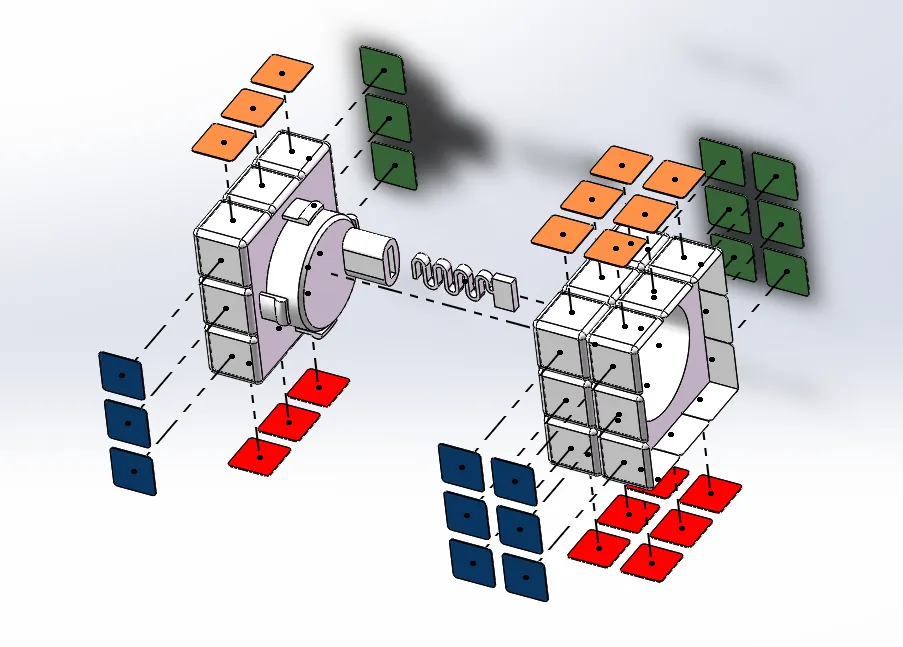
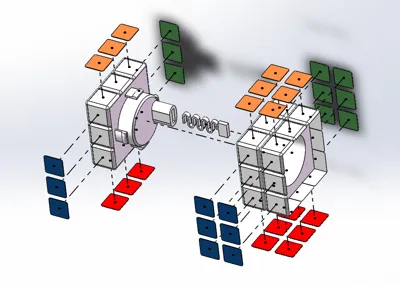
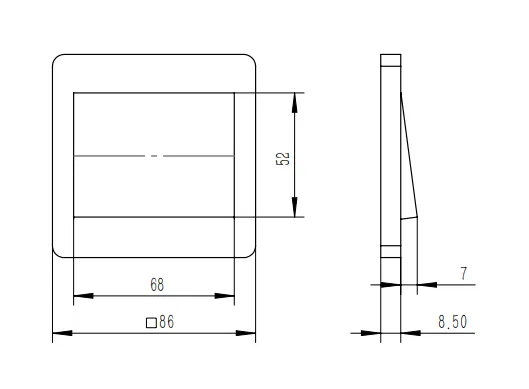
- Suitable for Type 86 single-gang switches (double-gang can also work). Simple assembly allows it to snap directly onto the original panel for use. If it feels a bit loose, attaching a piece of 3M double-sided tape will secure it firmly and leave no residue when removed
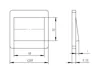
My Type 86 switch panel dimensions are for reference. If you have other dimensions, please leave a comment, and I can help modify the spring length
Printing and Assembly Instructions:
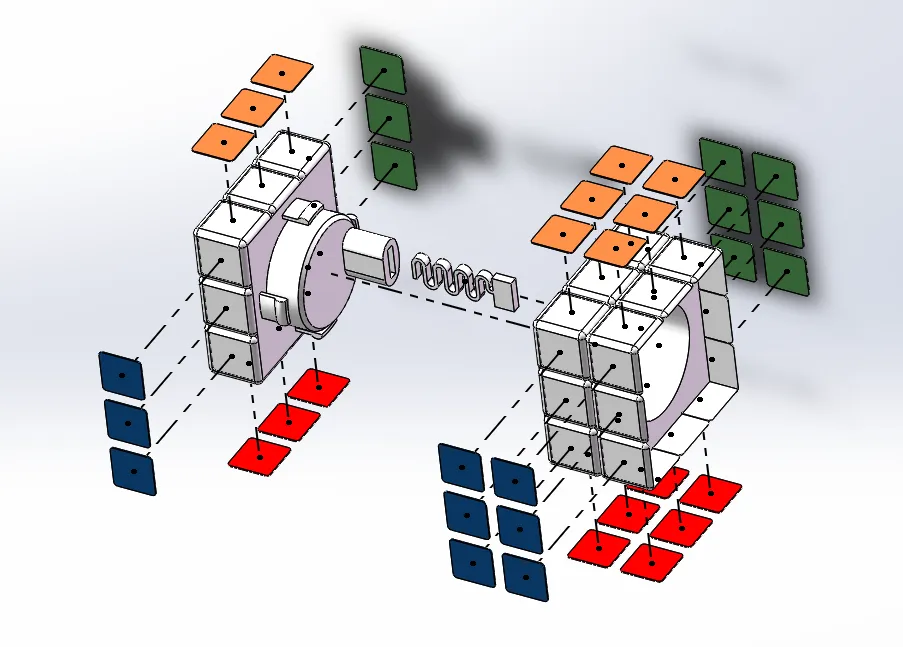
- Printing is simple, all support-free~ However, the main body of the Rubik's Cube requires AMS multi-color printing (3 filament changes). The second plate contains the four colored stickers for the cube; if you have AMS, you can print them piece by piece from one plate
The colored stickers need to be glued on one by one. It's a bit of work~
Friendly Reminder:
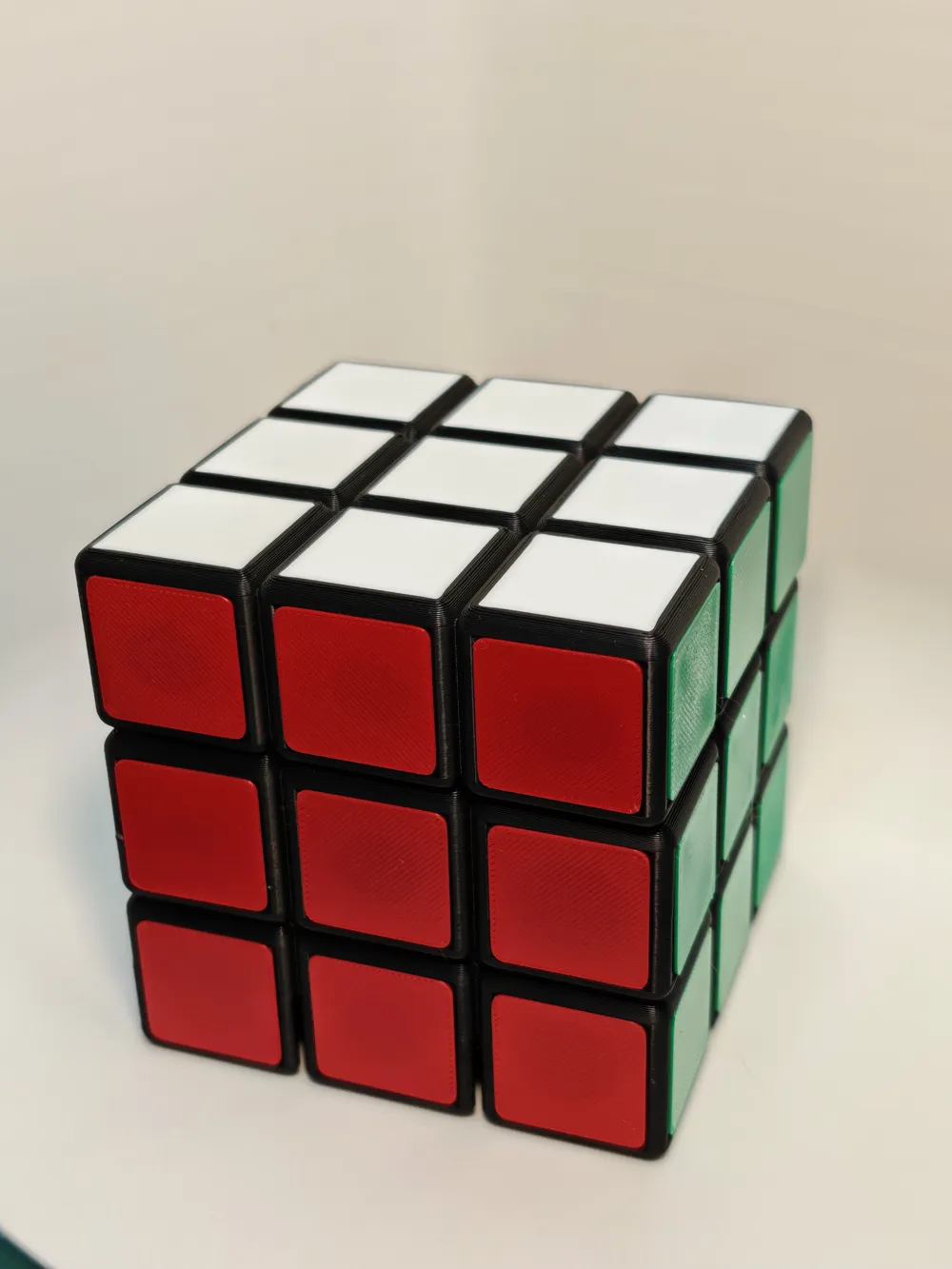
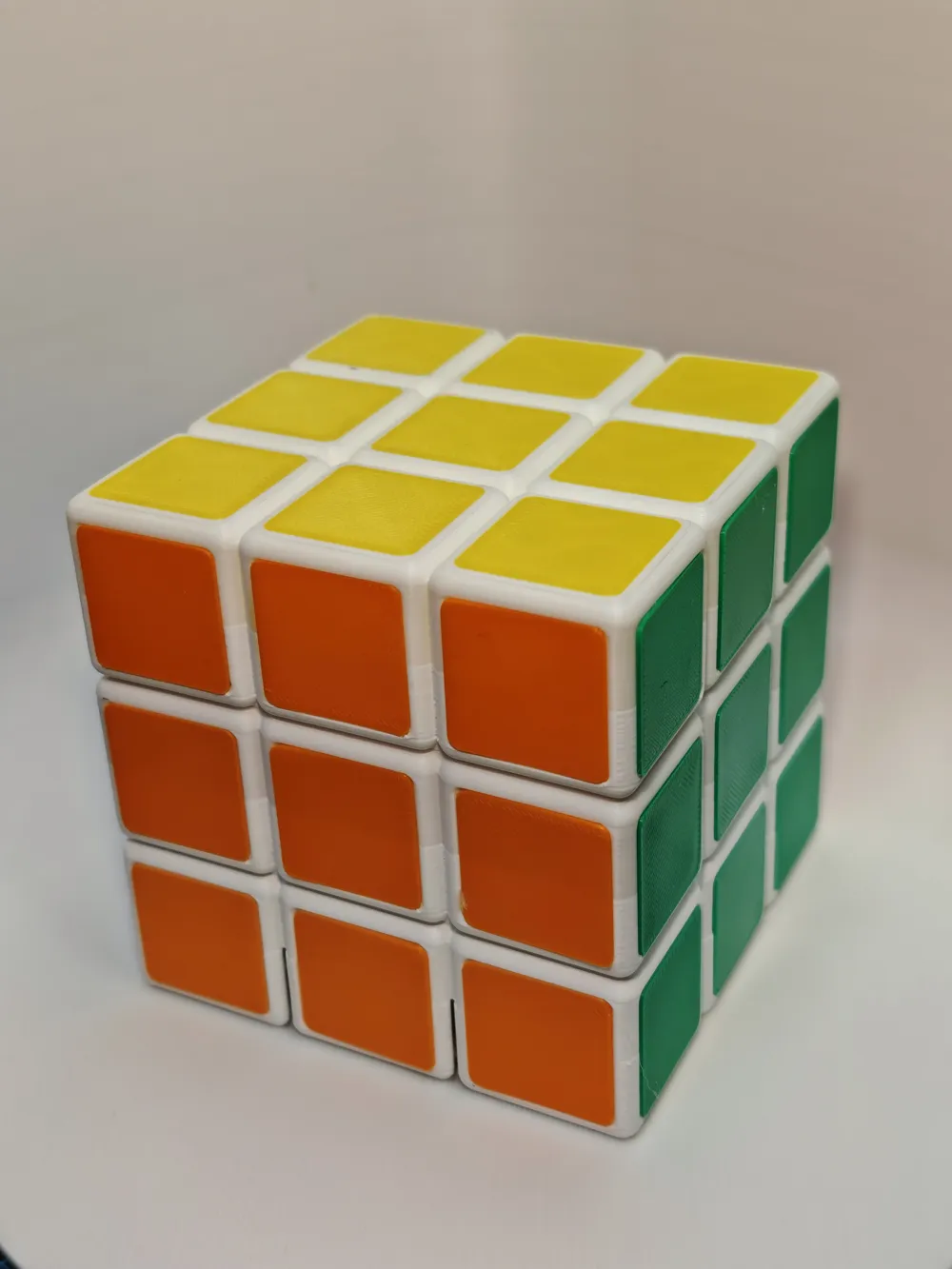
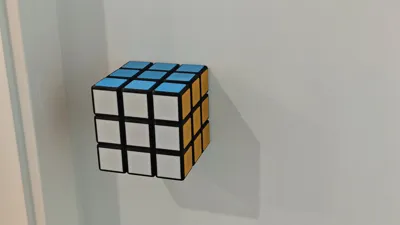
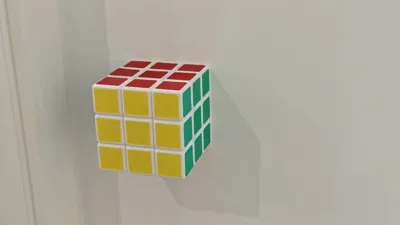
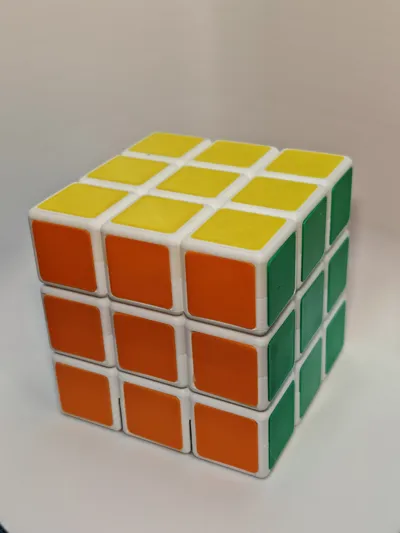
A standard 3x3 Rubik's Cube has a total of 6 colors, corresponding to 6 faces. Since one face is against the wall, you can choose five of these colors
White
Yellow
Red
Orange
Blue
Green
Common color scheme: White opposite Yellow, Red opposite Orange, Blue opposite Green
Of course, you can also choose your own colors~
Documentation (2)
License

You shall not share, sub-license, sell, rent, host, transfer, or distribute in any way the digital or 3D printed versions of this object, nor any other derivative work of this object in its digital or physical format (including - but not limited to - remixes of this object, and hosting on other digital platforms). The objects may not be used without permission in any way whatsoever in which you charge money, or collect fees.


Comment & Rating (0)