
Upcycled Bottle Cap Cable Management
Print Profile(3)
Description
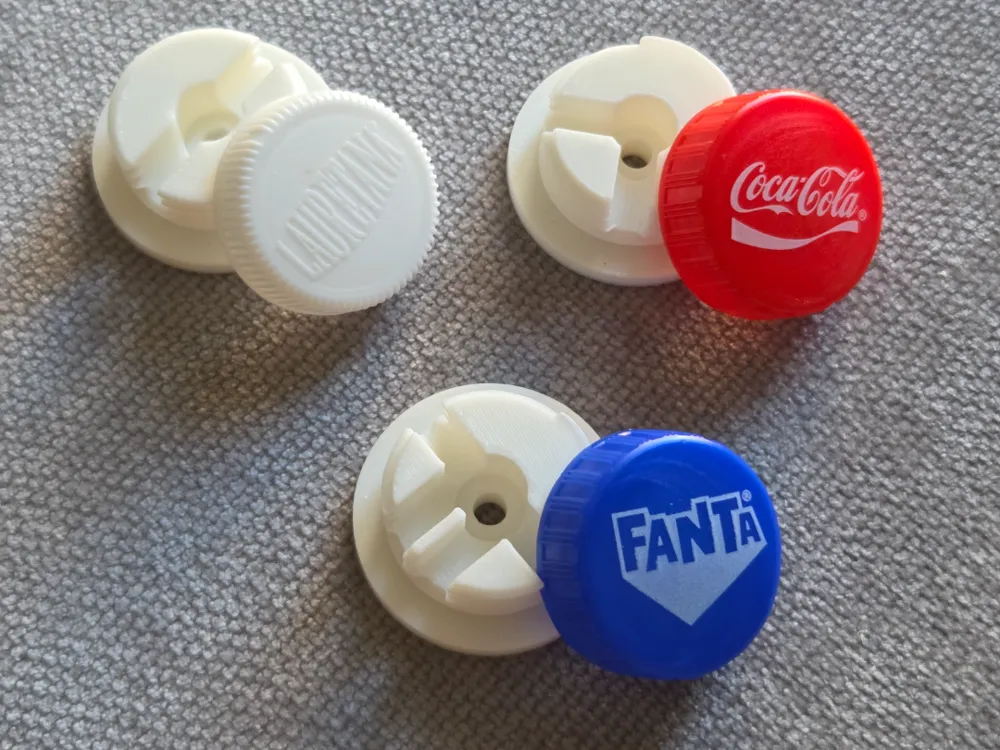
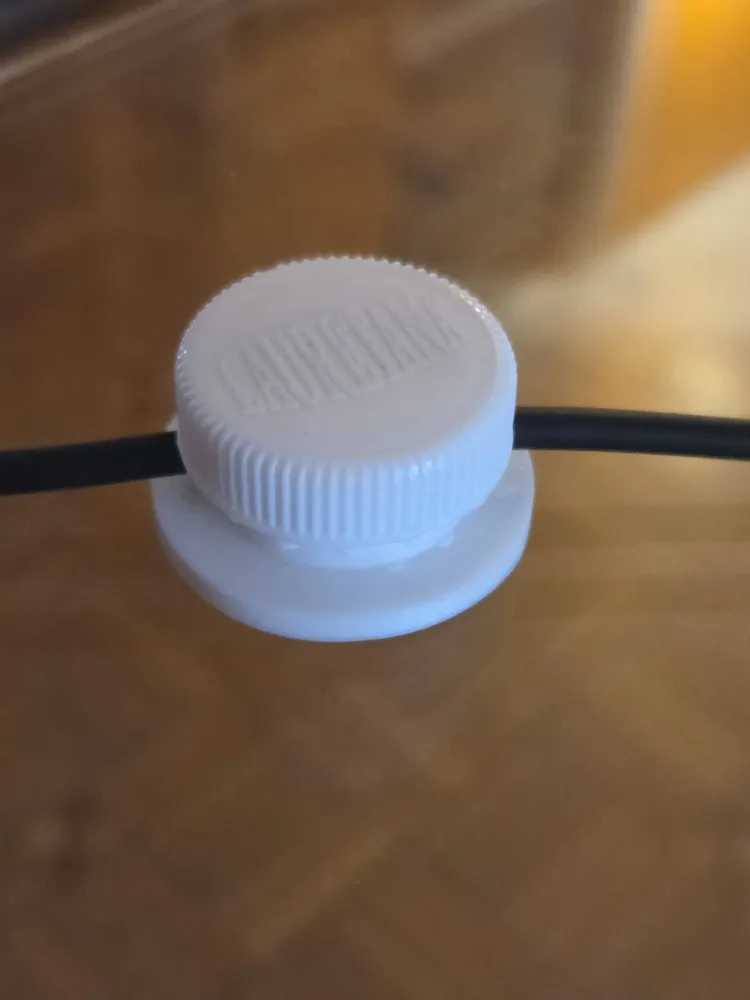
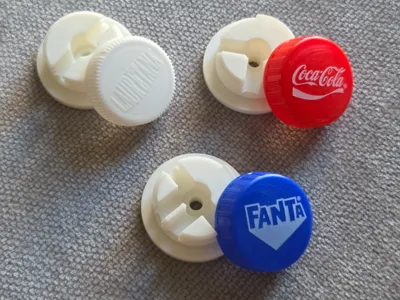
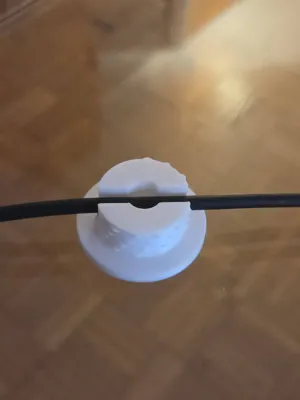
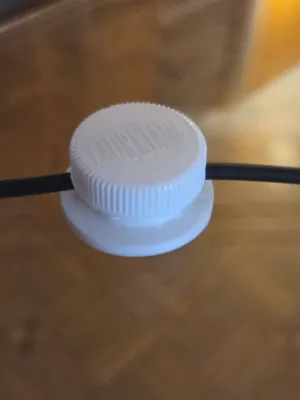
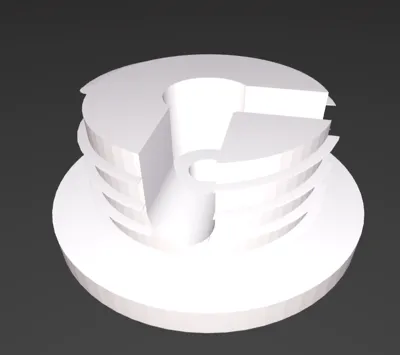
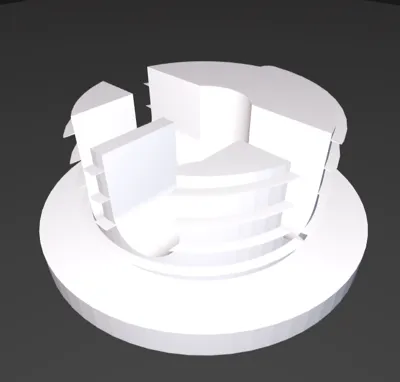
Transform your plastic waste into a professional-grade cable management solution! This Modular & Parametric PCO 1881 Cable Clip allows you to turn any standard beverage bottle cap (Coca-Cola, Fanta, and most PCO 1881 standard caps) into a secure, adjustable, and heavy-duty cable clamp.
This project goes beyond simple 3D printing; it is an exercise in circular economy. Instead of discarding plastic caps, you are giving them a new life as essential, functional hardware for your home, office, or workshop.
Key Features:
- Eco-Friendly Upcycling: Reduce plastic waste by repurposing discarded bottle caps.
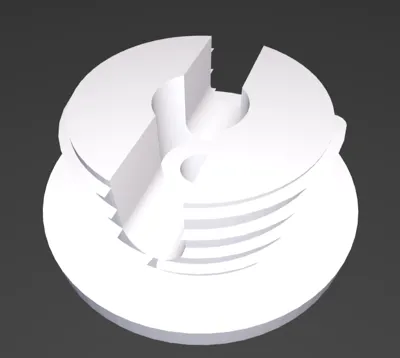
- Fully Parametric Design: This model is not "one-size-fits-all." By using the OpenSCAD parametric file, you can adapt the design to fit your exact needs, printer tolerances, and cable sizes.
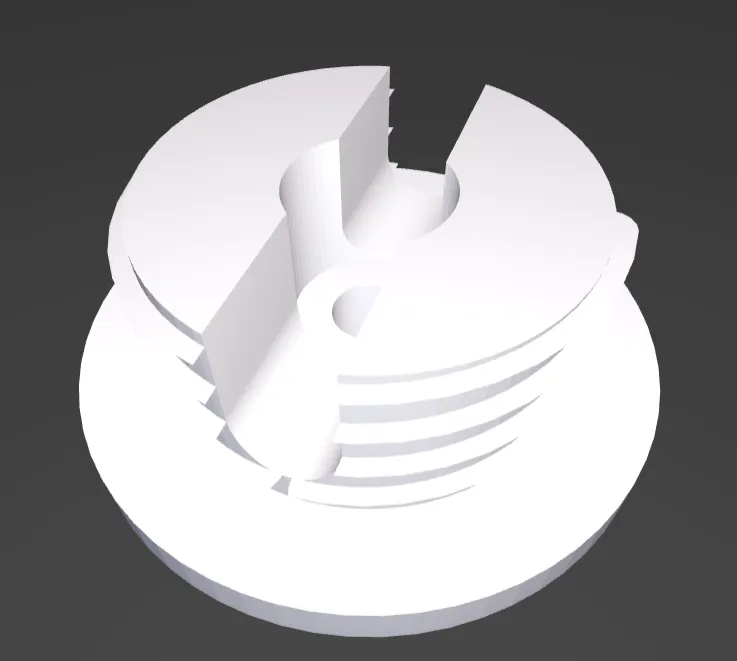
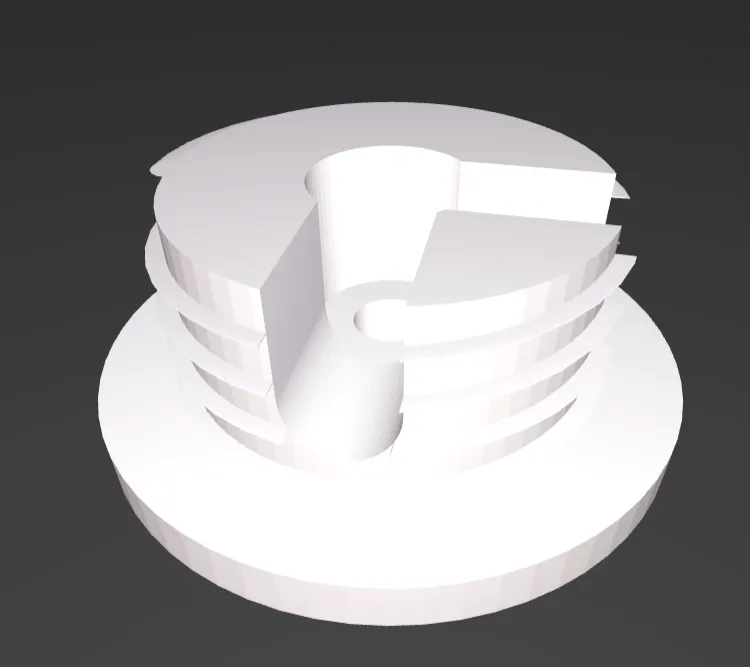
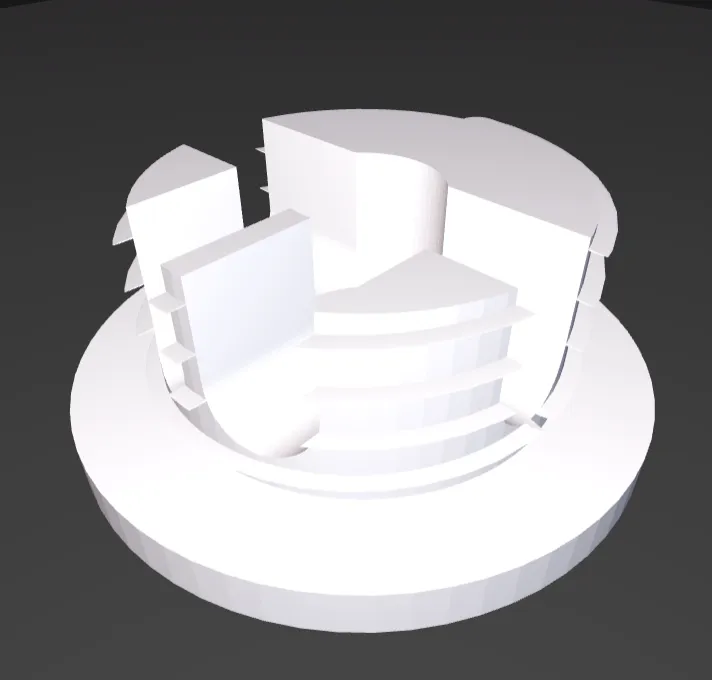
- Modular Routing System: Configure the exact path you require. Use the parameters to select the configuration for each of the four directions (North, South, East, West):
- 0 (Closed): Seals the path.
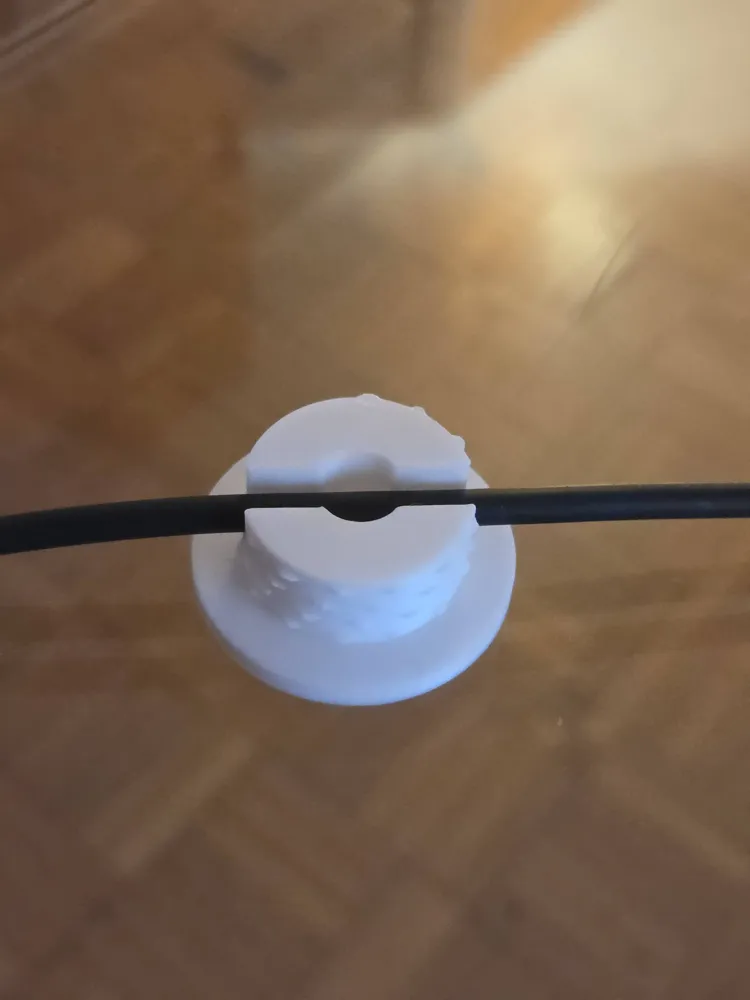
- 1 (Single Cable): Ideal for standard power cords or data cables.
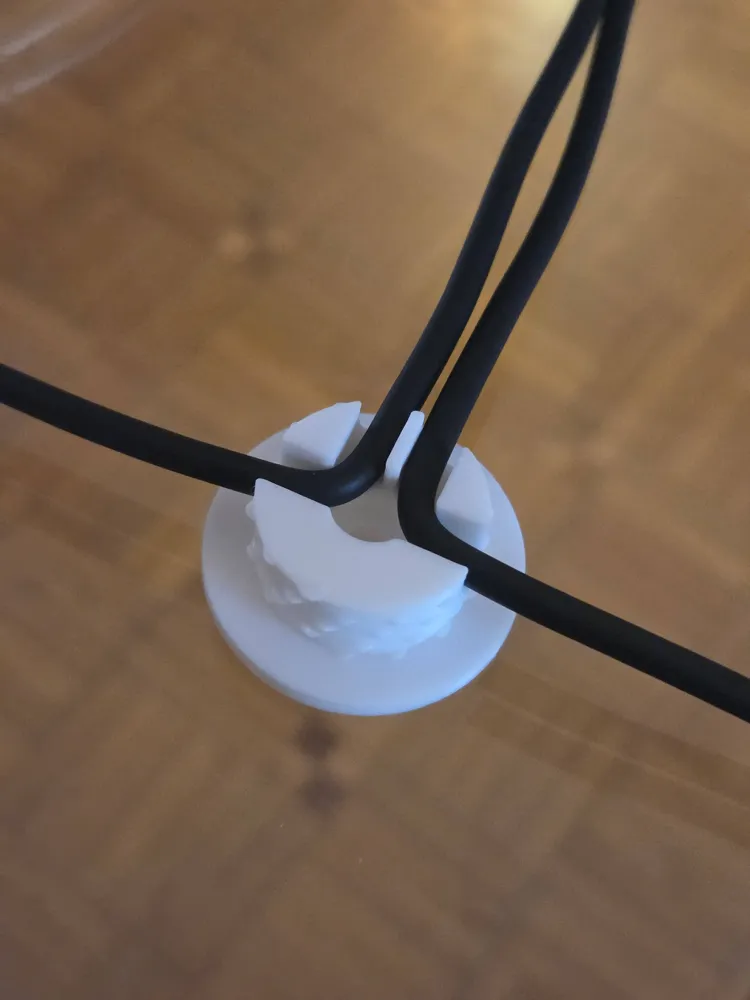
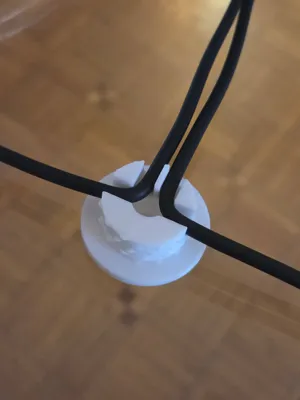
- 2 (Dual Cable): Perfect for managing two cables side-by-side (up to 5mm each).
- Limitless Layouts:
- Create L-Shapes (90°) for corners.
- Create T-Shapes (3-way) for branching.
- Create Cross-Shapes (4-way) for intersections.
- Combine single and dual paths based on your cable routing needs.
- Engineered for Reliability: The code includes built-in safety logic to ensure structural integrity. It maintains a stable 1.5mm structural rib between channels, preventing the geometry from failing, even in dual-cable configurations.
- No Supports Required: Optimized for FDM printing—simply print it flat on the build plate.
Configuration Guide (Using OpenSCAD):
You don't need to be a programmer to customize this clip! Open the .scad file in OpenSCAD and use the "Customizer" sidebar:
- Path Configuration: Toggle the north_path, south_path, east_path, and west_path settings to define your layout.
- Capacity Selection: Choose "Single" or "Dual" for each active arm to fit your cable requirements.
- Advanced Tuning: If your 3D printer is calibrated to tight or loose tolerances, use the Advanced Settings section to adjust the neck_inner_diameter. This ensures the cap screws on smoothly and locks your cables in place with the perfect amount of pressure.
Printing Tips:
- Material: Works perfectly with PLA, PETG, or ABS.
- Supports: None required.
- Orientation: Print with the flat base flange on the build plate for maximum adhesion and structural strength.
- Safety: The design includes automatic limits to prevent structural failure if the cable diameter is set too large.
License

You shall not share, sub-license, sell, rent, host, transfer, or distribute in any way the digital or 3D printed versions of this object, nor any other derivative work of this object in its digital or physical format (including - but not limited to - remixes of this object, and hosting on other digital platforms). The objects may not be used without permission in any way whatsoever in which you charge money, or collect fees.


Comment & Rating (3)