
Infrared Engraving Test Card | xTool F2
Print Profile(1)
Bill of Materials
























Description
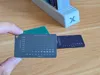
🔥 Infrared Engraving Test Card for xTool F2
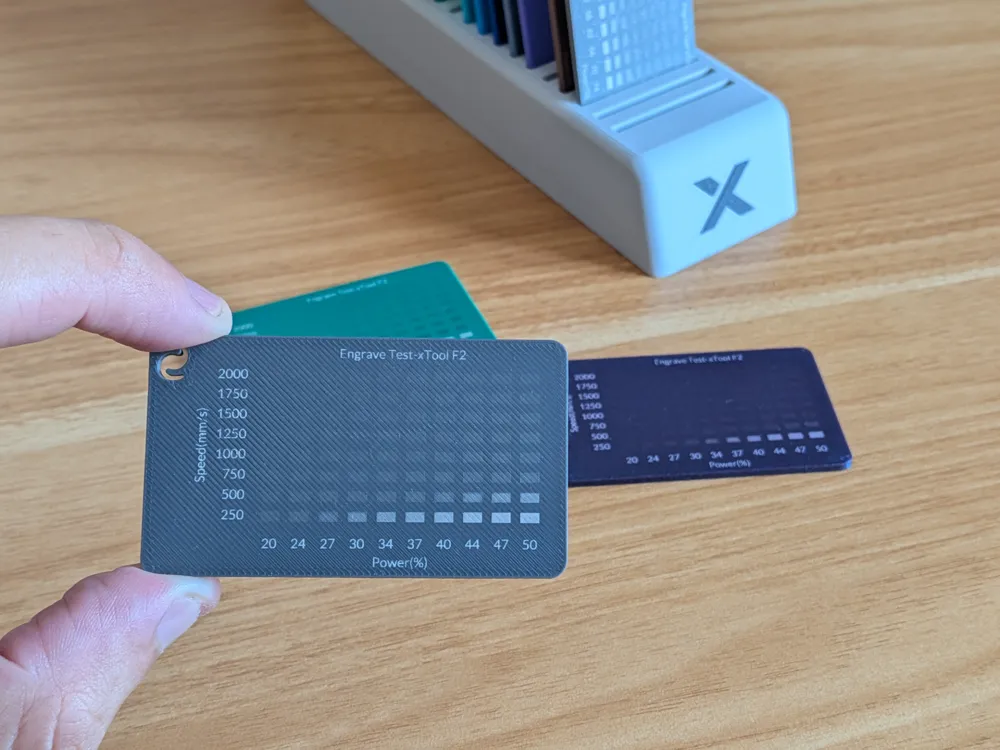
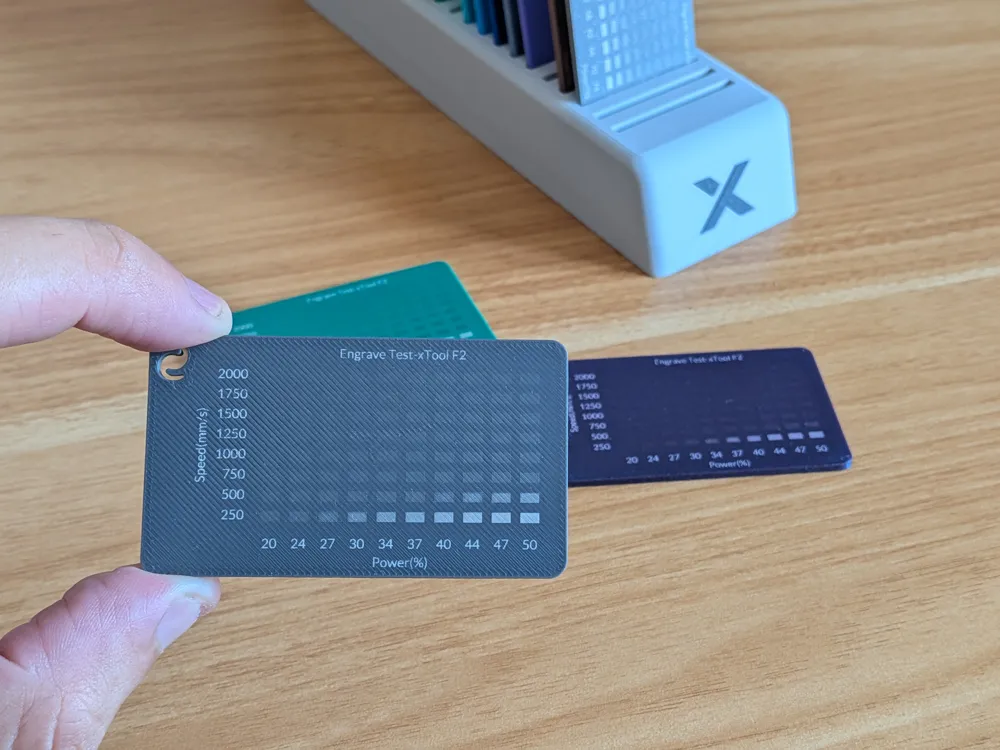
Dial in the perfect engraving settings with this practical Infrared Engraving Test Card designed specifically for the xTool F2 laser engraver. This reusable rectangular sample lets you quickly compare different speed and power combinations, helping you achieve crisp, consistent engravings on metal, anodized aluminum, stainless steel, and other compatible materials.
Whether you're testing a new material or fine-tuning your workflow, this calibration card saves time and eliminates guesswork.
✅ Key Features
- Designed specifically for the xTool F2 infrared laser
- Organized speed and power test matrix
- Quickly identify optimal engraving settings
- Compact and reusable design
- Perfect for calibration and material testing
🖨️ Printing Tips
For the best results:
- Print with a small layer height for a smooth engraving surface.
- Use matte filaments for easier engraving visibility.
- Test different filament colors to compare engraving contrast.
- Ideal for repeated calibration before production jobs.
⭐ Support & Boost
Boost Me (for free)
Support this model by boosting it!
Membership
Commercial license available for selling physical prints!
🎯 Perfect For
- xTool F2 owners
- Laser engraving calibration
- Infrared laser testing
- Material comparison
- Workshop organization
- Makerspaces
- Prototype development
- Engraving enthusiasts
License

You may create derivative works based on this object, provided that all such derivative works are published exclusively on the MakerWorld platform and include proper attribution to the original creator. You may not share, upload, host, distribute, or publish this object—or any derivative work of this object—on any other digital platform, marketplace, or distribution channel. Commercial use of this object and any derivative works is strictly prohibited. This includes, but is not limited to, selling, renting, sublicensing, or using the object in any context in which you receive monetary compensation or other financial benefits.


Comment & Rating (1)