
V2 Ultimate Flip Switch Fidget (Print in Place)
Print Profile(6)



Bill of Materials

Description
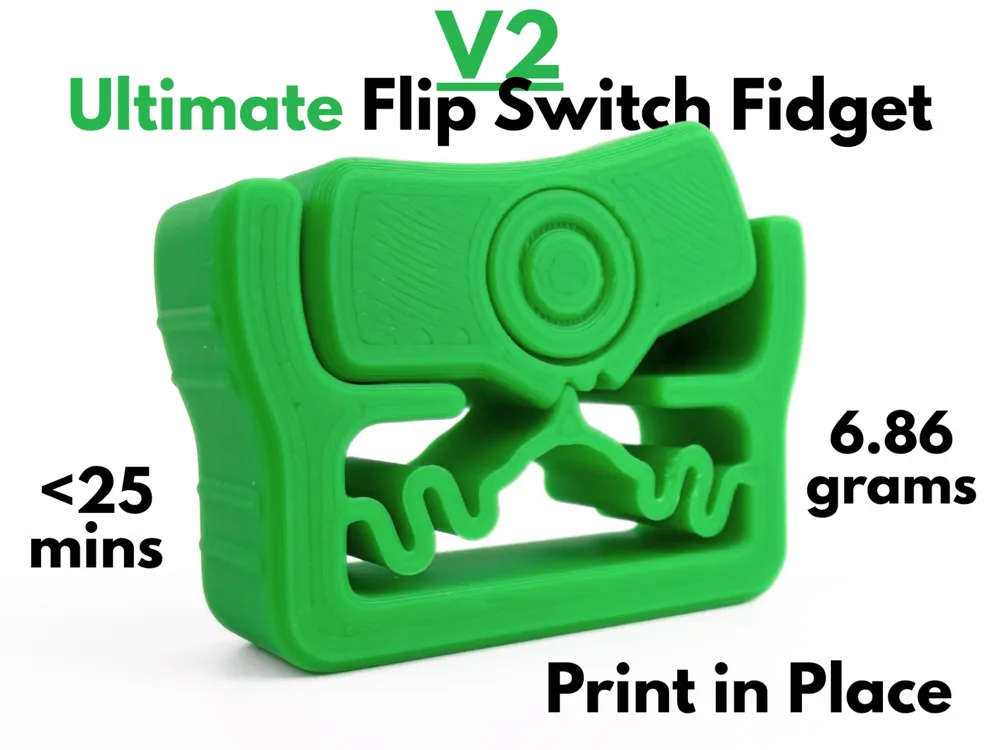
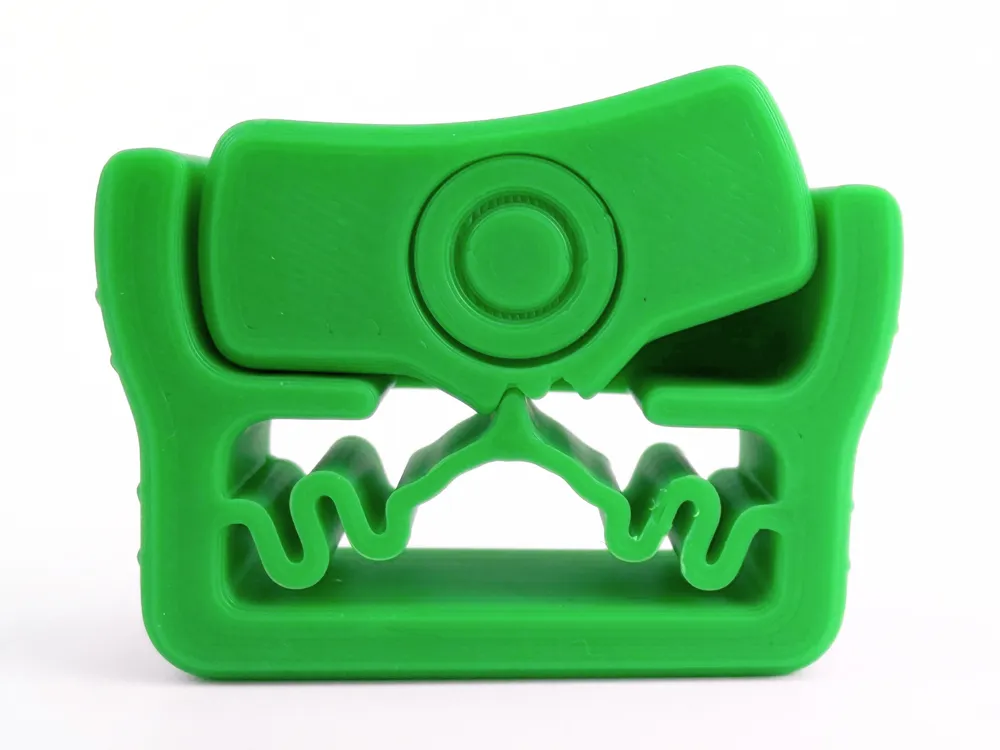
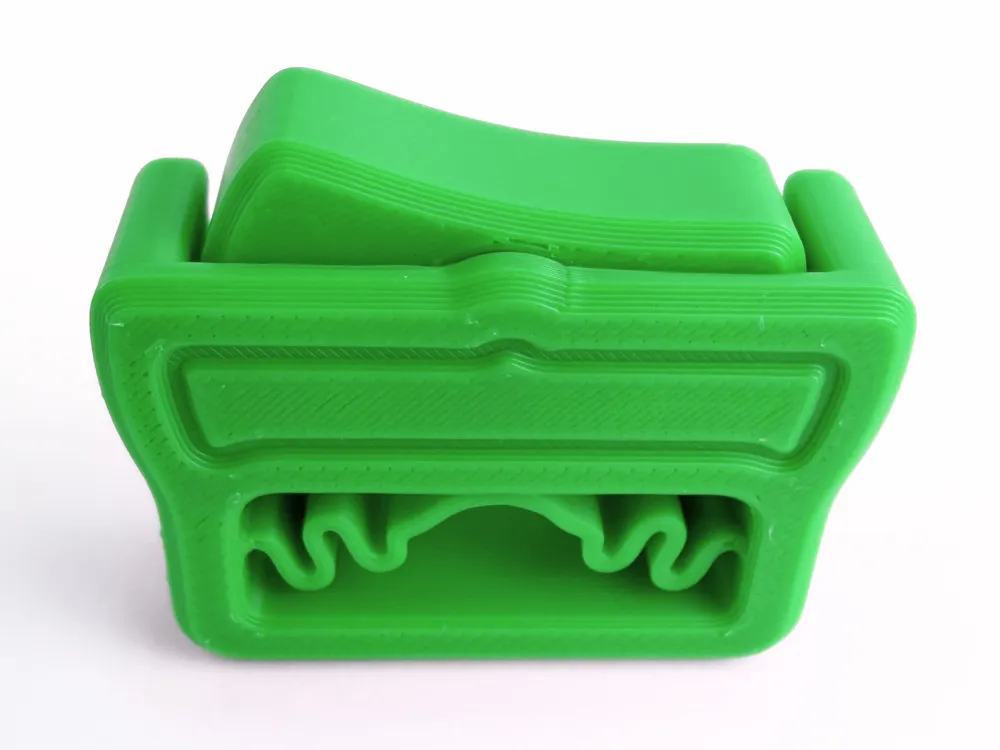
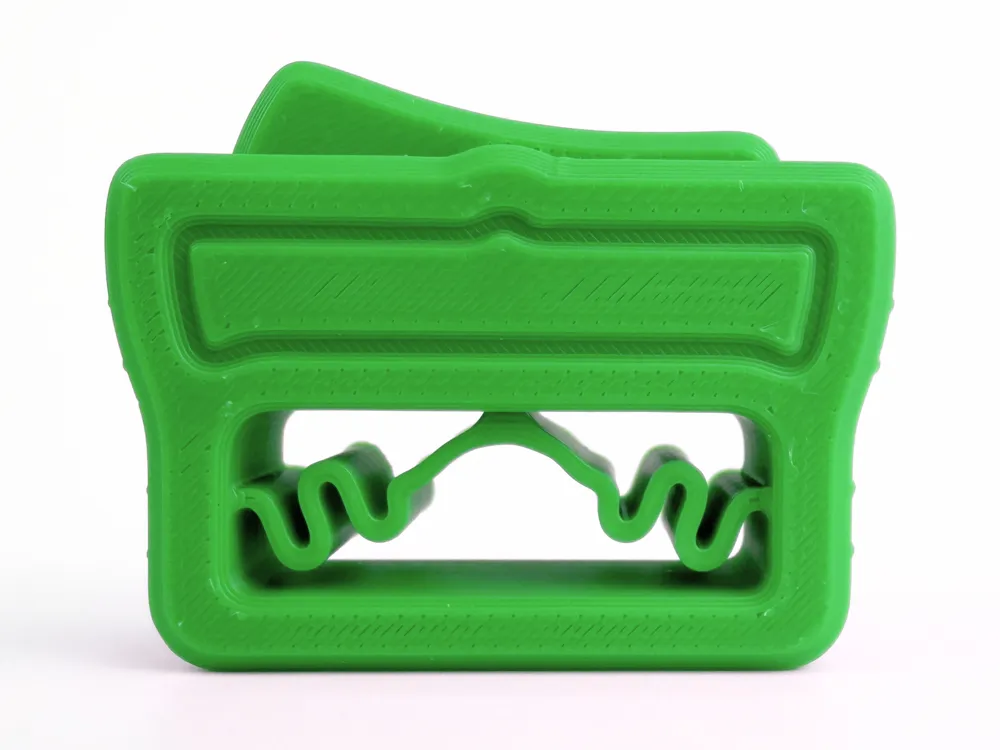
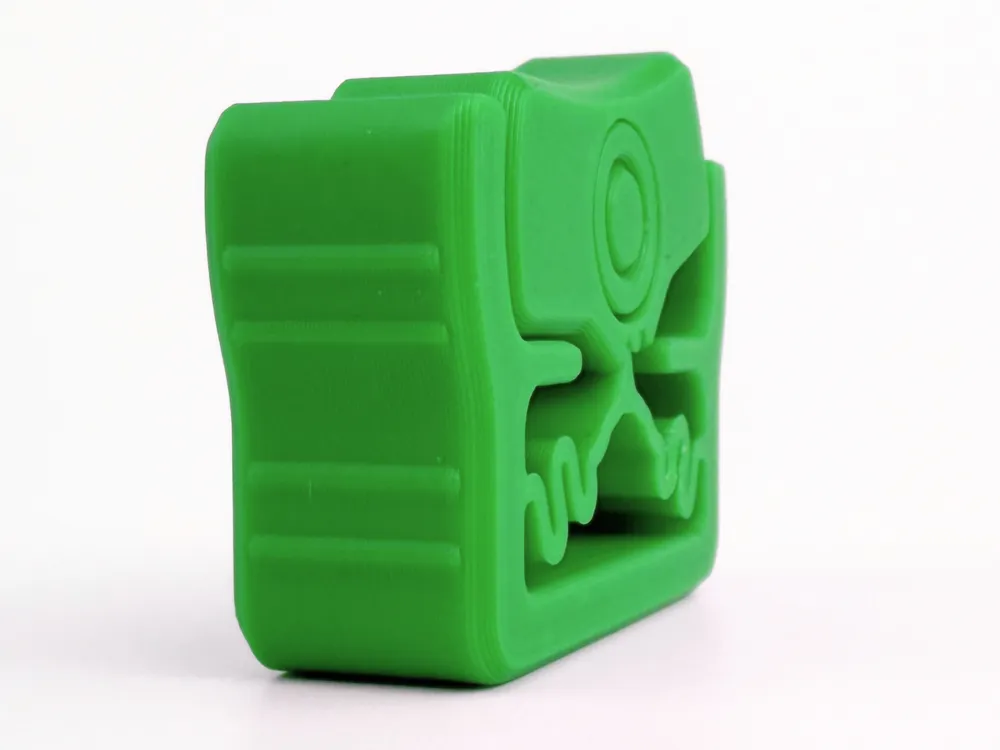
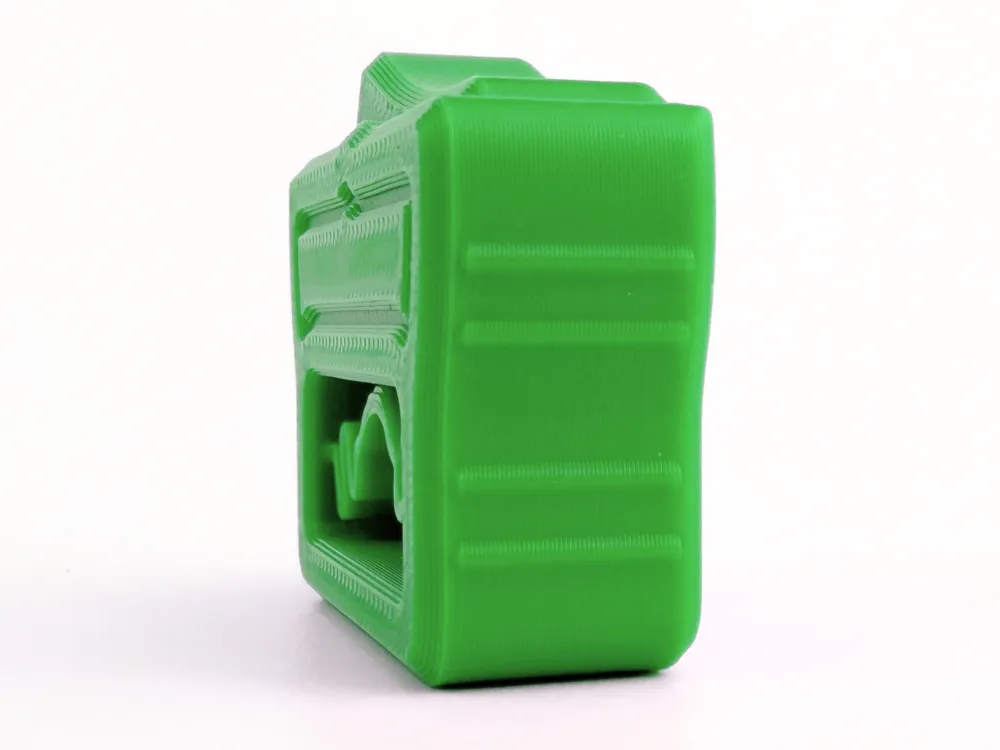
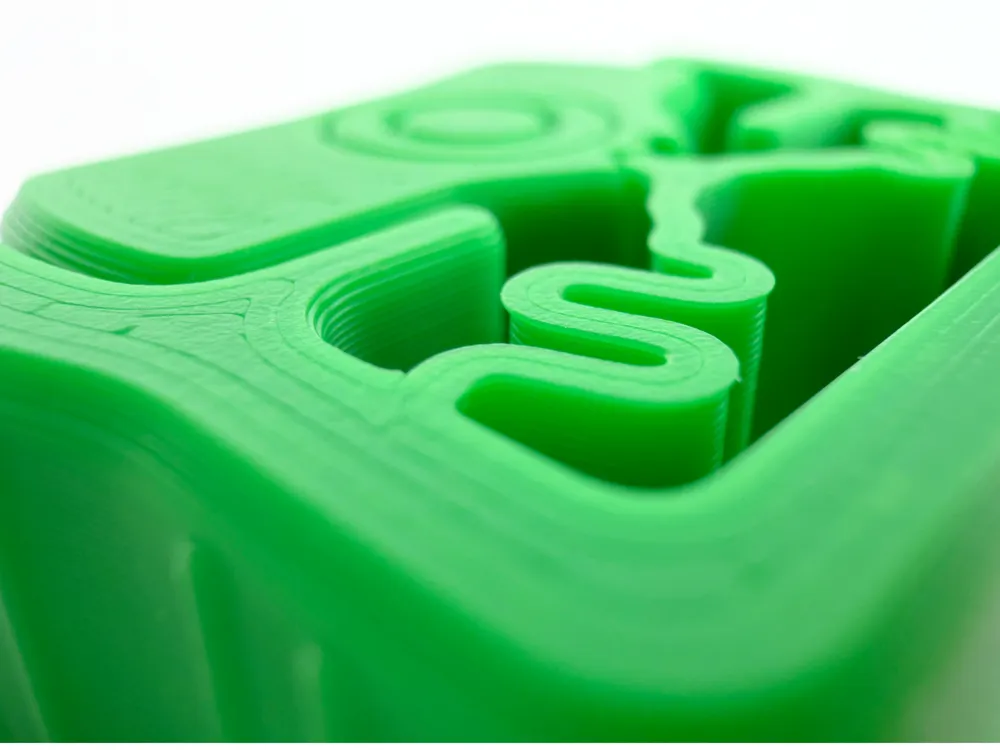
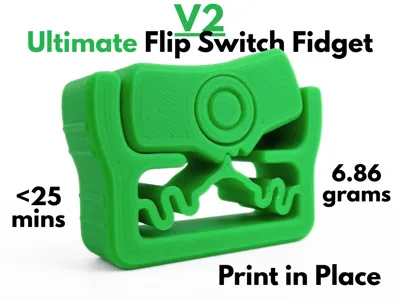
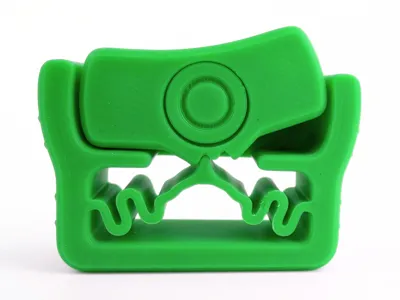
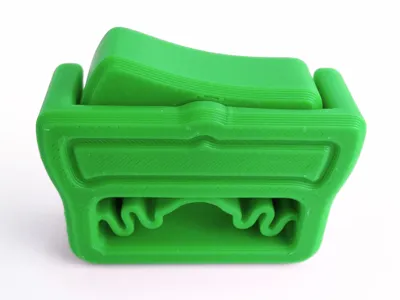
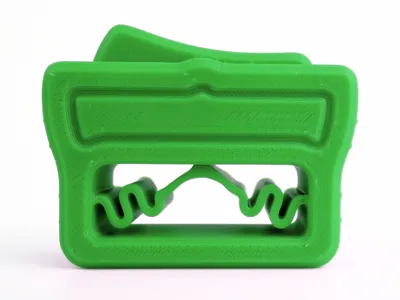
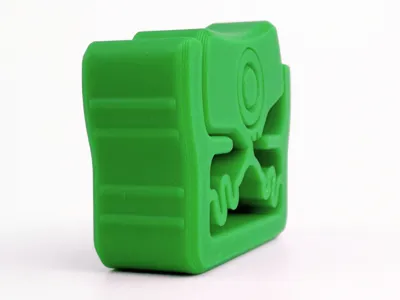
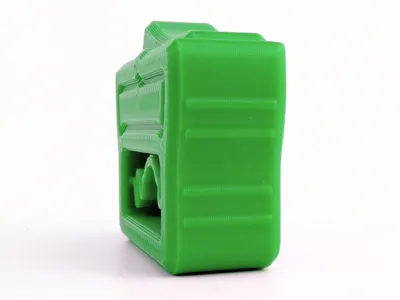
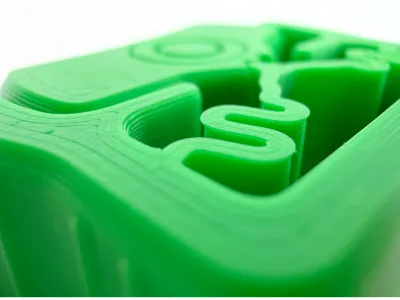
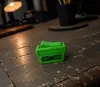
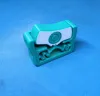
The Ultimate Flip Switch Fidget V2 is an ultra satisfying fidget toy inspired by a classic rocker light switch. This version has a much more reliable and satisfying click than the first one, using a redesigned serpentine spring and rotating joint. It is fully print-in-place, meaning it works right off the print bed with no assembly or even supports. The mechanism works when you flip the switch, rotating the joint which compresses and releases the spring, making a clicking noise. Taking only 6.86 grams and less than 25 minutes to print, this flip switch fidget is an amazing option for any fidget toy enthusiast.
You may need to break it in to get it started. Just apply force on the side of the switch that is sticking up.
Boost Me (for free)
If you like this model, please consider boosting it! It helps out a ton :)
Membership
Want to sell my 3D printed fidget toys? Become part of my Commercial License Membership program!
Printing Instructions:
- Prepare the Print Bed
- Clean the print bed thoroughly with isopropyl alcohol to ensure proper adhesion.
- Additional adhesive for the print bed is highly recommended! I suggest using 3D-Lac spray or a glue stick.
- Download the Print Profile
- Send the pre-configured print profile to your Bambu Lab printer through the Bambu Handy app or Download and open the pre-configured print profile in Bambu Studio.
- Select Your Printing Options
- Choose your filament type and color.
- Select your print bed type (e.g., textured or smooth).
- Confirm your printer settings, ideally for a Bambu Lab printer.
- Start Printing
- Begin the print job. No supports are necessary.
License

You shall not share, sub-license, sell, rent, host, transfer, or distribute in any way the digital or 3D printed versions of this object, nor any other derivative work of this object in its digital or physical format (including - but not limited to - remixes of this object, and hosting on other digital platforms). The objects may not be used without permission in any way whatsoever in which you charge money, or collect fees.


Comment & Rating (53)