Search models, users, collections, and posts

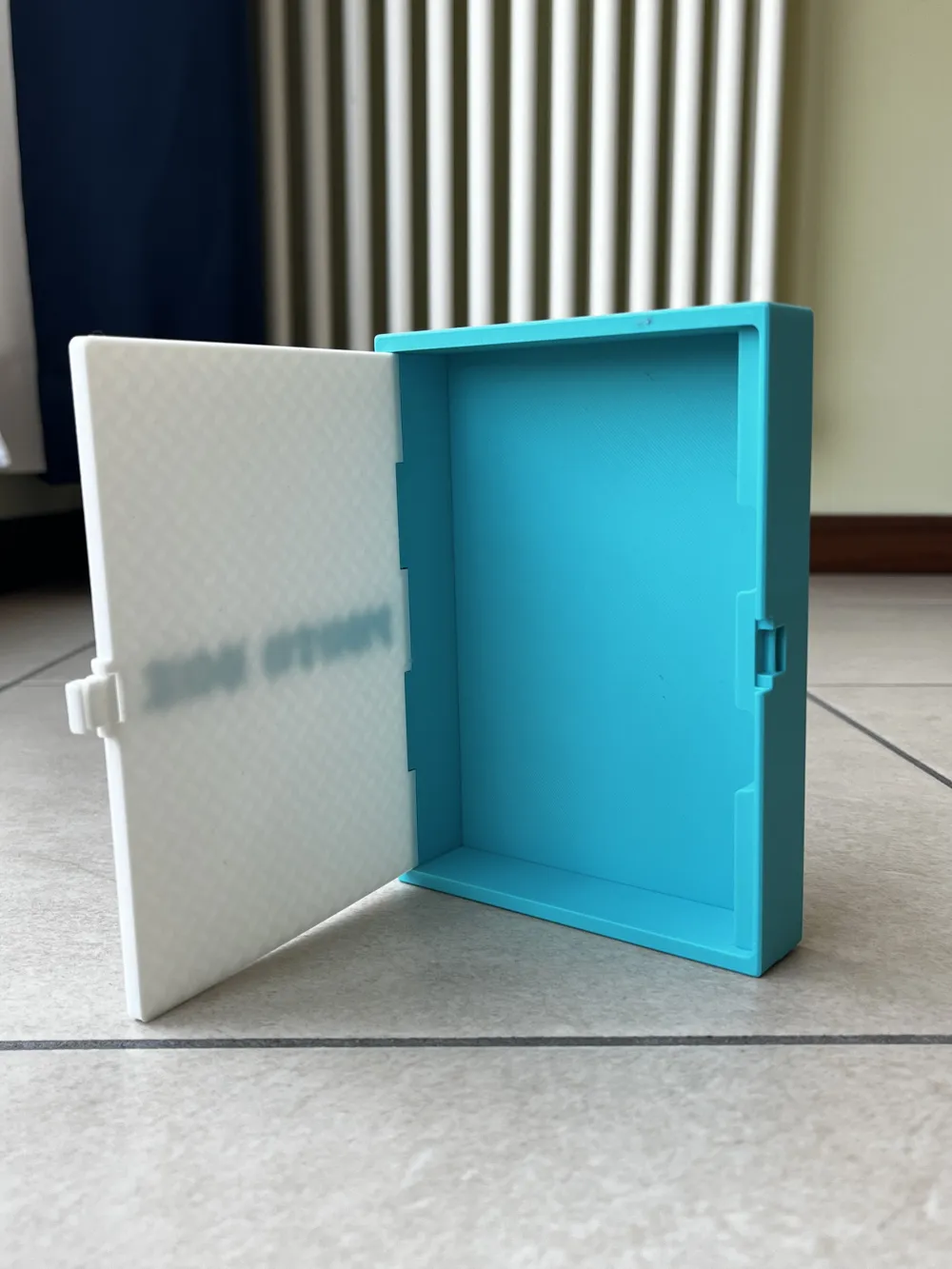
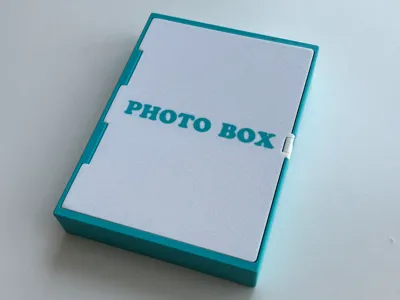
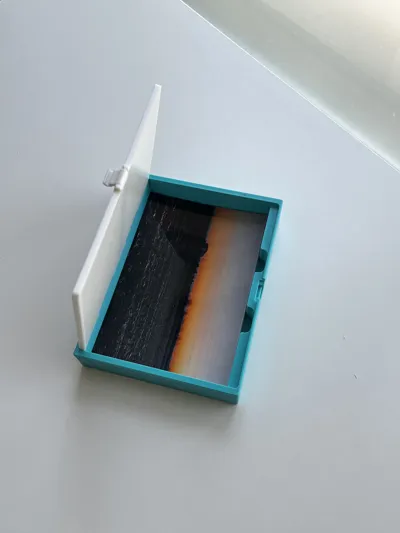
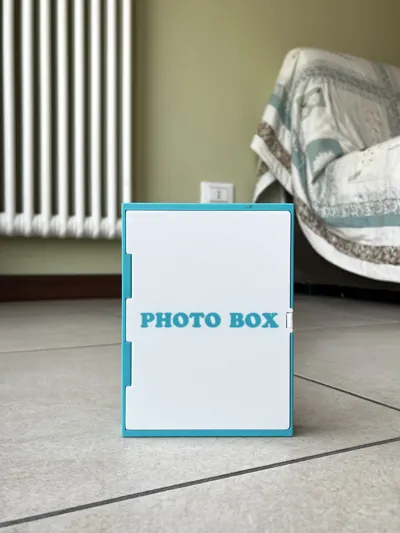
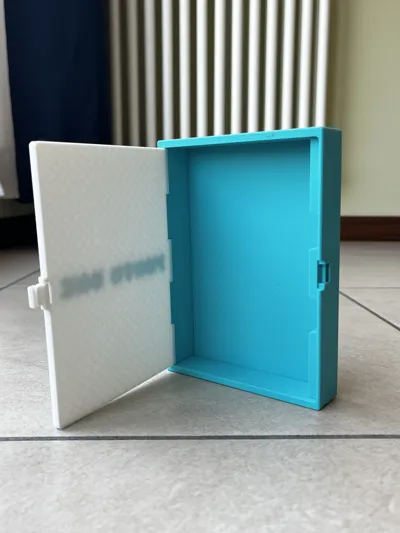
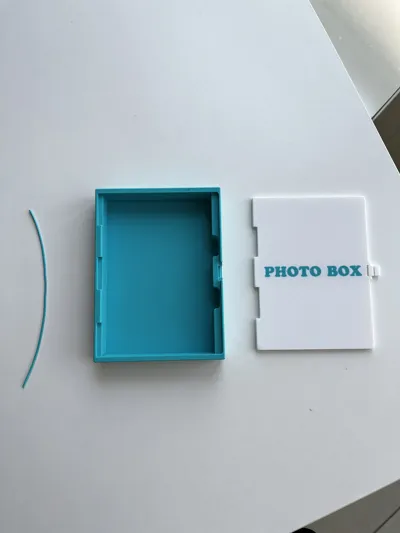
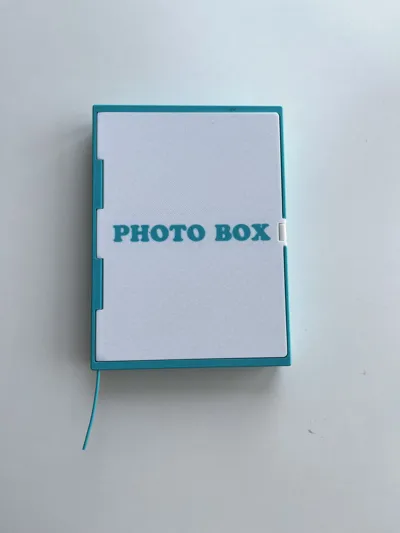
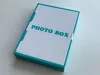
Photo box 102x150
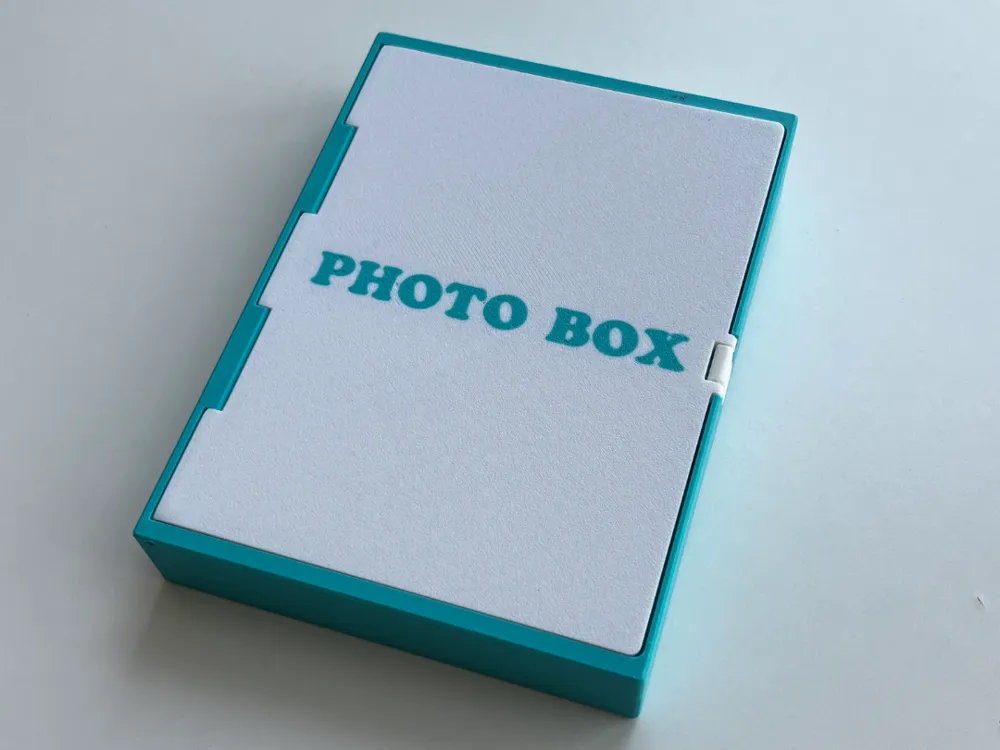
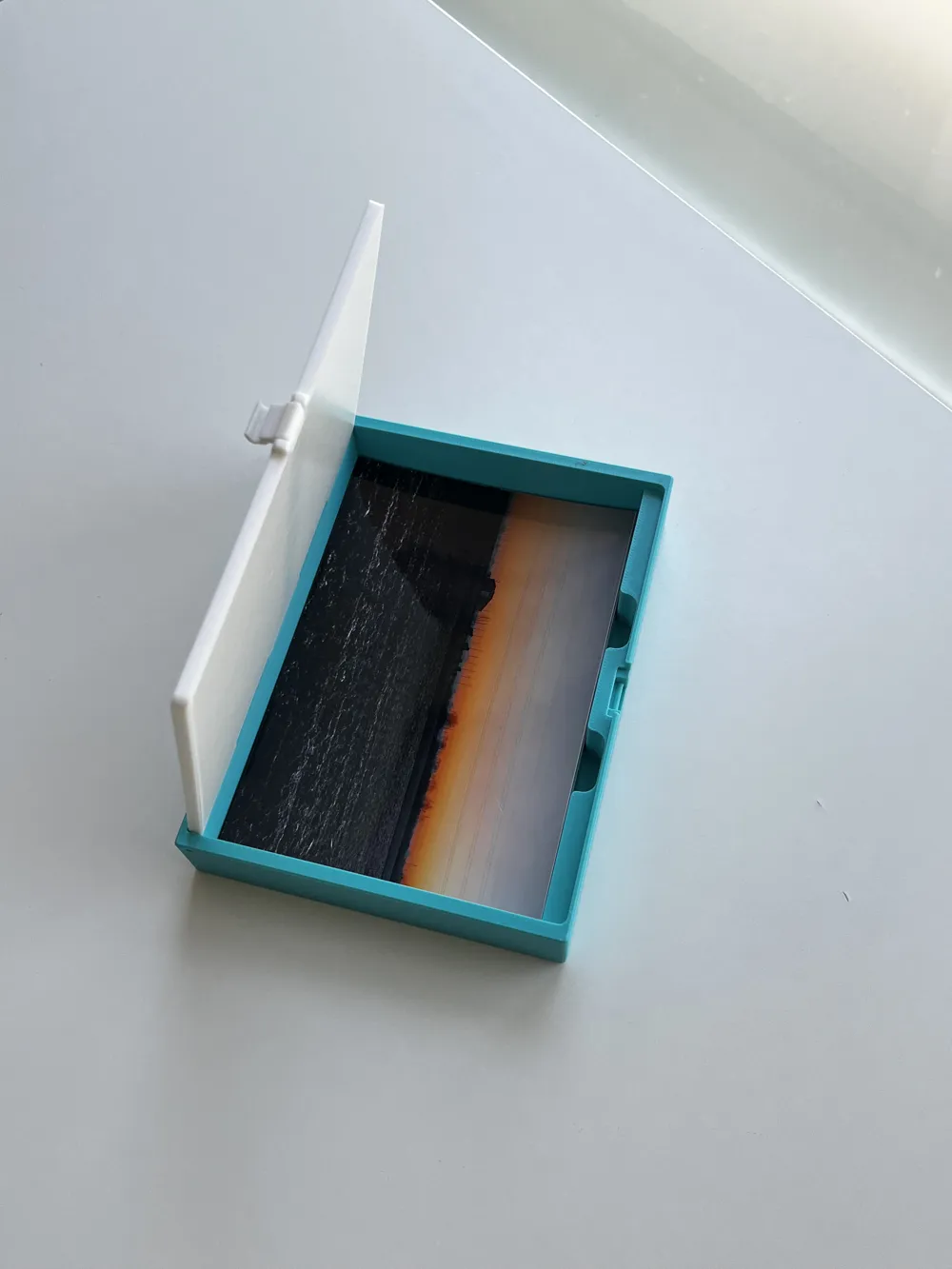
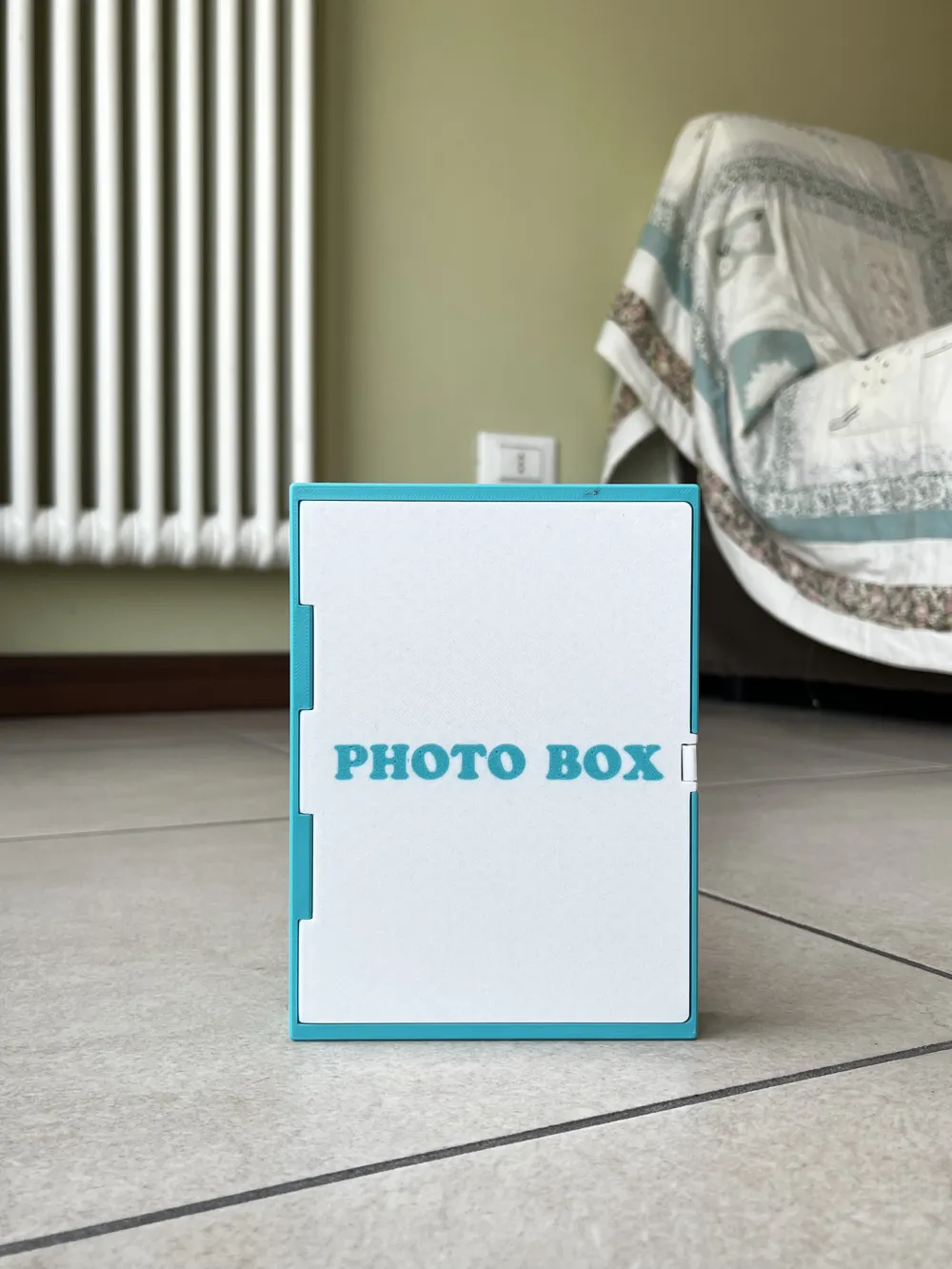
Print Profile(1)
0.2mm layer, 3 walls, 15% infill
Designer
3.6 h
2 plates
Open in Bambu Studio
Boost
0
0
0
0
1
0
Released
Description
Boost Me (for free)
If you like my work, please consider dropping a Boost. It means a lot!
Assembly Instructions
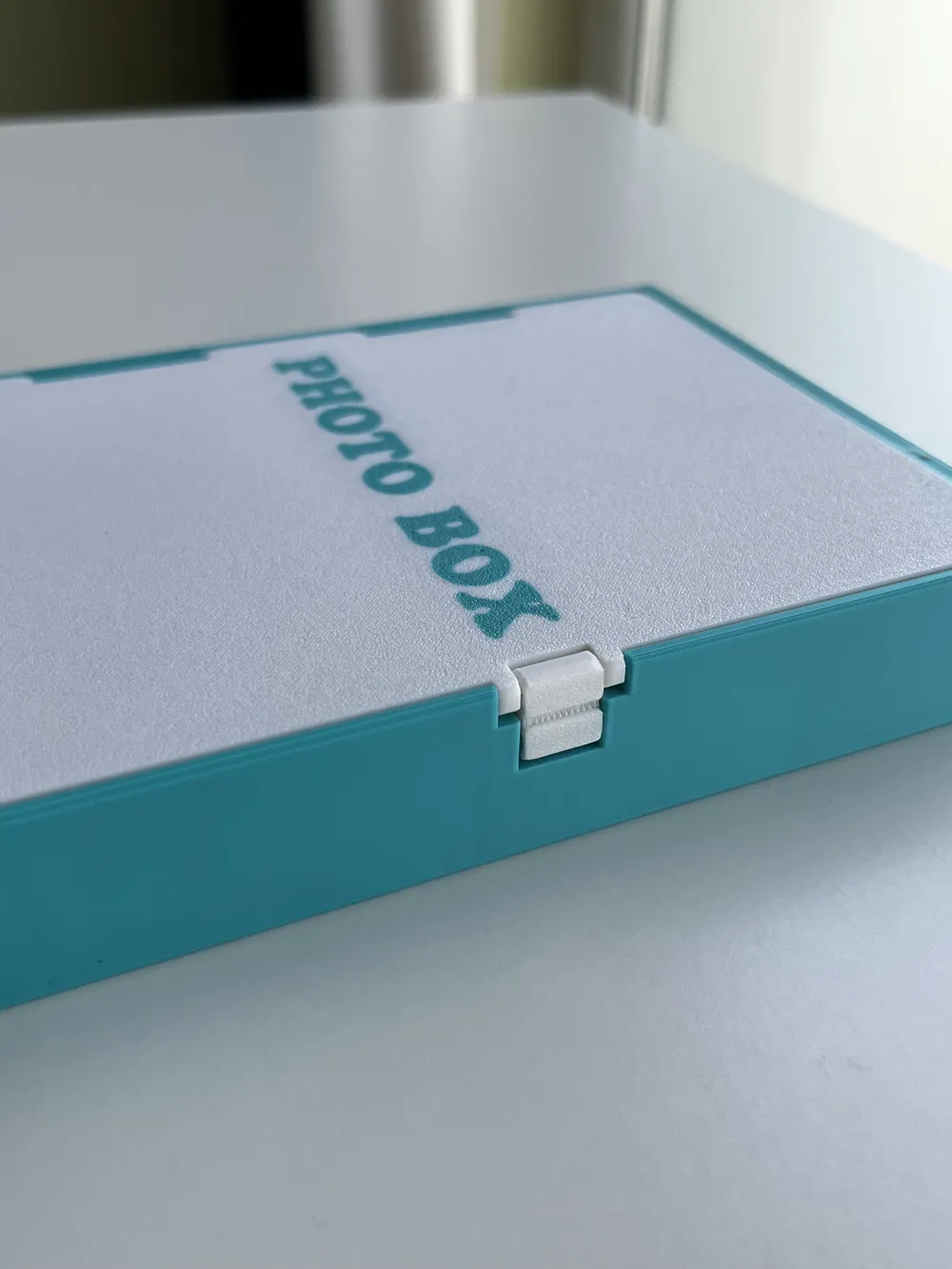
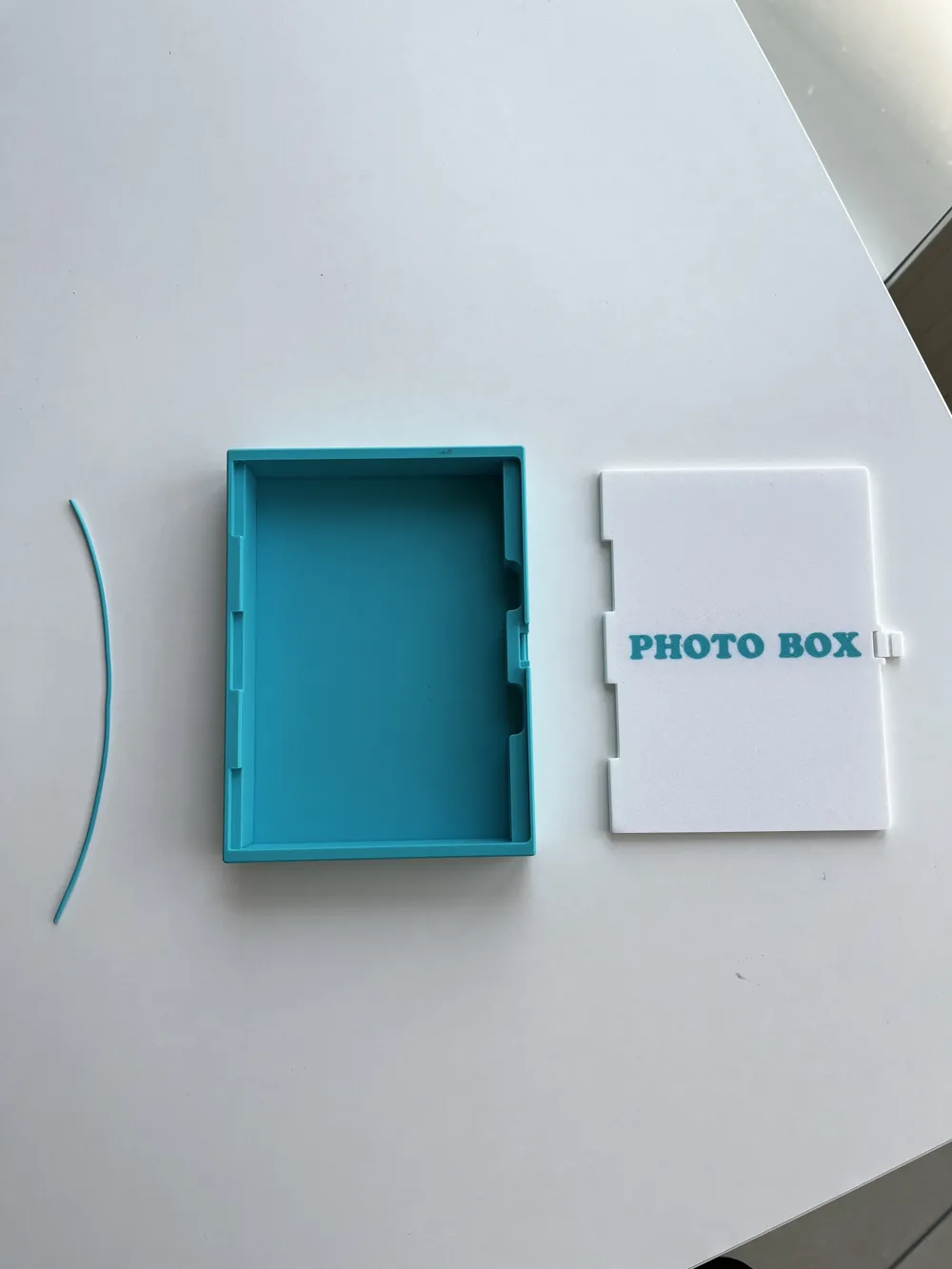
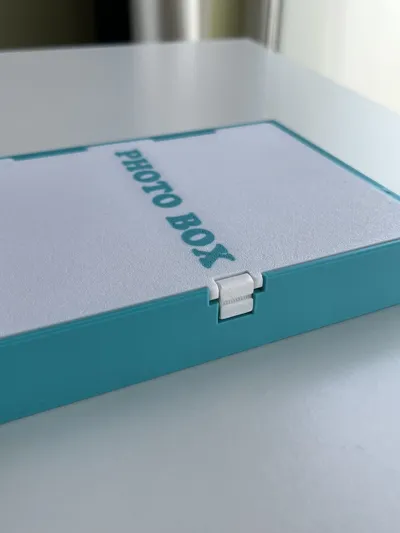
To assemble the box, you will need a piece of filament slightly longer than the length of the box.
- Align the lid with the box, making sure the holes are perfectly lined up.
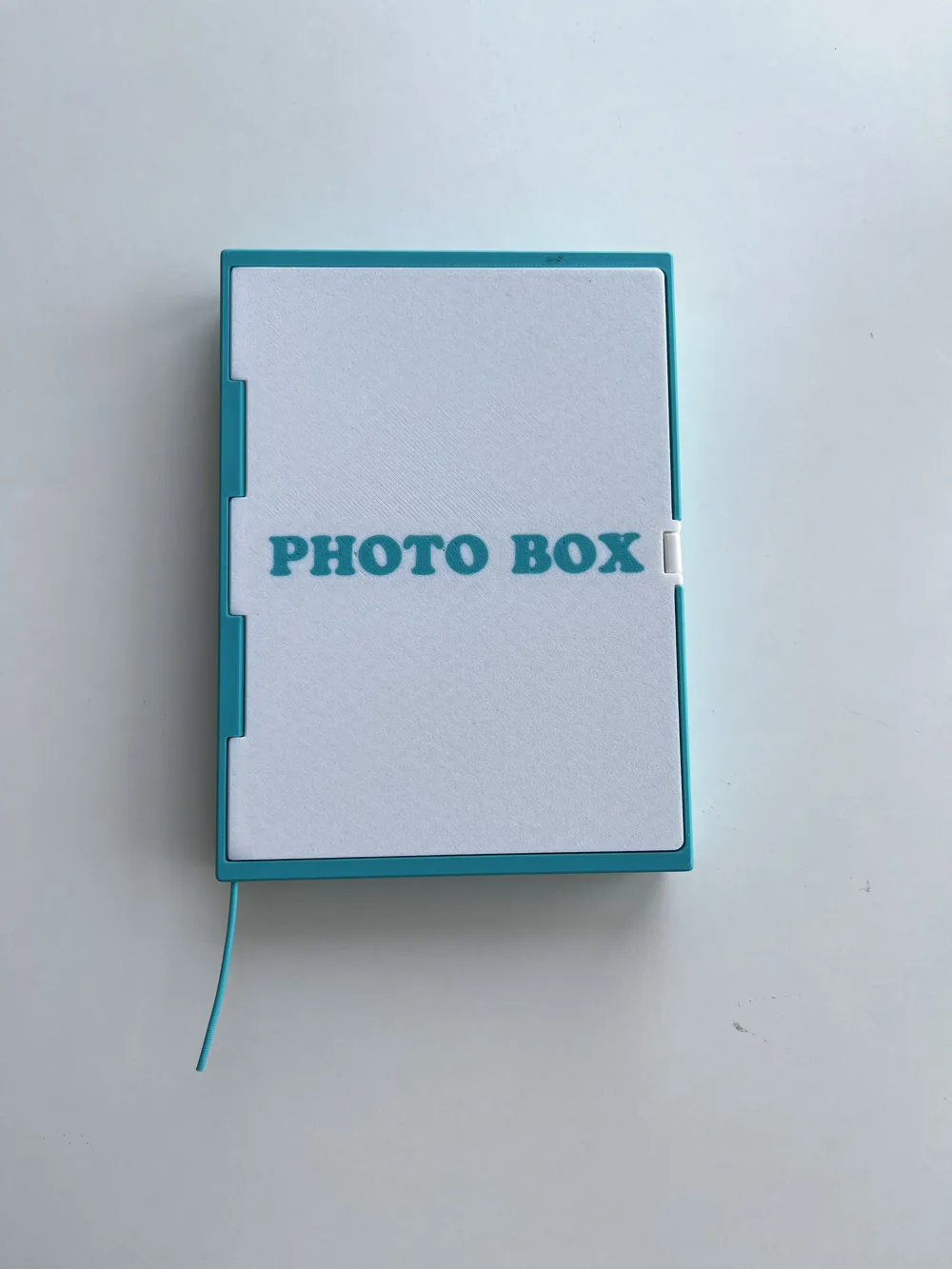
- Insert the filament through the aligned holes, pushing it all the way through.
- Pull the filament back by about 1 cm.
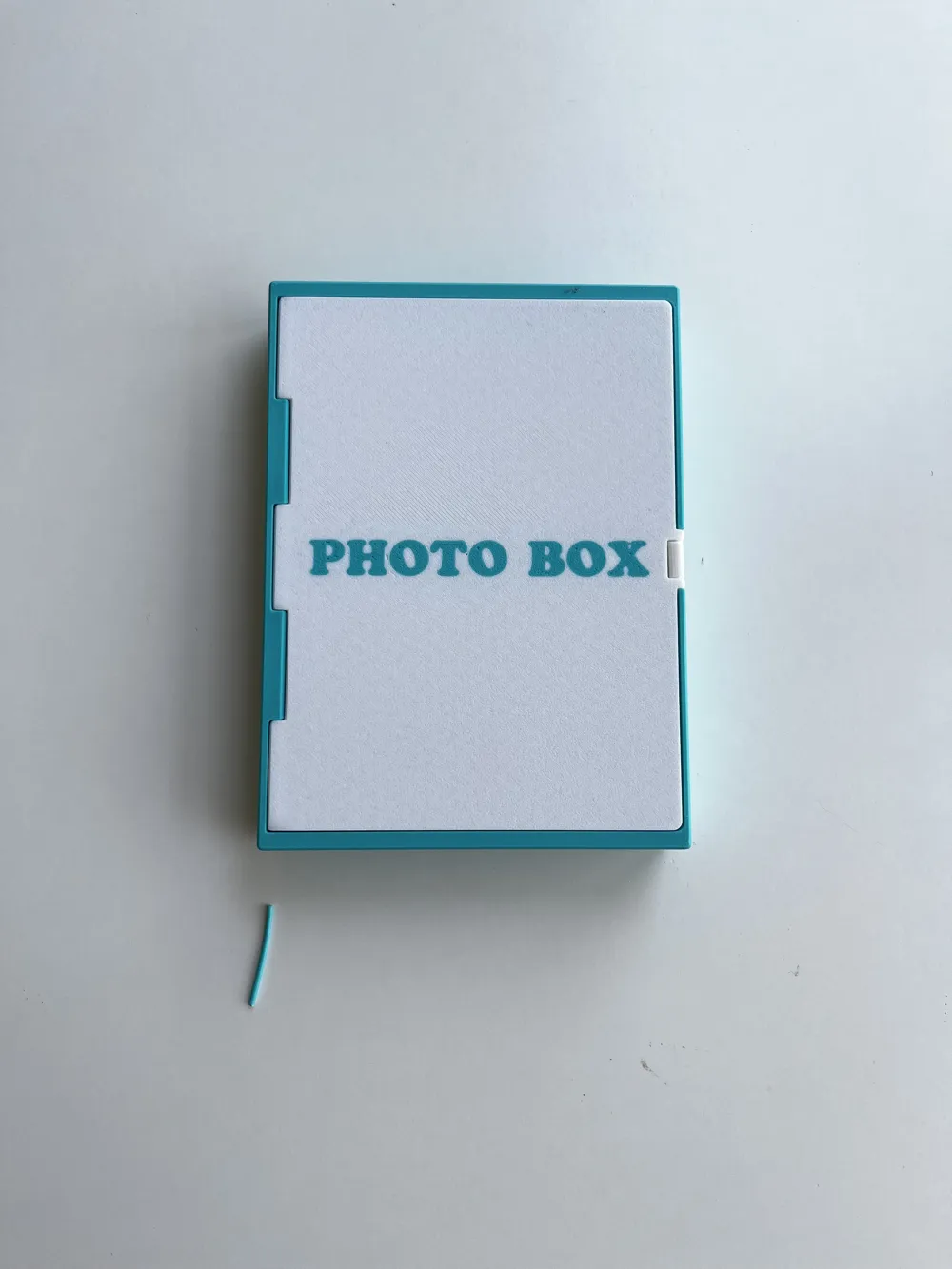
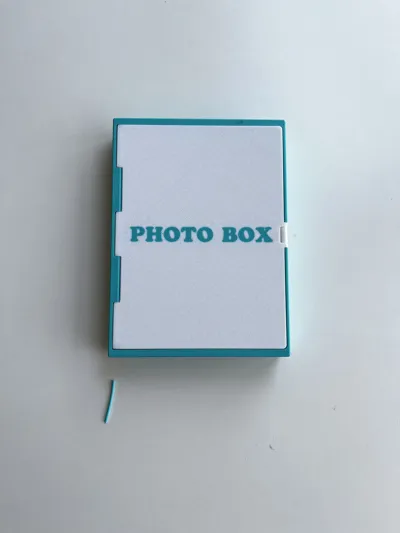
- Cut the excess filament.
- Push the filament back into place so it sits flush with the surface.
Your box is now assembled :)
License

This user content is licensed under a Standard Digital File License.
You shall not share, sub-license, sell, rent, host, transfer, or distribute in any way the digital or 3D printed versions of this object, nor any other derivative work of this object in its digital or physical format (including - but not limited to - remixes of this object, and hosting on other digital platforms). The objects may not be used without permission in any way whatsoever in which you charge money, or collect fees.


Comment & Rating (0)