
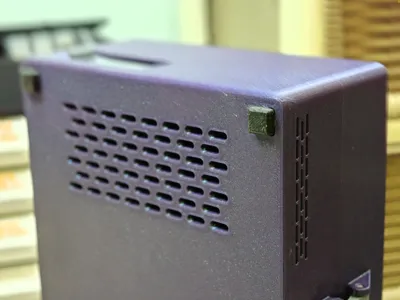
BetaFPV Drone & Geprc woopower W63 Storage Box
Print Profile(1)
Bill of Materials




Description
Boost Me (for free)
New in 3D modeling, this is my first published big model on case for my new FPV drone! Thanks for the boost in advance!
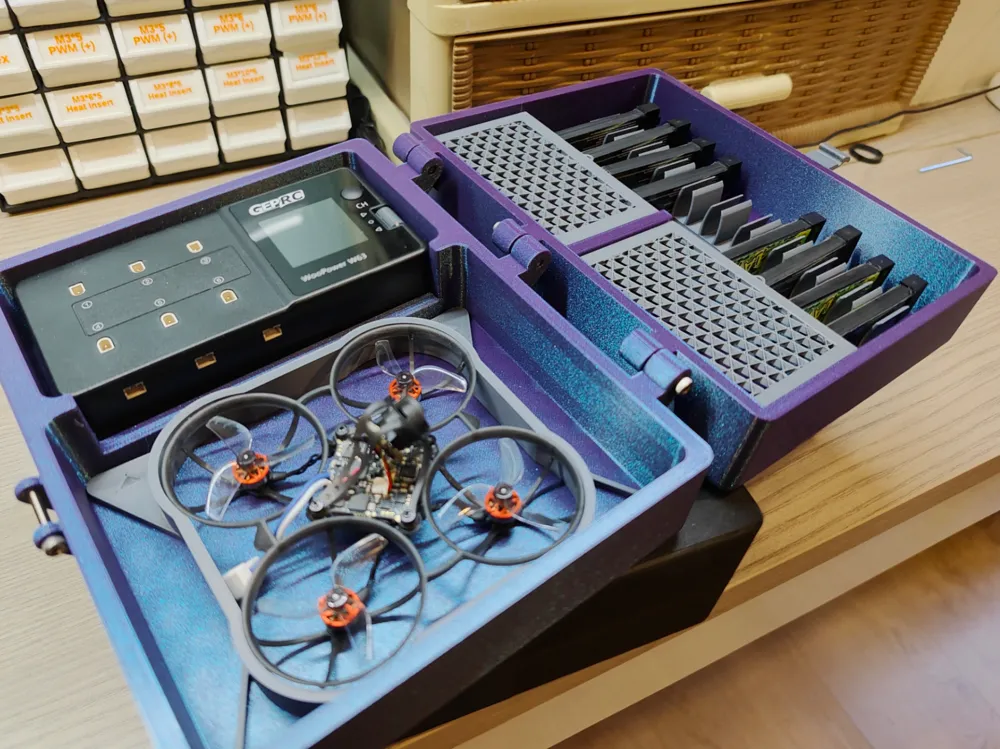
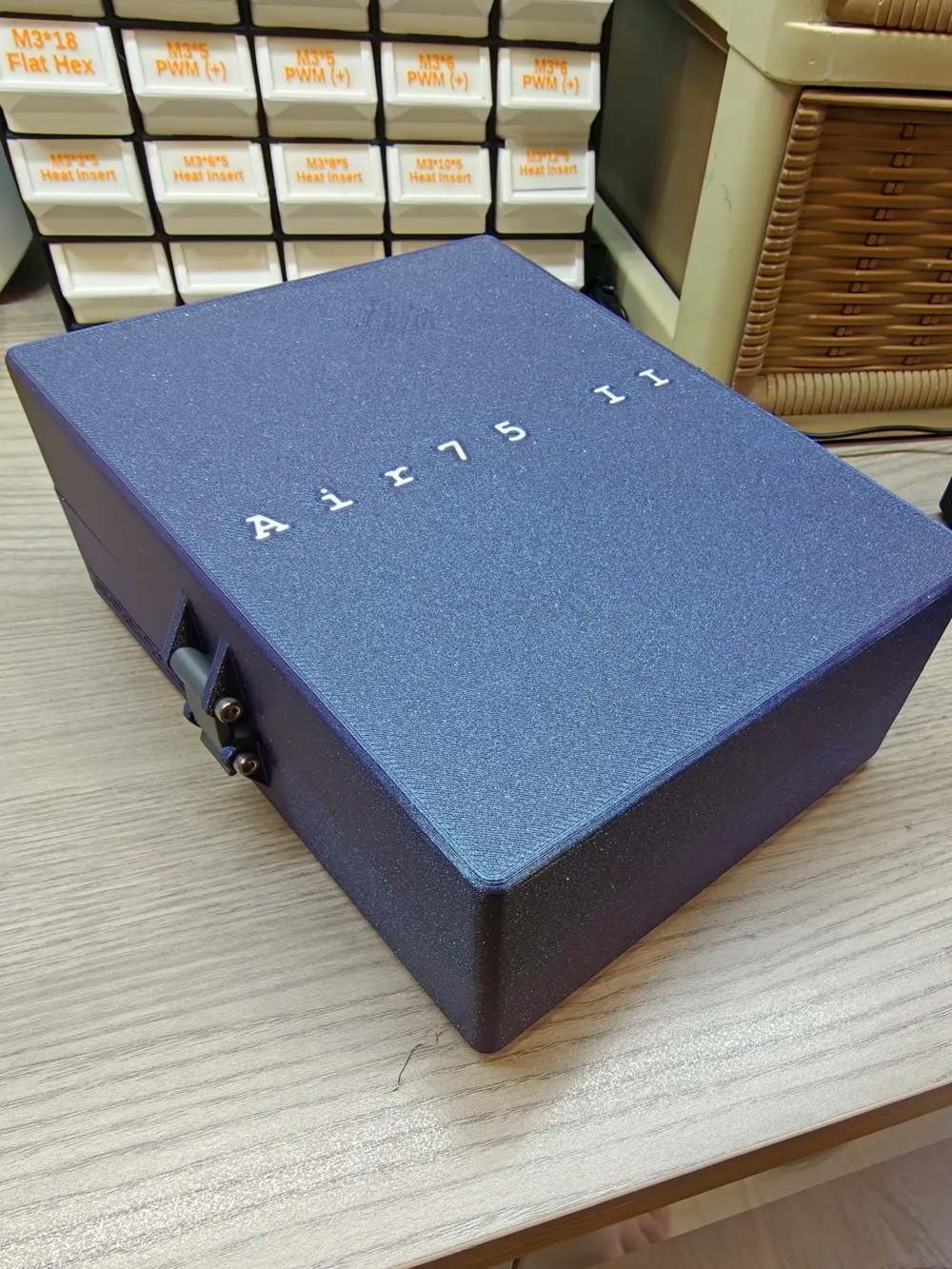
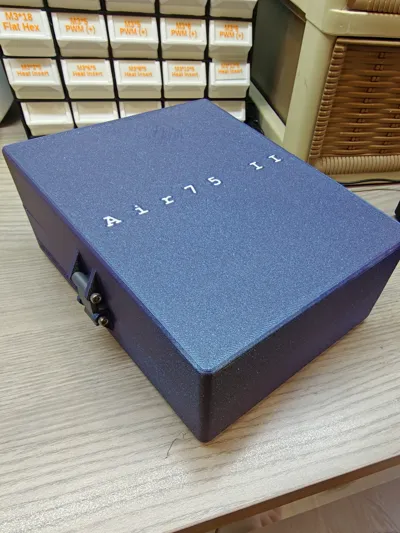
Case for BetaFPV Air65 ii or Air75 ii with GEPRC WooPower W63 Charger
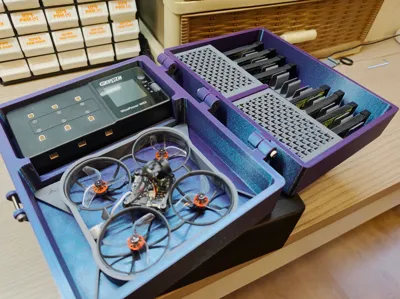
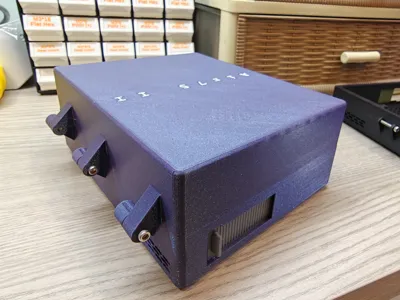
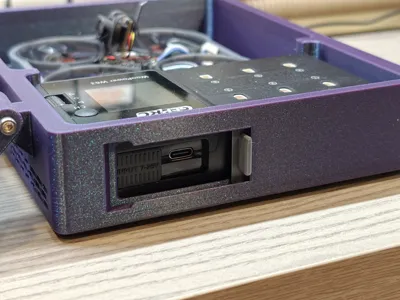
My first ever published design in makerworld with the aim of designing a storage box for BetaFPV (Possible with other tinywhoop) with charger, compartment and battery clamp. The aim of the build is to easy access to charging port, allow charger to have good ventilation and sufficient storage compartment for etc items.
Internal Size & Number of Battery
Charger - 132mm * 64 mm * 30mm
Drone - 138mm * 110 mm * 30mm
Number of Battery - 10 Battery
Additional Compartment - 87mm * 52mm * 25.5mm
Drones Compatibility
Current compatibility- Air65 ii & Air75 ii
Upcoming compatibility - Meteor75 pro (In-progress)
Any other FPV drone,you may let me know and I will include the insert
Battery Combatibility
I have only tested with BetaFPV Lava ii 560MAH 1S battery, but the battery holder dimension should hold anything within 1mm thickness of 560mah.
Customized for Geprc WooPower W63 Charger
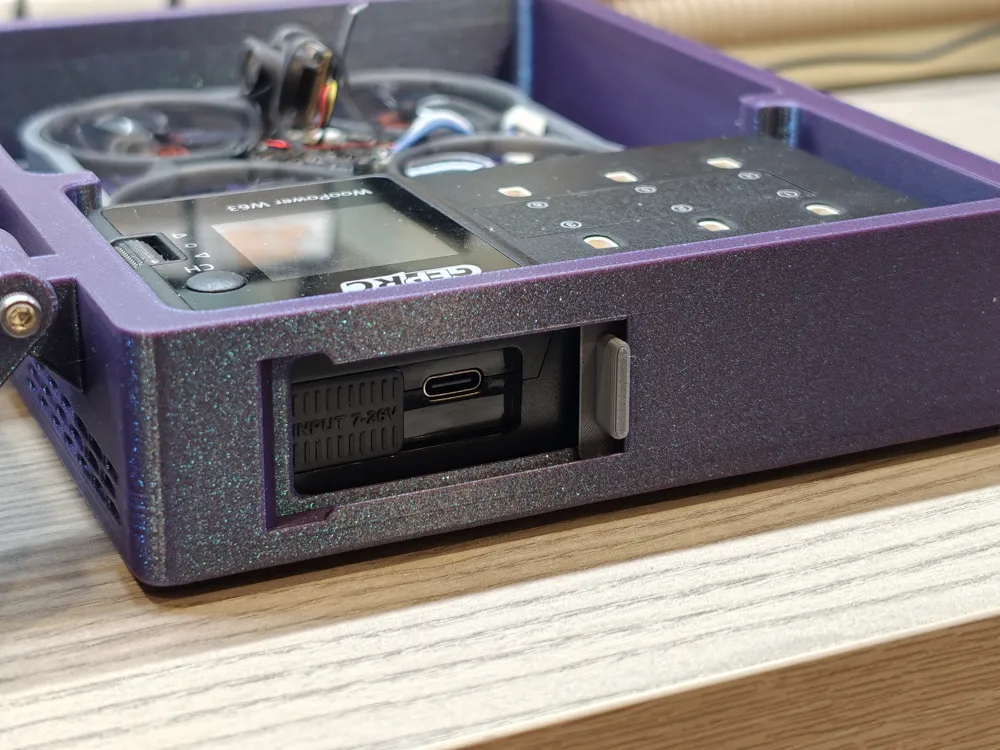
Tested and design around GePRC W63 charger which have quick access door for input charging of USB-C or XT-60 port
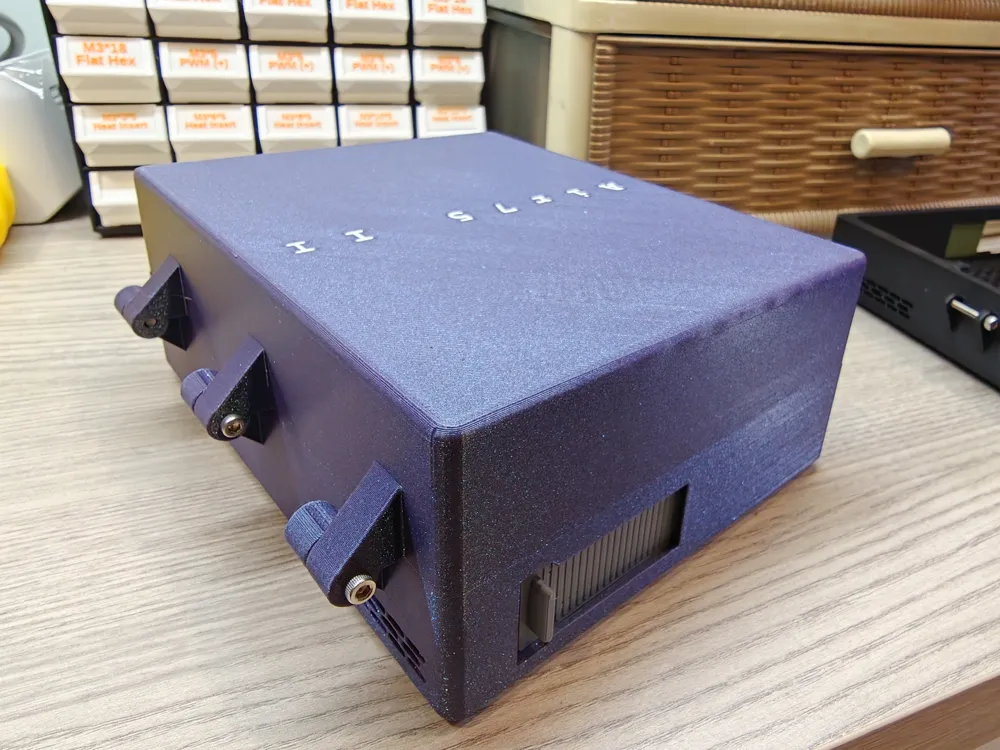
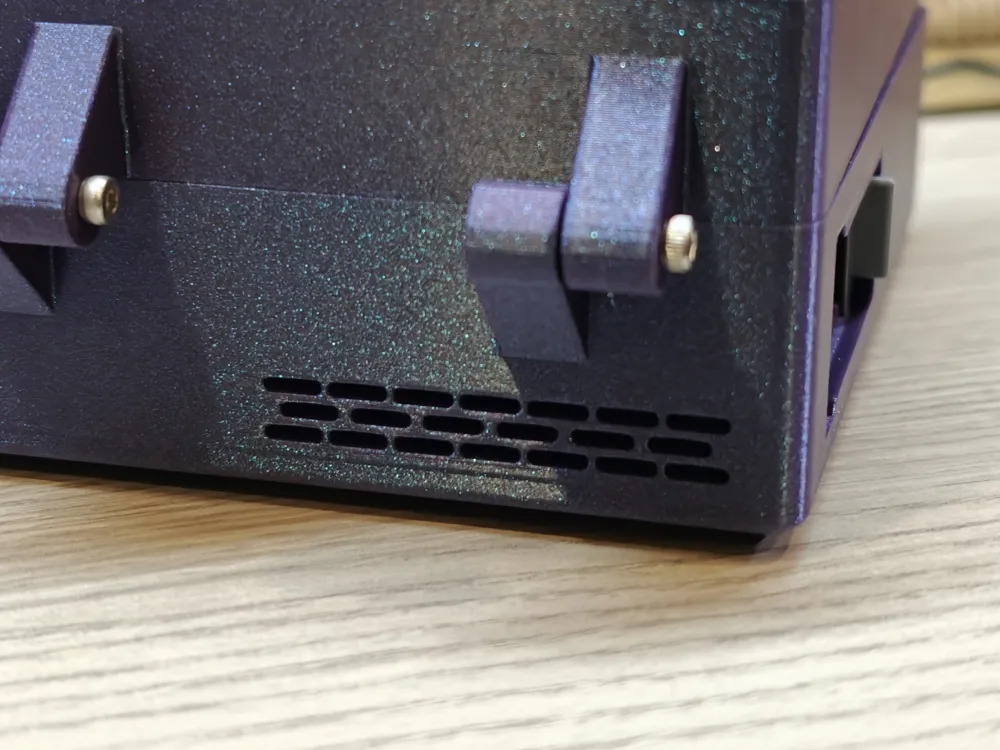
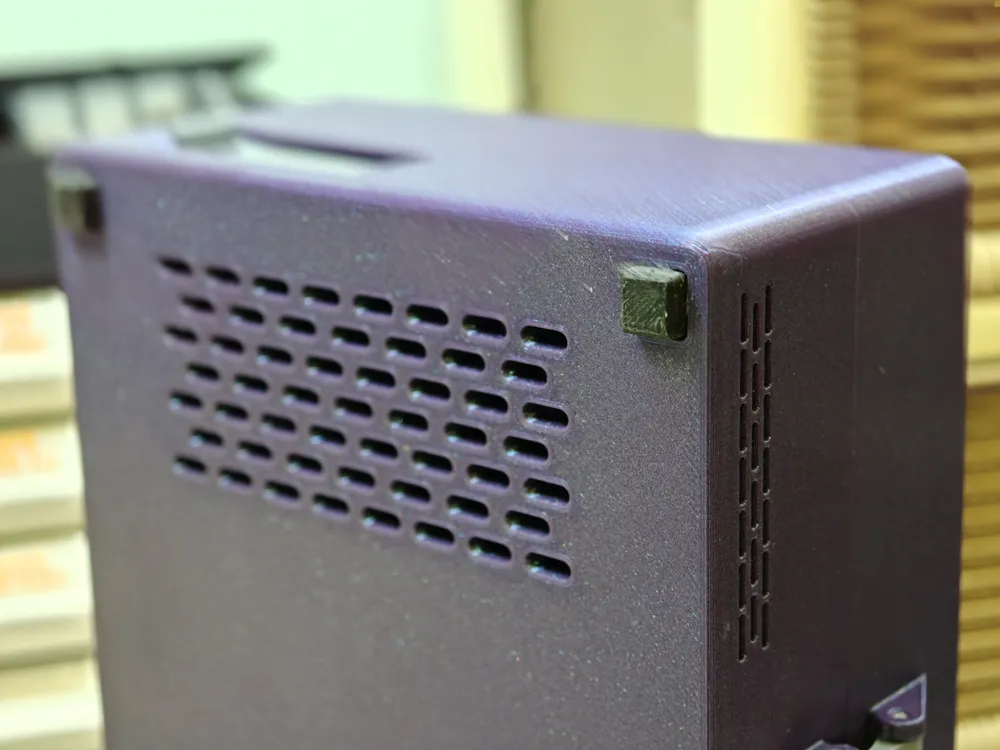
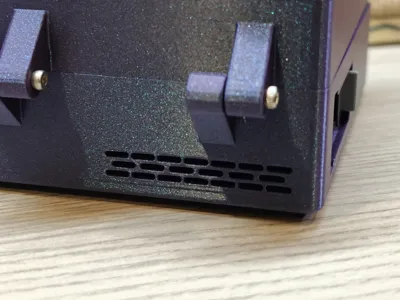
Perfect Ventilation at the bottom and both side of charger
All button is freely accessible including scroll wheel
Most port is accessible (Except 3x PH2.0 port towards charging port is not accessible)
Other Compatibility Charger
As long fit within this dimension 132mm * 64mm * 30mm , it should be compatible.
Built-in Support in Model
No Support required! Built in support for Battery charging port for perfect print and easy remova
Recommended Print Profile
Material: PLA/PETG, TPU for Feet
Layer Height: 0.2mm
Infill: 15%
Support: Not Required
Infill for compartment cover: Triangle, Cubic, Grid, Honeycomb, Adaptive Cubic
Print Time: ~ 10 Hours
Built Guide
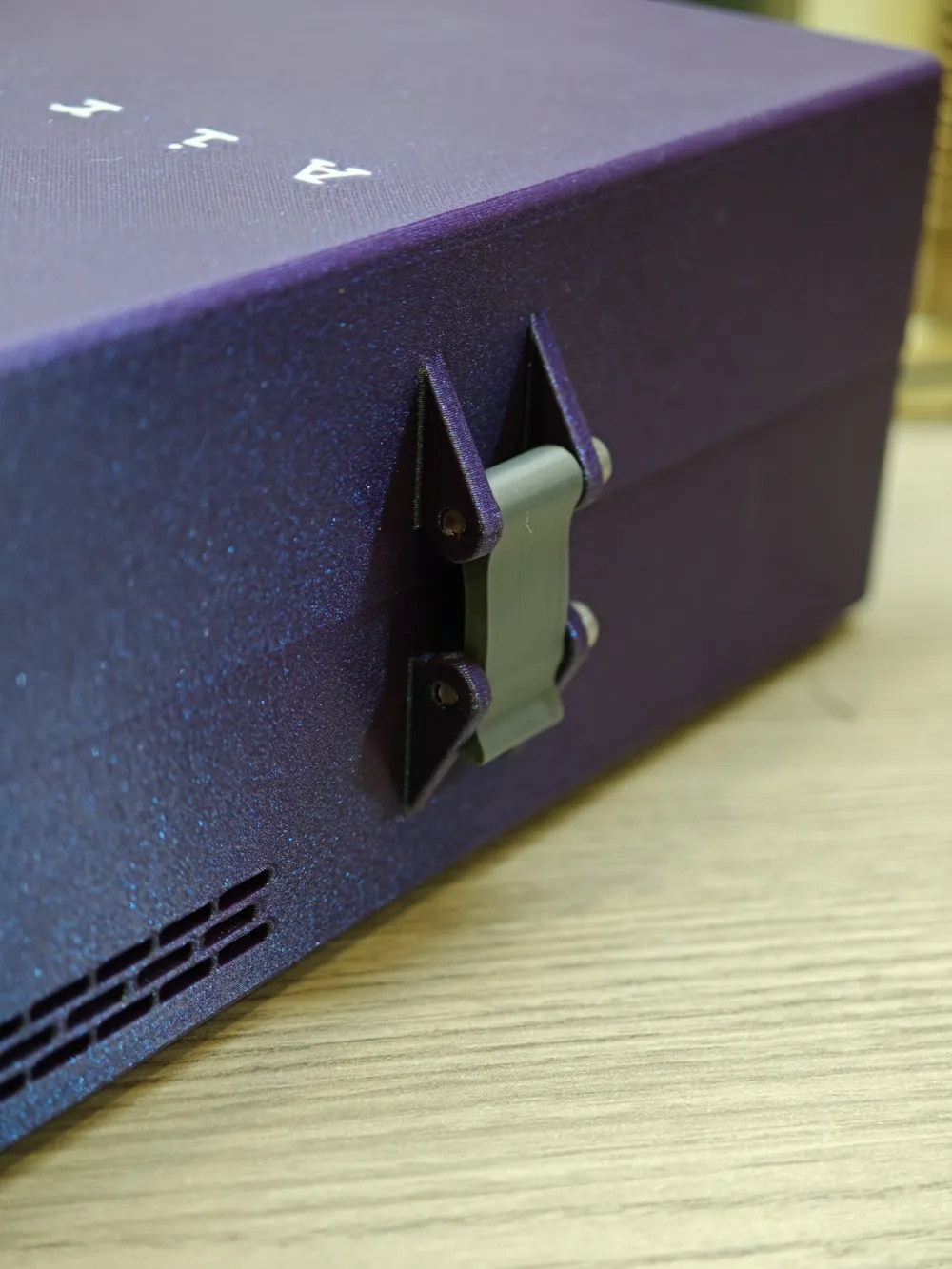
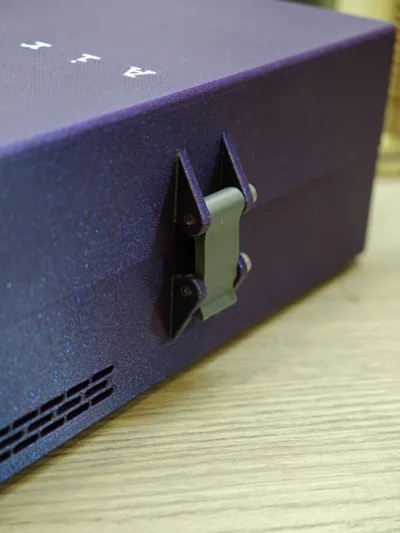
Hinge & Latch - 5x M3x20 Screw is required
Charger support removal - Remove inner part

Charger support removal - Remove Outer part (Push from inside)

Charging Port Sliding Door Installation - Push in from left to right

Battery Holder Installation - Align and grip with finger then push/pull

Compartment Cover install - Align the back hinge to 1 of the hinge hole, slightly bend the cover to install the other end

Thanks you for your support! Also, if there is any suggestions, comments feel free to let me know!
License

You shall not share, sub-license, sell, rent, host, transfer, or distribute in any way the digital or 3D printed versions of this object, nor any other derivative work of this object in its digital or physical format (including, but not limited to, publishing derivative works outside the Makerworld platform or hosting on other digital platforms). The objects may not be used without permission in any way whatsoever in which you charge money or collect fees. Subject to the above restrictions, derivative works may be published only within the Makerworld platform, and all such derivative works must be licensed under the same SDFL‑C license, without modification or additional terms. You may download the digital versions of this object, 3D print it, and display images, videos, or usage demonstrations of 3D printed versions of the object on personal social media platforms or Makerworld official channels, provided that no digital versions of the object are shared or distributed.


Comment & Rating (2)