
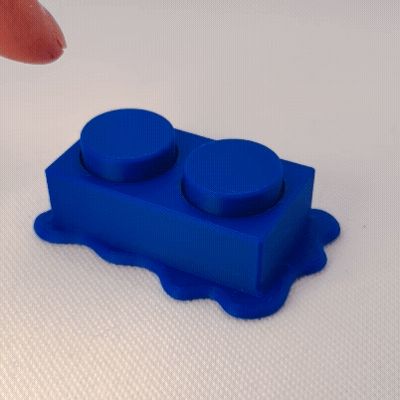
Melted Building Brick Clicker Fidget Toy (<46 min)
Print Profile(2)




Description
Thank you for your support! If you like our family's designs - you can sell the physical prints through a paid Patreon membership:
https://www.patreon.com/c/SpacedOutStudio
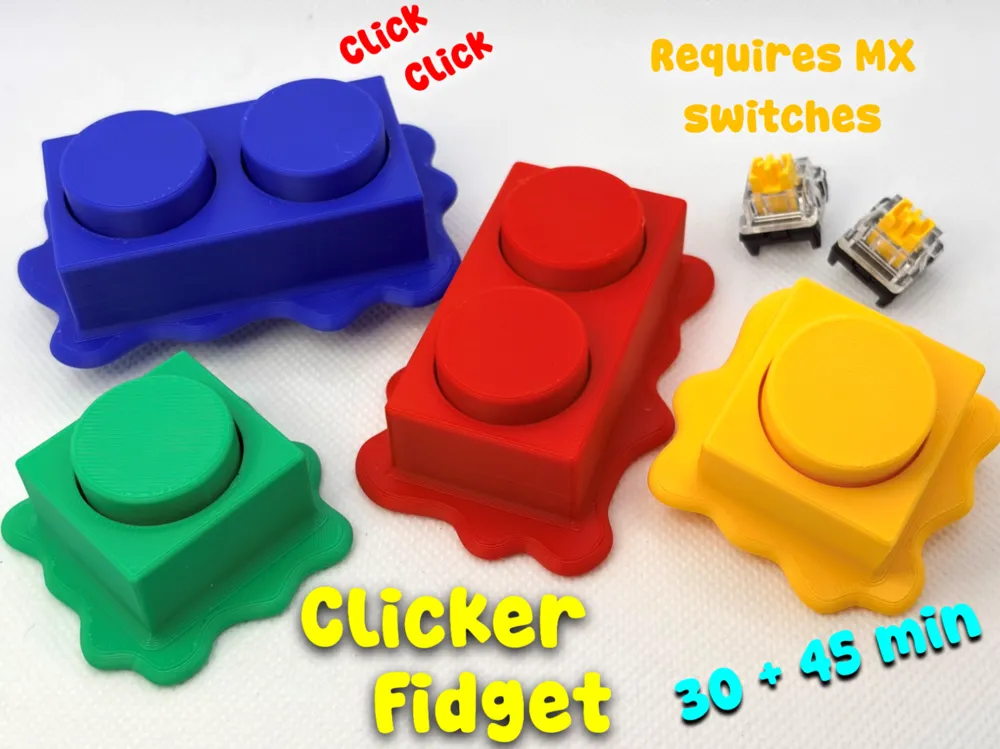
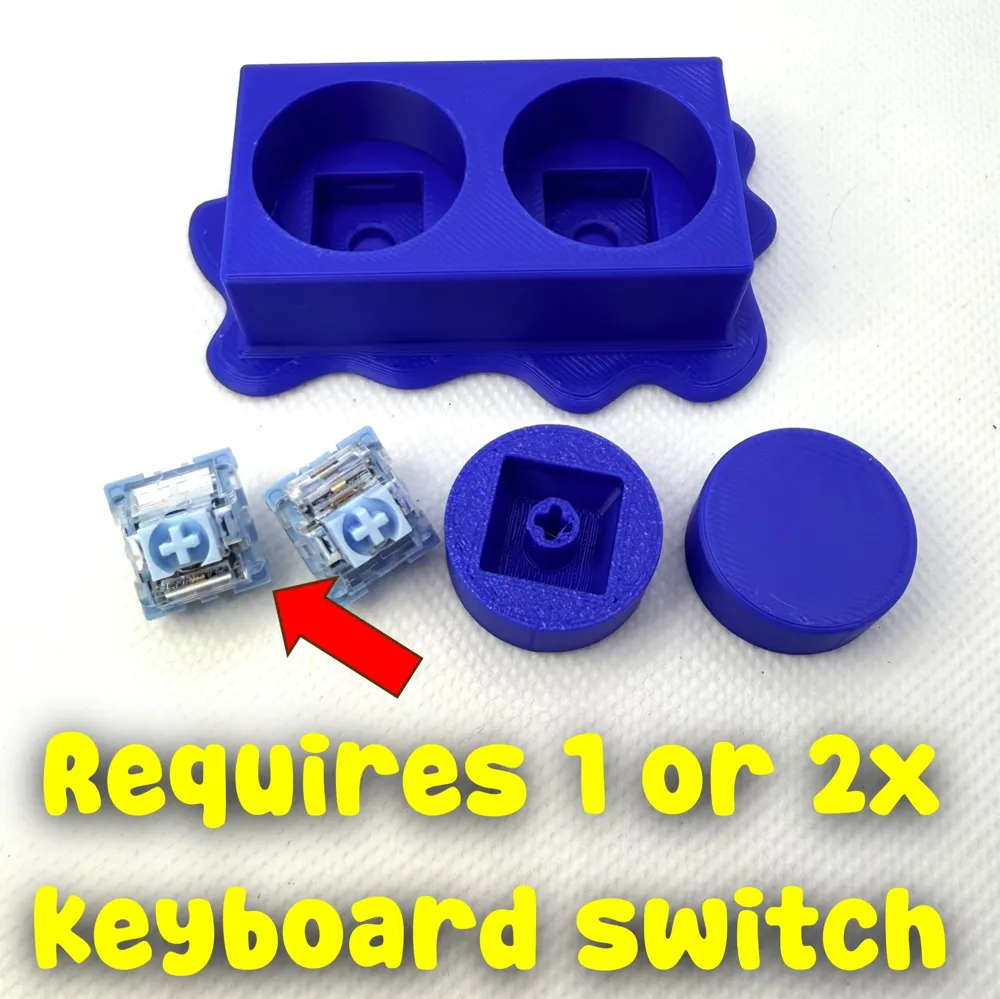
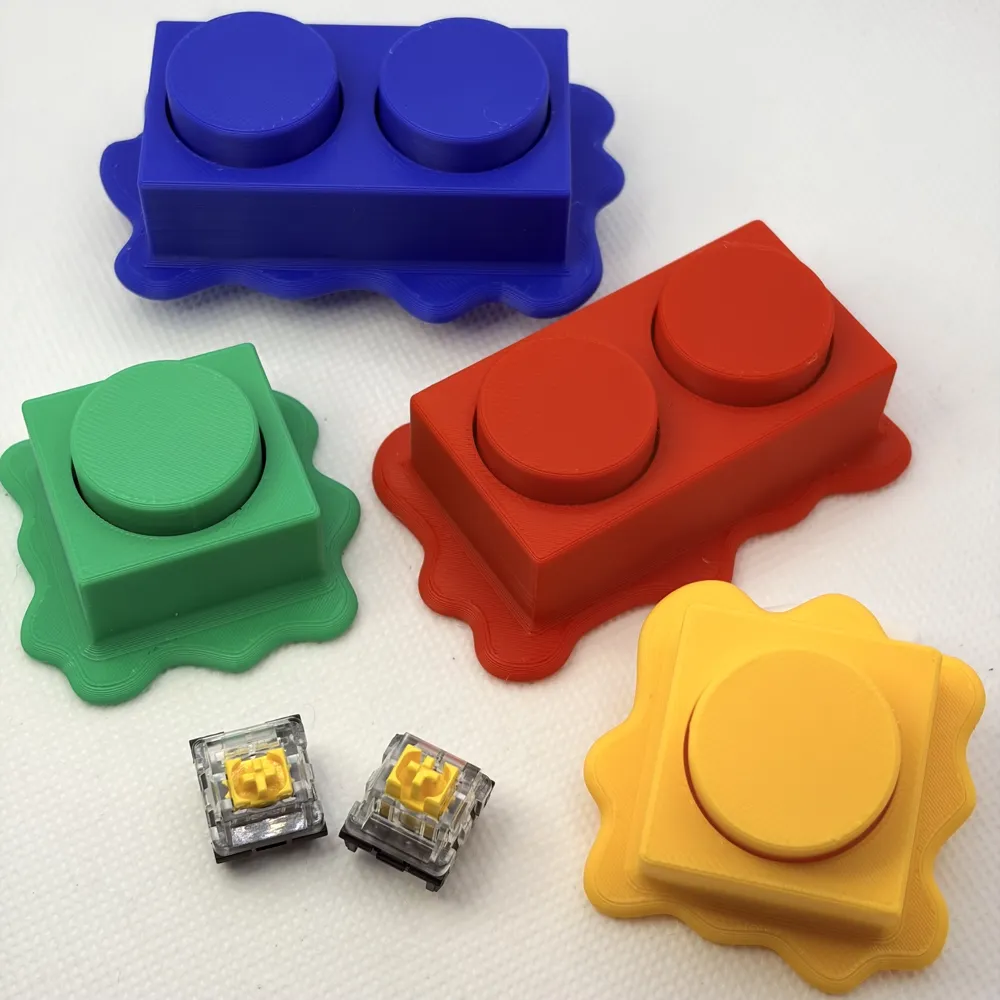
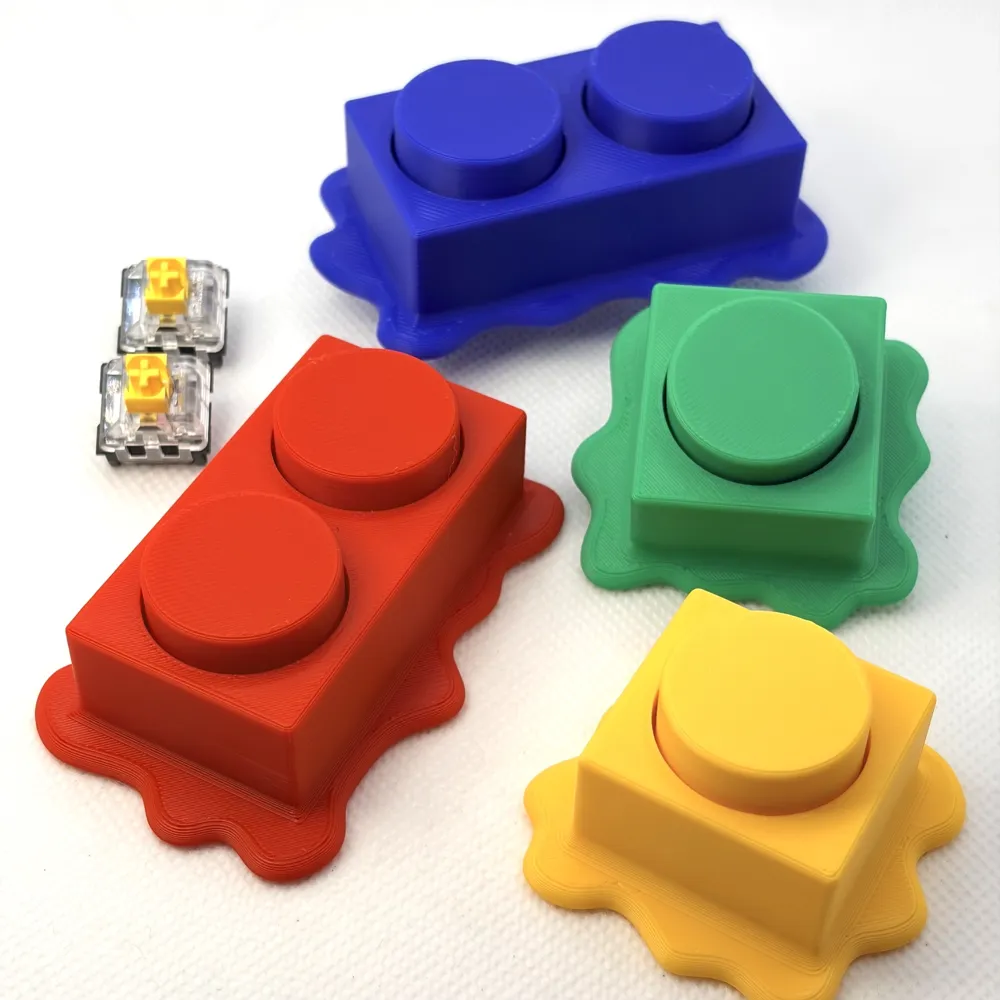
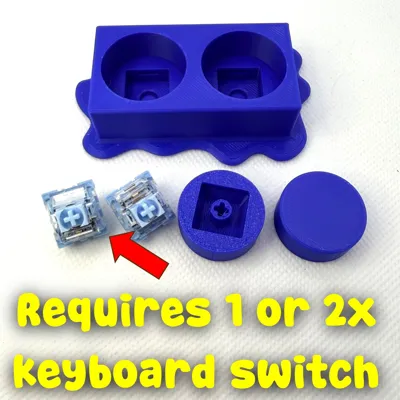
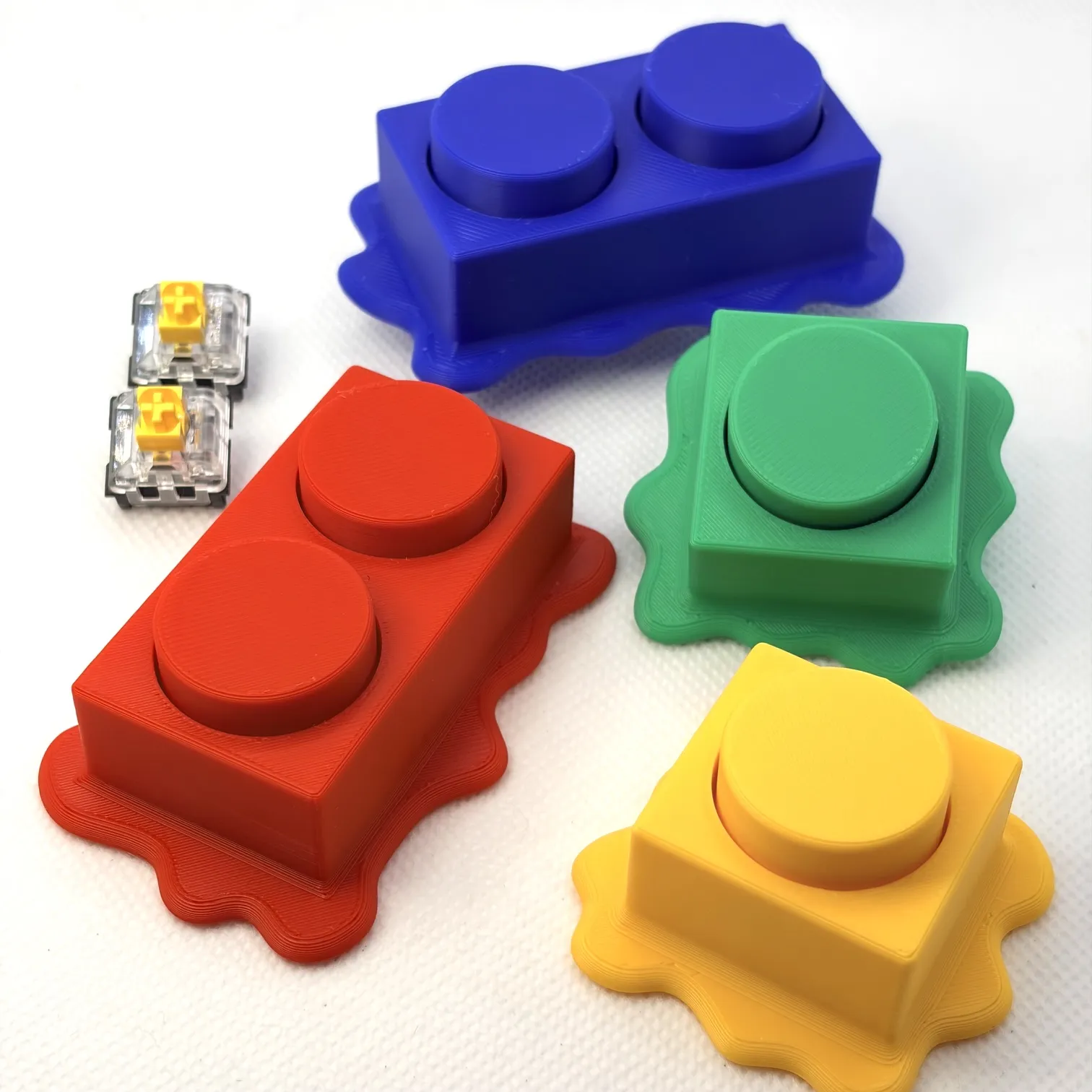
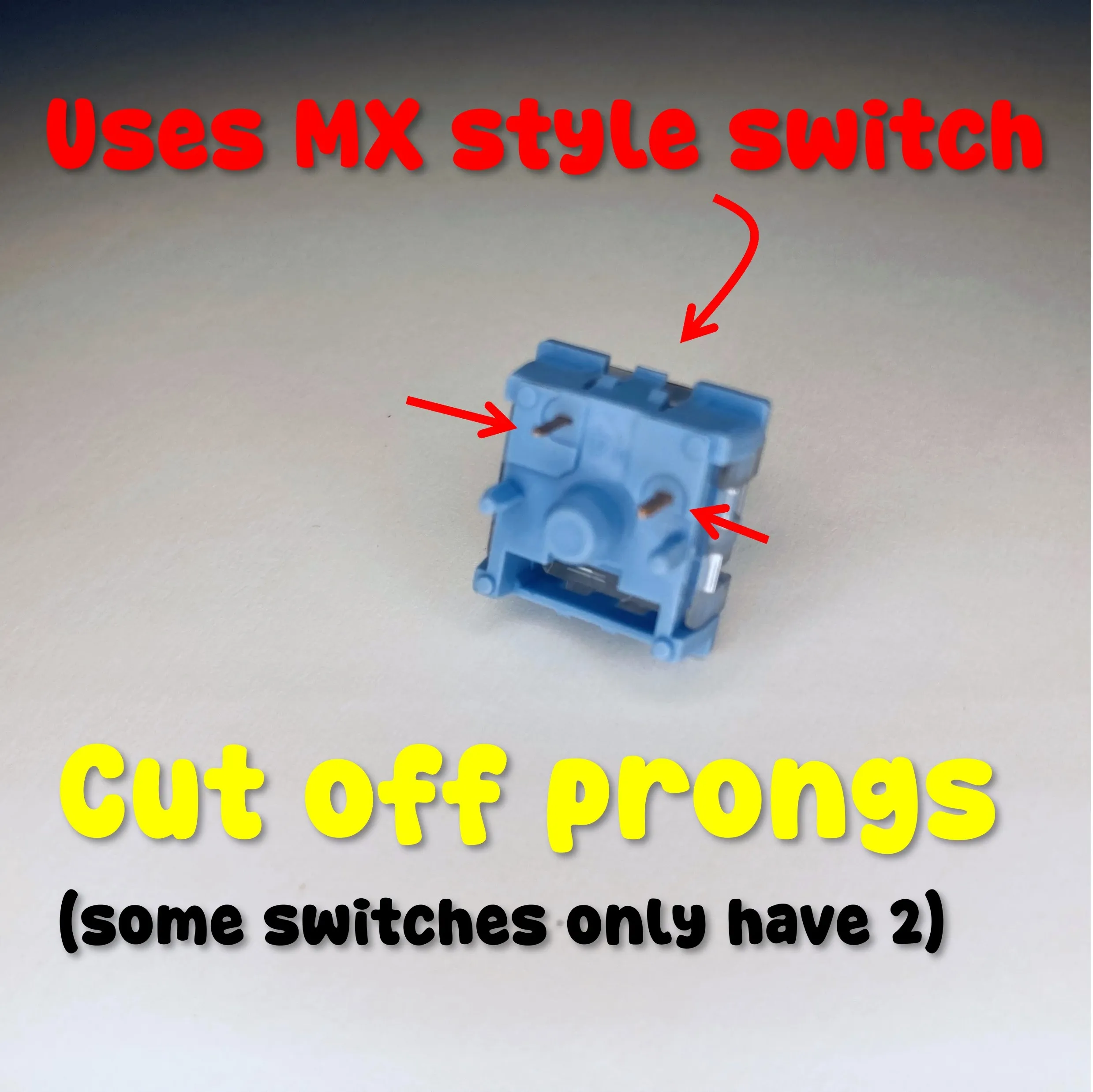
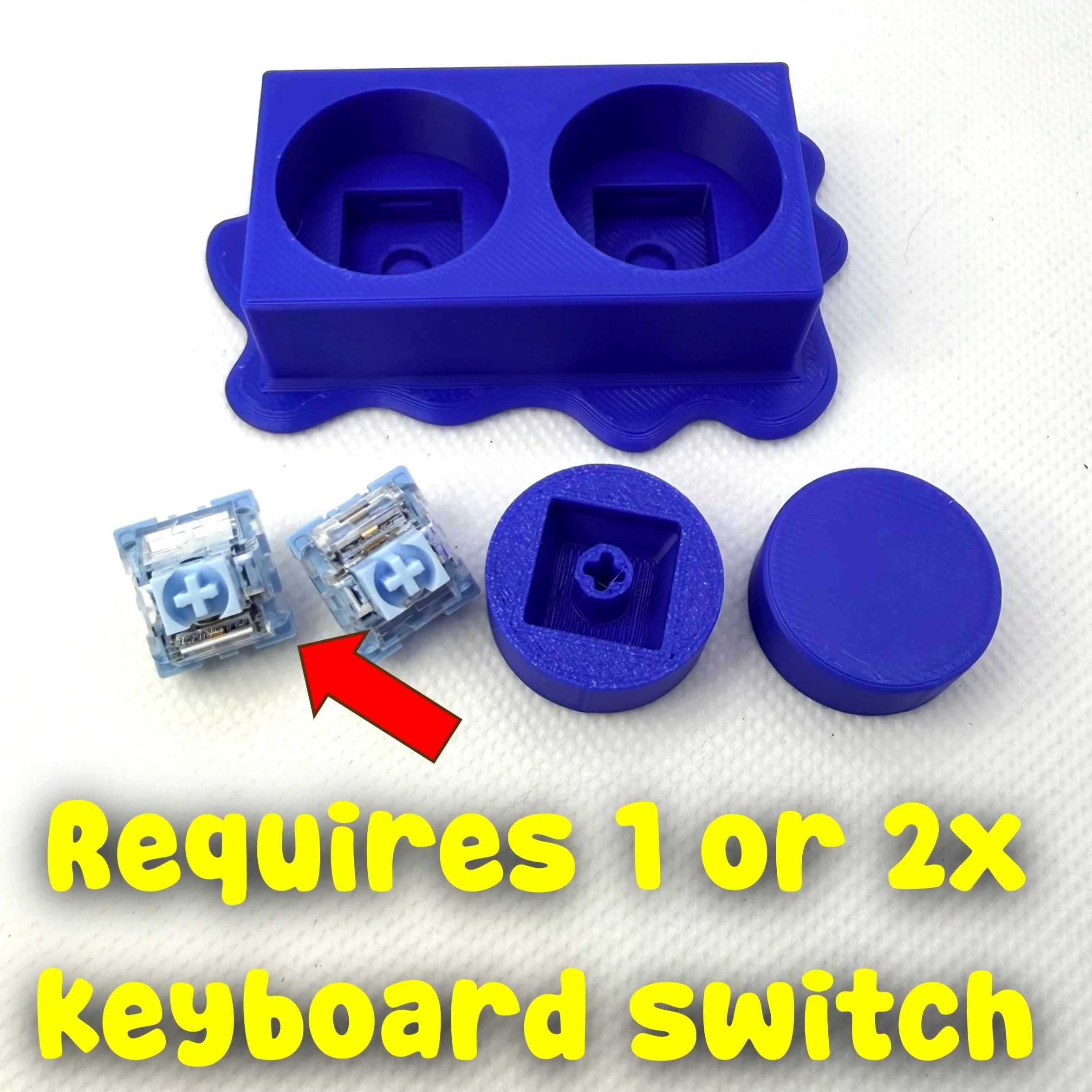
REQUIRES One (or two) MX keyboard switches for the studs to base.
You can buy from here or Amazon – something like these https://mechanicalkeyboards.com/collections/keyboard-switches or this https://www.amazon.com/GATERON-Phantom-Switches-Mechanical-Keyboard/dp/B0D834NRC7?th=1
The Meltdown Clicker


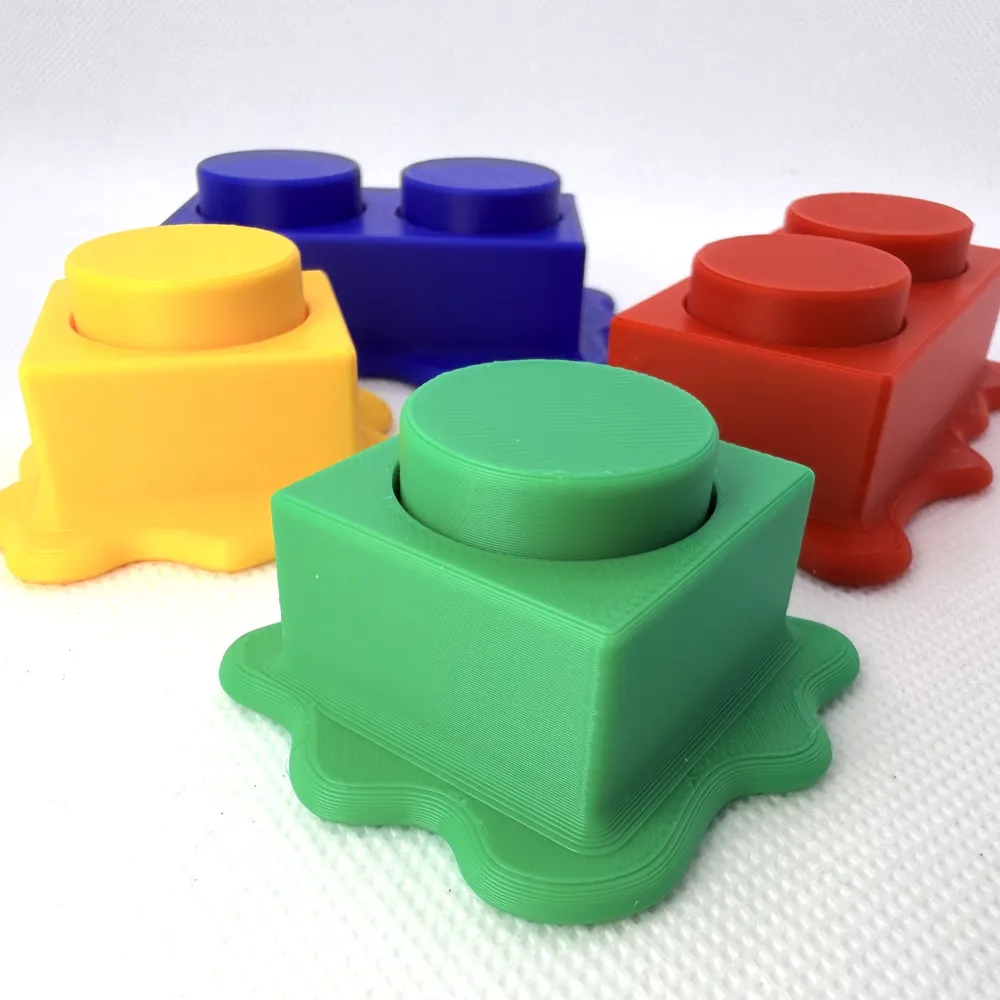
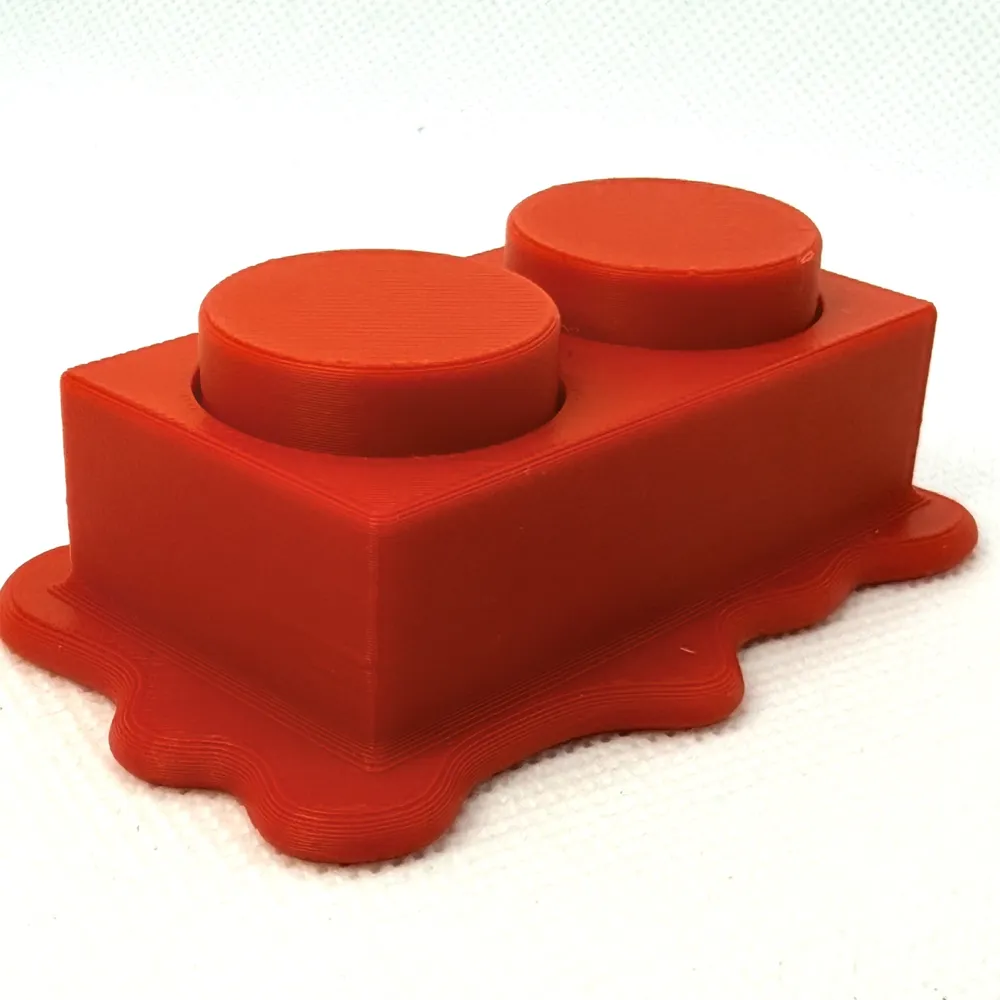
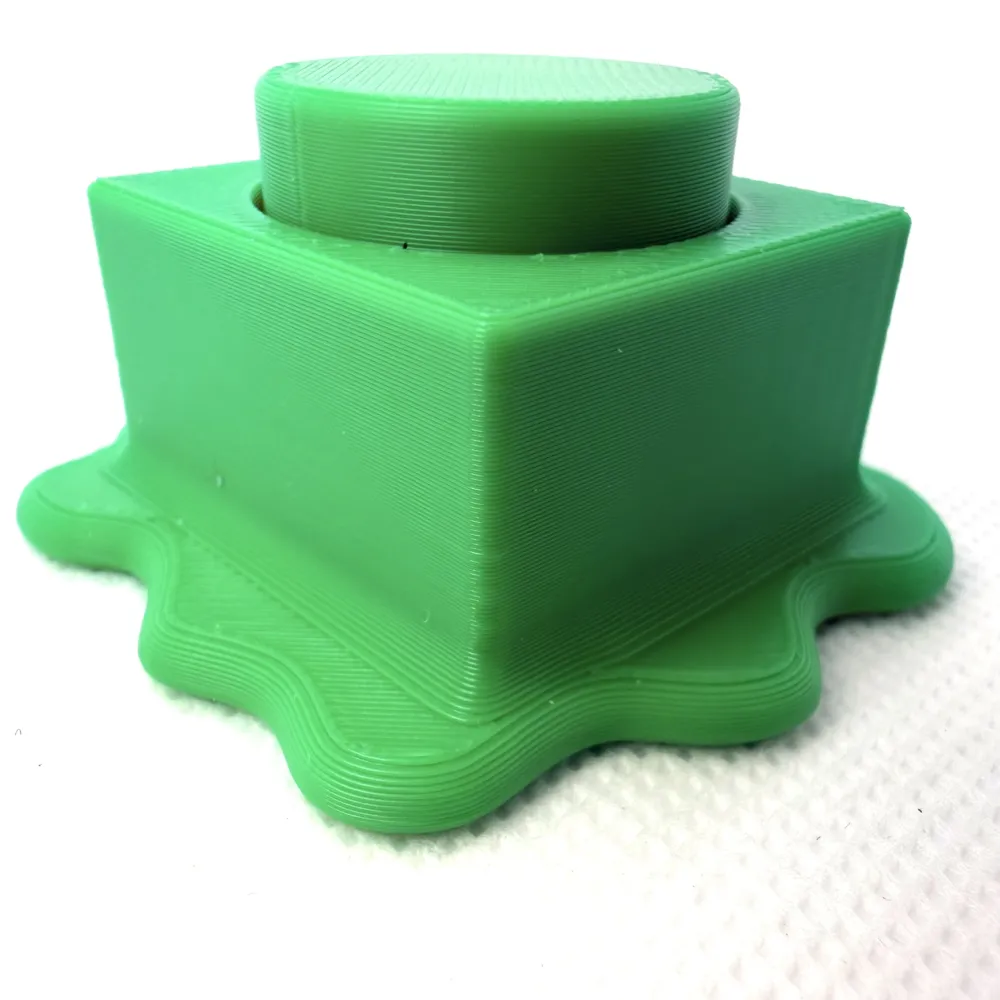

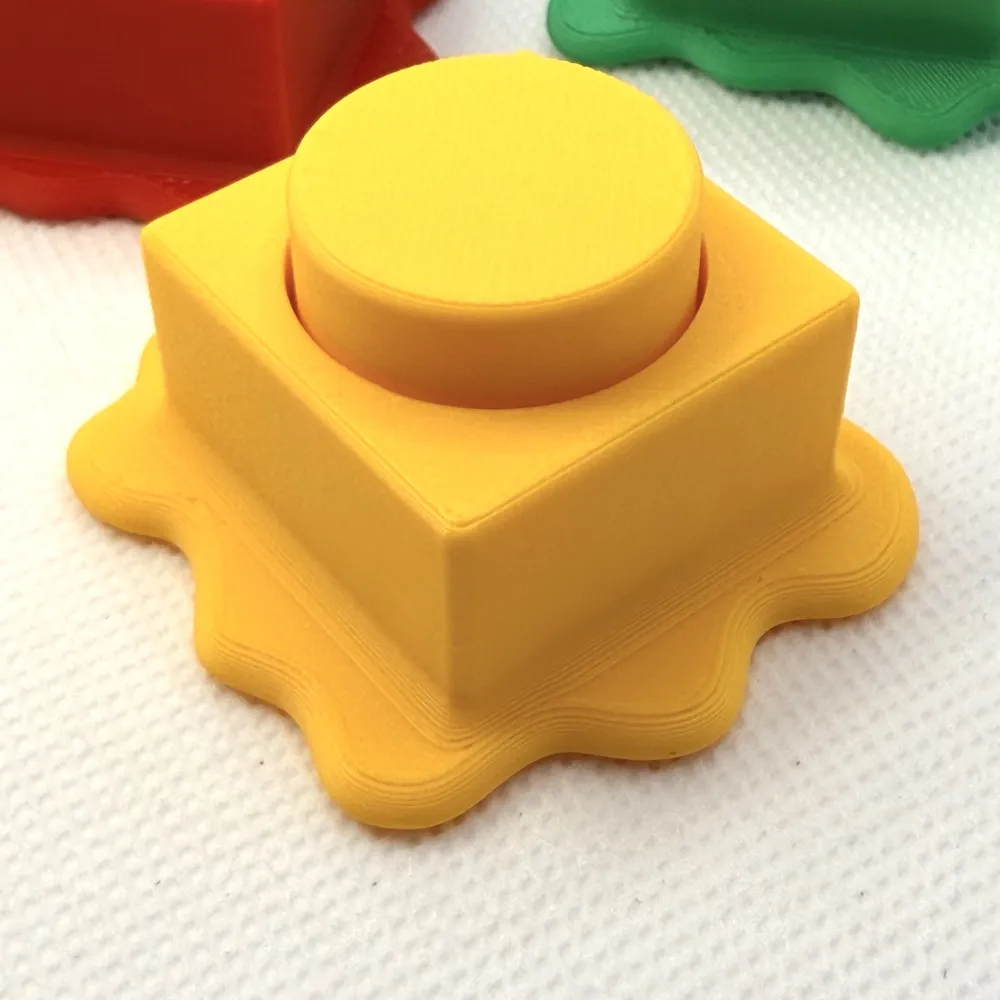
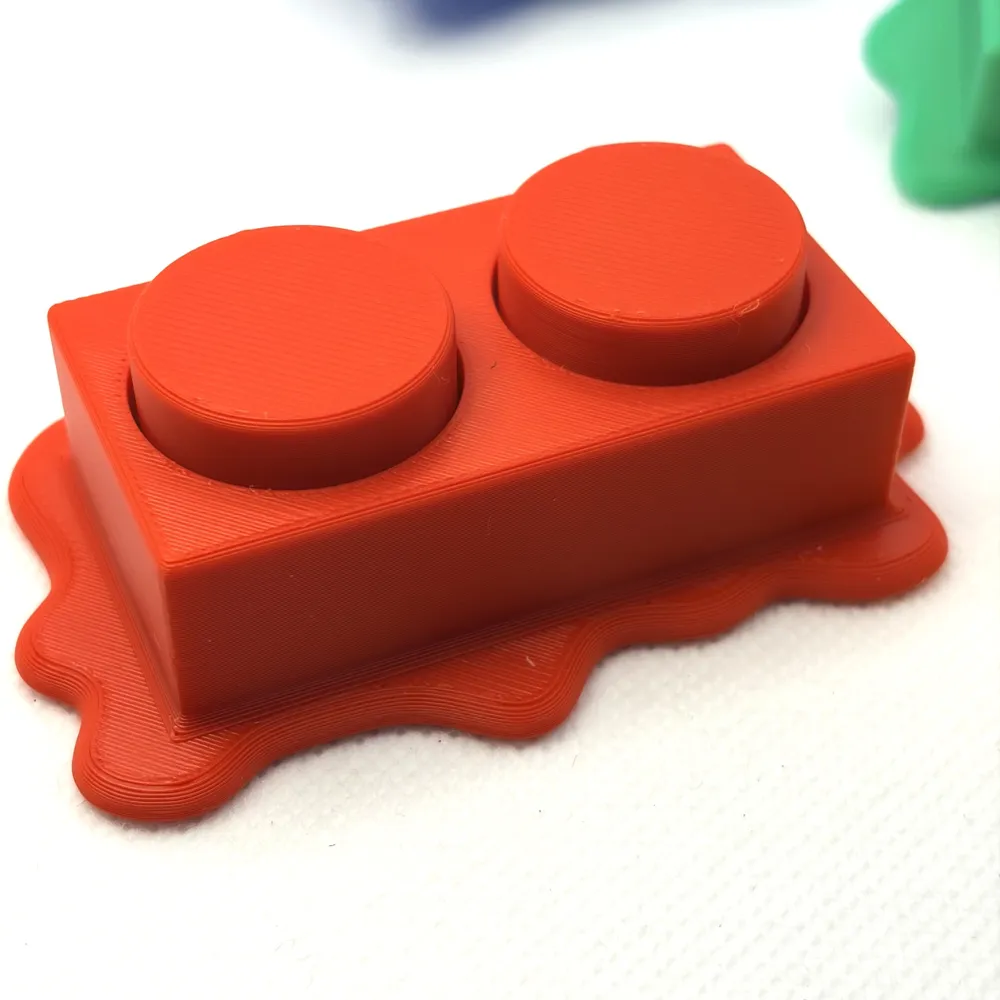
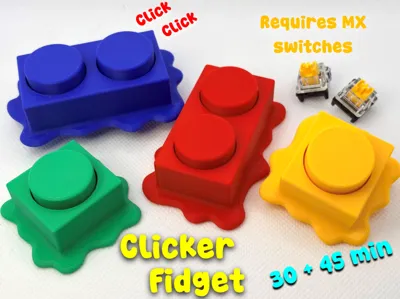
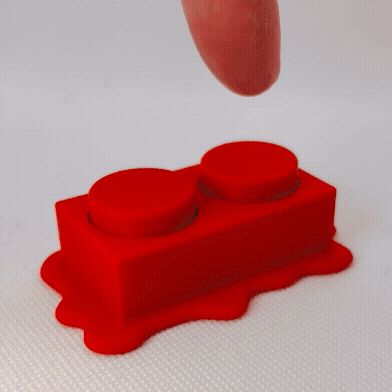
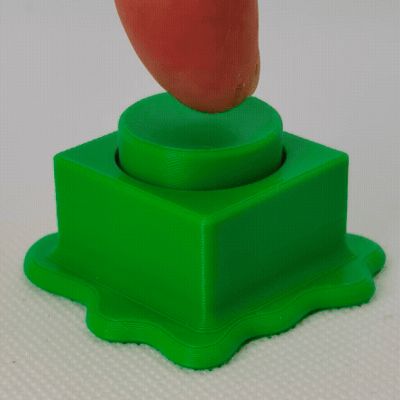
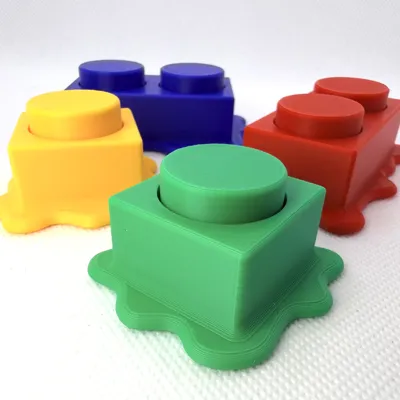
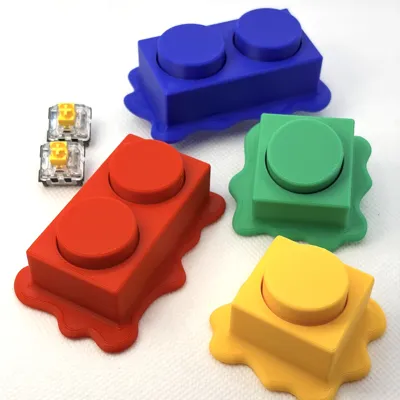
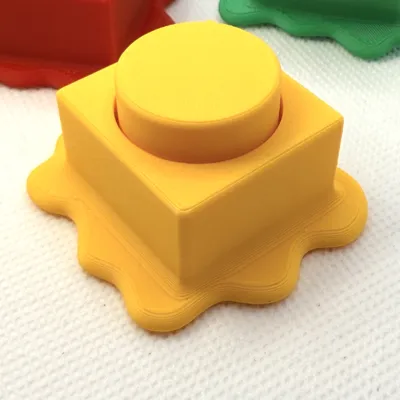
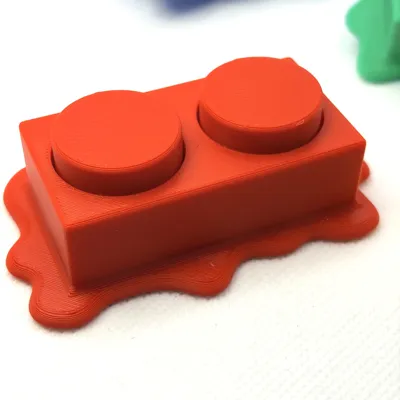
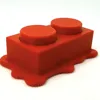


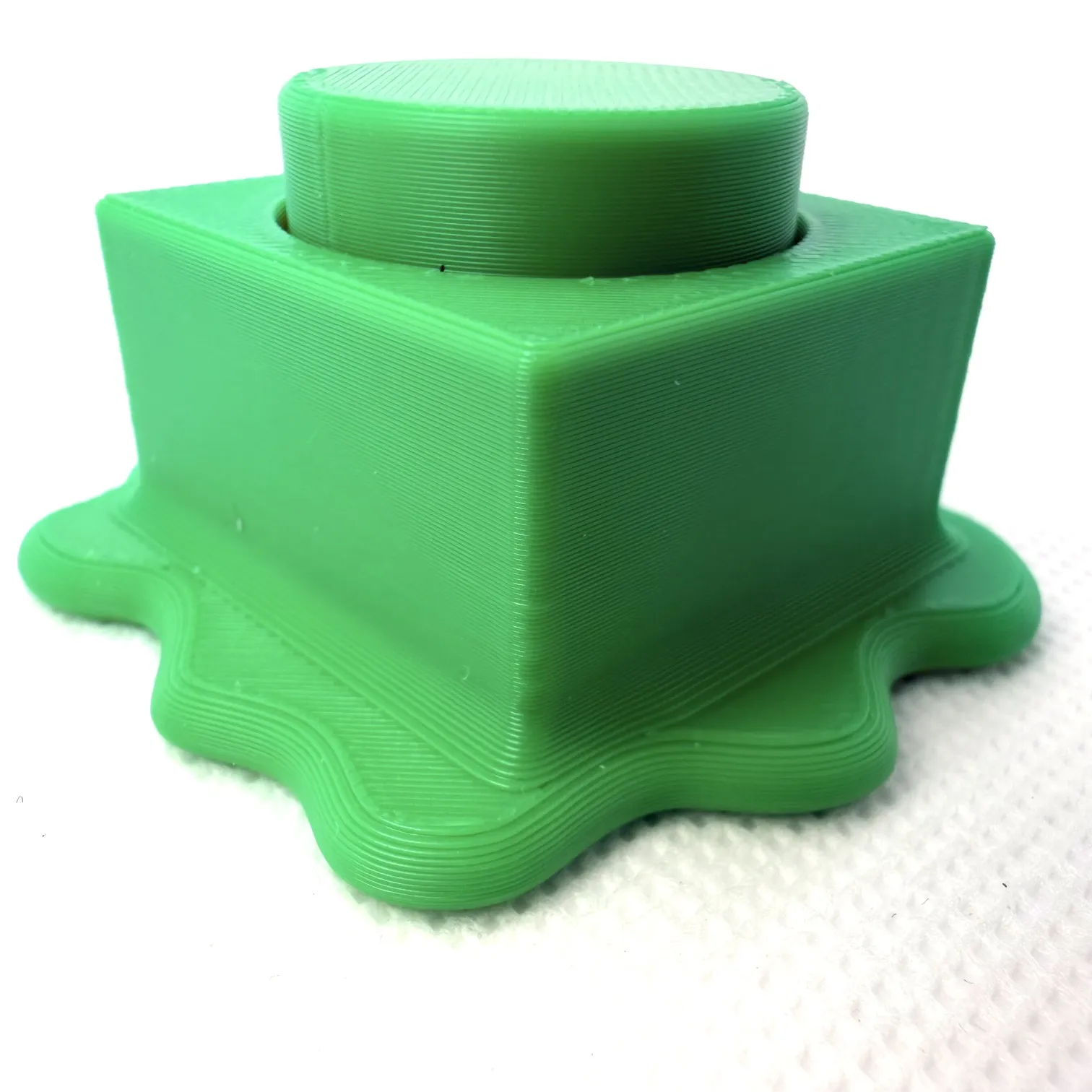
Meet the Melted Brick Clicker Fidget Toy — a playful twist on the classic interlocking building block toy you definitely grew up snapping together. This fidget looks like your favorite brick piece got left in a hot car and started to droop, but don’t worry… it still clicks like a dream. Press down on the oversized stud and you’ll feel that crisp, satisfying click from an MX-style keyboard switch, followed by a smooth pop-back reset that keeps your fingers coming back for more.

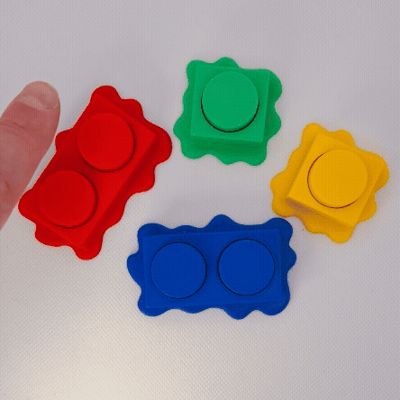
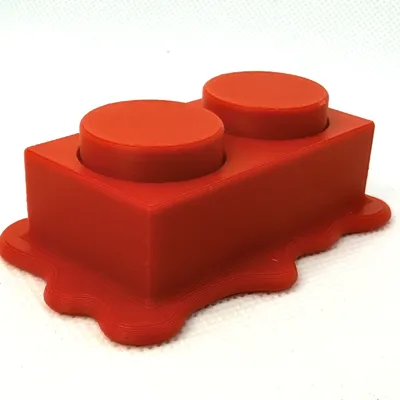
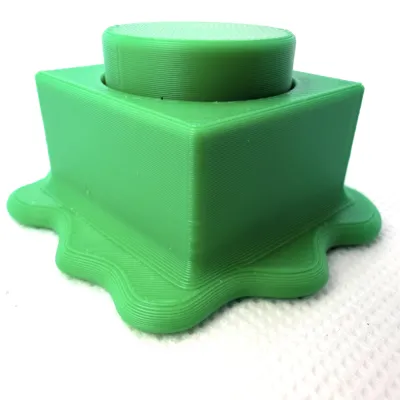
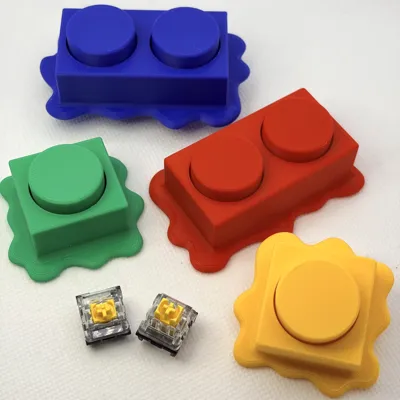
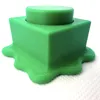
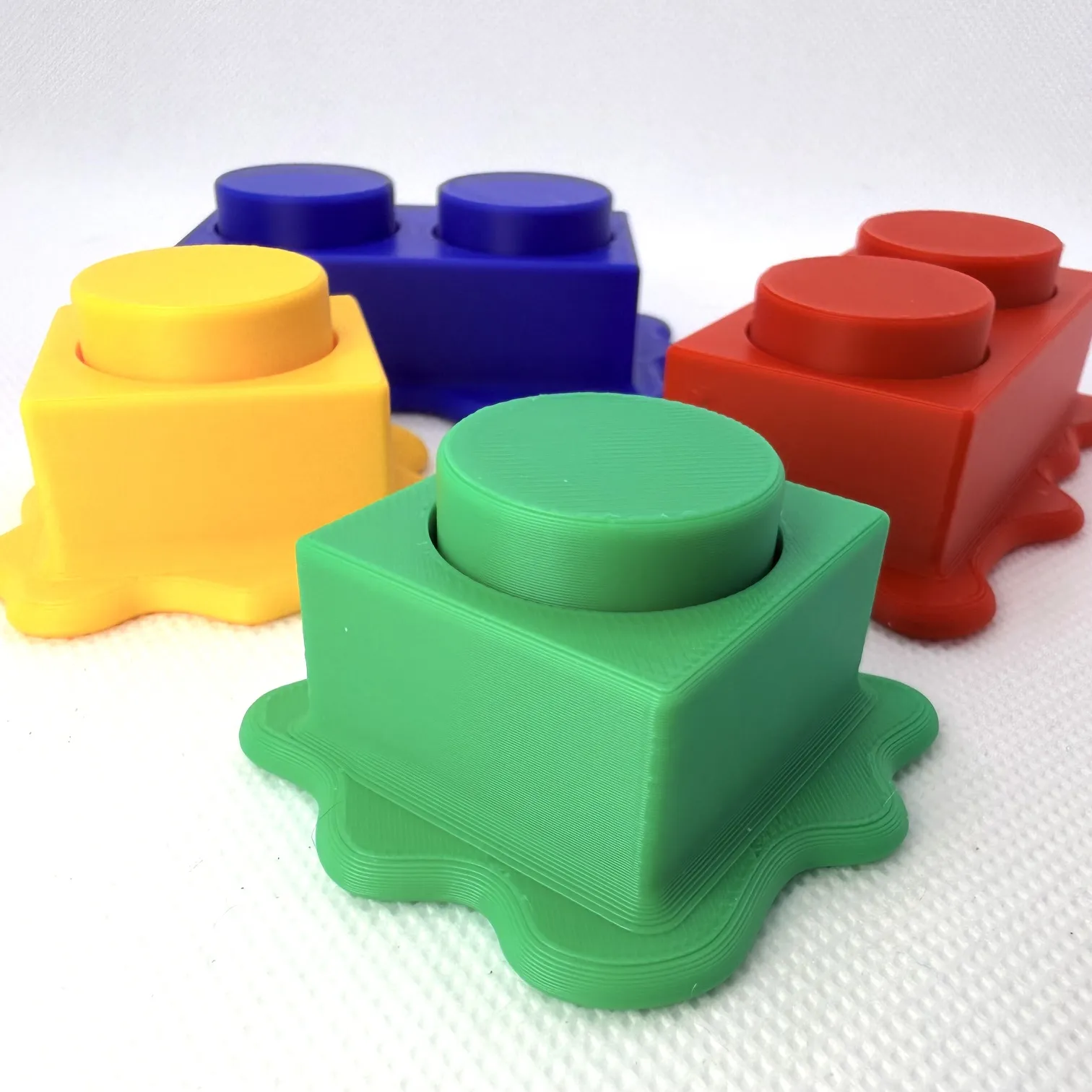
Available in two formats, just like the originals you remember: a 2x1 brick version (prints in about 46 minutes and uses two switches for double the clicky satisfaction) and a 1x1 brick version (quick print under 30 minutes with a single switch). It’s perfect for fidget lovers, desk toy collectors, or anyone who appreciates tactile, mechanical feedback wrapped in a nostalgic design. Whether you’re zoning out, focusing up, or just compulsively clicking, this melted brick brings retro building vibes with a fun, slightly warped personality.
NSTRUCTIONS
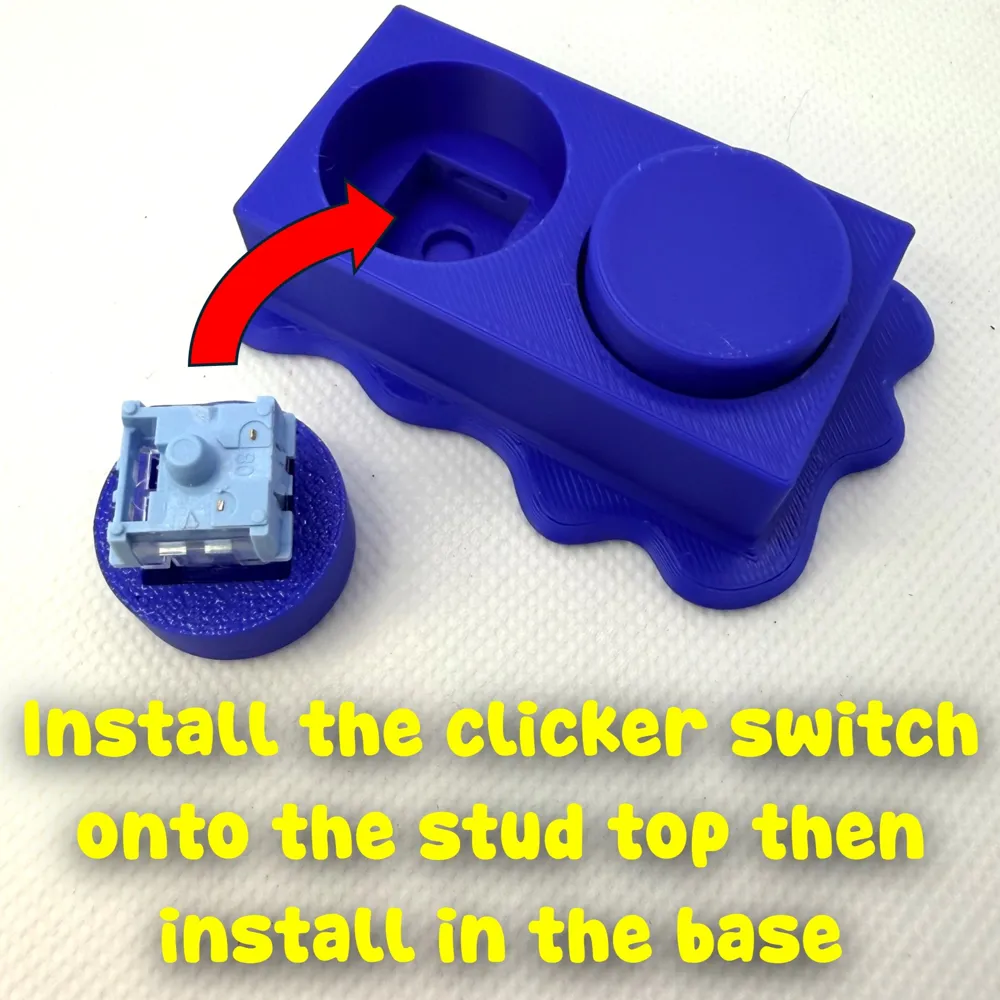
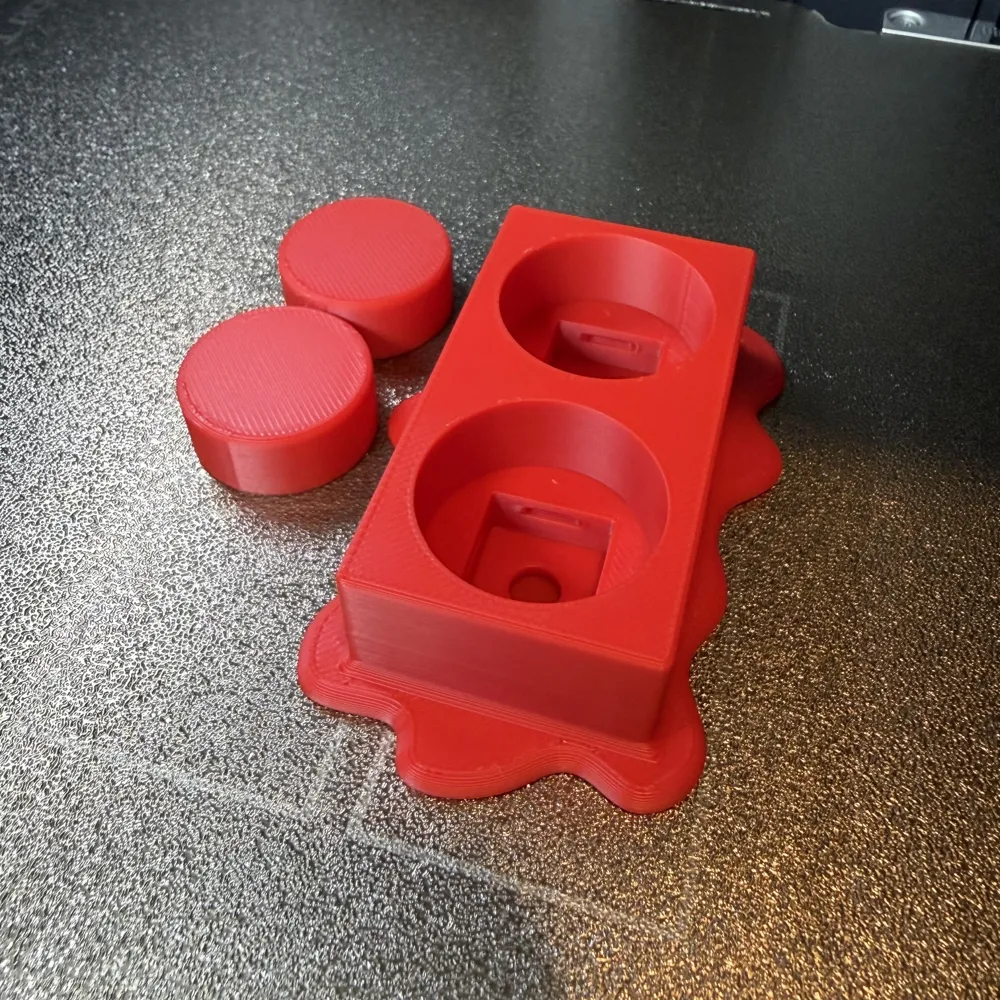
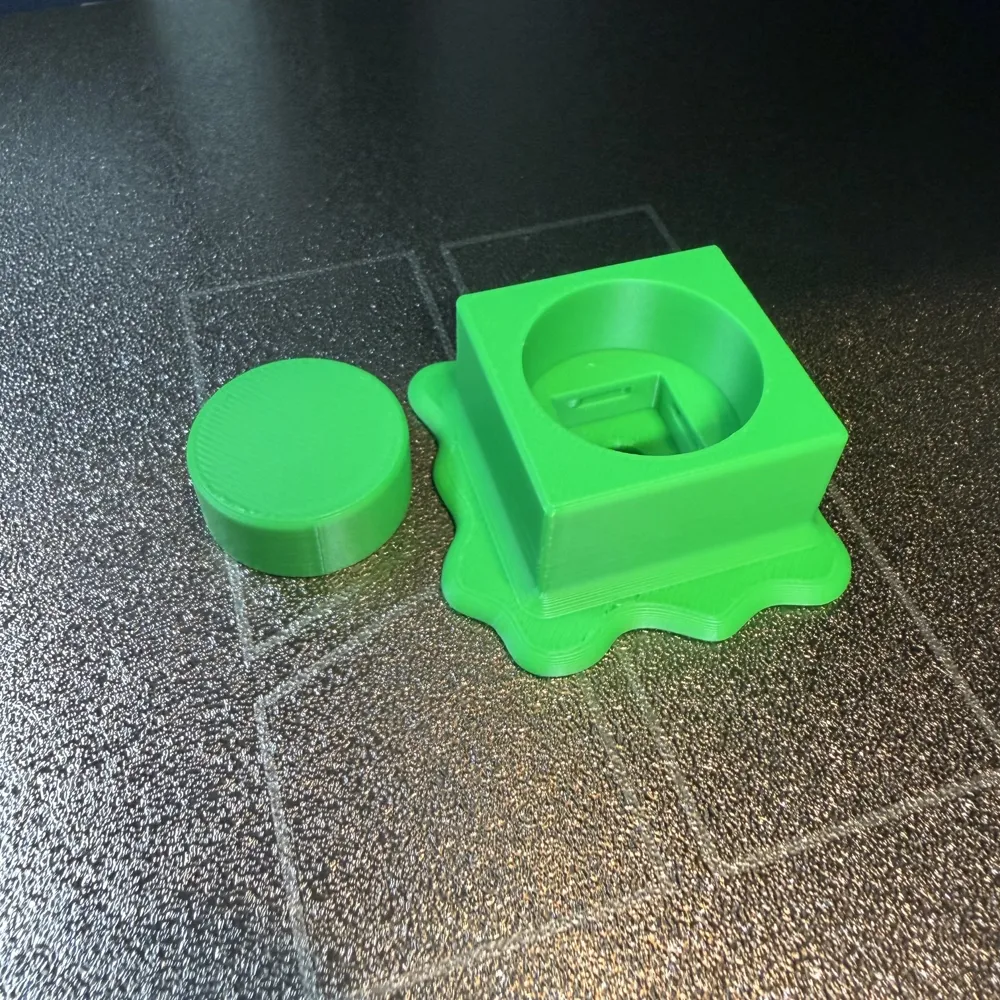
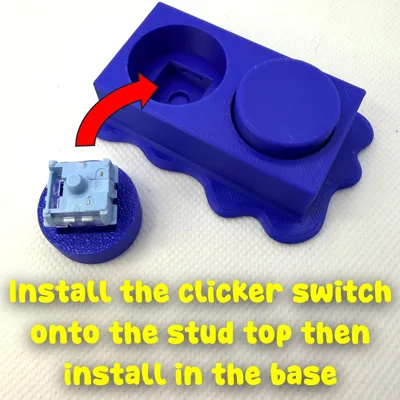
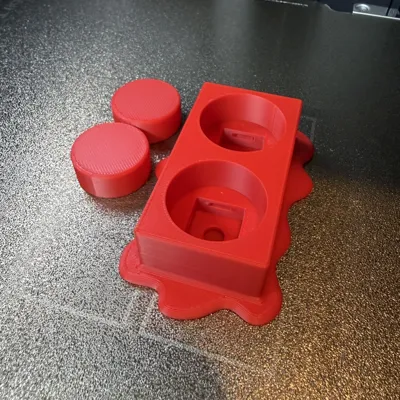
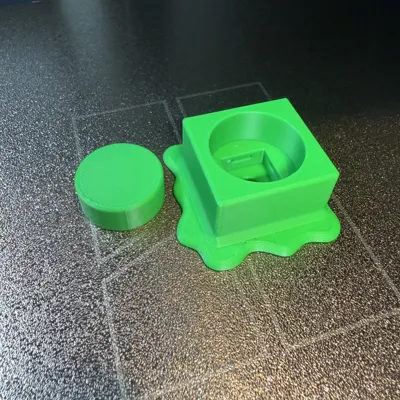
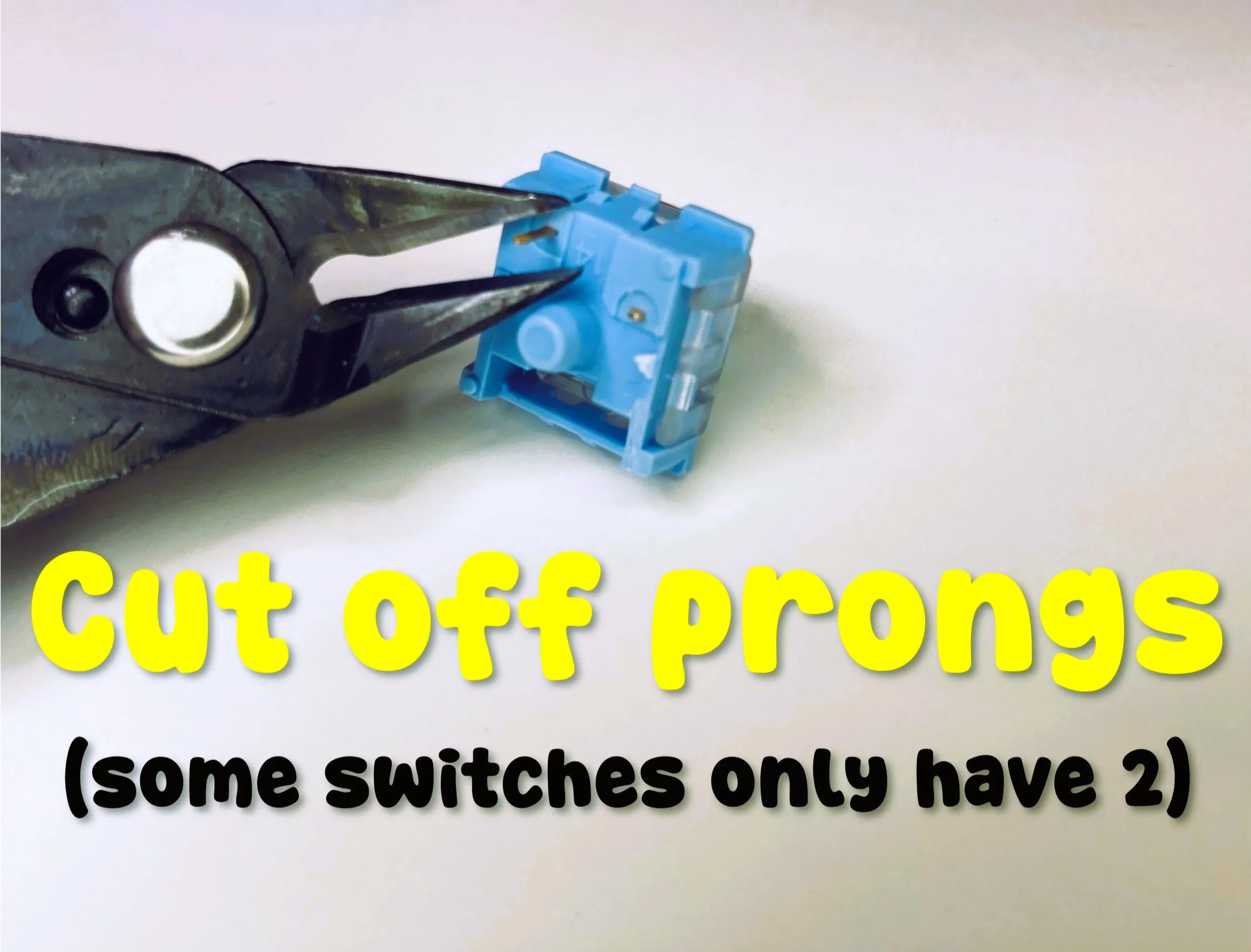
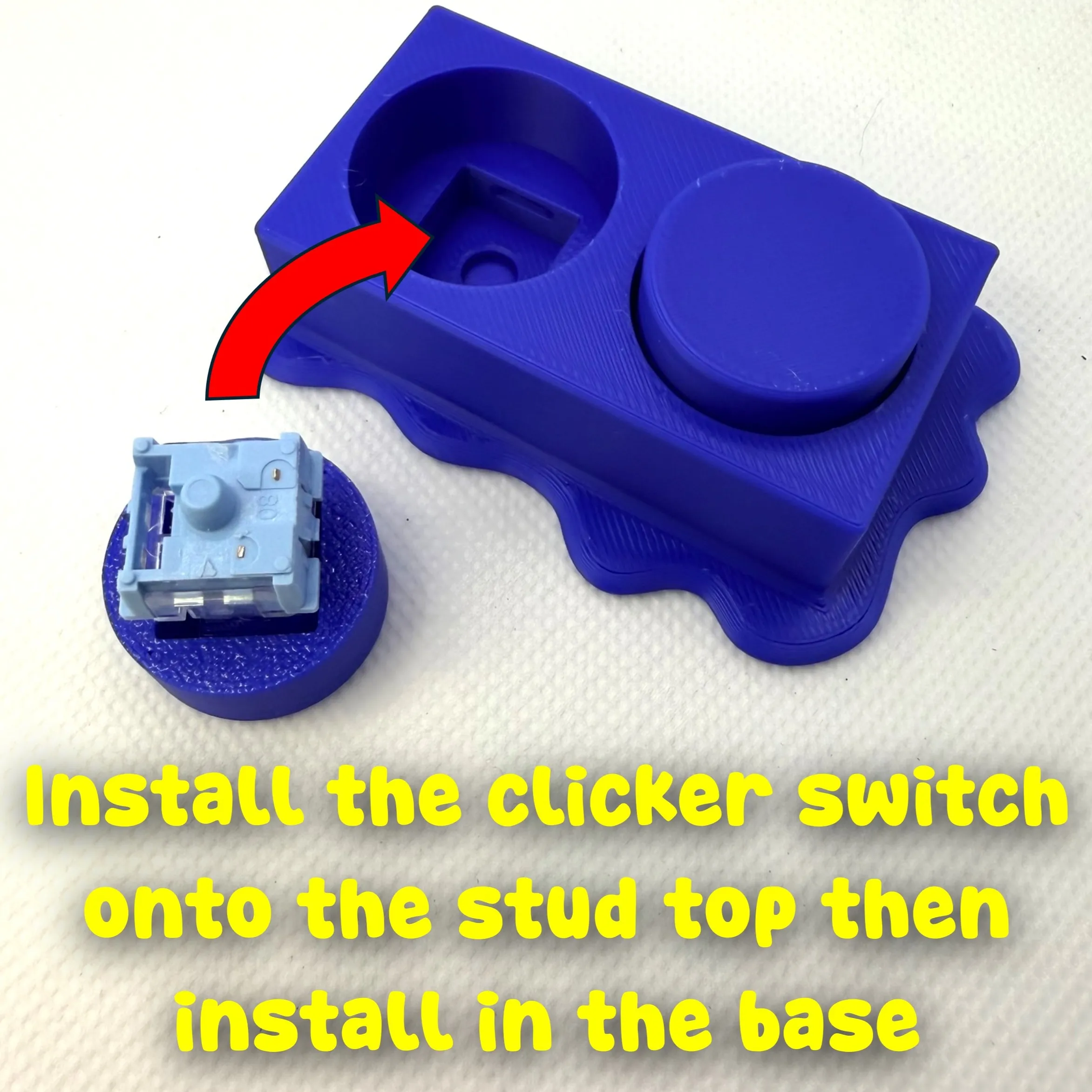
First, remove the prongs from the keyboard clicker switches as shown. Insert the clicker switch/button onto the brick stud and then insert into the base.
Boost Me (for free)
Our family designs and prints together and we would be honored if we can earn your boost!
License

You shall not share, sub-license, sell, rent, host, transfer, or distribute in any way the digital or 3D printed versions of this object, nor any other derivative work of this object in its digital or physical format (including - but not limited to - remixes of this object, and hosting on other digital platforms). The objects may not be used without permission in any way whatsoever in which you charge money, or collect fees.


Comment & Rating (4)