
Fanttik F2 Master Dock/Charging Station
Print Profile(1)
Description
I love cordless tools... but I'm also very good at forgetting to charge them. The obvious solution? A charging dock.
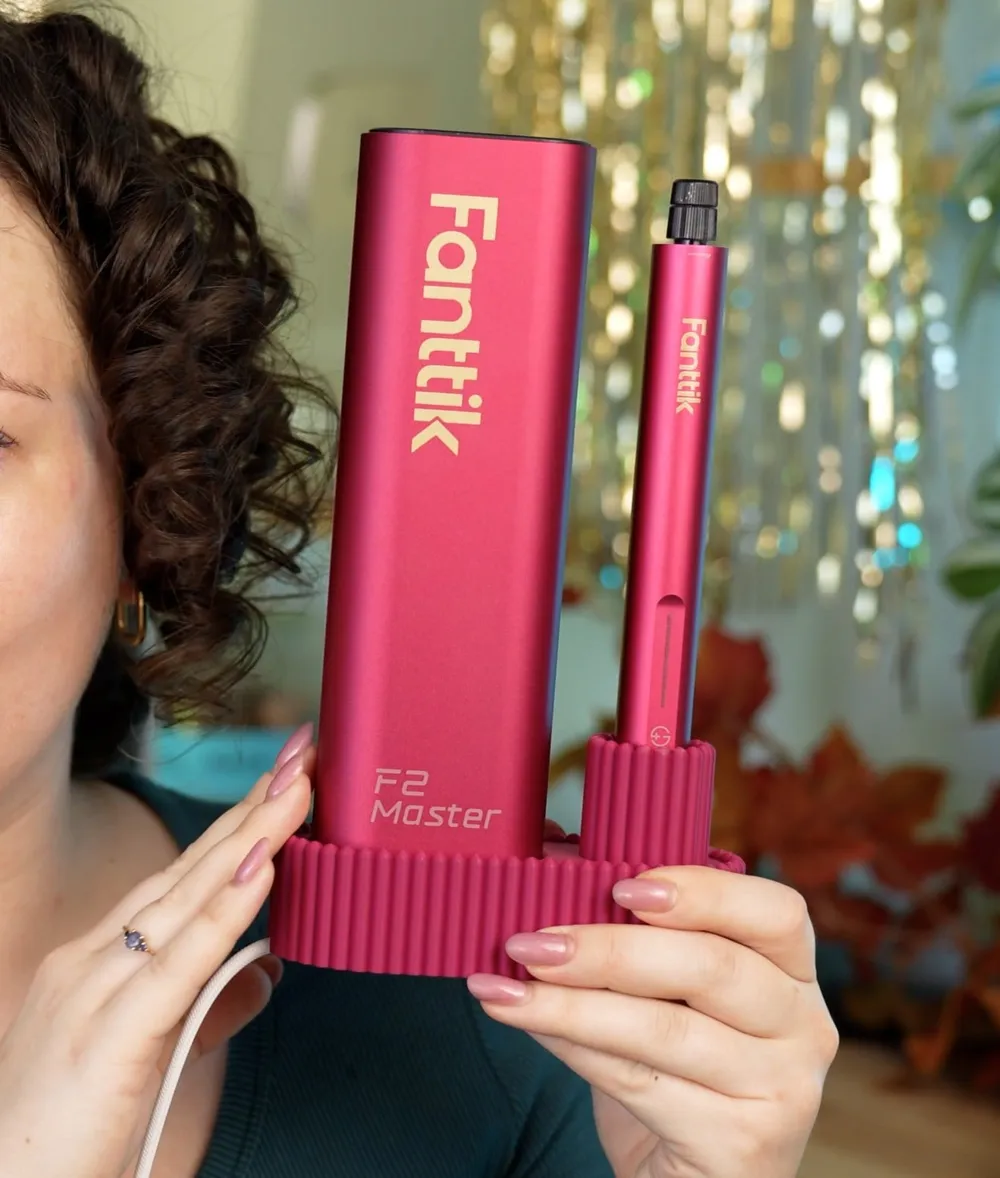
This is a simple, elegant charging dock for the Fanttik F2 Master Rotary Tool, designed around the things that bothered me about existing options:
- Oversized logos slapped onto everything. The tool already looks great, and the Fanttik branding is perfectly visible on both the tool and its case.
- Separate compartments for the tool and the accessory case, taking up more desk space than necessary.
- Compatibility only with the included USB-C cable which, in my opinion, is far too short.
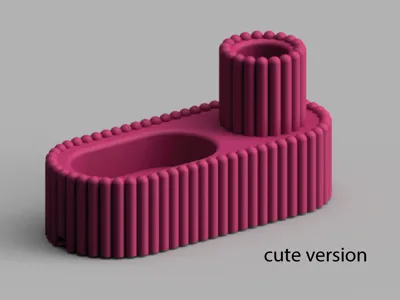
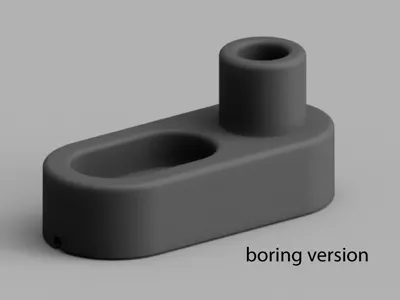
My design comes in two styles:
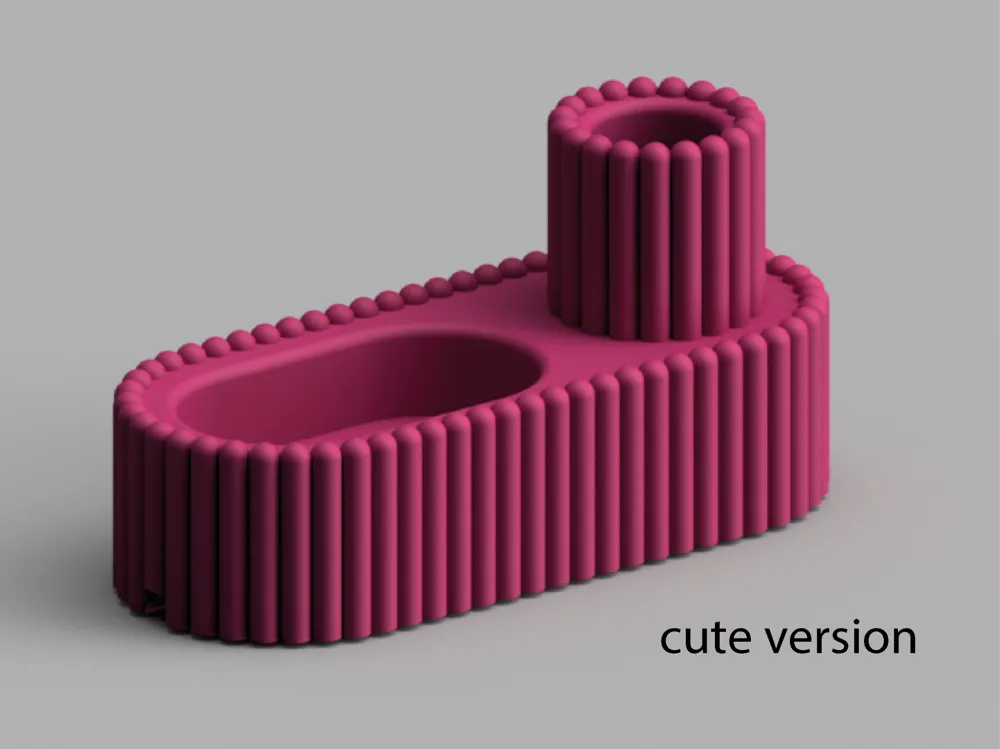
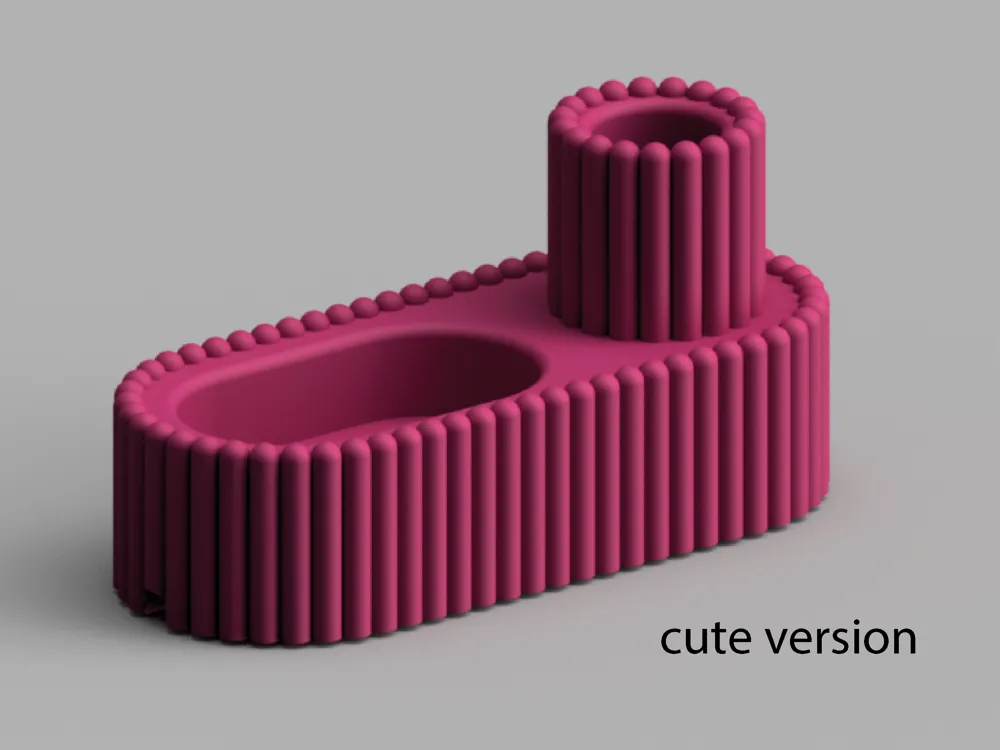
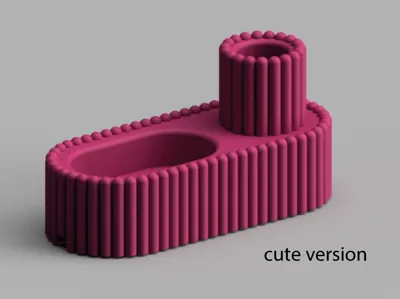
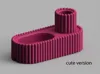
- Cute – for those who like their workspace to have a bit of personality.
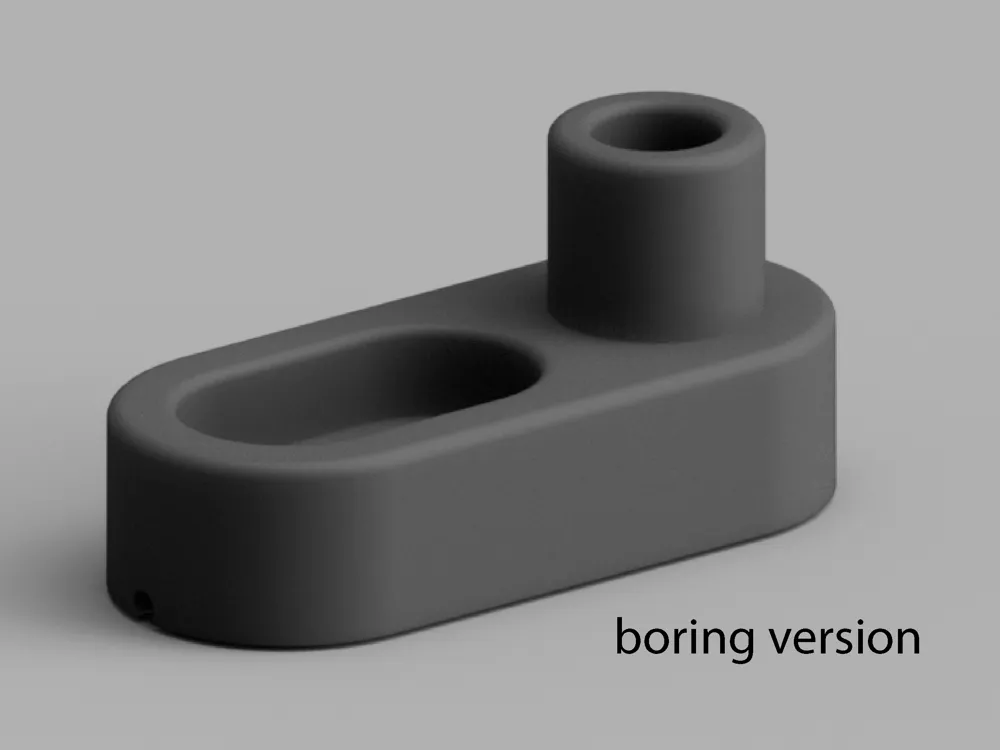
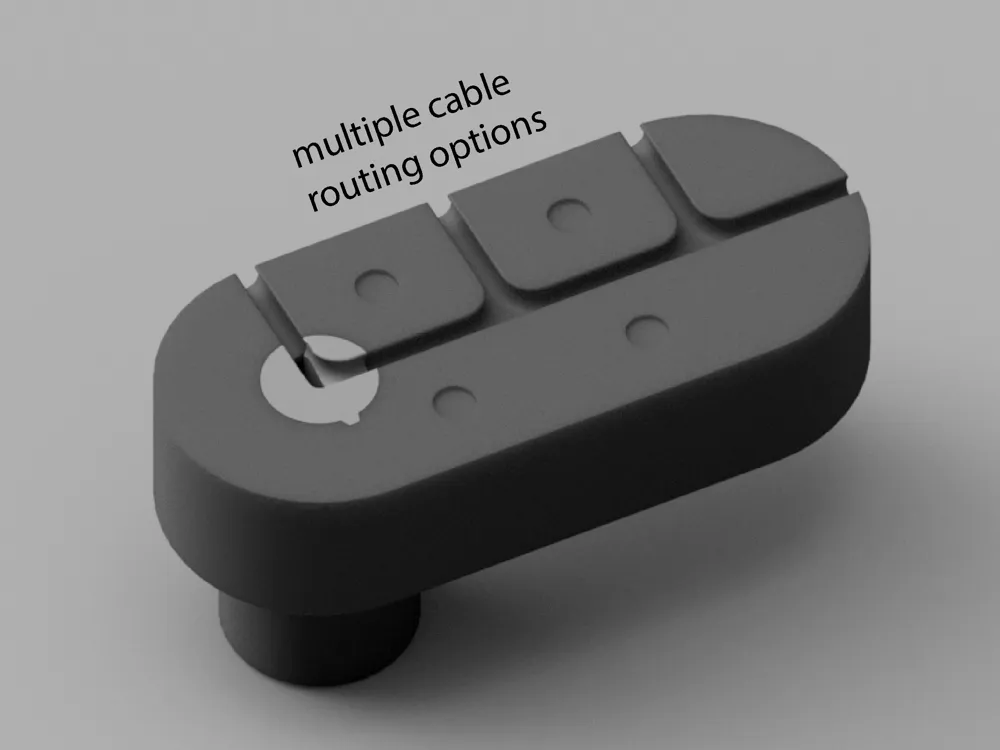
- Minimal – for those who just want a clean, practical dock.

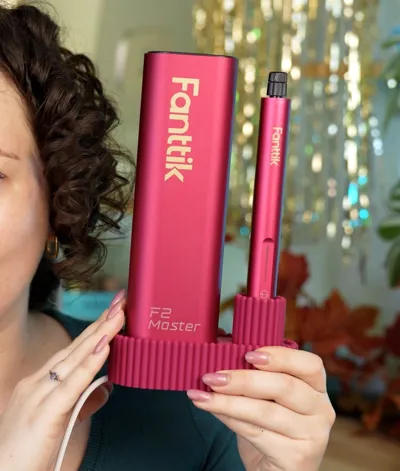
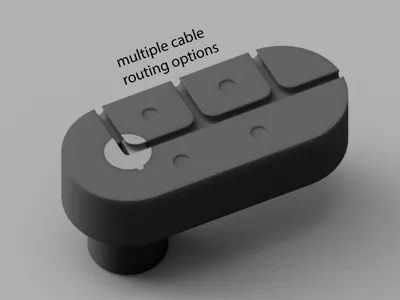
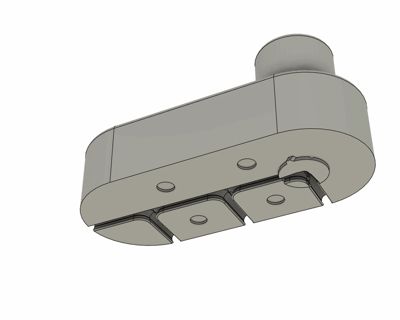
The dock holds both the rotary tool and its accessory case (with the bits in it), keeping everything together in a compact footprint. The underside features multiple cable channels, letting you route the cable in whichever direction best suits your setup. If needed, you can also mirror the model, for example, if you'd prefer the Fanttik logo to face forward while routing the cable to the left.
The design consists of just two printed parts:
- the main dock
- a removable cable core
I've included a cable core that fits the stock USB-C cable, as well as a blank .STEP file so you can easily customize the core for a different cable if needed.
Assembly
- Place your USB-C cable into the cable core.
- Insert the core into the dock and twist it into place.
- A small locking nub secures the core, so a flathead screwdriver may help with the final bit of rotation.
- Route the cable through your preferred channel on the underside, and you're ready to go.
Enjoy never wondering where your rotary tool is, or whether it's charged, ever again!
License

You may create derivative works based on this object, provided that all such derivative works are published exclusively on the MakerWorld platform and include proper attribution to the original creator. You may not share, upload, host, distribute, or publish this object—or any derivative work of this object—on any other digital platform, marketplace, or distribution channel. Commercial use of this object and any derivative works is strictly prohibited. This includes, but is not limited to, selling, renting, sublicensing, or using the object in any context in which you receive monetary compensation or other financial benefits.


Comment & Rating (1)