
Periodic Table Element Keychain
Print Profile(1)
Bill of Materials

Description
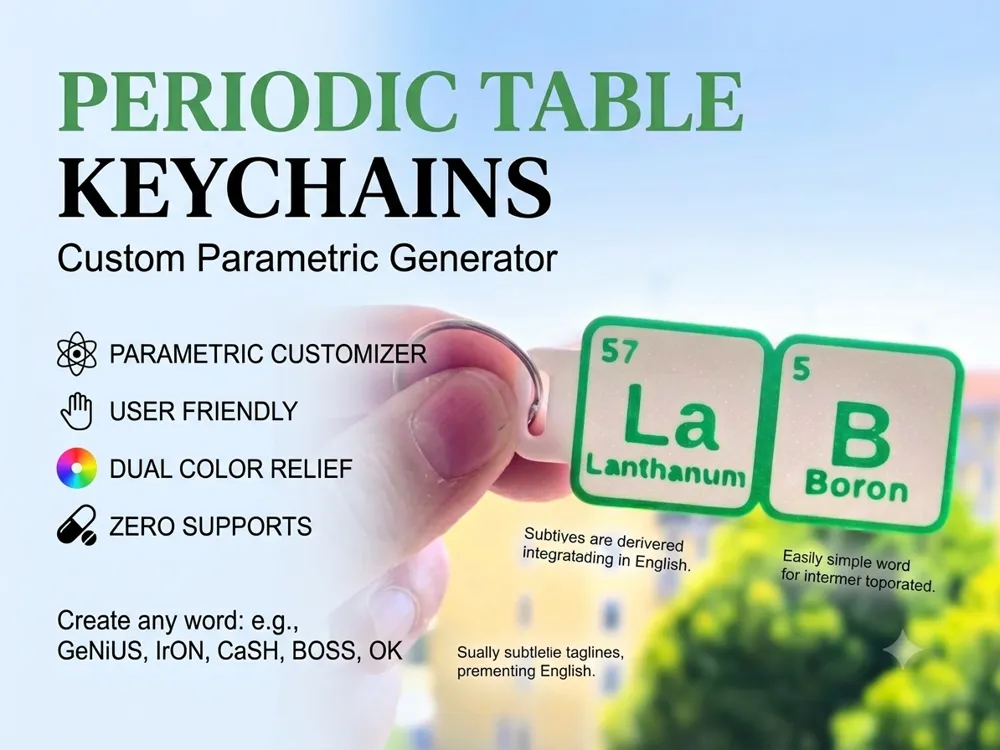
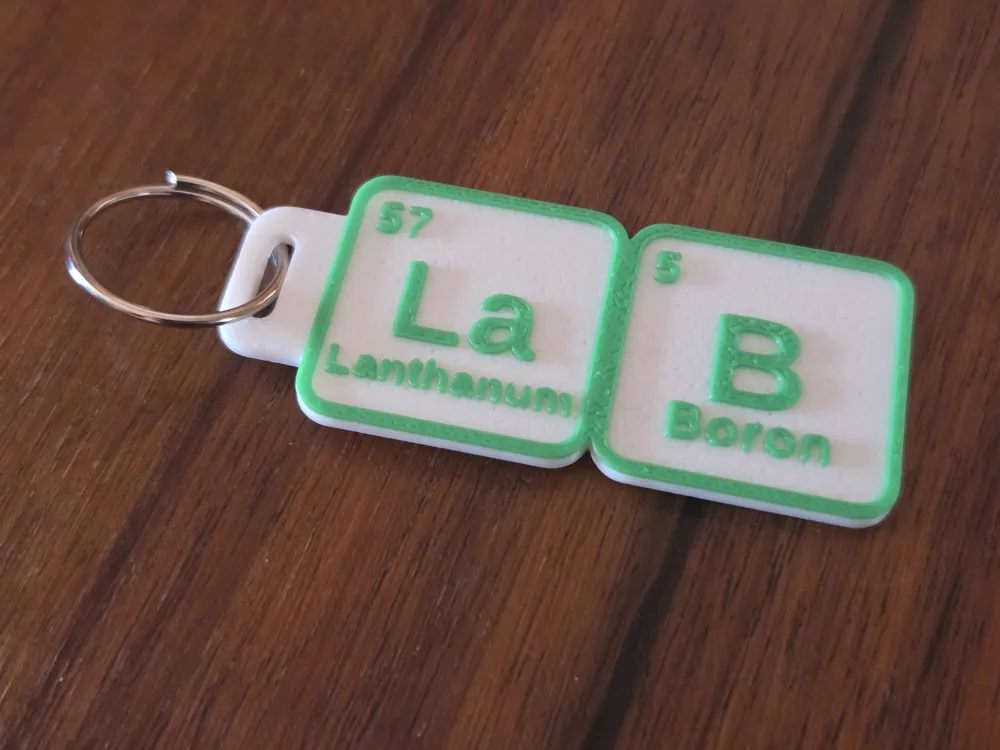
🧪 Parametric Periodic Table Keychain Generator ⚛️
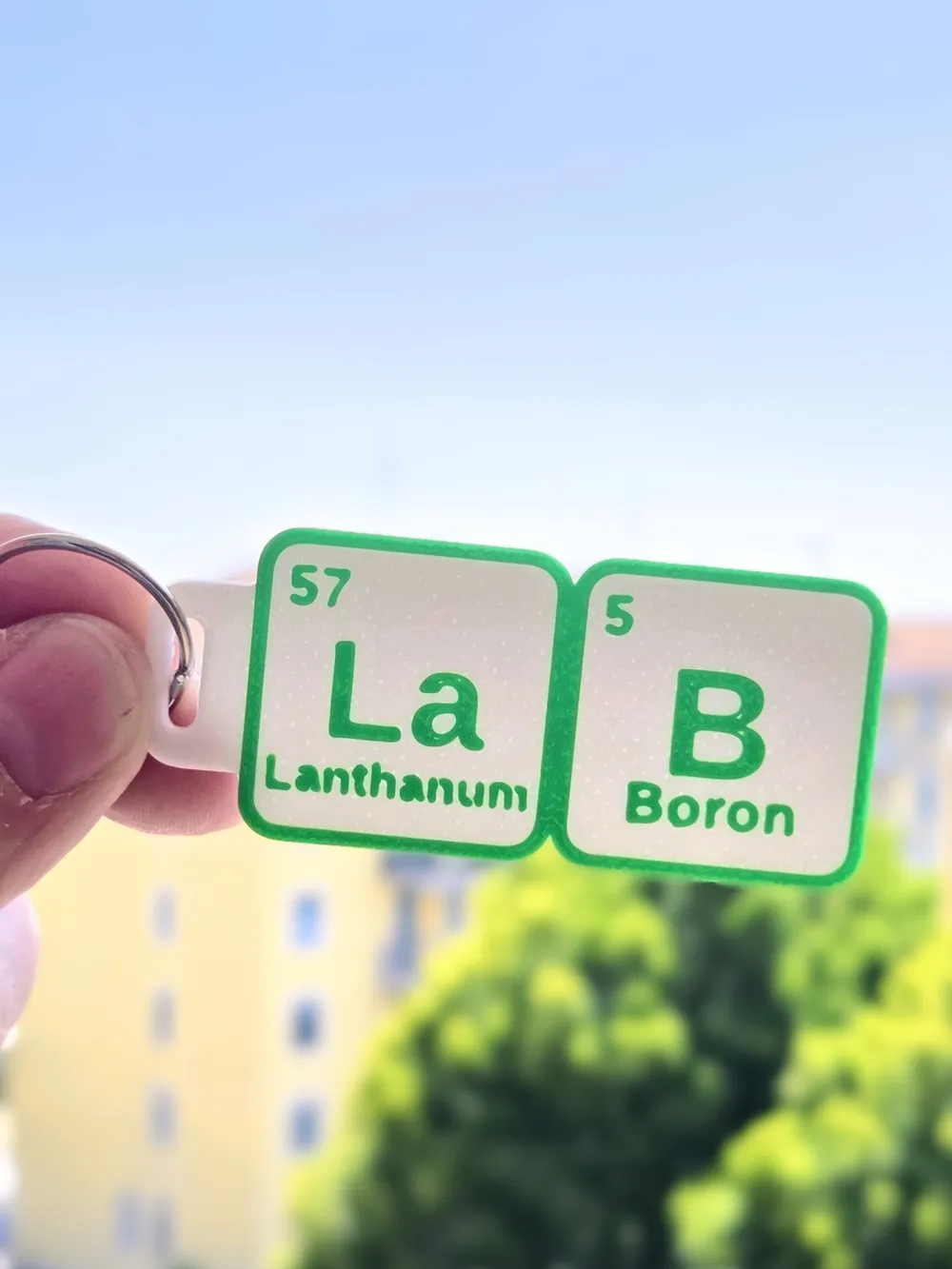
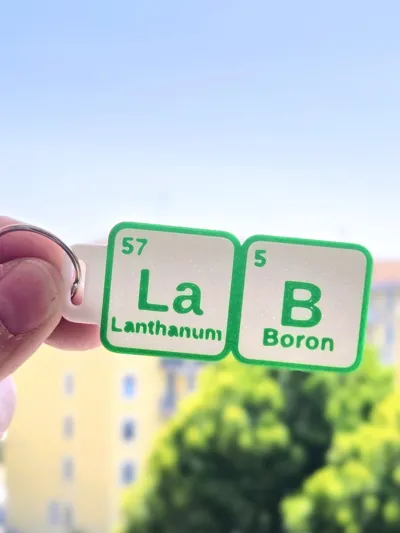
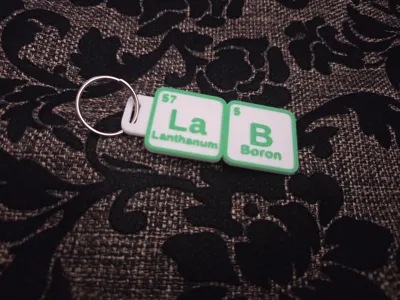
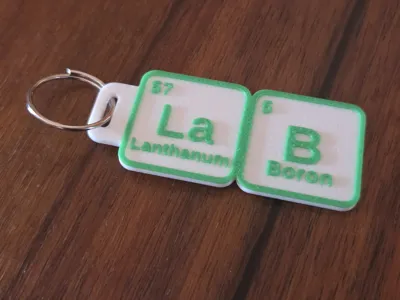
Transform any word, name, or acronym into a stylish, custom 3D-printed keychain using real chemical element symbols from the Periodic Table! (e.g., Ge-Ni-U-S, Ir-O-N, Ca-S-H, Ba-C-I).
Designed specifically for MakerWorld's Parametric Customizer, this model automatically parses your input text, places atomic numbers, and renders high-definition tiles.
Boost Me (for free)
If you enjoy my designs, please consider supporting my work with a Boost on MakerWorld!
✨ Key Features
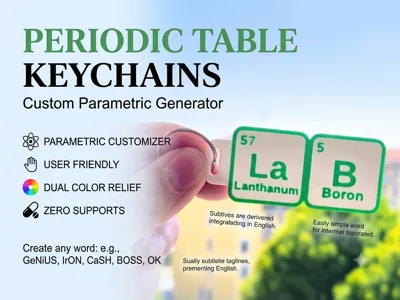
- 🧬 Fully Parametric & Customizable: Instantly generate personalized keychains directly inside MakerWorld Customizer!
- 🔍 Smart Word Verification Engine: Built-in OpenSCAD code automatically checks if your input text can be built using valid Periodic Table element symbols. If a word isn't possible, an error message prompts you to try another combination!
- 📐 Smart Auto-Scaling & Manual Adjustments: Long element names (like Rutherfordium) scale down automatically. You can also manually adjust font scale or vertical Y-shift to fine-tune text positioning.
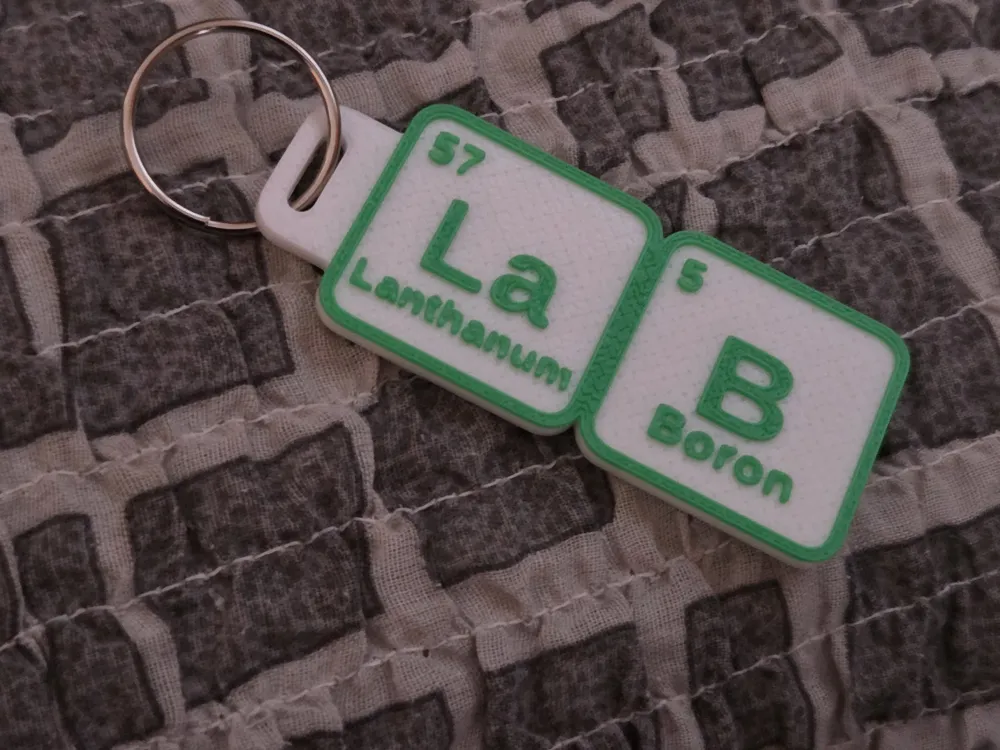
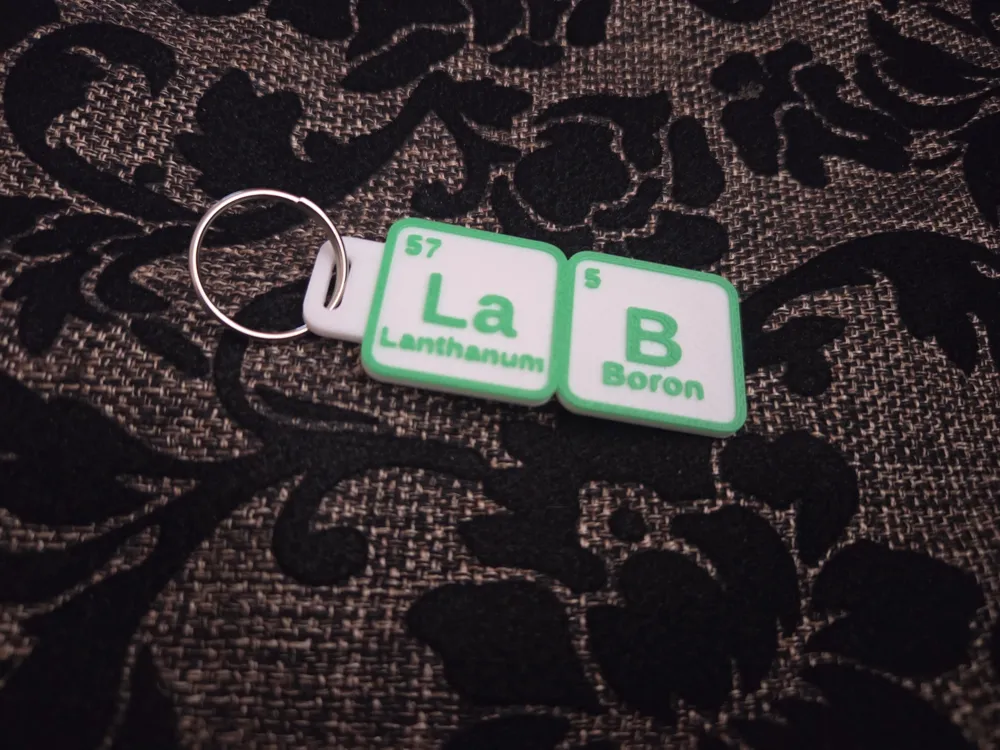
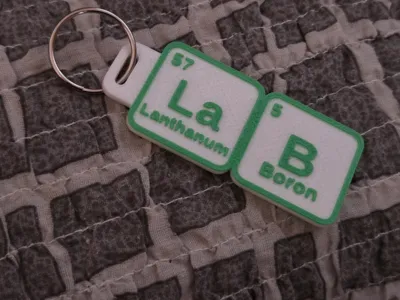
- 🔑 Multiple Attachment Styles: Choose between an integrated top loop (Hanger), an External Ring, or None for standalone display tiles.
- 💎 Crisp Dual-Color Relief: Solid 2.0mm base with a precise 0.6mm raised border and typography for optimal legibility.
- 🖨️ Zero-Support Printing: Clean geometry engineered to print flawlessly without any supports.
💡 Need Inspiration? Words & Ideas to Try!
Not sure what to type? Copy and paste any of these 10 pre-tested words into the Customizer to get started right away:
- 💬 HI (H + I) — Quick Greeting (2 Elements)
- 👍 OK (O + K) — Universal Classic (2 Elements)
- ☕ CaFe (Ca + Fe) — Coffee Lovers (2 Elements)
- 💸 CaSH (Ca + S + H) — Slang / Money (3 Elements)
- 🦾 IrON (Ir + O + N) — Superhero / Metal (3 Elements)
- 💋 BaCI (Ba + C + I) — Italian for "Kisses" (3 Elements)
- ❤️ AmORe (Am + O + Re) — Italian/Spanish for "Love" (3 Elements)
- 🧠 GeNiUS (Ge + Ni + U + S) — Smart & Fun (4 Elements)
- 👔 BOSS (B + O + S + S) — Desk / Gift Idea (4 Elements)
- 🚀 SUPEr (S + U + P + Er) — Motivational (4 Elements)
🛠️ Customizer Settings Guide
Customize every detail of your keychain with ease:
🔹 Main Settings
- Input_Text: Enter the word you wish to compose (e.g., iron, genius, cash, baci).
- Hook_Style: Select the attachment style (Hanger, External Ring, or None).
- Show_Element_Name: Toggle on/off to show or hide the full element name at the bottom.
- Element_Name_Scale: Fine-tune the element name scale (reduce if text touches borders).
- Element_Name_Y_Shift: Adjust vertical position (positive values move text UP).
🔹 Colors
- Base_Color: Click the color swatch to open the visual palette picker and select your base color.
- Text_Color: Click the color swatch to open the palette picker and select your color for raised text, atomic numbers, and borders.
🔹 Tile Settings
- Tile_Size: Side length of each square tile in mm (Default: 30mm).
- Base_Thickness: Total thickness of the base plate (Default: 2.0mm).
- Text_Relief: Height of raised text and borders (Default: 0.6mm).
- Connector_Spacing: Distance between individual tiles (Default: 0mm).
🖨️ How to Print (Dual-Color Instructions)
Get a stunning two-color look with AMS or a simple manual Pause:
- 0.0mm – 2.0mm: Base (Color 1)
- 2.0mm: Pause / Filament Change Height
- 2.0mm – 2.6mm: Text, Numbers & Borders (Color 2)
🟢 Option 1: With AMS (Multi-Material)
- In Bambu Studio, assign Color 1 (e.g., Black) to the Base and Color 2 (e.g., Gold/Bronze) to Text and Borders.
🟡 Option 2: Without AMS (Manual Pause)
- Slice your model at 0.20mm layer height.
- Add a Pause on the slicer height slider exactly at 2.0mm height (this sets the pause right before Layer 11 begins, after the 2.0mm base is fully printed).
- Print the base (0.0mm – 2.0mm) in Color 1.
- When the printer pauses at 2.0mm, swap filament to Color 2 and resume printing the raised details (2.0mm – 2.6mm).
🎨 Popular Color Combinations
- 🥇 Authentic Lab: Matte Black Base + Silk Gold or Bronze Text
- 🧪 Cyber Neon: Dark Charcoal Base + Silk Teal or Neon Green Text
- ⚪ Modern Minimalist: White Base + Deep Black Text
💡 Printing Tips
- No Supports Required!
- Ensure proper bed adhesion so the fine text relief prints crisp and clean.
- A Textured PEI Plate gives the backside a clean, premium surface finish.
👍 Enjoying this generator? Leave a Like, share your Prints, and don't forget to Boost!
License

You shall not share, sub-license, sell, rent, host, transfer, or distribute in any way the digital or 3D printed versions of this object, nor any other derivative work of this object in its digital or physical format (including - but not limited to - remixes of this object, and hosting on other digital platforms). The objects may not be used without permission in any way whatsoever in which you charge money, or collect fees.


Comment & Rating (0)