
Crucifix,2 Piece Crucifix, Support Reduced Cross
Print Profile(2)
Bill of Materials

Description
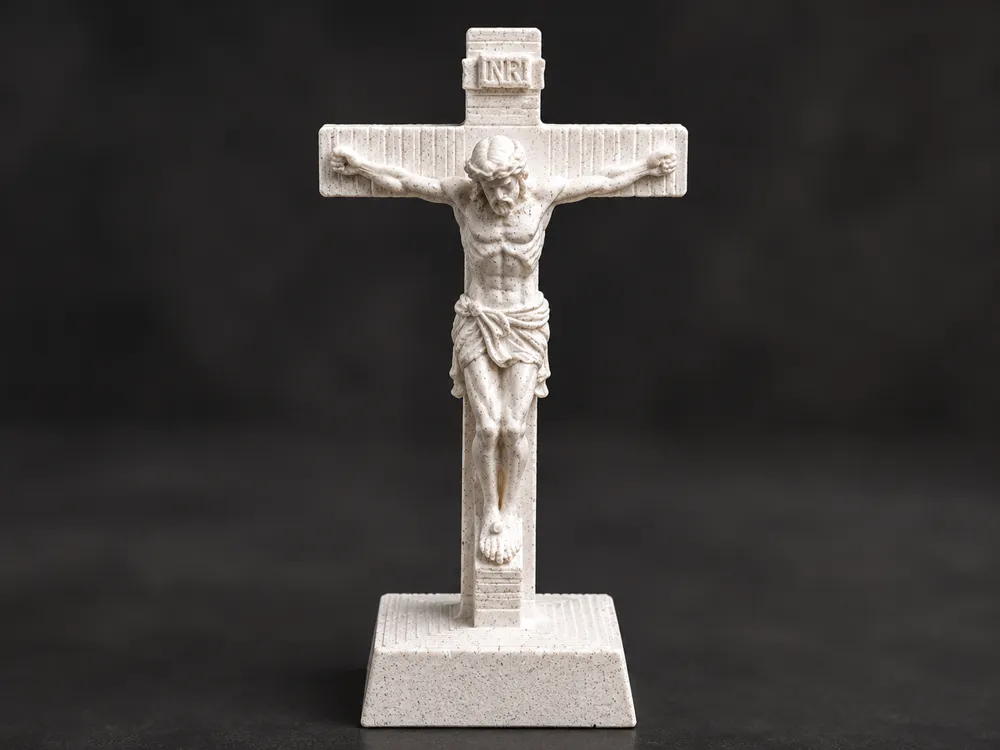
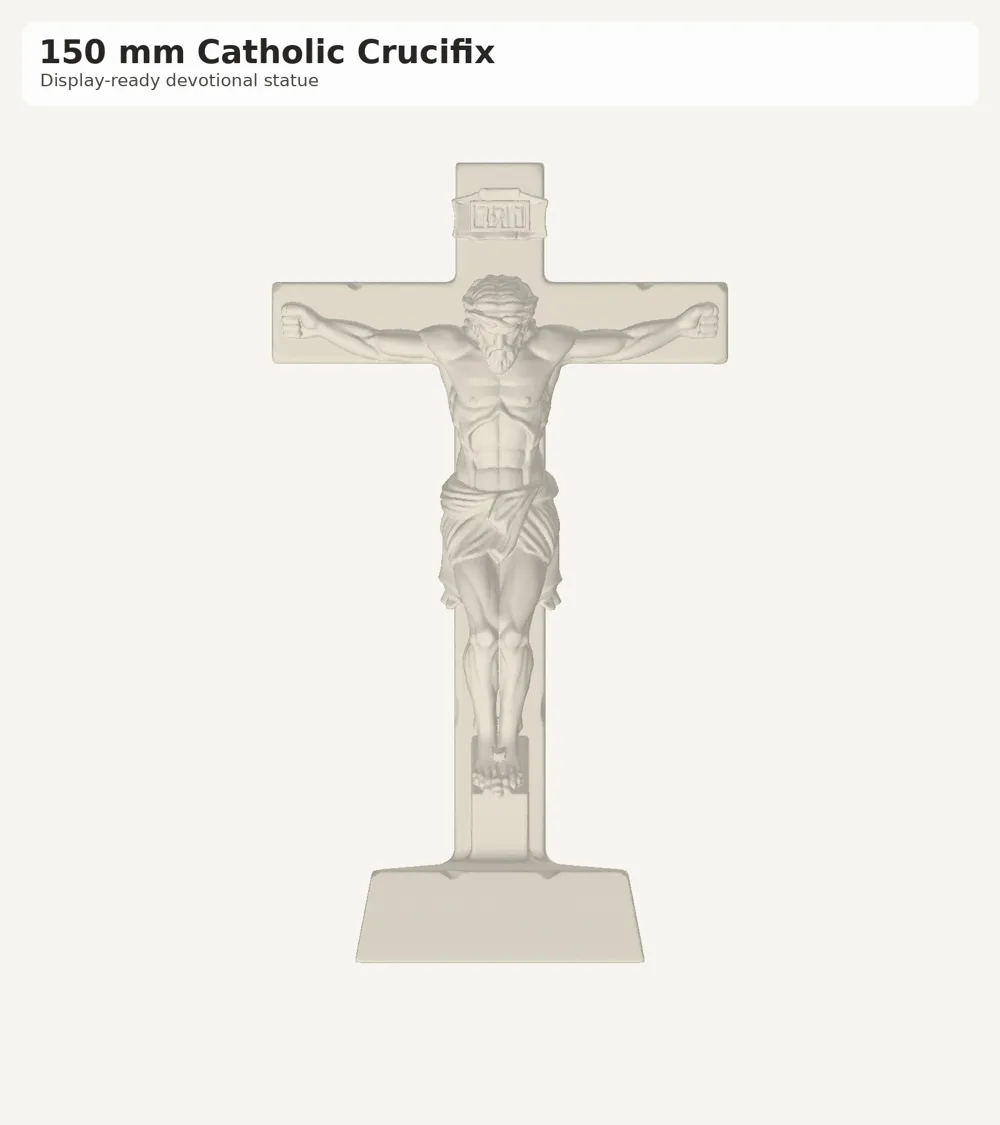
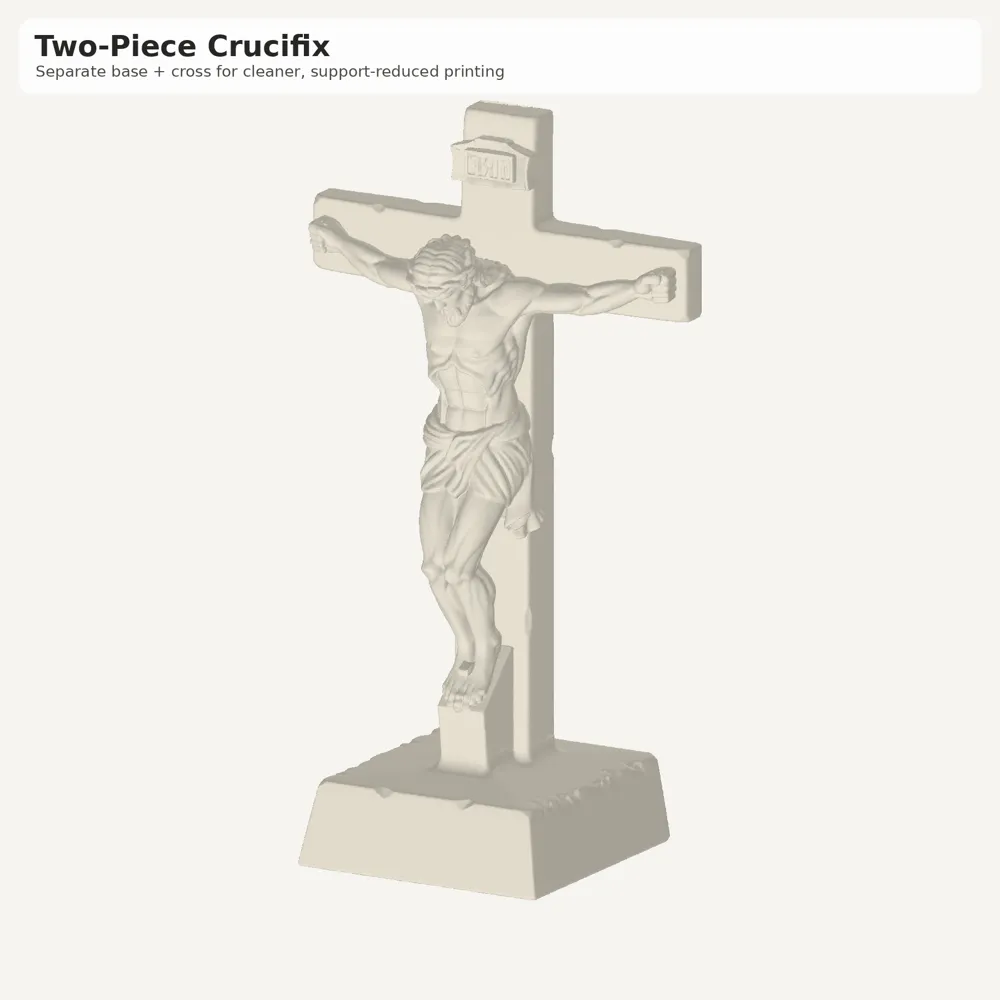
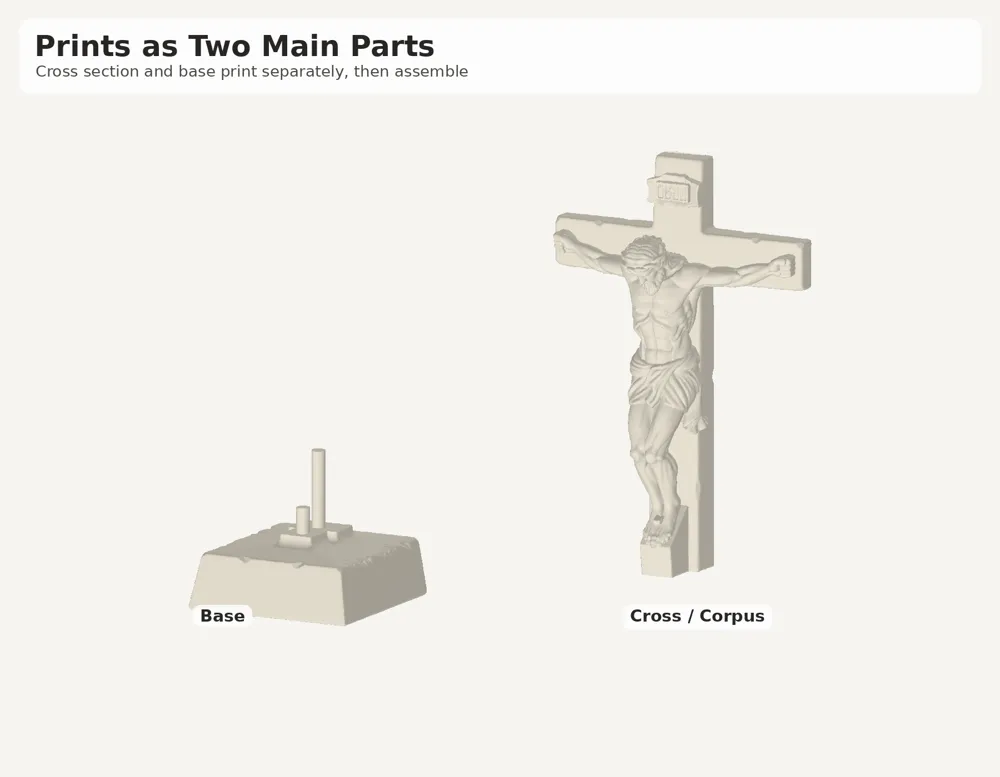
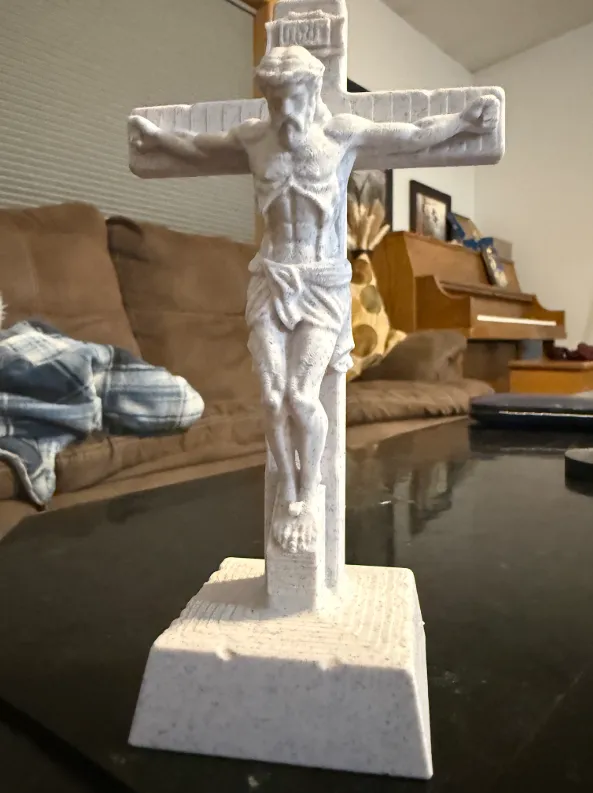
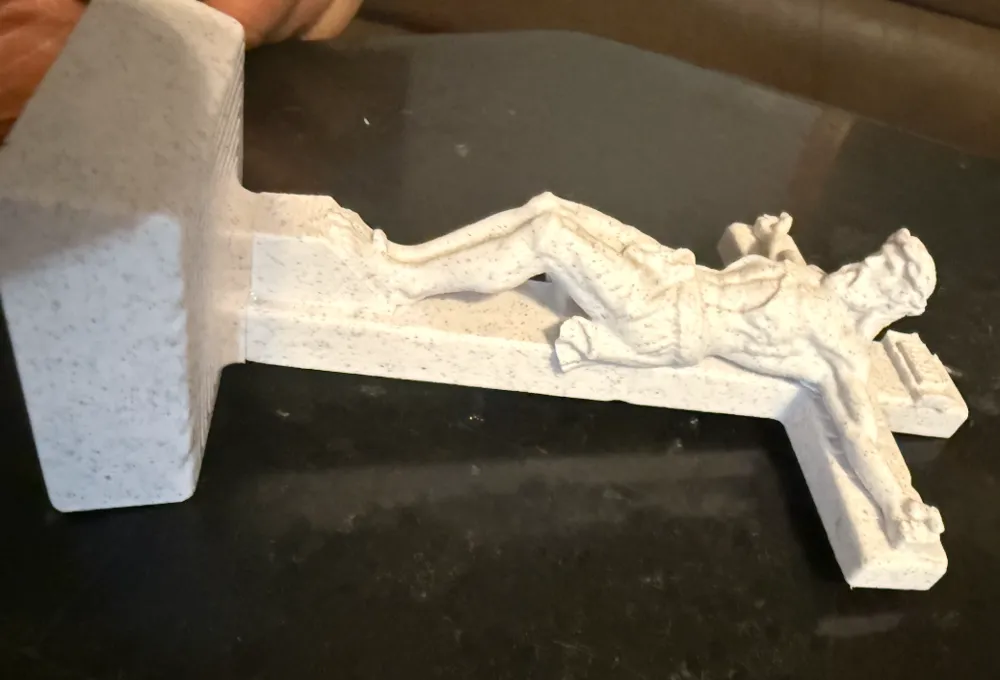
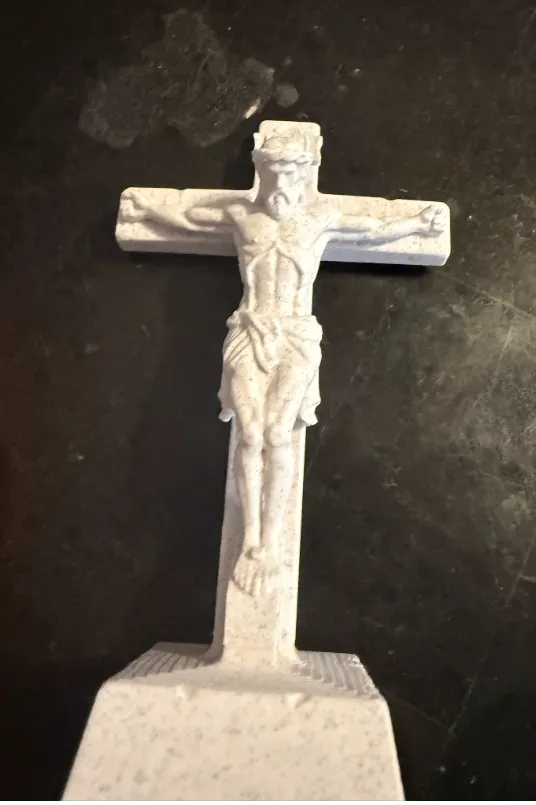
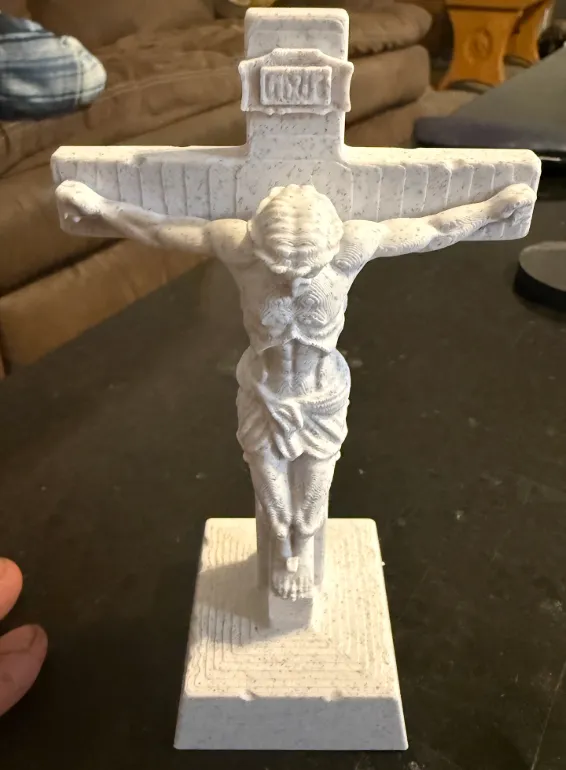
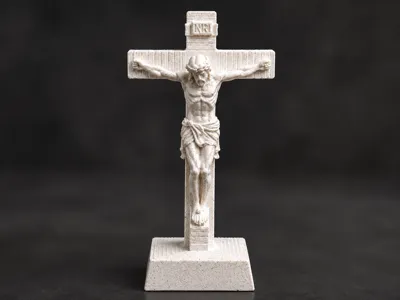
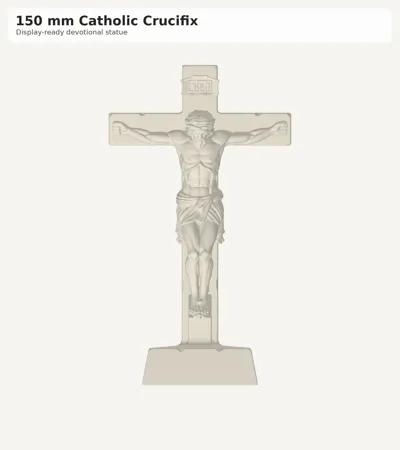
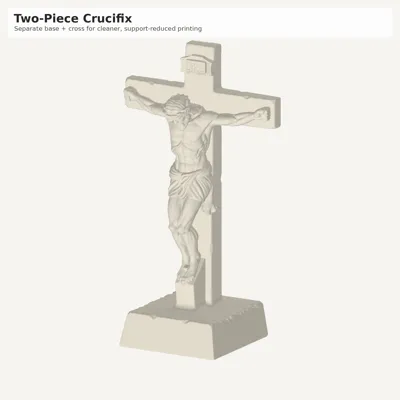
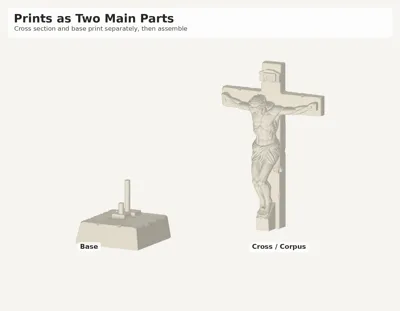
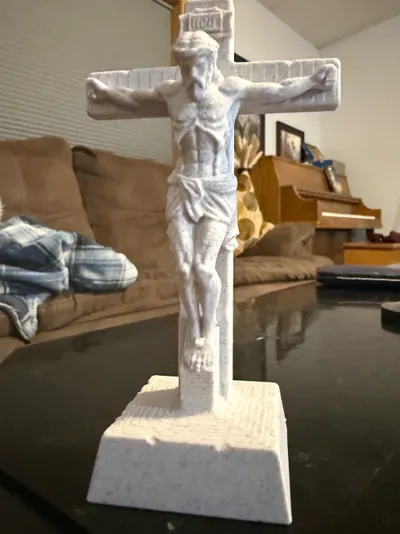
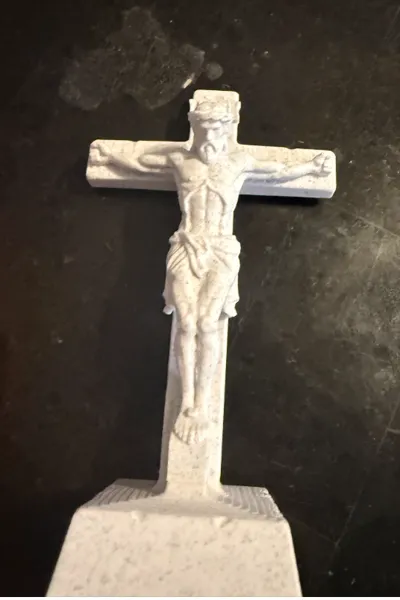
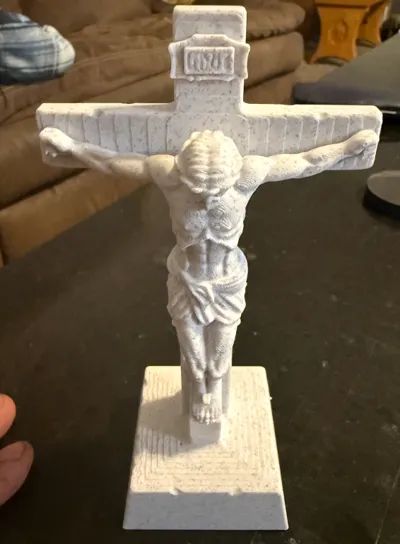
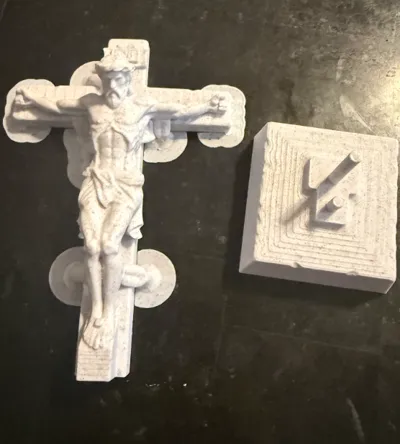
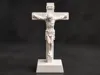
This is a 150 mm standing Catholic crucifix designed as a cleaner, easier print. The model separates the crucifix body from the base so the main cross section can be printed more efficiently with fewer major supports and less cleanup.
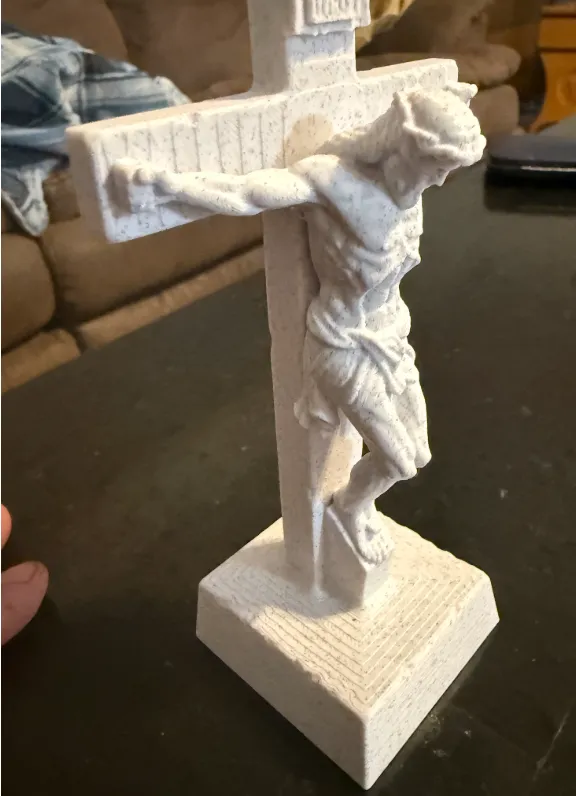
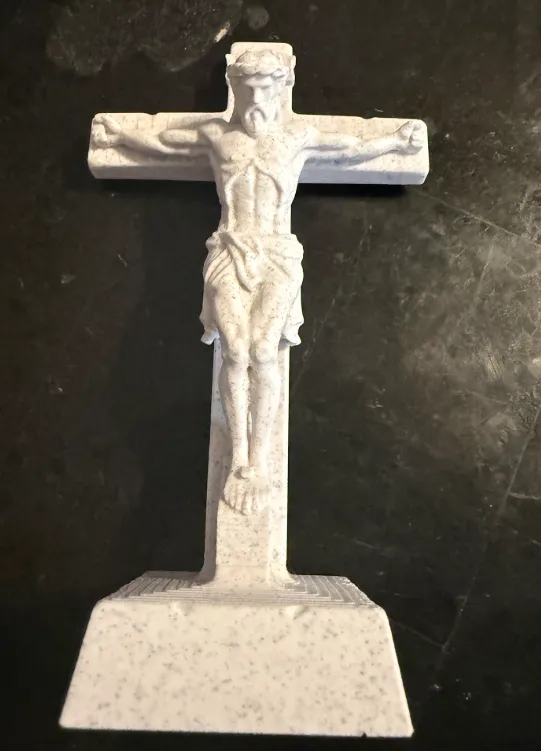
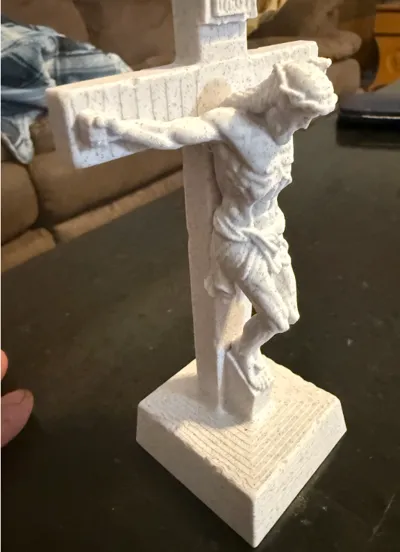
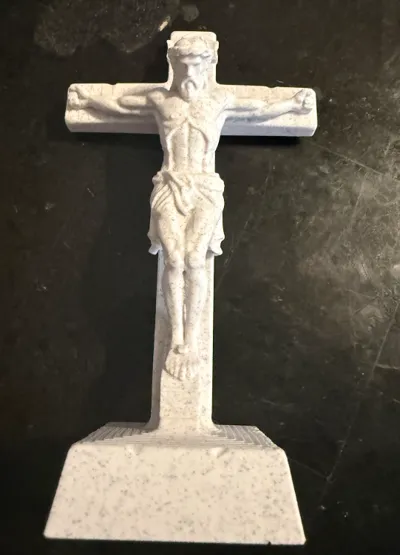
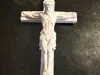
The finished piece has a traditional devotional look with a sculpted corpus, INRI plaque, rectangular cross, and a stable display base. It works well as a home altar piece, prayer corner display, desk crucifix, shelf decoration, or Catholic gift.
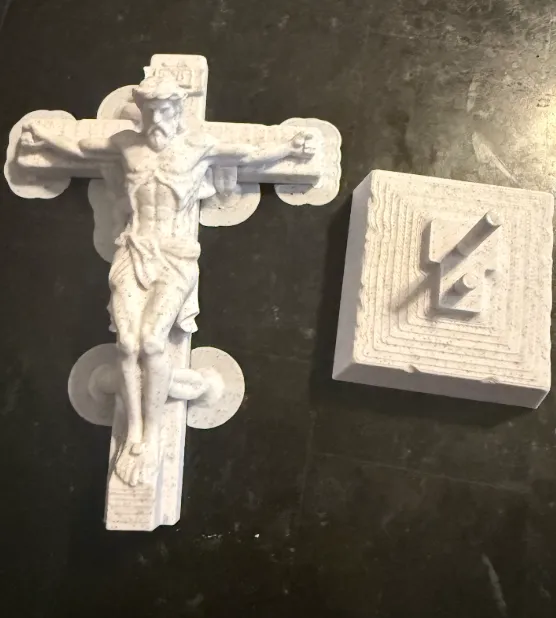
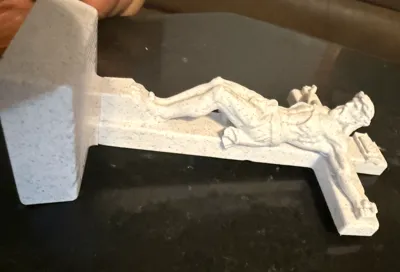
The two piece design makes the model easier to print than a single upright crucifix because the base and cross can be handled separately. After printing, the cross section fits into the base. A small amount of glue can be used if you want a permanent fit.
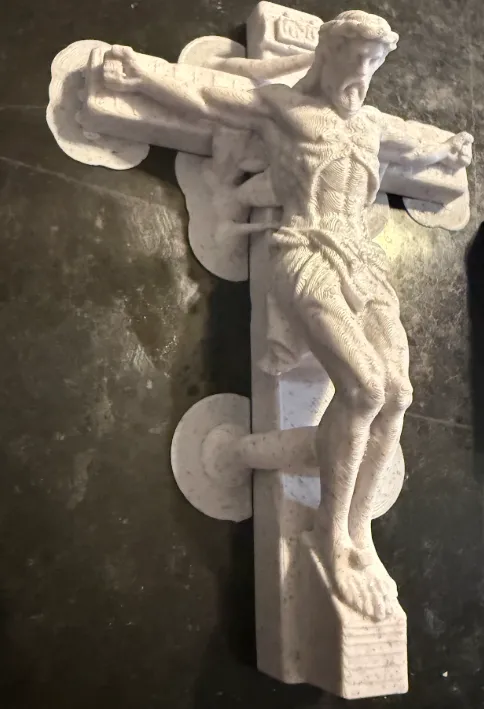
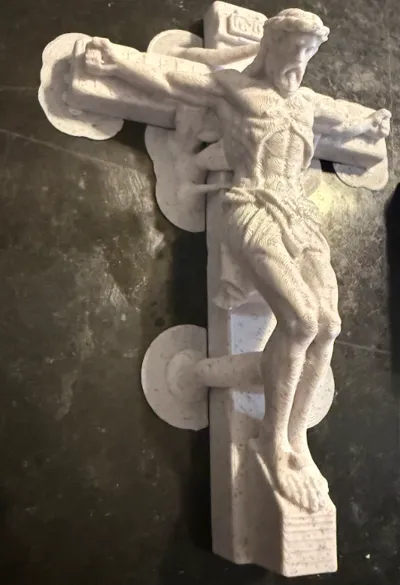
Prints in a single material (PLA) — no multi-color or exotic filament needed. The included profile is tuned for the Bambu Lab X2D at 0.16mm for fine surface detail. Tree supports are pre-placed for the figure's overhangs and pop off cleanly thanks to a one-layer support gap.
A stone, marble, or matte PLA gives a carved-statue look.
- Remove supports gently from the figure with flush cutters; a quick pass with a soft brush cleans up the interface marks.
Print the stand in the same or a contrasting color.
Optional: even easier support removal (AMS / multi-material
If you have an AMS or a second filament, you can make the supports practically fall off. PETG doesn't bond to PLA, so using it only for the support interface gives a clean break with a smooth surface underneath:
- In Bambu Studio, open the Support tab.
- Set Interface filament to a slot loaded with PETG (keep the rest of the supports/body as PLA).
- Make sure there's a small support gap (the included profile already uses 0.16mm) and re-slice.
- Print as normal — the PLA body lifts right off the PETG interface.
- This is fully optional. The default single-PLA profile already releases cleanly; the PETG trick just makes cleanup even nicer if you have the filament on hand.
If you make one, please share a photo and leave a like — it really helps!
Boost Me (for free)
License

You shall not share, sub-license, sell, rent, host, transfer, or distribute in any way the digital or 3D printed versions of this object, nor any other derivative work of this object in its digital or physical format (including, but not limited to, publishing derivative works outside the Makerworld platform or hosting on other digital platforms). The objects may not be used without permission in any way whatsoever in which you charge money or collect fees. Subject to the above restrictions, derivative works may be published only within the Makerworld platform, and all such derivative works must be licensed under the same SDFL‑C license, without modification or additional terms. You may download the digital versions of this object, 3D print it, and display images, videos, or usage demonstrations of 3D printed versions of the object on personal social media platforms or Makerworld official channels, provided that no digital versions of the object are shared or distributed.


Comment & Rating (0)