
Parameterized Divider v4.2 | Print-in-Place · Customizable Openings · Integrated T-shaped Snap Fasteners · Very Material Efficient
Print Profile(0)
Description
A fully parametric storage divider solution optimized for Bambu Lab 3D printing One model meets all size division needs, eliminating repetitive modeling and revisions
Note: Please do not print the 3MF file This is a mini verification model. Please set parameters according to your needs and download the model file
Core Features
- Fully parametric panels, customizable dimensions Panel length, panel height, and wall thickness are three independently adjustable core parameters From small part box dividers to large closet partitions, all sizes can be precisely matched The pure panel basic structure saves material and is easy to print, and Bambu Lab's high-speed mode can also output stably
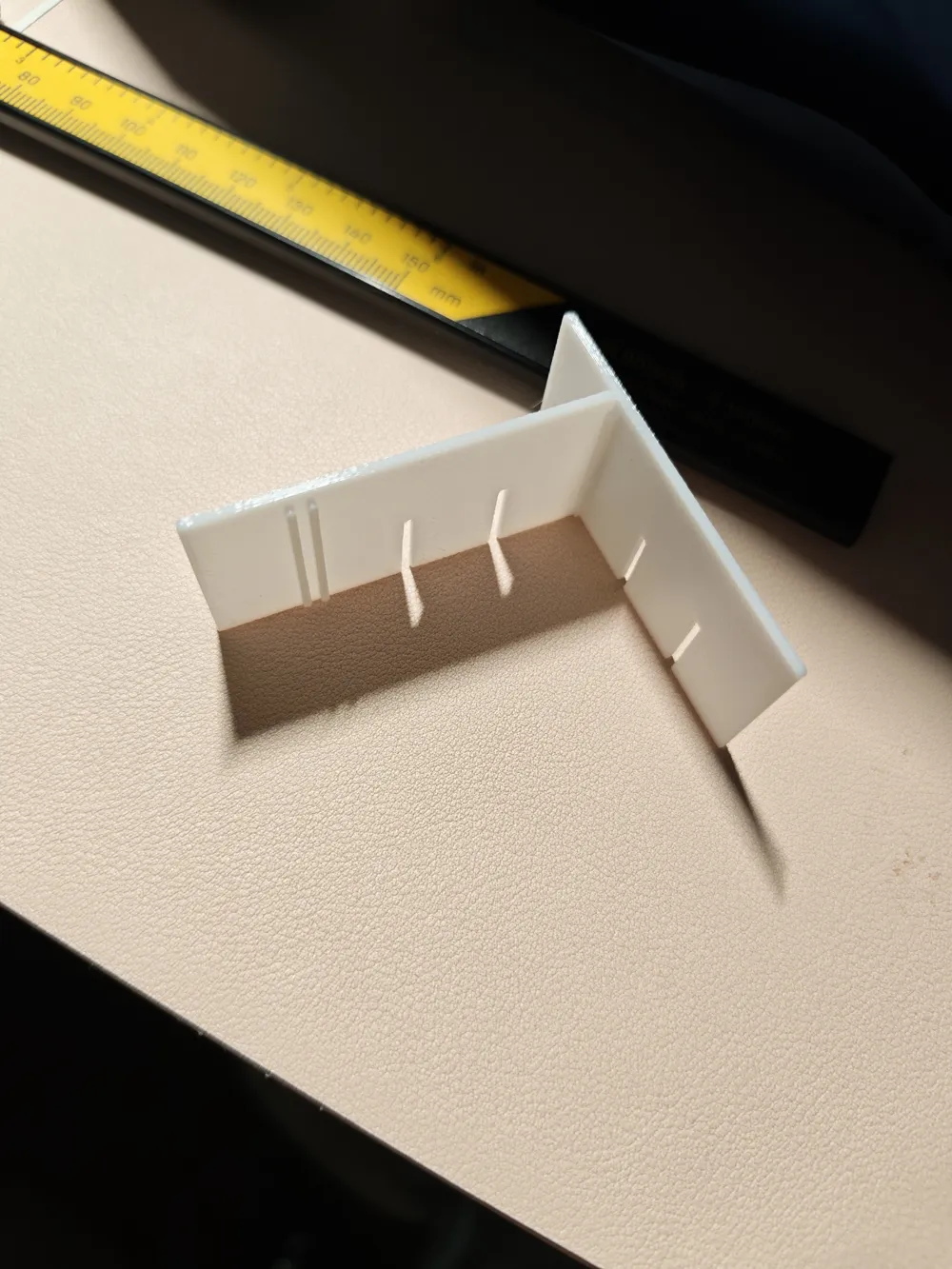
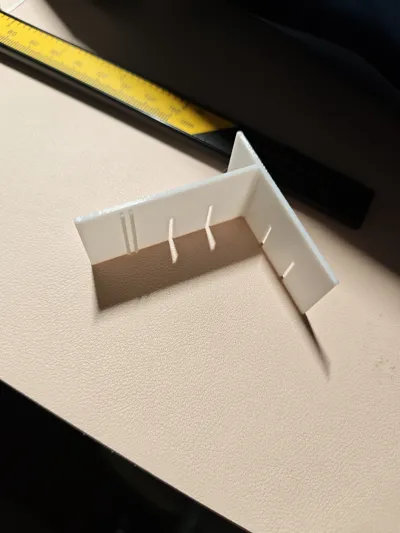
- Custom slotting, comprehensive functionality Supports multiple sets of independent opening designs Each set can have its horizontal position and slot depth individually set, with a maximum depth of up to 1/2 of the panel height Wire routing, finger holds, ventilation holes, and special notches can all be generated directly through parameters, without the need for secondary model editing
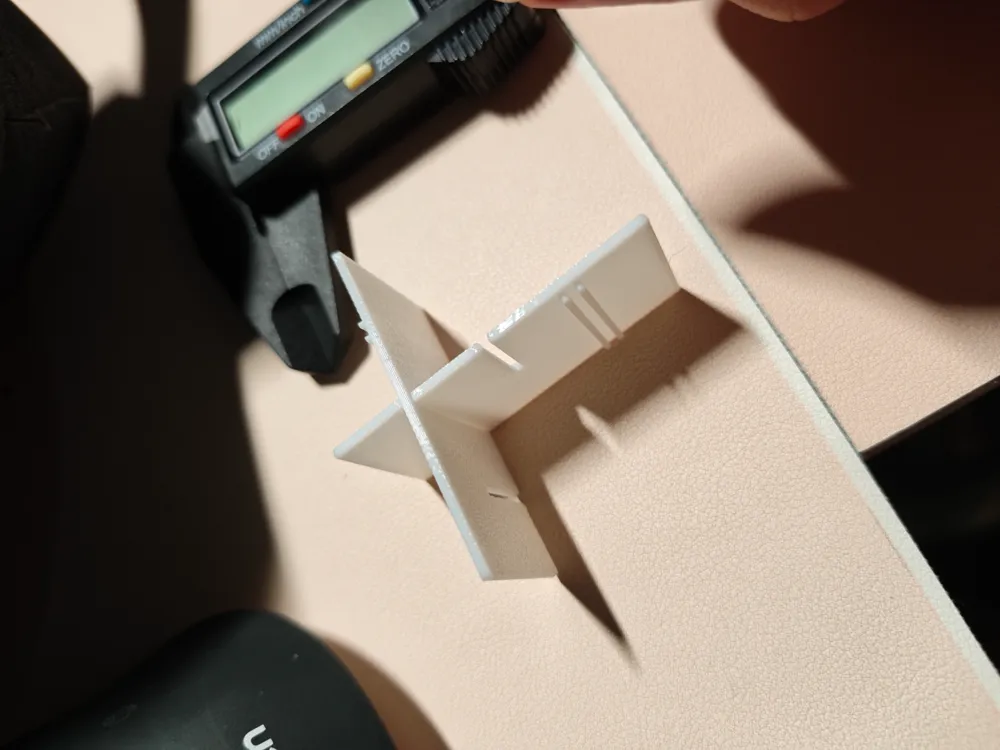
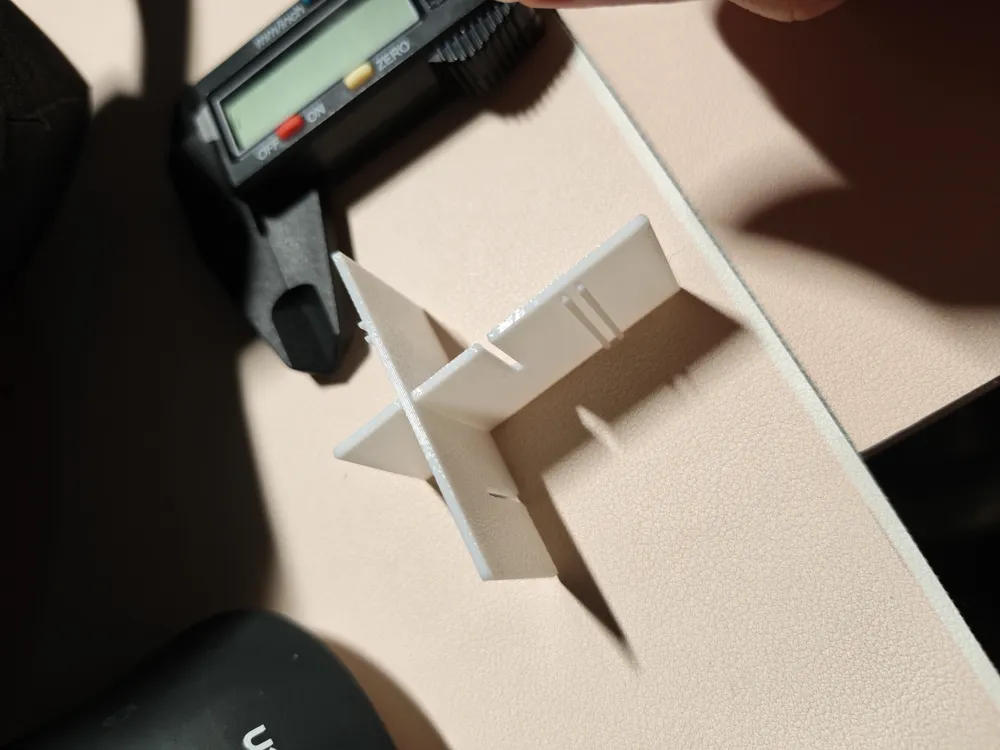
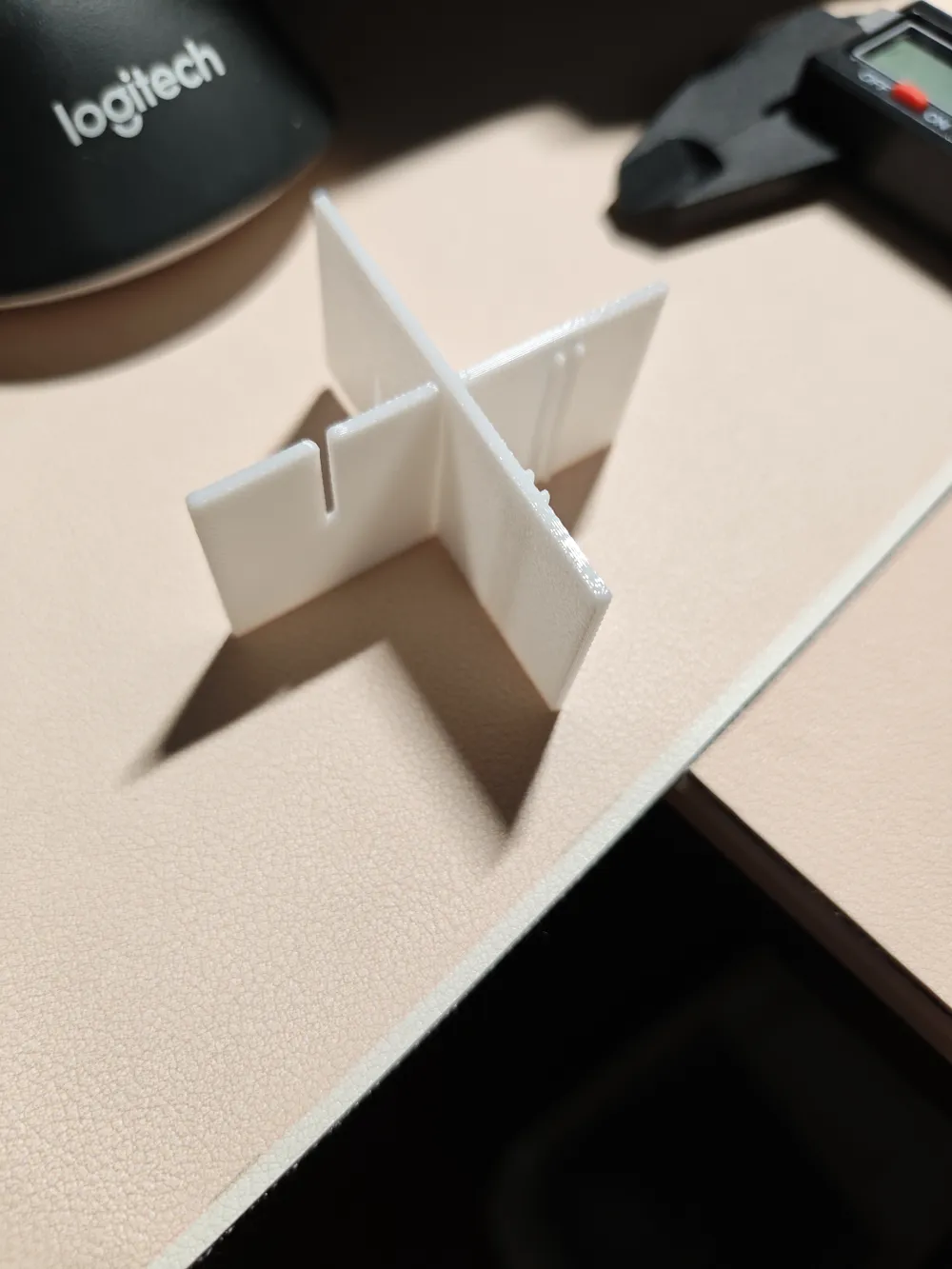
- T-shaped snap-fit assembly, sturdy and glue-free Optional T-shaped snap-fit structure, with four freely adjustable parameters: buckle position, height, wall thickness, and assembly clearance:
- Multiple buckles can be arranged on a single panel for more secure assembly
- Clearance parameters adapt to the sinkage rate of different filaments like PLA/PETG/ABS
- Bambu Lab high-precision printing achieves a tight fit, glue-free assembly, and allows for repeated disassembly and reassembly
Dual-mode preview, more efficient parameter adjustment Supports "Flat Preview / Full Model" dual display modes Use flat mode to quickly check the layout when adjusting parameters, and switch to the full model before printing to confirm the effect, greatly improving parameter modification efficiency
Boost Me (for free)
One model = all size dividers
✅ Pure panel structure, material-saving, easy to print, freely made in high-speed mode
✅ Custom slotting and openings, wire routing as desired
✅ T-shaped snap-fit assembly, glue-free, adjustable tightness, stable and wobble-free
Detailed Usage Instructions
Step 1: Parameter Adjustment
- Open the customizable model interface
- Set basic dimensions
- panel_l: total panel length, fill in according to the inner diameter of your storage box
- panel_h: panel height, set divider height as needed
- wall_t: panel thickness, recommended 1.2~3mm, thicker means stronger
- Set slot openings
- In the slots field, fill in using the "position:depth" format Separate multiple groups with an English comma, and they can be stacked freely
- Example: 50:20,150:25 = a 20mm deep slot at 50mm from the left end, and a 25mm deep slot at 150mm from the left end
- It is recommended that the slot depth does not exceed half of the panel height to prevent panel breakage
- Set T-shaped snap-fit
- Check enable_t_clip to enable the snap-fit function
- t_clips fill in the horizontal position of the buckles, separate multiple buckles with an English comma, e.g. 100,200
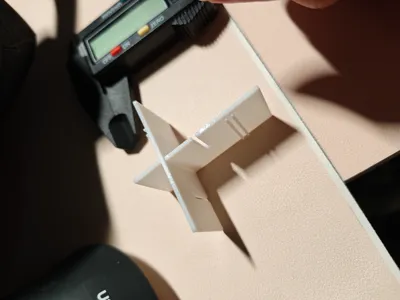
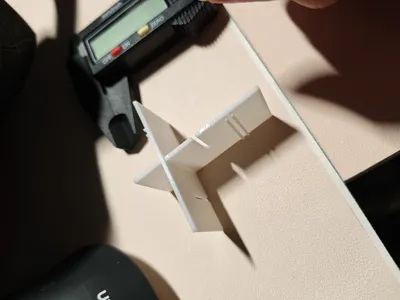
- t_clip_clearance is the assembly clearance: for normal thickness Use 0.3mm for PLA, 0.4mm is recommended for PETG If loose, reduce; if tight, increase Design according to the sinkage rate yourself Note that if the panel thickness is very thin, such as my verification model which has a panel thickness of only 1.3mm, I used 0.1mm
Step 2: Export and Print
- After confirming the parameters, change the show option to panel to view the complete 3D model
- Save the model file
- Import into slicing software:
- No supports needed, print directly on the build plate with the bottom surface For mobile operations, select show, which is directly face down
- Recommended layer height 0.2mm, wall thickness matches the model's wall_t parameter, enable high-speed mode
- Both PLA/PETG can be printed PETG material has better toughness and is more durable for repeated disassembly and reassembly
Step 3: Assembly and Use
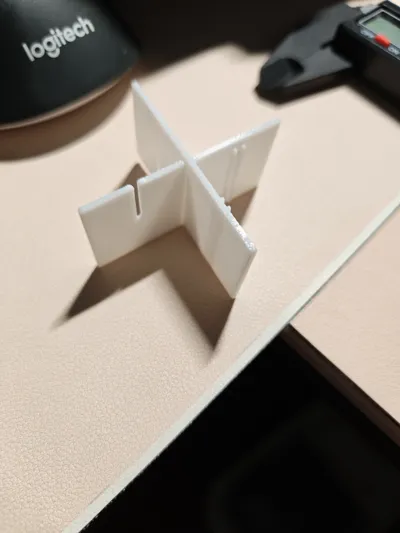
- Vertically assemble two divider panels: one with the slot facing up, and one with the buckle facing down
- Align the slot and buckle positions, press vertically downwards to snap them together tightly, no glue needed
- If too tight, lightly sand the buckle; if too loose, adjust the clearance parameter smaller and re-print
Applicable Scenarios
Drawer dividers, storage box layering, case cable management, part box dividers, desktop storage modification, etc All scenarios requiring custom dividers can be adapted
License

You may create derivative works based on this object, provided that all such derivative works are published exclusively on the MakerWorld platform and include proper attribution to the original creator. You may not share, upload, host, distribute, or publish this object—or any derivative work of this object—on any other digital platform, marketplace, or distribution channel. Commercial use of this object and any derivative works is strictly prohibited. This includes, but is not limited to, selling, renting, sublicensing, or using the object in any context in which you receive monetary compensation or other financial benefits.


Comment & Rating (0)