
Doplo Danish Blocks Tightness Calibration Tool
Print Profile(1)

Description

Calibrate your 3D printed Doplo Blocks
Get the perfect fit each time
You have an idea for a 3D printed Doplo Block. You little at home is going to love it. You print it. It's too tight. Or it's too loose. You increment your tolerances, print again, and maybe it's good enough this time. Maybe not. You are creating plastic waste. If only there was a more efficient way to get these tolerances right.
Introducing: Doplo Danish Blocks Tightness Calibration Tool
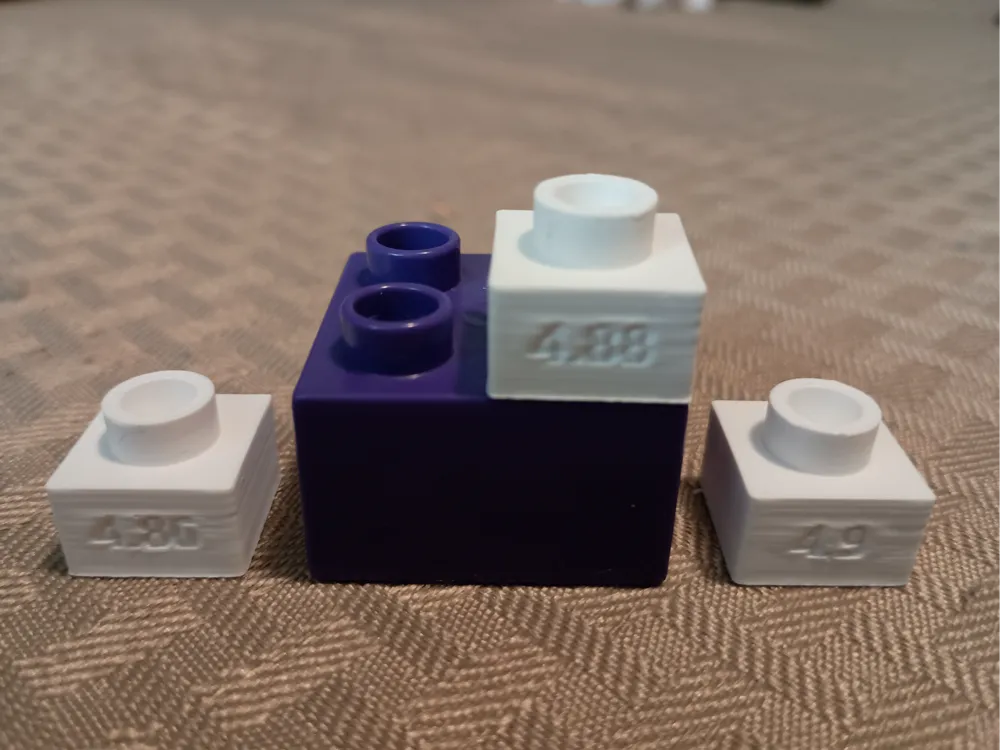
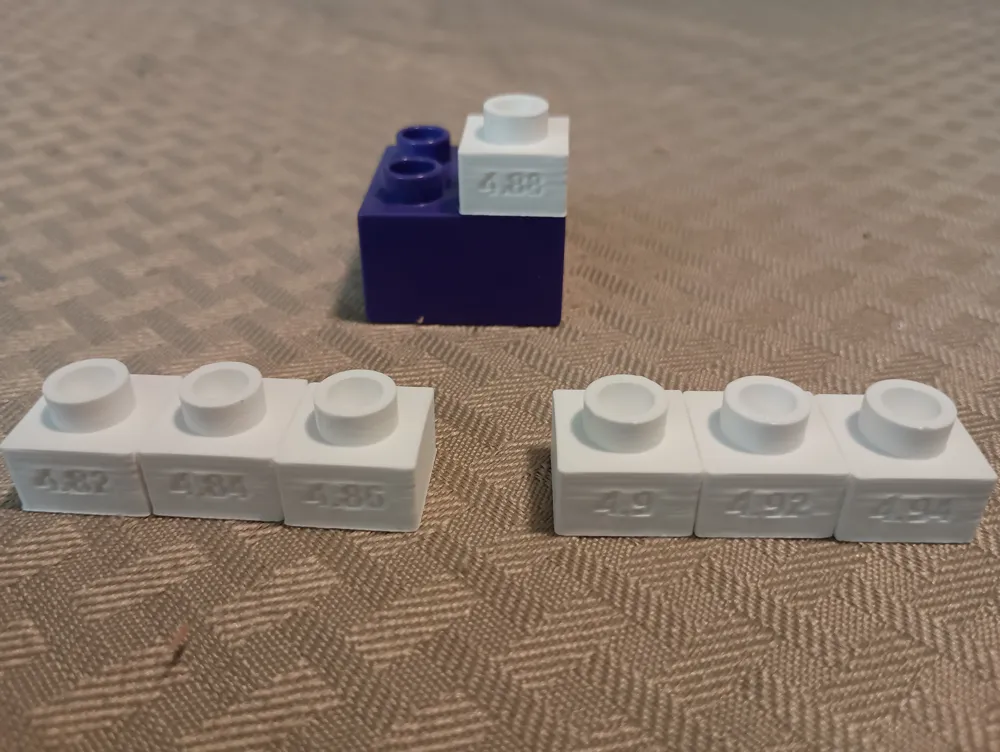
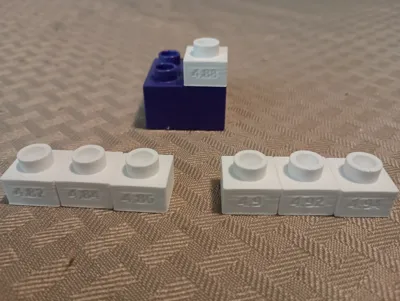
Step 1: Use the SCAD to generate a range of calibration blocks to fit your needs. Or download the ones I provided. Either way, print them using the printer and material you intend to calibrate for.
Step 2: Using the labeled blocks you printed, start with the smaller numbered blocks and try clicking an official Danish Doplo on top of it. Test the fit one by one. You want to find one that is snug but not too tight. The block you end at – that's your perfect stud radius in mm.
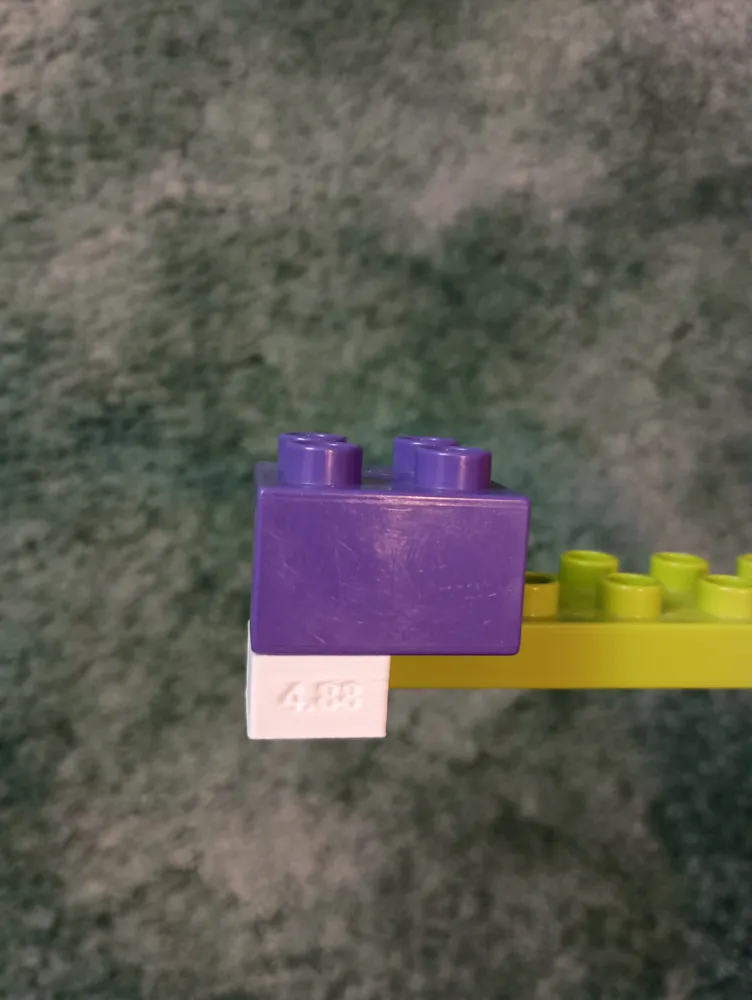
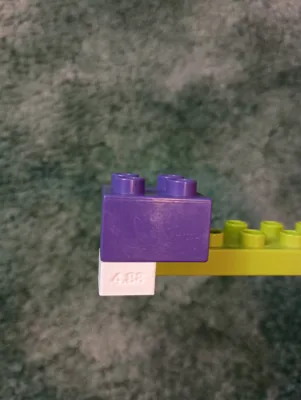
Step 3: Do the same process with the antistuds, but begin with your perfect stud number from before. The antistud should hold the block strong enough to fight gravity. You want snug, but not too tight.
Step 4: You may have one perfect number. If you have two different great numbers, that's fine, too. You probably want your antistud slightly larger than your stud anyway. If you can't get a tight (or loose) enough fit using the models I provided, then you will have to expand your print range of calibrator blocks using the provided SCAD file.
License



Comment & Rating (0)