
Trx4m Light Relocation/Underglow
Print Profile(1)
Bill of Materials


Description
TRX-4m Light relocation/light bar- no extra hardware required
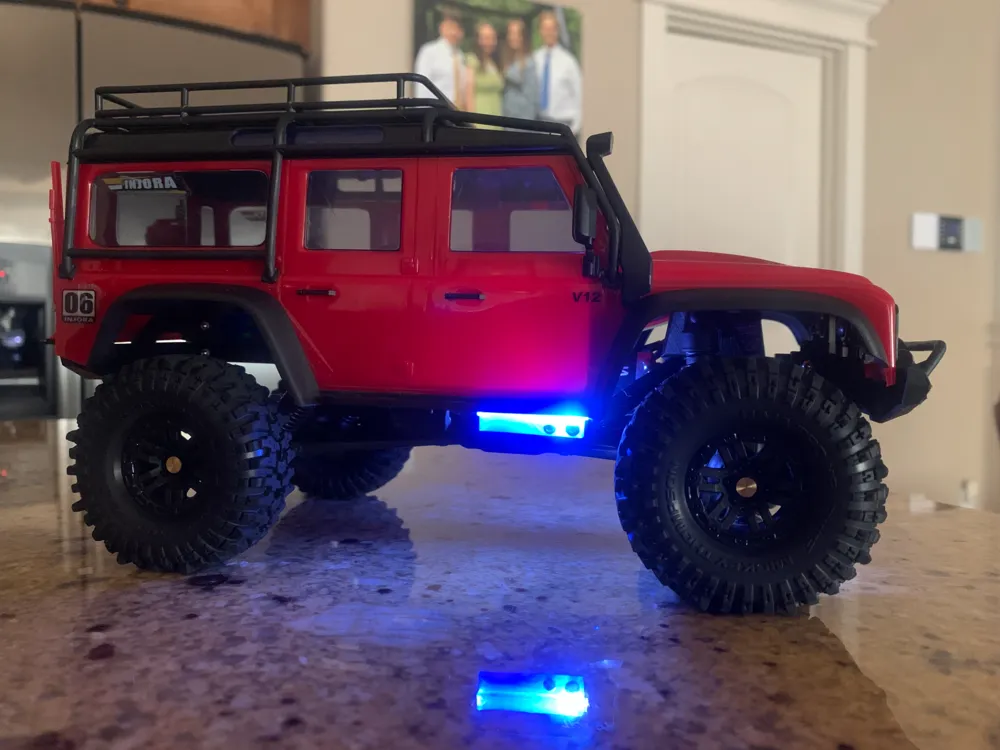
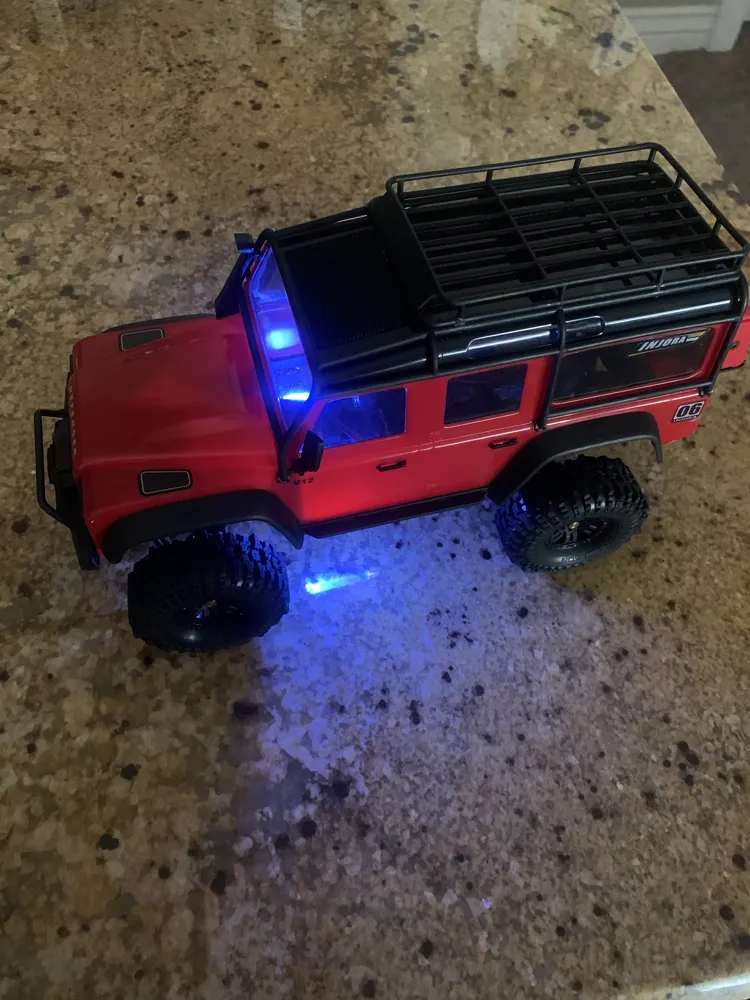
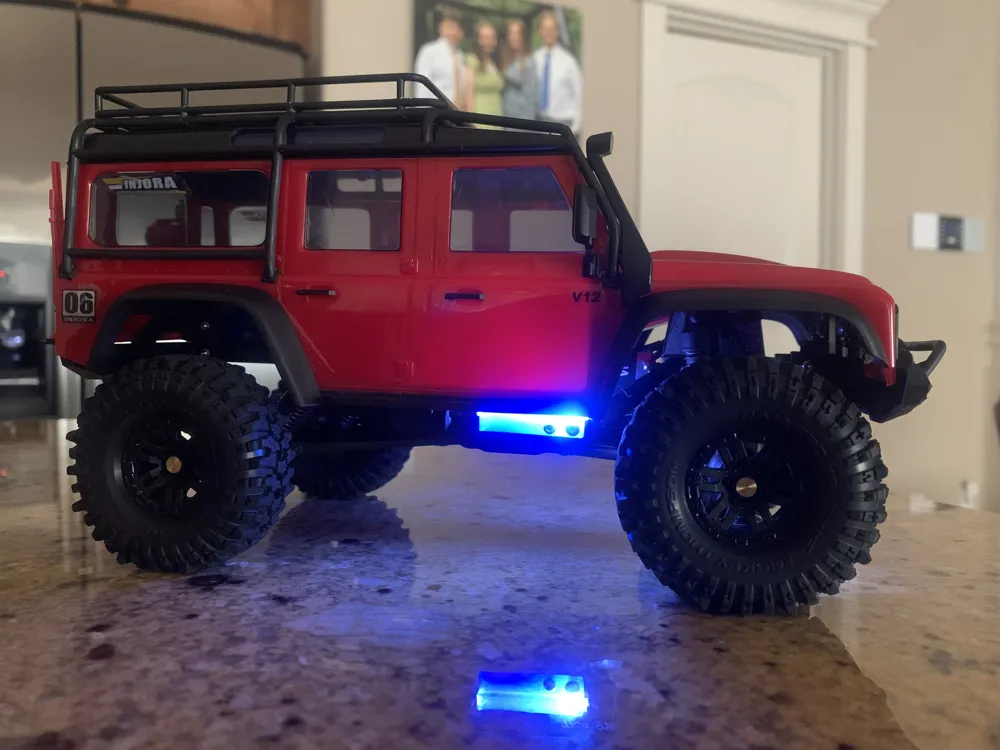
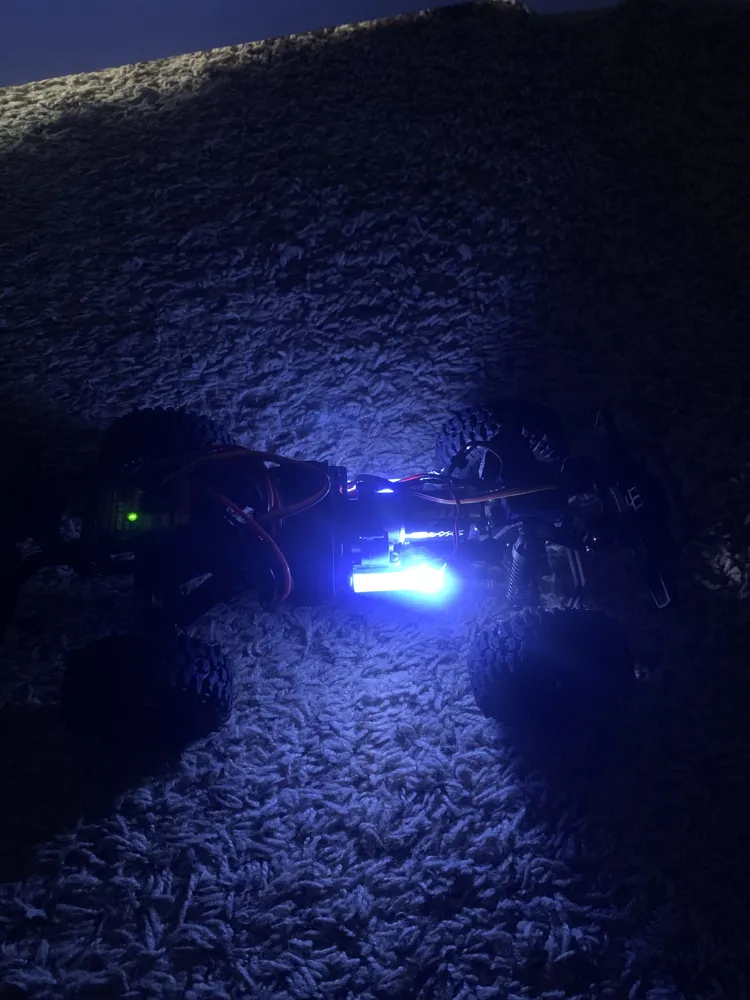
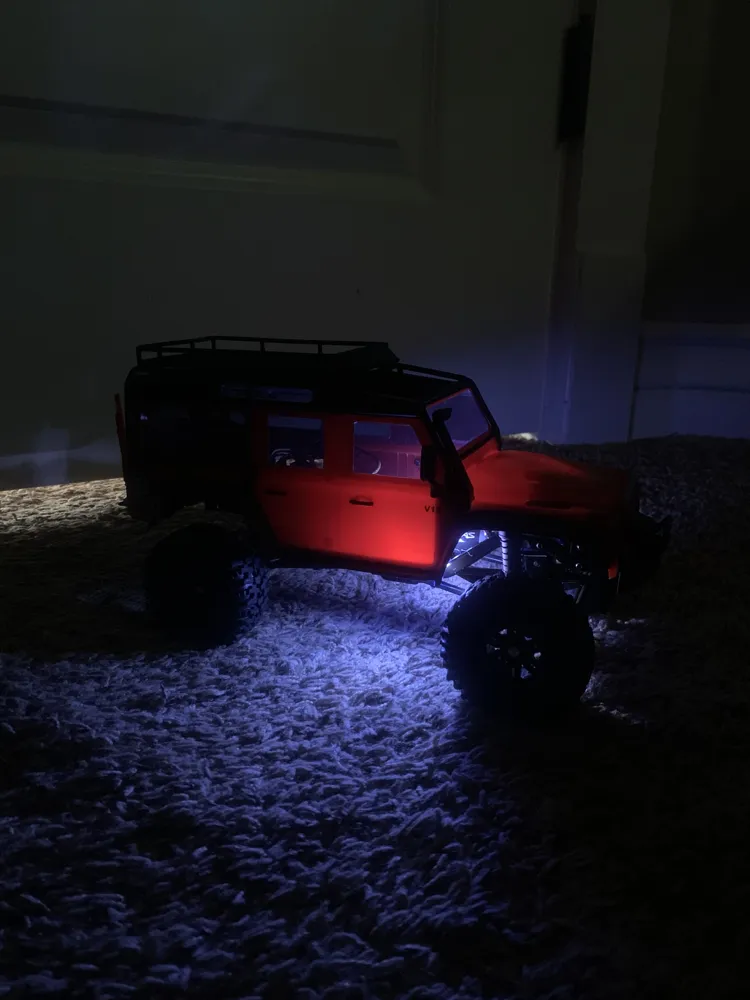
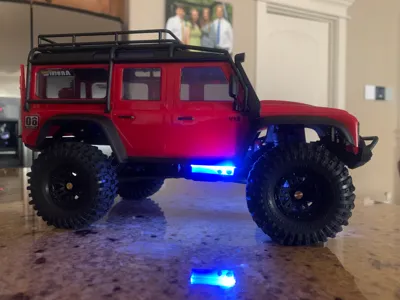
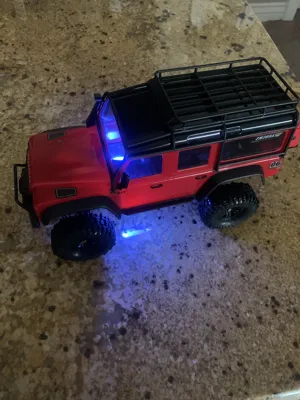
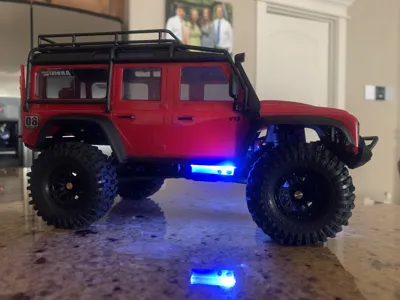
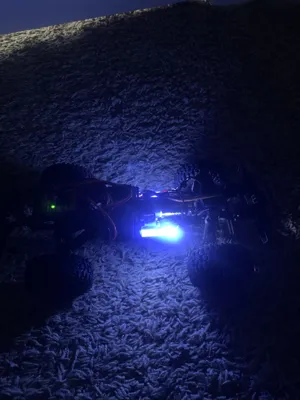
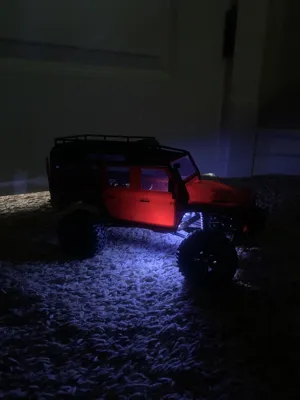
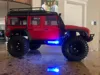
I hated how the lights on my TRX-4m would shine right in my eyes while I was crawling. I always just unplugged the lights. I wanted to make something that no one has done before with the lights which was convert them into colored underglow.
- I suggest using clear PETG of somesort to create color. It does kind of work with other filaments but the light doesn't shine through as well.
- I put a body lift on my car so you can see the underglow element but on a stock TRX-4m it hides it and looks better.
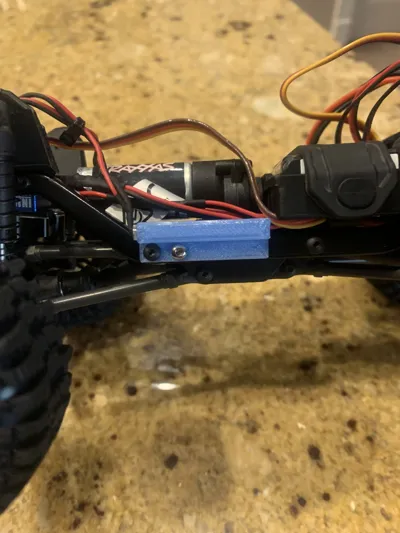
- Works on stock TRX-4m chassis
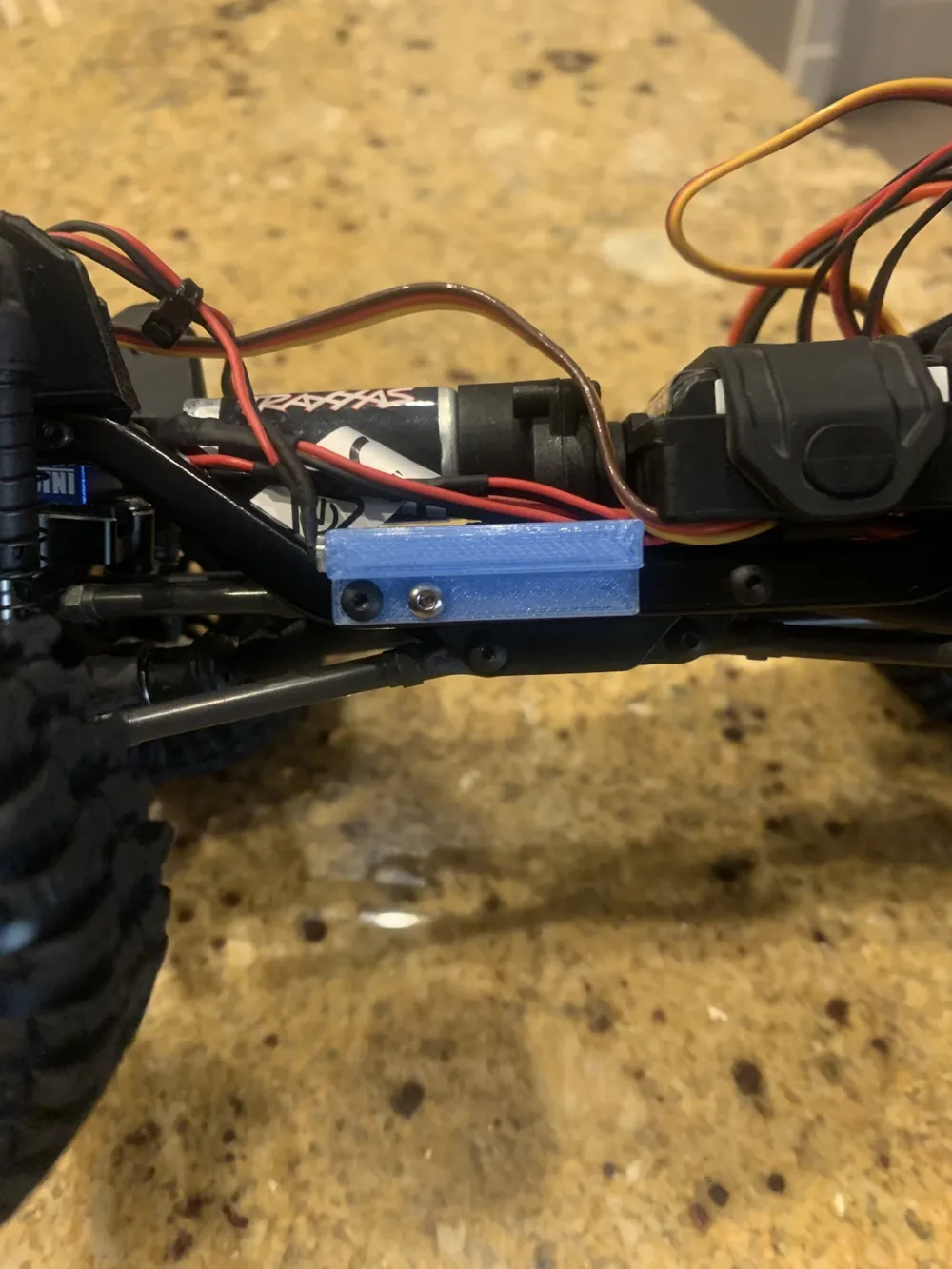
- You can use the stock screws and it works well.
- Works on all stock TRX-4ms
- To install, take off the bumper first, unscrew the light covers, take the light covers off and put the bumper back on. Then, screw the print onto the chassis just like how the pictures show, and then put the lights into the holes on the print. If the lights become lose consider using some glue or a little piece of tape to make it more tight. It should already be tight though.
- Let me know if I have to fix anything or enhance it.
Boost Me (for free)
License

You shall not share, sub-license, sell, rent, host, transfer, or distribute in any way the digital or 3D printed versions of this object, nor any other derivative work of this object in its digital or physical format (including - but not limited to - remixes of this object, and hosting on other digital platforms). The objects may not be used without permission in any way whatsoever in which you charge money, or collect fees.


Comment & Rating (3)