
CAT / DOG Food dispenser
Print Profile(1)
Bill of Materials


Description
Cat/Dog Food Dispenser
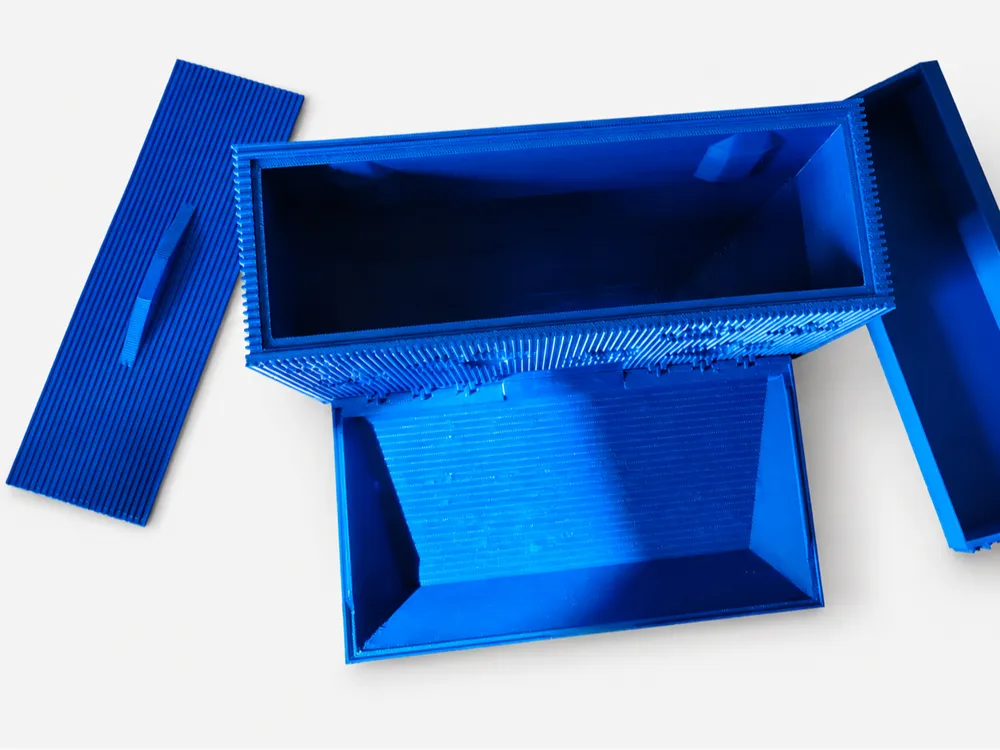
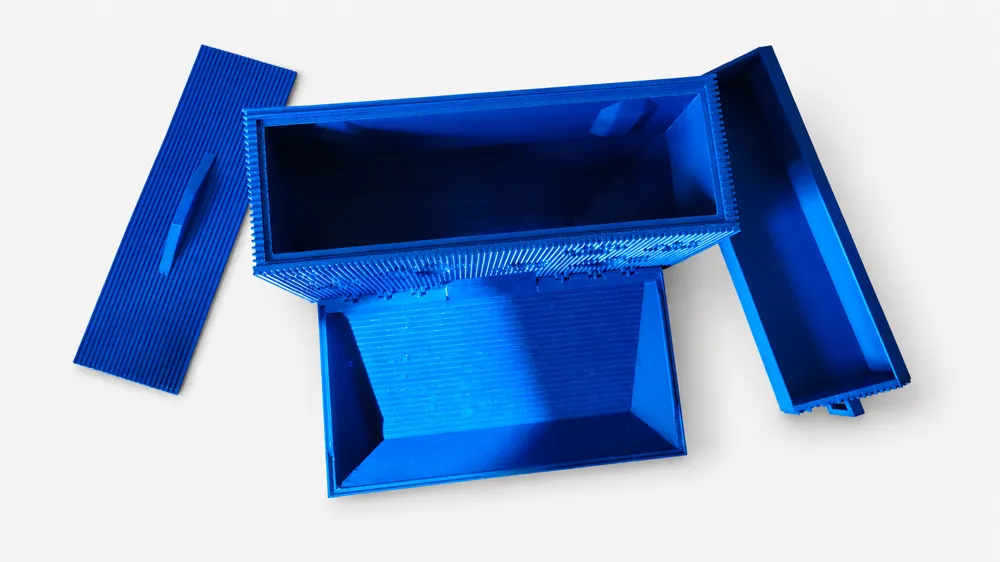
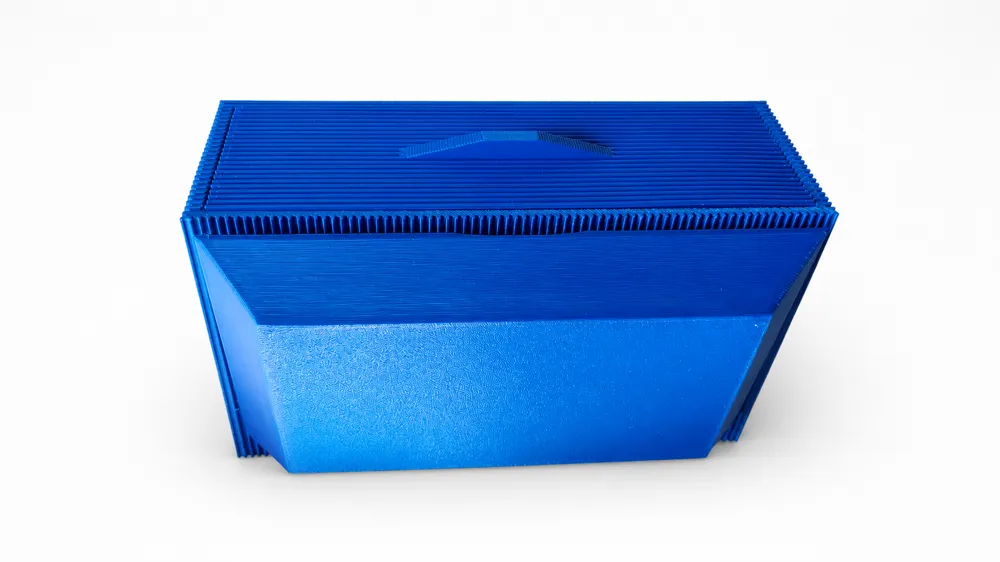
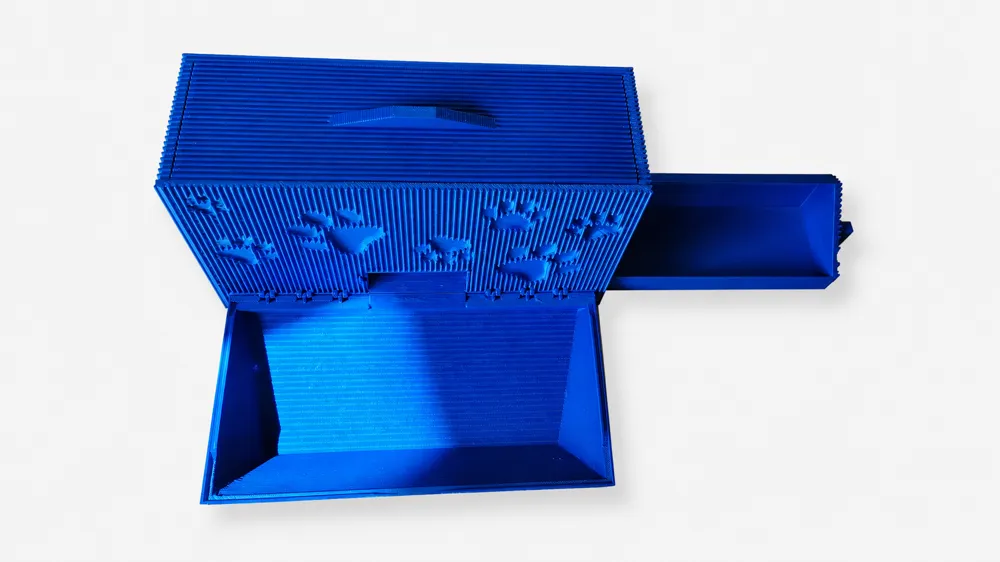
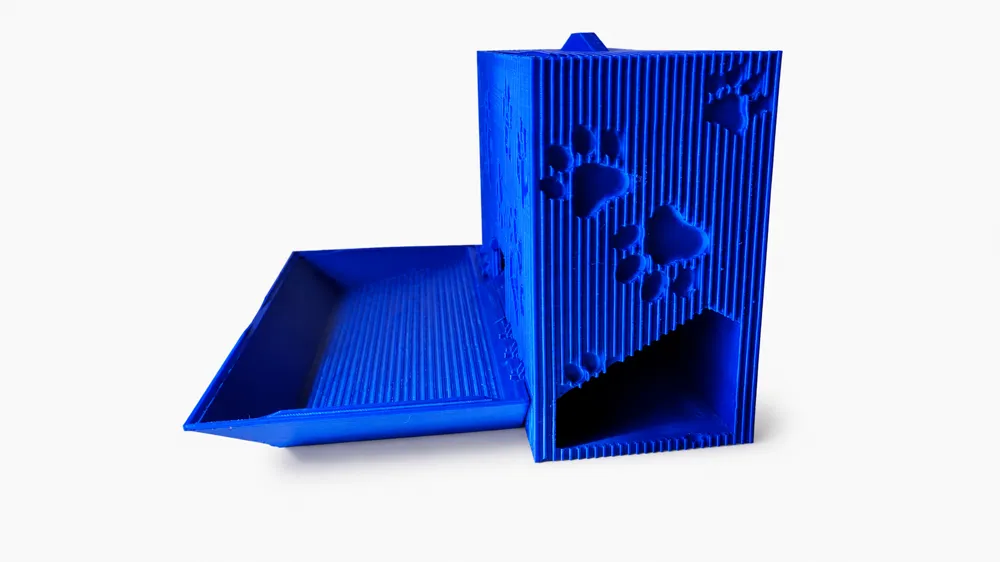
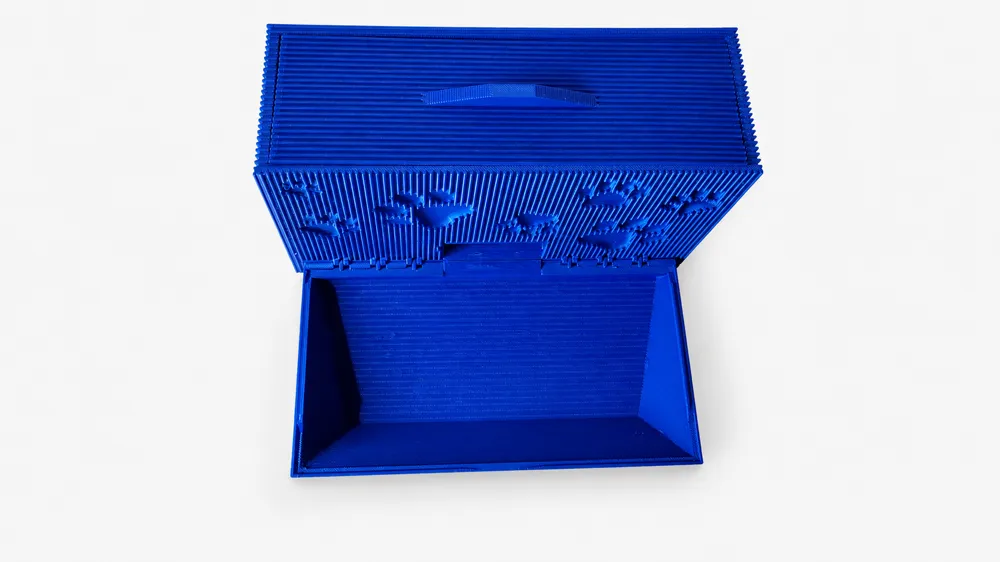
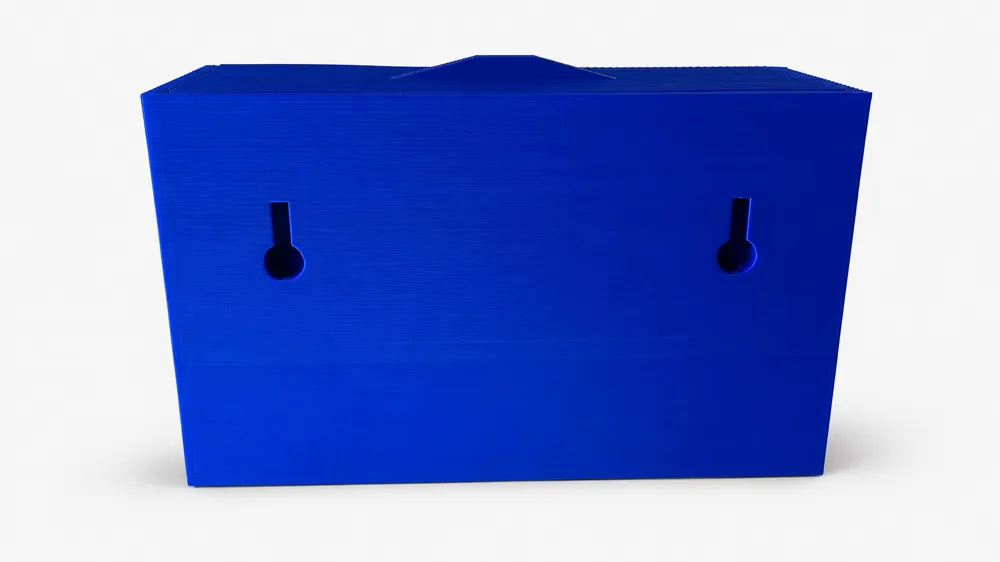
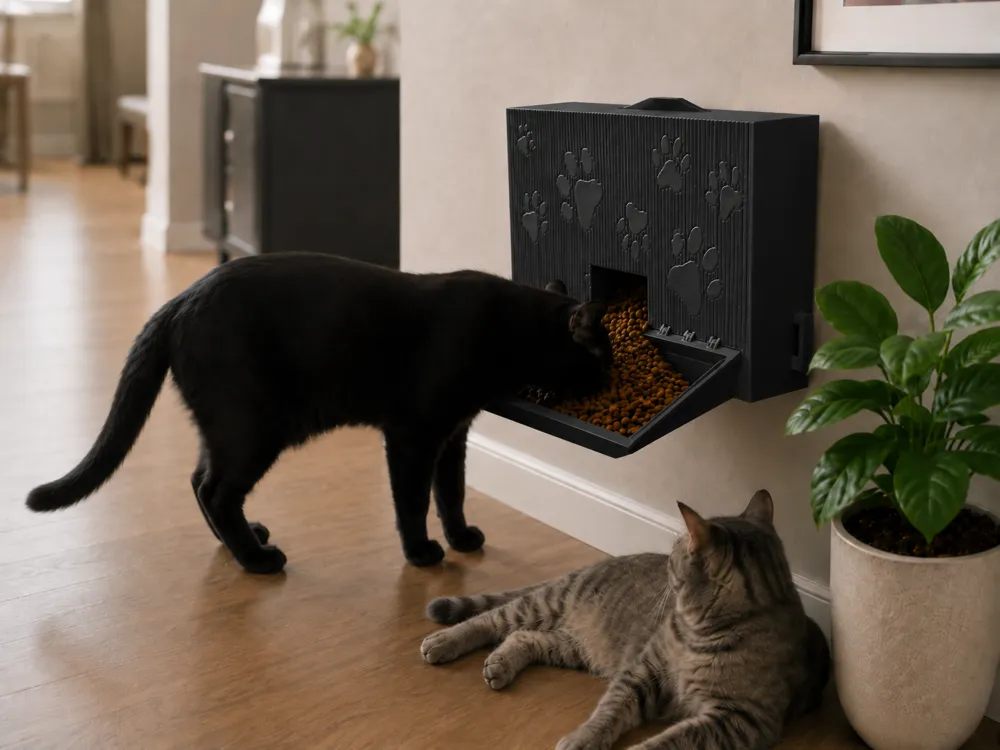
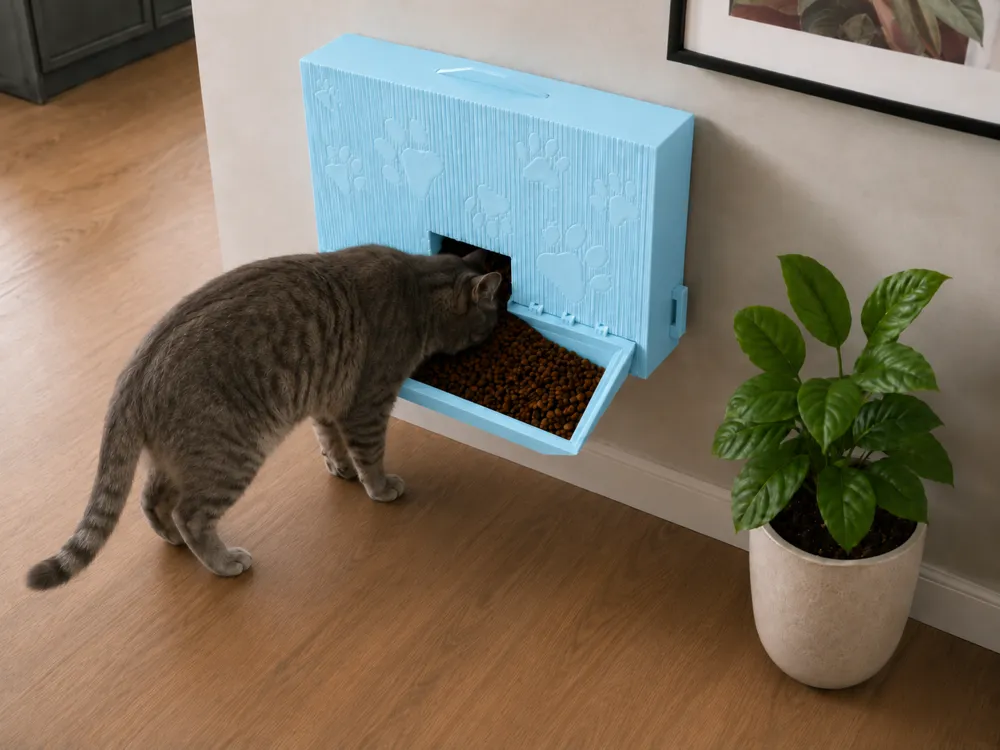
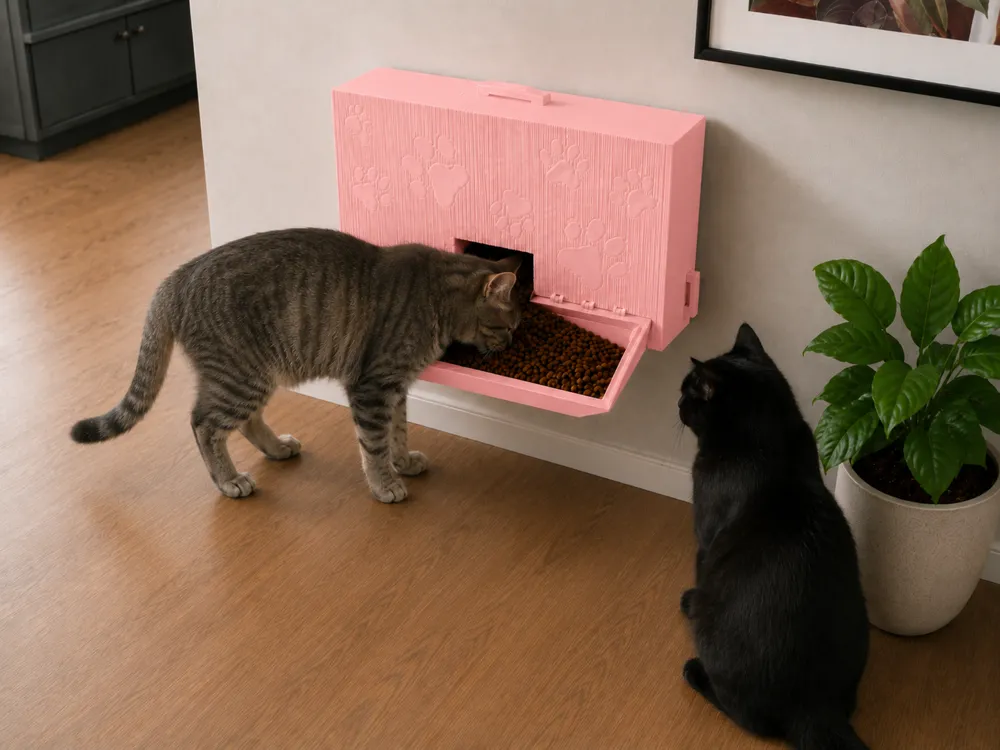
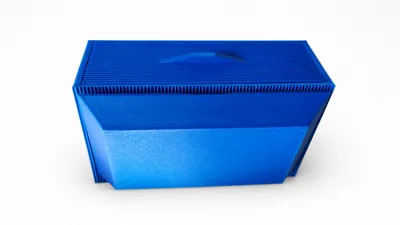
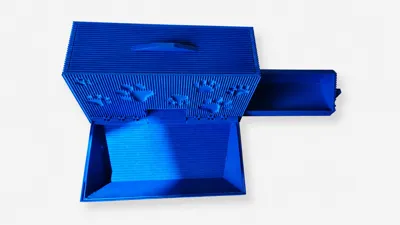
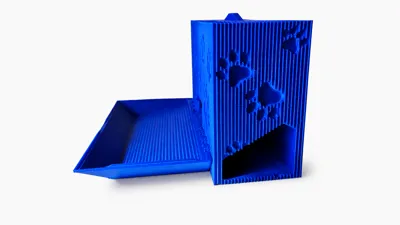
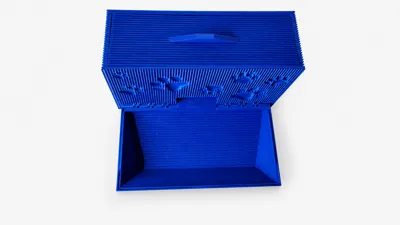
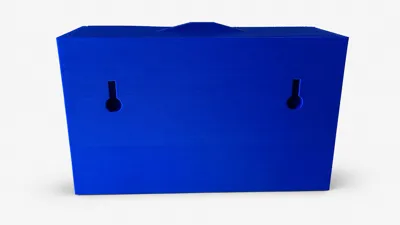
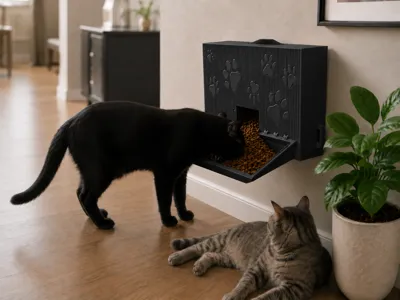
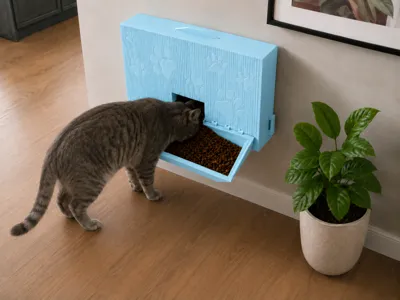
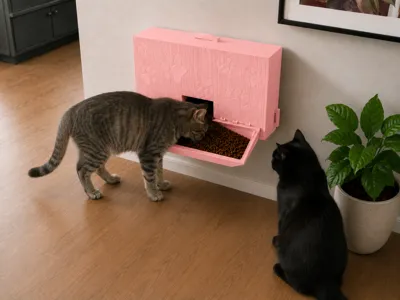
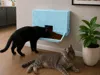
This wall-mounted Cat/Dog Food Dispenser is designed to make feeding time cleaner, easier, and more organized. The dispenser mounts directly to the wall at your pet’s height, helping save floor space while giving your cat or small dog easy access to their food. The front tray catches and holds the food as it dispenses, creating a simple built-in bowl that is easy for pets to eat from, also on the right side of the unit you'll find a pull-out drawer to allow you to store dog bags or any other accessories that fits within the drawer
The design features a modern ribbed front texture with inset paw-print details, giving it a clean and decorative look that fits nicely in a home, kitchen, feeding area, or pet corner. The dispenser is made to be functional while still looking stylish, with a compact wall-mounted body, sliding door system, and open food tray for convenient daily use.
For best results and added peace of mind, I highly recommend printing this model with Bambu Lab PLA Pure filament or another properly documented pet-safe/food-contact material. Since this item is used around animal food, the filament choice matters. Using a clean, trusted filament helps reduce the risk of unknown additives, dyes, or materials coming into contact with your pet’s food.
Please avoid using unknown, heavily filled, glitter, carbon fiber, wood-filled, or specialty filaments for the food-contact areas unless you have verified they are safe for this type of use. Always print with a clean nozzle, wash the finished part before use, and regularly inspect the dispenser for wear, damage, or hewing.
This dispenser is a great option for anyone looking for a practical, space-saving, and stylish feeding solution for cats or small dogs.
Cat/Dog Food Dispenser Assembly Instructions
Step 1 — Remove Internal Supports
When the printer pauses, carefully remove the supports from the center of the food dispenser. Take your time to avoid damaging the dispenser walls or internal opening.
Step 2 — Prepare the Sliding Door
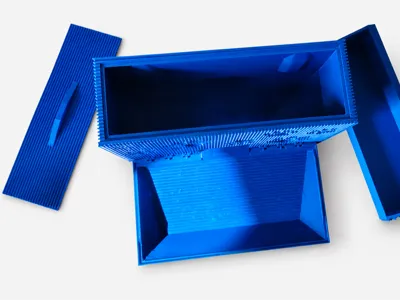
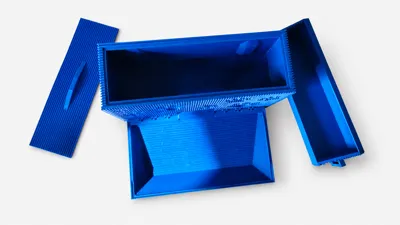
Locate the sliding door that installs into the front of the food dispenser.
Step 3 — Install the Sliding Door
Position the sliding door with the small handle facing toward you. The handle should be on the right side as you slide the door into the groove.
Carefully insert the door into the groove. You may need to gently pull the dispenser wall outward slightly to allow the handle to pass through the groove. Once the handle clears the groove, push the sliding door all the way down into its housing until it is fully seated.
After the door is properly installed, press Resume on the printer.
Step 4 — Folding the Bowl and installing the drawer
Once the print is done you can then fold the bowl upwards towards the dispenser and press it against the dispenser to secure it in place.
assuming you have the second plate printed that contains the over and drawer to the unit you simply slide the drawer on the right side of the dispenser.
License

You shall not share, sub-license, sell, rent, host, transfer, or distribute in any way the digital or 3D printed versions of this object, nor any other derivative work of this object in its digital or physical format (including - but not limited to - remixes of this object, and hosting on other digital platforms). The objects may not be used without permission in any way whatsoever in which you charge money, or collect fees.


Comment & Rating (0)