
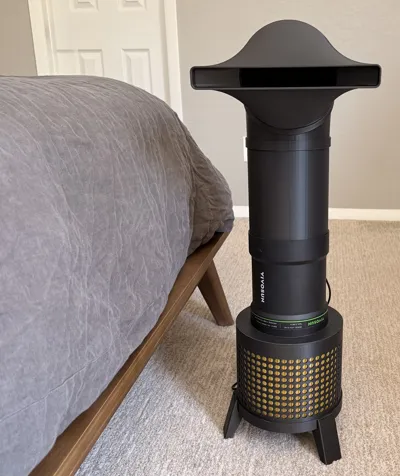
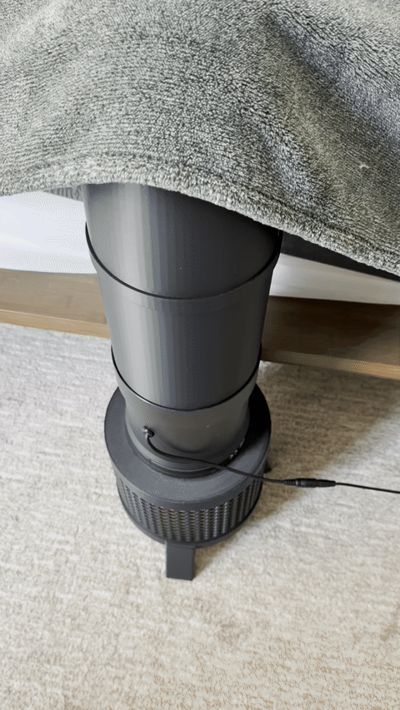
6" Fur & Chill | HEPA Bed Cooling System
Print Profile(2)

Description
After publishing this, I tested a 4" inline fan out of curiosity. I didn't expect much. 130 CFM vs 345 CFM is not a fair fight on paper. Turns out fluid dynamics had other plans. Check out the Fur & Chill 4" Edition.
Notes:
- Print the fan to filter adapter first to test fit. That's your $$ piece because it will tell you a lot about any tweaks to the duct system you might want to make. These are purposely designed for a snug fit, so you want these to be dialed in.
- These profiles are optimized for .6 nozzles because speeeeeeed. .4 nozzle users, you will want to increase wall count to 6 for optimal printing.
BUT WAIT — THERE'S MORE AIRFLOW!
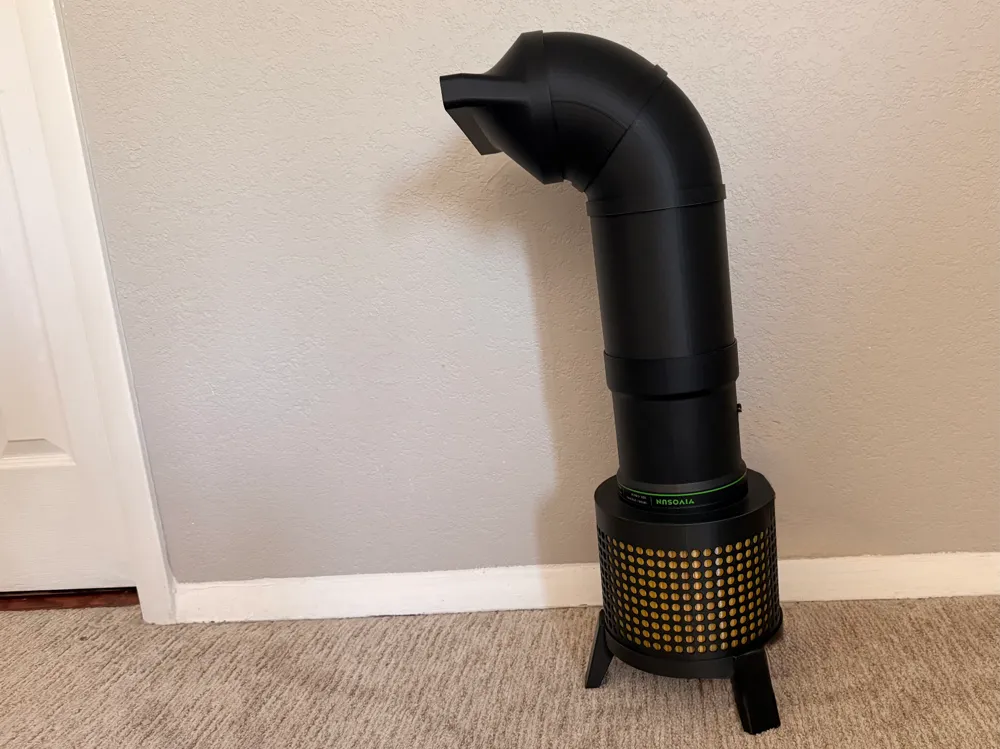
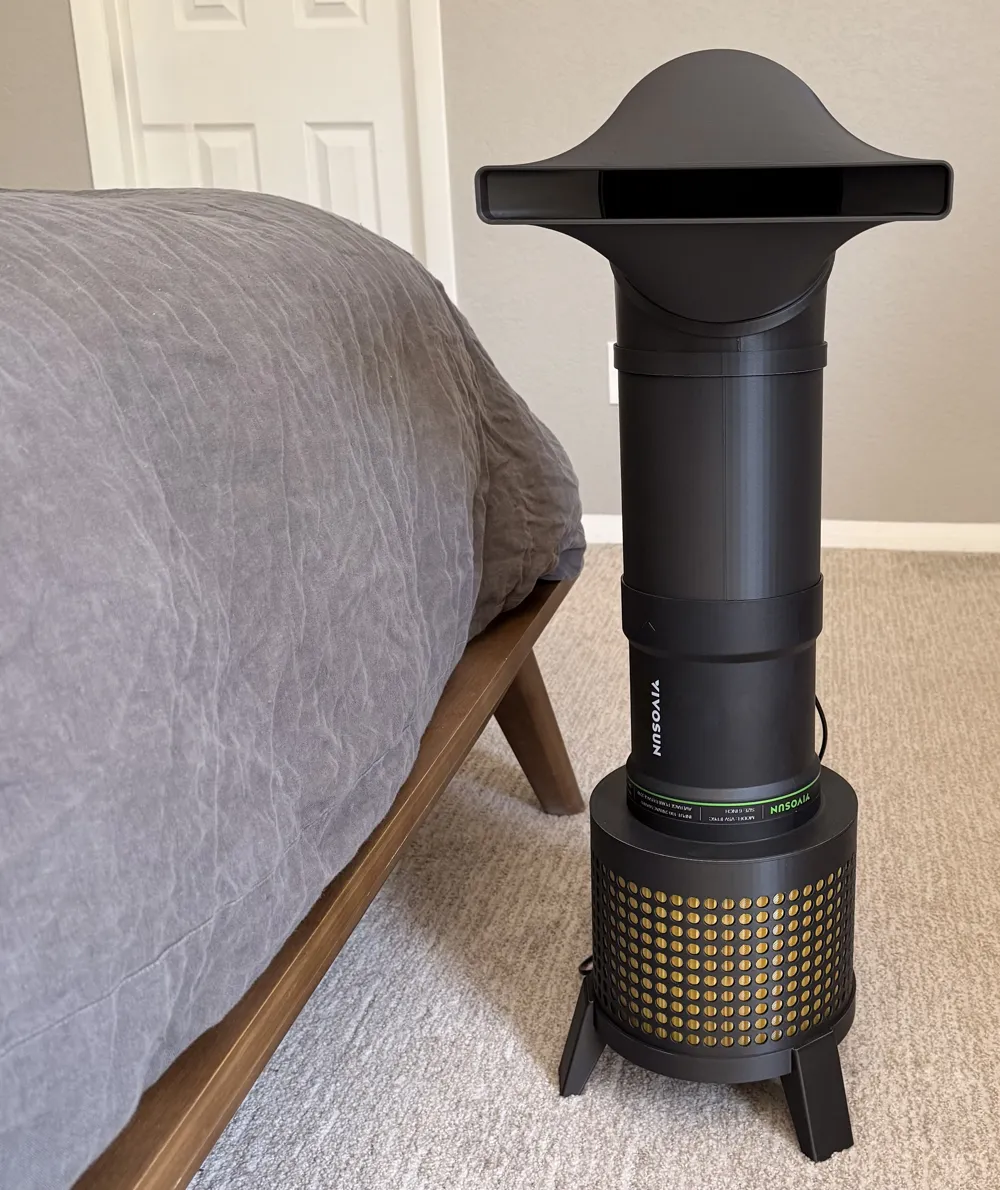
Got hot flashes? Partner stealing all the cool air? Just generally melting into your mattress like a forgotten popsicle? I have a solution for you! It only requires a printer, some filament, and the patience of someone who really, really loves their pets despite the hair.
I stumbled across Paul 2 Travel's brilliant Bed Rocket and immediately thought, “yes, this is exactly what I need.” Except I share a house with an 86lb drooling fur monster whose entire life purpose appears to be shedding, and a cat who bullies both of us. Pointing a fan at your bed while living with these two is less "refreshing sleep experience" and more "marinating in a fur tornado all night."
Fur & Chill was inspired by Paul 2 Travel's Bed Rocket, which is still a fantastic solution if you want something that uses less filament and don't need filtration. Go give it a look.
What Fan Do I Need?
This system is designed for a 6" inline duct fan. I tested and recommend the Vivosun 6" inline fan. It's affordable, widely available, and performs well for this application.
A Note on Filters
Not all HEPA filters are created equal for this application. I tested a Shop-Vac HEPA filter and it reduced airflow by about 85%. Shop-Vac filters are optimized for suction. Stick to a dedicated air purifier HEPA filter. These are designed for consistent airflow resistance and work significantly better with inline fans. Expect roughly 15% airflow loss, which is reasonable in my experience to avoid said fur tornado.
Tested filter for the 6" fan
Levoit Core 300 replacement filter, widely available, affordable, with off brand options if you want to save a few dollars.
Compatibility disclaimer
This system was designed and tested with the specific fan and filter listed above. If you're using a different brand or model, print the adapter first before anything else. A quick test fit will immediately tell you if your components are compatible before you commit filament to the full print.
Assembly
I strongly recommend putting the legs/leg ring on last, otherwise this process can put a lot of pressure on that piece.
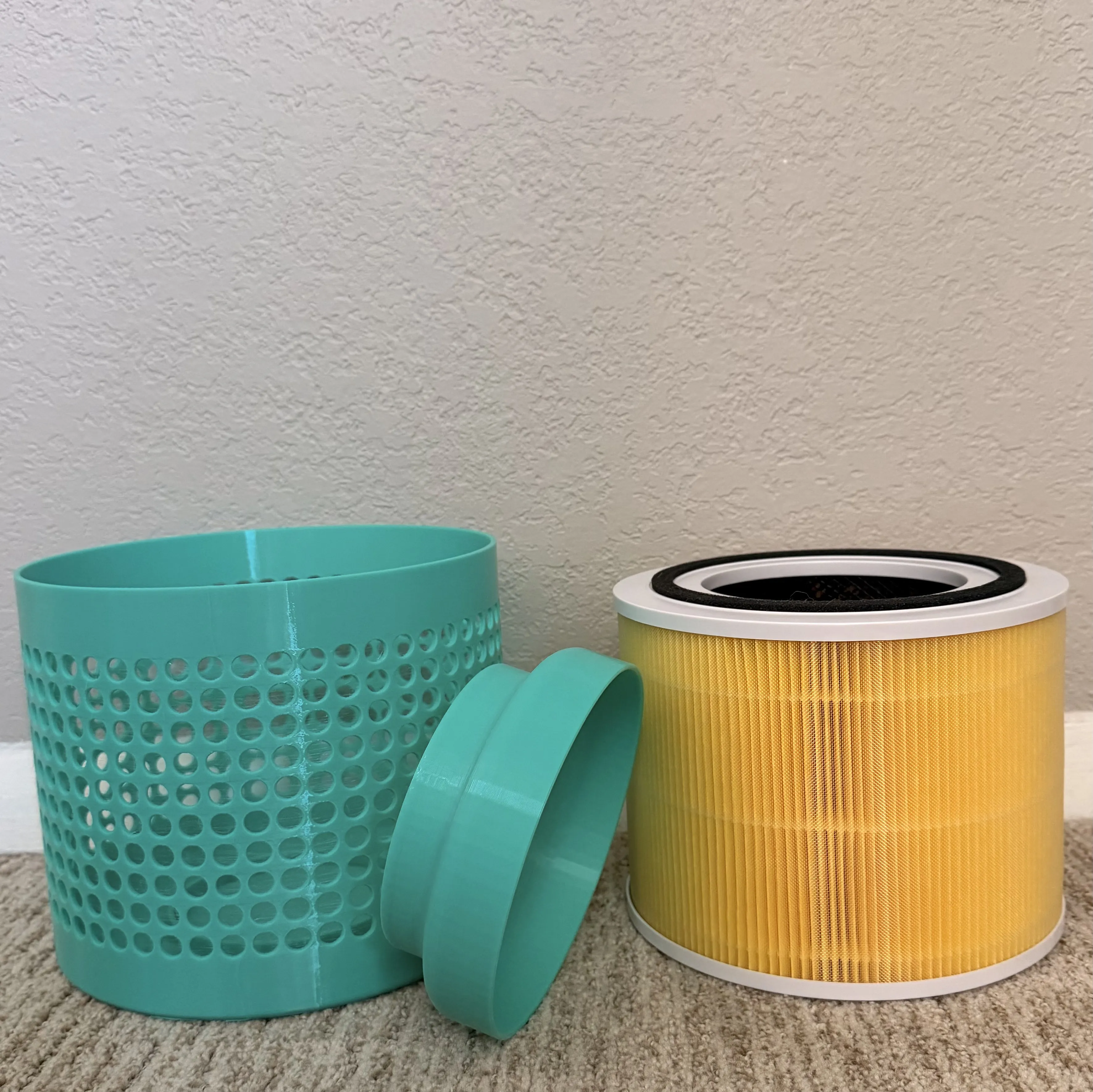
Step 1 — Filter & Canister

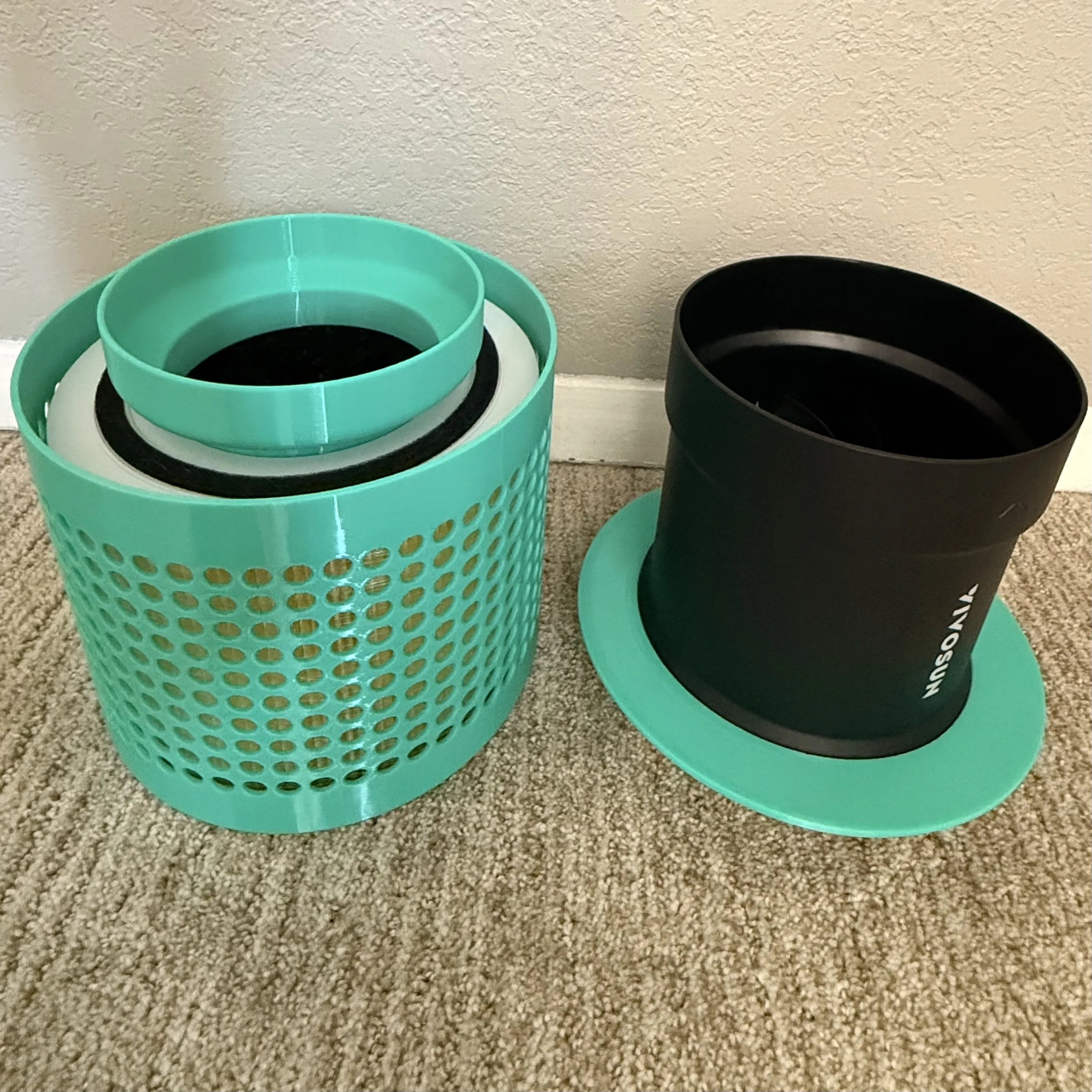
Drop the HEPA filter into the canister. Insert the adapter into the filter.
Step 2 — Fan
Slide the collar/skirt onto the fan, then press the fan into the adapter until seated.The fan should have a marking to let you know which way air flows.
Step 3 — Ductwork
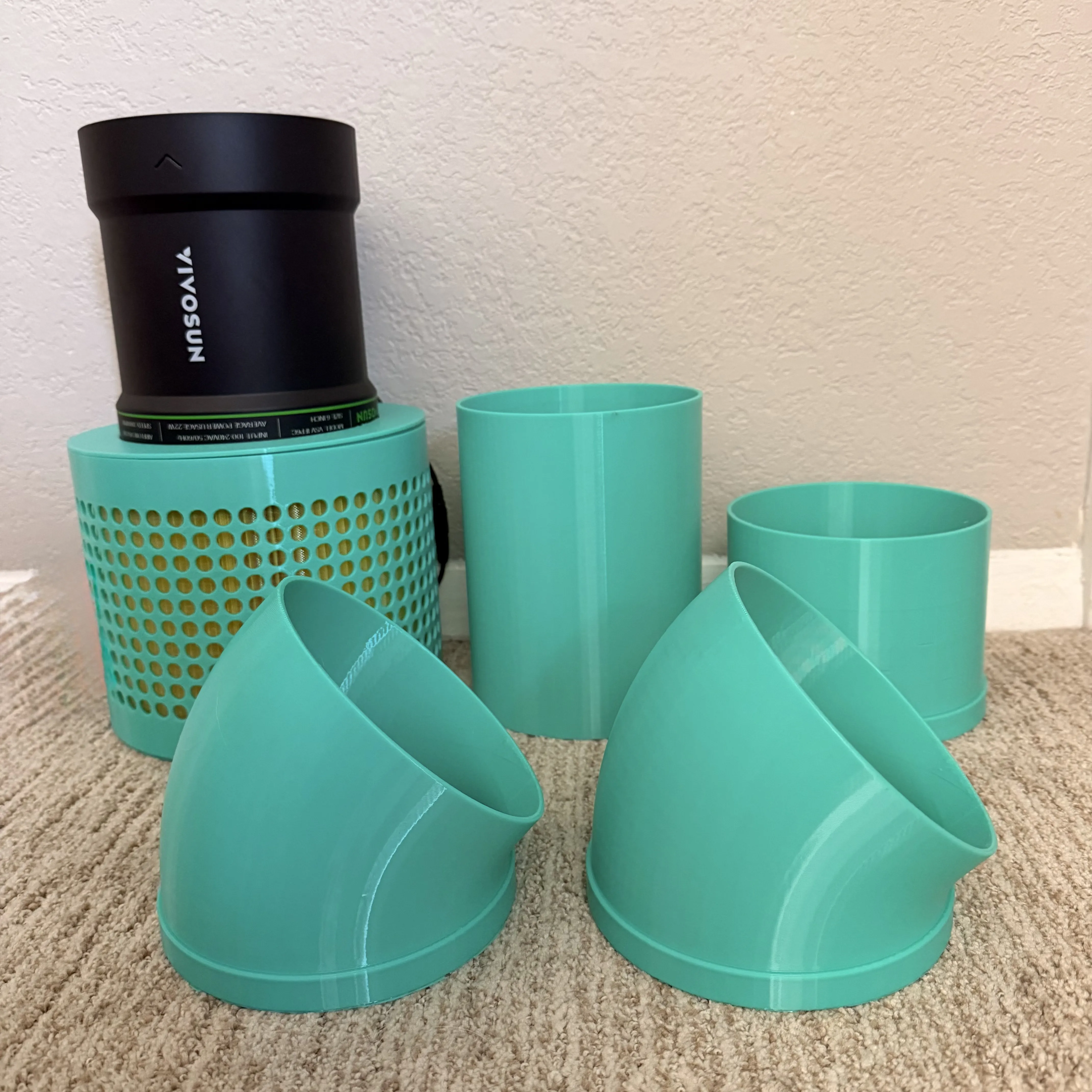
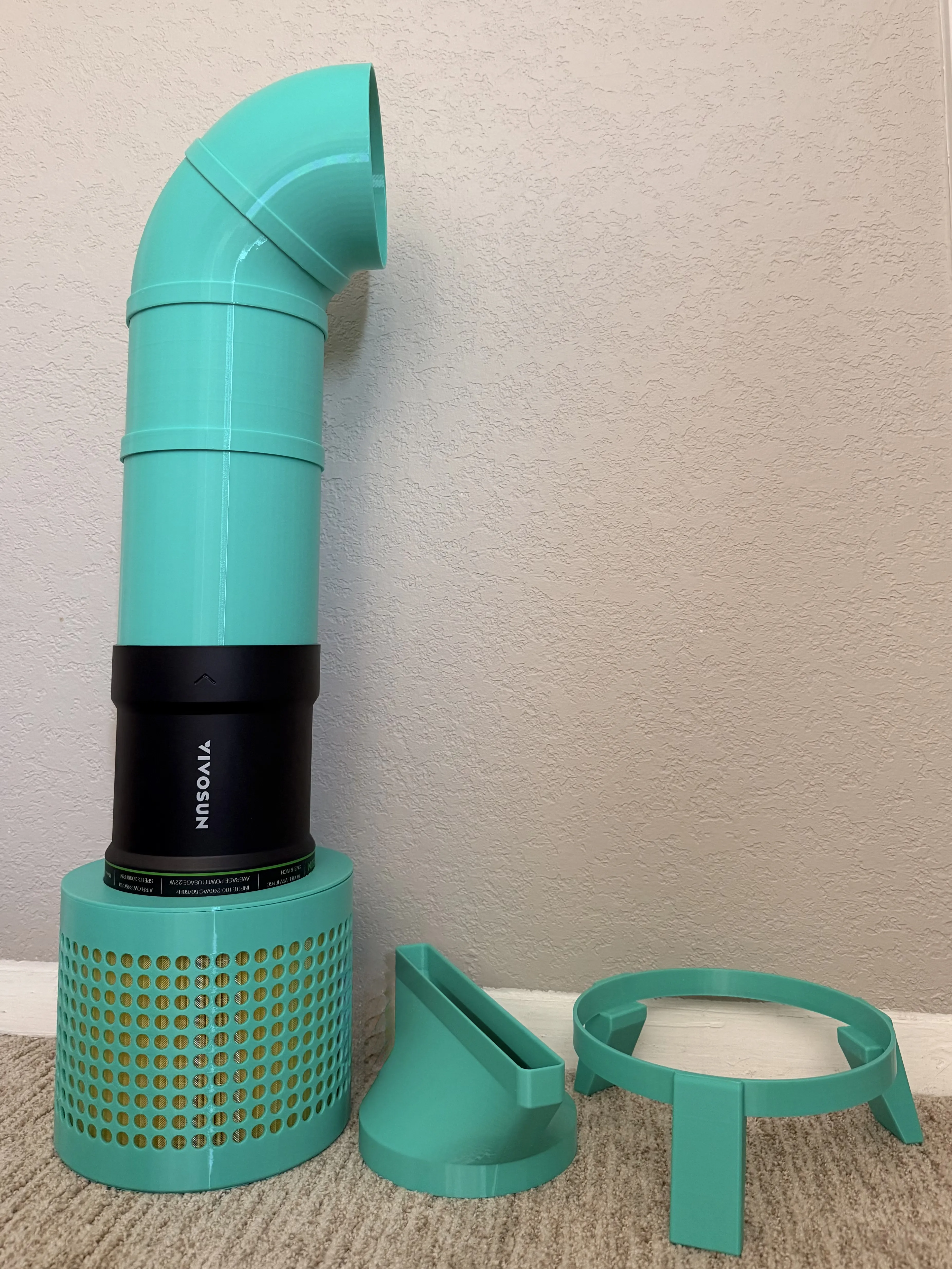
Connect the long cylinder to the top of the fan. If additional height is needed, attach the optional height extender first. Connect the first 45° elbow to the cylinder, then attach the second 45° elbow to the first.
Step 4 — Nozzle & Base
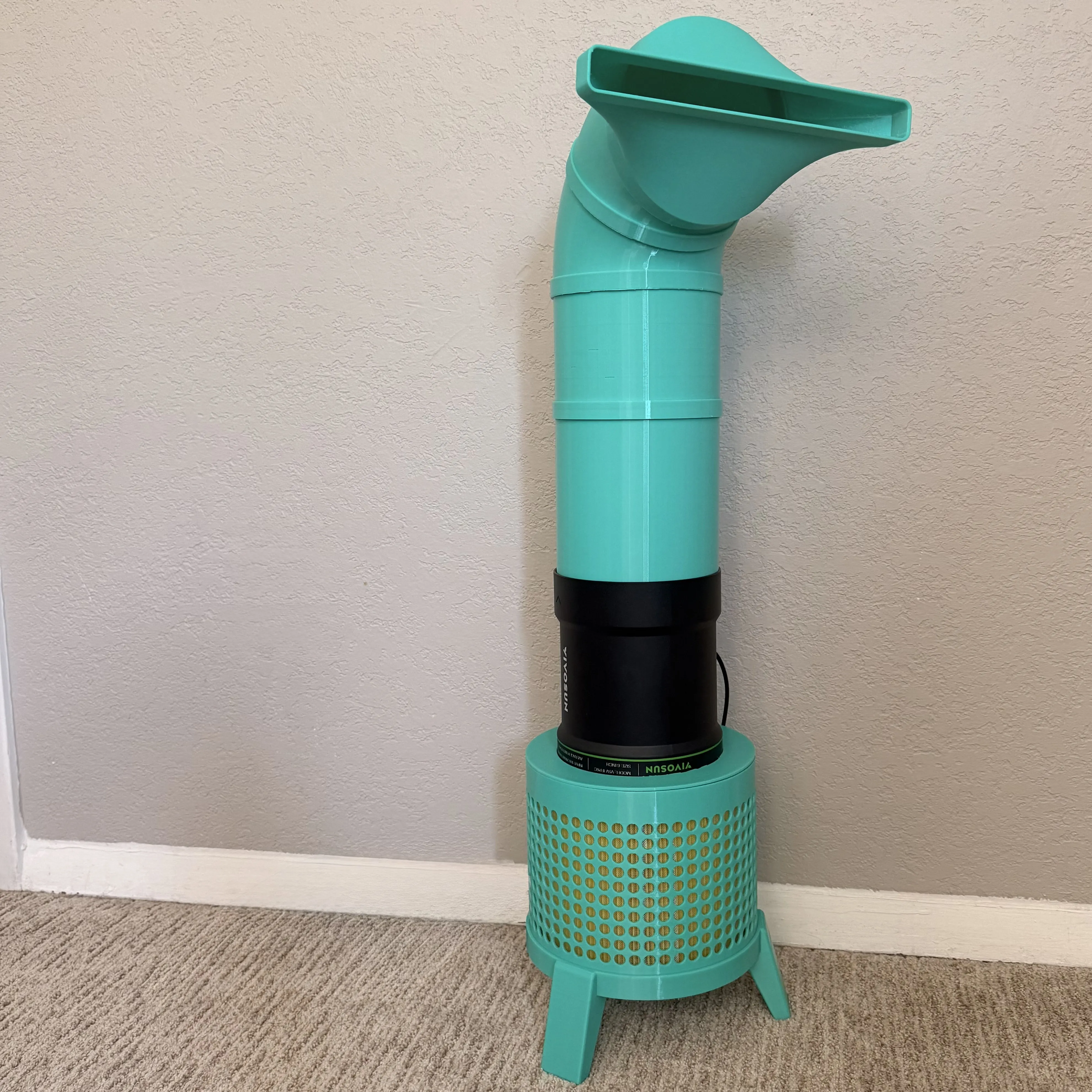
Attach the nozzle to the final elbow. Set the completed assembly into the leg ring base and orient the nozzle toward the head of the bed.
License

You may create derivative works based on this object, provided that all such derivative works are published exclusively on the MakerWorld platform and include proper attribution to the original creator. You may not share, upload, host, distribute, or publish this object—or any derivative work of this object—on any other digital platform, marketplace, or distribution channel. Commercial use of this object and any derivative works is strictly prohibited. This includes, but is not limited to, selling, renting, sublicensing, or using the object in any context in which you receive monetary compensation or other financial benefits.


Comment & Rating (0)