
Aviation Desk Clock - Project SkyOrb
Print Profile(2)
Description
SkyOrb — Live Flight Radar & Clock (ESP32)
Watch real aircraft fly overhead in real time, right on your desk.
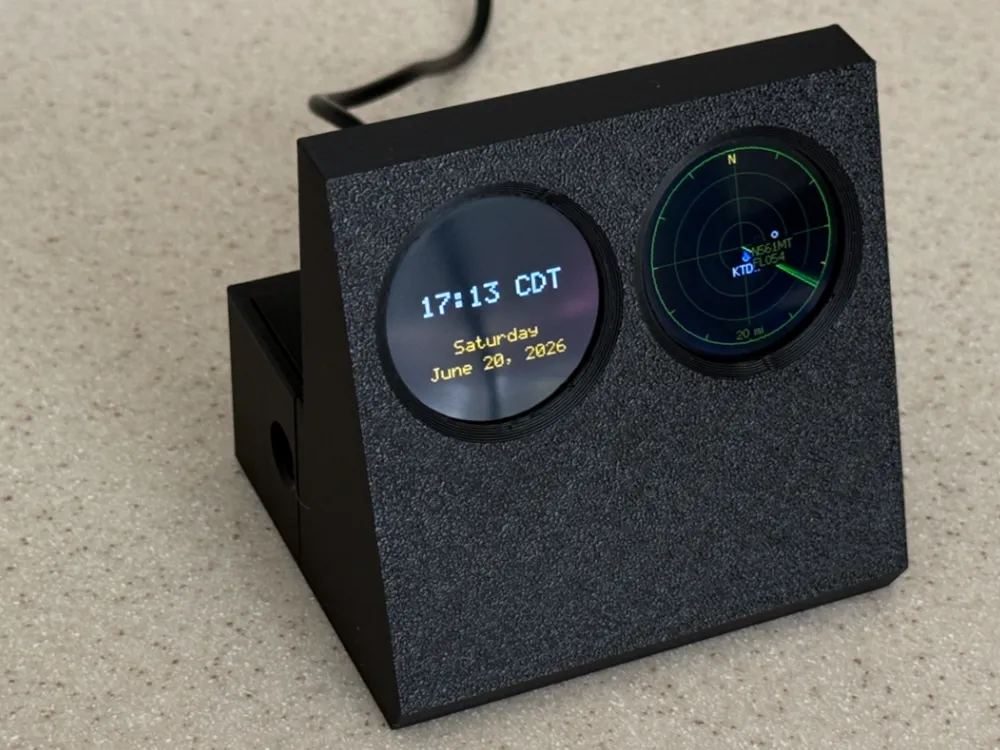

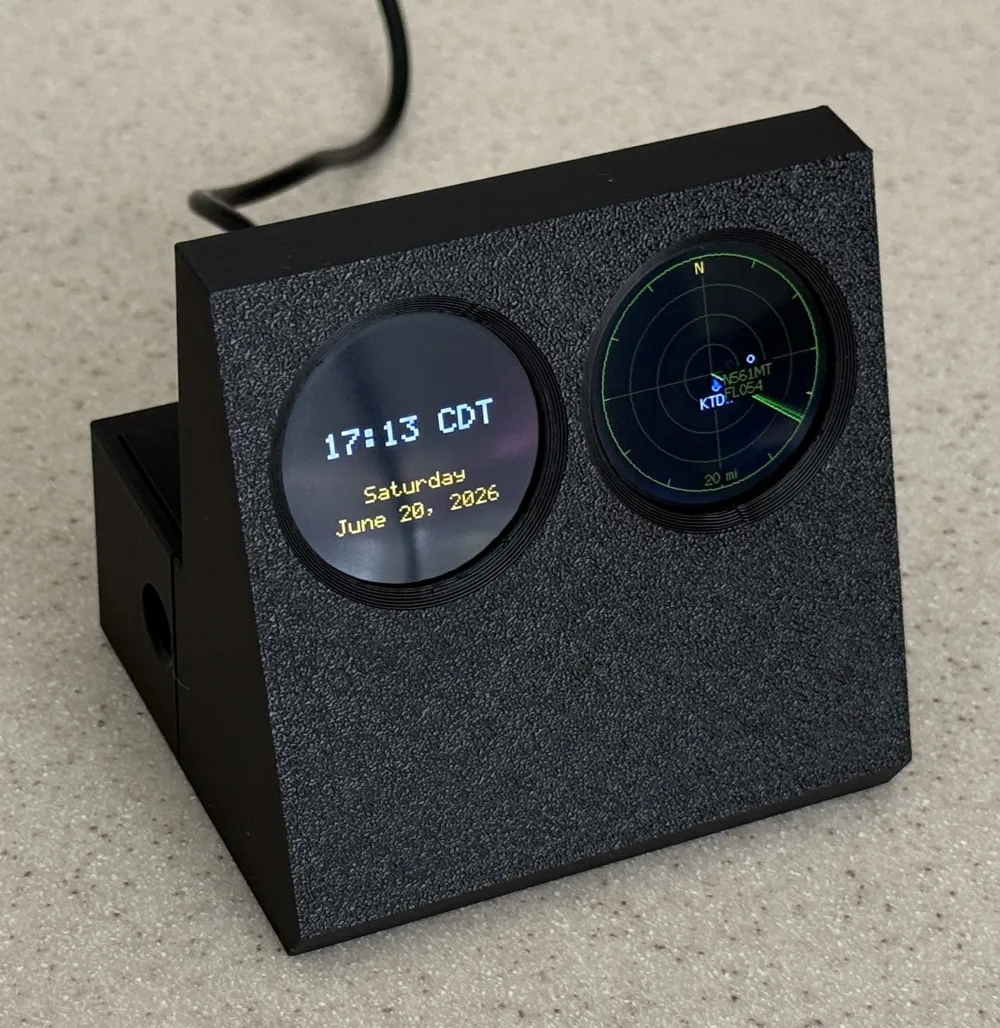
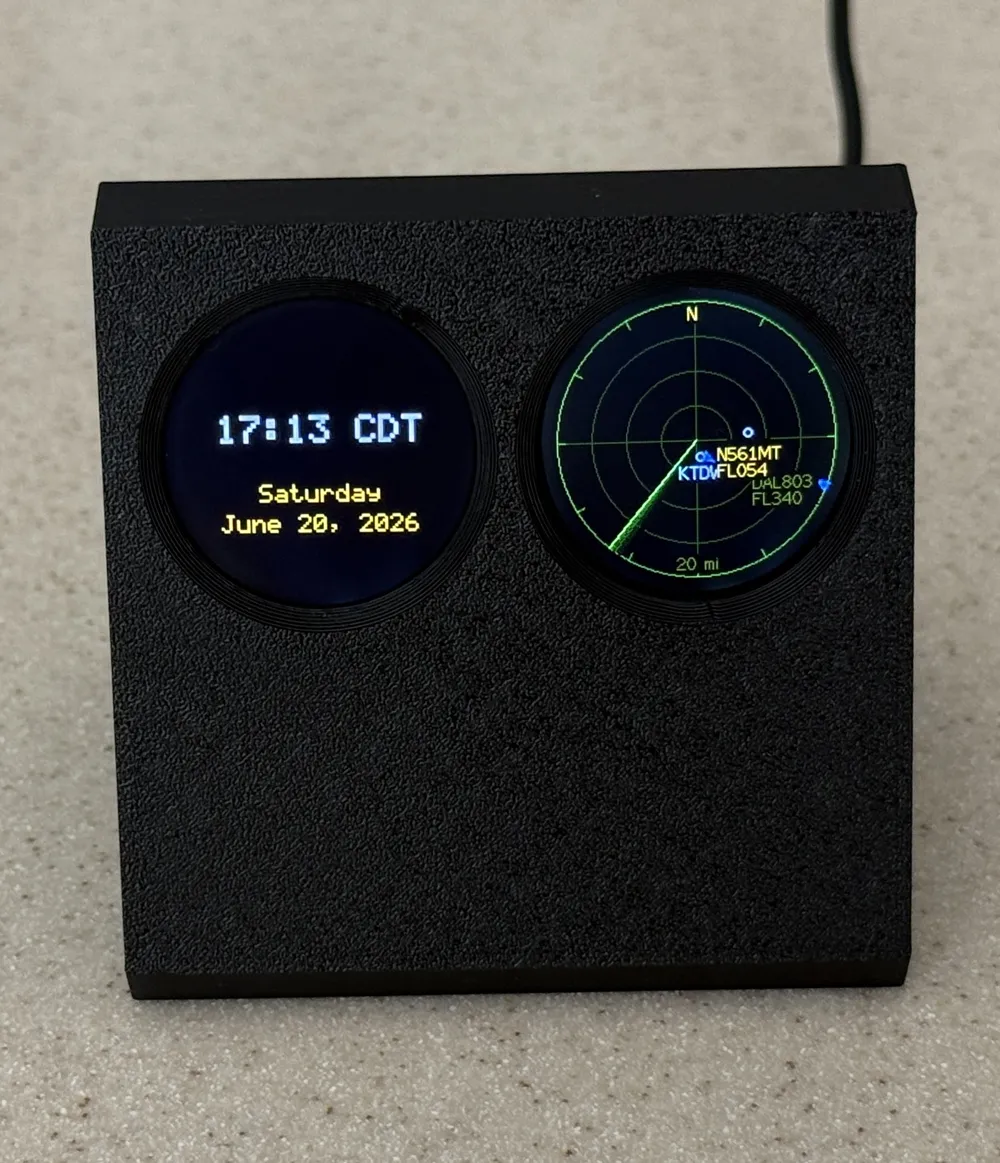
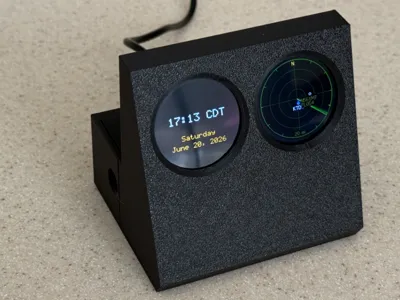
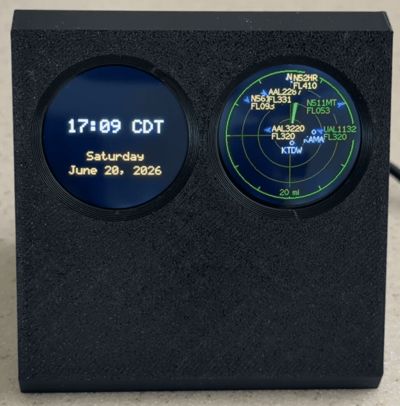
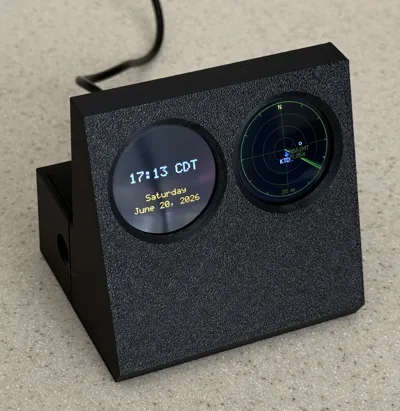
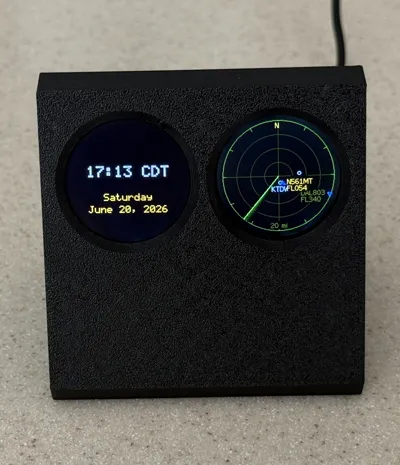
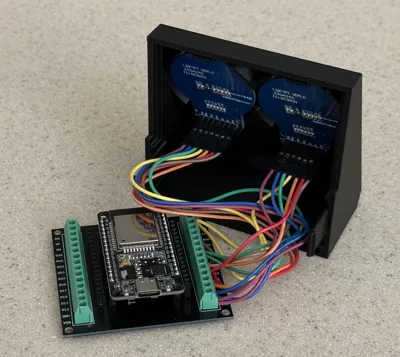
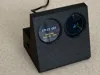
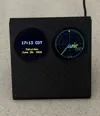
SkyOrb is a desk gadget built around an ESP32 and two round 1.28" displays. One screen is a live flight radar with an animated sweep that makes nearby aircraft glow as it passes over them; the second screen is a clean digital clock with the day and date. This model is the 3D-printed enclosure that holds it all together — and the firmware is free and flashes straight from your web browser, no coding required.
✨ What it does
- Live flight tracking — shows real aircraft around your location using free ADS-B data (no account, no API key, no subscription).
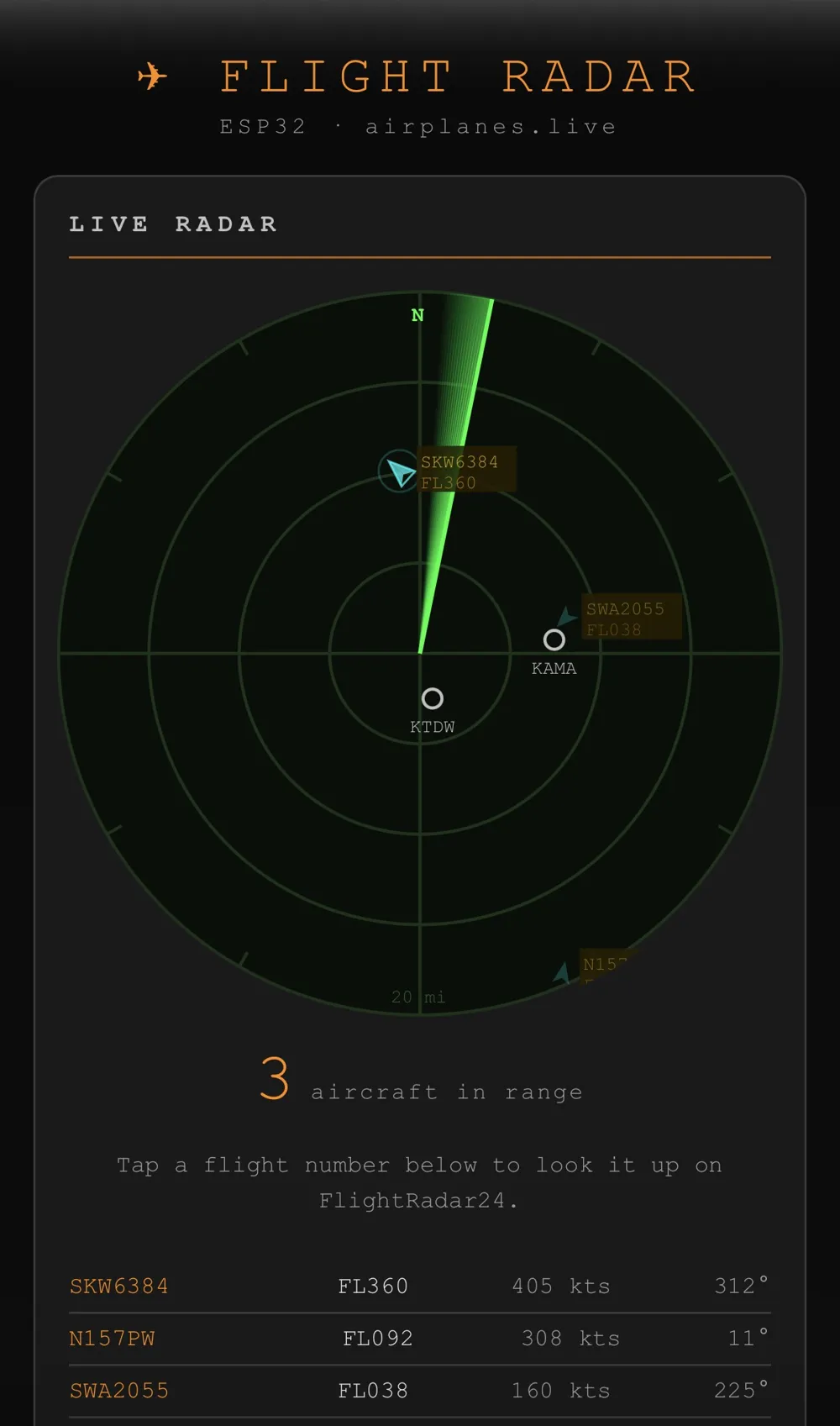
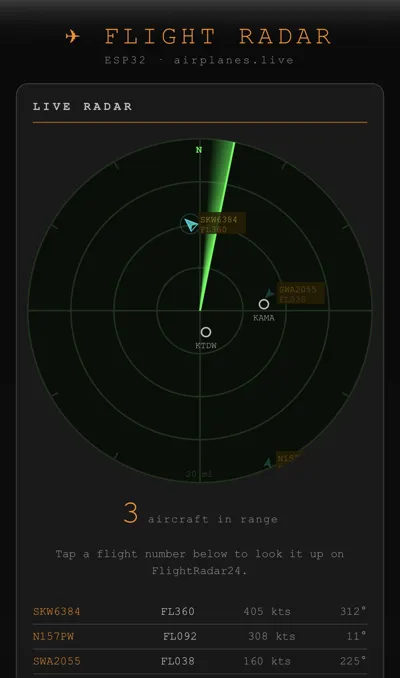
- Animated radar sweep — planes light up as the sweep passes, just like a real radar scope. Callsigns and altitudes show right on the display.
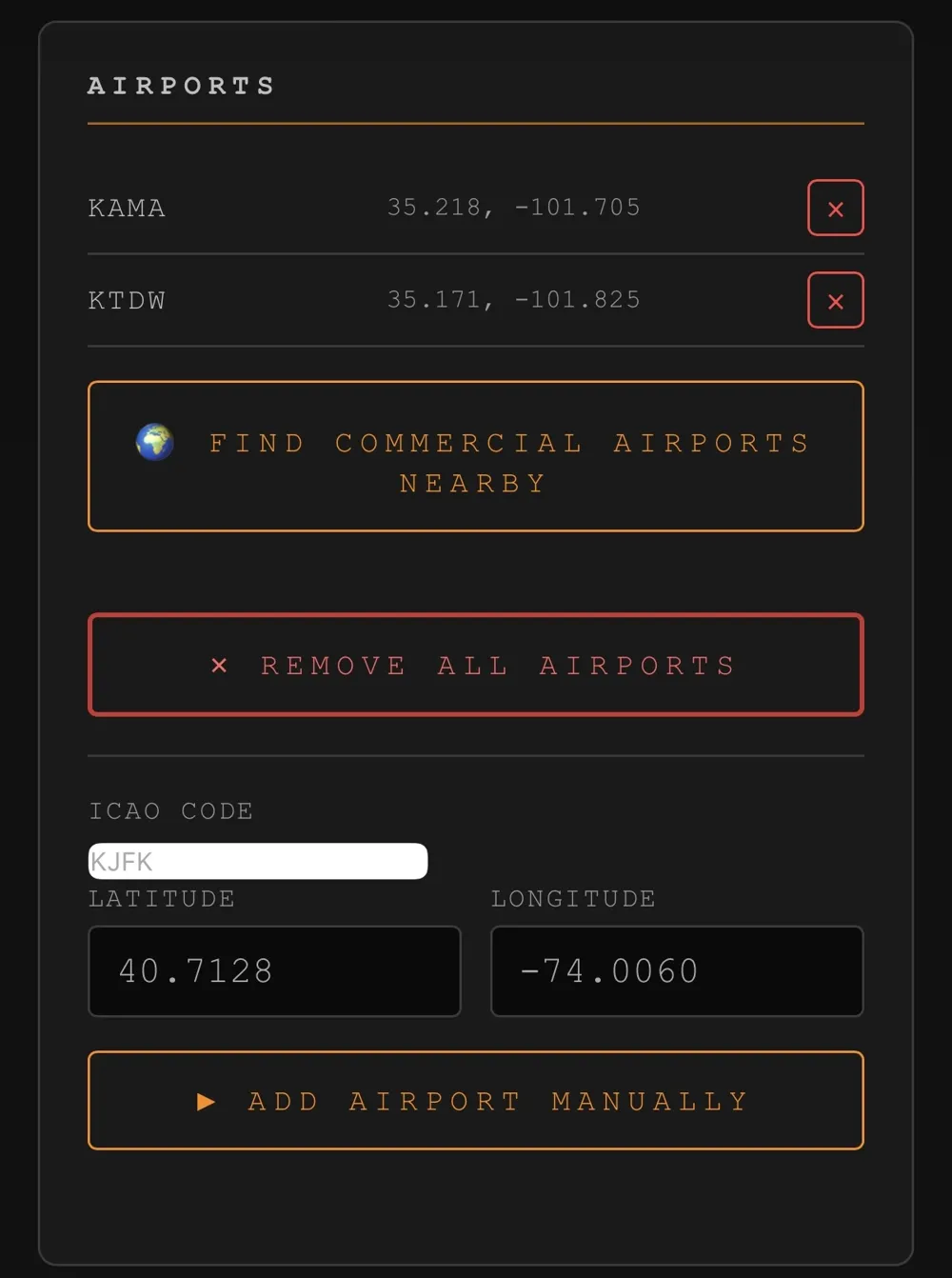
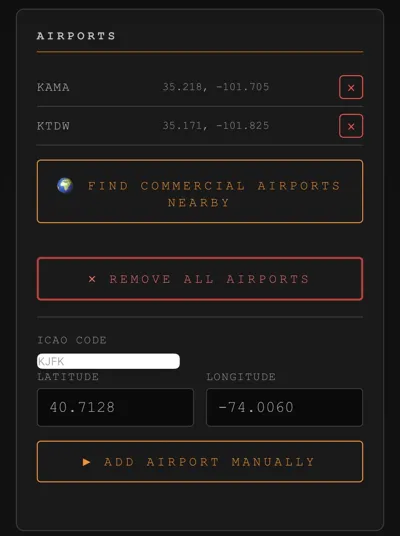
- Airport markers — nearby airports appear on the radar; the portal can auto-find commercial airports near you.
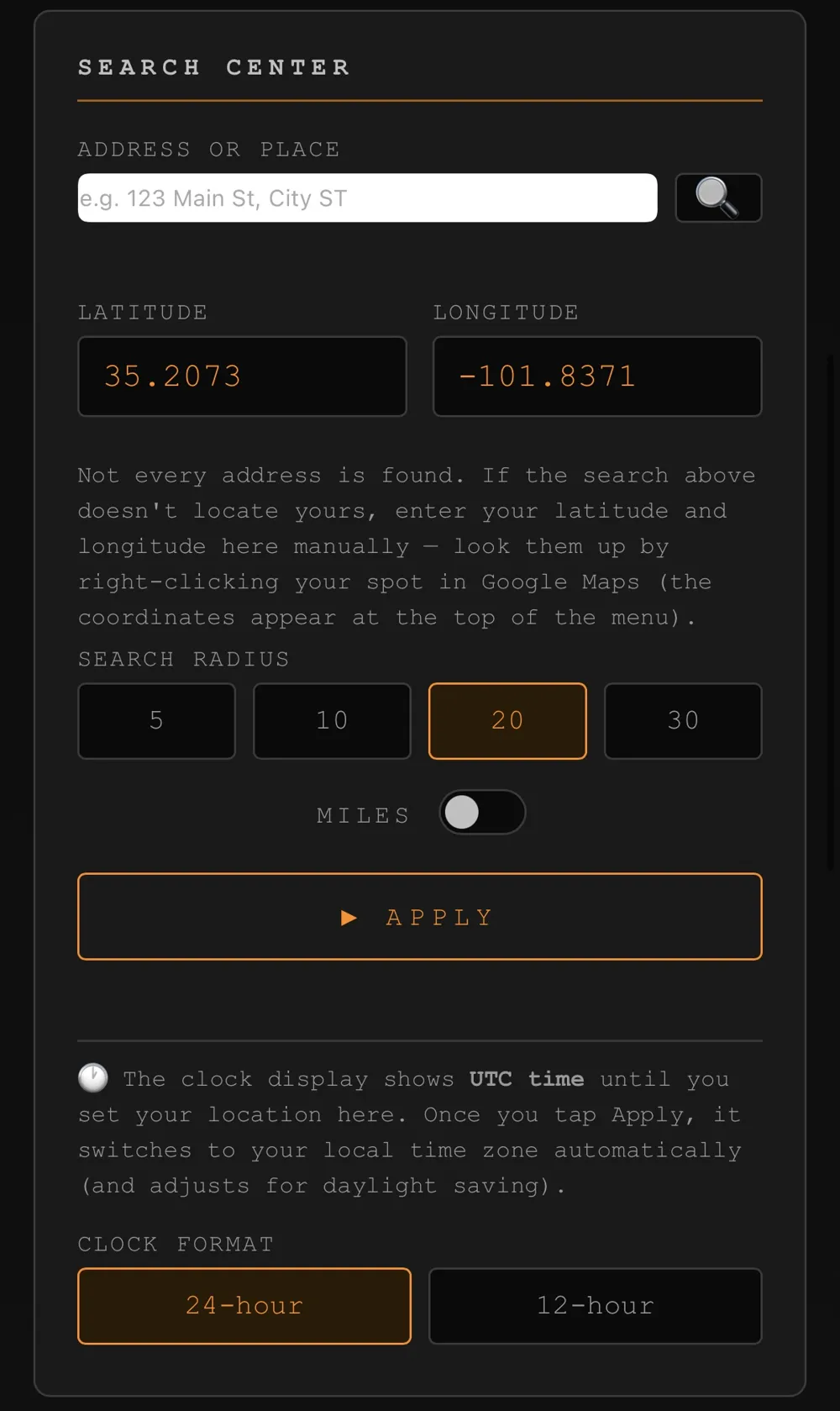
- Digital clock — the second round display shows the time, day, and date. It auto-detects your time zone (with daylight saving) once you set your location, and supports both 12-hour and 24-hour formats.
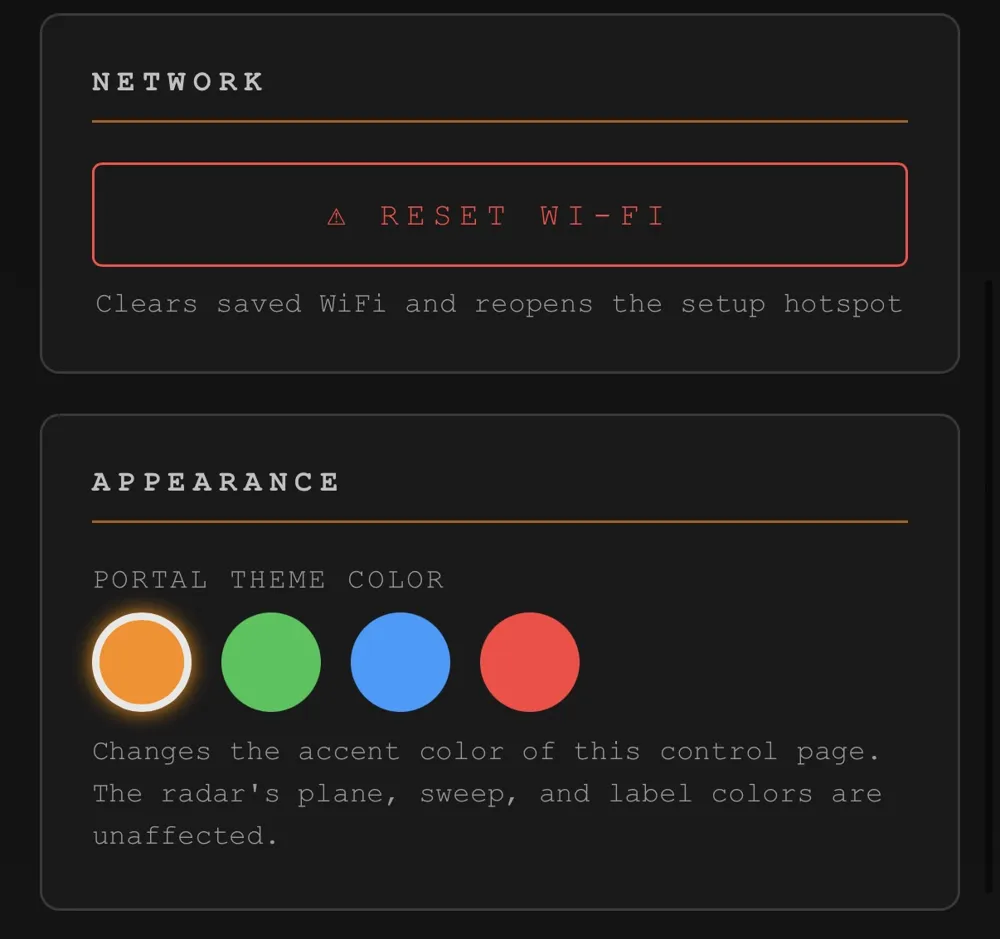
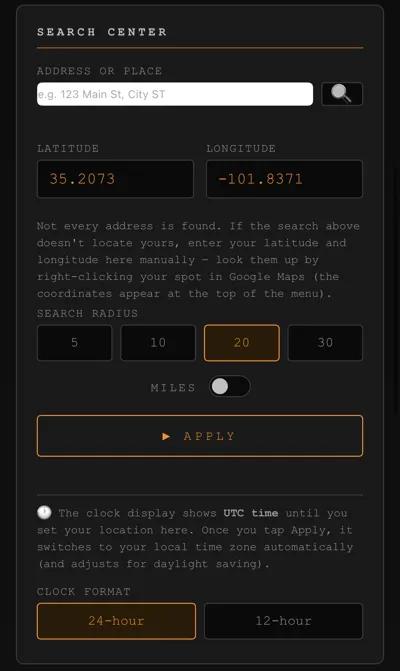
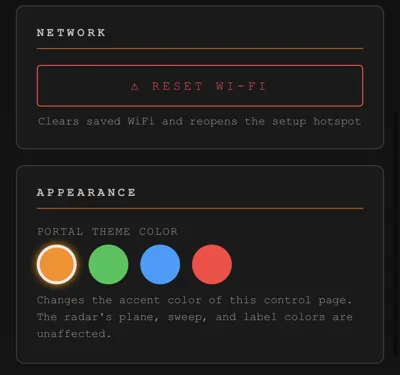
- Set up from your phone — a built-in web page lets you set your location, search radius, airports, clock format, and even the portal's accent color. No computer needed after flashing.
- Tap to track — tap any flight in the web portal to open it on FlightRadar24.
🛠️ What you need (electronics)
These are inexpensive, widely available parts:
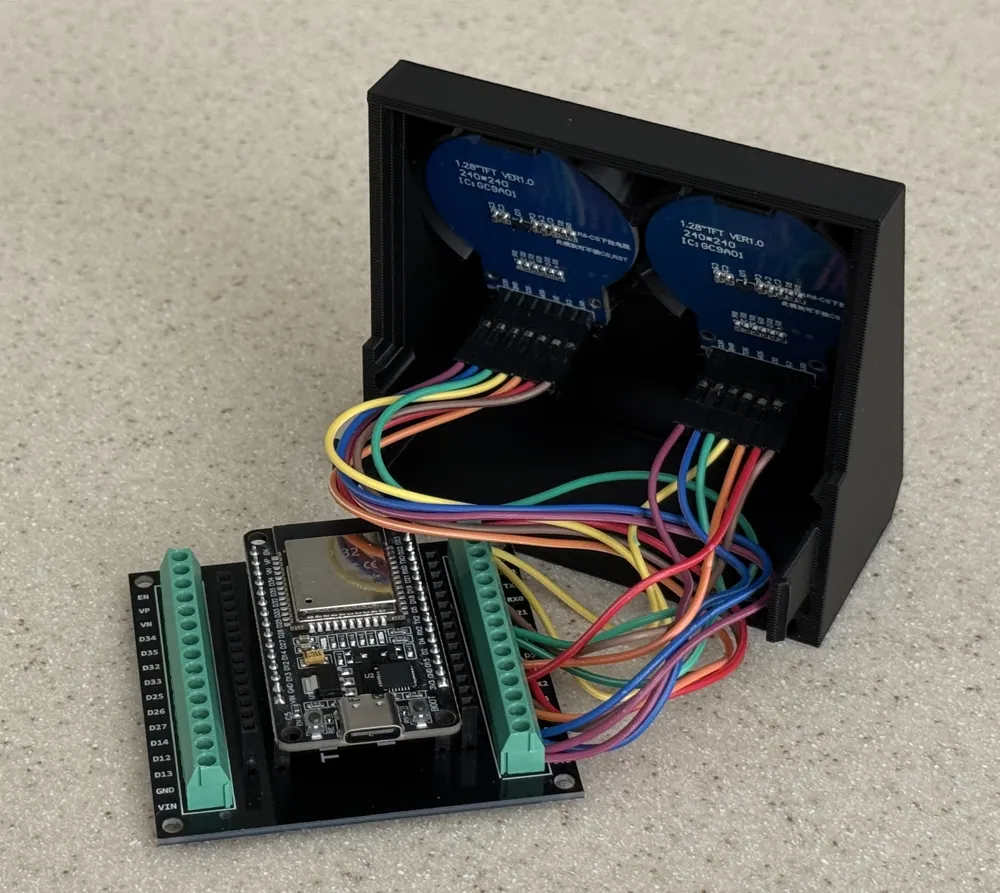
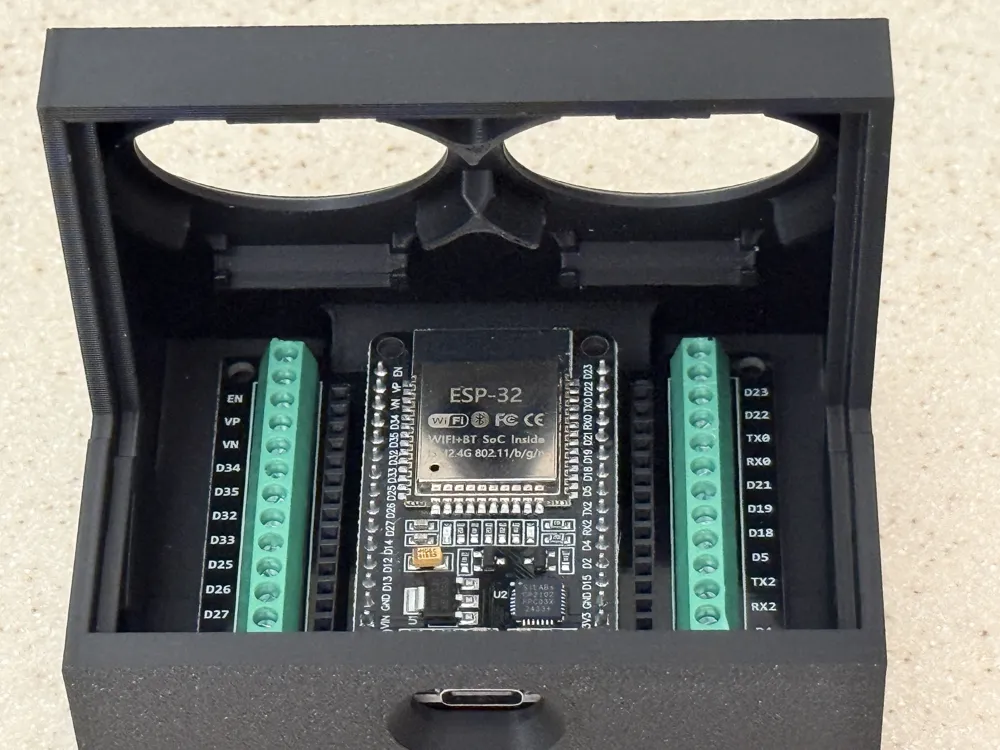
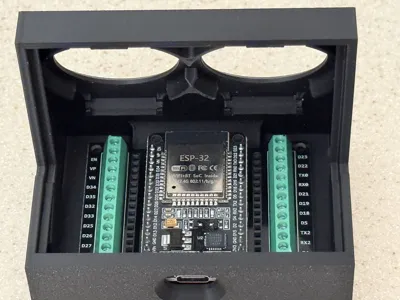
- ESP32 dev board (30-pin ESP-WROOM-32)
- Two GC9A01 round 1.28" displays (240×240 SPI, 7-pin) — one for the radar, one for the clock
- 30-pin ESP32 GPIO breakout board with screw terminals — lets you wire everything up with no soldering
- A USB cable for power
(Exact links to the parts I used are in the firmware project — see the link at the bottom.)
🖨️ About this print
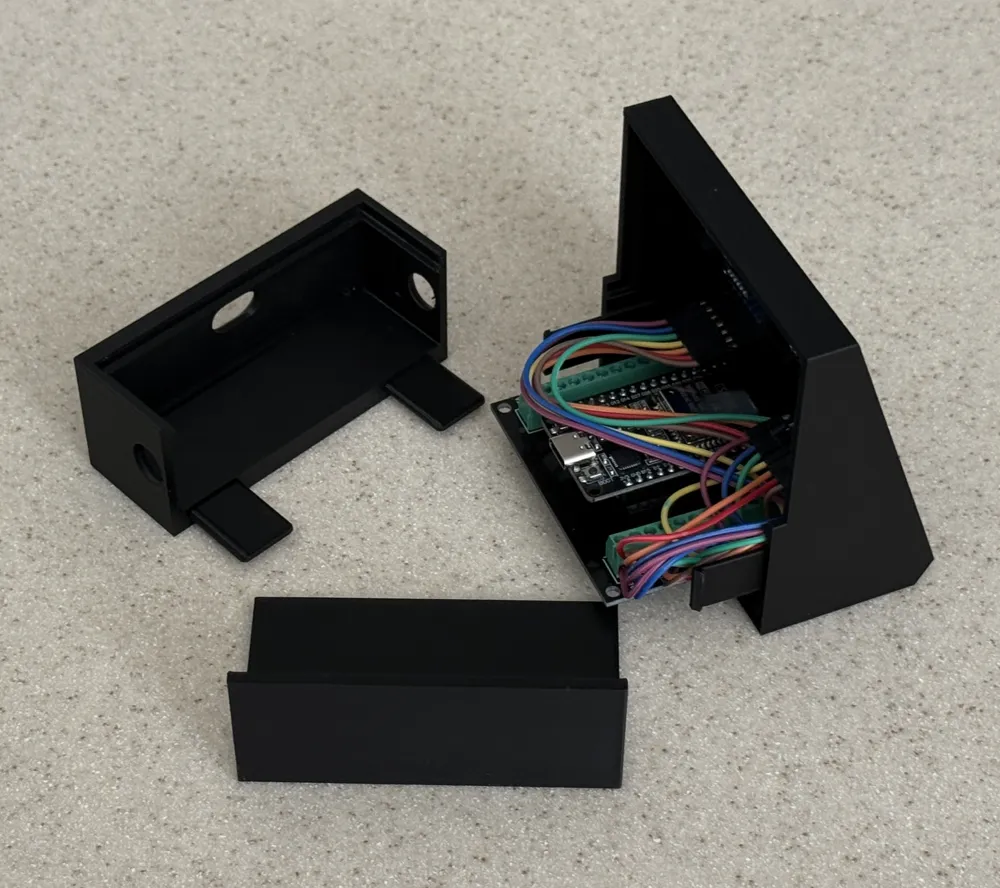
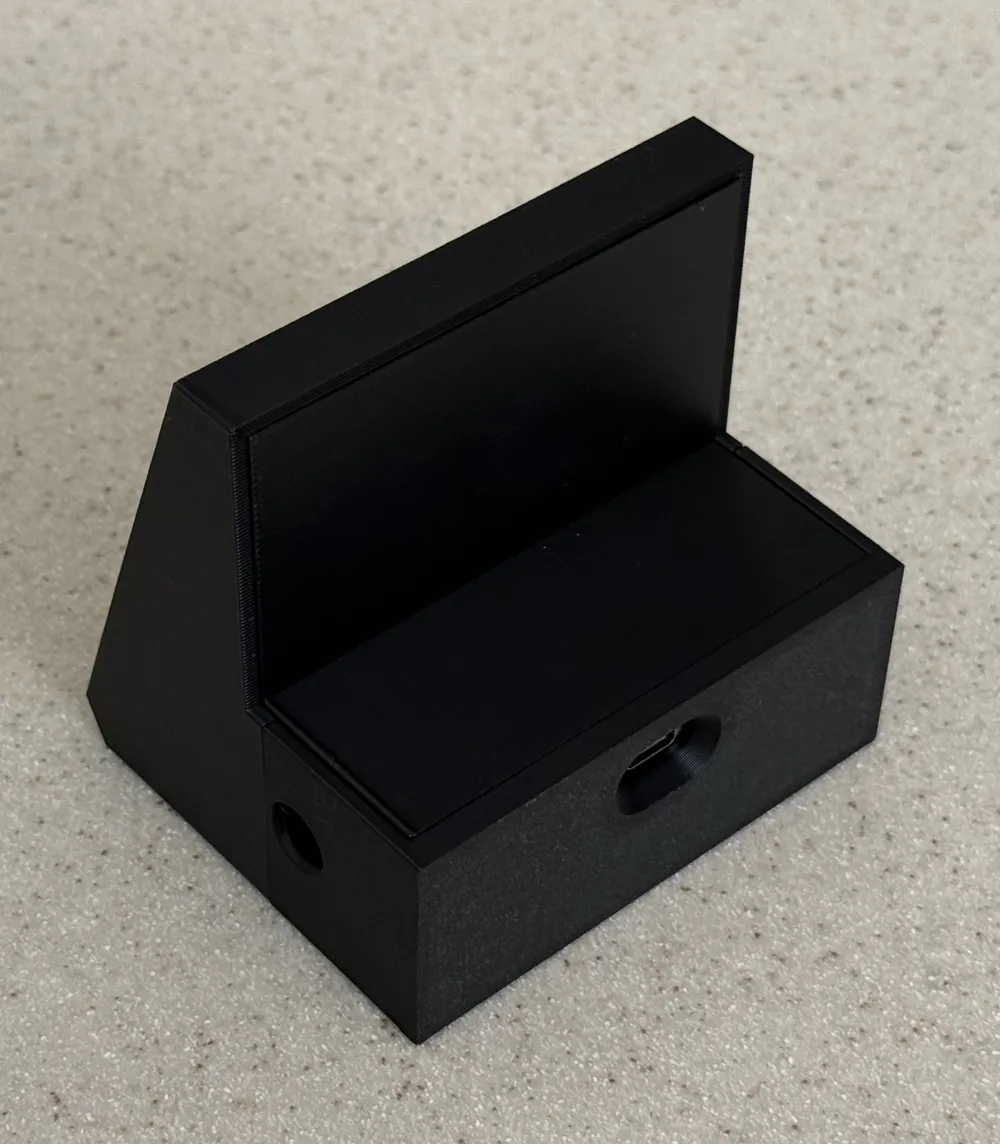



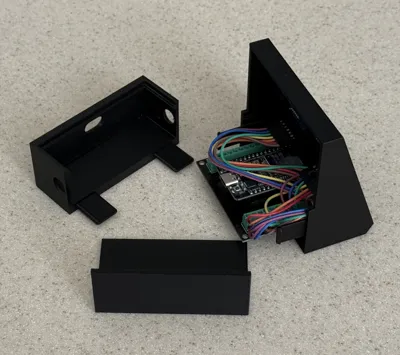
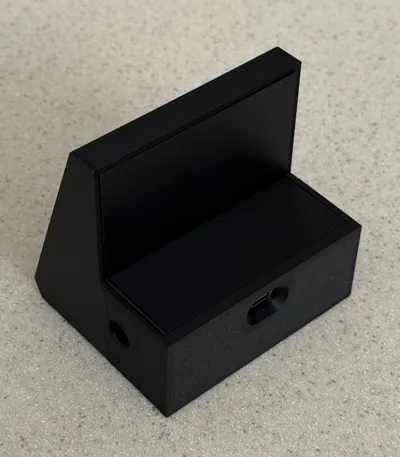
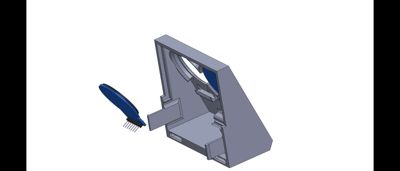
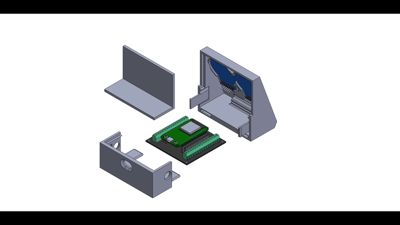
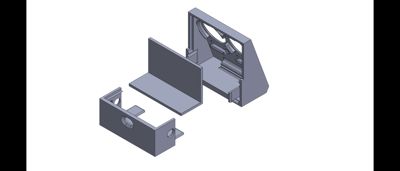
This model is the SkyOrb enclosure. It's designed to hold the ESP32, the breakout board, and both round displays in a clean desk-friendly housing.
Print settings (suggested):
- Material: PLA
- Layer height: 0.2 mm
- Infill: 15–20%
- Supports: No Supports Needed
- No brim needed
Print orientation and any part-specific notes are shown in the preview images. The display bezels are sized for standard GC9A01 round modules.
⚡ Flashing the firmware (no coding!)
The firmware installs straight from your web browser using ESP Web Tools — there's nothing to download or compile.
- Wire up the two displays to the ESP32 using the breakout board (wiring diagram is included on the install page).
- Open the SkyOrb installer page in Chrome or Edge on a computer, plug in your ESP32, and click Install.
- After flashing, connect your phone to the SKYORB-Setup WiFi hotspot, pick your home network, and enter your password.
- Switch your phone back to your home WiFi, then open skyorb.local in a browser to set your location. Done — planes appear within seconds.
The radar display even shows the setup address on screen at startup, so you never need a serial monitor or any developer tools.
💡 Why I built it
I wanted something that made the invisible traffic in the sky above me feel real and tangible — a little window into what's flying overhead at any moment. SkyOrb turns live flight data into a calm, glanceable desk object, and pairing it with a clock made it something I actually keep next to my monitor all day. The whole thing is open and free so anyone can build their own.
📦 What's included
- 3D-printable enclosure files (this model)
- Link to the free firmware + browser-based installer
- Full wiring guide and step-by-step setup instructions
🔗 Firmware & full build guide
The firmware, browser installer, wiring tables, and parts list are all free and open source here:
https://gulfcoastmaker.github.io/SkyOrb/
Licensed under the MIT License — free to build, modify, and share.
Flight data by airplanes.live · Airport & address lookup by OpenStreetMap · Browser flashing by ESP Web Tools.
Built it? I'd love to see your SkyOrb — post a Make and share a photo!
Boost Me (for free)
Boost me If you like this project and want more like it!
Documentation (1)
License



Comment & Rating (11)