
Cartoon Toothbrush Holder
Print Profile(2)






Description
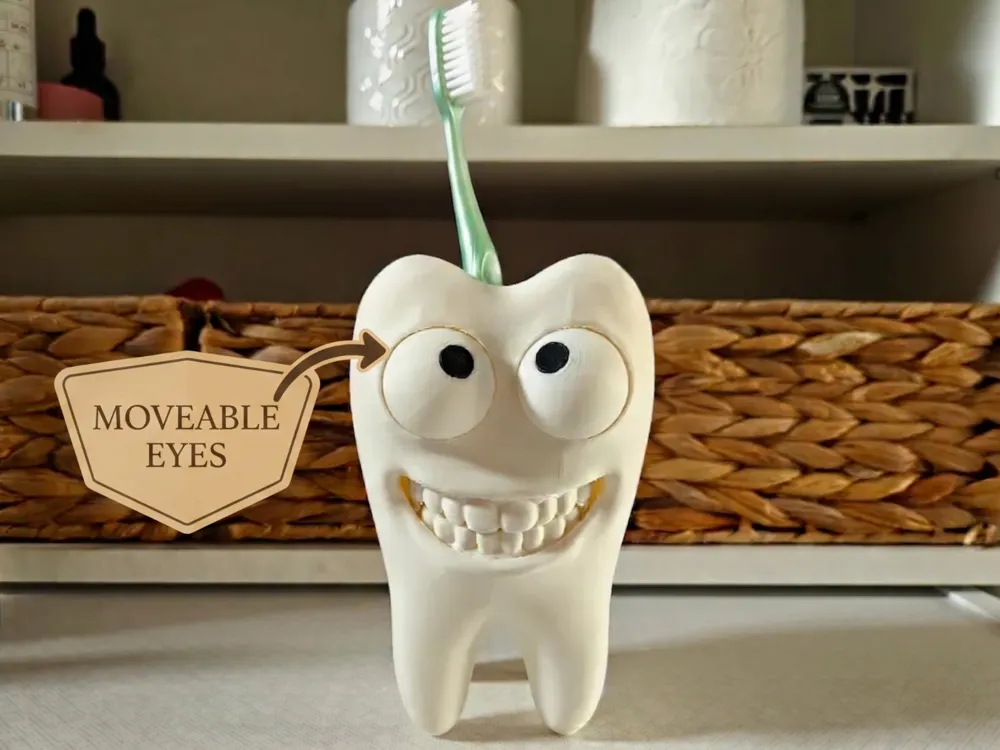
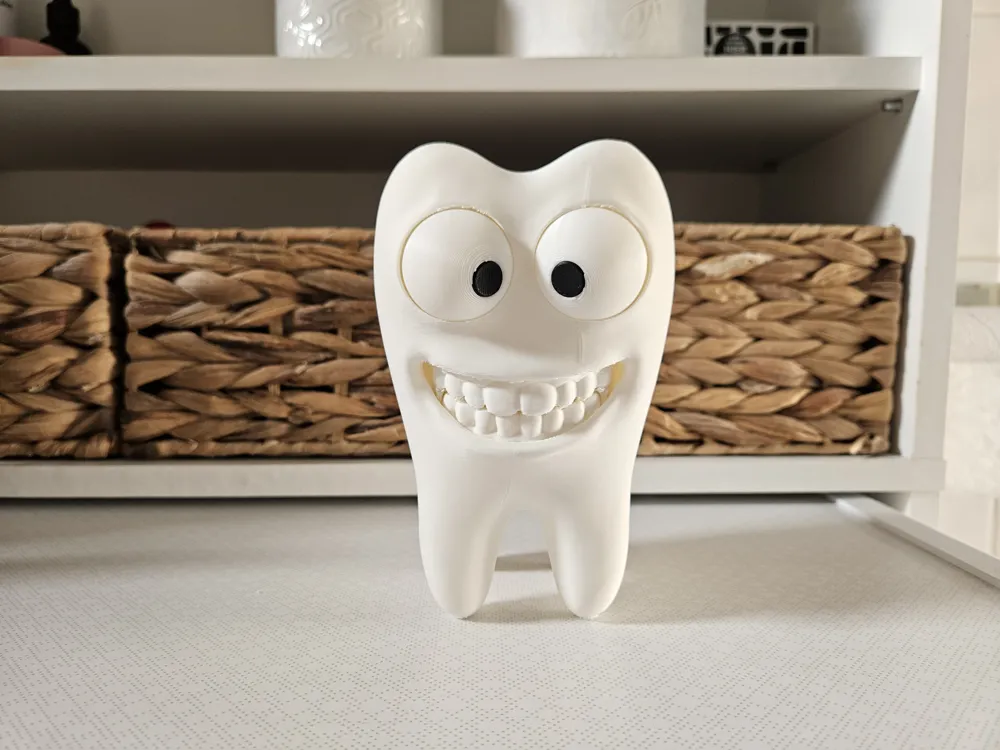
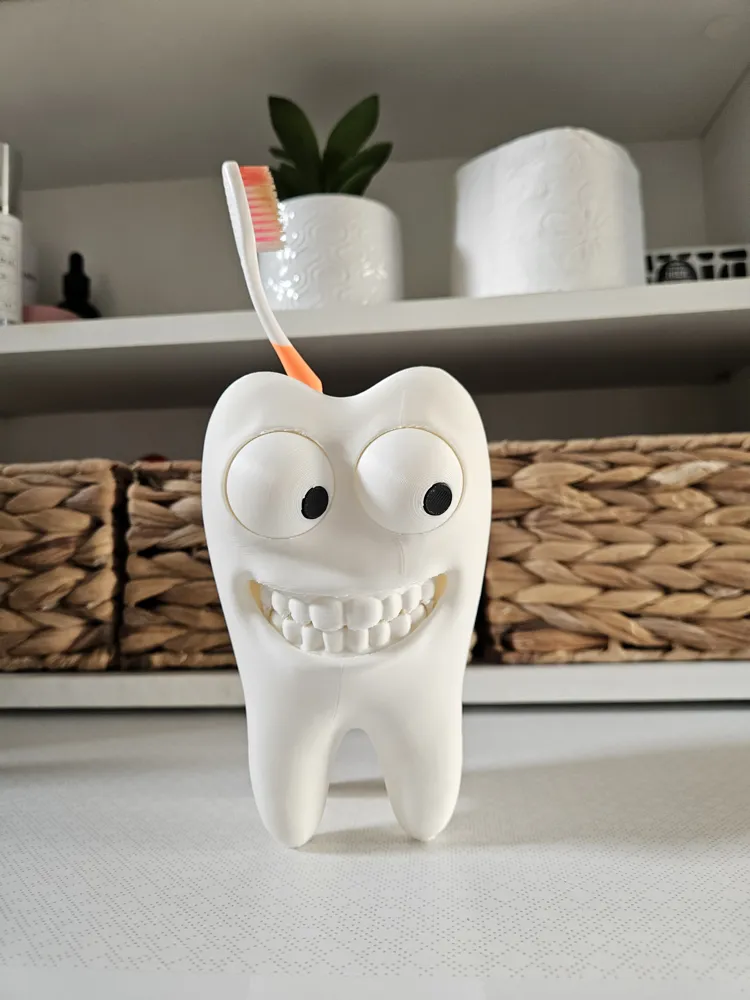
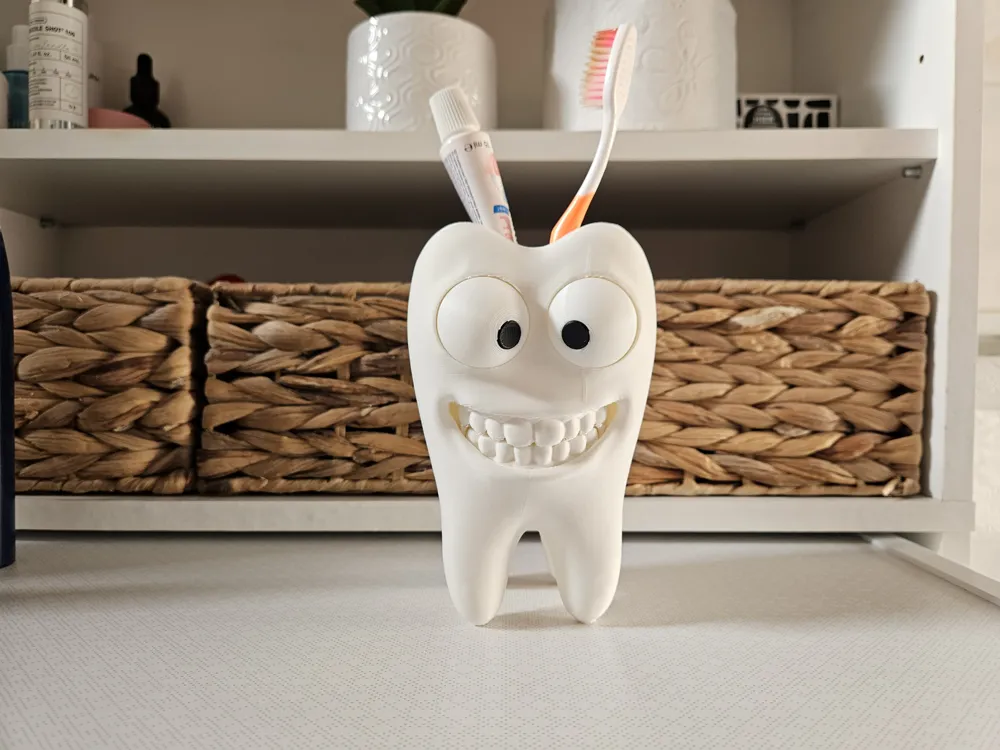
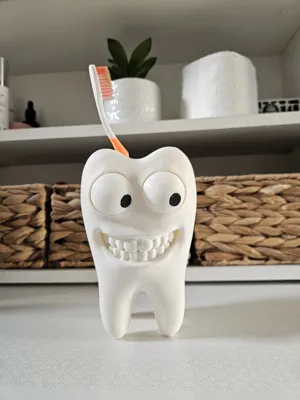
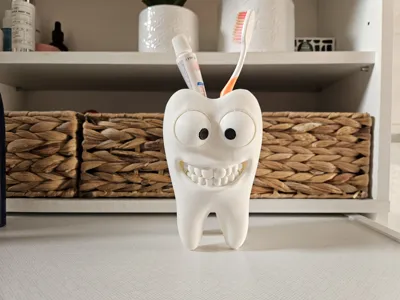
🦷 ToothPal – The Happiest Toothbrush Holder Ever! 👀
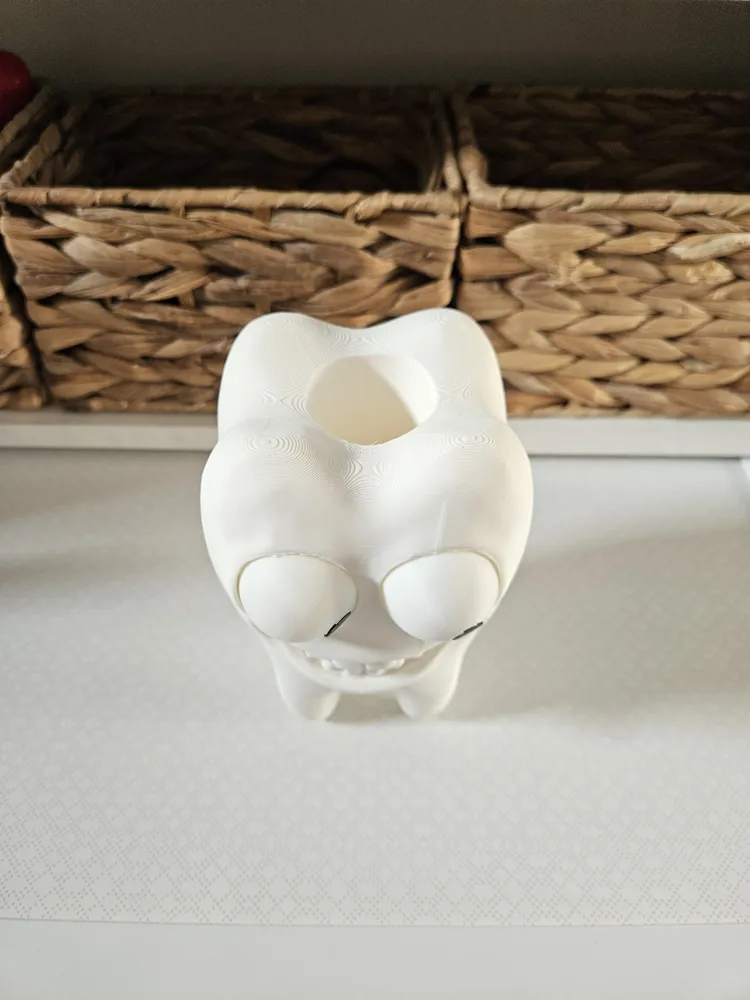
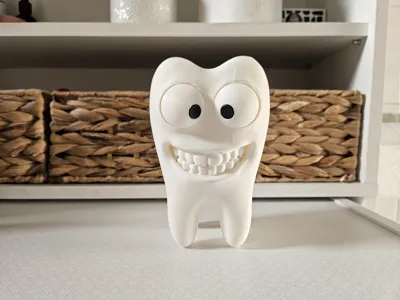
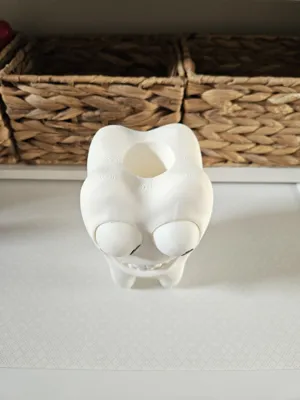
Brighten up your morning routine with this cute and goofy tooth holder! With its big cartoon eyes and a wide, friendly smile, it's the perfect companion to keep your toothbrush and toothpaste organized 🪥. It makes brushing teeth fun for kids and adults alike! Perfect for kids' bathrooms, dental clinics, or as a unique gift for your favorite dentist. Bring some humor and a big smile into your daily routine! 🪥🦷
🛠️ Assembly Instructions: "Tooth" Toothbrush Holder
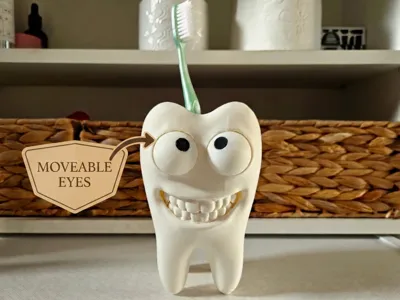
Congratulations on printing your new holder! This model is designed so that the eyes can be freely rotated and positioned according to your mood after assembly. Follow the steps below for proper assembly.
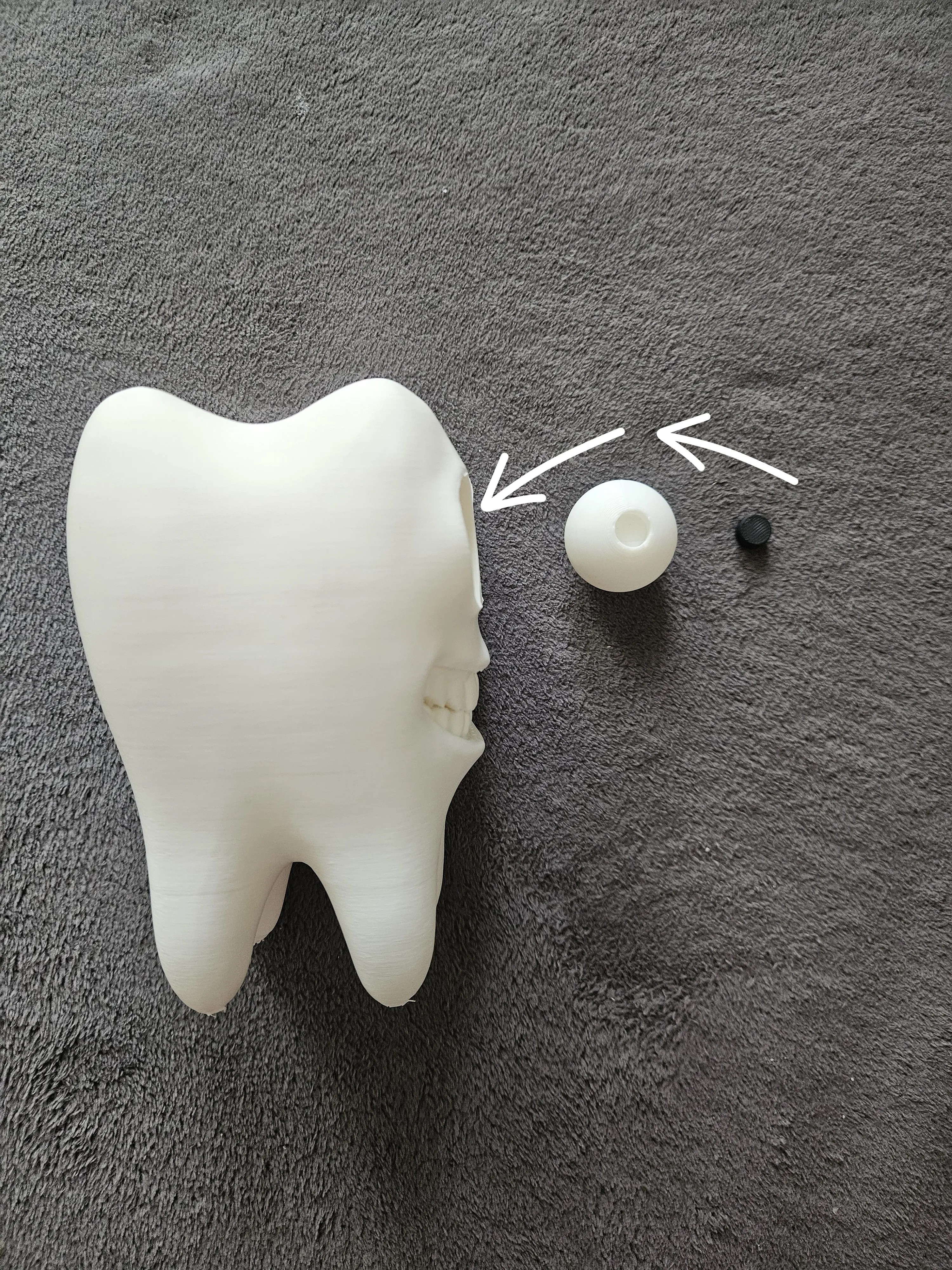
Package Content (printed parts):
- Tooth body (main stand)
- 2x Eye white (white hemispheres)
- 2x Pupil (black pins/balls)
📋 Assembly Procedure
- Part Preparation
- Before assembly, thoroughly remove all support structures from all printed parts.
- Make sure the holes in the tooth body and the joint surfaces are clean and smooth so that the eyes can rotate smoothly.
- Eye Assembly
- Take the black pupil and insert it with the rounded side into the prepared hole in the eye white.
- Fitting the Eye into the Tooth Body
- Place the fully prepared eye against the eye socket in the tooth body.
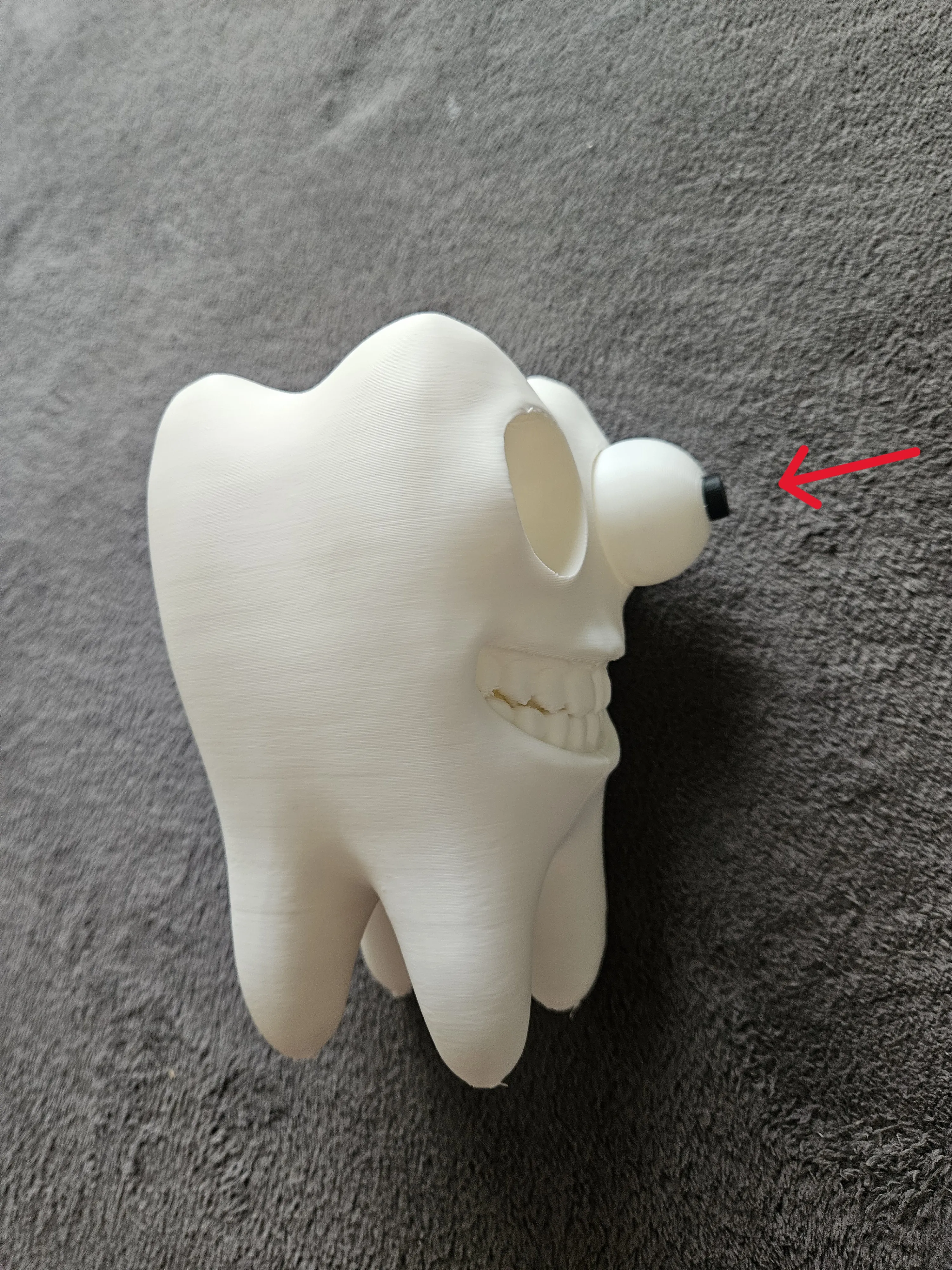
- Apply reasonable pressure to push (snap) the eye inwards. You will hear or feel a gentle click when the joint snaps into place.
- Repeat this step for the second eye.
💡 Result
The eye now holds firmly inside the tooth body, so it won't fall out. At the same time, the mechanism is designed so that you can freely rotate and position the pupils to change the facial expression of your little tooth!
Tip: If the eye is too difficult to snap into the tooth body, check if there are any small remnants of filament or support left on the edges of the print and gently sand them down.
Tip 2: If the joint cannot be snapped in at all due to your printer's tolerances, simply scale down the models proportionally in your slicer by 0.5 to 2%, doing so equally for both the eye white and the pupil.
Boost Me (for free)
If you want to support me, please give me a Boost, it's free and it will help me a lot. Thank you very much. :)
Membership
If you want to sell any of my designs as a physical print 💵 or if you can also support my work by "buying me a coffee" and participating in new designs and models, ☕️ just join to our community. Thank you for your support. 🏆
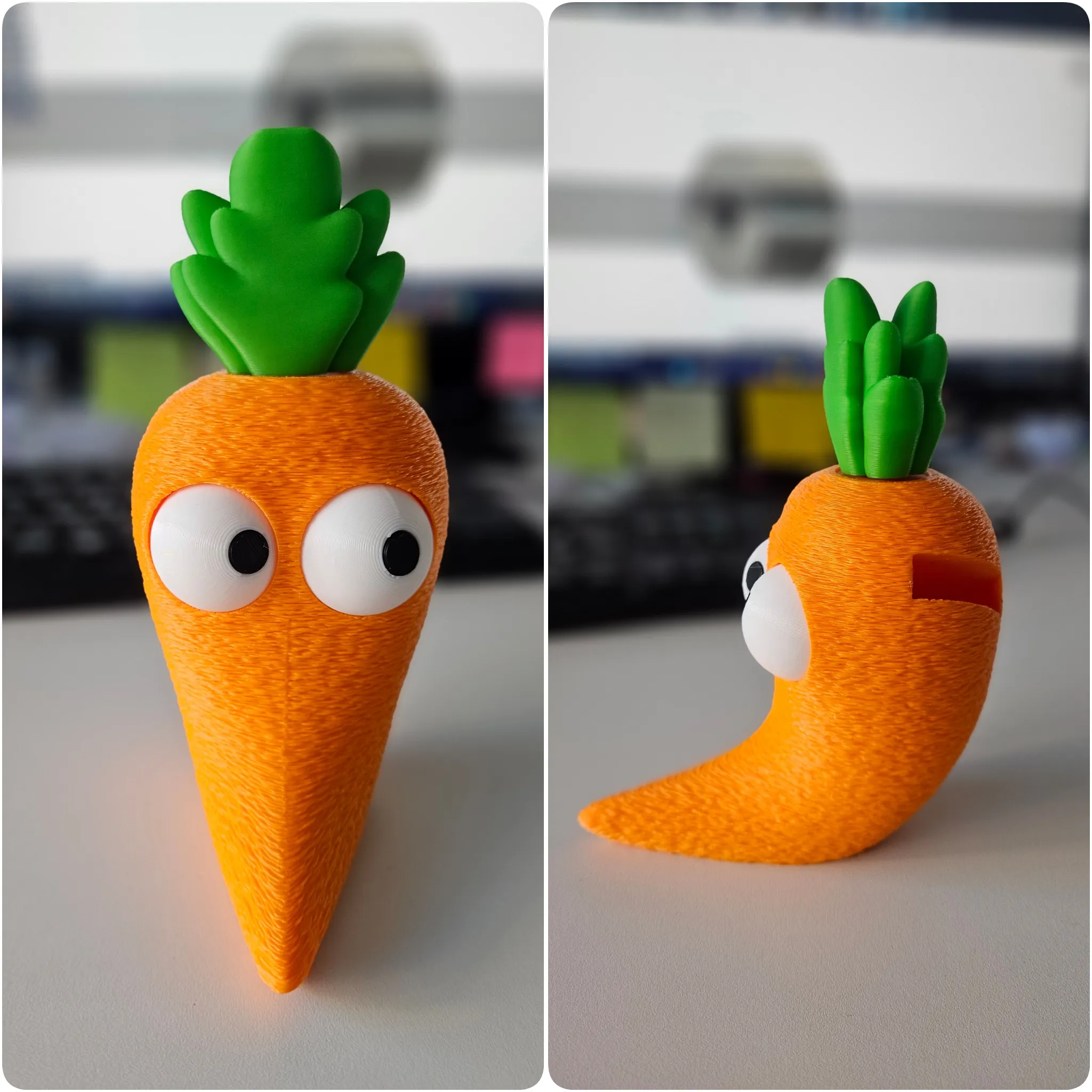
🥕 Also see my other model with moveable eyes 👀 - Cartoon Carrot - https://makerworld.com/en/models/2977829-cartoon-carrot-kitchen-accessories-holder#profileId-3345750
License

You shall not share, sub-license, sell, rent, host, transfer, or distribute in any way the digital or 3D printed versions of this object, nor any other derivative work of this object in its digital or physical format (including - but not limited to - remixes of this object, and hosting on other digital platforms). The objects may not be used without permission in any way whatsoever in which you charge money, or collect fees.


Comment & Rating (44)