
Bambu Automatic Fume Extractor (Active Carbon)
Print Profile(3)
Description
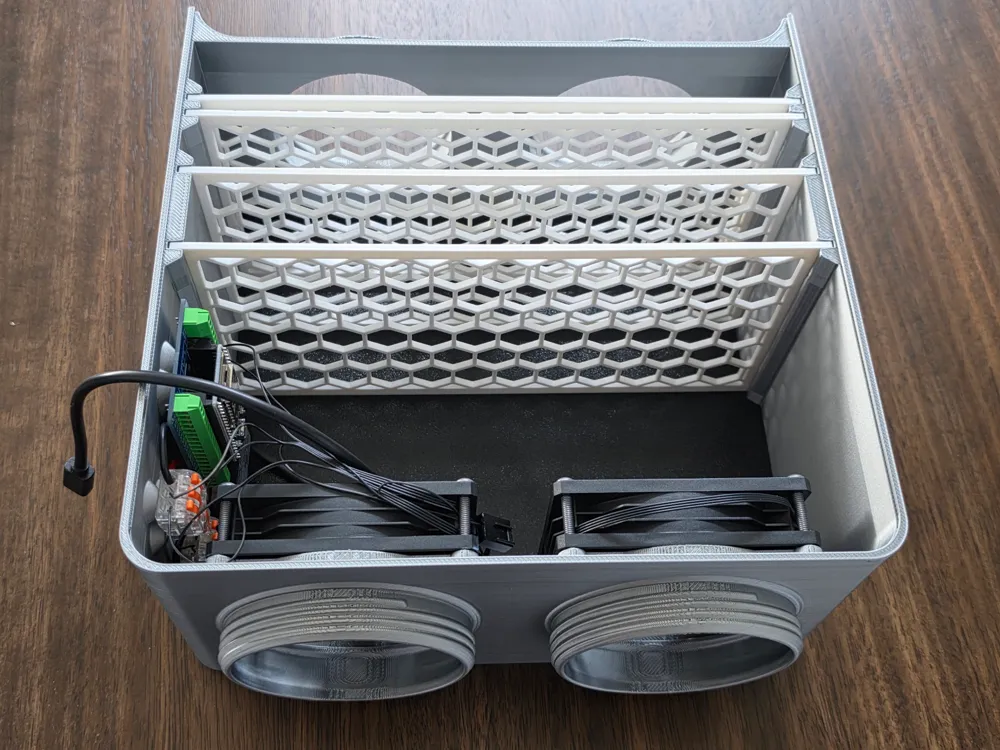
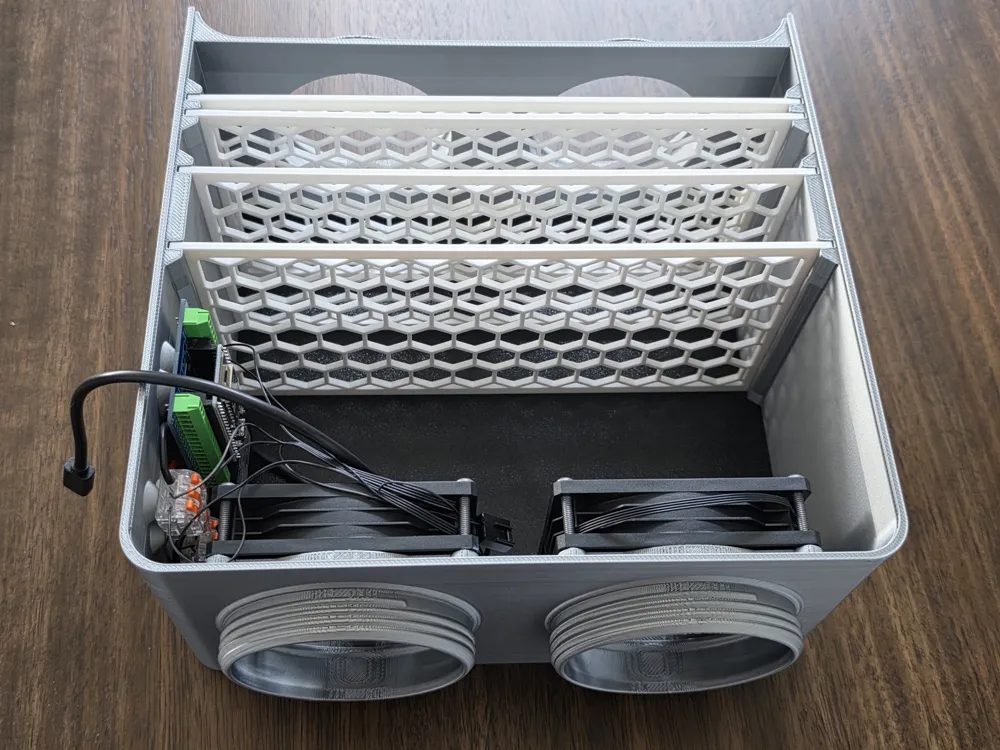
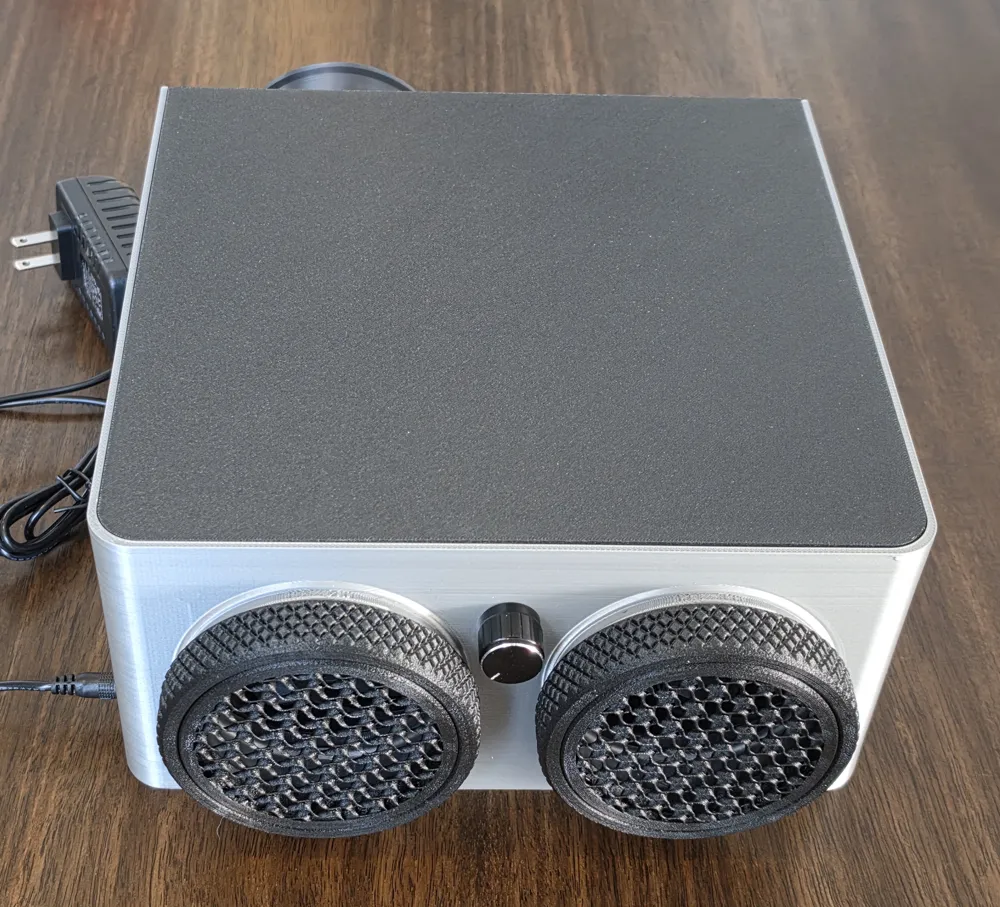
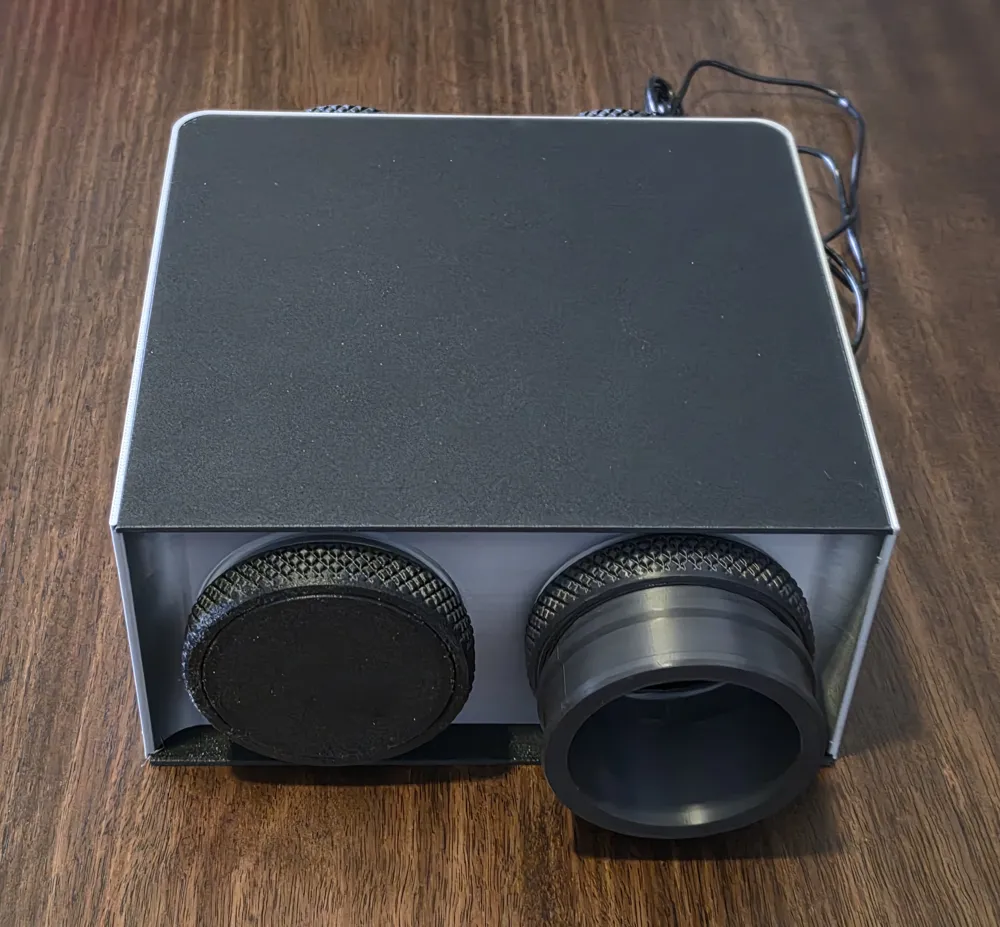
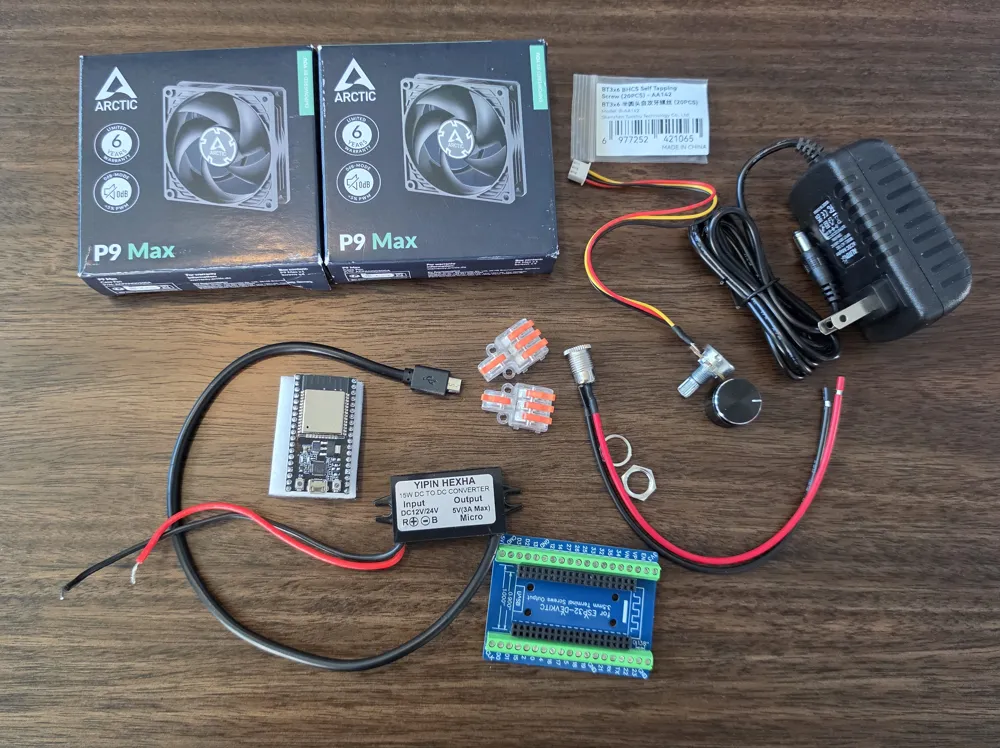
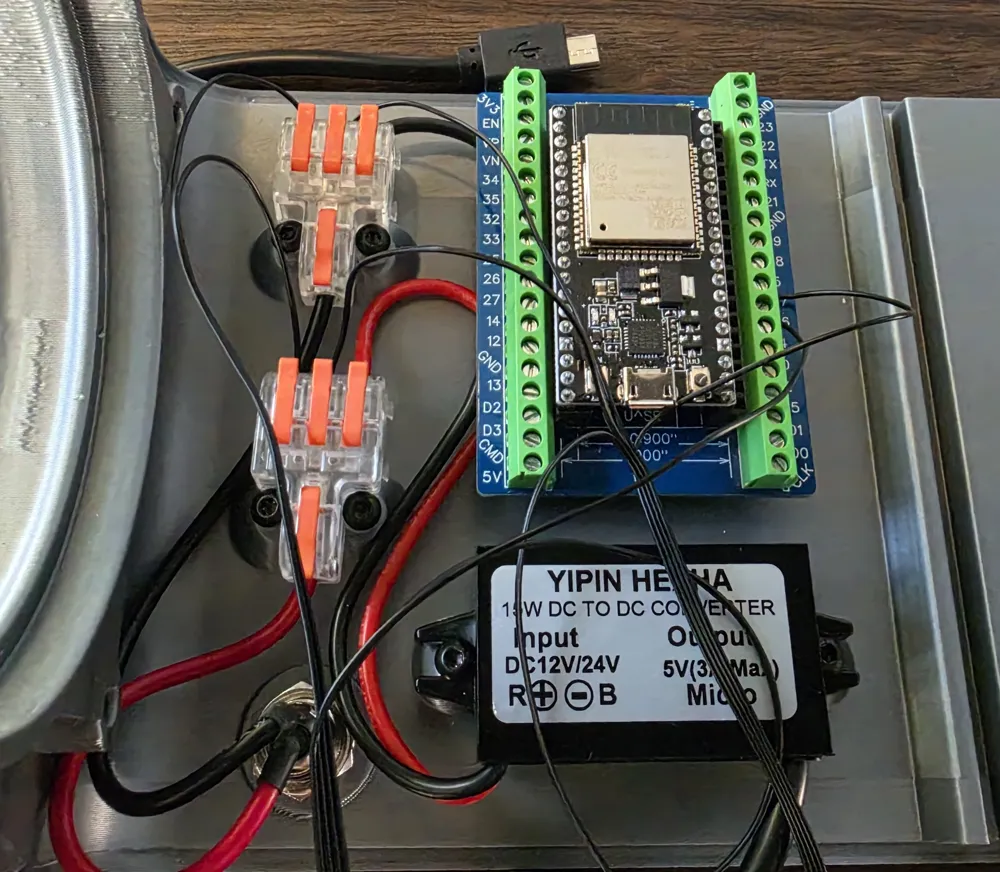
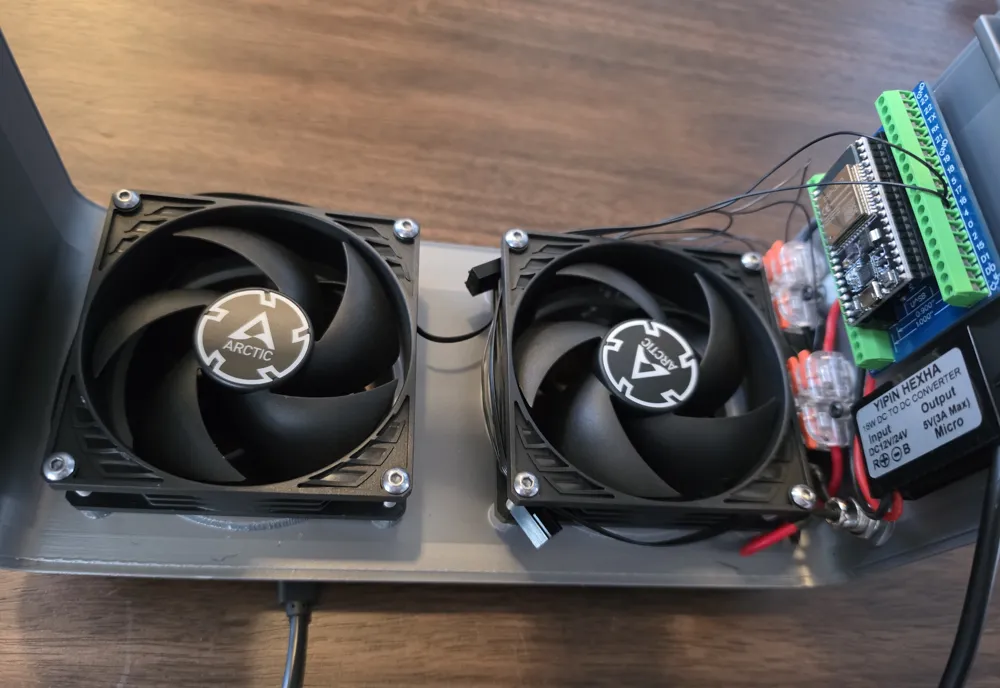
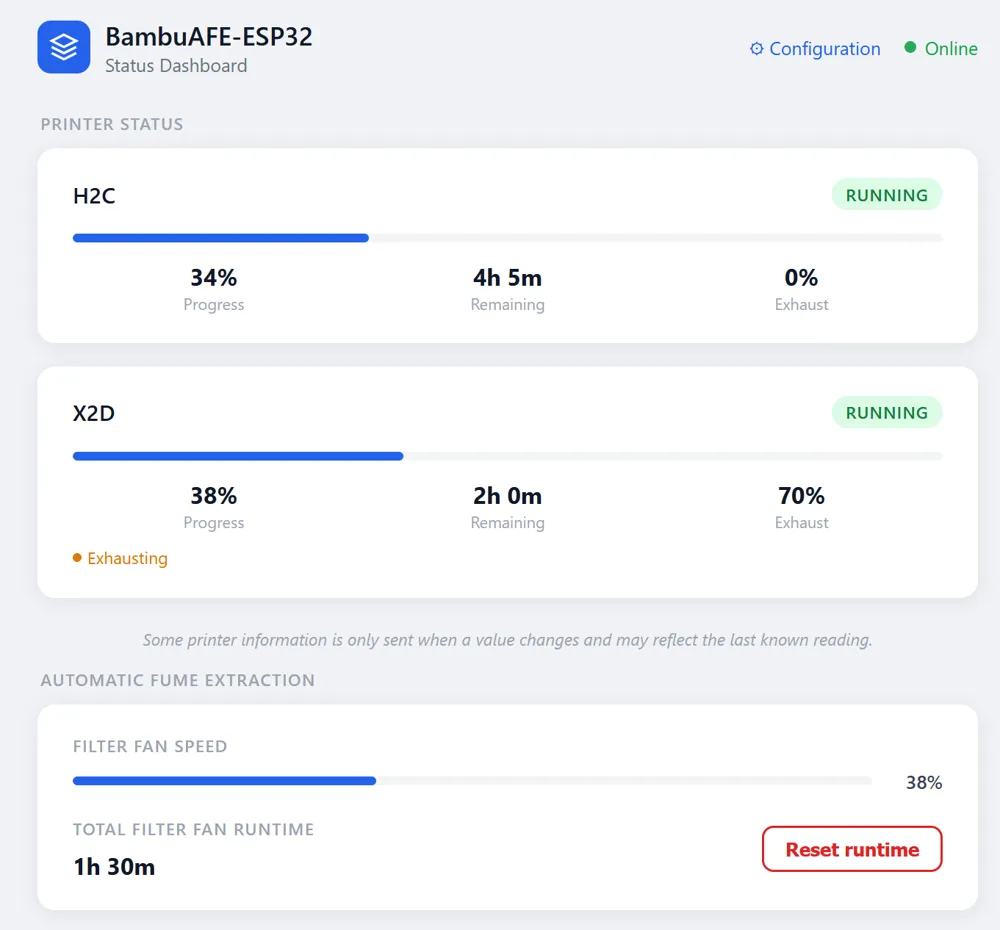
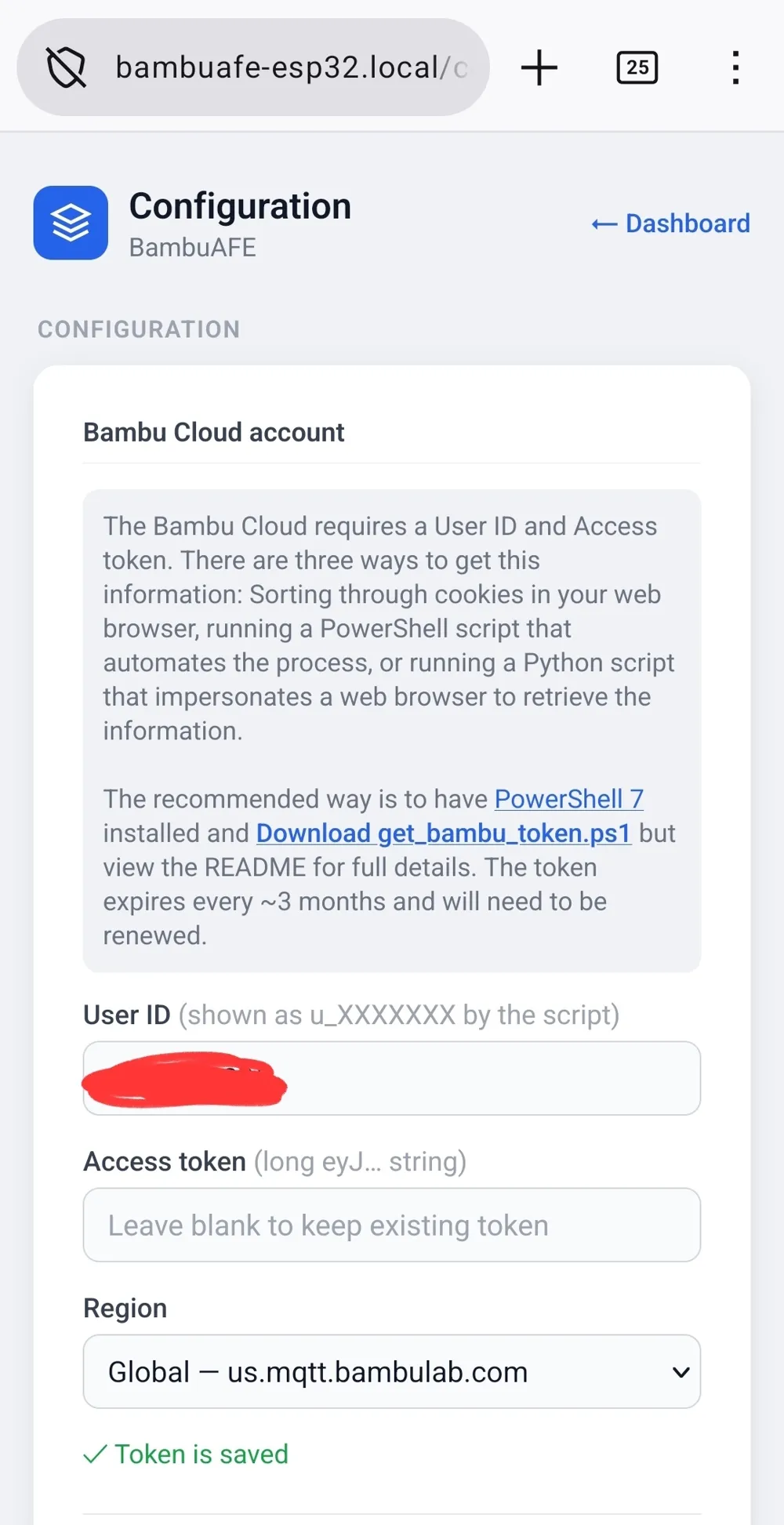
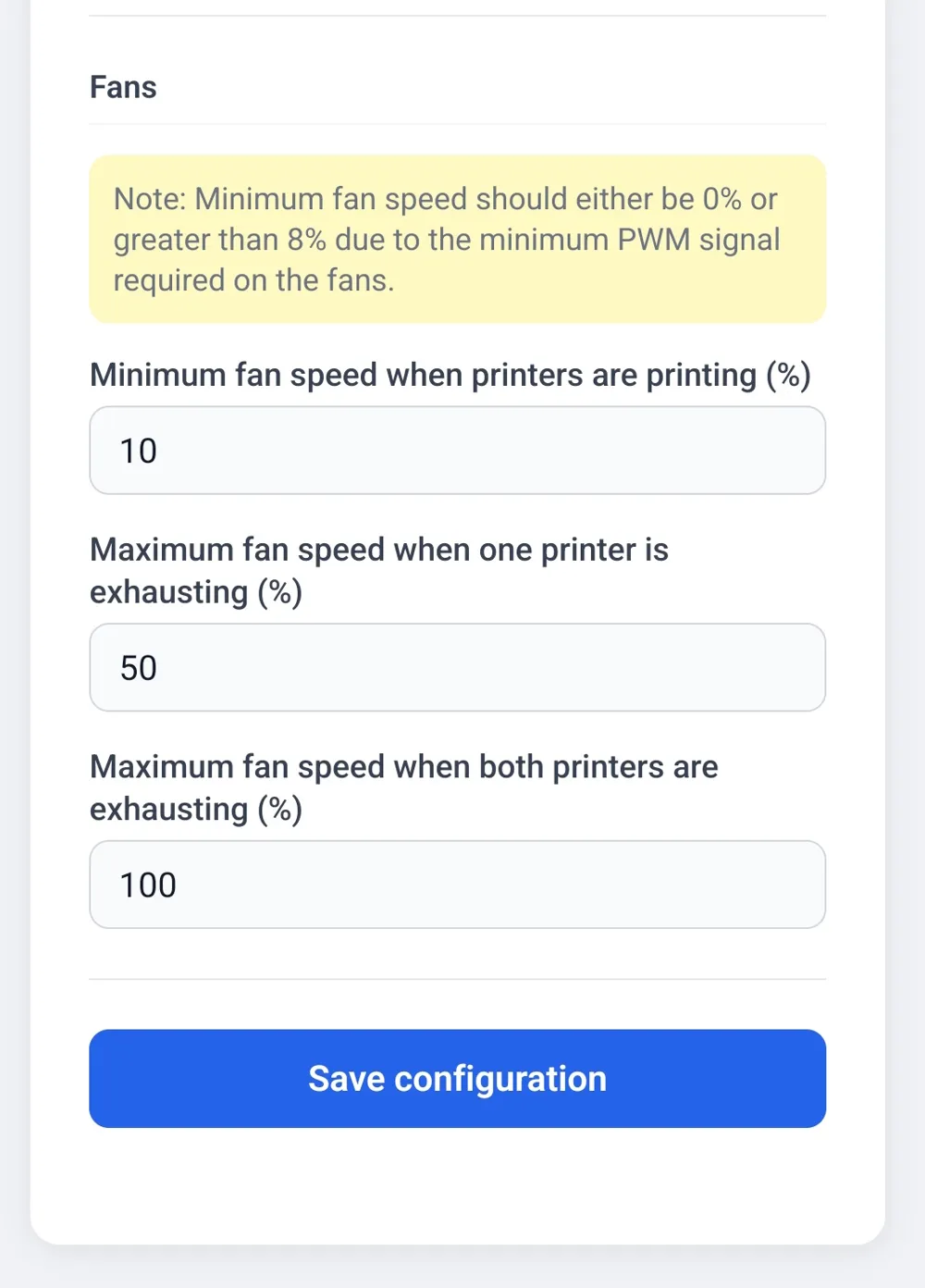
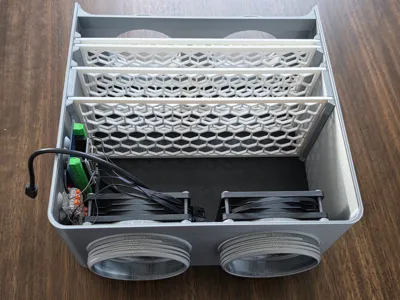
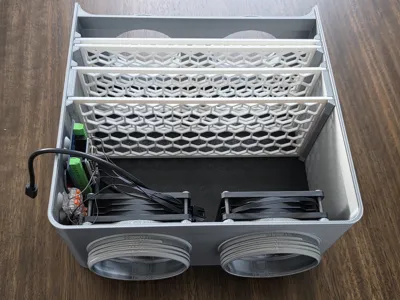
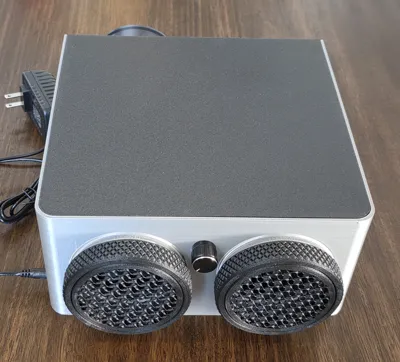
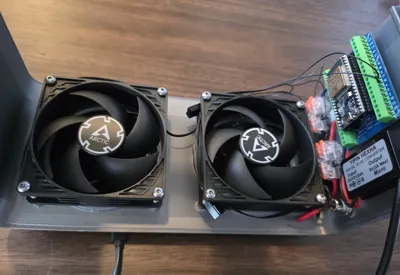
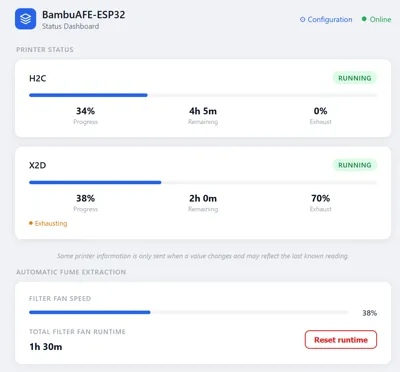
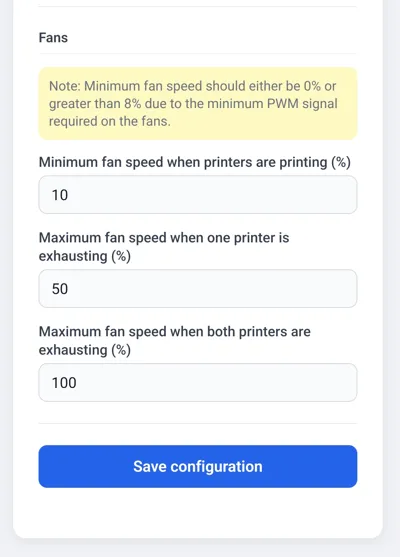
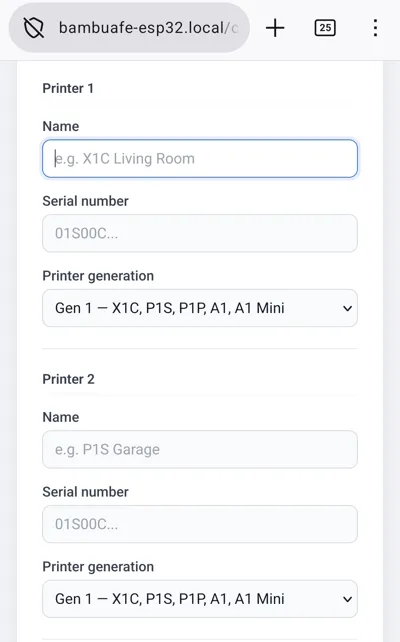
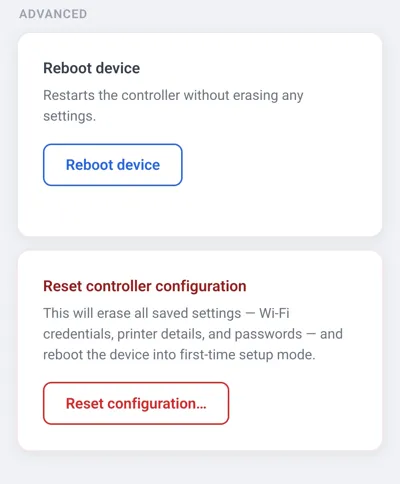
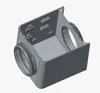
This project intends to reduce the amount of harmful gases produced during the 3D printing process by creating a slight negative pressure in the chamber to reduce or eliminate them leaking out. It does this by automatically controlling a fume extractor fan based on what your Bambu printers are doing. It uses a 3D printed filter box with active charcoal and an ESP32 to poll one or two Bambu printers for status information and ramp a set of fans up and down based on the printer status. It also gives basic printer status information through a dashboard.
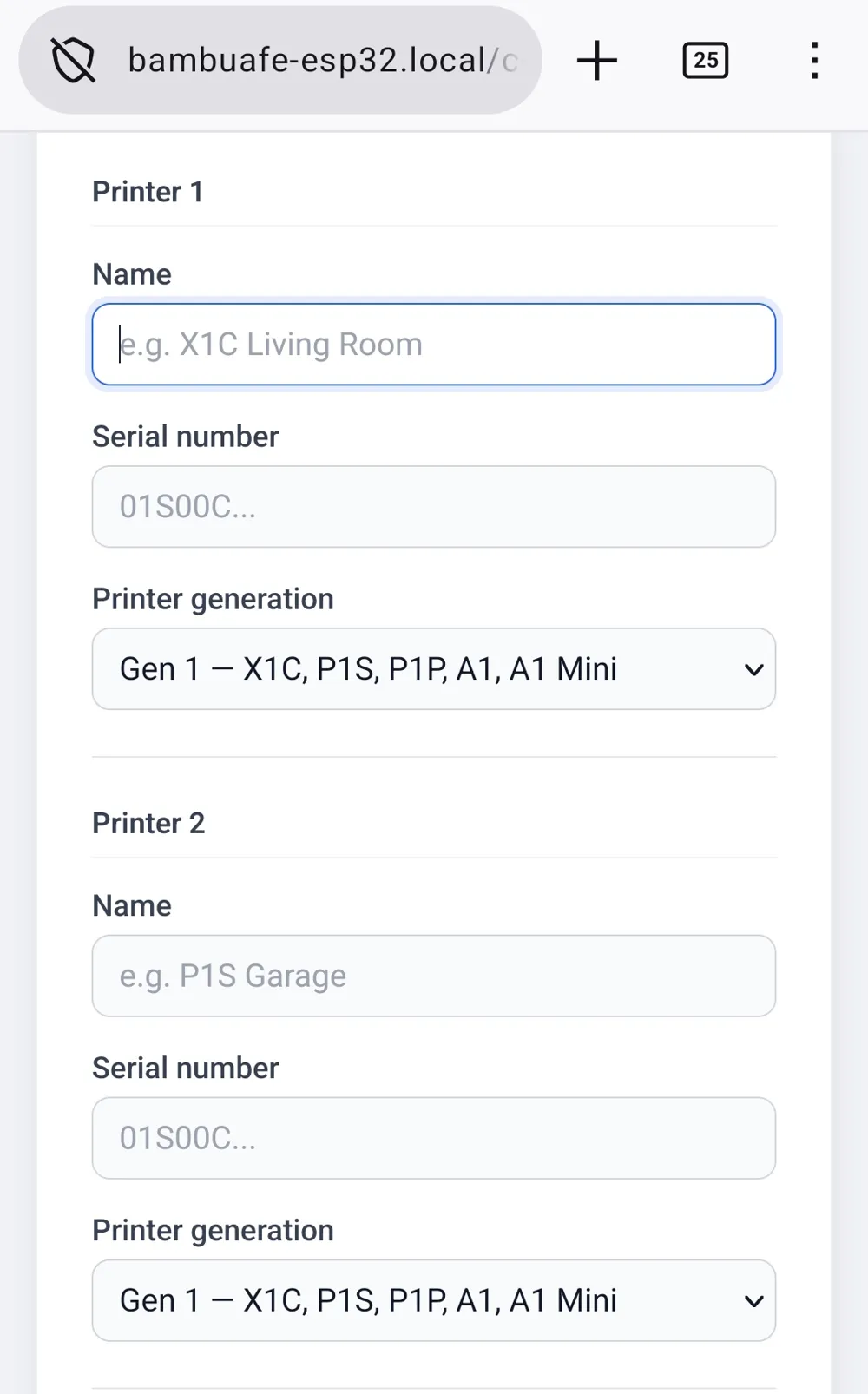
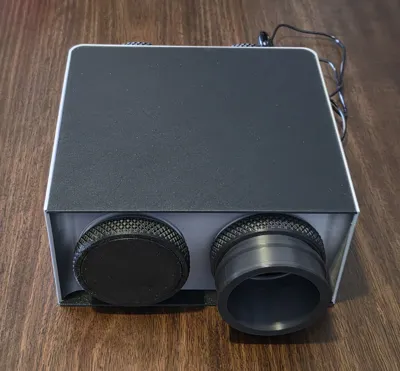
Although this project was initially designed around two printers it can easily be used for one printer with no modifications other than printing a cap for the non-used intake. In fact I personally recommended using one printer per filter box for simplicity. Using more than two printers is also possible but is an advanced use case requiring some modifications to the code or possibly the 3D printed model and is not required for a standard one or two printer setup.
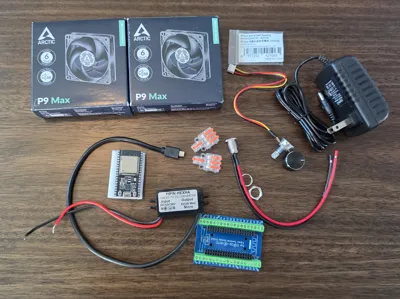
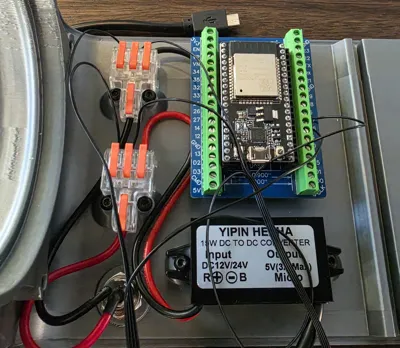
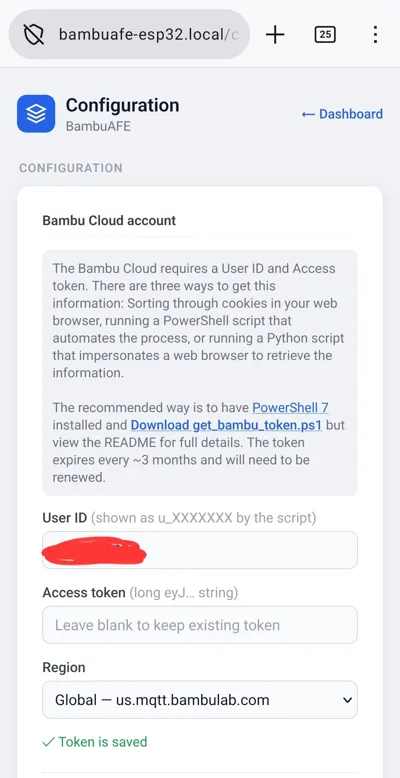
This is a advanced build involving a printed filter box, a ESP32 micro controller, programming, wiring, and a read-only cloud connection between the ESP32 and your Bambu account. I tried to make it as simple as possible without requiring soldering, heat-sets, etc but it is still a involved project. I do not want to discourage anyone from attempting this but it does have multiple pieces that all need to come together for a successful working system. There are two print profiles with active carbon: One with a open bottom which makes it easier to mount the components but requires a longer print time due to supports and one with a solid bottom that prints quicker but might be a little harder to navigate inside. In my pictures I used the open bottom but the closed bottom is sturdier. You can also save some time by using a 0.6 nozzle @ 0.18 layer height or for the solid bottom model switching the “lid” color to match the box color. The lid for each version slides in so you have to be mindful of shrinkage. In my example, and in the print profiles, I'm using Bambu ABS for the box and Bambu ABS-GF for the lids as it has minimal shrinkage.
The third print profile is for those of you that already vent to the outside but want to automate this process. It's a simple scaled down box with one input and one output and no filters but otherwise follows the same system and logic.
The full read-me, Bill of Material, programming code, assembly instructions, and programming guide is available on GitHub at
https://github.com/ADYDesigns/BambuAFE/
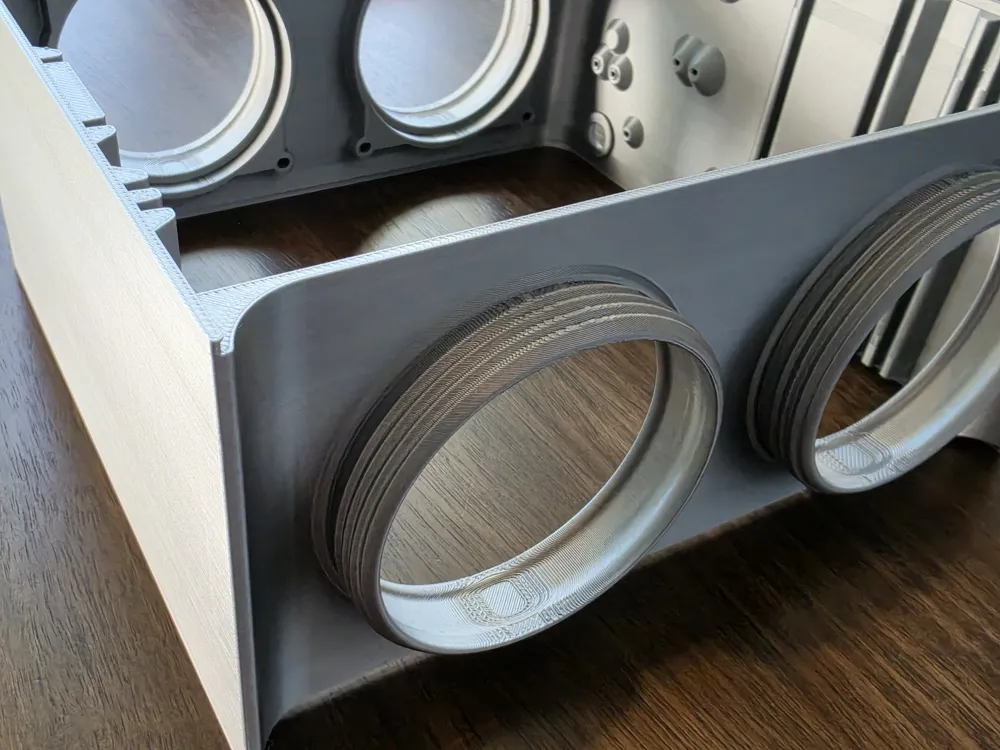
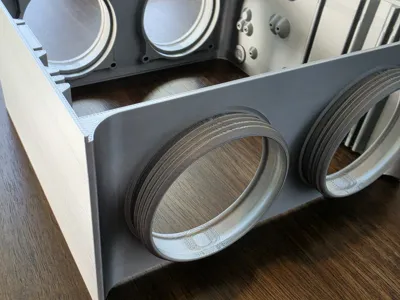
This project also relies on getting the fumes from your printer to this project. My recommendation is @Made.In.Meidling exhaust system: https://makerworld.com/en/models/1880330-slim-h2-quicklock-exhaust-system-updated . Instead of reinventing the wheel I used, with permission, the threaded connections from their system on my model so it is 100% compatible with theirs.
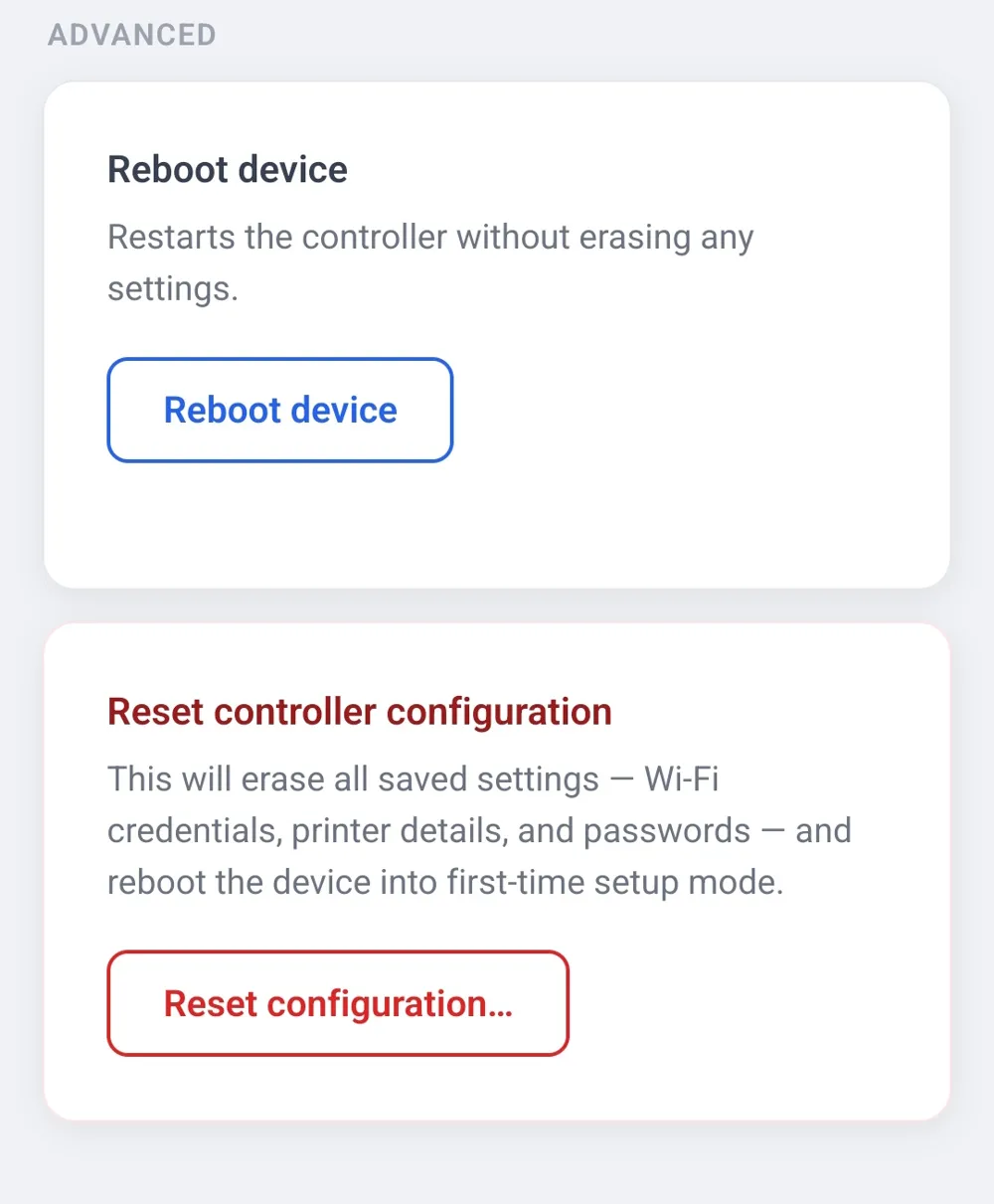
NOTE: Bambu can, at any time, change the access to printer status through their cloud. If that does happen there is already code in place so you may manually turn on the fans using a single potentiometer. This way the main goal of this project can still be accomplished just in a less automatic way or if you want to use this with a non-Bambu printer. This is detailed on GitHub under the Manual Mode section.
Boost Me (for free)
All of my models are free to download. I have no patreon, donation links, or affiliate links in any of my listings. With that said if you want to give me a like or a free boost I would very much appreciate it. Thank-you.
License

You may create derivative works based on this object, provided that all such derivative works are published exclusively on the MakerWorld platform and include proper attribution to the original creator. You may not share, upload, host, distribute, or publish this object—or any derivative work of this object—on any other digital platform, marketplace, or distribution channel. Commercial use of this object and any derivative works is strictly prohibited. This includes, but is not limited to, selling, renting, sublicensing, or using the object in any context in which you receive monetary compensation or other financial benefits.


Comment & Rating (0)