
World Cup 2026 Tracker — Waveshare ESP32-S3 1.28"
Print Profile(2)
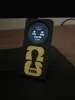
Description
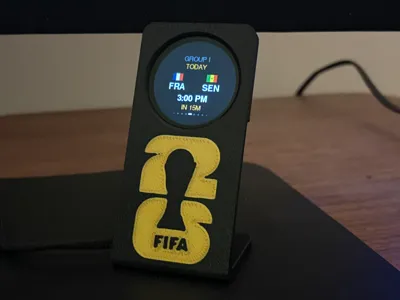
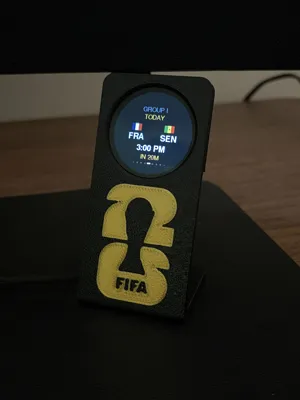
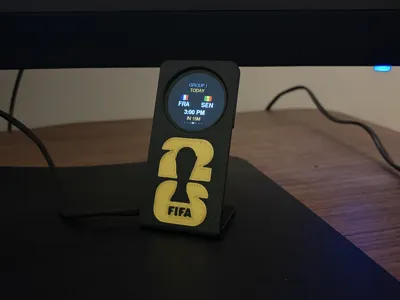
⚽ A tiny desk tracker for the 2026 FIFA World Cup
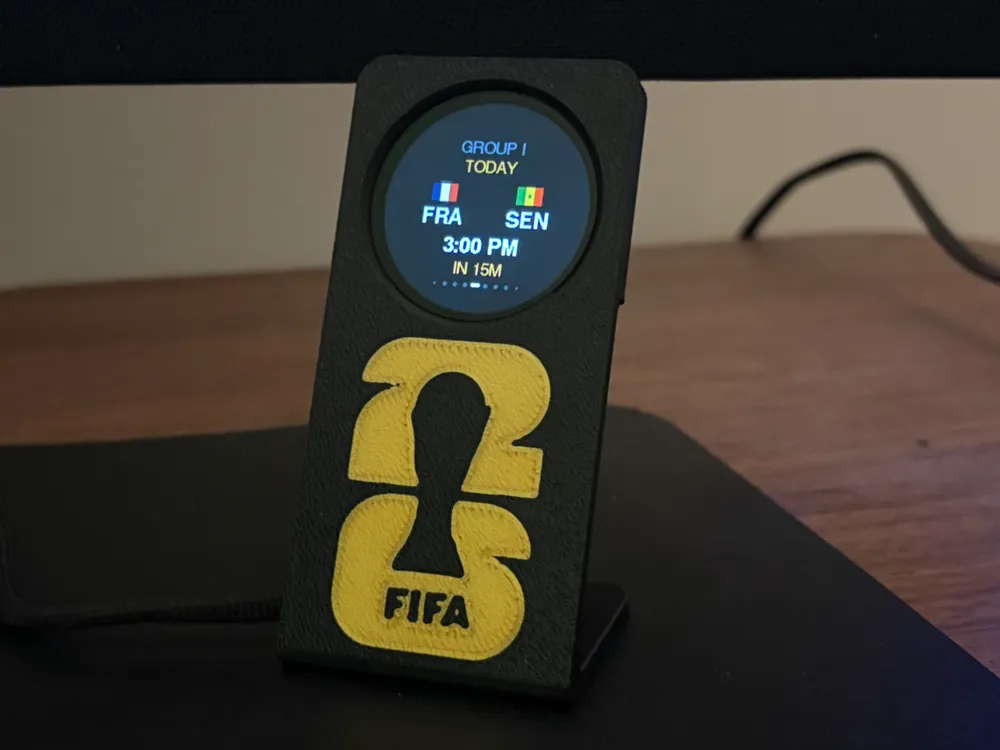
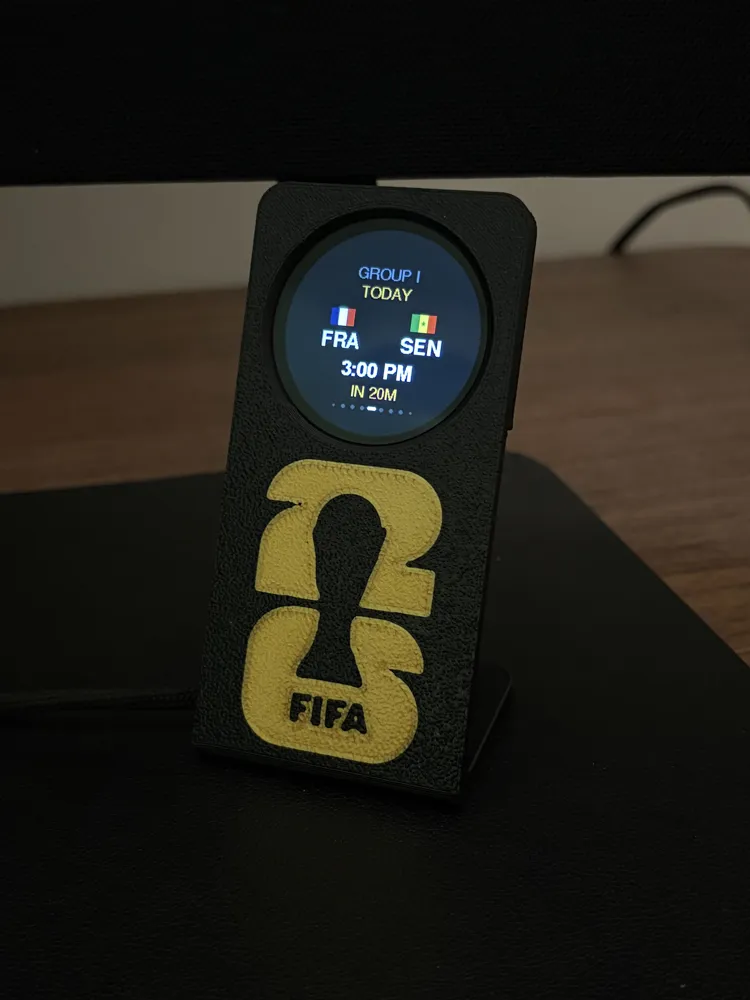
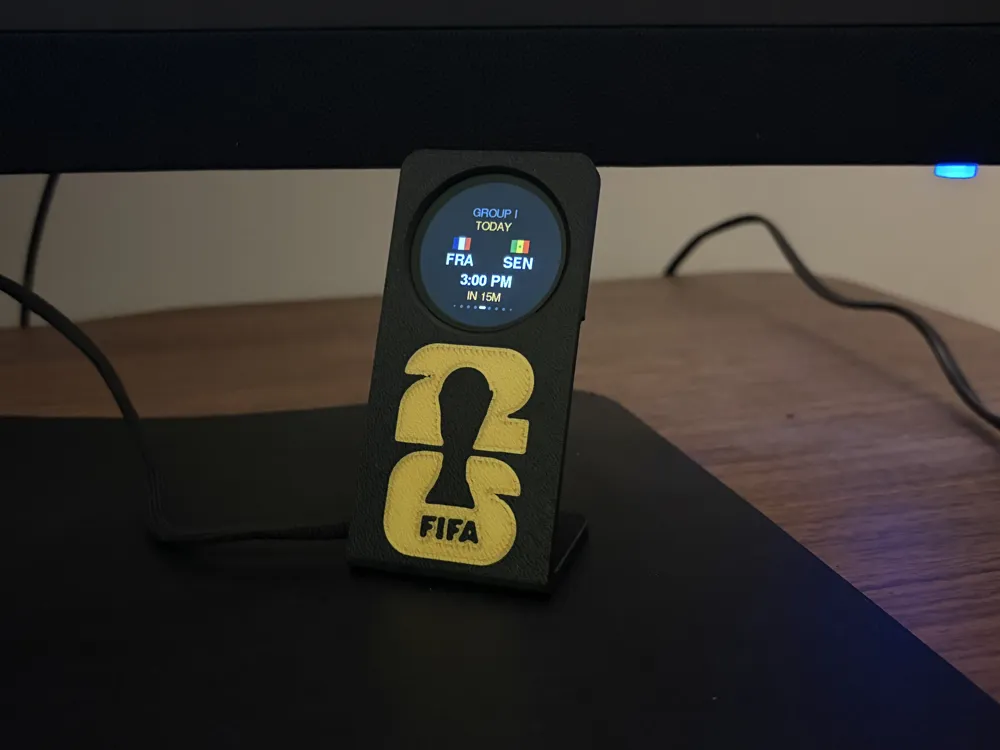
A glanceable score tracker for the round Waveshare ESP32-S3 1.28" display. It's built to answer one question at a glance: what's coming up, and what were the latest scores? Swipe through the whole tournament — finished results, upcoming kickoffs in your local time, and matches currently in play — one game per screen.
Heads-up on live games: this runs entirely on free data (football-data.org), so live scores are delayed by a few minutes and there's no live match minute. It's designed for quick glances and staying current on the schedule and results — not as a real-time, second-by-second match feed. Upcoming fixtures (including knockout matchups once teams are decided) refresh automatically a few times a day.
🧩 The print
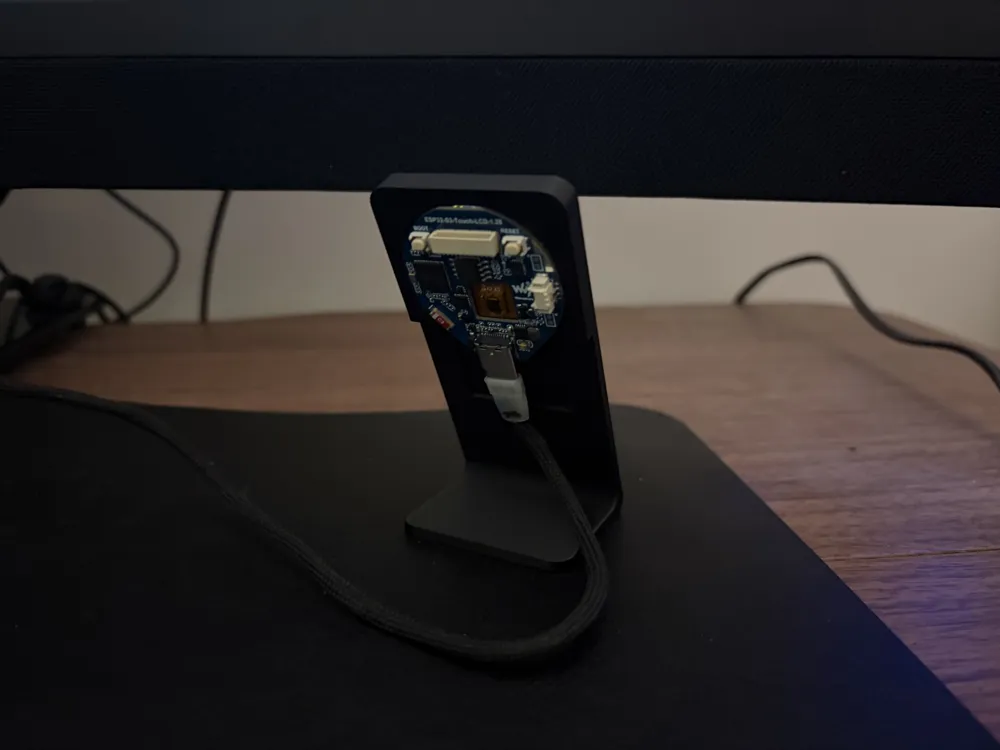
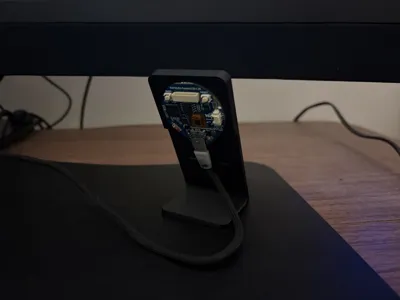
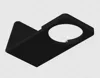
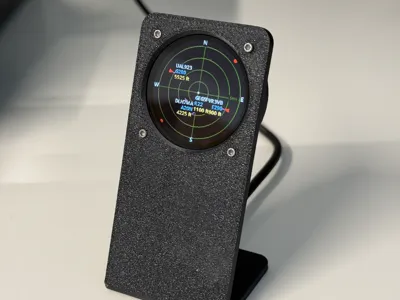
This is a remix of ESP32-S3 1.28" Waveshare Plane Radar. I removed the back plate and reworked it so the board simply pressure-fits into the holder — no screws, no separate cover, just push it in. Full credit to the original designer for the holder shape.
🔌 Compatible hardware
- Waveshare ESP32-S3-Touch-LCD-1.28 (round 240×240 GC9A01 display, capacitive touch, onboard ESP32-S3)
A USB-C cable.
That's the entire bill of materials besides the print.
🖨️ Print profiles
Two versions are included. Both print face-down on the plate (front of the holder against the build plate, as pictured), so the visible front surface comes out smooth with no support marks.
Shared settings:
- Layer height: 0.2 mm
- Infill: 15% grid
- Supports: none
- Orientation: front face down on the plate
1. With logo (AMS required) — has the World Cup logo on the first 2 layers; needs an AMS / multi-color setup.
2. Without logo (single color, no AMS) — same holder in one filament; just slice and print.
💻 Flashing it (no software to install)
The firmware is free and open-source, and you flash it right from your browser:
- Print and assemble the holder, and plug the board into your computer with USB-C.
- Open the web installer in Chrome or Edge (desktop): https://turbotime29.github.io/worldcup-tracker/
- Click Connect & Install and wait about a minute.
⚙️ First-time setup (on the device)
- After flashing, the device creates a Wi-Fi hotspot called WorldCup-Setup — join it from your phone or laptop.
- A setup page opens automatically. Enter your Wi-Fi, a free football-data.org API token (register at football-data.org/client/register), and pick a 12/24-hour clock.
- Save — it reboots and starts showing matches within seconds. Your Wi-Fi password and token are stored only on the device, never in the firmware.
🎮 Controls
- Swipe left / right — browse previous / next matches
- Tap — jump back to the live/next game
- Single-click BOOT — open the brightness screen (−/+)
- Hold BOOT ~3s — reset Wi-Fi and reopen setup
🔗 Links & credits
- Firmware, source & instructions: https://github.com/TurboTime29/worldcup-tracker
- Match data: football-data.org · Flags: flagcdn.com
- Holder remixed from: https://makerworld.com/en/models/2913572-esp32-s3-1-28-waveshare-plane-radar
Independent hobby project — not affiliated with, endorsed by, or sponsored by FIFA. "World Cup" and related marks belong to their respective owners.
This remix is based on

License



Comment & Rating (0)