
Infinity Collection: Origami - low-poly heart
Print Profile(1)

Description
Boost Me (for free)
If you would like to support my projects, I would be grateful. Thank you
Please read the instructions before printing
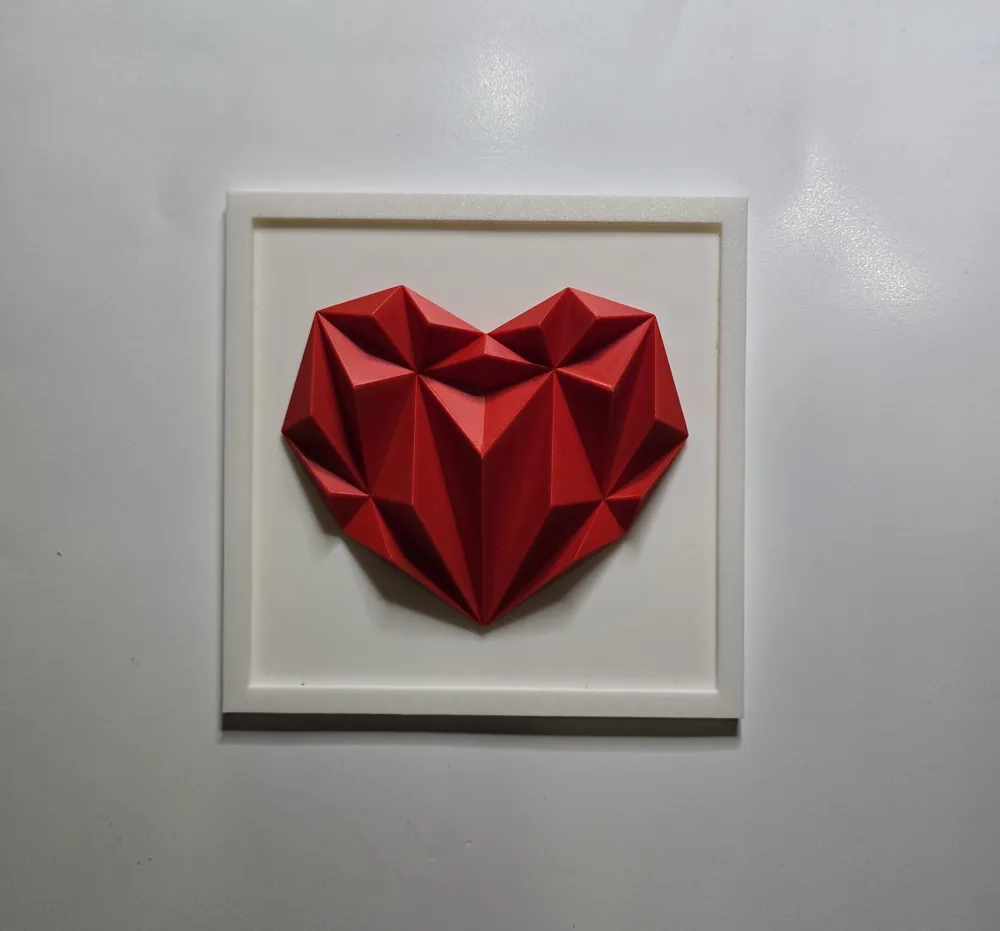
Here is the third and final model in the Infinity Collection series: “Origami - low-poly heart”
You can find the other models here:
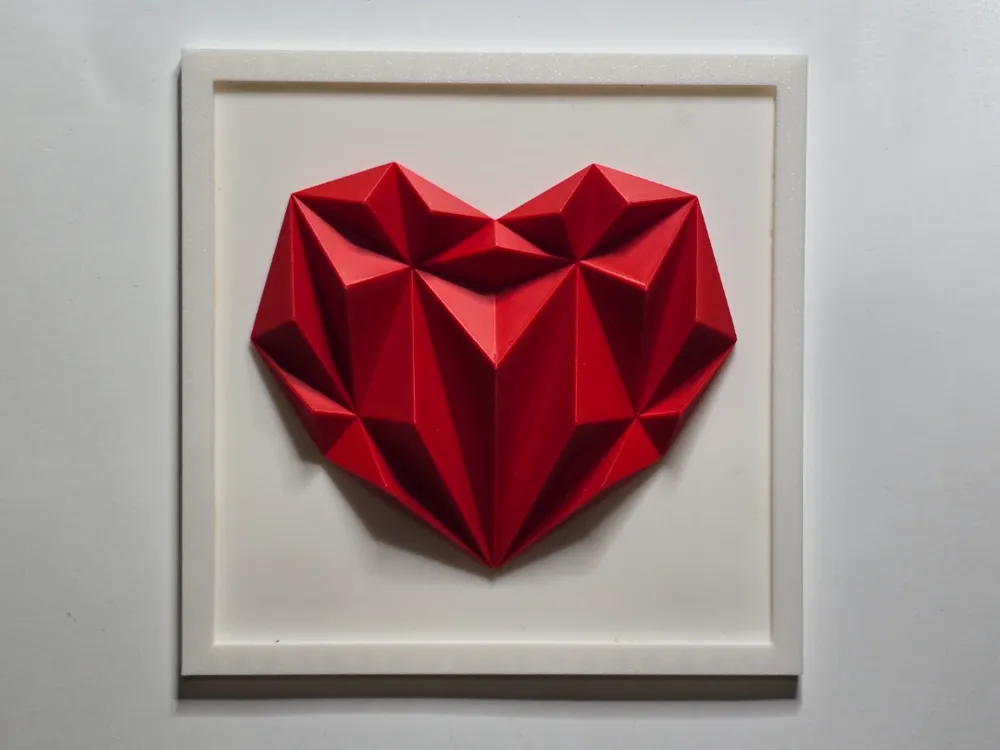
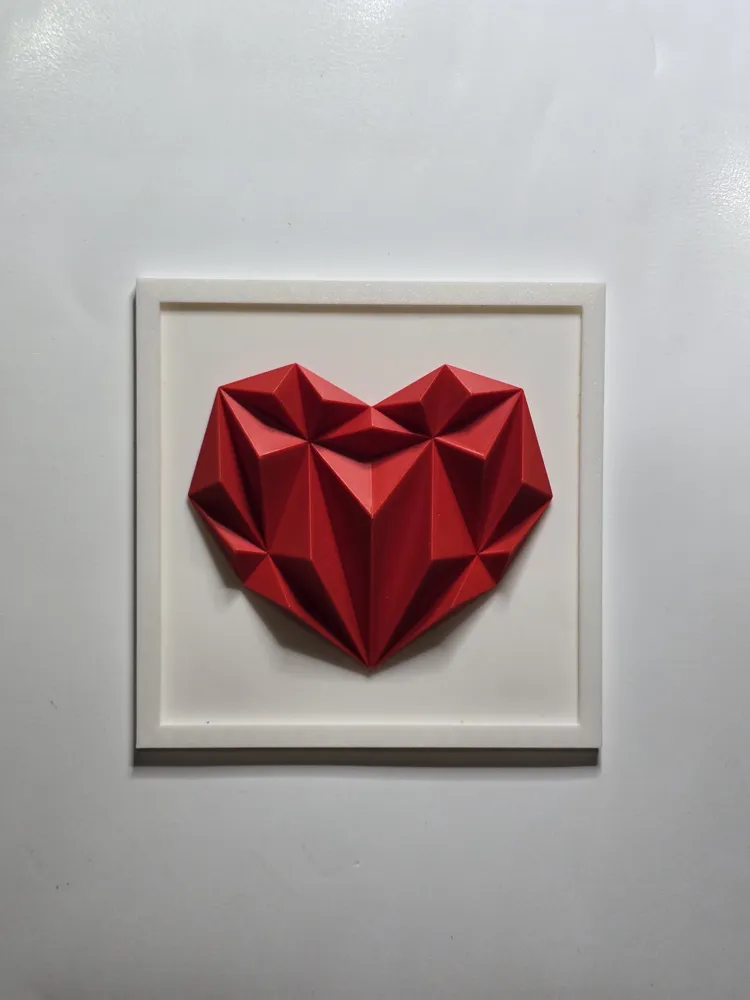
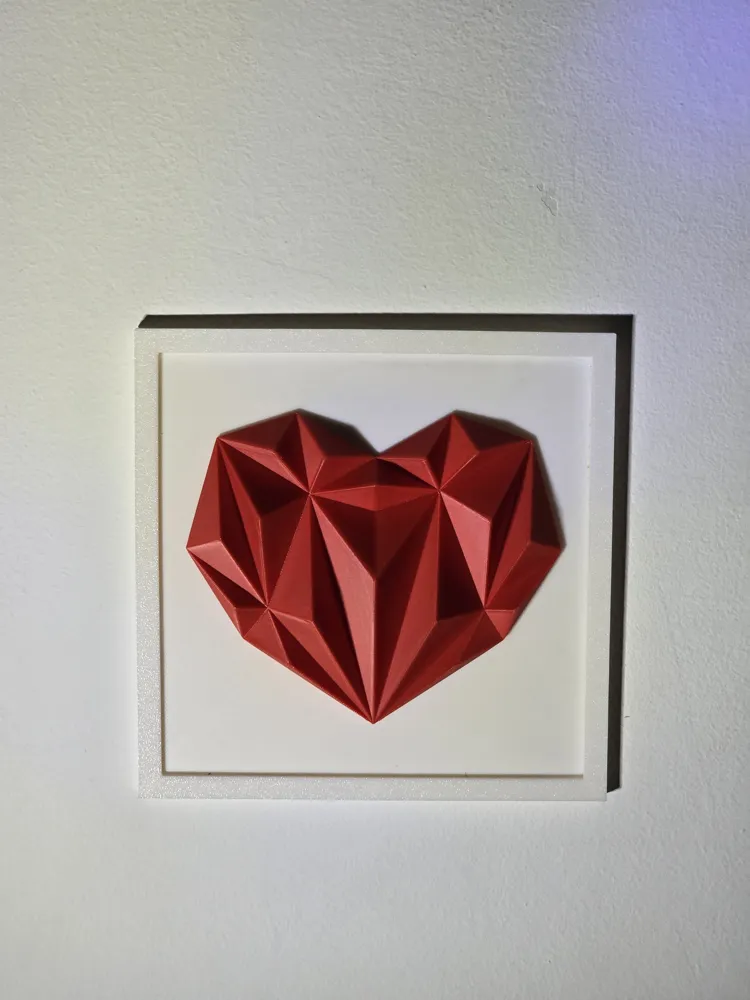
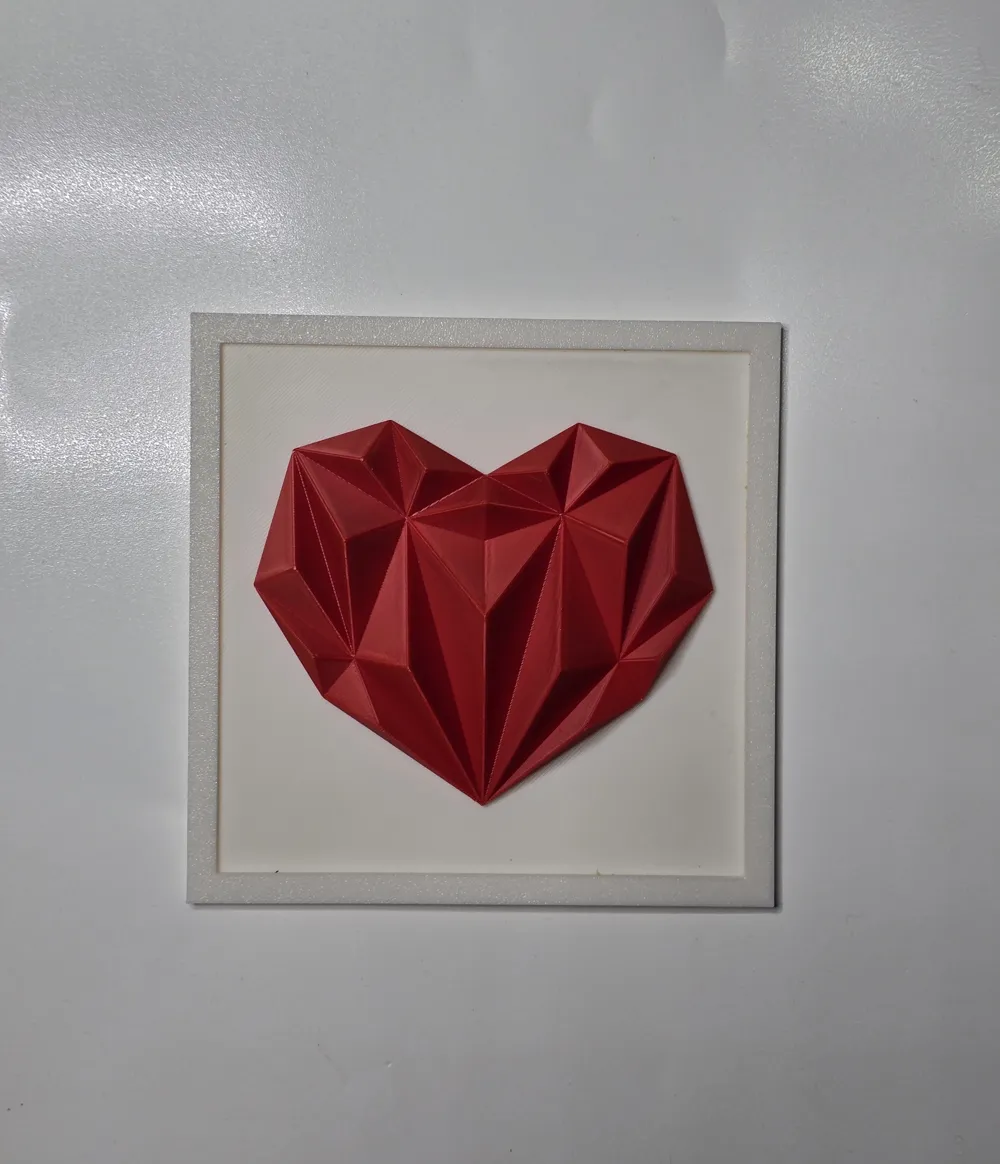
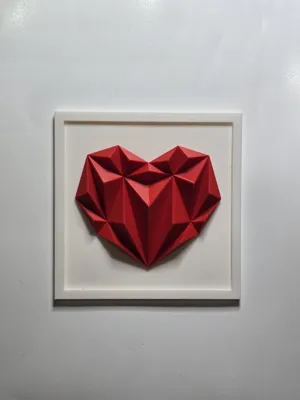
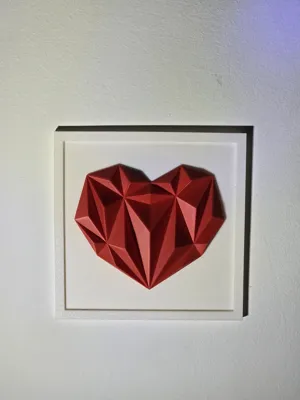
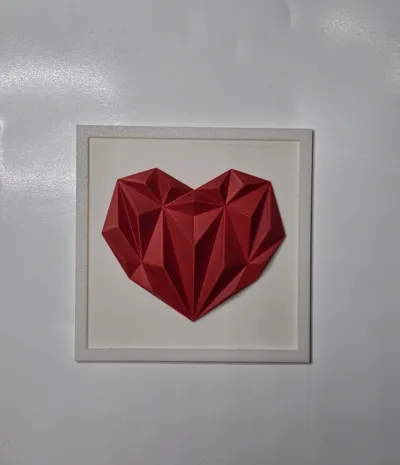
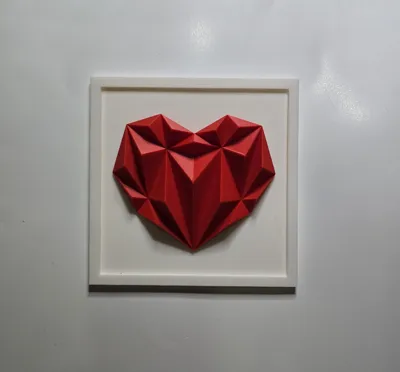
This is a splendid three-dimensional wall decoration depicting a red geometric heart in origami or low-poly papercraft style, enclosed in a white square frame.
Features and Style
Geometric Design: The design is based on triangular facets that create a modern and dynamic effect of light and shadow.
Low-Poly or Origami Art: This minimalist and three-dimensional style is very popular in digital modeling projects and modern craftsmanship.
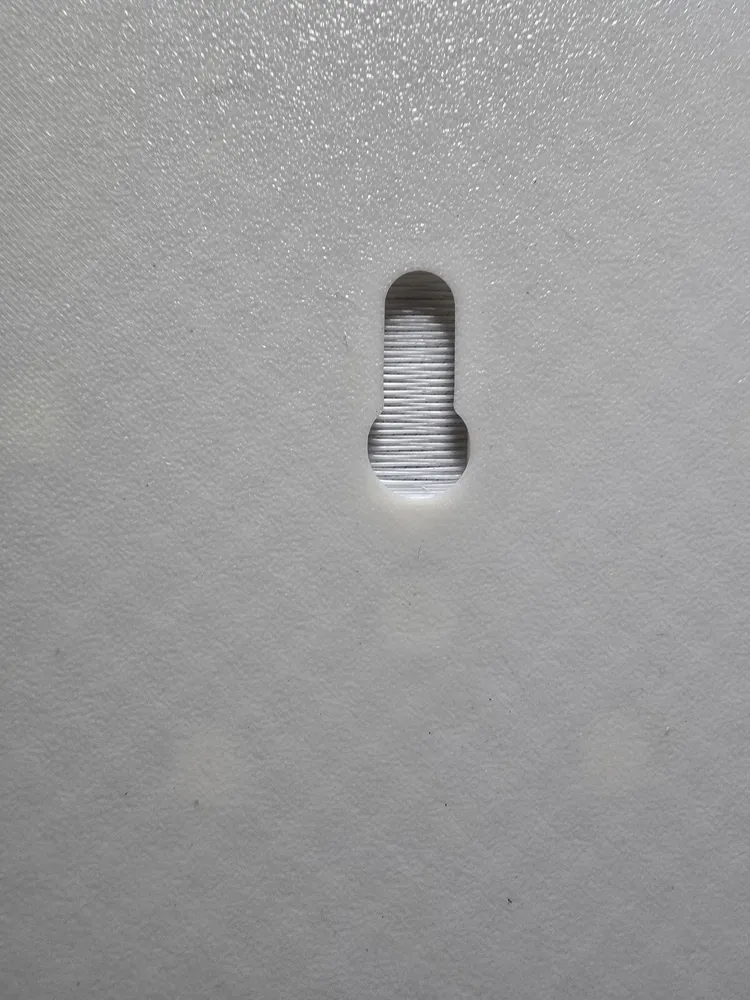
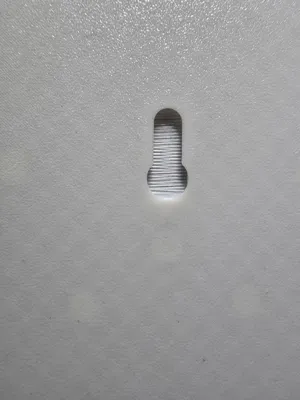
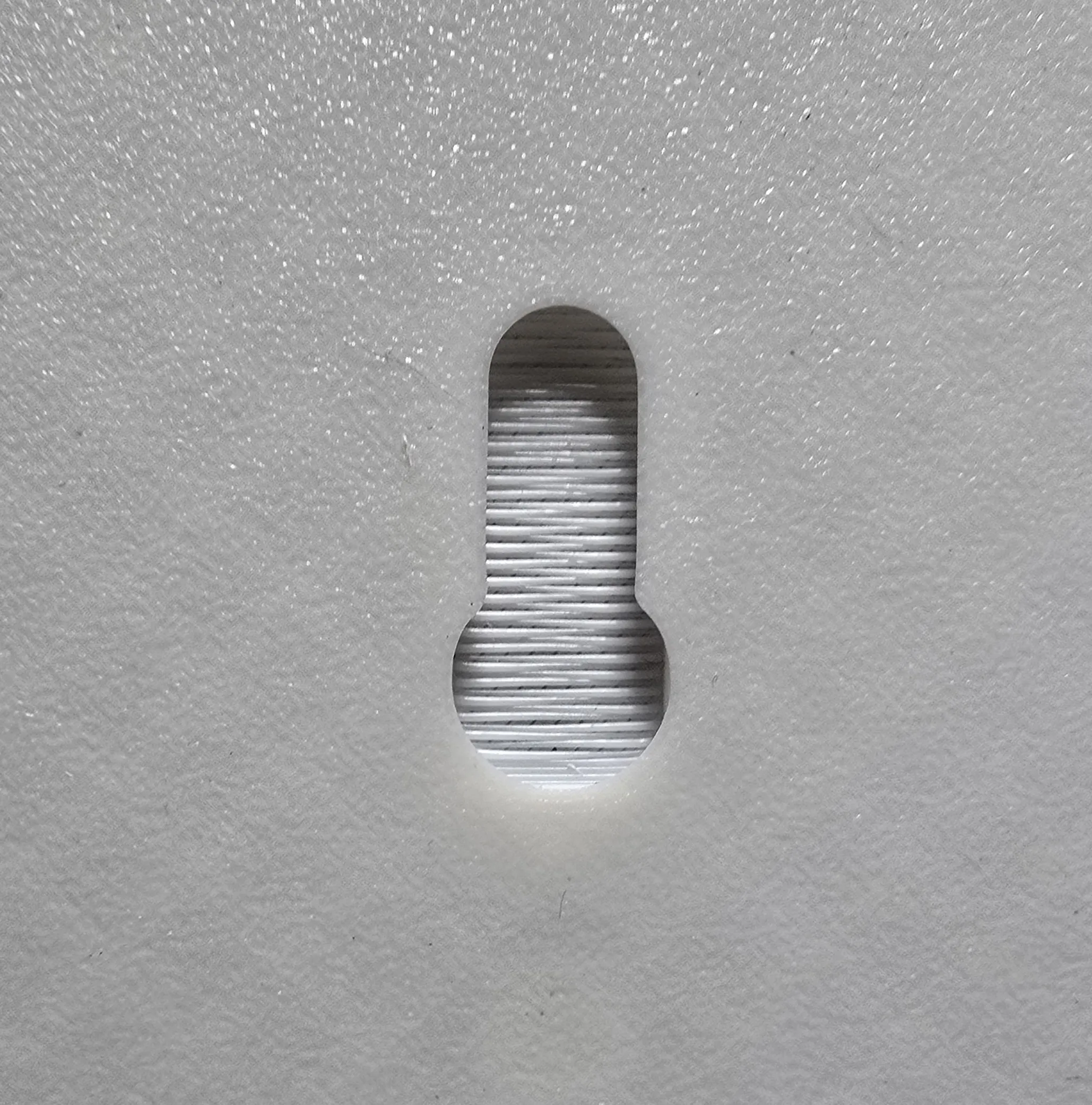
Equipped with a hole on the back for hanging.
Print Instructions:
Printed in White and Red Bambulab PLA.
Printing is very easy and uses about 100 grams of filament.
The colors of individual objects can be changed in the slicer at the time of printing.
Assembly Guide:
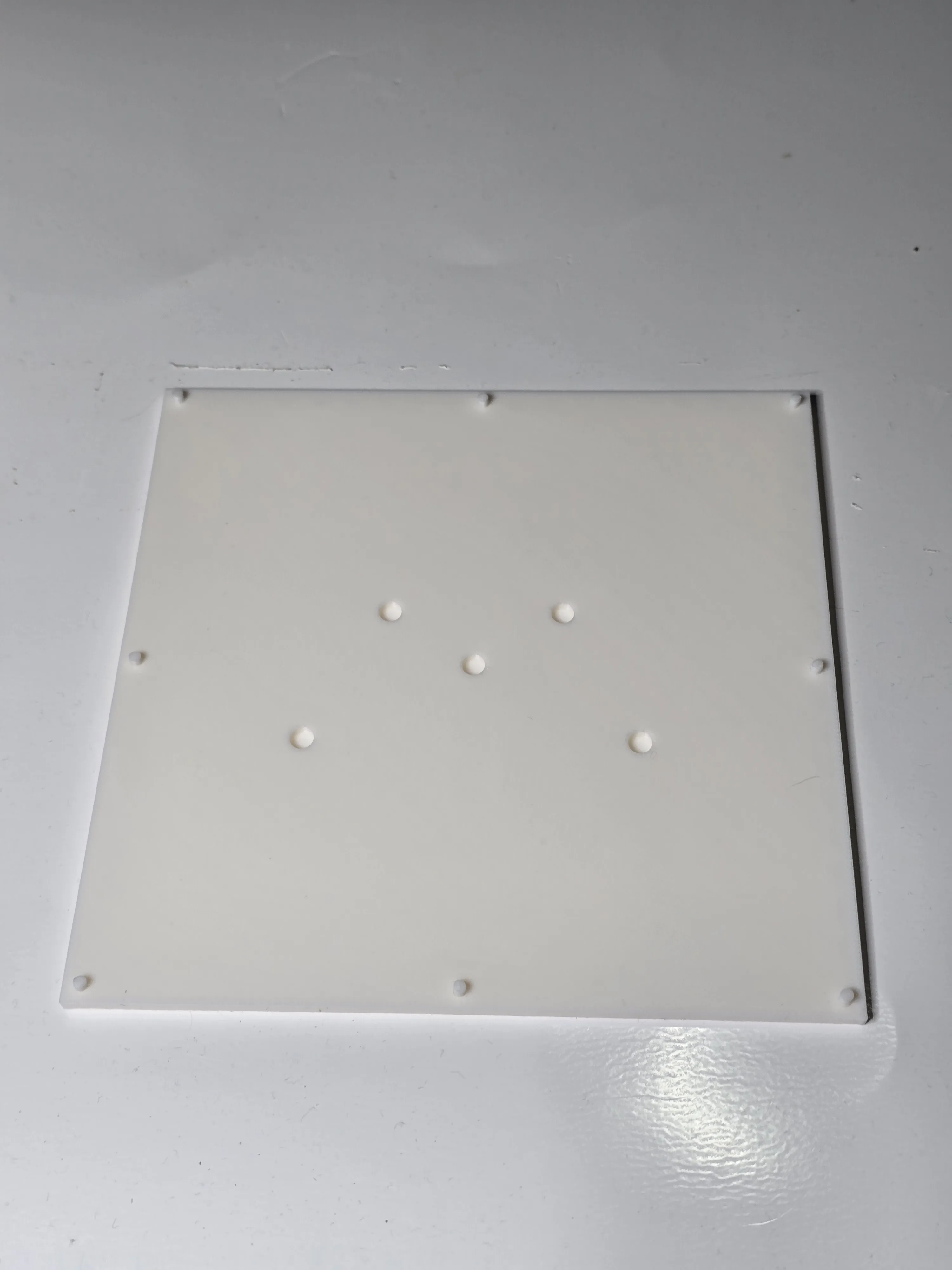
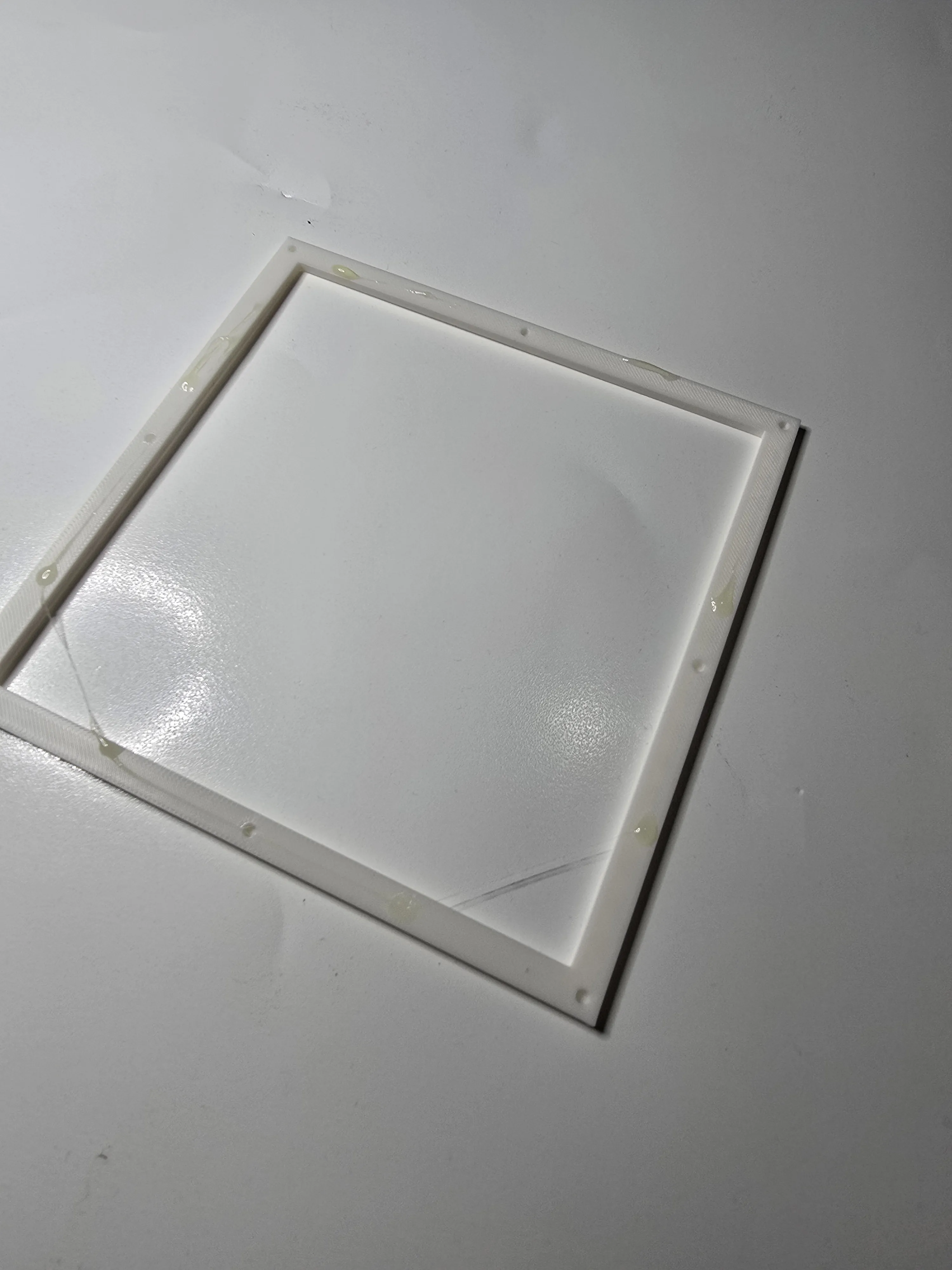
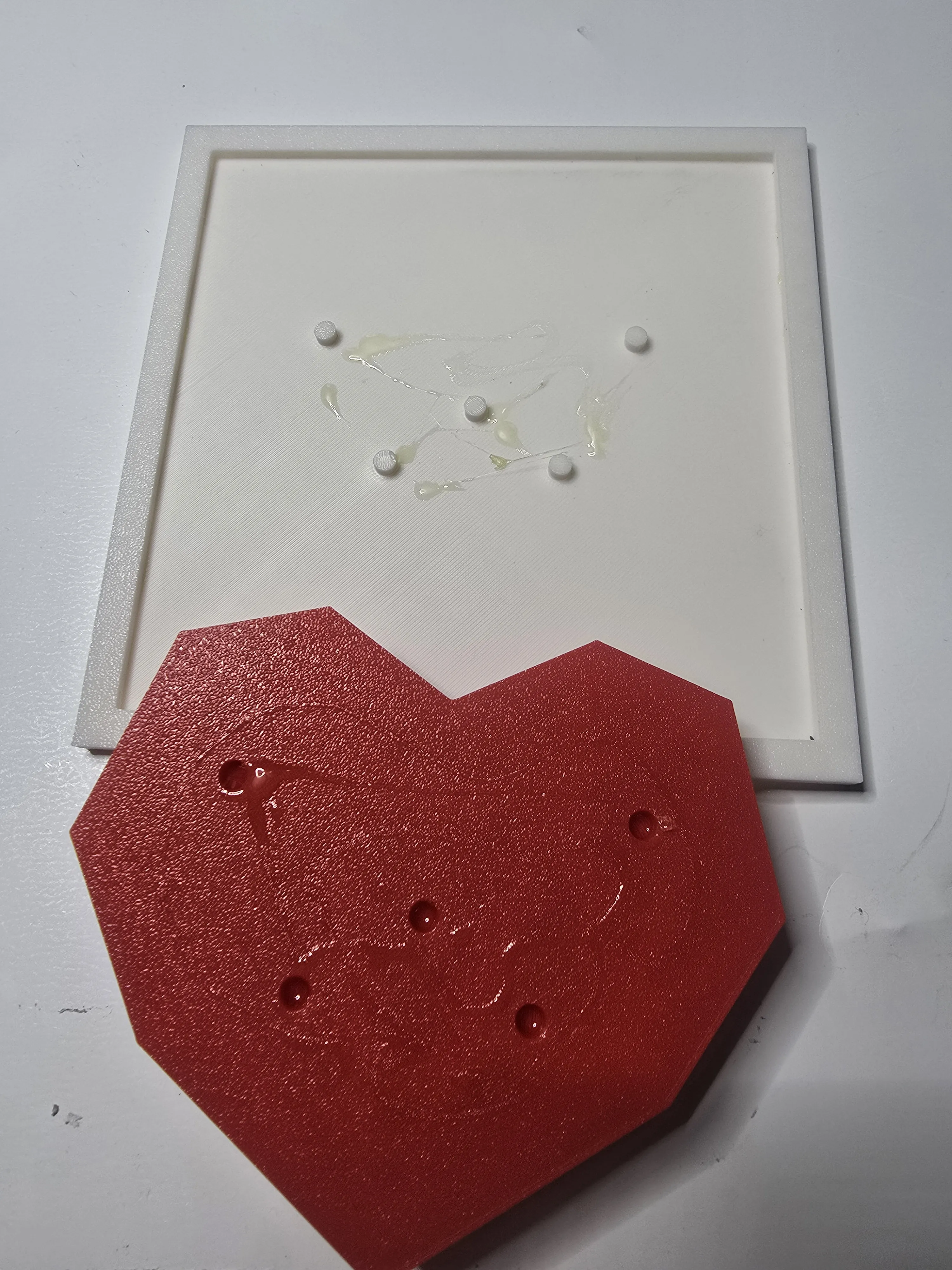
Insert the 8 smaller pins along the sides of the square, then press in the outer frame. Do the same with the 5 central pins for the heart. Add a little glue if you wish. I personally used a few drops of Bostik neoprene glue (see photo)
GENERAL TIPS
A tip I always give is to first clean the print bed with dish soap and a sponge, rinsing with hot water, then drying it with compressed air, avoiding touching the surface with your hands. I also recommend performing the dynamic flow and flow rate calibrations provided in Bambu Studio. Personally, before prints, I dry the PLA with AMS 2 PRO for about 1 hour. These small adjustments, along with many others, are what determine a successful print.
Before leaving negative reviews, please adjust these parameters. If you have difficulties or continue to encounter problems, do not hesitate to contact me; we will find solutions together in a perfectly collaborative atmosphere. I have made several prints of this object, and they all came out perfect, as shown in the photos: if you have incorrect parameters, dirty or clogged nozzles, poorly calibrated machines, or damp or poor-quality filaments, do not blame me.
PRINTING INSTRUCTIONS:
Layer height 0.2 mm
Initial layer height 0.2 mm
Seam position aligned
Wall loops 2
Top shell layers 5
Bottom shell layers 3
NO supports
Infill 15 %
Grid pattern
Outer wall speed 200 mm/s
Inner wall speed 300 mm/s
Normal print acceleration 10,000 mm/s
Outer wall acceleration 10,000 mm/s
License

You may create derivative works based on this object, provided that all such derivative works are published exclusively on the MakerWorld platform and include proper attribution to the original creator. You may not share, upload, host, distribute, or publish this object—or any derivative work of this object—on any other digital platform, marketplace, or distribution channel. Commercial use of this object and any derivative works is strictly prohibited. This includes, but is not limited to, selling, renting, sublicensing, or using the object in any context in which you receive monetary compensation or other financial benefits.


Comment & Rating (0)