
Parametric IMPERIAL Hex Cap Nut (#0 to 2")
Print Profile(1)
Description

Boost Me (for free)
Click “Follow” so you don’t miss the next models. Share your photos in the comments and, if you found it useful, leave a like 👍 or a boost 🚀. Every suggestion is always welcome.
🔹 Description
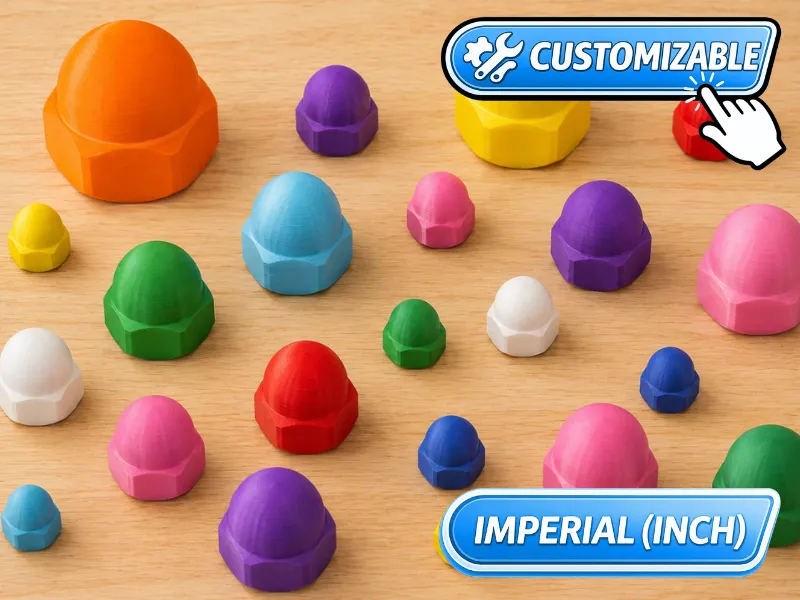
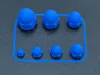
This is a fully customizable IMPERIAL parametric hex cap nut.
Simply click the Customize button and adjust a few parameters to create a cap nut that fits your needs.
Once the parameters are set, click Generate to update the model and download the custom STL file using Download.
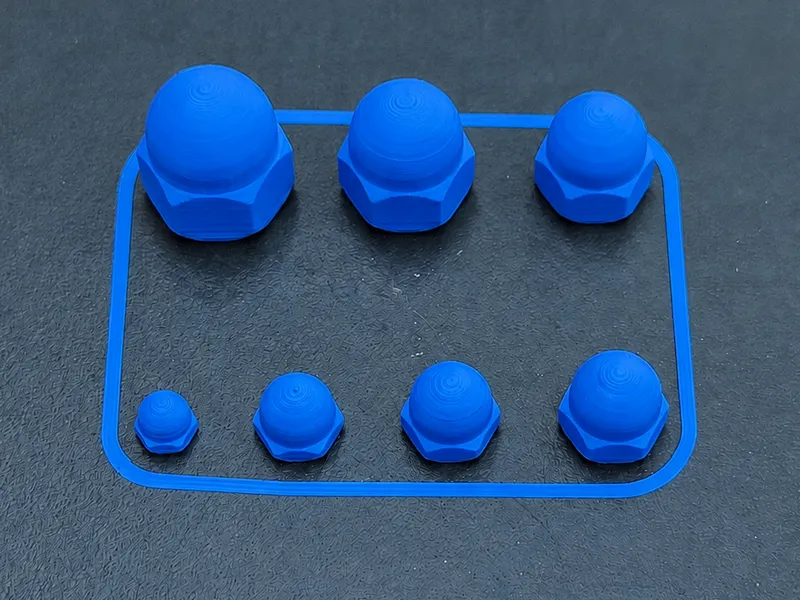
One ready-to-use print profile is also included, covering the sizes from #4 to 3/8" UNC.
This allows you to immediately print the most common sizes.
In addition, an STL file is provided for each standard size (from #0 to 2" UNC).
🔹 Parameters
Let’s see how to configure the parameters:
- Imperial Size (from #0 to 2")
Nominal imperial thread size (e.g. #6, 1/4", 1-1/2").
In most cases, selecting one of the available sizes without changing the other parameters is sufficient to obtain a standard IMPERIAL cap nut of the desired size.
Each parameter follows this rule:
• if set to 0, the standard IMPERIAL value is used
• if set to a value different from 0, the custom value is used
• physically invalid combinations will generate an error during model creation
- Thread Type
UNC = coarse thread (standard)
UNF = fine thread
UNEF = extra fine thread
- Height
Height of the hexagonal portion of the nut (excluding the dome).
🔹 Advanced settings (for experienced users)
- Pitch Thread pitch.
- Wrench Wrench size (distance across flats).
- Tolerance
Tolerance applied to the internal thread to compensate for printing inaccuracies and ensure proper screw engagement.
By default it is set to 0.08 mm, a value already tested to provide the best fit with printed or metal screws.
🔹 Printing Notes For smaller sizes or higher printing precision, a 0.1 mm layer height is recommended. 3D printed components have lower strength than metal parts and are intended for light-duty, non-structural applications. A non-manifold warning in Bambu Studio can be safely ignored: the model prints perfectly even without repair.
Recommended print settings:
|
Use Collect  to save this project to your personal collection and reuse it in the future.
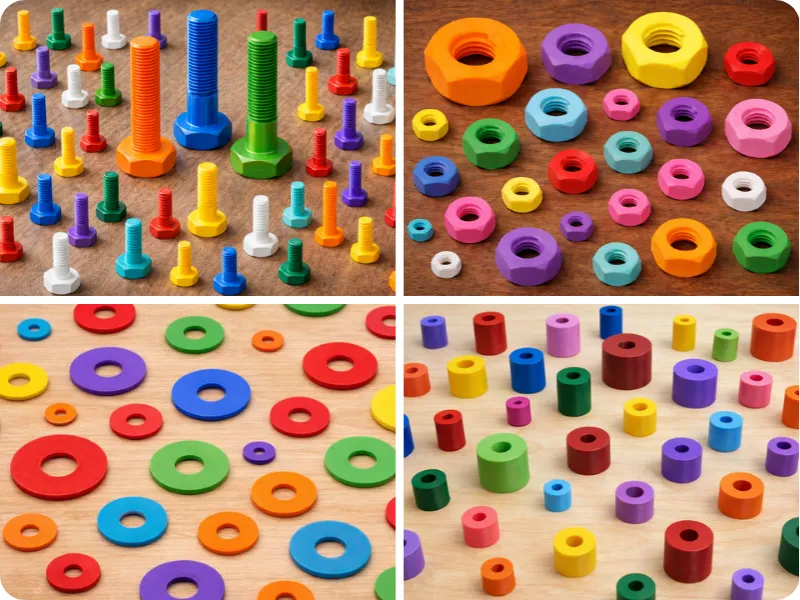
Take a look at the full collection by clicking on this image:
Questions or doubts? Send me a message using the button  on my profile.
Boost Me (for free)
Click “Follow” so you don’t miss the next models. Share your photos in the comments and, if you found it useful, leave a like 👍 or a boost 🚀. Every suggestion is always welcome.
My collections:


License

You shall not share, sub-license, sell, rent, host, transfer, or distribute in any way the digital or 3D printed versions of this object, nor any other derivative work of this object in its digital or physical format (including - but not limited to - remixes of this object, and hosting on other digital platforms). The objects may not be used without permission in any way whatsoever in which you charge money, or collect fees.


Comment & Rating (0)