
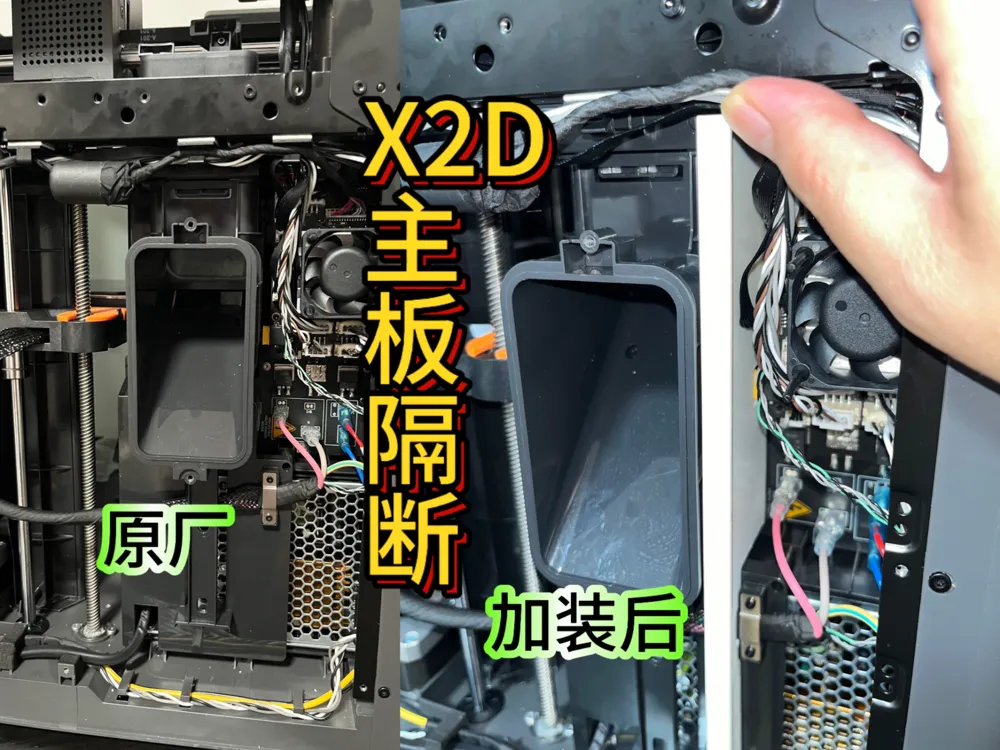
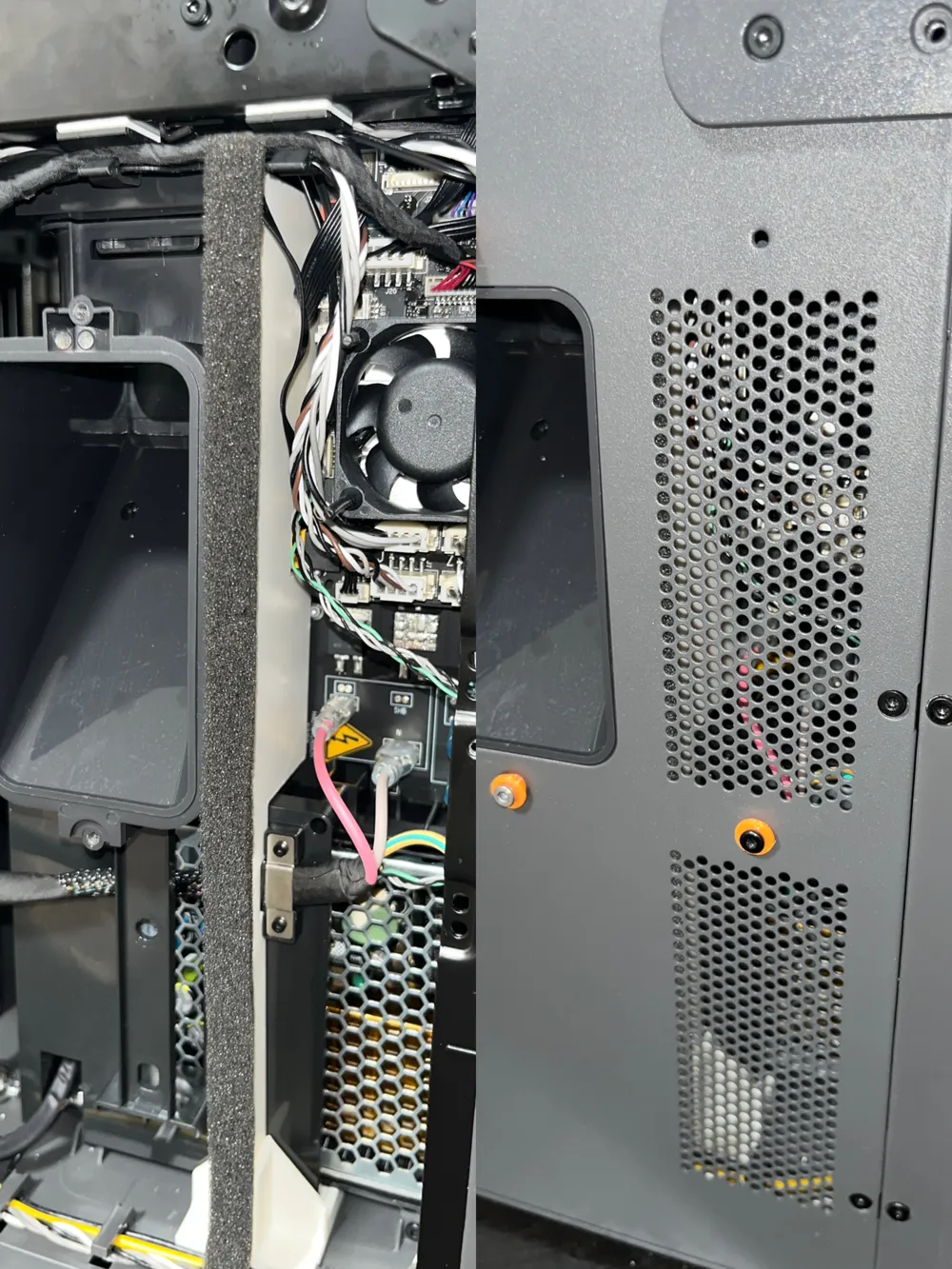
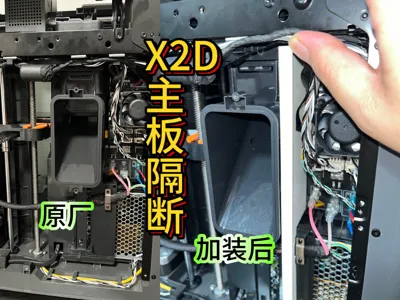
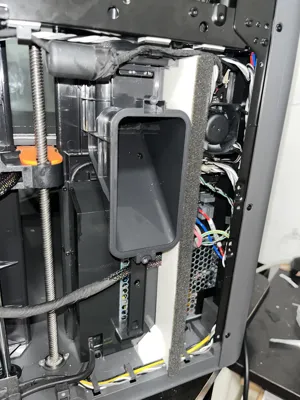
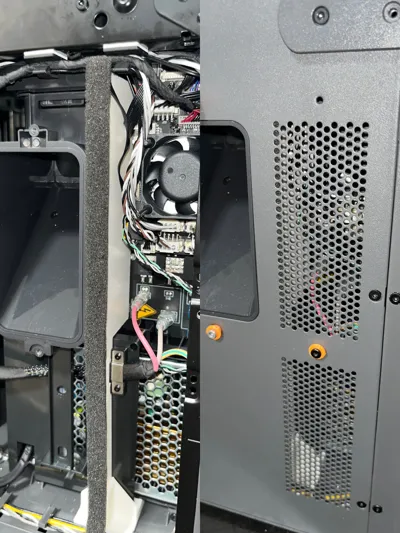
X2D Mainboard Heat Shield Effectively isolates a large amount of high temperature and exhaust gas inside the chamber
Print Profile(1)
Description
Boost Me (for free)
Free
Note: Print with high-temperature resistant filament such as ABS, ASA. For those who do not use chamber heating, PETG filament can be used
(Do not use any carbon fiber filament for printing)
Required materials
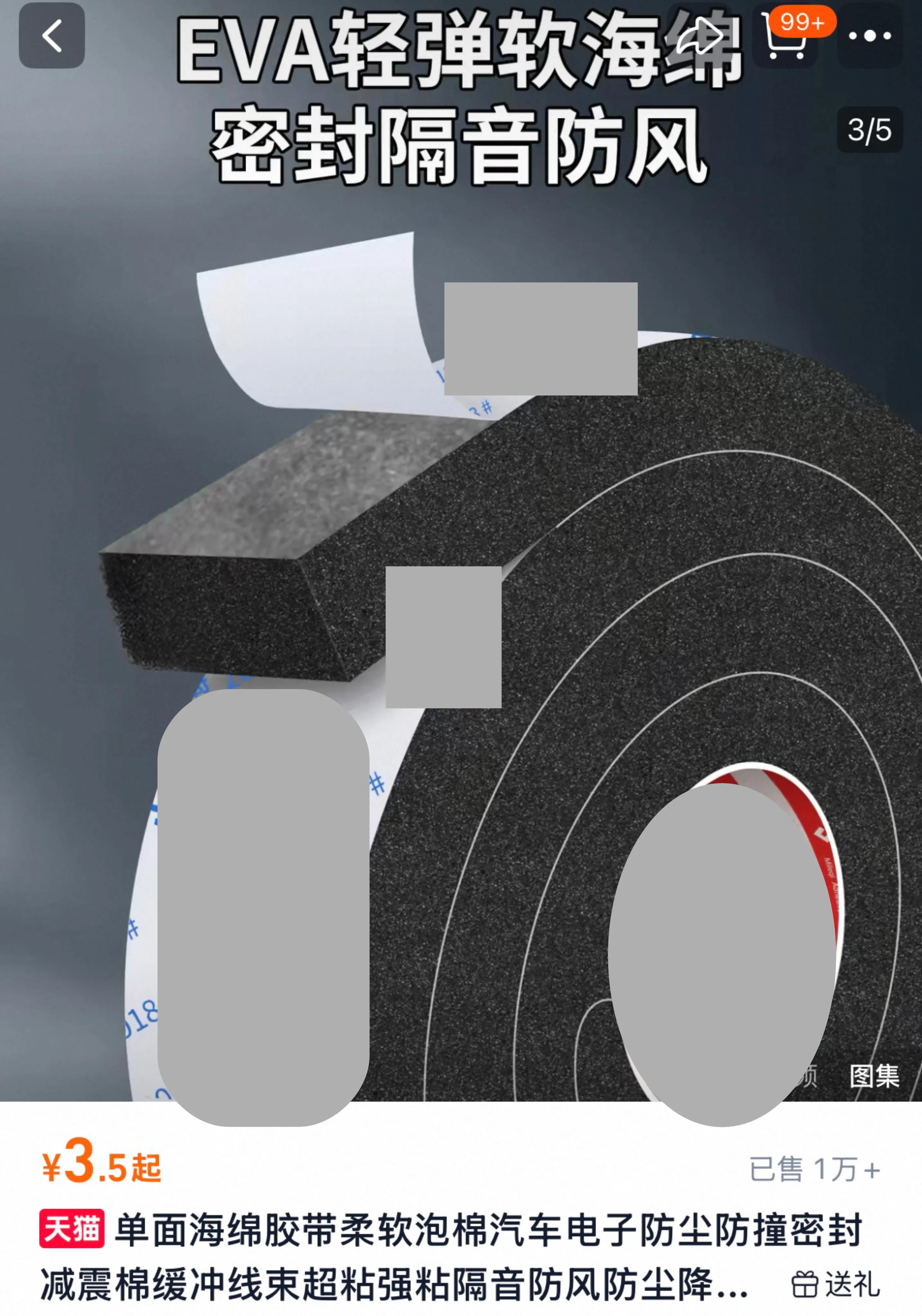
High-temperature resistant EVA foam Size: 10mm width, 5mm thickness
Installation
First, remove the back panel. For details, please follow the official Bambu Lab wiki instructions: https://wiki.bambulab.com/zh/x2d/maintenance/replace-rear-panel
After removing the back panel, organize the cables as shown
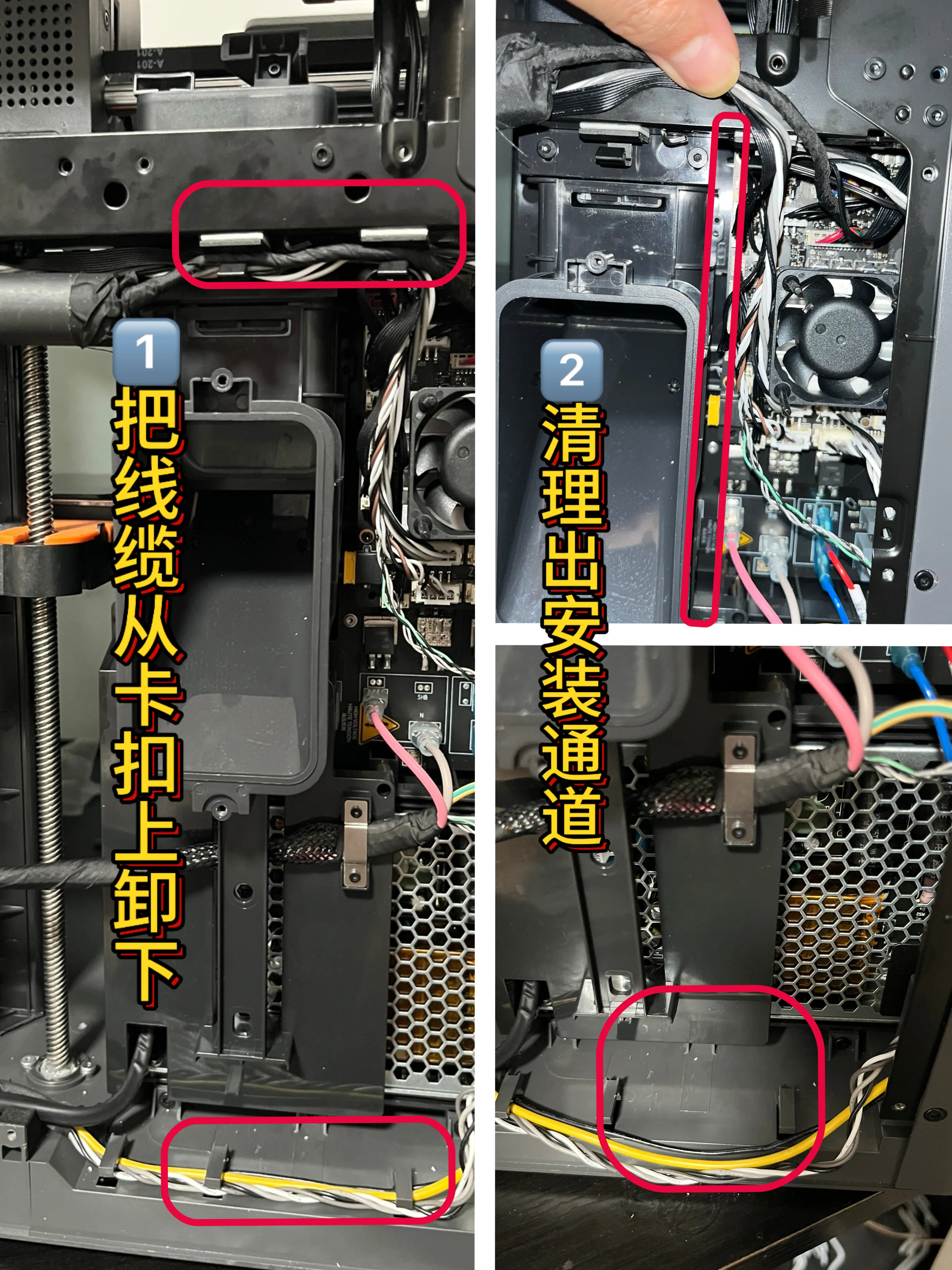
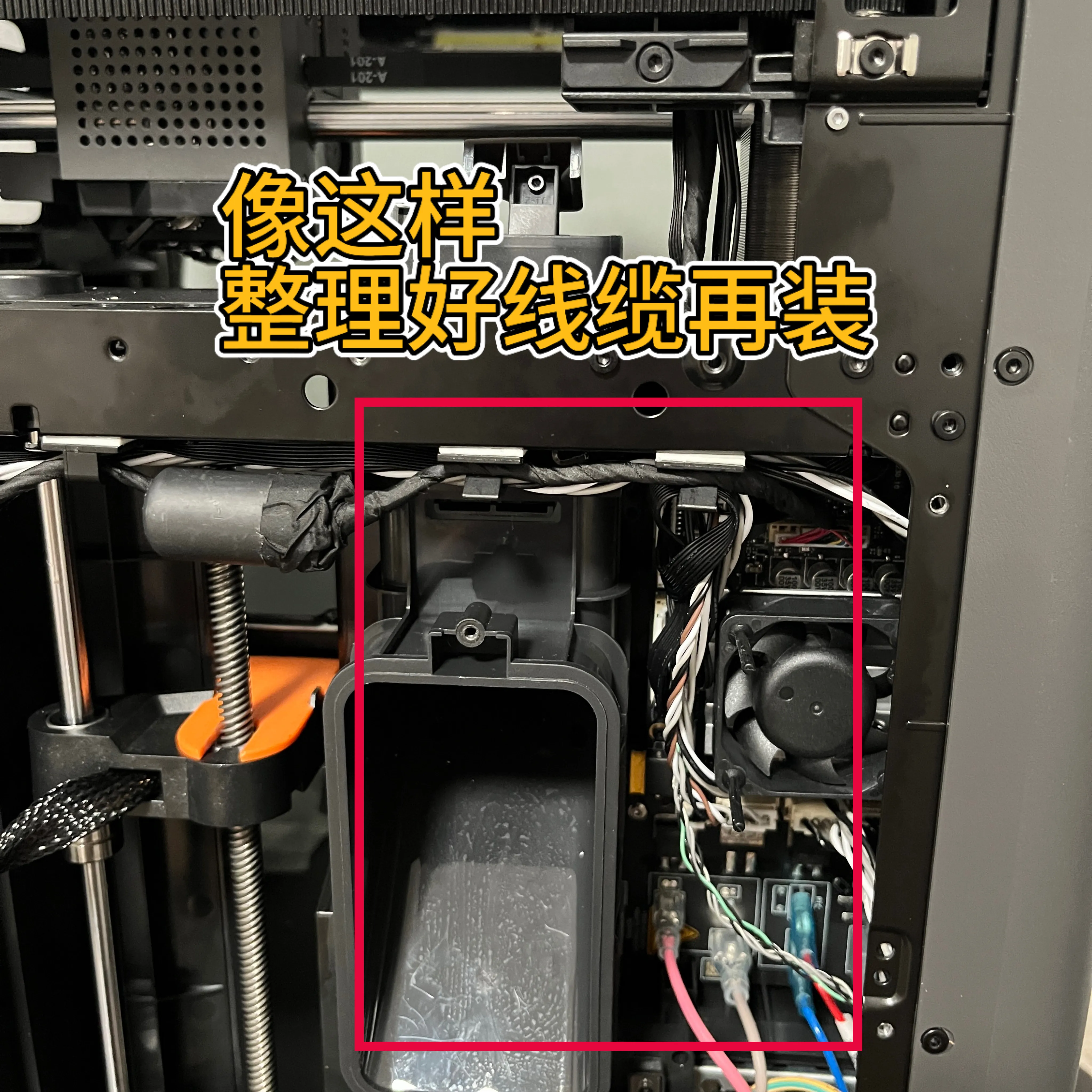
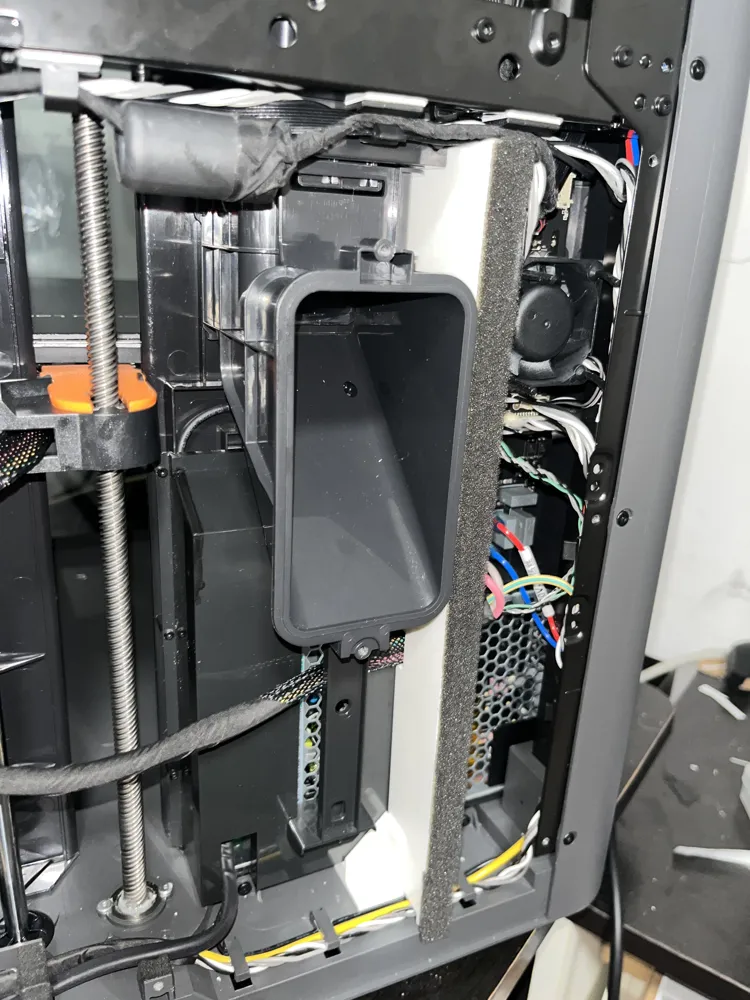
After organizing the cables, first install the bottom fixing buckle as shown:
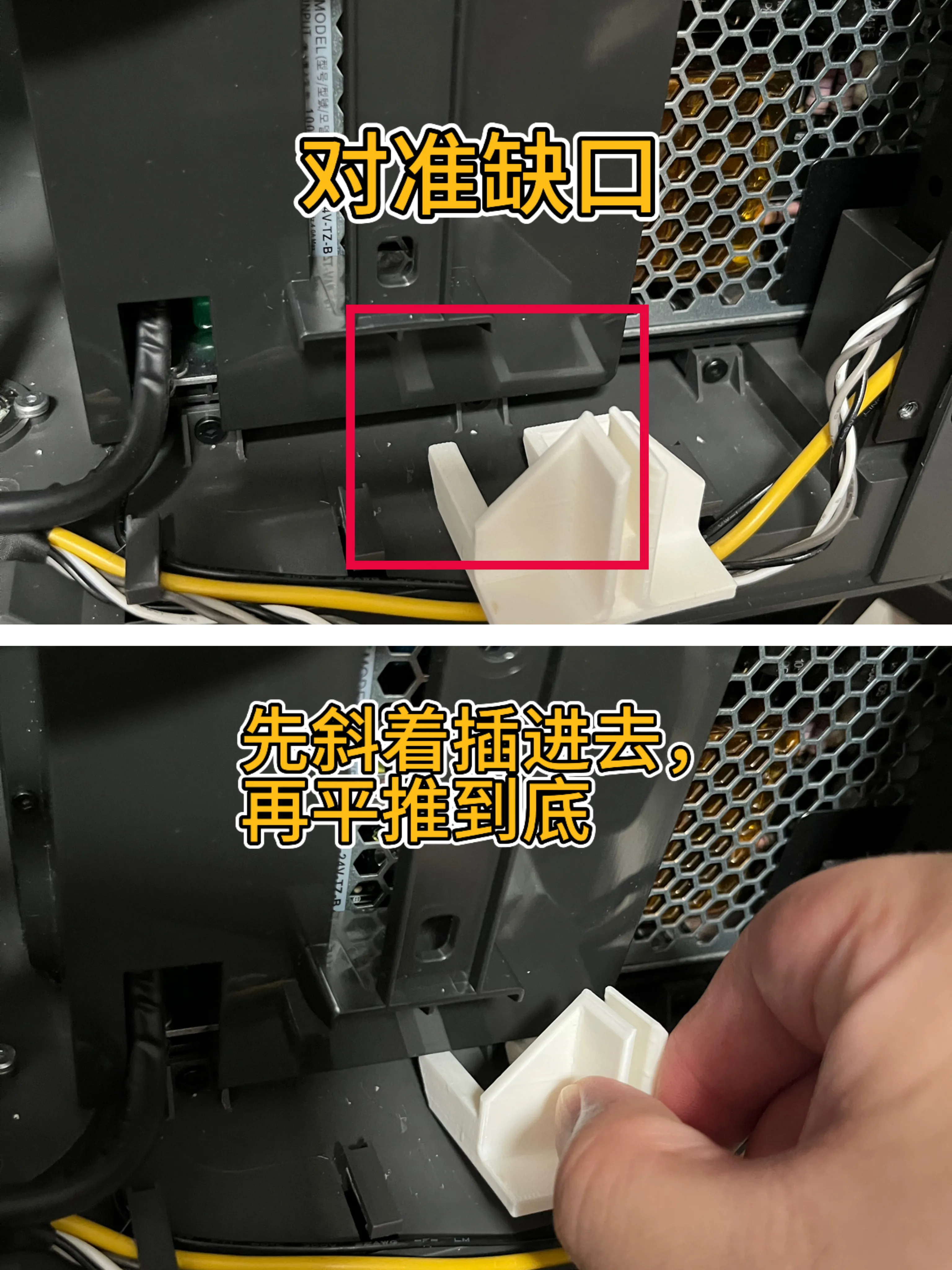
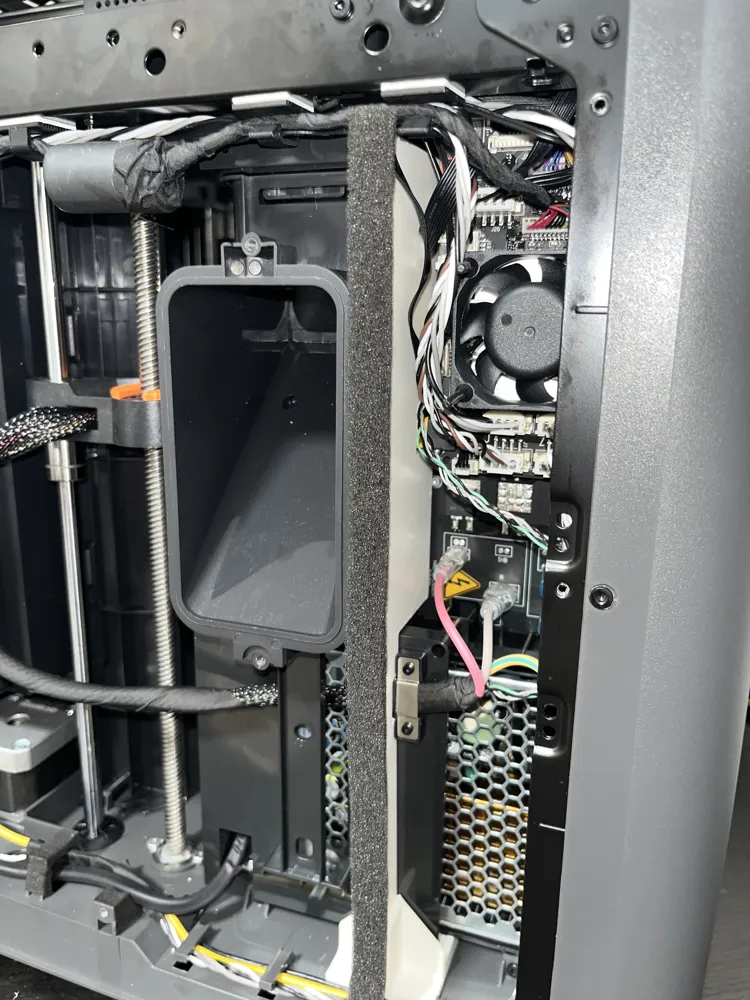
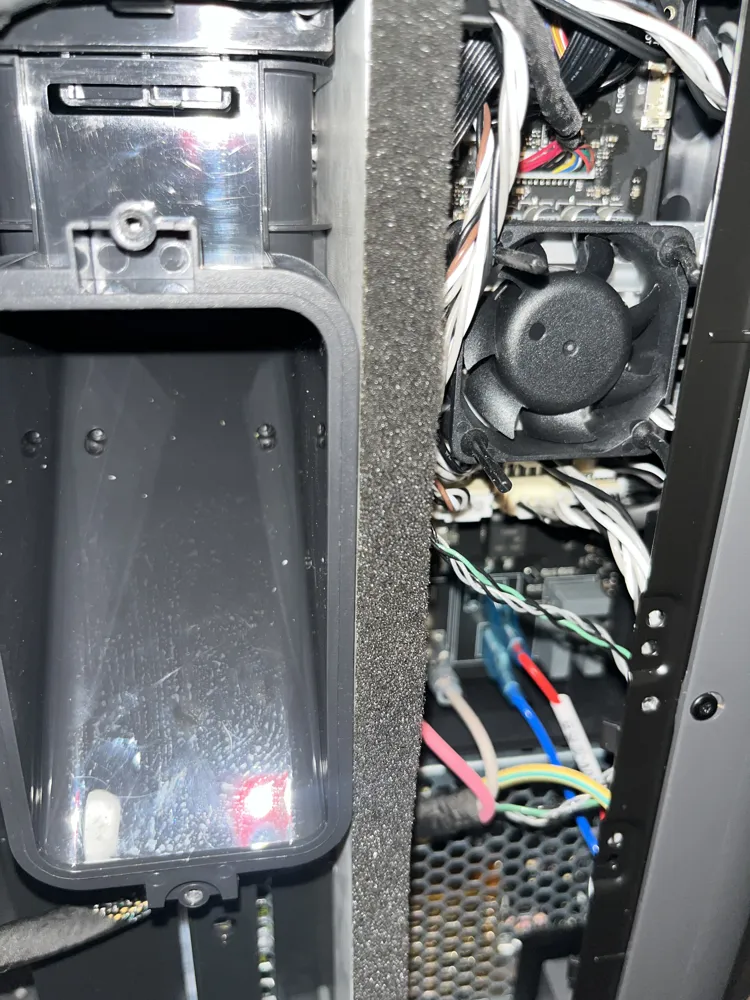
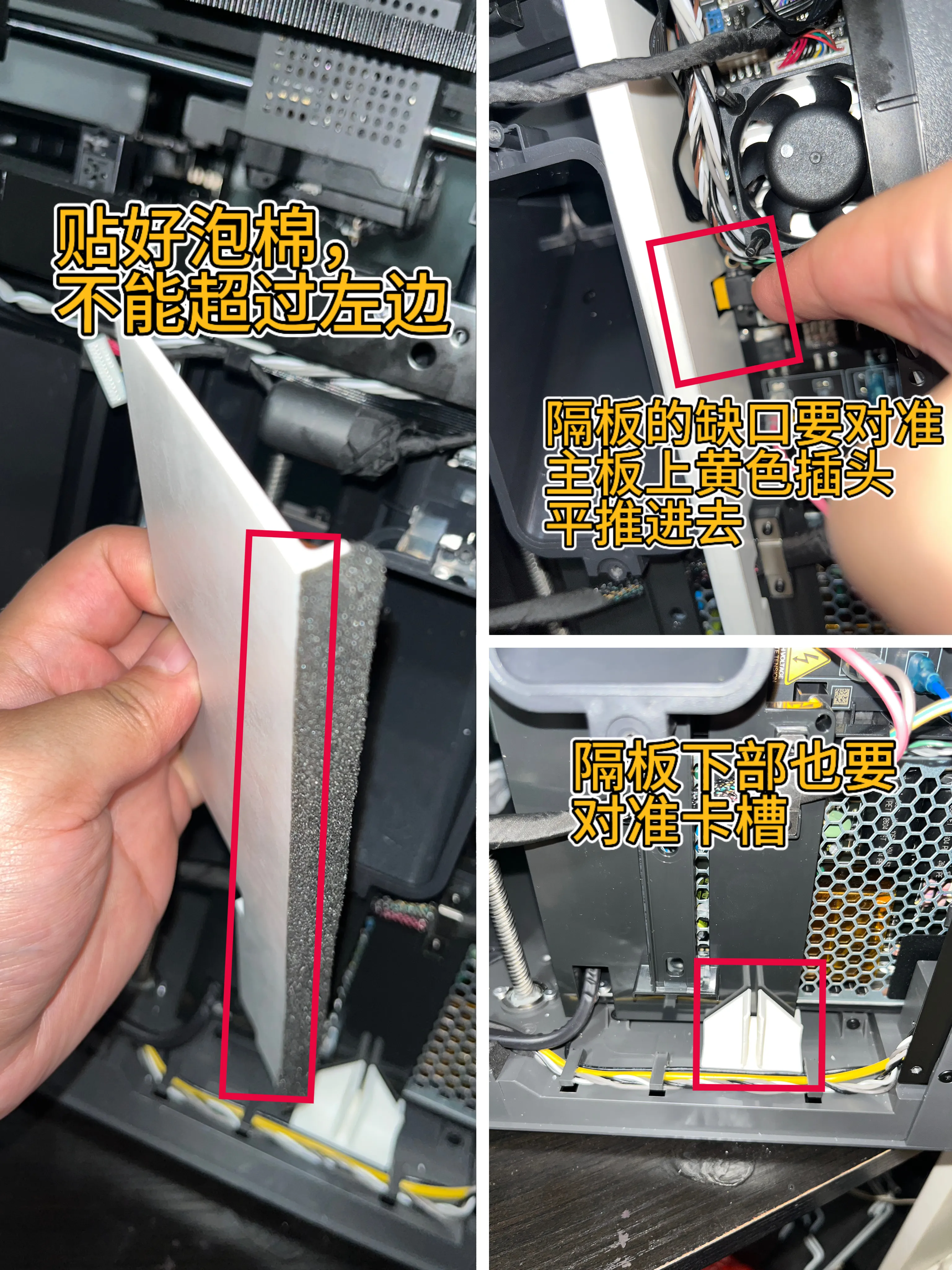
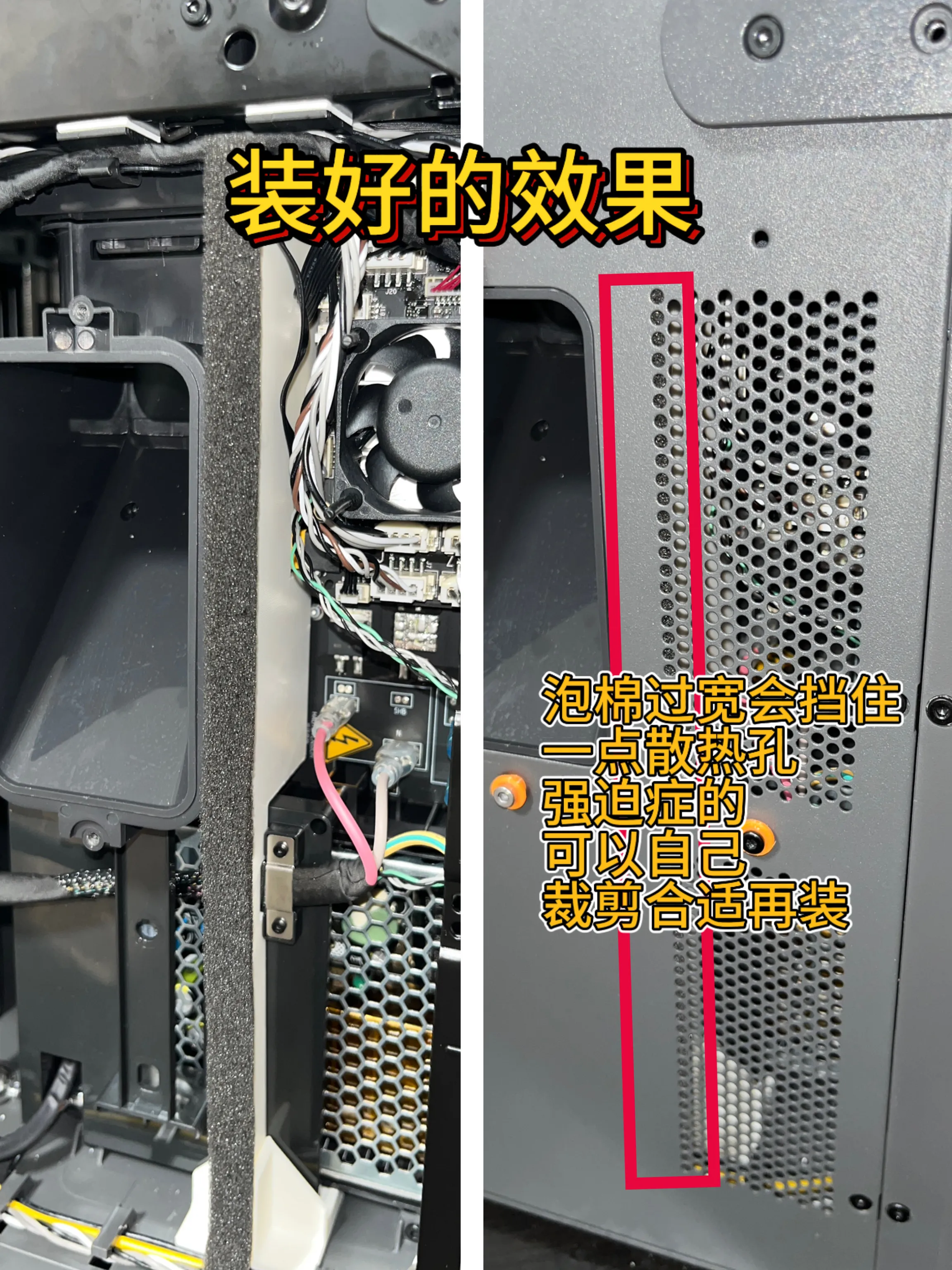
After applying the foam, align it with the slot and push it in horizontally as shown
When applying the foam, the edge must not exceed the left side of the model
(The foam will be wider than the model, you can trim it to your desired width before applying)
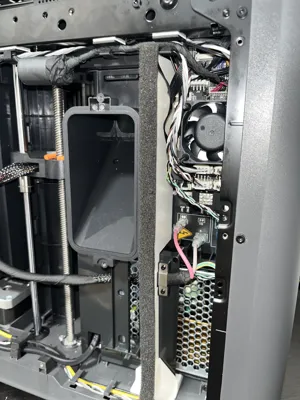
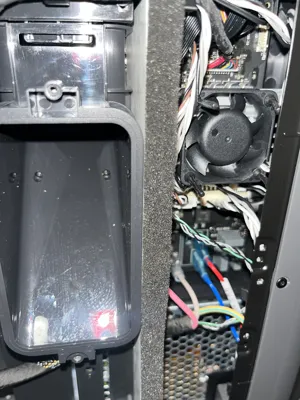
Finished result
License

You shall not share, sub-license, sell, rent, host, transfer, or distribute in any way the digital or 3D printed versions of this object, nor any other derivative work of this object in its digital or physical format (including - but not limited to - remixes of this object, and hosting on other digital platforms). The objects may not be used without permission in any way whatsoever in which you charge money, or collect fees.


Comment & Rating (0)