
Smart Vinyl: NFC-Triggered Music Player (GIF)
Print Profile(2)
Description
Boost Me (for free)
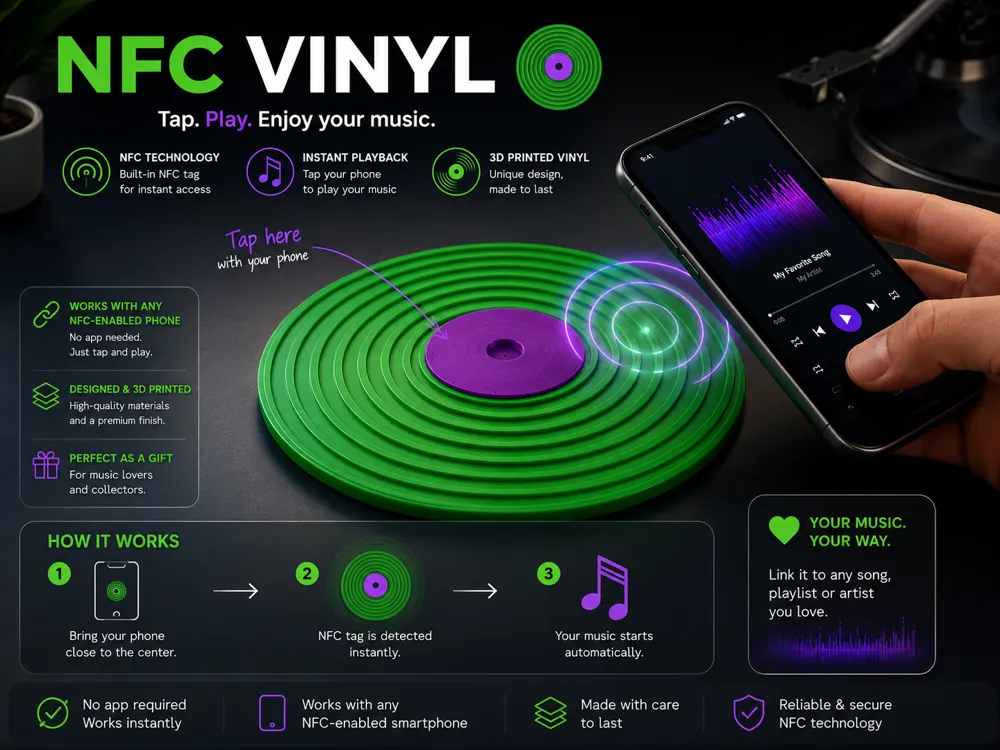

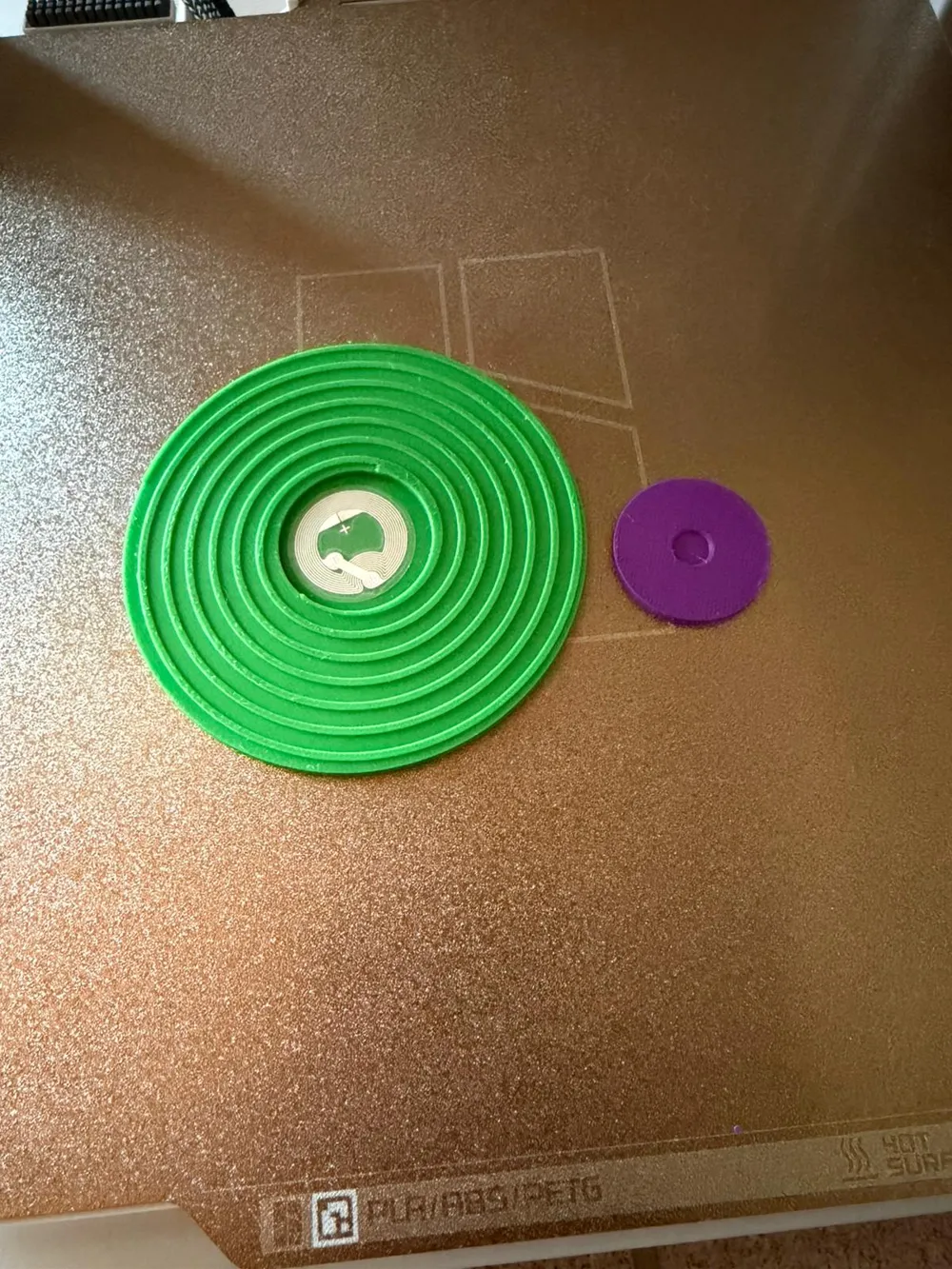
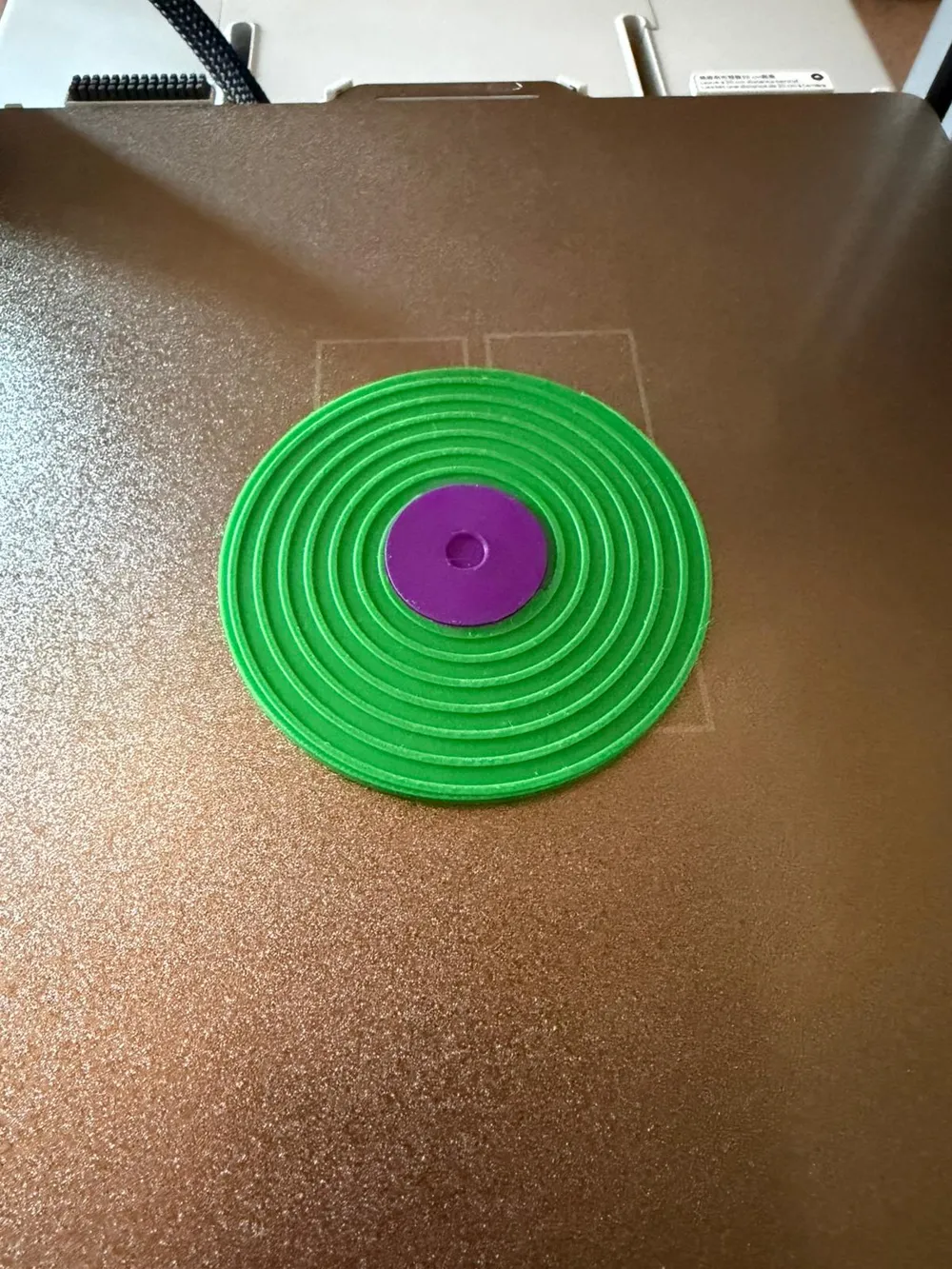
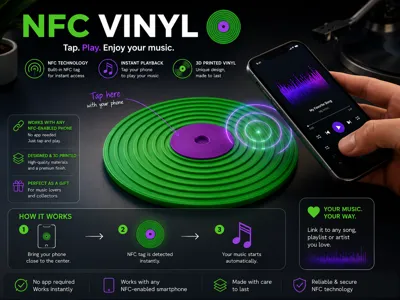
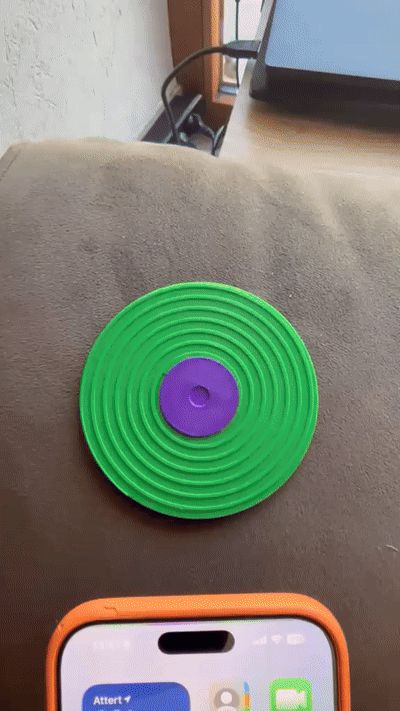
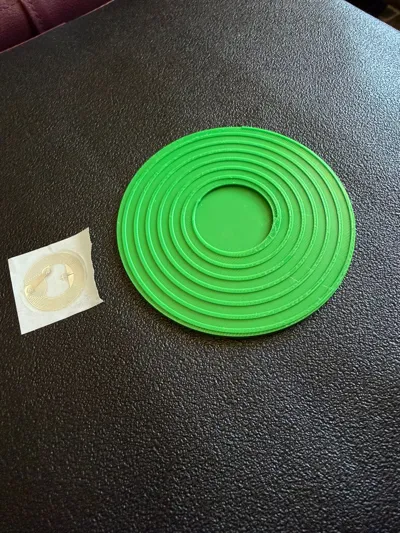
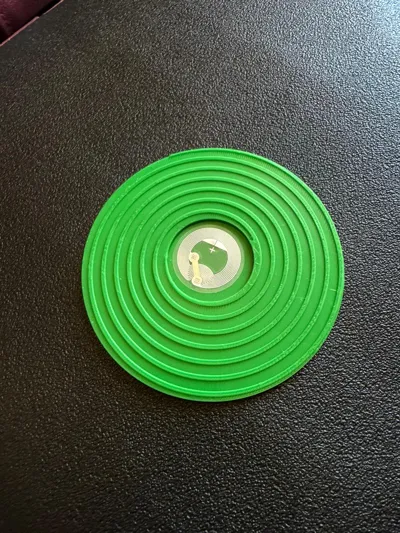
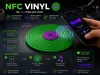
This model is a NFC-enabled vinyl design that allows automatic music playback via smartphone.
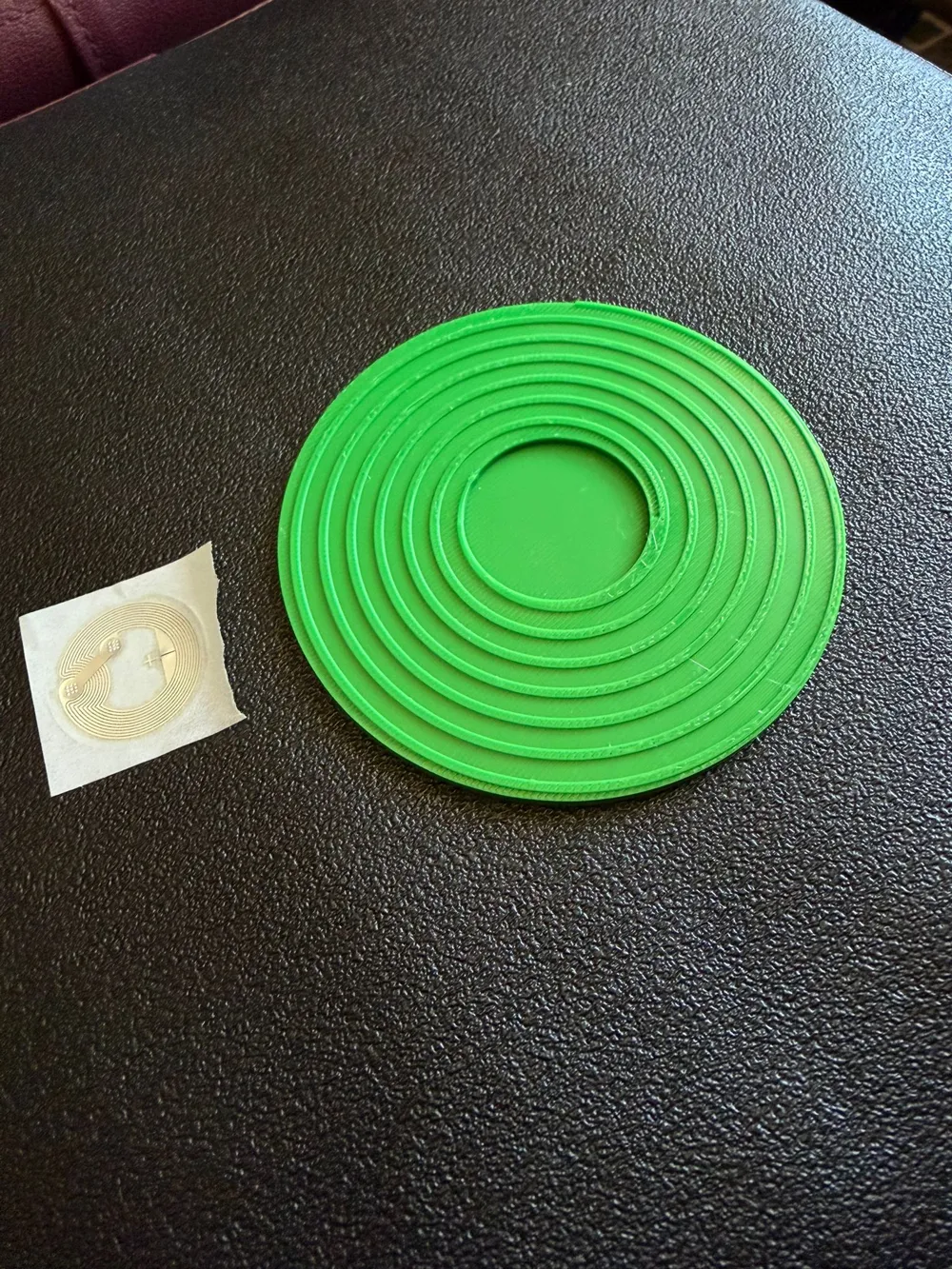
The project includes two printable files:
- a single-color version
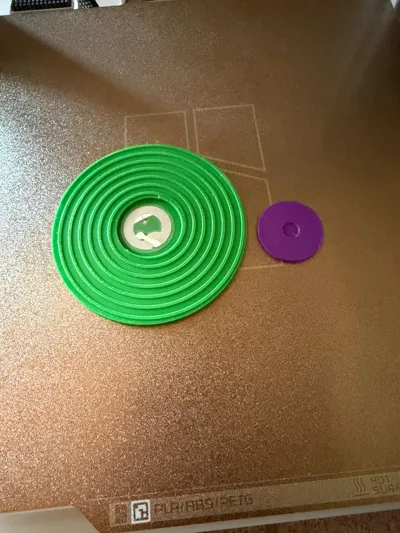
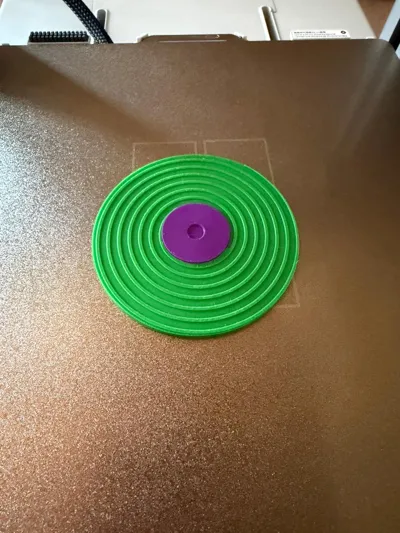
- a dual-color version with a main record and a separate center piece
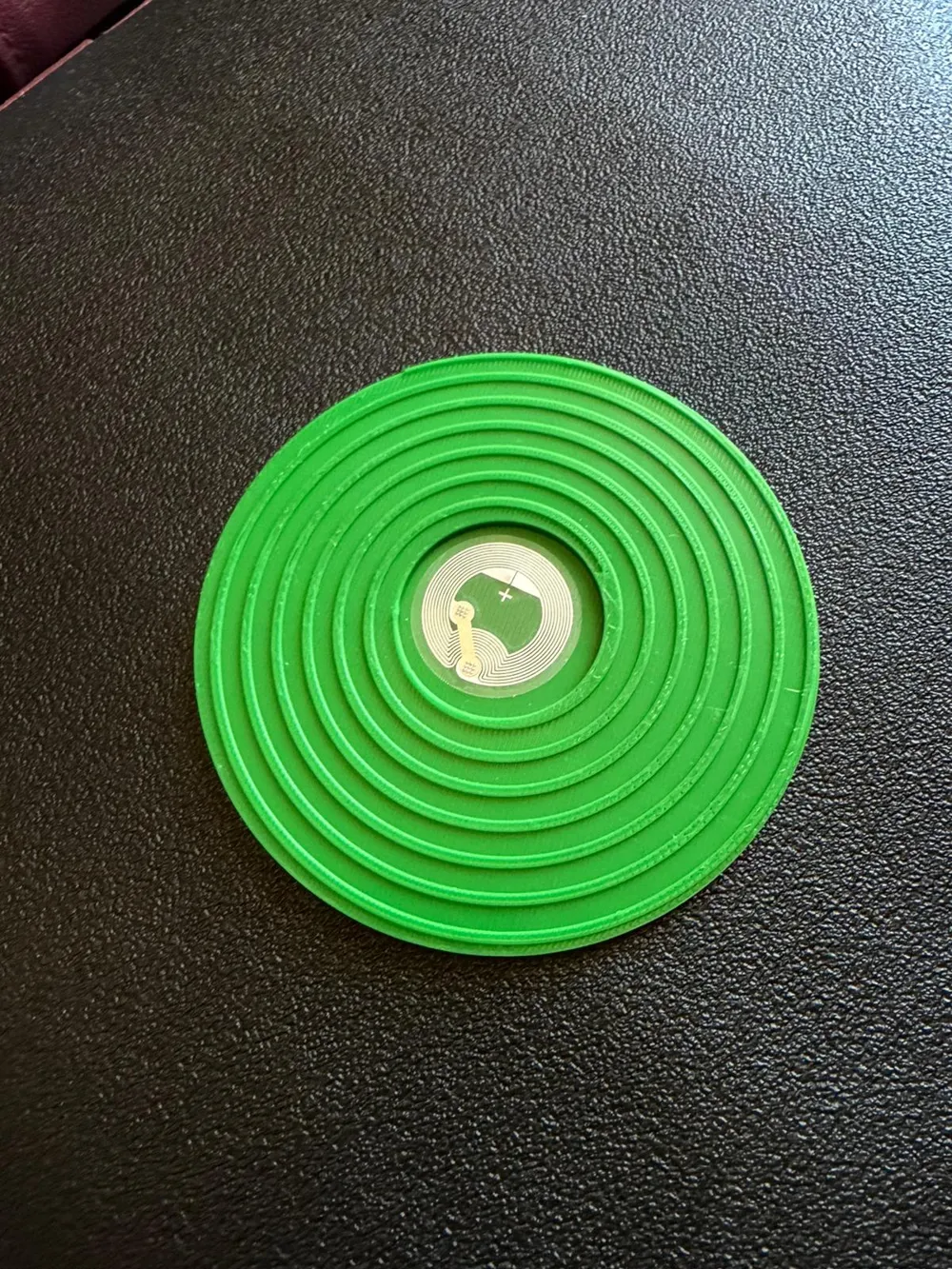
Assembly is simple: place the NFC tag inside the center of the vinyl, then snap the center piece back into place once the tag is installed.
After printing and assembly, you can set up the NFC automation on iPhone to trigger automatic music playback.
Open the Shortcuts app on the iPhone.
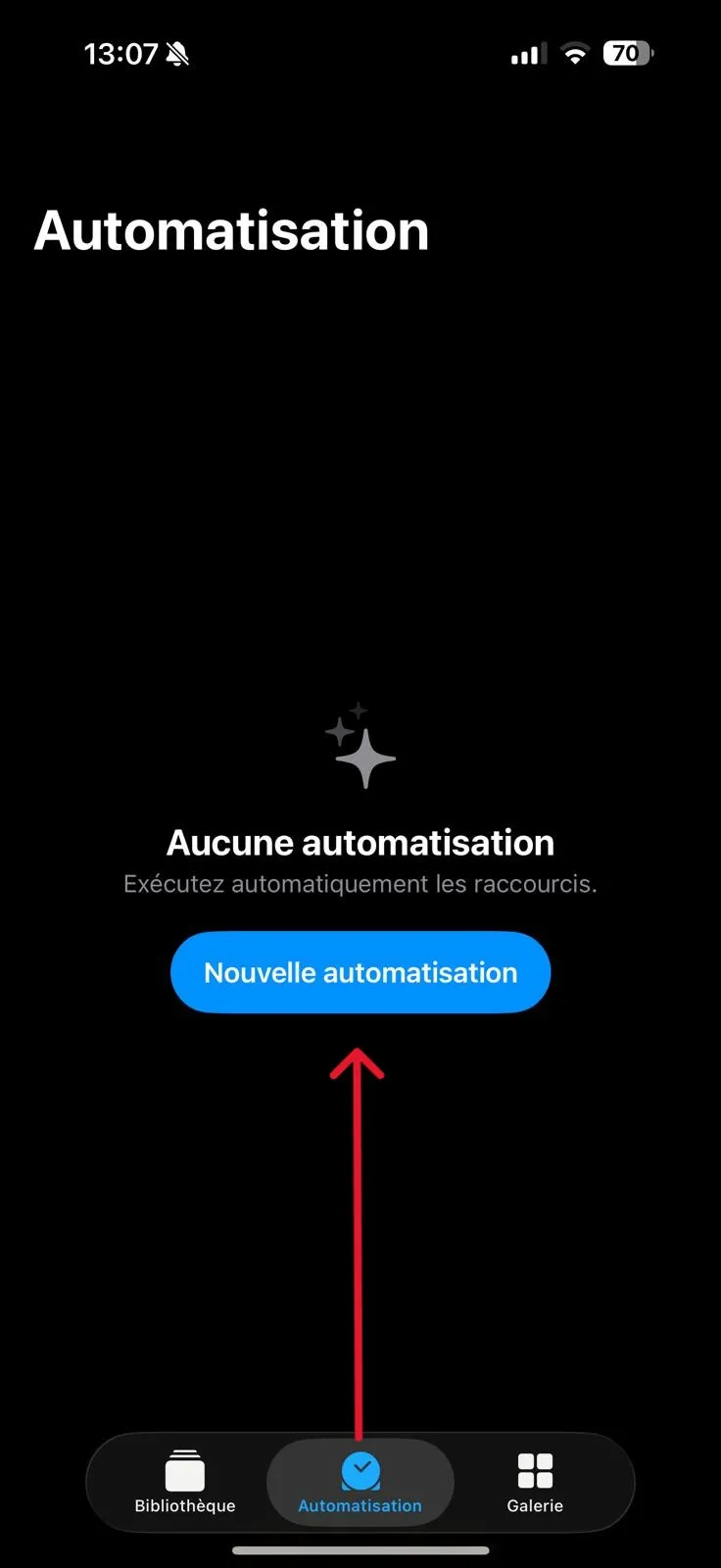
Go to the Automation tab.
Tap Create New Automation
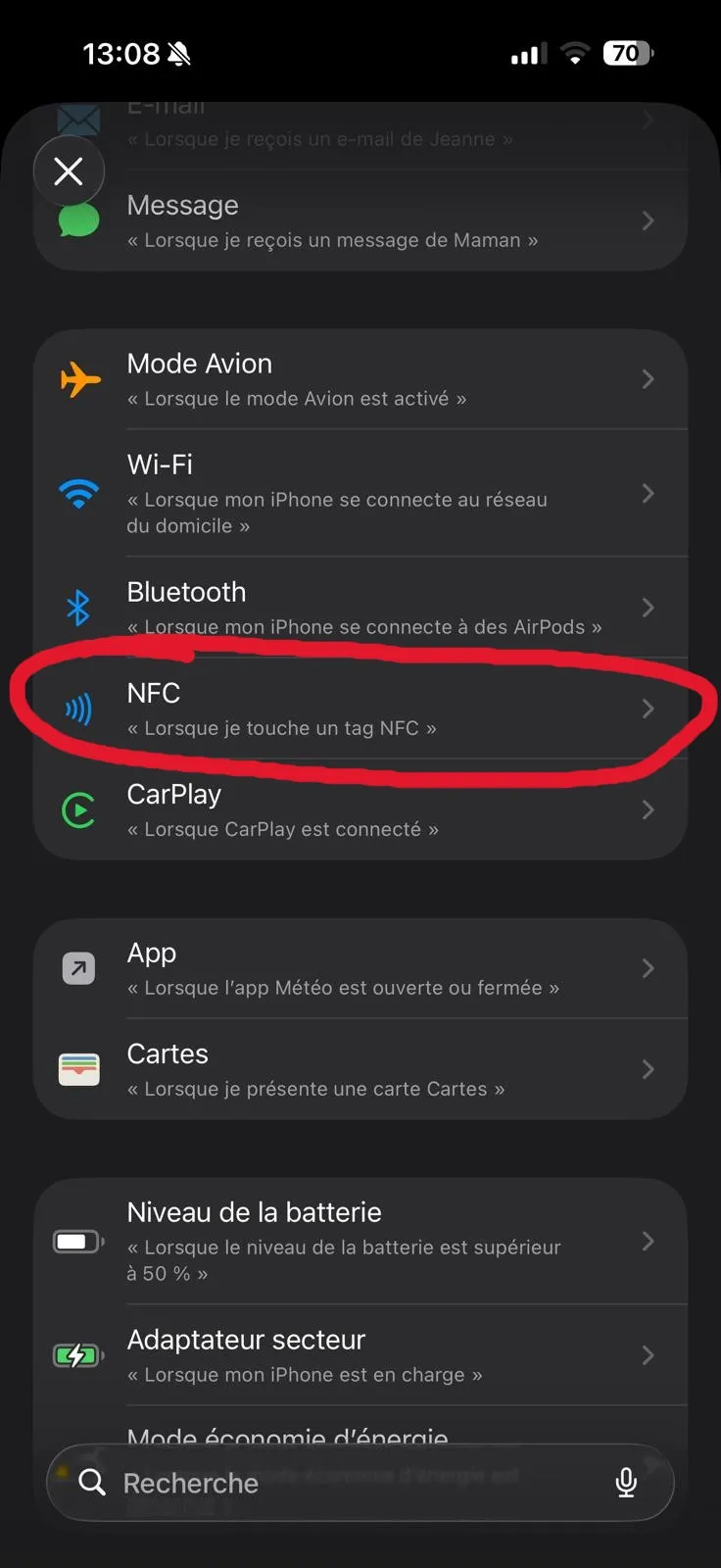
Search for and select NFC.
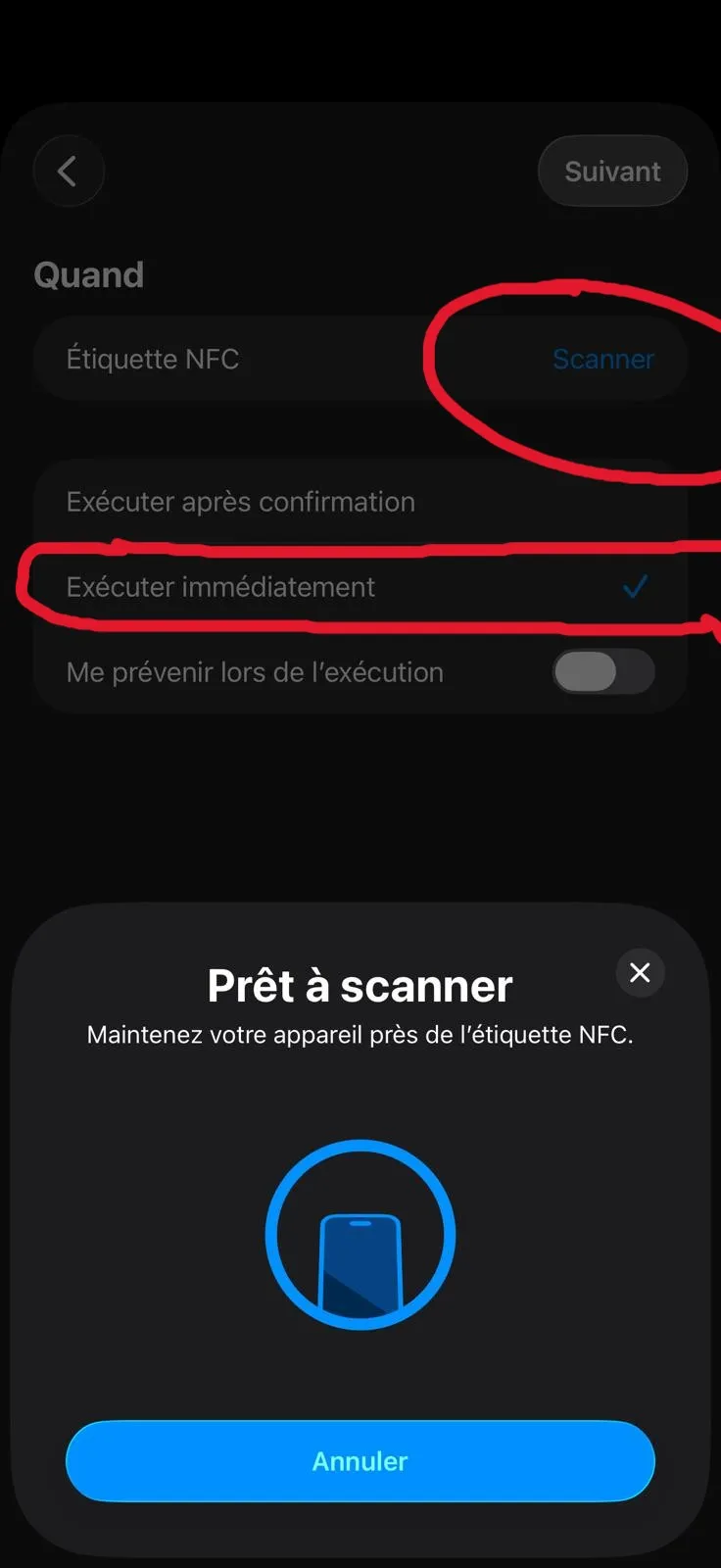
Tap Scan next to NFC Tag.
Enable Run Immediately to avoid confirmation prompts.
Scan the NFC tag.
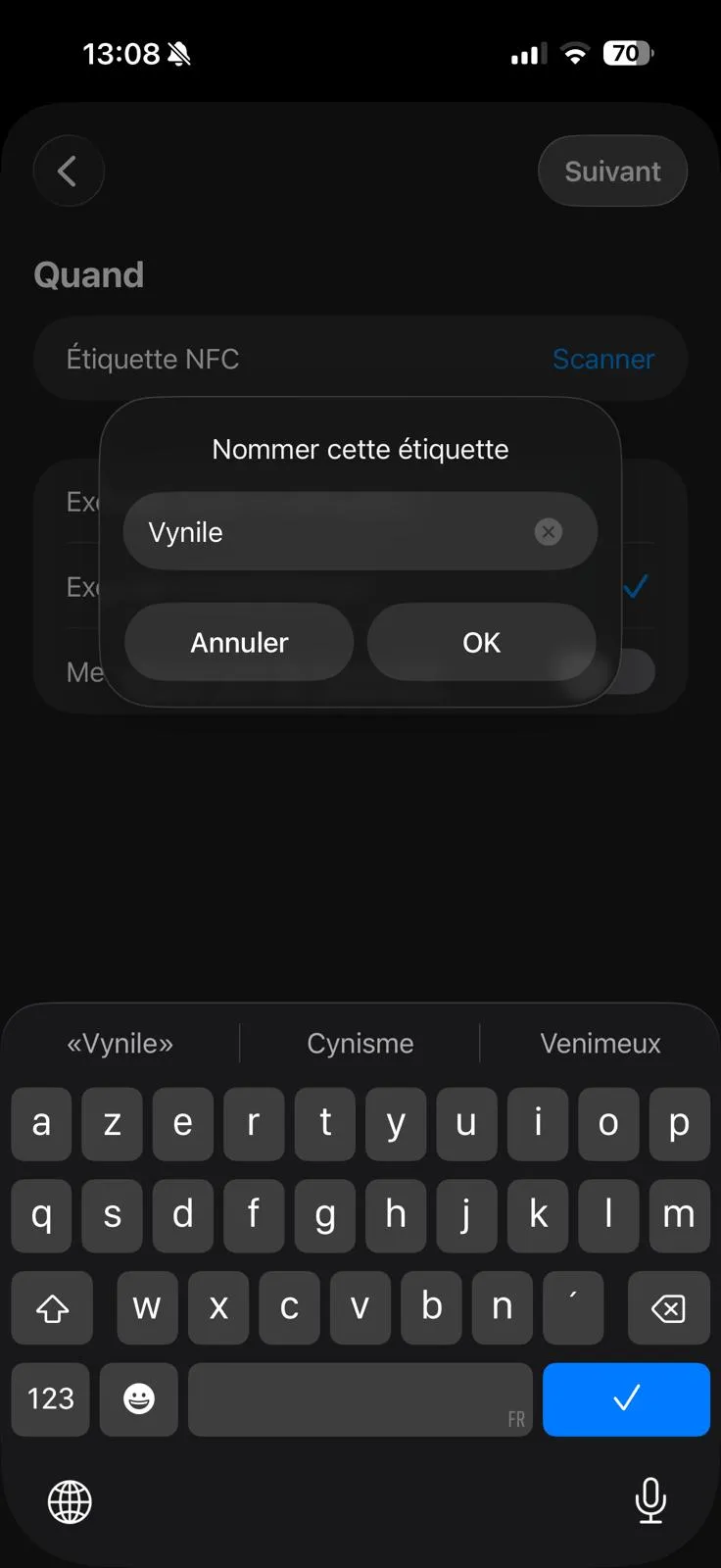
Give the tag a name (any name).
Tap OK, then Next.
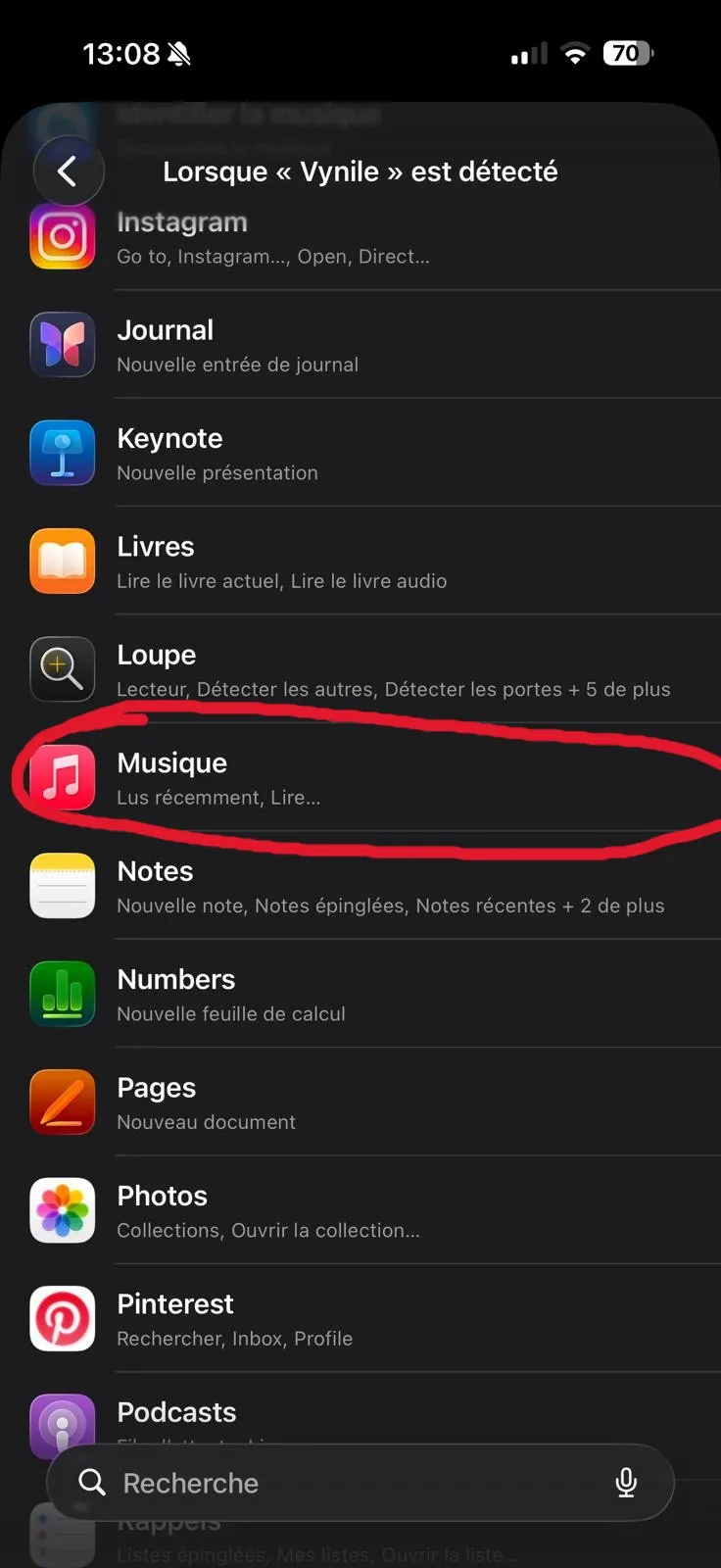
Search for the Music app.
Select the Play Music action
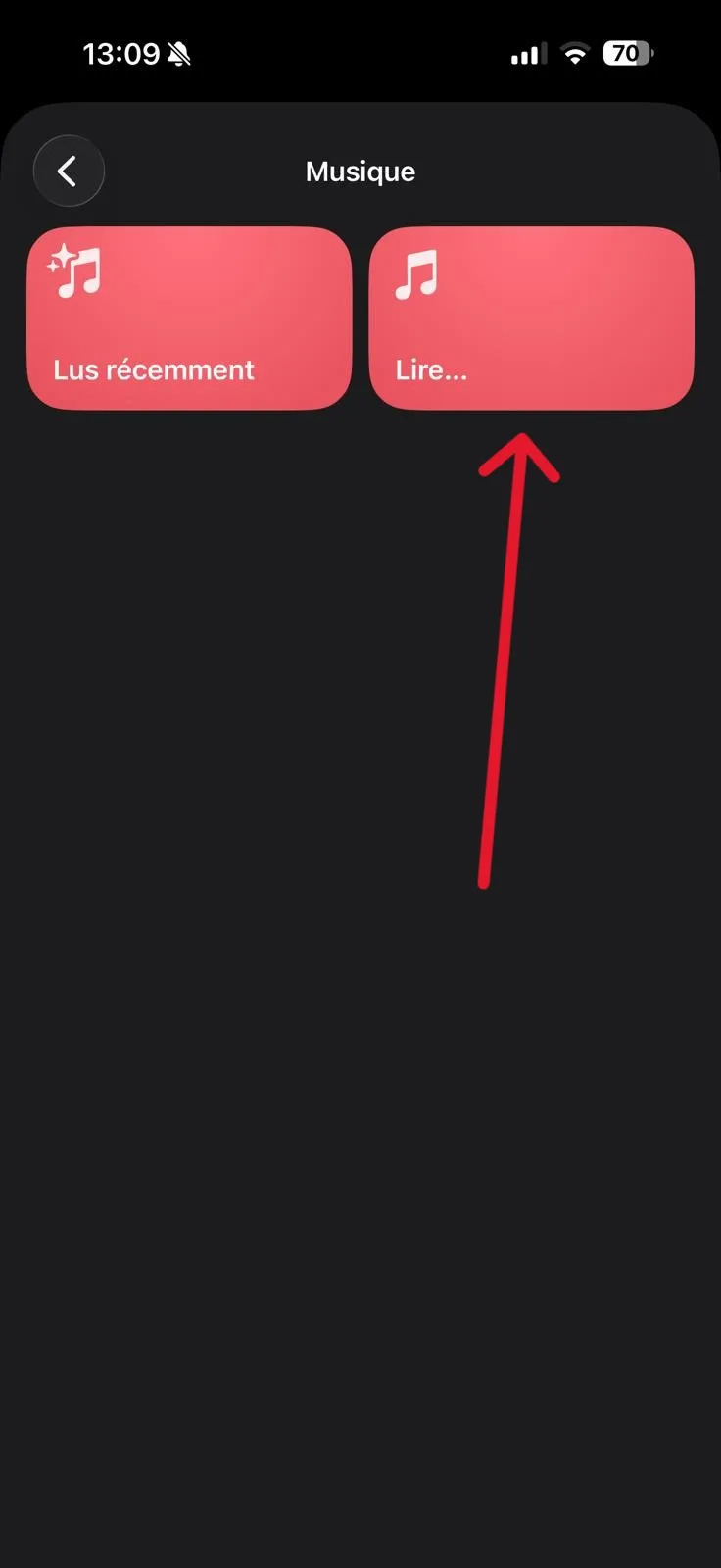
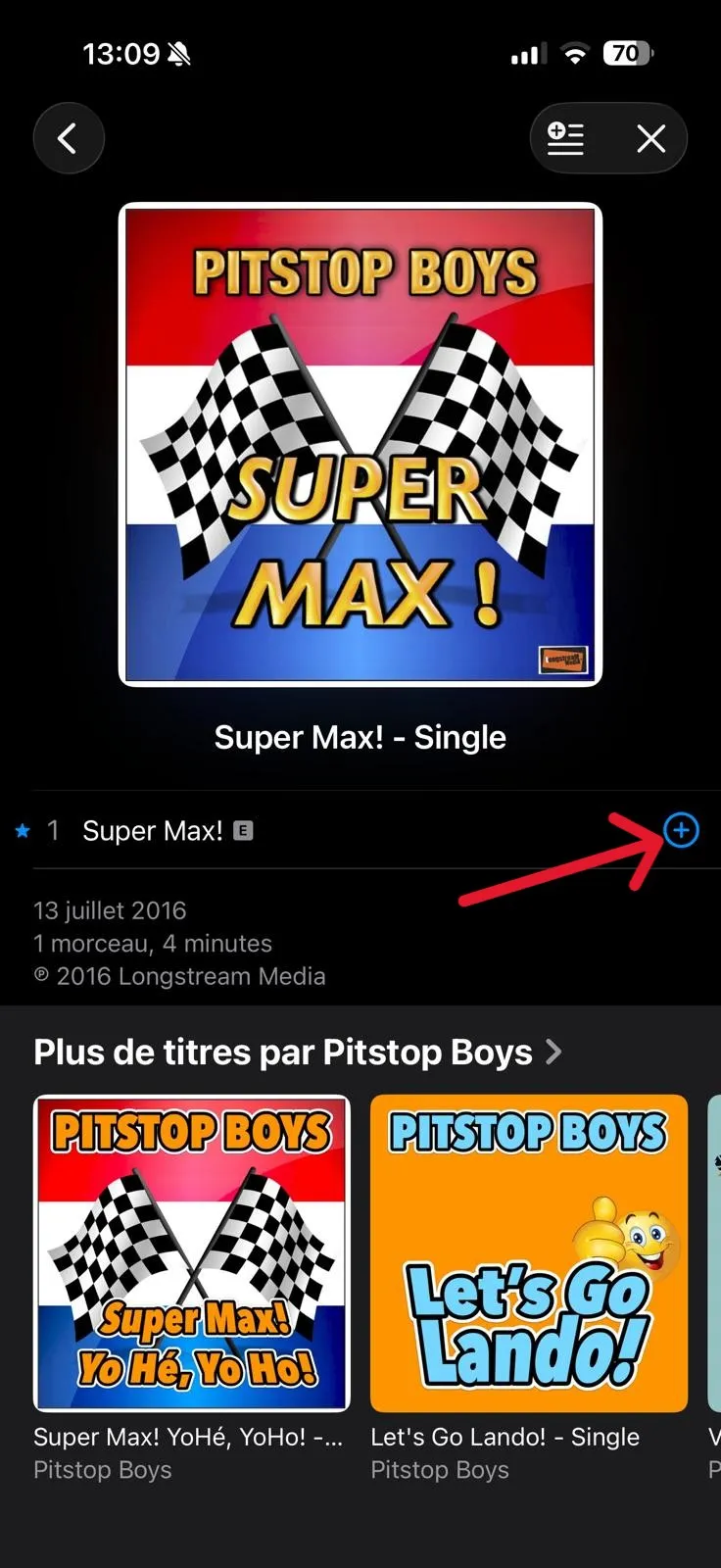
Choose the song you want.
Tap the + button to add it to the automation.
Finish by confirming the setup — the automation is now ready.
License

You shall not share, sub-license, sell, rent, host, transfer, or distribute in any way the digital or 3D printed versions of this object, nor any other derivative work of this object in its digital or physical format (including - but not limited to - remixes of this object, and hosting on other digital platforms). The objects may not be used without permission in any way whatsoever in which you charge money, or collect fees.


Comment & Rating (0)