
Toy Story name generator
Print Profile(1)
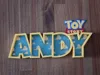
Description
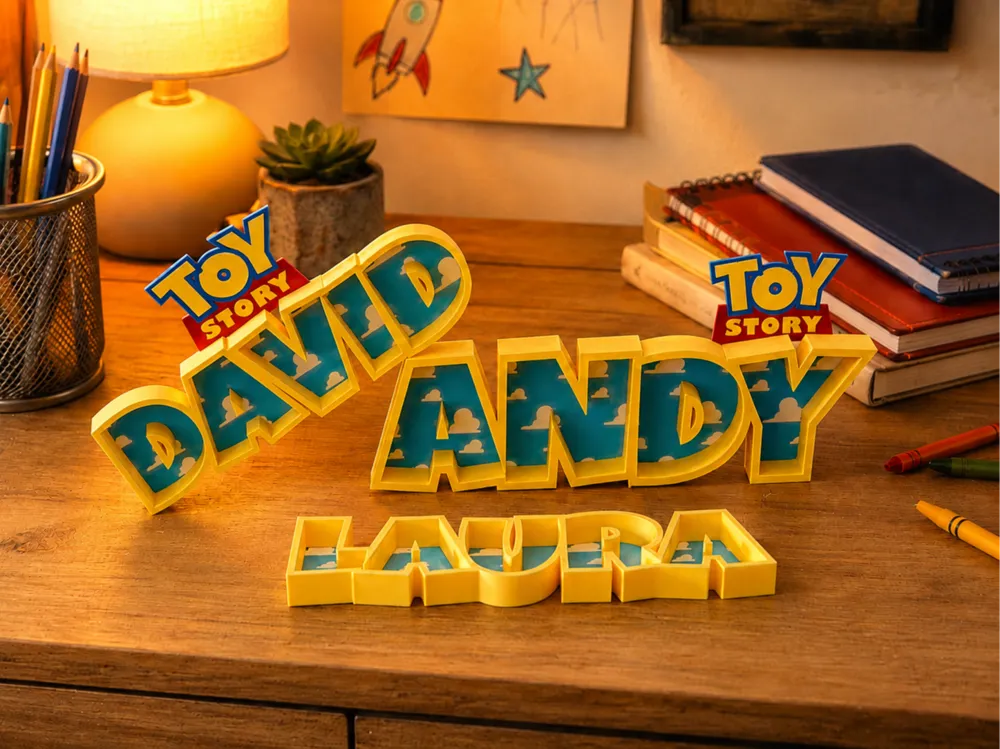
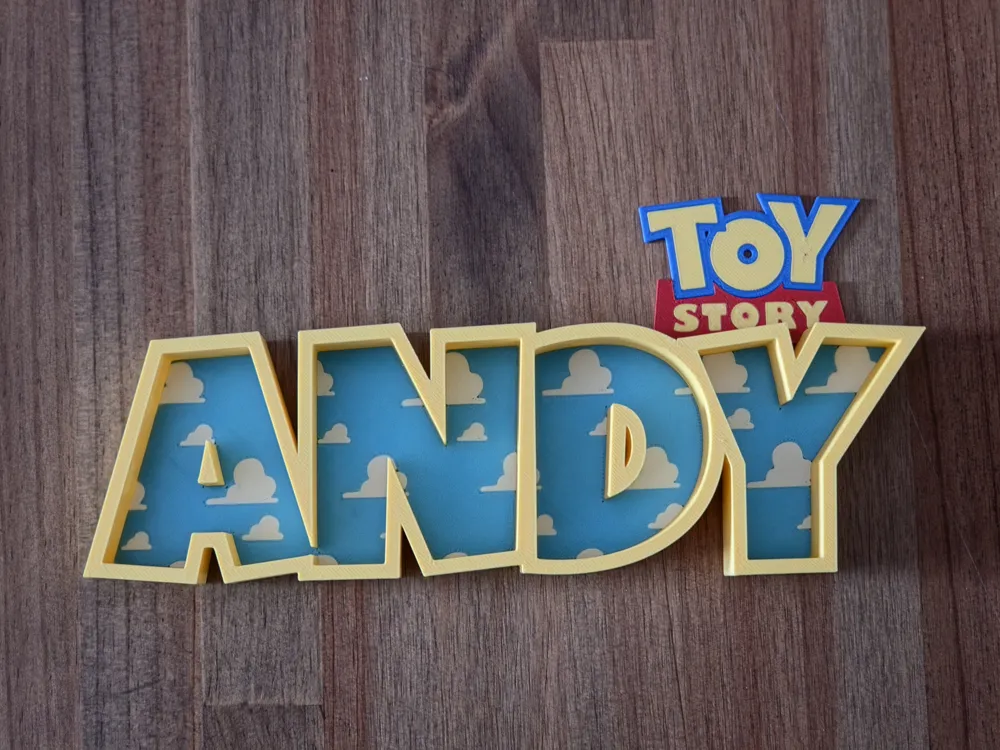
Create colorful custom names inspired by classic toy story cloud wallpaper designs.
Perfect for children's bedrooms, playrooms, nursery decorations, gifts, shelf displays, or personalized room signs.
Boost Me (for free)
Boosts really help me continue designing new generators and models. If you enjoy this design, a boost is a fantastic way to support future projects at no cost.
How to Use
Simply enter the desired name in the Name Text field.
Example:
ANDY
For best results, avoid spaces if you want the entire design to print as a single connected piece.
Customization Options
Text Options
Name Text
- Name Text (nameText): The name to generate.
Size
- Text Size (textSize): Overall size of the generated name.
Letter Spacing
- Letter Spacing (letterSpacing): Controls spacing between letters.
- Lower values help neighboring letters merge together into a stronger print.
Face Weld Amount
- Face Weld Amount (faceWeldAmount): Additional expansion applied to the letter face to ensure adjacent letters connect properly.
Letter Shape Options
Border Width
- Border Width (borderWidth): Thickness of the raised decorative outline around the letters.
Border Height
- Border Height (borderHeight): Height of the outer border above the build plate.
Face Height
- Face Height (faceHeight): Height of the inner cloud-pattern face.
Cloud Pattern Options
The cloud pattern is clipped directly inside the letter faces, creating a playful wallpaper-inspired appearance.
Clouds
- Render Clouds (renderClouds): Enables or disables the cloud pattern.
- Cloud Width (cloudWidth): Size of individual cloud shapes.
- Cloud Spacing X (cloudSpacingX): Horizontal spacing between clouds.
- Cloud Spacing Y (cloudSpacingY): Vertical spacing between clouds.
Logo Options
An optional decorative logo can be placed over the upper portion of the final letter.
Logo Controls
- Render Logo (renderLogo): Enables or disables the logo.
- Logo Scale (logoScale): Adjusts logo size relative to the final letter.
- Logo Thickness (logoThickness): Height of the logo overlay.
- Logo Offset X (logoOffsetX): Horizontal logo adjustment.
- Logo Offset Y (logoOffsetY): Vertical logo adjustment.
Color Customization
Each major section of the model can be assigned its own color.
Main Colors
- Outside Border Color: Outer frame and support structure.
- Letter Face Color: Main cloud-pattern face.
- Cloud Inlay Color: Cloud details.
Logo Colors
- Logo Base Color
- Logo Letter Color
- Logo Outline Color
License

You shall not share, sub-license, sell, rent, host, transfer, or distribute in any way the digital or 3D printed versions of this object, nor any other derivative work of this object in its digital or physical format (including - but not limited to - remixes of this object, and hosting on other digital platforms). The objects may not be used without permission in any way whatsoever in which you charge money, or collect fees.


Comment & Rating (45)