
Flip Stop for 2060 Profile (Print in Place Hinge)
Print Profile(4)
Description
Description
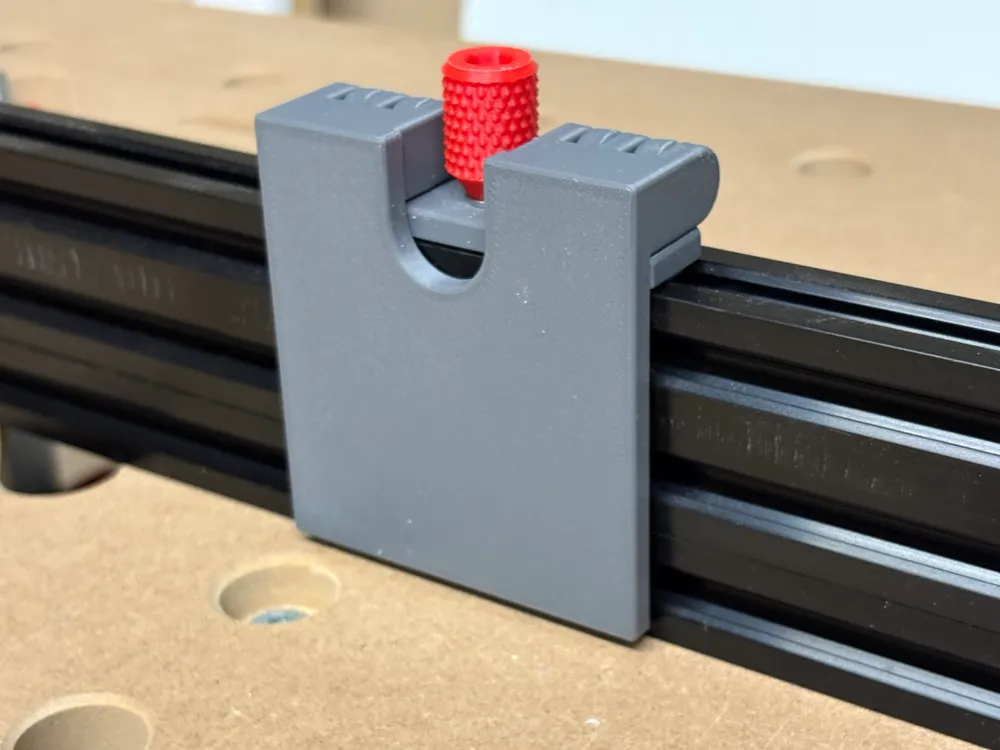
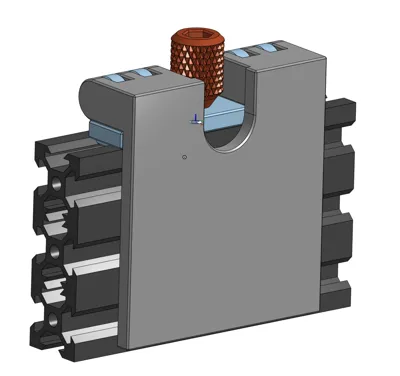
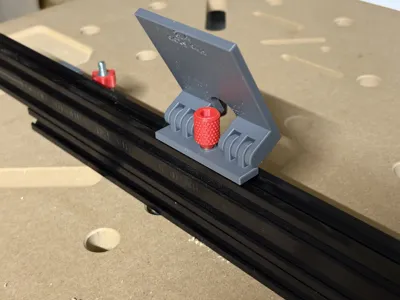
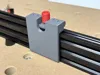
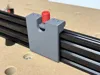
I've created this flip stop for an 2060 aluminum profile (V or T nut standard). I'm using the flip stop for accurate repeated cuts on my MFT.
The workflow:
- Set the width of the work piece, tighten the flip stop with the thumb screw
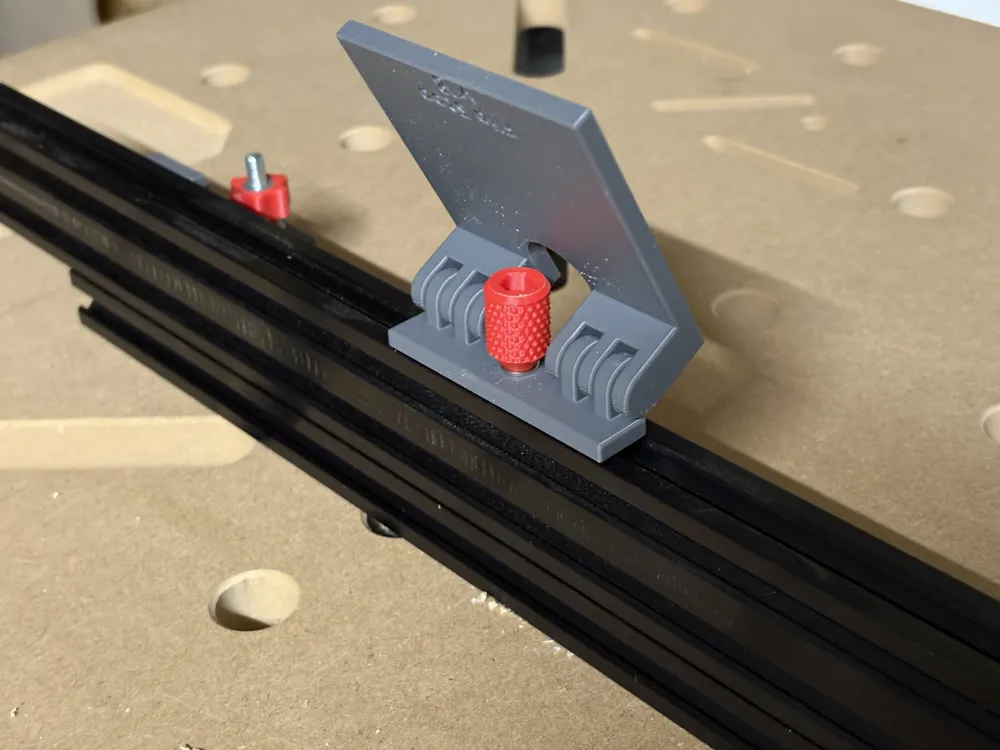
- Flip the stop up (out of the way) and clean up the edge of a work piece
- Flip it back down and cut it to length on the other side
- Repeat with the next work piece
I've also made a smaller versions for 2020 profiles (or a 2040 profile on the side) and 2040 profiles, you can find them here:
- 2020 profile: https://makerworld.com/en/models/2560258-flip-stop-for-2020-profile-print-in-place-hinge
- 2040 profile: https://makerworld.com/en/models/2451548-flip-stop-for-2040-profile-print-in-place-hinge
Two things achieve the high accuracy of the model:
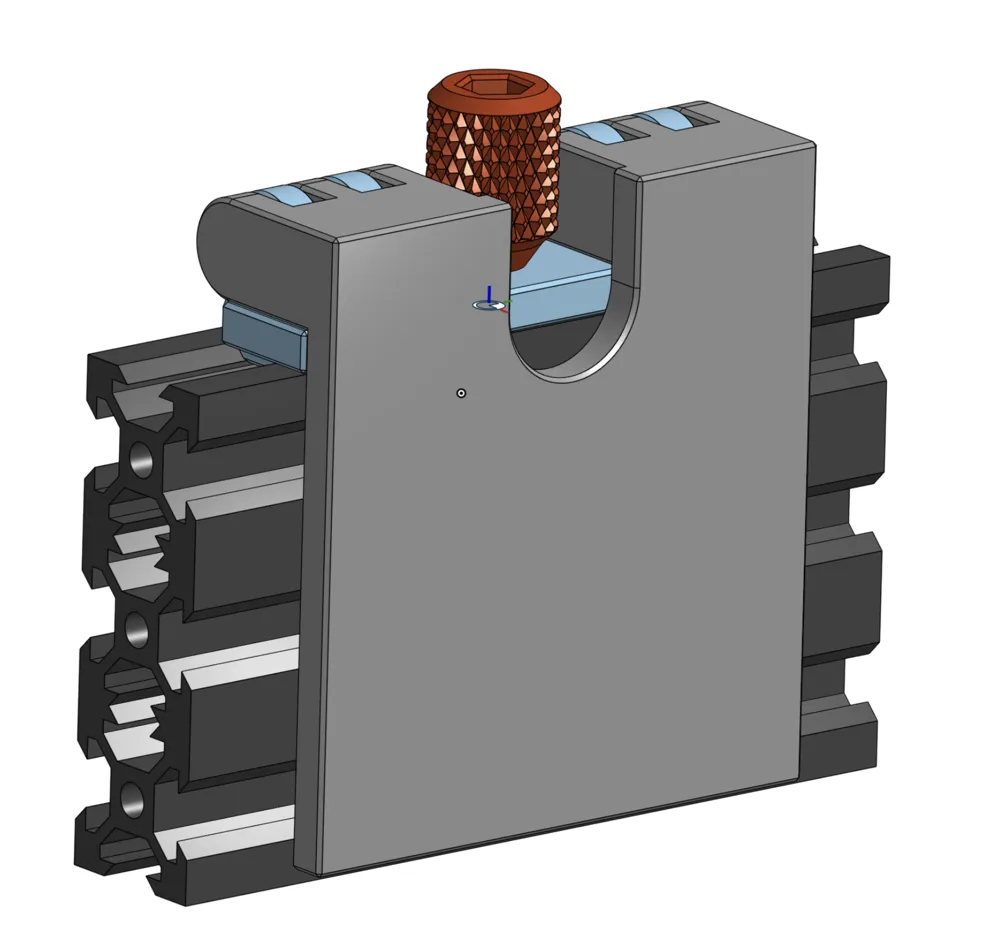
- The hinge is printed in place, there's no wiggle room you almost always have when using a bolt as the axle. A cut view of the hinge is included in the photos.
- The sliding part which lies on top of the profile has two protrusions which slide ideally into the V (or T) nut of the aluminum extrusion, making it super smooth to shift around but prevents any rotation or movement once locked
After printing, apply some gentle force to break the hinge free. This almost always needed for print in place hinges. Afterwards, it should be easy to operate the hinge. You may feel a slight bump in the original printing position though.
Since the model prints with the side that you'll see later down on the print bed you can easily add custom text with just very few filament changes.
Hardware you'll need:
- M4 hex bolt 25-30mm length
- M4 hex nut
- M4 washer
In addition, you need a nut for the bolt to slide into the extrusion, you can find one here: https://makerworld.com/en/models/2431324-track-nut-for-2040-profile-m3-m4#profileId-2667037
Please also have a look at my collection of models for MFTs and 2040/2020 profiles: https://makerworld.com/en/collections/22020816-mft-2040-profile
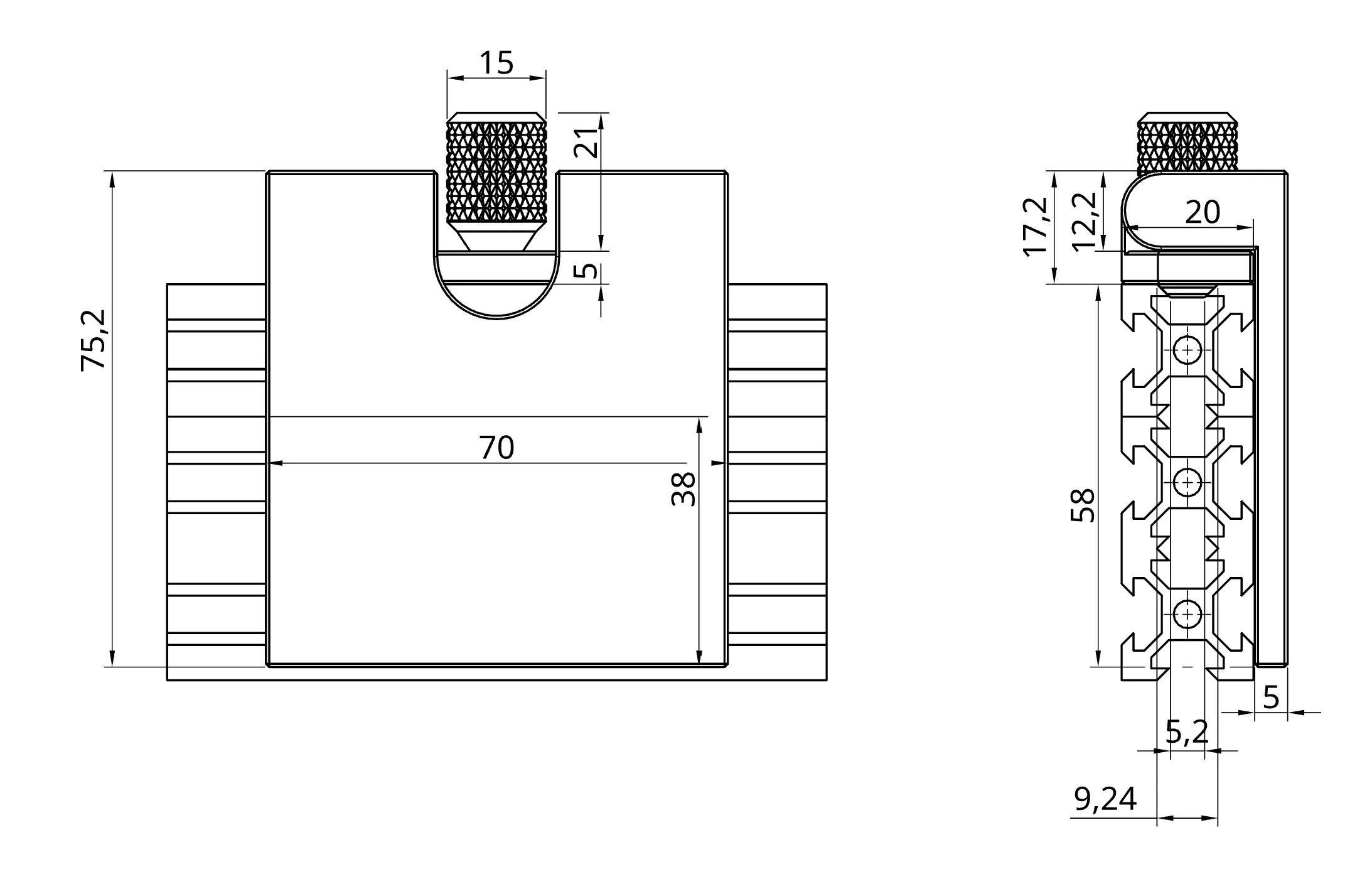
These are the dimensions:
Boost Me (for free)
Hey there! 😊 Thanks for stopping by! I’m working hard to build something amazing, and your support can make a huge difference. If you enjoy what you see, I’d be super grateful if you’d consider boosting my profile. Let’s make this journey unforgettable together! 🙌✨
License

You may create derivative works based on this object, provided that all such derivative works are published exclusively on the MakerWorld platform and include proper attribution to the original creator. You may not share, upload, host, distribute, or publish this object—or any derivative work of this object—on any other digital platform, marketplace, or distribution channel. Commercial use of this object and any derivative works is strictly prohibited. This includes, but is not limited to, selling, renting, sublicensing, or using the object in any context in which you receive monetary compensation or other financial benefits.


Comment & Rating (6)