
Cuktech 10 Ultra Desktop Vertical Charging Station
Print Profile(8)
Description
Boost Me (for free)
If you like this model and want to support my work,
feel free to boost 🚀
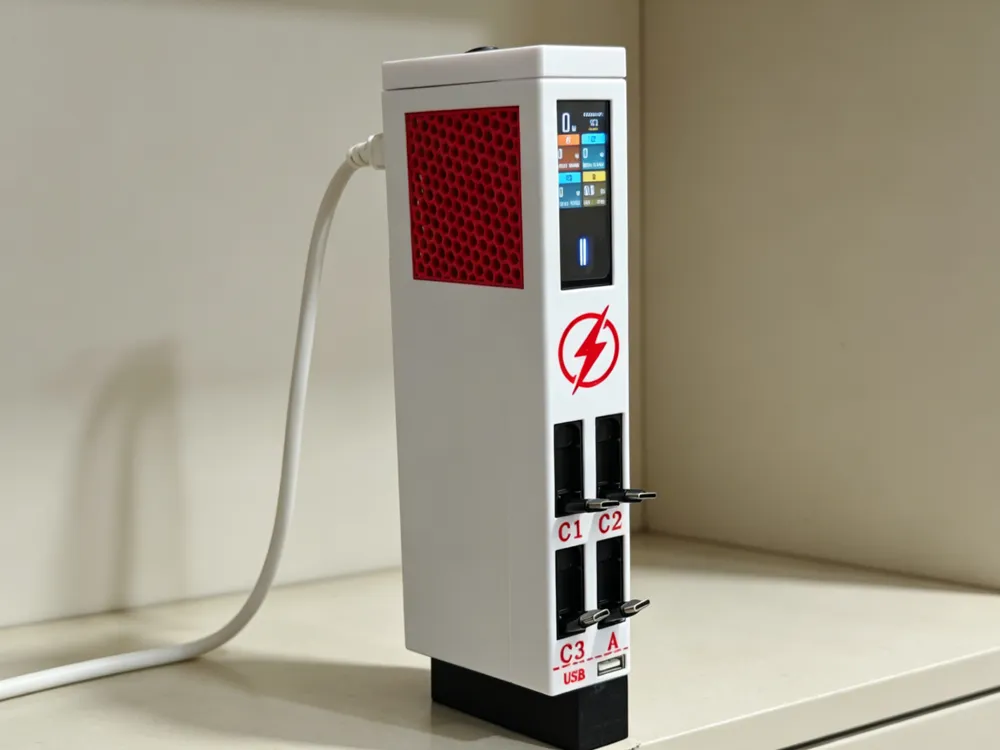
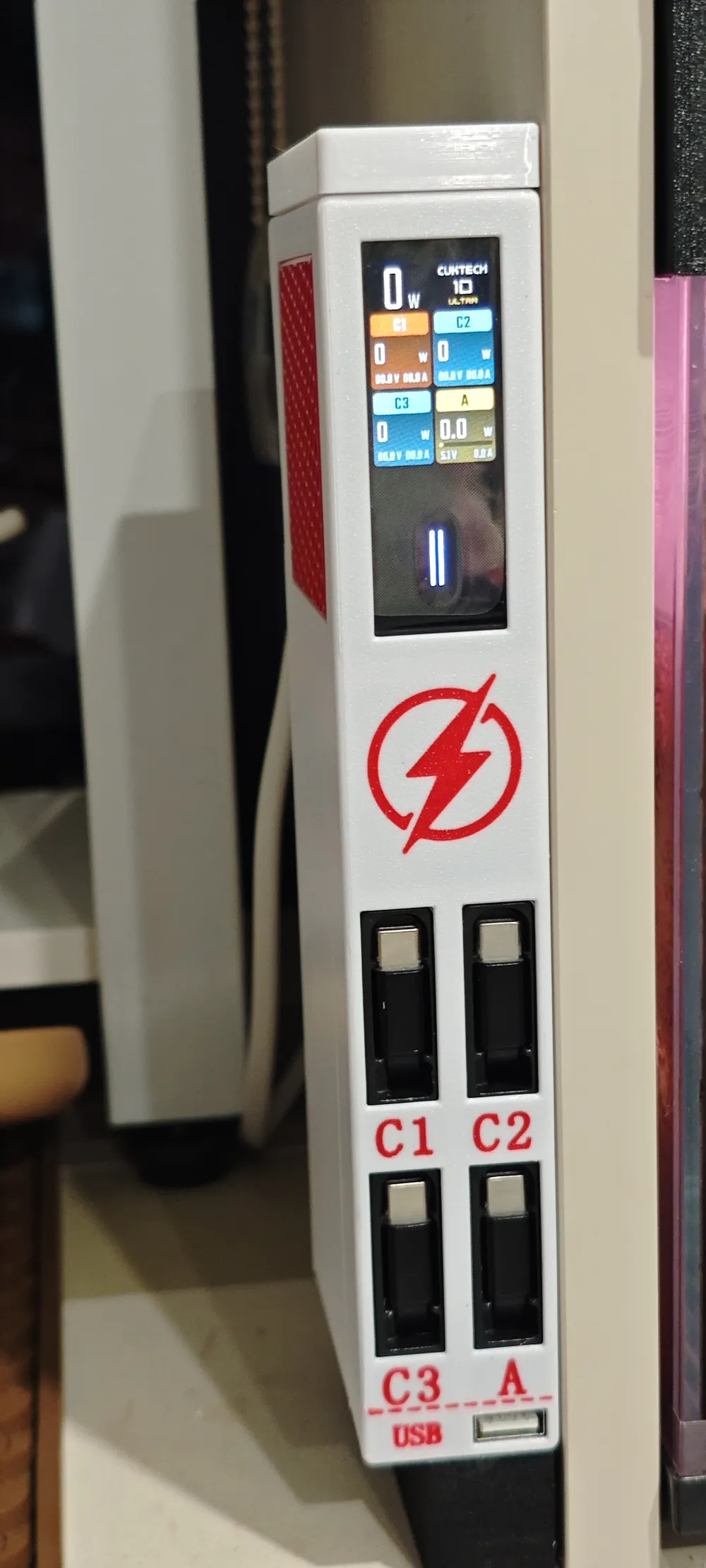
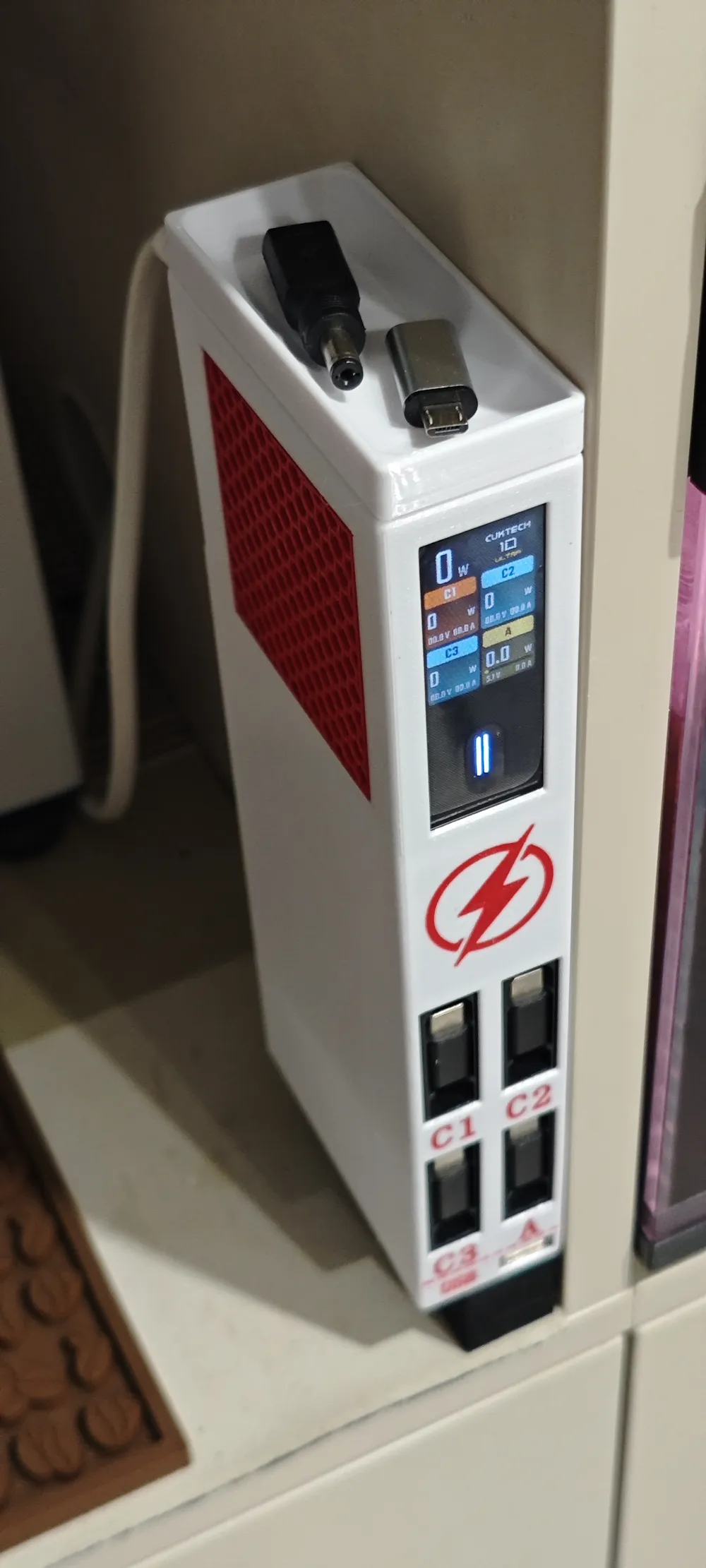
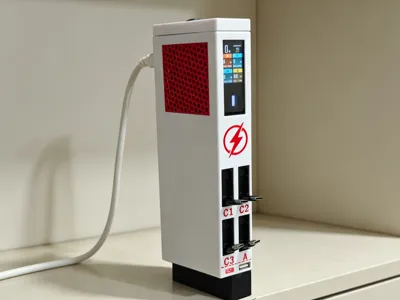
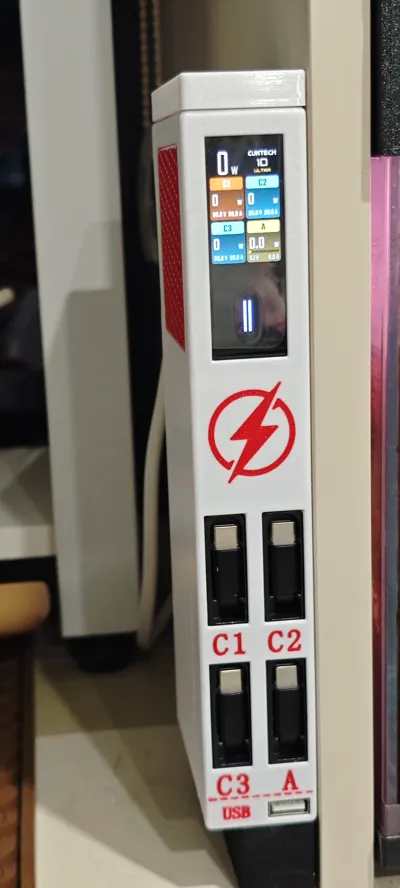
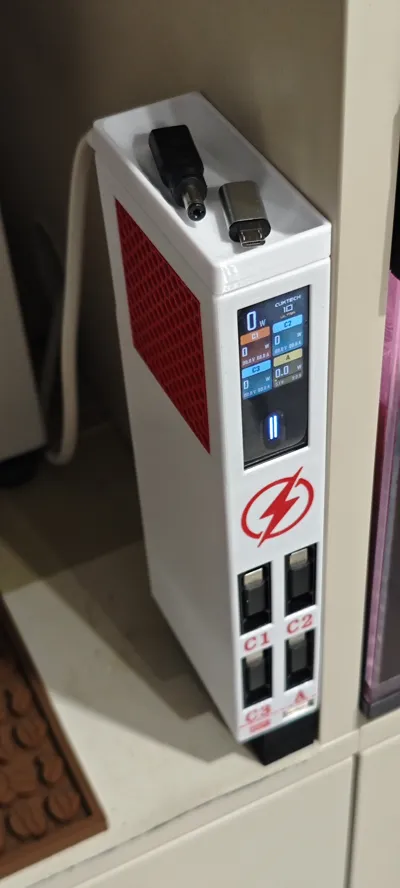
An integrated desktop charging station enclosure designed specifically for the CukTech 10 Ultra multi-port charger, enabling neat vertical storage, organized desktop cables, and supporting daily simultaneous charging for multiple devices
✨ Design Highlights
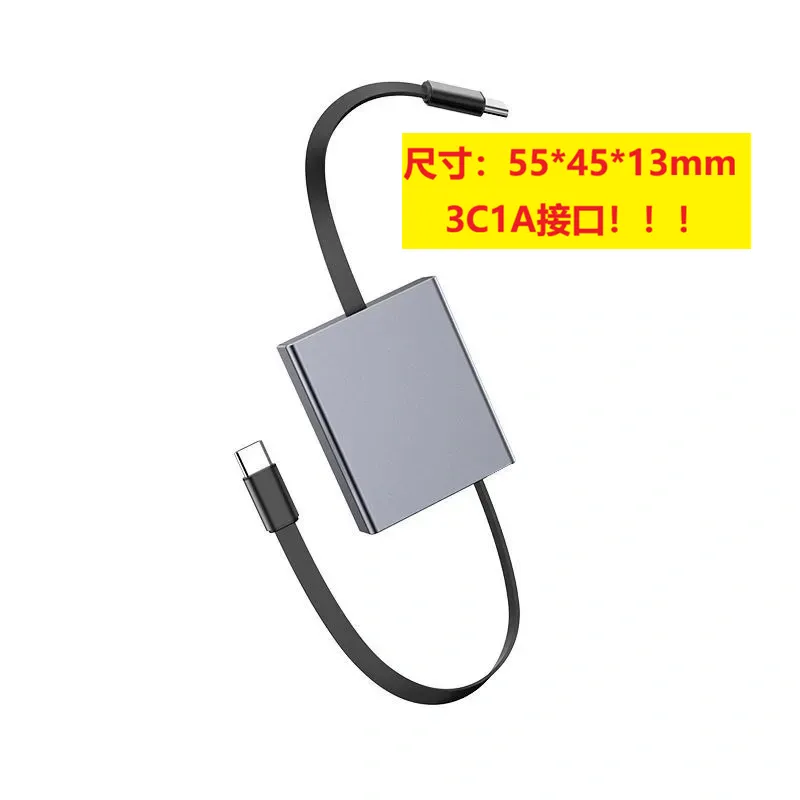
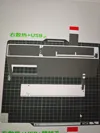
- Precise cutouts for the four front ports, perfectly matching the original 3C1A port layout, allowing devices to be directly plugged in with no obstruction or loss for fast charging protocols
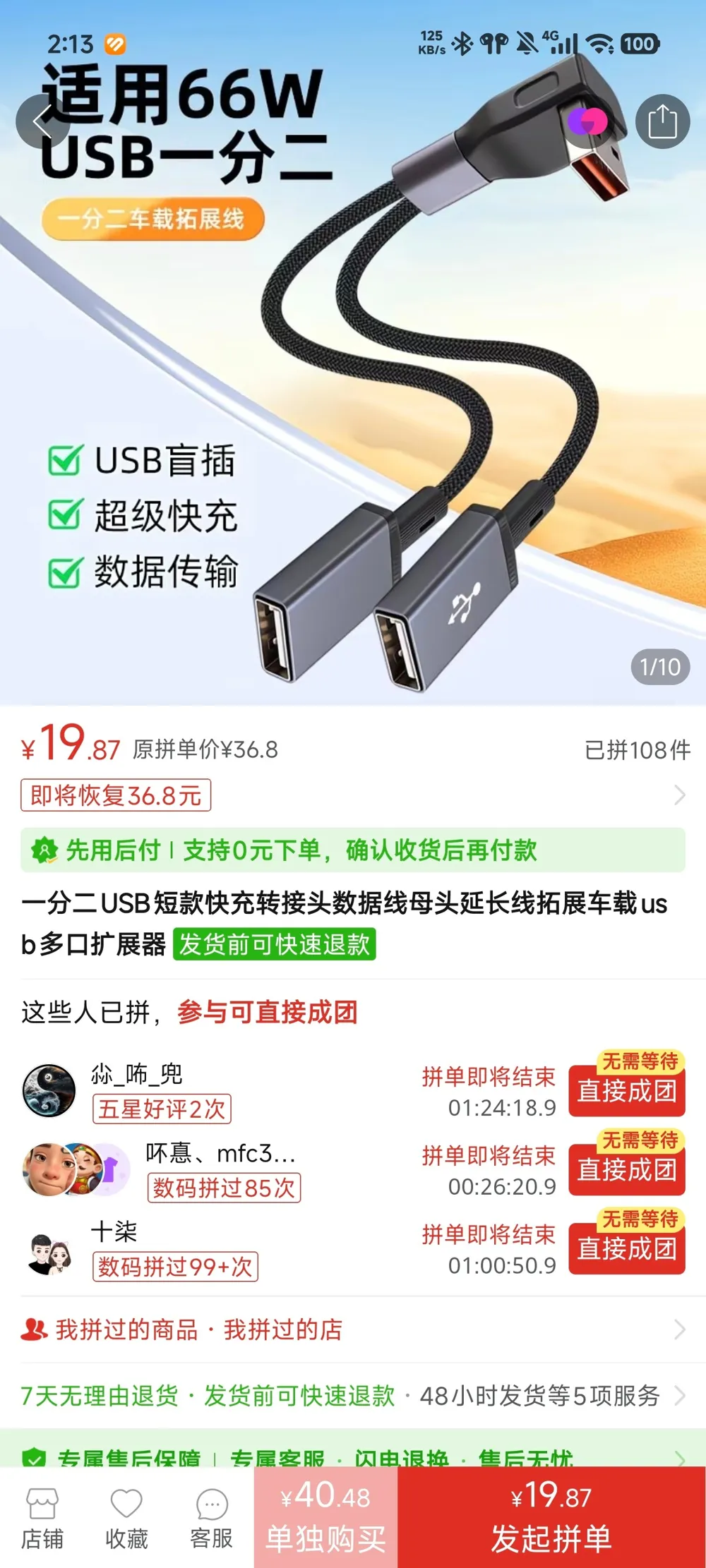
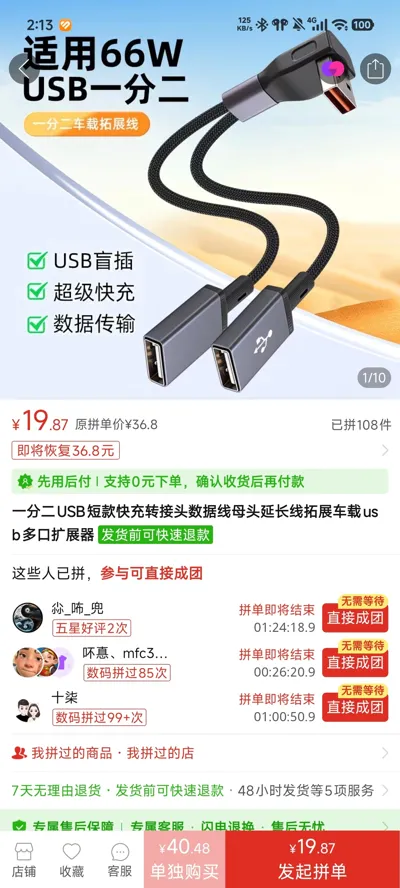
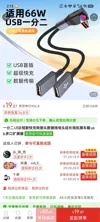
- The USB-A port reserves ample expansion space, allowing for self-matching with USB Y-cables to extend compatibility with low-power devices such as headphones, desk lamps, small fans, and smart wearables
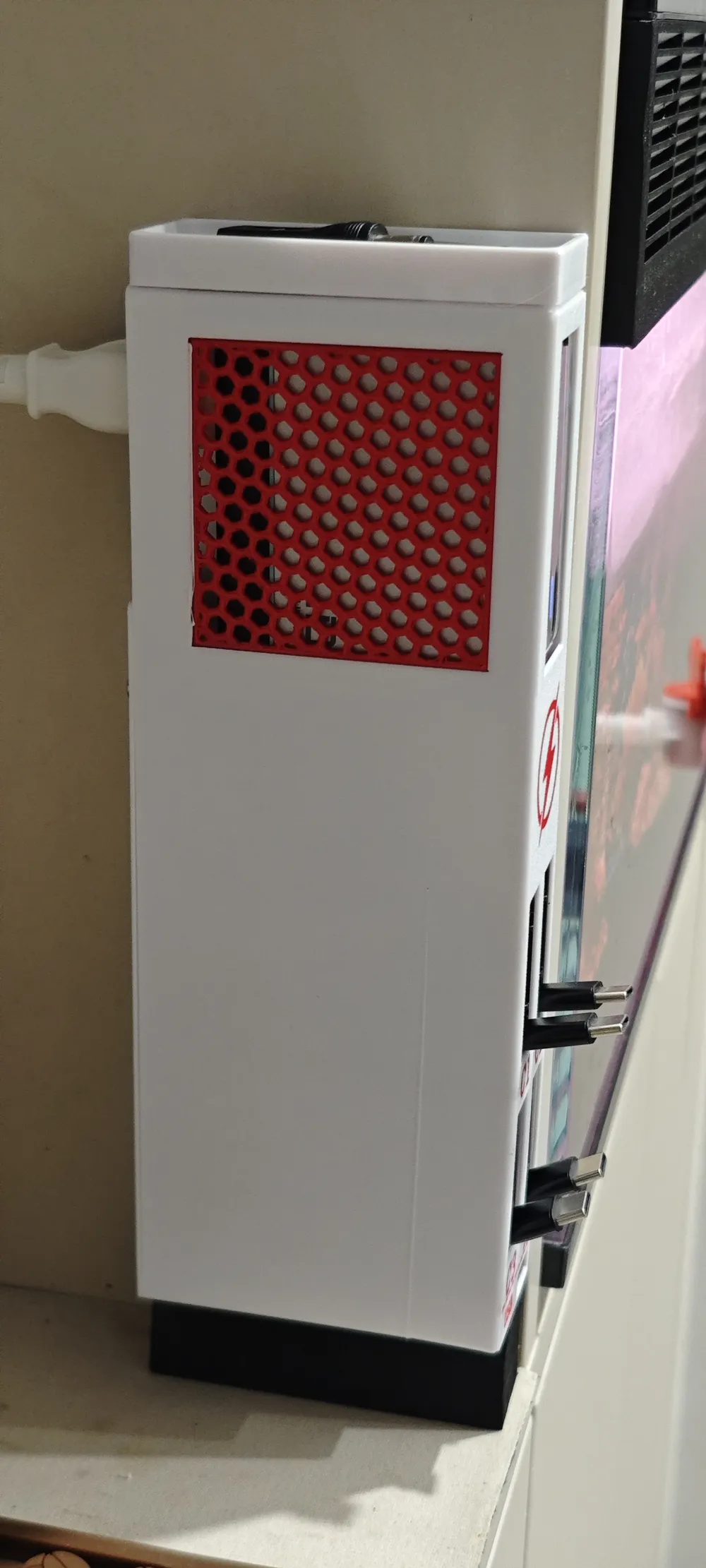
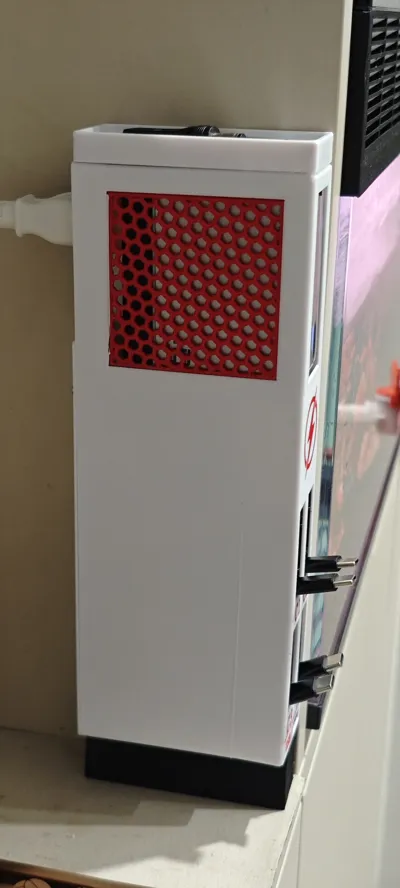
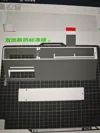
- Provides two optional cooling structures: honeycomb cooling holes / 3D cooling fins, print as needed, stable temperature control can be maintained even during long periods of high-load charging
- The model has built-in preset support structures, eliminating the need for manual modeling or shell modification, simply enable automatic supports in the slicer for direct printing
📌 Print Parameter Guide
- Recommended filament: PETG (preferred), heat and warp resistant, suitable for long-term power-on use; for daily light use, PLA can be chosen
- Support settings: The model comes with preset supports, simply enable automatic supports directly in the slicer software
- Print time: approximately 5 hours
- Filament consumption: approximately 175g
🛠️ Complete Installation Steps
- After printing, clean up burrs and residual filament from the edges of the enclosure, and check that the buckles, cutouts, and cooling structure are intact and unbroken
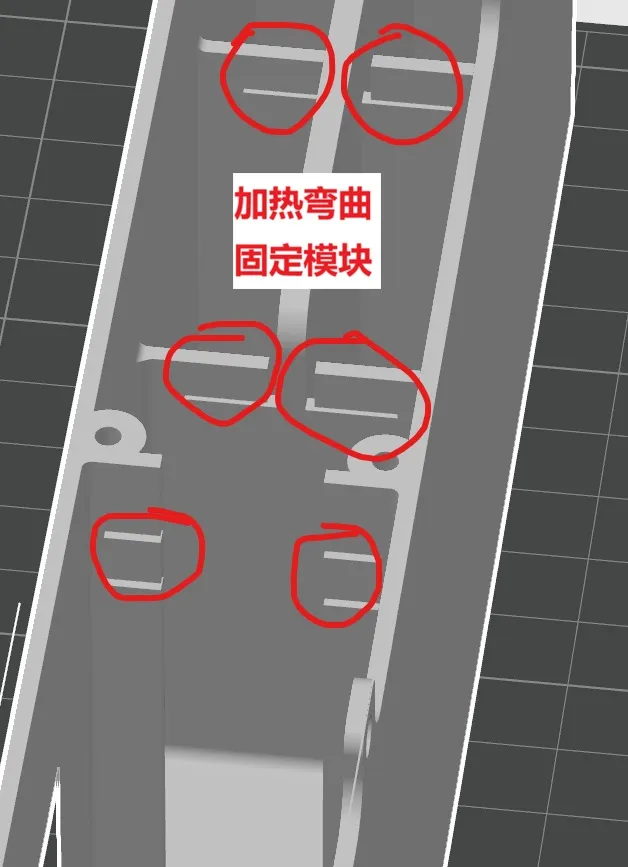
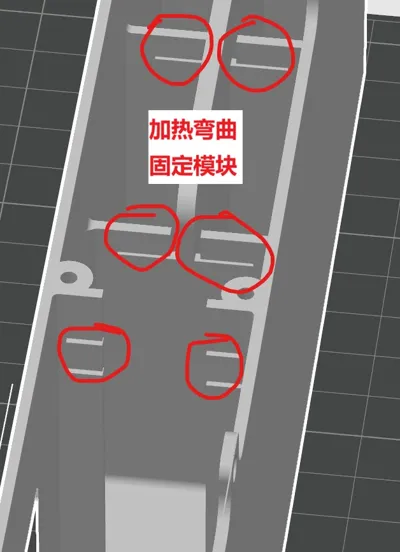
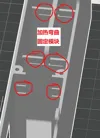
- Use a heat gun on a low setting or a lighter to instantly heat the buckle for less than 1 second, only soften the plastic, do not bake at high temperatures for a long time to avoid structural deformation
- Orient the CukTech 10 Ultra charging module with its ports facing forward and flatly centered, then smoothly embed it into the internal slot of the enclosure until it's in place
- Gently press the two softened buckles on both sides so they fit snugly against the back of the charger, securing the module without wobbling or shifting
- Let it rest for 1–2 minutes to allow the buckles to naturally cool and harden, confirm the module is firm and not loose, then the installation is complete
- Organize the cables and install the back shell, secure it with 3 M3 screws. Secure the charging station, connect the charger extension cable, and it's ready to use
🌬️ Cooling Version Selection Advice
- Honeycomb Cooling Hole Version: Features a clean and minimalist appearance, suitable for daily light to moderate multi-device charging, balancing aesthetics with basic heat dissipation
- Cooling Fin Version: Features a larger convection cooling surface area, suitable for high-load scenarios such as multiple devices charging at full capacity simultaneously or overnight extended charging, providing more stable temperature control
💡 Usage Guidelines and Tips
- For fast-charging devices such as phones, tablets, and thin and light laptops, prioritize using the Type-C port to fully activate the original high-speed fast charging
- The USB-A port natively supports direct charging for a single device, but it can also be expanded with a Y-cable for low-power, low-current devices
- Low-power expansion devices do not occupy the C-port's fast charging resources, allowing high and low-power devices to charge in parallel simultaneously without interference
⚠️ Important Notes
- Buckle heating must be quick and short, overheating can lead to deformation and a loose buckle
- Ensure proper alignment and flatness during installation to prevent misaligned top shells or squeezed ports causing poor device contact
- For long-term high-load use, prioritize the cooling fin version to effectively reduce heat buildup, improve charging stability, and extend device lifespan
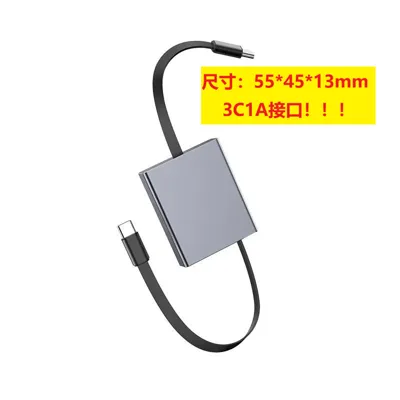
- It is recommended to first install the 4 telescopic modules, then plug in the 3 Type-C cables before installing the charger head
- For multiple installation versions, even if secured with screws, it is recommended to add cloth-backed double-sided tape to the back
Documentation (3)
License

You shall not share, sub-license, sell, rent, host, transfer, or distribute in any way the digital or 3D printed versions of this object, nor any other derivative work of this object in its digital or physical format (including, but not limited to, publishing derivative works outside the Makerworld platform or hosting on other digital platforms). The objects may not be used without permission in any way whatsoever in which you charge money or collect fees. Subject to the above restrictions, derivative works may be published only within the Makerworld platform, and all such derivative works must be licensed under the same SDFL‑C license, without modification or additional terms. You may download the digital versions of this object, 3D print it, and display images, videos, or usage demonstrations of 3D printed versions of the object on personal social media platforms or Makerworld official channels, provided that no digital versions of the object are shared or distributed.


Comment & Rating (0)